01
অনুমোদিত উৎস ছবি আপলোড করুন
নিজের বা সম্পাদনার অনুমতি থাকা এমন একটি ছবি বেছে নিন, যেখানে মূল বিষয়টি স্পষ্ট দেখা যায়।
AI দিয়ে পণ্যের ছবি, পোর্ট্রেট ও লোগোর ব্যাকগ্রাউন্ড সরান। কাটআউট ডাউনলোডের আগে স্বচ্ছ প্রান্ত পরীক্ষা করুন।
ডিফল্ট মোড
আপলোডের জন্য প্রস্তুত
প্রিভিউ, তুলনা ও ডাউনলোড করুন
AI দিয়ে পণ্যের ছবি, পোর্ট্রেট ও লোগোর ব্যাকগ্রাউন্ড সরান। কাটআউট ডাউনলোডের আগে স্বচ্ছ প্রান্ত পরীক্ষা করুন।
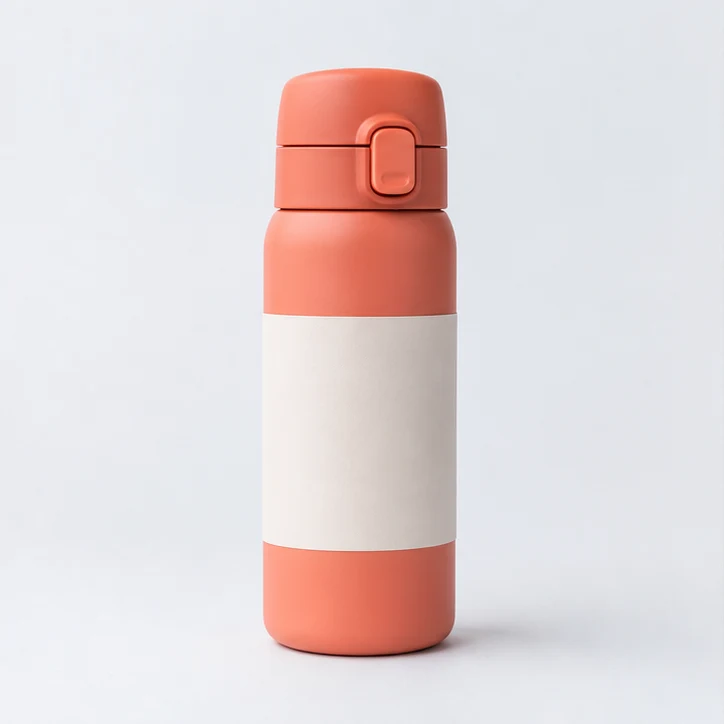
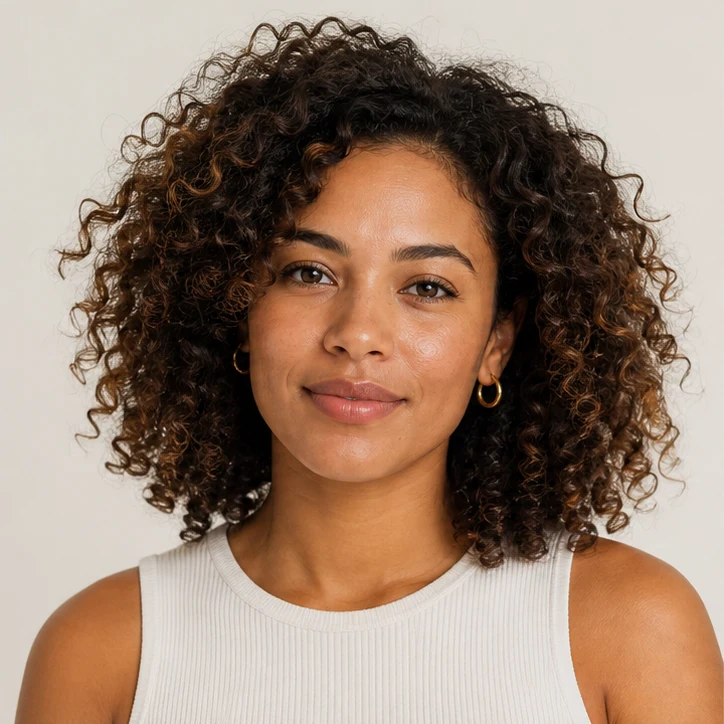
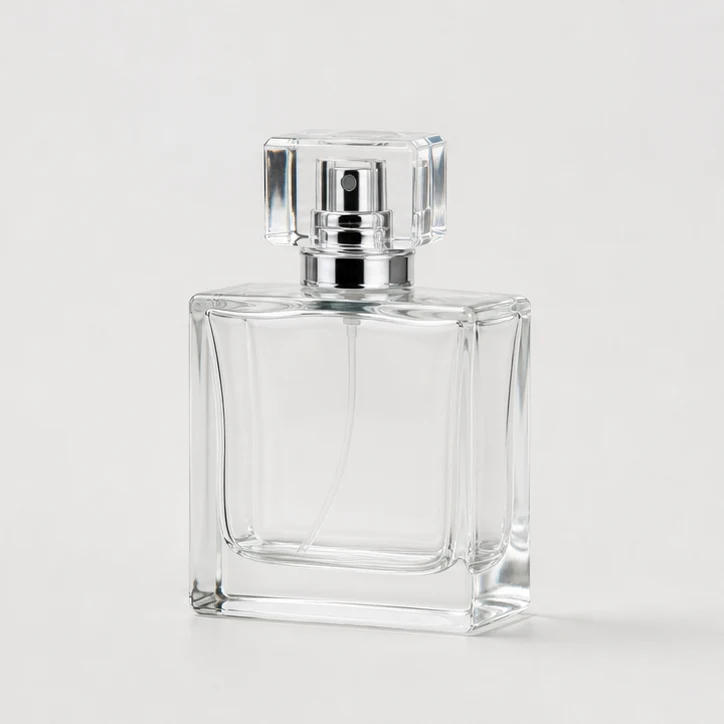
AI দিয়ে পণ্যের ছবি, পোর্ট্রেট ও লোগোর ব্যাকগ্রাউন্ড সরান। কাটআউট ডাউনলোডের আগে স্বচ্ছ প্রান্ত পরীক্ষা করুন।
নিজের বা সম্পাদনার অনুমতি থাকা এমন একটি ছবি বেছে নিন, যেখানে মূল বিষয়টি স্পষ্ট দেখা যায়।
ডিফল্ট প্রক্রিয়ায় ব্যাকগ্রাউন্ড সরানো ও স্বচ্ছ অংশসহ একটি ছবি তৈরি হয়। ডাউনলোডের আগে বিষয়ের প্রান্ত পরীক্ষা করুন।
প্রকাশের আগে বিষয়ের প্রান্ত ও স্বচ্ছ অংশ পরীক্ষা করে মূল ছবির সঙ্গে তুলনা করুন। সূক্ষ্ম বিবরণ উৎস ছবির কনট্রাস্ট ও রেজল্যুশনের ওপর নির্ভর করে।
ভালো আলো ও স্পষ্ট মূল বিষয়যুক্ত ছবি ব্যবহার করুন, যেখানে বিষয়টি ব্যাকগ্রাউন্ড থেকে আলাদা বোঝা যায়। বেশি রেজোলিউশন সূক্ষ্ম প্রান্তে সহায়ক।
ডিফল্ট প্রক্রিয়ায় ব্যাকগ্রাউন্ড সরানো ও স্বচ্ছ অংশসহ একটি ছবি তৈরি হয়। ডাউনলোডের আগে বিষয়ের প্রান্ত পরীক্ষা করুন।
পরিষ্কার, উচ্চ-রেজল্যুশনের লোগো ব্যবহার করুন এবং প্রকাশের আগে তৈরি স্বচ্ছ প্রান্তটি মূল ছবির সঙ্গে মিলিয়ে দেখুন।
প্রকাশের আগে বিষয়ের প্রান্ত ও স্বচ্ছ অংশ পরীক্ষা করে মূল ছবির সঙ্গে তুলনা করুন। সূক্ষ্ম বিবরণ উৎস ছবির কনট্রাস্ট ও রেজল্যুশনের ওপর নির্ভর করে।
ছবি তৈরি এবং সম্পাদনার জন্য আরও ClipCanva সরঞ্জামগুলি অন্বেষণ করুন৷
বিনামূল্যের ছবিতে ওয়াটারমার্ক থাকে। পরিষ্কার আউটপুট, দ্রুত জেনারেশন এবং বাণিজ্যিক ব্যবহারের জন্য আপগ্রেড করুন।
স্টার্টার প্যাক
ইমেজ, মিউজিক এবং ছোট ভিডিও জেনারেশন চেষ্টা করার জন্য একটি এককালীন ক্রেডিট প্যাক।
সৃষ্টিকর্তা
মাসিক পরিকল্পনা · 1,500 ক্রেডিট প্রতি মাসে পুনর্নবীকরণ করা হয়
GPT Image 2 Unlimited
Stripe Checkout-এ FOUNDING6 কোডটি ব্যবহার করুন: প্রথম 6 মাসে $19/মাস, পরে $29/মাস।
প্রো
মাসিক পরিকল্পনা · 4,000 ক্রেডিট প্রতি মাসে পুনর্নবীকরণ করা হয়
স্টুডিও
মাসিক পরিকল্পনা · প্রতি মাসে 12,000 ক্রেডিট পুনর্নবীকরণ করা হয়
নিরাপদ পেমেন্ট · সাবস্ক্রিপশন স্বয়ংক্রিয়ভাবে নবায়ন হয় · রিফান্ডের যোগ্যতা দেখুন
দল
এজেন্সি, উৎপাদন দল এবং কাস্টম ভলিউমের প্রয়োজনের জন্য।
AI দিয়ে পণ্যের ছবি, পোর্ট্রেট ও লোগোর ব্যাকগ্রাউন্ড সরান। কাটআউট ডাউনলোডের আগে স্বচ্ছ প্রান্ত পরীক্ষা করুন।
AI দিয়ে পণ্যের ছবি, পোর্ট্রেট ও লোগোর ব্যাকগ্রাউন্ড সরান। কাটআউট ডাউনলোডের আগে স্বচ্ছ প্রান্ত পরীক্ষা করুন।