
ভিডিও প্রম্পট কীভাবে লিখবেন
দৃশ্যে কী ঘটবে তা লিখুন, যার মধ্যে বিষয়, পরিবেশ, কাজ এবং গুরুত্বপূর্ণ মেজাজ বা শৈলীর ইঙ্গিত থাকবে।
লিখিত প্রম্পটকে ক্যাম্পেইন, ধারণা বা সৃজনশীল ব্রিফের জন্য একটি সংক্ষিপ্ত, লক্ষ্যভিত্তিক ক্লিপে রূপ দিন। বিষয়, পরিবেশ, গতি ও ভিজ্যুয়াল দিকনির্দেশ বর্ণনা করুন, তারপর প্রকল্পের জন্য প্রস্তুত শুরুর ভিত্তি তৈরি করতে এআই টেক্সট থেকে ভিডিও ব্যবহার করুন।
এআই টেক্সট থেকে ভিডিও লিখিত নির্দেশনা থেকে সংক্ষিপ্ত, প্রম্পটনির্ভর ভিডিও ক্লিপ তৈরি করে। এটি নির্মাতা, বিপণনকারী ও এমন দলগুলোর জন্য তৈরি, যাদের বিস্তৃত সম্পাদনা স্যুটের বদলে নির্দিষ্ট প্রকল্পের জন্য লক্ষ্যভিত্তিক ভিজ্যুয়াল ফলাফল দরকার।
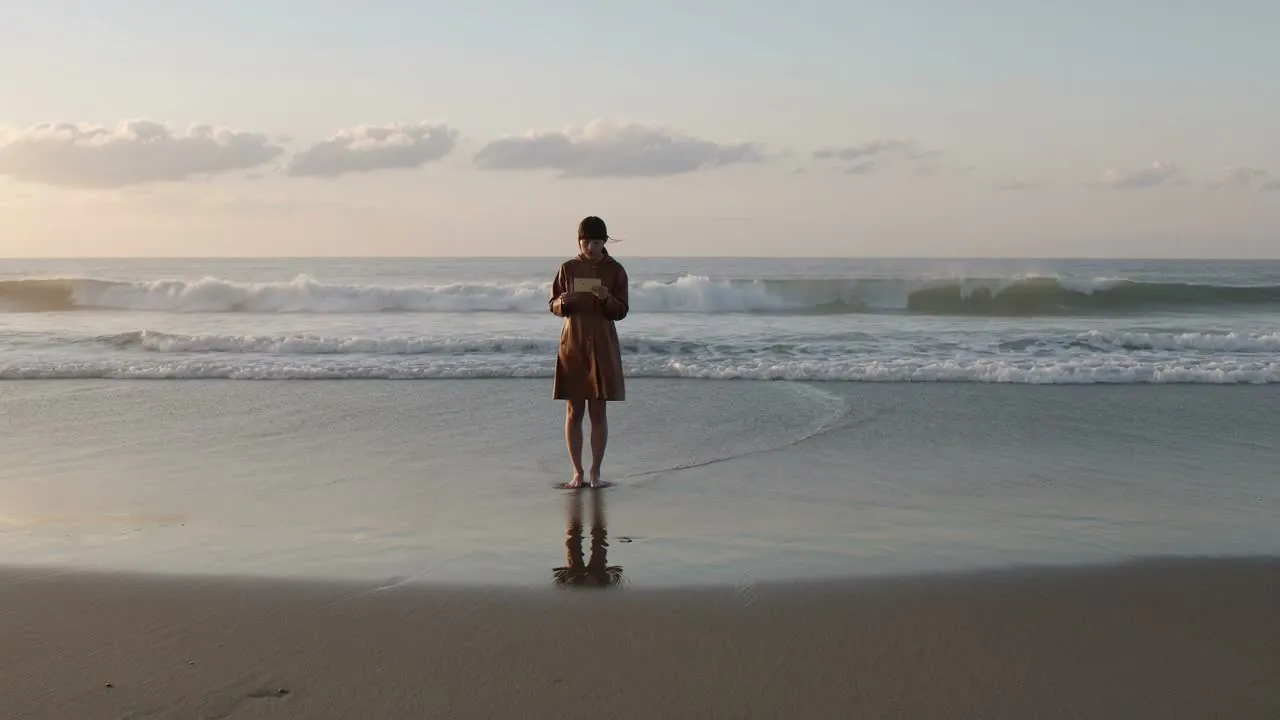
একটি প্রম্পট দিয়ে শুরু করুন, দৃশ্যকে সংজ্ঞায়িত করে এমন বিবরণ যোগ করুন এবং ক্লিপটি যেখানে যাবে তার সঙ্গে মানানসই ফরম্যাট বেছে নিন।
দৃশ্যে কী ঘটবে তা লিখুন, যার মধ্যে বিষয়, পরিবেশ, কাজ এবং গুরুত্বপূর্ণ মেজাজ বা শৈলীর ইঙ্গিত থাকবে।
ভিজ্যুয়াল দিকনির্দেশ দিয়ে প্রম্পটকে পরিমার্জন করুন, যাতে টেক্সট থেকে তৈরি এআই ভিডিওতে টোন, গতি ও প্রেক্ষাপটের অনুভূতি আরও শক্তিশালী হয়।
তৈরির আগে গন্তব্যের ফরম্যাট বেছে নিন, যাতে আউটপুট আপনার নির্ধারিত চ্যানেল বা খসড়ার সঙ্গে আরও ভালোভাবে সামঞ্জস্যপূর্ণ হয়।
আপনার প্রকল্পের জন্য সবচেয়ে গুরুত্বপূর্ণ সৃজনশীল তথ্যের ভিত্তিতে ভিডিও গড়তে টেক্সট-টু-ভিডিও জেনারেটর ব্যবহার করুন।
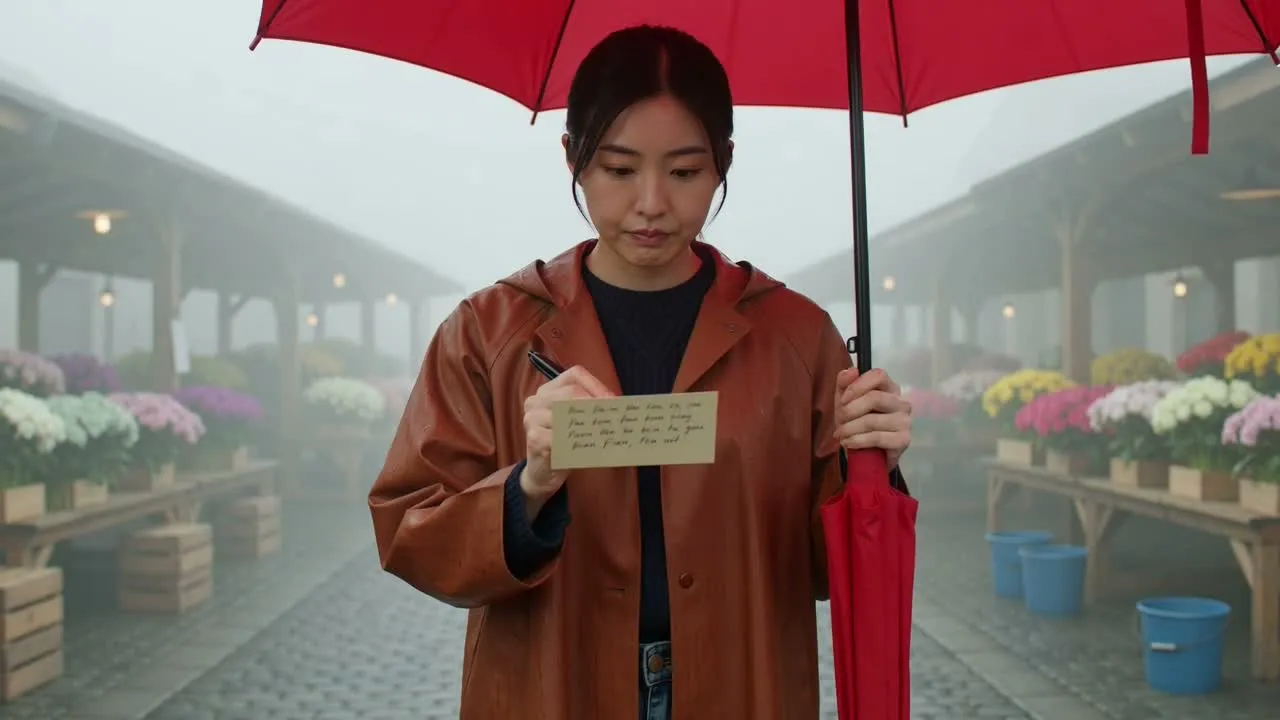
বিষয়, পরিবেশ, কাজ ও টোন বর্ণনা করুন, যাতে শুরু থেকেই ভিডিওটির সৃজনশীল দিকনির্দেশ আরও স্পষ্ট হয়।
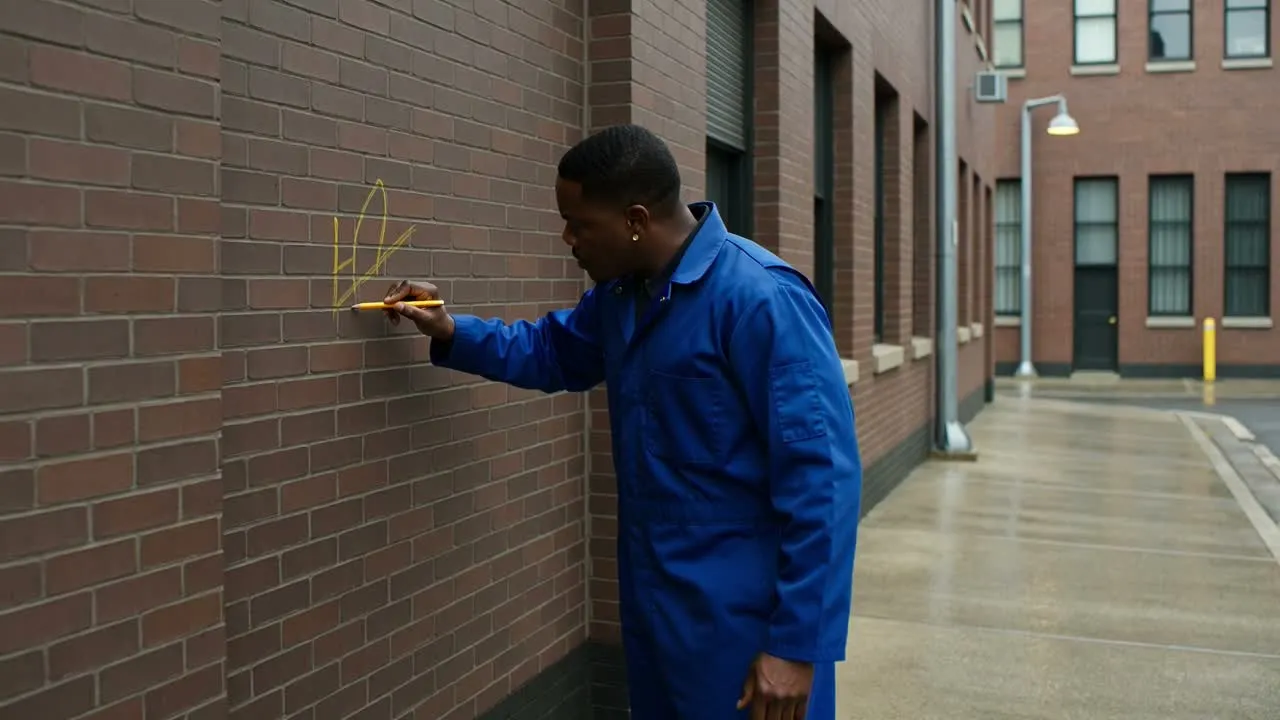
আপনার ব্রিফের সঙ্গে মানানসই মেজাজ, শৈলী বা দৃশ্যের ধরন অনুযায়ী ফলাফলকে পরিচালিত করতে ভিজ্যুয়াল দিকনির্দেশ ব্যবহার করুন।
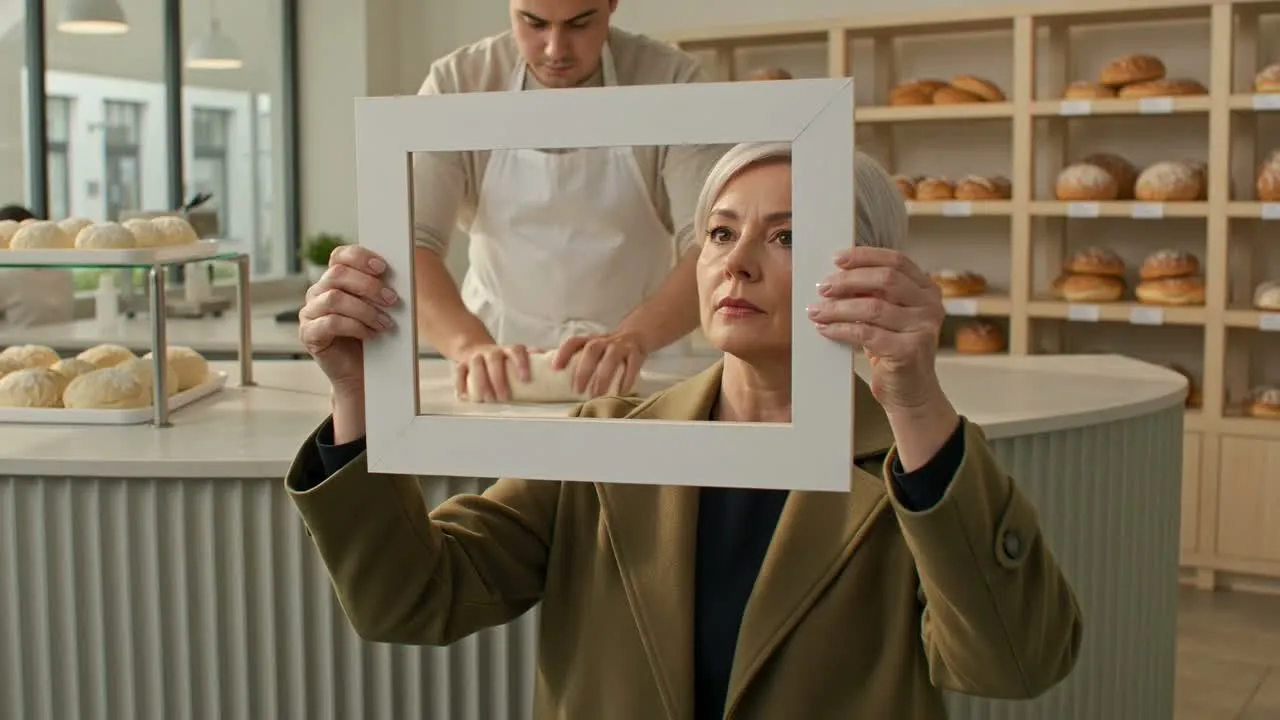
সংক্ষিপ্ত ফিড, বিজ্ঞাপন বা উপস্থাপনার খসড়ার মতো স্থানের জন্য ভিডিও ধারণা প্রস্তুত করতে গন্তব্যের ফরম্যাট নির্বাচন করুন।
পরিকল্পনা, পরীক্ষা ও উপস্থাপনার জন্য প্রাথমিক লিখিত ধারণাকে ভিজ্যুয়াল উপাদানে রূপ দিতে সহায়ক ফলাফল তৈরি বা ব্যবহার করুন।
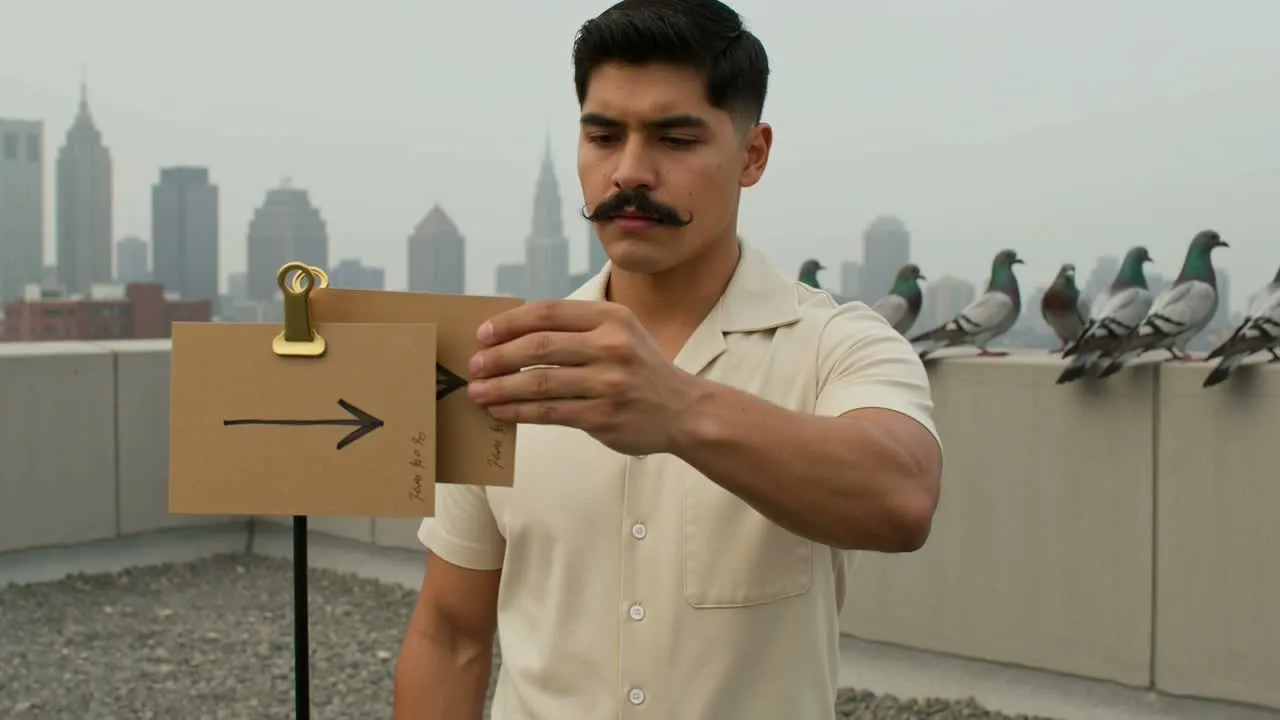
প্রযোজনায় প্রতিশ্রুতিবদ্ধ হওয়ার আগে দিকনির্দেশ অন্বেষণে সহায়ক একটি সংক্ষিপ্ত ভিডিও ধারণায় দৃশ্যের বর্ণনা রূপান্তর করুন।
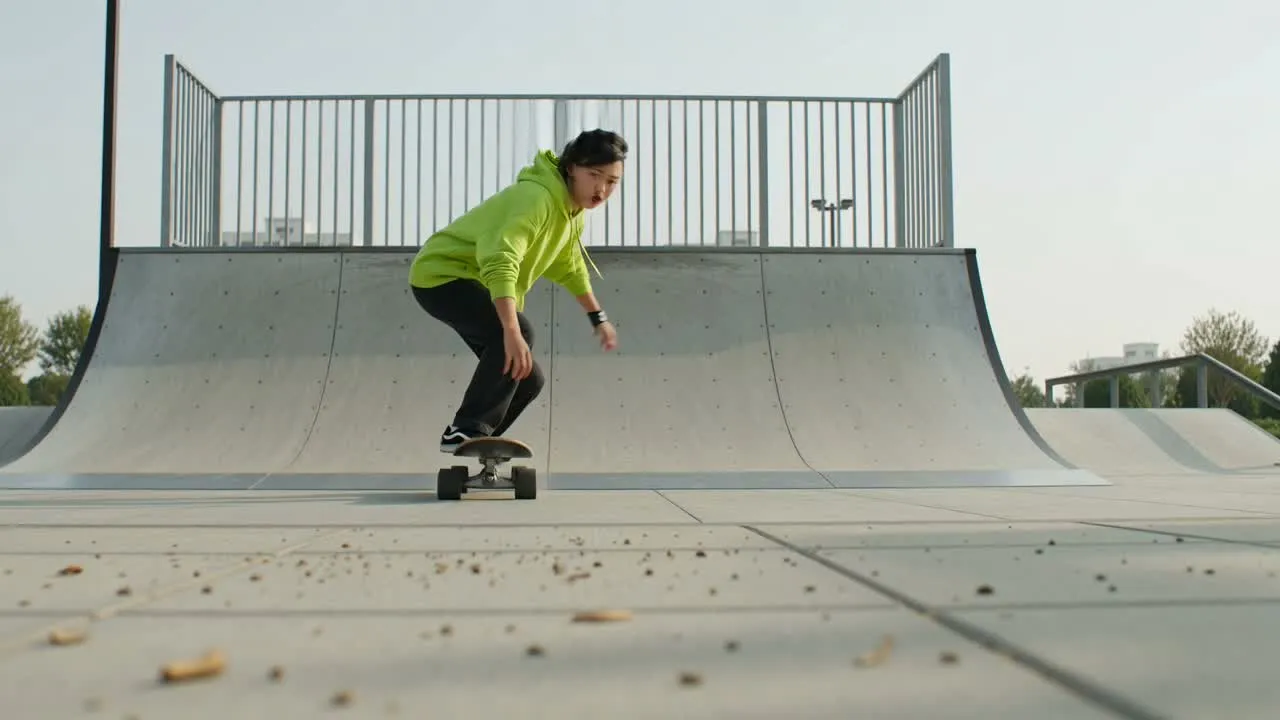
স্পষ্ট বিষয় ও পরিবেশ প্রয়োজন এমন বিজ্ঞাপন, Shorts, Reels বা সামাজিক মাধ্যমের ধারণার জন্য দ্রুত ভিজ্যুয়াল দিকনির্দেশ তৈরি করুন।
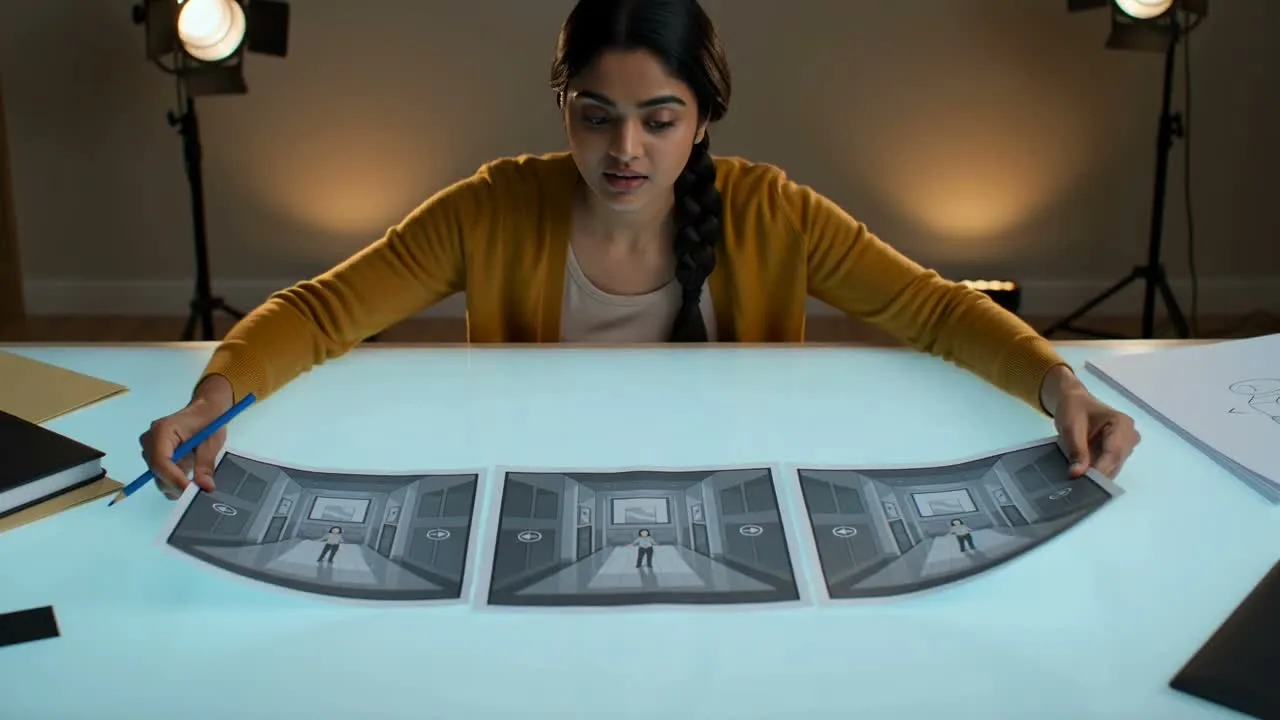
দলীয় আলোচনার জন্য স্টোরিবোর্ডের দৃশ্যাংশ, ক্যাম্পেইনের বিকল্প বা মেজাজের রেফারেন্স অন্বেষণে ফলাফলটি ব্যবহার করুন।
সহকর্মীদের সঙ্গে শেয়ার করা বা বড় সৃজনশীল খসড়ায় রাখার আগে তৈরি করা ভিডিওটি পরিদর্শন করুন।
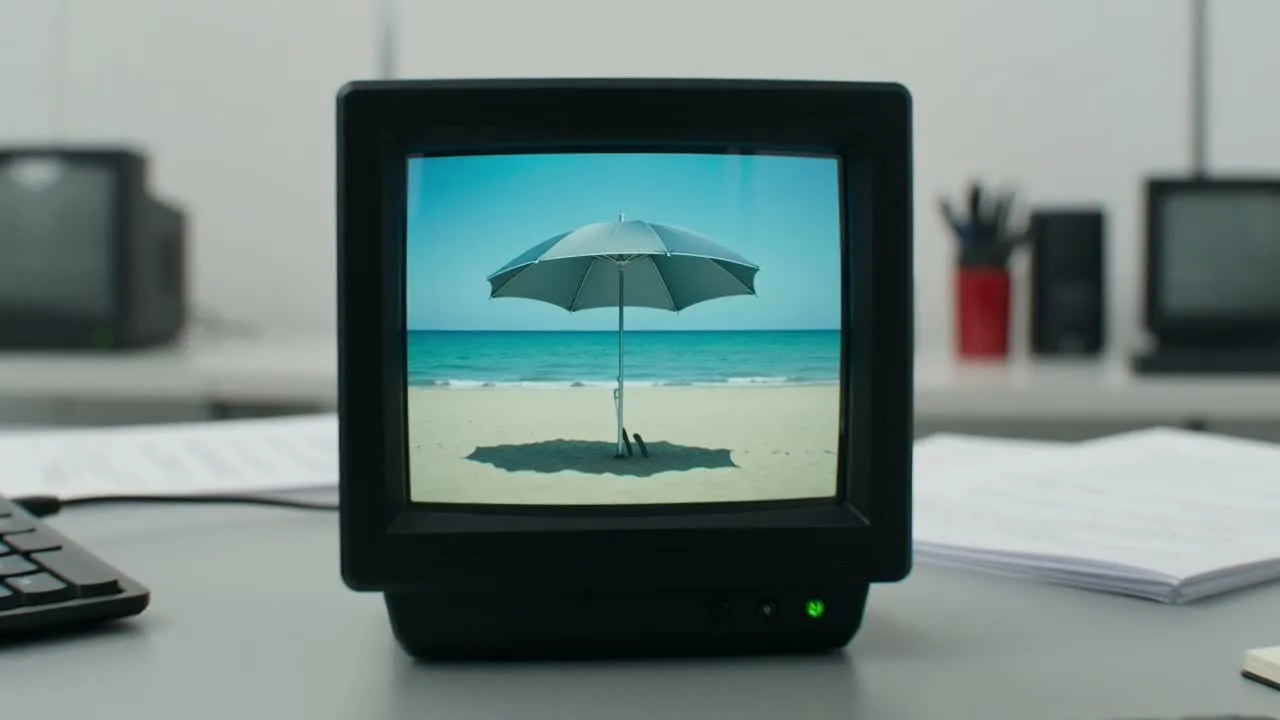
বিষয়, পরিবেশ, টোন ও নির্ধারিত ব্যবহার এখনও মিলছে কি না নিশ্চিত করতে ক্লিপটির সঙ্গে মূল ব্রিফ তুলনা করুন।
ধারণাটি এগিয়ে নেওয়ার আগে বস্তু, ভিজ্যুয়াল গুরুত্ব ও দৃশ্যের ধারাবাহিকতার মতো গুরুত্বপূর্ণ বিবরণ পরীক্ষা করুন।
ক্লিপটি যেখানে ব্যবহার বা উপস্থাপন করার পরিকল্পনা করেছেন, তার উপযোগী কি না নিশ্চিত করতে গন্তব্যের ক্রপ ও ফরম্যাট যাচাই করুন।
তৈরি হওয়া ফলাফল ভিন্ন হতে পারে, তাই চূড়ান্ত সৃজনশীল কর্মপ্রবাহের অংশ হিসেবে ব্যবহারের আগে ক্লিপটি পর্যালোচনা করার পরিকল্পনা রাখুন।
একই ধারণা থেকে ভিন্ন ভিজ্যুয়াল নির্বাচন, গতি বা গুরুত্ব তৈরি হতে পারে, বিশেষত প্রম্পটে ব্যাখ্যার সুযোগ থাকলে।
নাম, ছোট বস্তু, হুবহু শব্দ এবং অন্যান্য গুরুত্বপূর্ণ বিবরণ আপনার ব্রিফের সঙ্গে মিলিয়ে সতর্কভাবে পরীক্ষা করতে হতে পারে।
এআই টেক্সট থেকে ভিডিও, প্রম্পট, আউটপুট ও ব্যবহারিক ব্যবহার সম্পর্কে সাধারণ প্রশ্নের উত্তর।
একটি প্রম্পট লিখুন, দিকনির্দেশ ঠিক করুন এবং আপনার পরবর্তী সংক্ষিপ্ত ভিজ্যুয়াল ধারণার জন্য এআই টেক্সট থেকে ভিডিও দিয়ে তৈরি করুন।