
01
ফটো যোগ করুন
সর্বোচ্চ ২০টি সমর্থিত ছবি বেছে নিয়ে প্রয়োজনীয় পৃষ্ঠার ক্রমে সাজান।
ছবির ক্রম সাজান, A4 বা Letter কাগজ এবং পোর্ট্রেট, ল্যান্ডস্কেপ বা স্বয়ংক্রিয় পৃষ্ঠার দিক বেছে নিয়ে প্রকৃত একাধিক-পৃষ্ঠার PDF ডাউনলোড করুন।
প্রো মোড
আপলোডের পরে উন্নত কন্ট্রোল
ছবি আপলোড করার পর উন্নত সেটিংস সামঞ্জস্য করুন।
Use scan, document export, and page image examples to clarify cleanup scope.
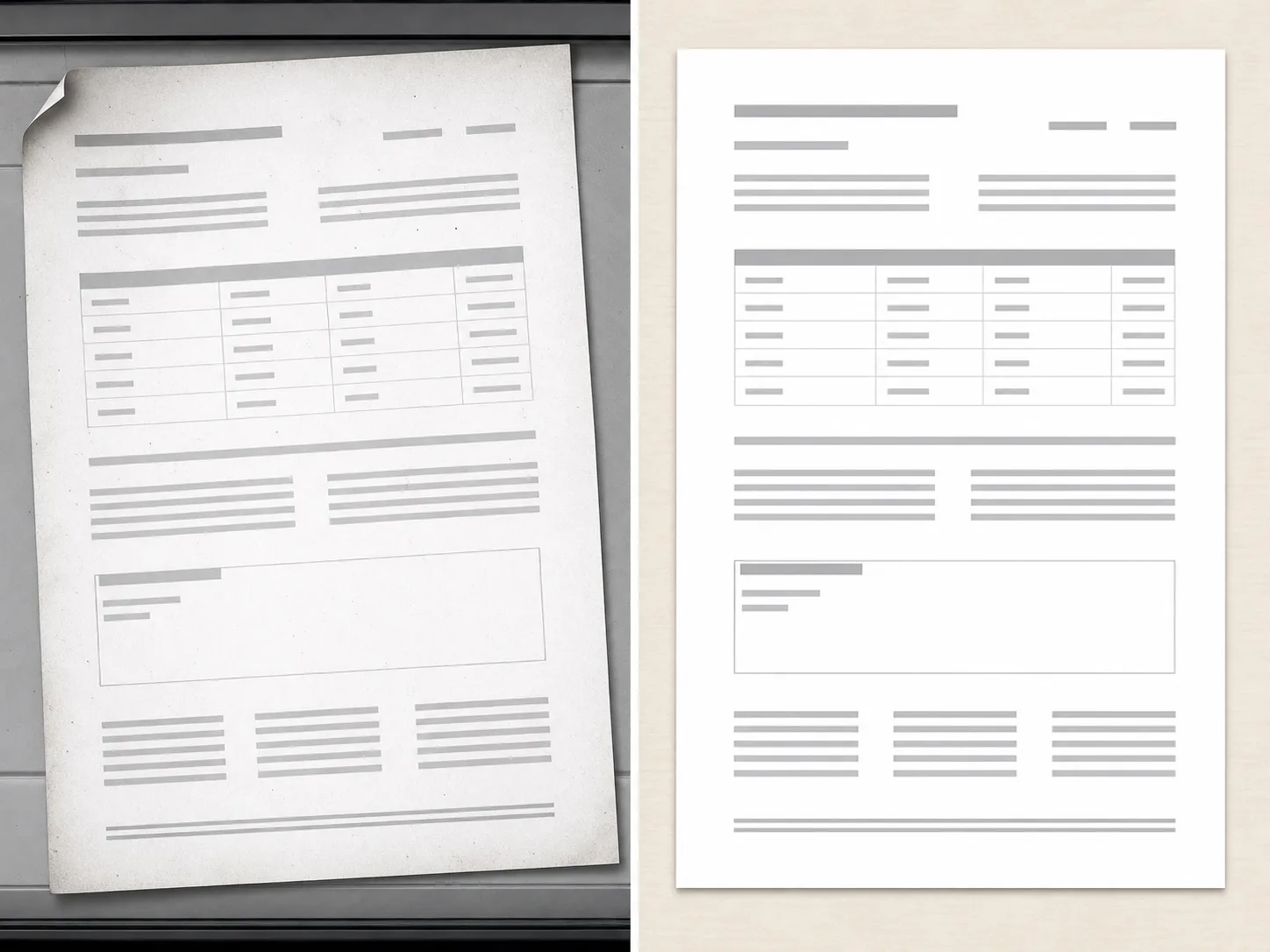
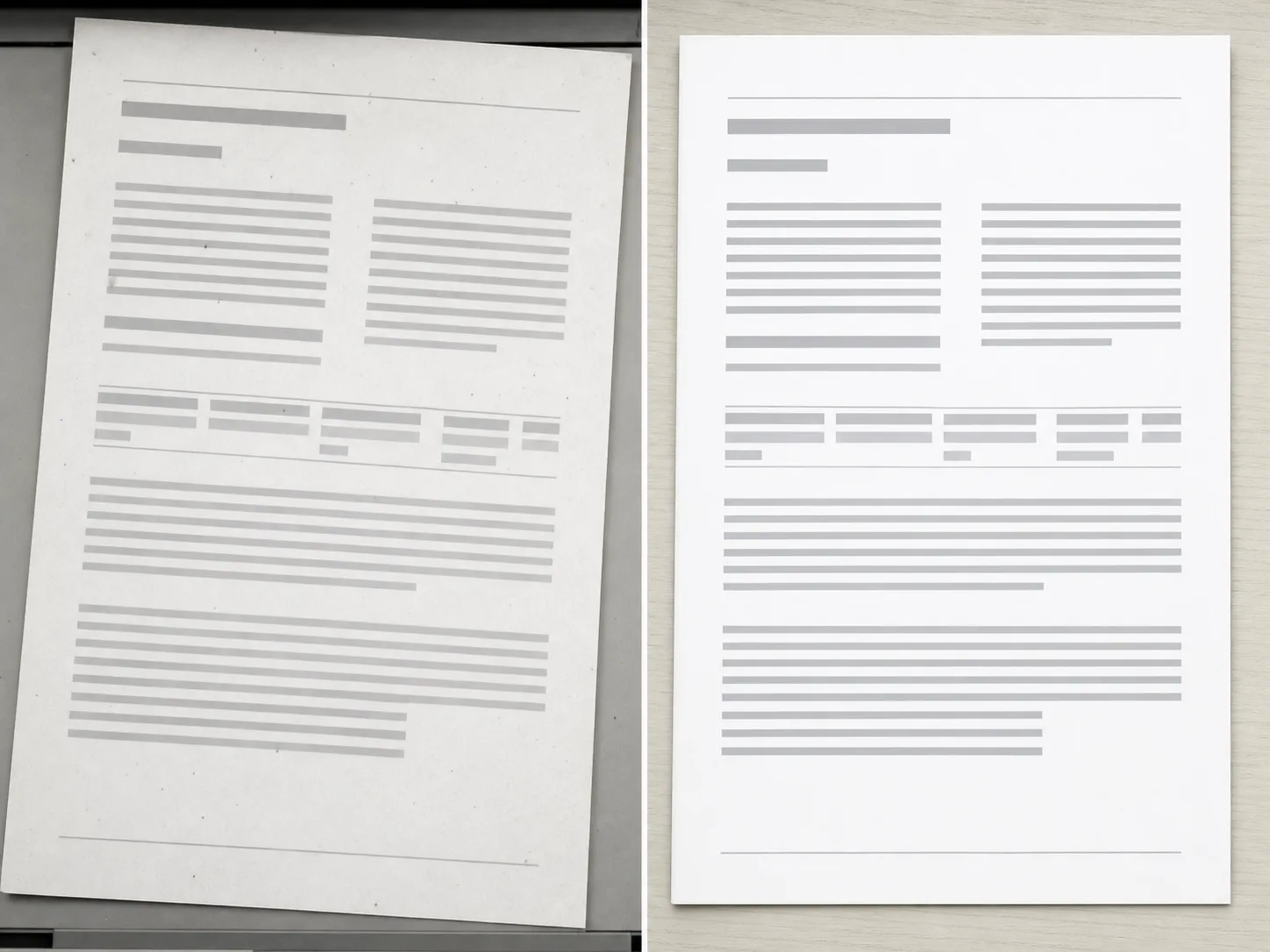
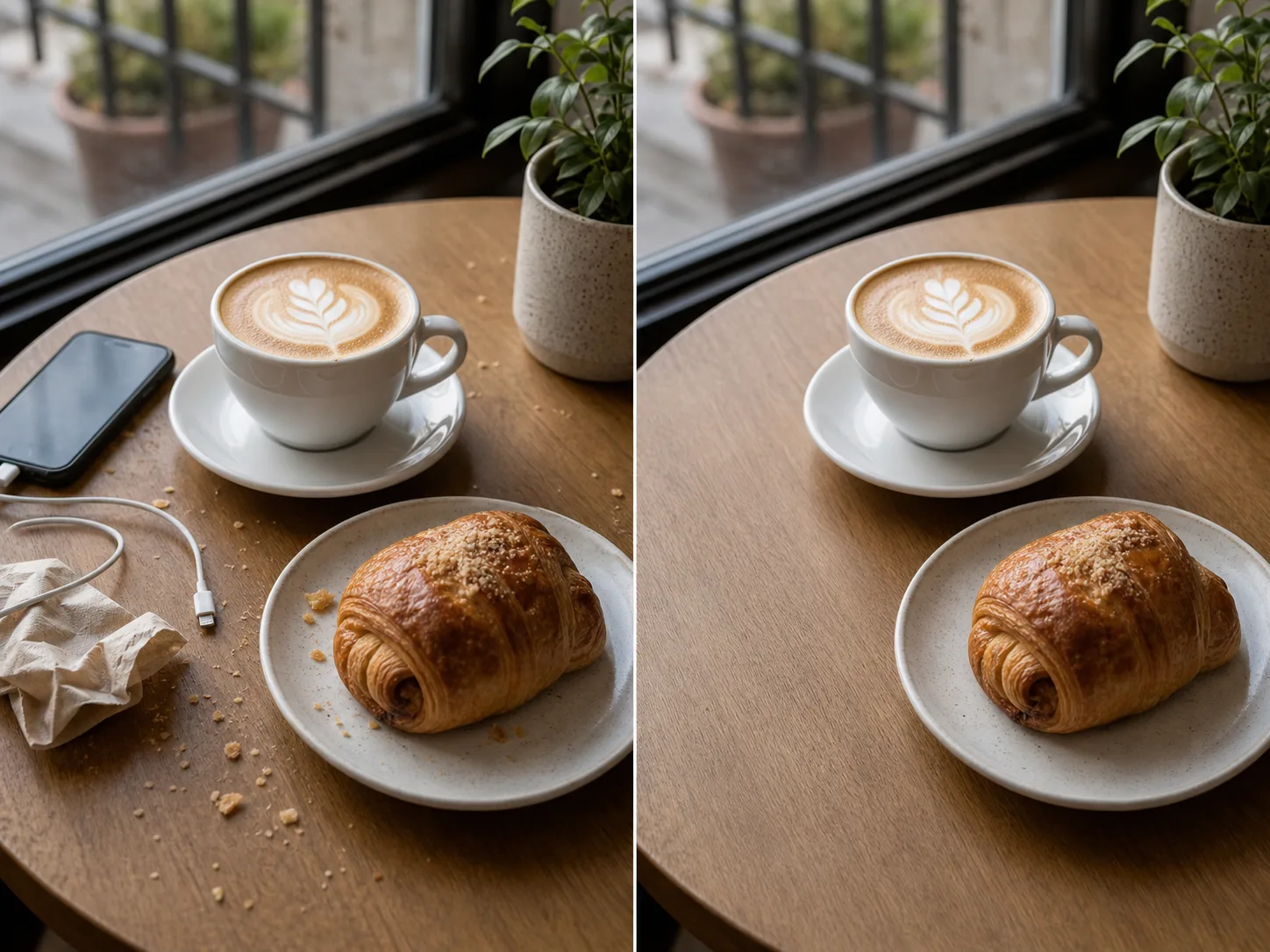
কয়েকটি ছবির ফাইল থেকে ক্রমানুসারে একটি নথি তৈরি করুন।
সর্বোচ্চ ২০টি সমর্থিত ছবি বেছে নিয়ে প্রয়োজনীয় পৃষ্ঠার ক্রমে সাজান।
A4 বা Letter বেছে নিন, পোর্ট্রেট, ল্যান্ডস্কেপ বা স্বয়ংক্রিয় পৃষ্ঠার দিক নির্ধারণ করুন, তারপর পুরো ছবি বসাবেন নাকি পৃষ্ঠা ভরে ক্রপ করবেন তা ঠিক করুন।
স্থানীয়ভাবে PDF তৈরি করে একাধিক পৃষ্ঠার নথি সংরক্ষণ করুন।
প্রতিটি মূল ছবি ডাউনলোডযোগ্য PDF নথির একটি পৃষ্ঠা হয়।
A4 বা Letter, পোর্ট্রেট বা ল্যান্ডস্কেপ পৃষ্ঠা এবং পুরো ছবি বসানো বা পৃষ্ঠা ভরে ক্রপ বেছে নিন। স্বয়ংক্রিয় মোড প্রতিটি ছবির দিক অনুসরণ করে।
মূল ফটো আপলোড না করেই ব্রাউজার PDF তৈরি করে।
Use image tools when your source is an exported page, scan, or visual asset.
বিনামূল্যের ছবিতে ওয়াটারমার্ক থাকে। পরিষ্কার আউটপুট, দ্রুত জেনারেশন এবং বাণিজ্যিক ব্যবহারের জন্য আপগ্রেড করুন।
স্টার্টার প্যাক
ইমেজ, মিউজিক এবং ছোট ভিডিও জেনারেশন চেষ্টা করার জন্য একটি এককালীন ক্রেডিট প্যাক।
সৃষ্টিকর্তা
মাসিক পরিকল্পনা · 1,500 ক্রেডিট প্রতি মাসে পুনর্নবীকরণ করা হয়
GPT Image 2 Unlimited
Stripe Checkout-এ FOUNDING6 কোডটি ব্যবহার করুন: প্রথম 6 মাসে $19/মাস, পরে $29/মাস।
প্রো
মাসিক পরিকল্পনা · 4,000 ক্রেডিট প্রতি মাসে পুনর্নবীকরণ করা হয়
স্টুডিও
মাসিক পরিকল্পনা · প্রতি মাসে 12,000 ক্রেডিট পুনর্নবীকরণ করা হয়
নিরাপদ পেমেন্ট · সাবস্ক্রিপশন স্বয়ংক্রিয়ভাবে নবায়ন হয় · রিফান্ডের যোগ্যতা দেখুন
দল
এজেন্সি, উৎপাদন দল এবং কাস্টম ভলিউমের প্রয়োজনের জন্য।
টুলের তালিকায় ছবি রূপান্তর ও নথি তৈরির প্রক্রিয়া দেখুন।

