
প্রম্পট বা গানের কথা মোড বেছে নিন
সঙ্গীতের বর্ণনা দিয়ে শুরু করুন, অথবা শব্দগুলো ট্র্যাককে নির্দেশনা দেওয়ার জন্য নিজের স্তবক, কোরাস বা হুক পেস্ট করুন।
ট্র্যাকের বর্ণনা দিন বা গানের কথা যোগ করুন, সঙ্গীতের দিক নির্ধারণ করুন, তারপর তুলনার জন্য চালানো যায় এমন ট্র্যাক তৈরি করুন।
আবহ, ধরন, বাদ্যযন্ত্র, কণ্ঠ, গঠন ও ব্যবহারের উদ্দেশ্য বর্ণনা করুন।
শৈলীর দ্রুত বিকল্প
ট্র্যাকে ভূমিকা, ড্রপ, লুপ বা সমাপ্তি দরকার হলে গঠন যোগ করুন।
একটি কৃত্রিম বুদ্ধিমত্তার সঙ্গীত জেনারেটর লিখিত সঙ্গীত নির্দেশনা বা গানের কথা ব্যাখ্যা করে এবং চালানো যায় এমন সঙ্গীত ট্র্যাক তৈরি করে। প্রম্পটে ধারা, আবহ, গতি, যন্ত্র, কণ্ঠ, বিন্যাস ও উদ্দেশ্যপ্রণোদিত ব্যবহার বর্ণনা করা যায়, আর উপলব্ধ নিয়ন্ত্রণগুলো স্টাইল ও ইন্সট্রুমেন্টাল মোড নির্ধারণ করে।
ফলাফলকে স্পষ্ট নির্দেশনার সঙ্গে তুলনা করার জন্য সঙ্গীতের দিক যথেষ্ট নির্দিষ্টভাবে বর্ণনা করুন।
সঙ্গীতের বর্ণনা দিয়ে শুরু করুন, অথবা শব্দগুলো ট্র্যাককে নির্দেশনা দেওয়ার জন্য নিজের স্তবক, কোরাস বা হুক পেস্ট করুন।
প্রম্পটে ধারা, আবহ, যন্ত্র, কণ্ঠের দিকনির্দেশ, গতি, গঠন ও উদ্দেশ্যপ্রণোদিত ব্যবহার যোগ করুন।
খসড়ার নাম দিন, স্টাইল বা ধারার শর্টকাট যোগ করুন, এবং তৈরি ট্র্যাকটি শুধু ইন্সট্রুমেন্টাল হবে কি না ঠিক করুন।
শুরু থেকে শেষ পর্যন্ত শুনুন, ফিরে আসা সংস্করণগুলো তুলনা করুন এবং আরেকবার তৈরির আগে নির্দেশনা সংশোধন করুন।
উপলব্ধ নিয়ন্ত্রণগুলো একটি বিস্তৃত ধারণাকে নির্দিষ্ট সঙ্গীত নির্দেশনায় রূপ দেয়।
স্বাভাবিক ভাষায় ট্র্যাকের বর্ণনা দিন বা সুর, কণ্ঠ ও বিন্যাসের শুরুর উপাদান হিসেবে নিজের গানের কথা ব্যবহার করুন।
কাজের একটি শিরোনাম ও এমন স্টাইল বর্ণনা যোগ করুন, যাতে ধারা, আবহ, প্রযোজনার অনুভূতি, কণ্ঠের দিকনির্দেশ এবং কার্যকর ধারার শর্টকাট থাকে।
প্রয়োজনে কণ্ঠ ছাড়াই তৈরি করুন, তারপর ফিরে আসা ট্র্যাকগুলো প্রিভিউ করে গঠন, মিক্স ও প্রম্পটের সঙ্গে সামগ্রিক মিল তুলনা করুন।
আপনার সত্যিই প্রয়োজনীয় ট্র্যাকটির জন্য দৈর্ঘ্য, শক্তির পরিবর্তন ও প্রকাশের প্রেক্ষাপট বর্ণনা করুন।
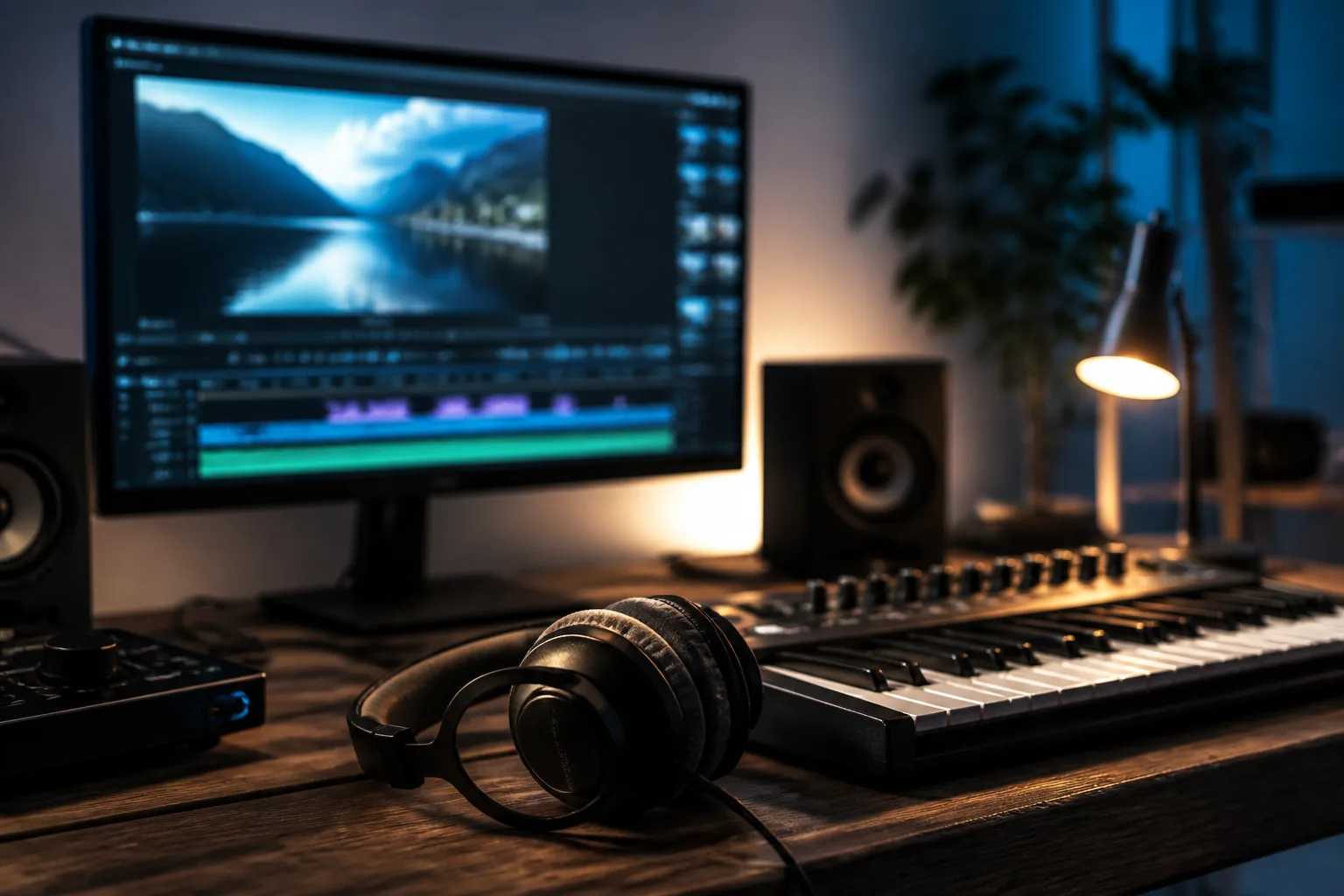
পণ্য ভিডিও, টিউটোরিয়াল, ব্যাখ্যামূলক ভিডিও, উপস্থাপনা বা স্বল্পদৈর্ঘ্য সামাজিক সম্পাদনার জন্য ইন্সট্রুমেন্টাল দিকের খসড়া তৈরি করুন।
কথ্য কনটেন্টের সঙ্গে মানানসই স্পষ্ট শুরু, স্মরণীয় হুক ও শেষসহ একটি সংক্ষিপ্ত সঙ্গীত পরিচয় অন্বেষণ করুন।
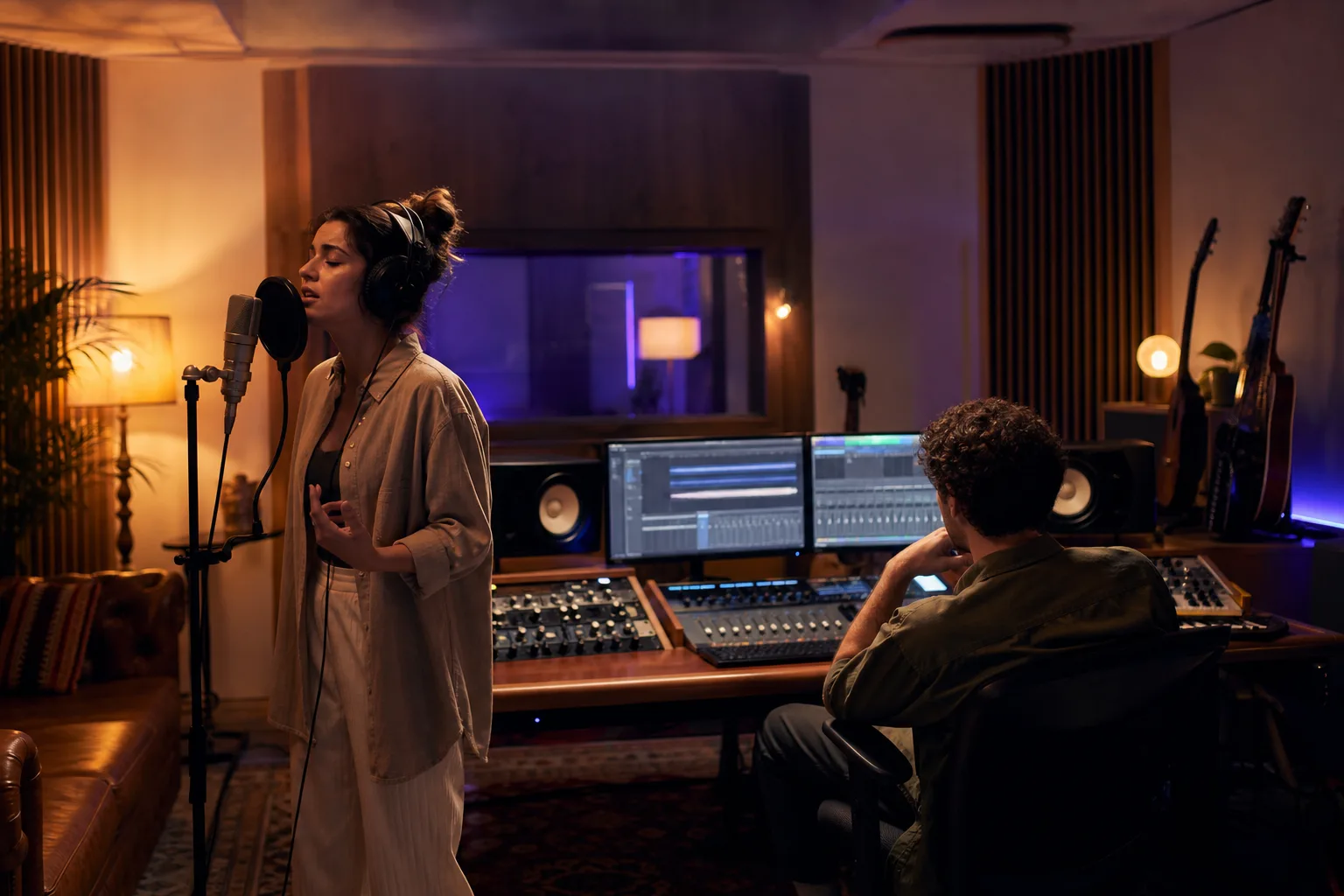
একটি মৌলিক হুক বা গীতিকাব্যিক ধারণাকে চালানো যায় এমন খসড়ায় রূপ দিন, অথবা ক্যাম্পেইন, গেম বা ইভেন্টের জন্য সাউন্ডের দিক পরীক্ষা করুন।
উদ্দেশ্যপ্রণোদিত ভিডিও, ভয়েসওভার, দৃশ্য বা প্রকাশের প্রেক্ষাপট মাথায় রেখে সম্পূর্ণ ট্র্যাকটি শুনুন।
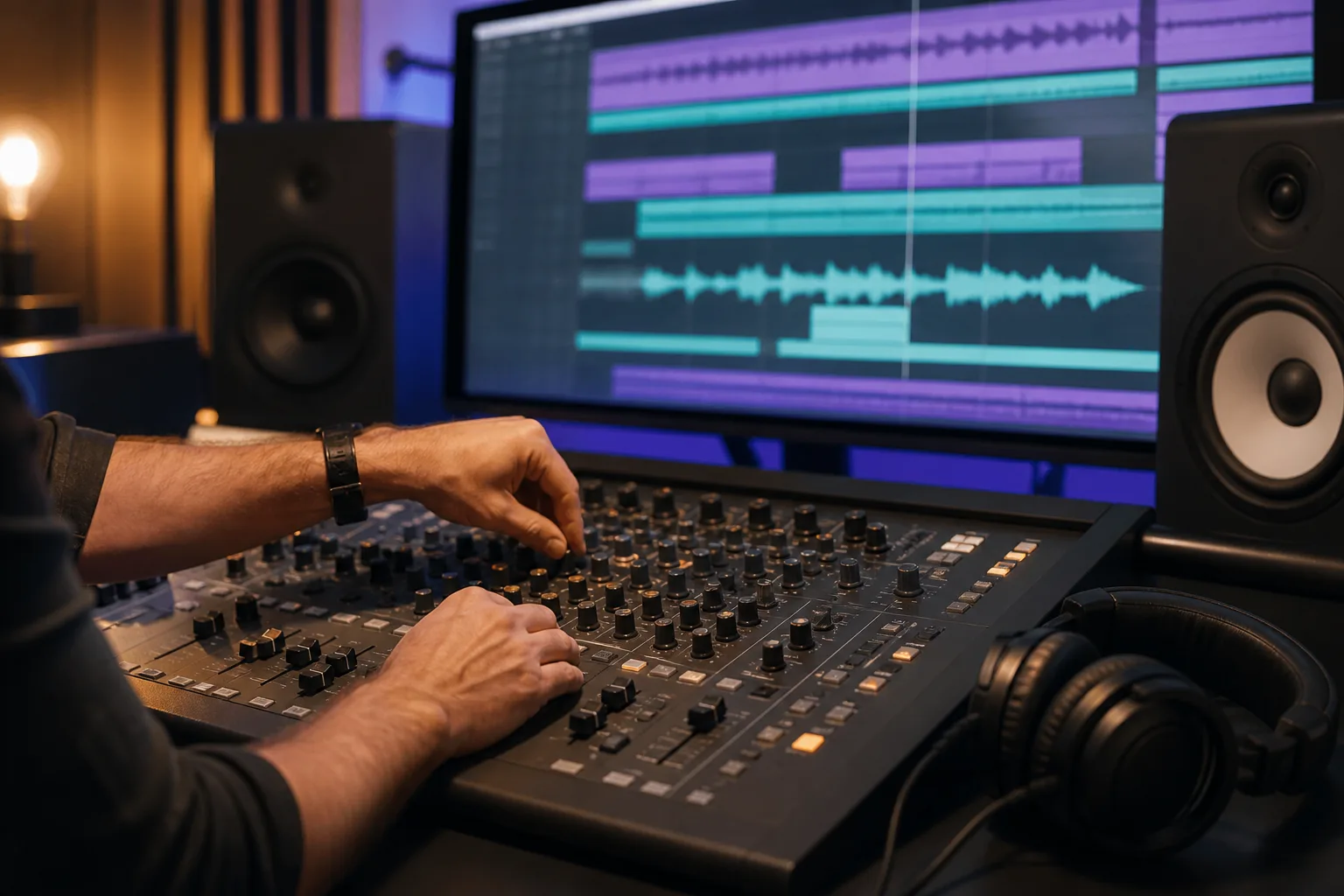
গতি, আবহ, যন্ত্র, কণ্ঠের দিকনির্দেশ ও প্রযোজনার স্টাইল প্রম্পটে চাওয়া বিষয়গুলোর সঙ্গে মেলে কি না নিশ্চিত করুন।
ইন্ট্রো, অংশগুলো, হুক, বিল্ড, ড্রপ, লুপ পয়েন্ট ও শেষাংশে অস্বস্তিকর লাফ বা অনুপস্থিত দিকনির্দেশ আছে কি না দেখুন।
উচ্চারণ, শব্দচয়ন, পুনরাবৃত্তি, কণ্ঠের বৈশিষ্ট্য এবং পুরো ট্র্যাকজুড়ে গানের কথা বোধগম্য থাকে কি না পর্যালোচনা করুন।
ট্র্যাকটি সংলাপের জন্য জায়গা রাখে কি না, লক্ষ্য দৈর্ঘ্যে মেলে কি না এবং চূড়ান্ত কনটেন্টের জন্য উপযুক্ত শক্তি ধরে রাখে কি না পরীক্ষা করুন।
তৈরি করা সঙ্গীত পরিবর্তনশীল; তাই এর সঙ্গীতগত, প্রযুক্তিগত ও ব্যবহারের বিবরণ যাচাই না করা পর্যন্ত একে খসড়া হিসেবে বিবেচনা করা উচিত।
একটি প্রম্পট ধারা, আবহ, যন্ত্র, কণ্ঠ ও গঠন নির্দেশ করতে পারে, কিন্তু নির্দিষ্ট নোট, সময় বা বিন্যাস নিশ্চিত করে না।
তৈরি কণ্ঠ শব্দ, জোর, বাক্যবিন্যাস বা উচ্চারণ বদলে দিতে পারে, বিশেষ করে ঘন গানের কথা বা অস্বাভাবিক নামের ক্ষেত্রে।
তৈরি ট্র্যাক ব্রাউজারের অডিও প্লেয়ারে দেখা যায়; চূড়ান্ত ডেলিভারির পরিকল্পনার আগে উপলব্ধ ফাইল কর্মপ্রবাহ নিশ্চিত করুন।
বাণিজ্যিক ব্যবহারের আগে নির্বাচিত প্রদানকারীর বর্তমান শর্ত, আপনার প্ল্যান, উৎস গানের কথা, অনুরোধ করা স্টাইল ও প্রকাশের গন্তব্য যাচাই করুন।
সঙ্গীত প্রম্পট, গানের কথা, ইন্সট্রুমেন্টাল ট্র্যাক, প্রিভিউ ও ফলাফলের মান নিয়ে উত্তর।
প্রম্পট বা গানের কথা মোড বেছে নিন, সঙ্গীতের দিক বর্ণনা করুন এবং তুলনা ও পরিমার্জনের জন্য চালানো যায় এমন ট্র্যাক তৈরি করুন।