
পুরোনো ছবি যোগ করুন
যে ছবিটি অ্যানিমেট করতে চান তা আপলোড বা নির্বাচন করুন, তারপর প্রধান বিষয় এবং গুরুত্বপূর্ণ থাকা উচিত এমন বিস্তারিত চিহ্নিত করুন।
একটি পুরোনো ছবি যোগ করে, গতির দিক বর্ণনা করে এবং আপনার প্রকল্পের জন্য সংক্ষিপ্ত স্মৃতিময় ক্লিপ তৈরি করতে AI পুরোনো ছবি অ্যানিমেশন ব্যবহার করুন।
AI পুরোনো ছবি অ্যানিমেশন একটি পুরোনো ছবি ও গতির দিকনির্দেশকে সংক্ষিপ্ত স্মৃতিময় ভিডিও ক্লিপে রূপান্তরে সহায়তা করে। এটি নির্মাতা, বিপণনকারী ও দলগুলোর জন্য তৈরি, যাদের ঐতিহাসিক, পারিবারিক, আর্কাইভ বা নস্টালজিয়া-ভিত্তিক ছবি থেকে নির্দিষ্ট ভিজ্যুয়াল ফল দরকার।
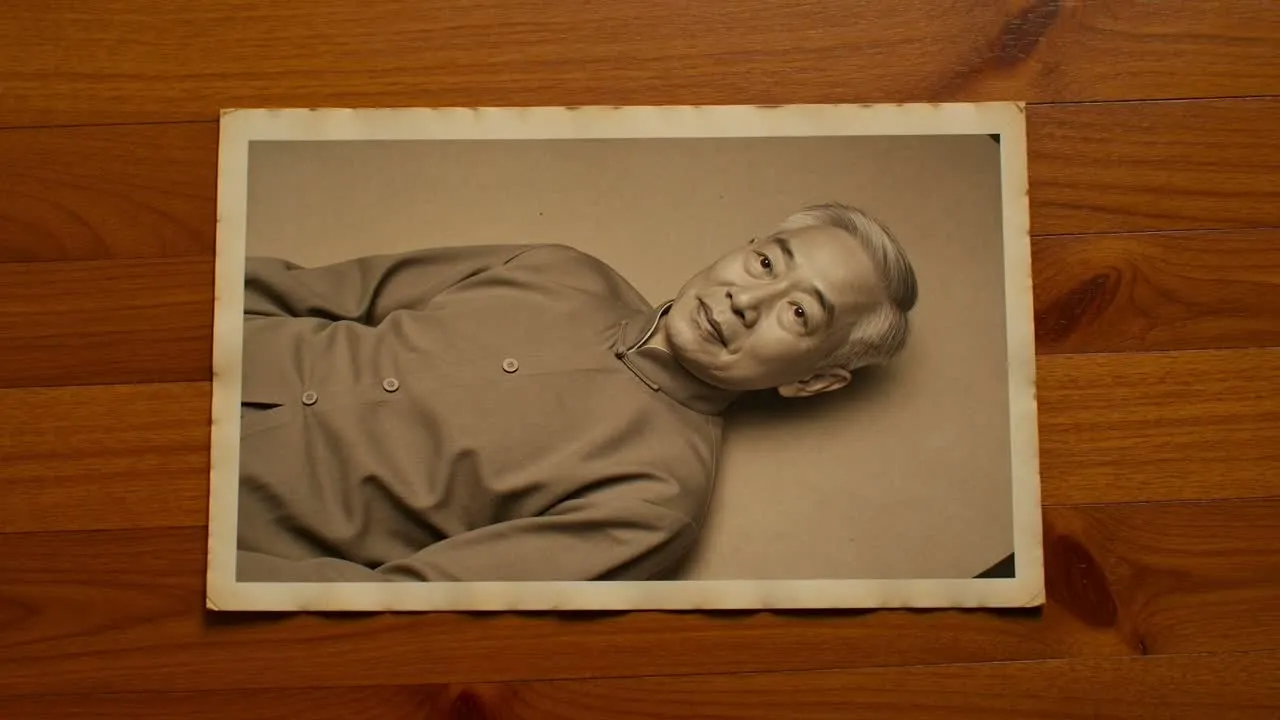
পুরোনো ছবি দিয়ে শুরু করুন, গতি নির্ধারণ করুন, তারপর কাঙ্ক্ষিত মেজাজ ও গন্তব্য ফরম্যাটের সঙ্গে তৈরি ক্লিপটি মিলিয়ে পর্যালোচনা করুন।
যে ছবিটি অ্যানিমেট করতে চান তা আপলোড বা নির্বাচন করুন, তারপর প্রধান বিষয় এবং গুরুত্বপূর্ণ থাকা উচিত এমন বিস্তারিত চিহ্নিত করুন।
ক্যামেরার অনুভূতি, মুখের নড়াচড়া, পরিবেশ এবং প্রয়োজনীয় সম্মানজনক টোনসহ ছবিটি কীভাবে নড়বে তা বর্ণনা করুন।
ভিজ্যুয়াল দিকনির্দেশ ও গন্তব্য ফরম্যাট বেছে নিন, যাতে আপনি যেখানে ক্লিপটি ব্যবহার করবেন তার উপযোগী করে এটি তৈরি হয়।
ছবি, গতি ও চূড়ান্ত গন্তব্যে কেন্দ্রীভূত রেখে পুরোনো ছবি থেকে ভিডিও ফলাফলের সৃজনশীল দিক নিয়ন্ত্রণ করুন।
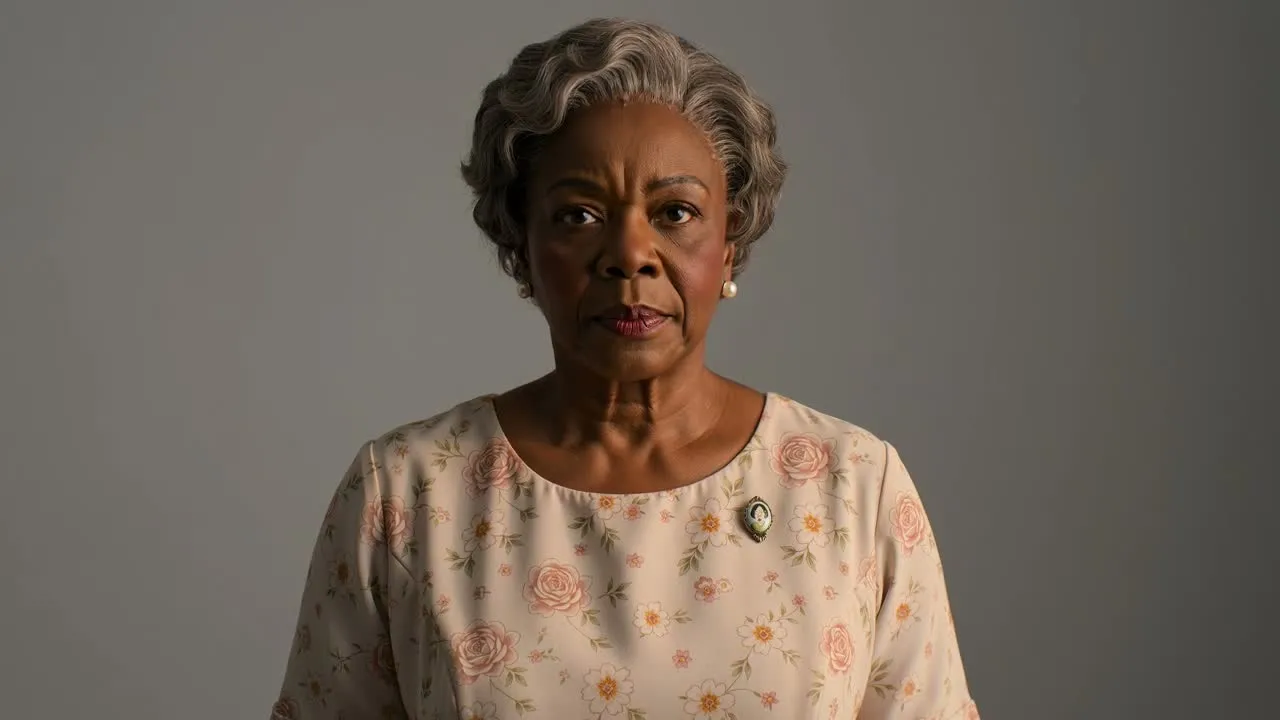
আপনার কাঙ্ক্ষিত নড়াচড়া বর্ণনা করুন, যেমন হালকা হাসি, ধীর ক্যামেরা পুশ, কোমল মাথা ঘোরানো বা সূক্ষ্ম পটভূমির গতি।
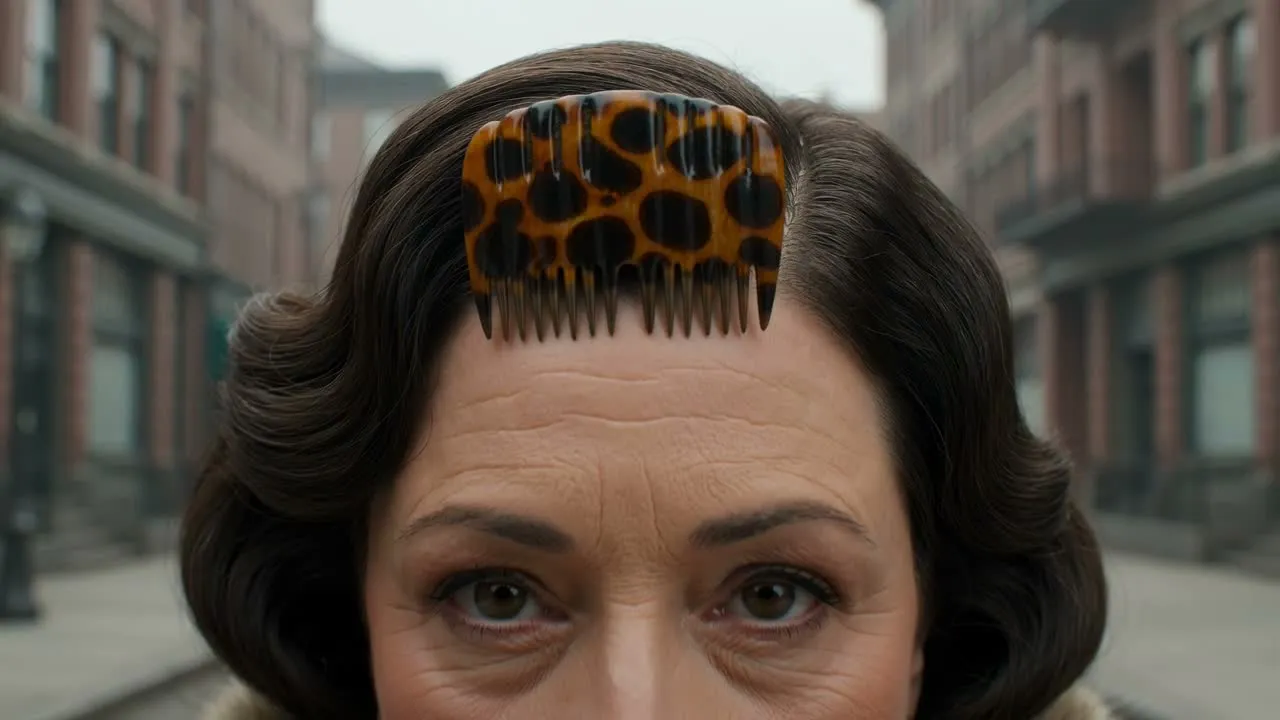
পোশাক, অভিব্যক্তি, পরিবেশ ও সময়কাল-সংবেদনশীল টোনের জন্য প্রম্পটে বিস্তারিত যোগ করুন, যাতে ক্লিপটি প্রকল্পের উদ্দেশ্য অনুসরণ করে।
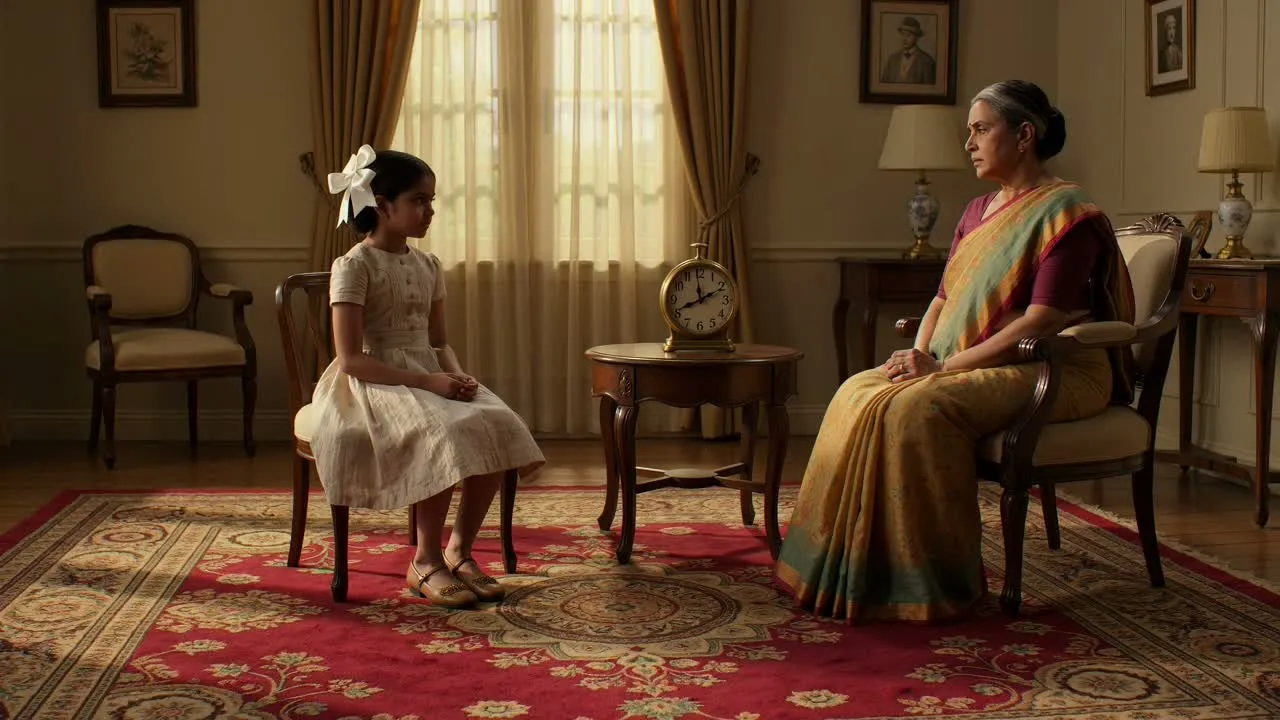
উৎস ছবির ব্যক্তি, স্থান ও ভিজ্যুয়াল প্রেক্ষাপটকে সম্মান করতে তৈরি দৃশ্যকে সহায়তা করার জন্য বিষয় ও পরিবেশ স্পষ্ট করুন।
স্মরণ, গল্প বলা বা ছবি-কেন্দ্রিক কনটেন্টের জন্য নির্দিষ্ট ফল দরকার হলে পুরোনো ছবি থেকে সংক্ষিপ্ত ভিজ্যুয়াল তৈরি করুন।
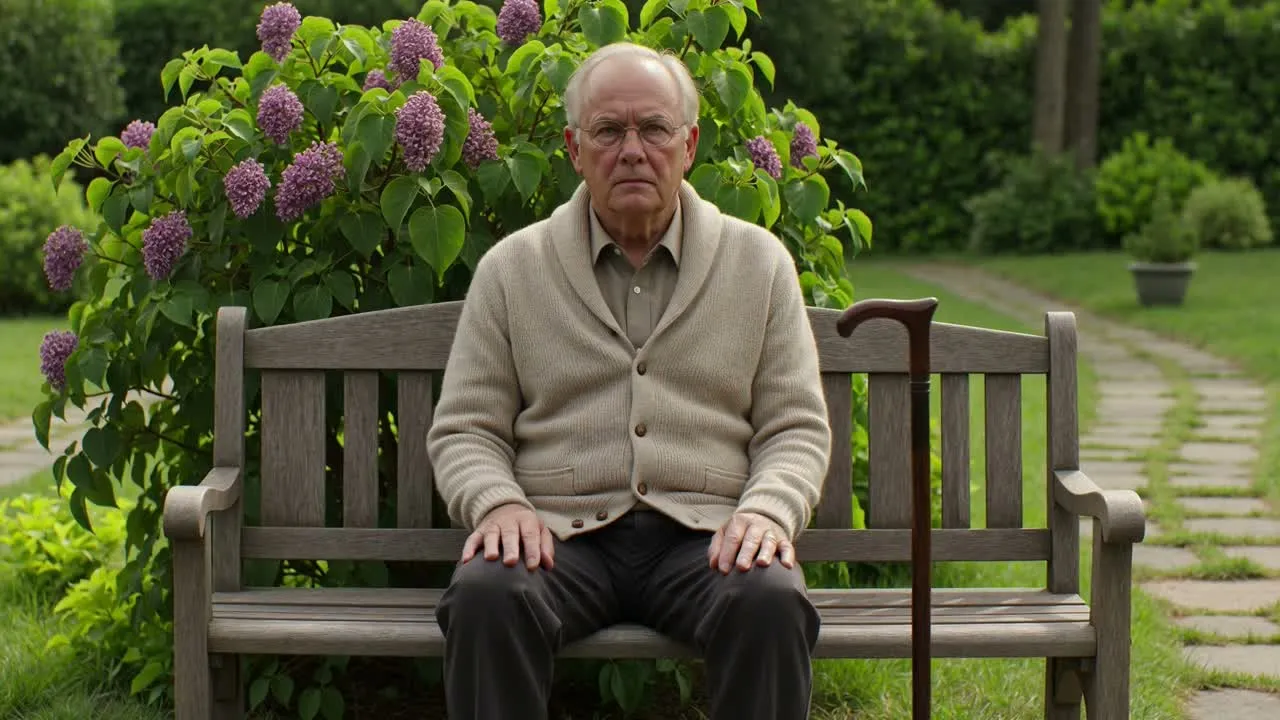
পোর্ট্রেটে সূক্ষ্ম গতি যোগ করুন, যাতে অতিরঞ্জিত প্রভাবে না গিয়ে বিষয়টিকে জীবন্ত মনে হয়।
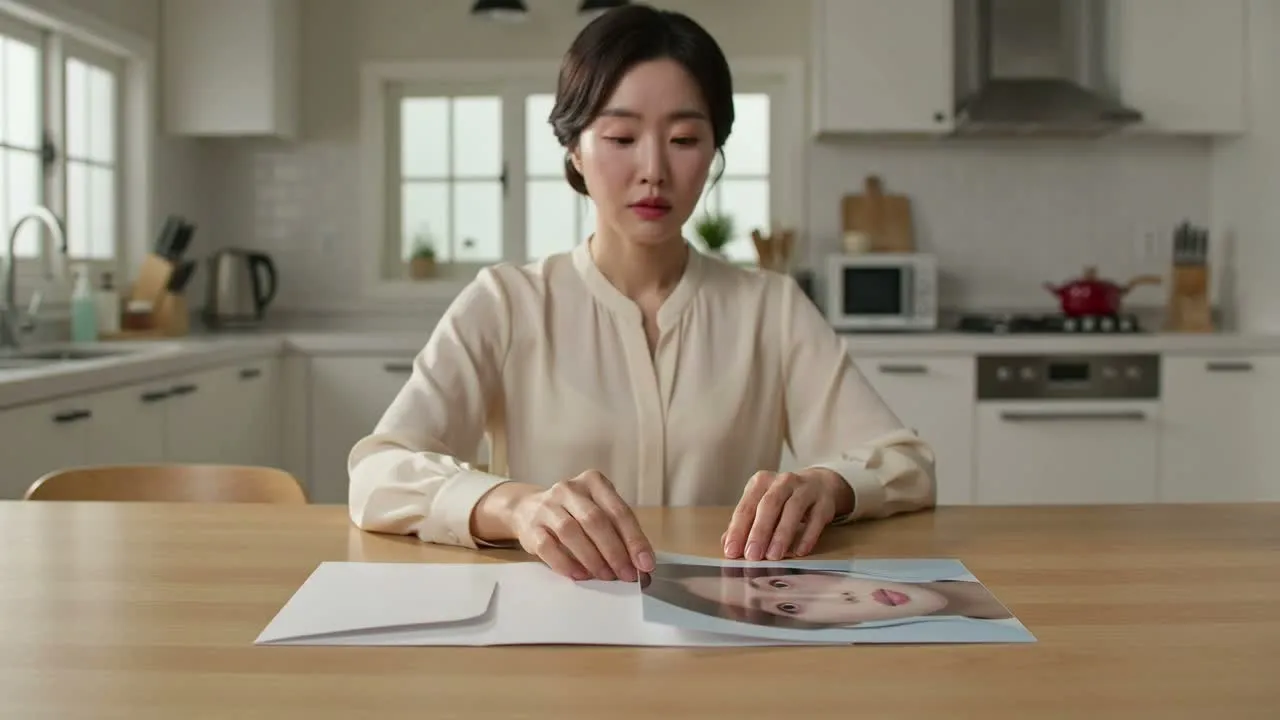
সামাজিক পোস্ট, শ্রদ্ধাঞ্জলি সম্পাদনা, প্রচারণার মেজাজ-ভিত্তিক অংশ বা ঐতিহাসিক ভিজ্যুয়াল ক্রমের সূচনা হিসেবে পুরোনো ছবি থেকে ভিডিও ফল ব্যবহার করুন।
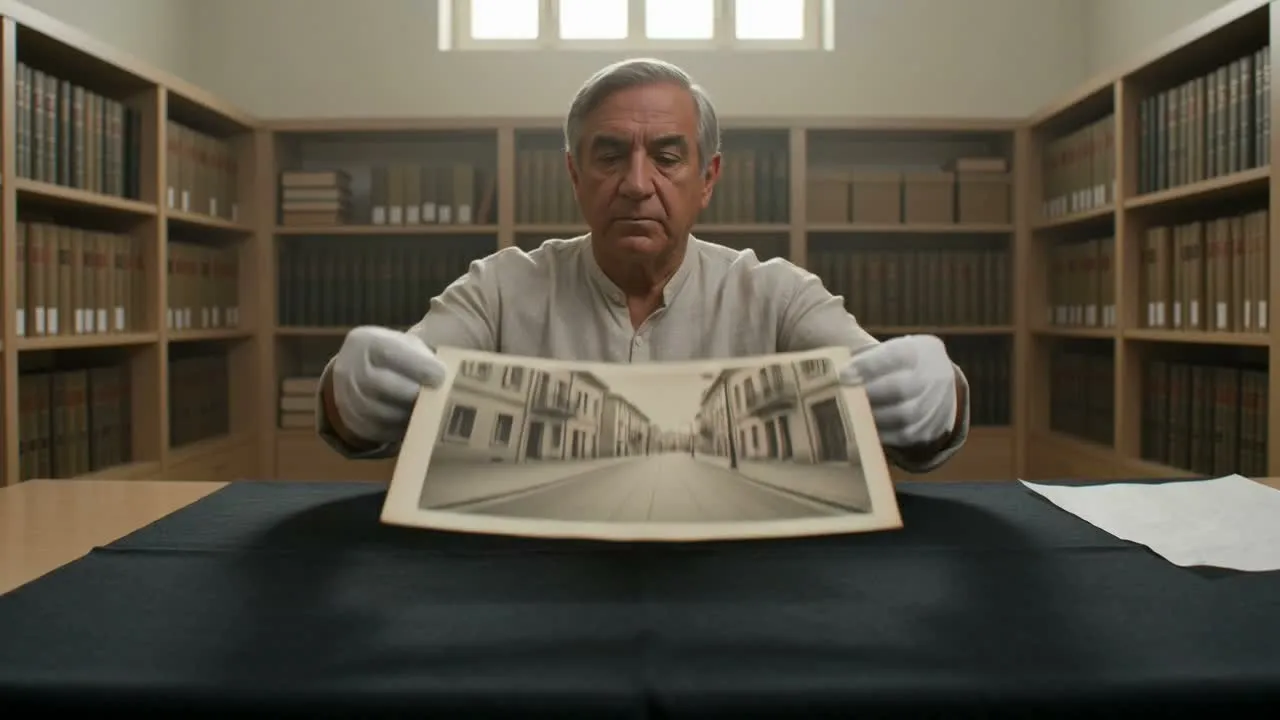
পারিবারিক, আর্কাইভ, ঐতিহ্য বা স্মরণবিষয়ক কনটেন্টের জন্য গতিবিধি ও পরিবেশকে শান্ত, সম্মানজনক স্মৃতির টোনে গড়ে তুলুন।
তৈরি ক্লিপ শেয়ার করার বা বড় সম্পাদনায় বসানোর আগে নড়াচড়া, টোন ও ফ্রেমিং নির্ধারিত ব্যবহারের সঙ্গে মানানসই কি না পর্যালোচনা করুন।
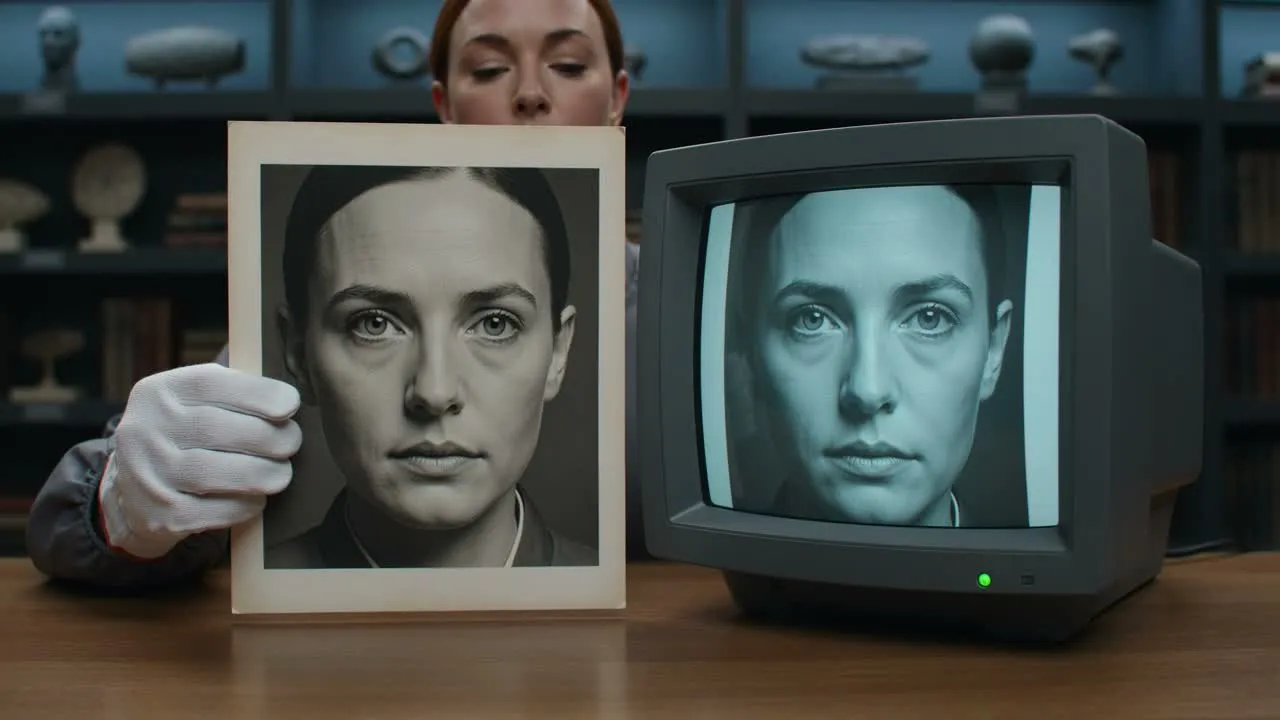
আপনার মূল ব্রিফের সঙ্গে ক্লিপটি মিলিয়ে দেখুন: বিষয়, মেজাজ, গতির দিকনির্দেশ ও নির্ধারিত দর্শক—সবকিছুই প্রকল্পের লক্ষ্যকে সমর্থন করবে।
মুখ, হাত, পোশাক, পটভূমির বস্তু ও অর্থবহ বিস্তারিত পর্যালোচনা করুন, যাতে সেগুলো সম্মানজনক এবং উৎস ছবির সঙ্গে সামঞ্জস্যপূর্ণ থাকে।
গন্তব্যের ক্রপ ও ফরম্যাট যাচাই করুন, যাতে ফলটি আপনার পোস্ট, উপস্থাপনা, প্রচারণার উপকরণ বা স্মারকধর্মী সম্পাদনায় কাজ করে।
AI-সহায়িত গতি ভিন্নধরনের ফল দিতে পারে, বিশেষত ক্ষতিগ্রস্ত ছবি, অস্পষ্ট মুখ, জটিল পটভূমি বা খুব নির্দিষ্ট বিস্তারিতের ক্ষেত্রে।
আপনার বর্ণিত দিকনির্দেশ থেকে তৈরি ফল ভিন্ন হতে পারে, তাই প্রথম আউটপুটকে নিশ্চিত চূড়ান্ত মিল না ধরে পর্যালোচনার বিষয় হিসেবে বিবেচনা করুন।
ছোট মুখাবয়বের বৈশিষ্ট্য, পোশাকের বিস্তারিত, লেখা ও পটভূমির উপাদান সতর্কভাবে পর্যালোচনা করতে হতে পারে, কারণ সূক্ষ্ম পরিবর্তন ক্লিপের টোনে প্রভাব ফেলতে পারে।
ইনপুট, নিয়ন্ত্রণ ও প্রত্যাশিত পর্যালোচনা ধাপসহ AI পুরোনো ছবি অ্যানিমেশন ব্যবহারের সংক্ষিপ্ত উত্তর।
আপনার পুরোনো ছবি যোগ করুন, গতির দিকনির্দেশ বর্ণনা করুন এবং পরবর্তী প্রকল্পের জন্য সম্মানজনক স্মৃতিময় ফল তৈরি করুন।