
উপযুক্ত প্রতিকৃতি আপলোড করুন
আপনার মালিকানাধীন বা সম্পাদনার অনুমতি আছে এমন স্পষ্ট, ভালো আলোযুক্ত ছবি ব্যবহার করুন, যাতে মুখ দৃশ্যমান ও ফিল্টার ন্যূনতম থাকে।
অনুমোদিত একটি প্রতিকৃতিকে নিয়ন্ত্রিত পোশাক, পটভূমি, আলো, অভিব্যক্তি ও প্রোফাইল ফ্রেমিংসহ পেশাদার হেডশট ধারণায় রূপান্তর করুন।
এআই হেডশট জেনারেটর অনুমোদিত একটি রেফারেন্স ছবি ও লিখিত নির্দেশনা থেকে পেশাদার প্রতিকৃতি তৈরি করে। উৎস প্রতিকৃতি ব্যক্তির সাদৃশ্য নির্দেশিত রাখে, আর আপনি পোশাক, পটভূমি, আলো, অভিব্যক্তি, ফ্রেমিং ও উদ্দিষ্ট প্ল্যাটফর্ম বর্ণনা করতে পারেন।
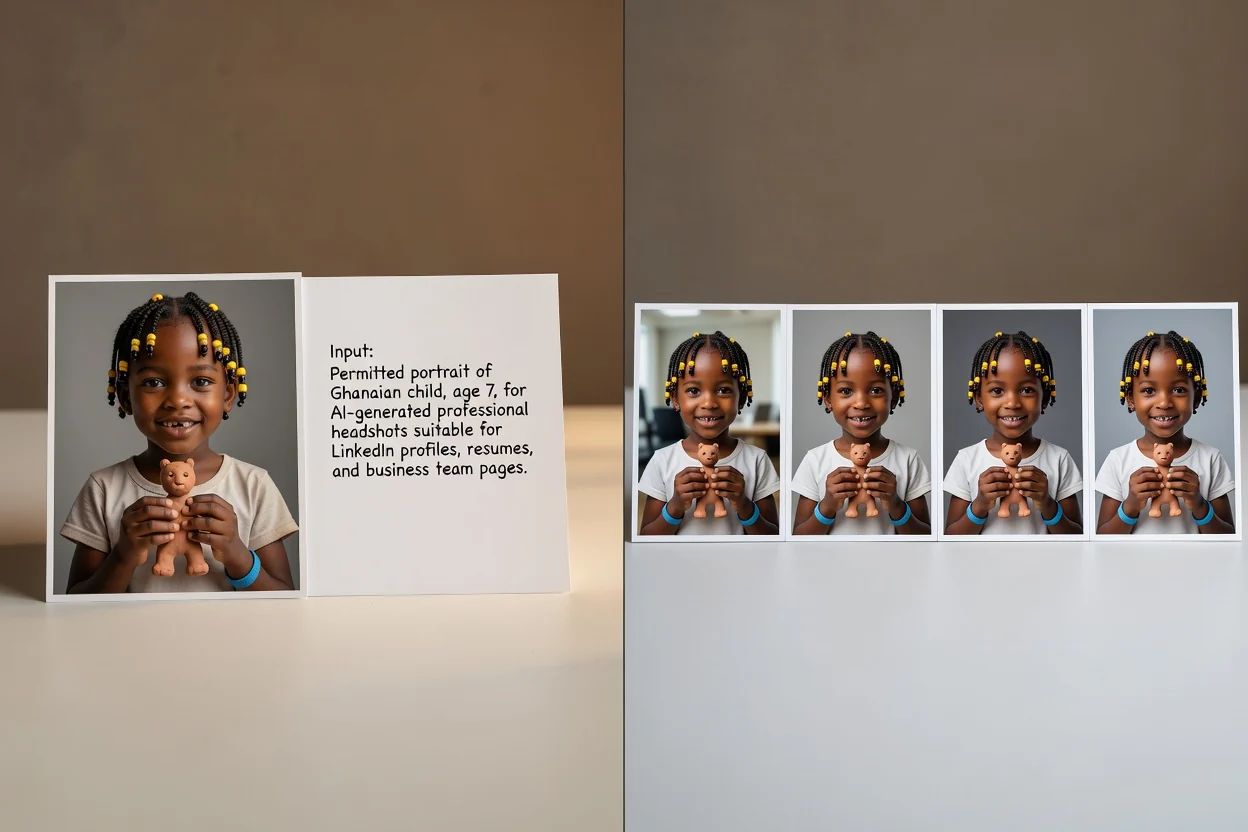
শৈলীর বিবরণ বদলানোর আগে একটি স্পষ্ট প্রতিকৃতি দিয়ে শুরু করুন এবং পেশাদার প্রেক্ষাপট নির্ধারণ করুন।
আপনার মালিকানাধীন বা সম্পাদনার অনুমতি আছে এমন স্পষ্ট, ভালো আলোযুক্ত ছবি ব্যবহার করুন, যাতে মুখ দৃশ্যমান ও ফিল্টার ন্যূনতম থাকে।
পোশাক, অভিব্যক্তি, পটভূমি, আলো, ক্রপ এবং লক্ষ্য প্ল্যাটফর্ম বা ব্যবসায়িক প্রেক্ষাপট বর্ণনা করুন।
একটি ফলাফল বাছাই বা পরিমার্জনের আগে সাদৃশ্য, স্বাভাবিক বিবরণ ও প্রোফাইলের উপযোগিতার জন্য একাধিক হেডশট পর্যালোচনা করুন।
রেফারেন্স, উপস্থাপনা ও গন্তব্যের প্রয়োজনীয়তা একসঙ্গে রাখতে ছবি ওয়ার্কস্পেস ব্যবহার করুন।
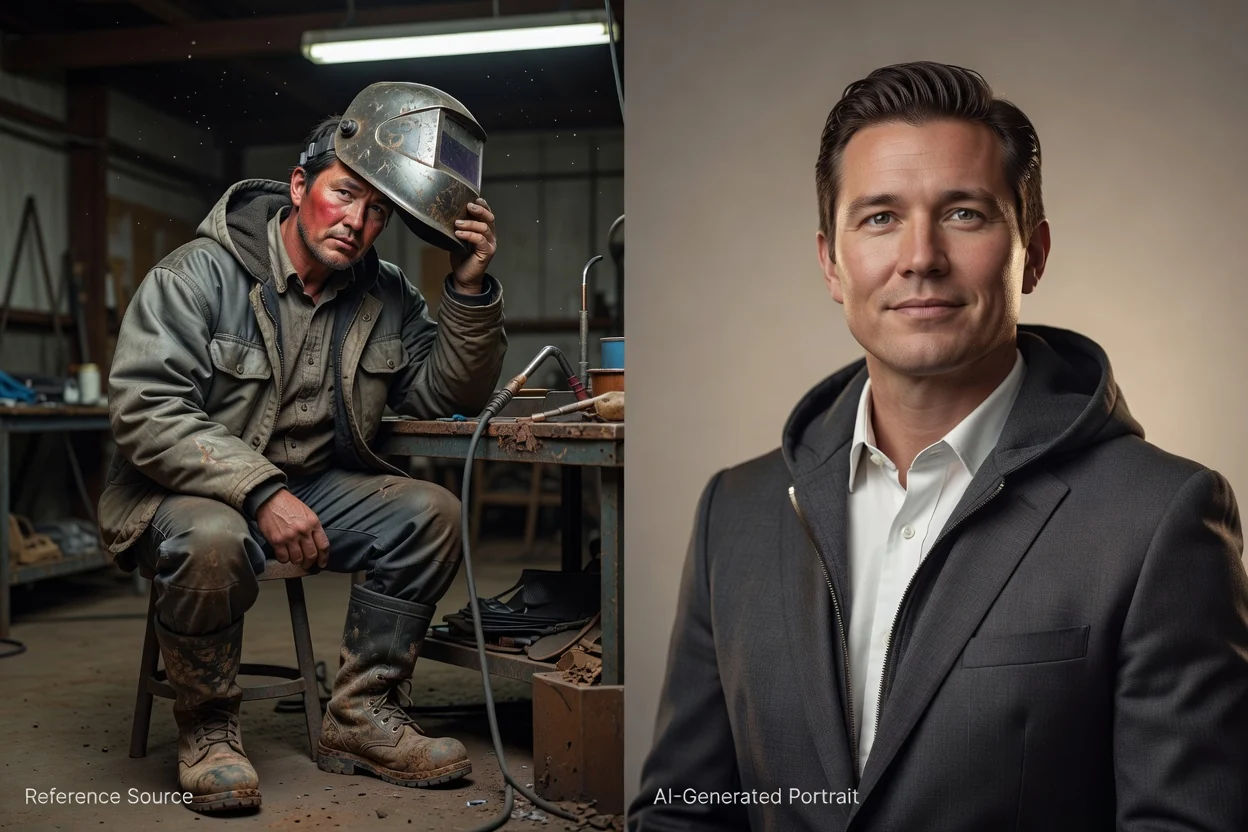
পরিচয় নির্দেশিত রাখতে একটি স্পষ্ট উৎস ছবি ব্যবহার করুন, আর প্রম্পট দিয়ে নতুন পেশাদার প্রতিকৃতির ধরন নির্ধারণ করুন।
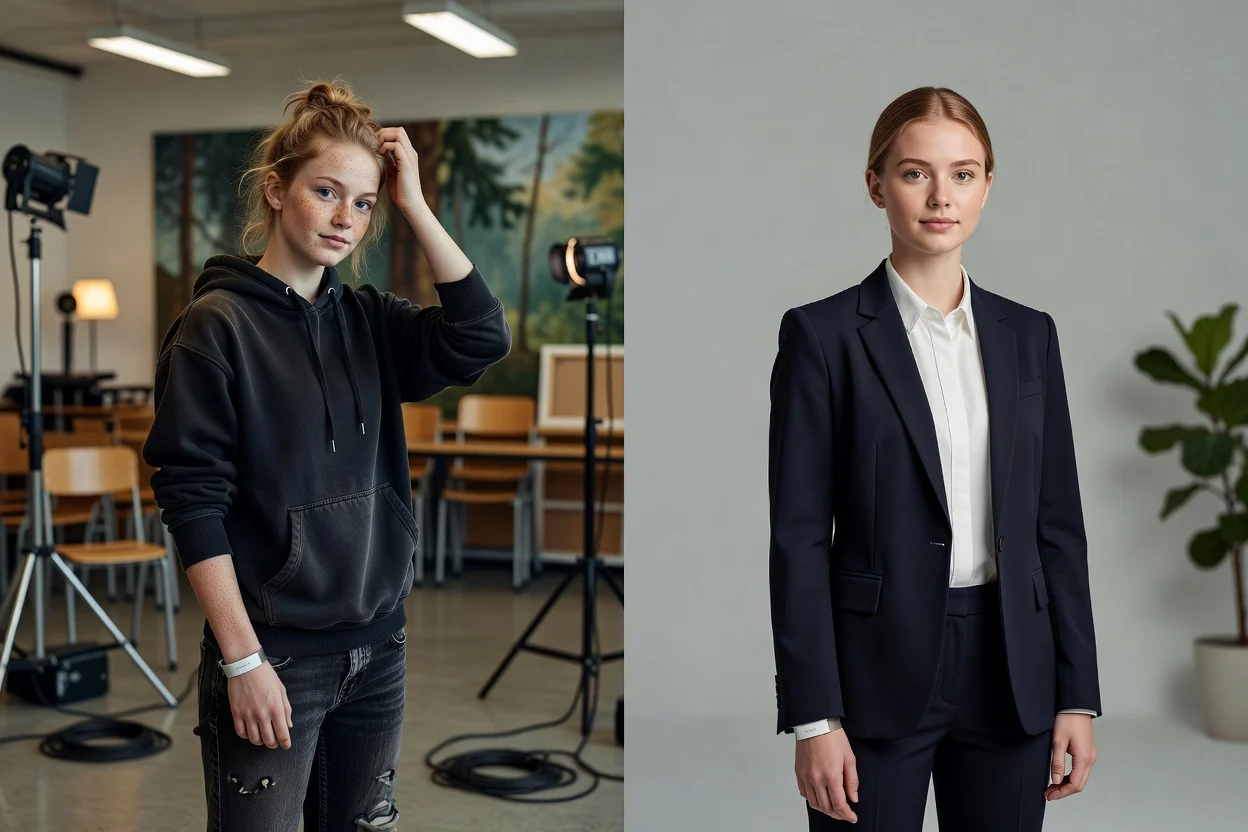
স্টুডিও, অফিস, নিরপেক্ষ বা পরিবেশভিত্তিক পটভূমির সঙ্গে কর্পোরেট, সৃজনশীল, ক্যাজুয়াল বা নির্বাহী পোশাক বর্ণনা করুন।
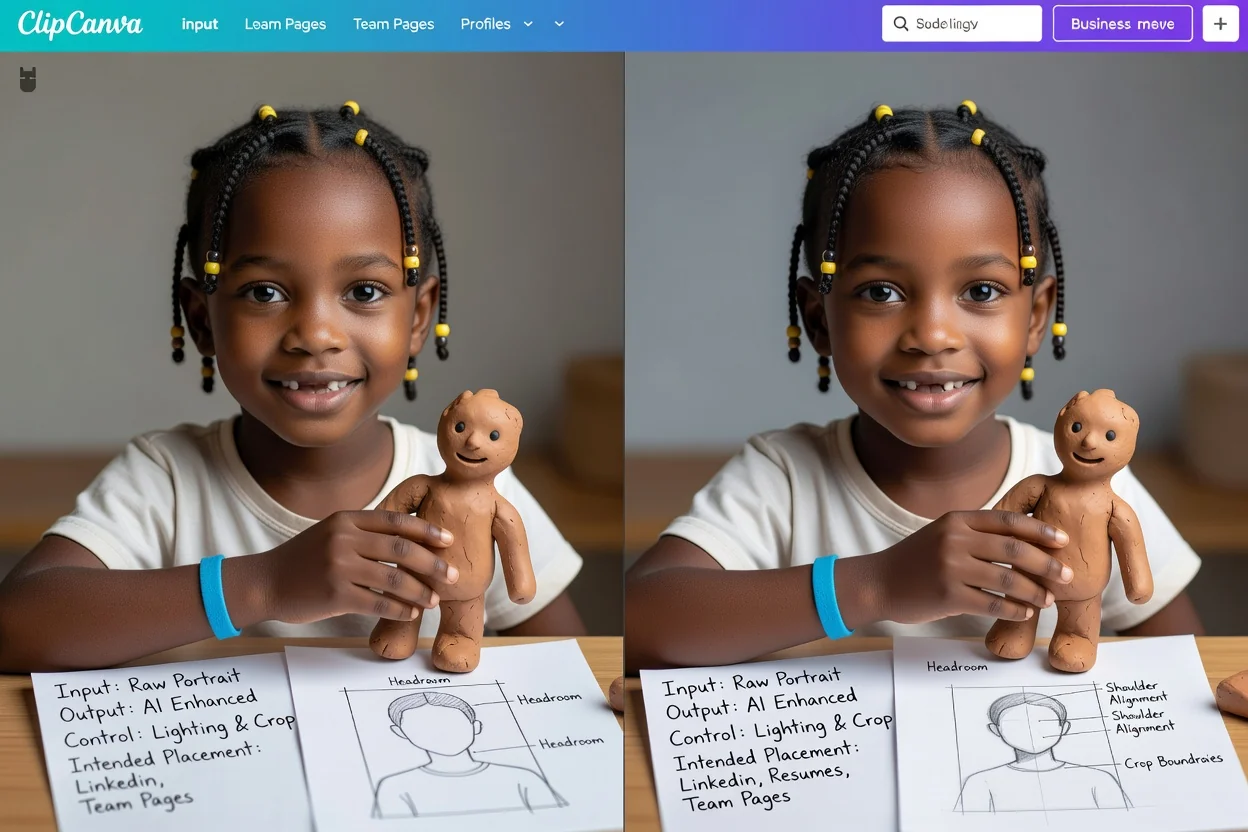
উদ্দিষ্ট প্রোফাইল স্থাপনার জন্য অভিব্যক্তি, ক্যামেরার অনুভূতি, আলো, কাঁধের অবস্থান, মাথার ফাঁকা জায়গা ও ক্রপ নির্দেশ করুন।
প্রতিটি পেশাদার প্রেক্ষাপটের সঙ্গে প্রতিকৃতির দিকনির্দেশনা ও আনুষ্ঠানিকতার মাত্রা মিলিয়ে নিন।
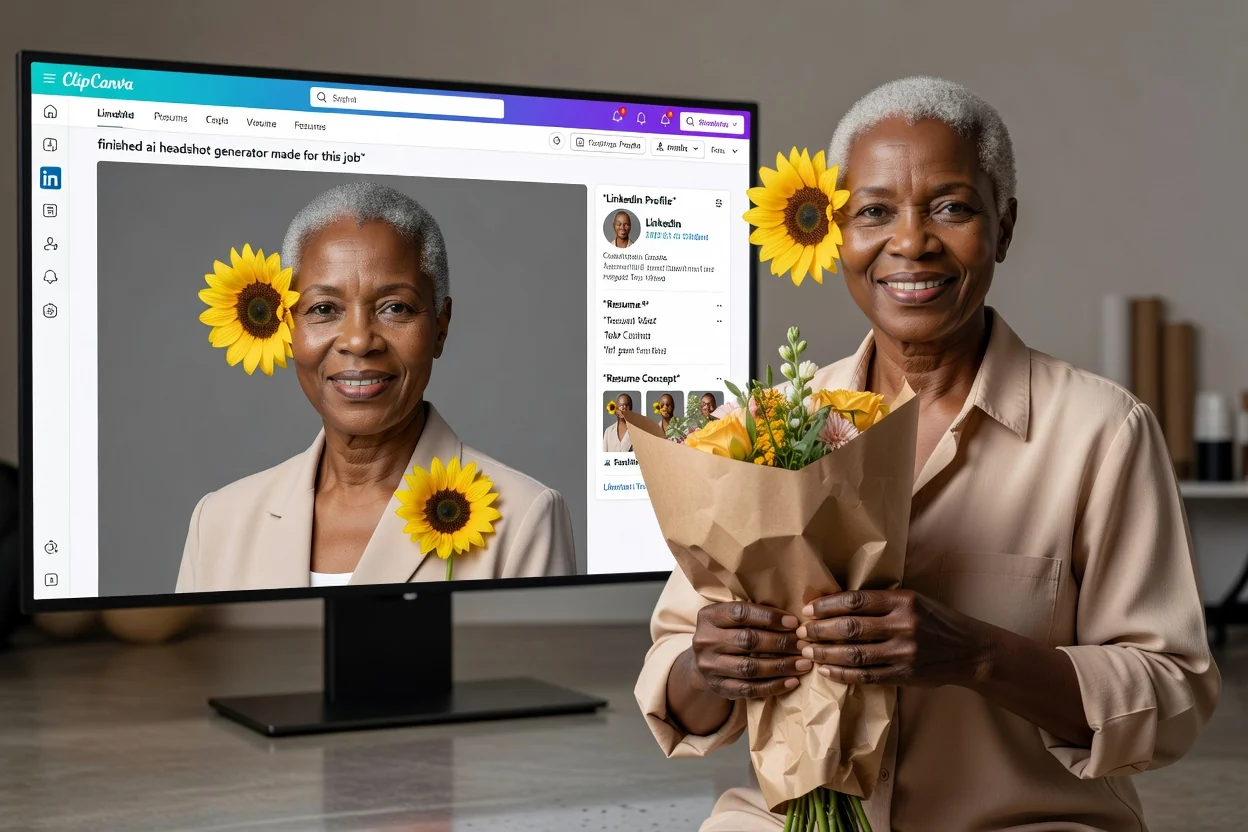
পেশাদার নেটওয়ার্ক, জীবনবৃত্তান্ত, পোর্টফোলিও ও চাকরি-খোঁজার প্রোফাইলের জন্য একটি পরিচ্ছন্ন প্রতিকৃতির দিকনির্দেশনা তৈরি করুন।
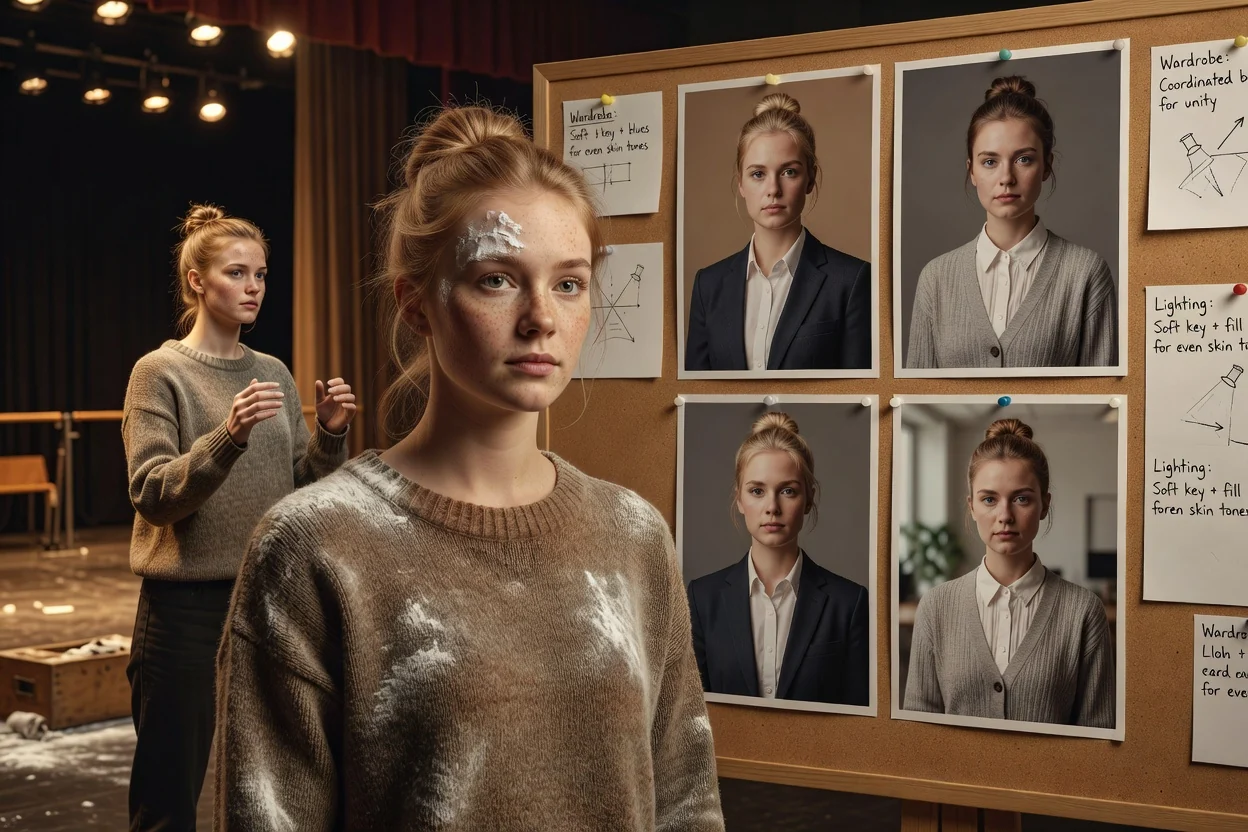
সামঞ্জস্যপূর্ণ দলীয় উপস্থাপনার জন্য সমন্বিত পোশাক, ক্রপ, আলো ও পটভূমির দিকনির্দেশনা অনুসন্ধান করুন।
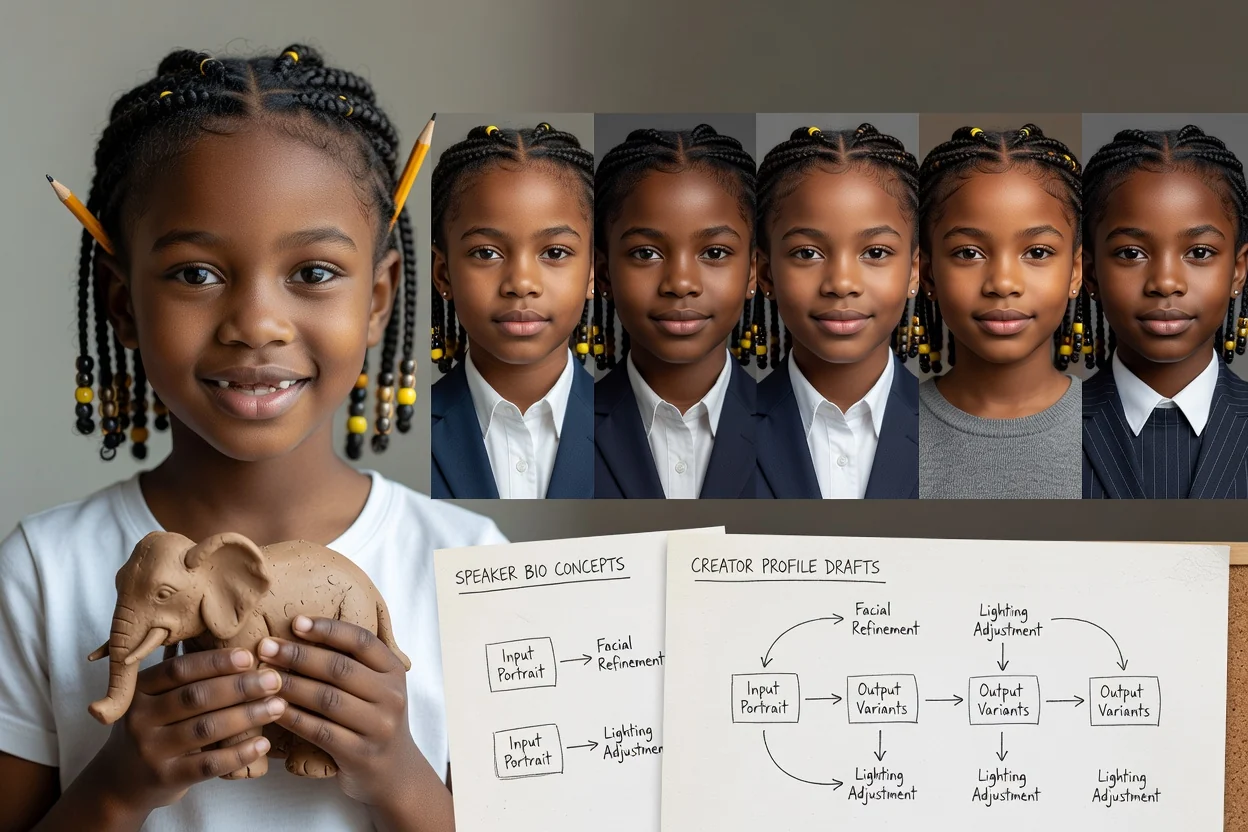
ইভেন্ট প্রোফাইল, লেখকের পেজ, মিডিয়া কিট, নিউজলেটার ও নির্মাতার চ্যানেলের জন্য প্রতিকৃতির ধারণা প্রস্তুত করুন।
পেশাদার পরিশীলন যেন পরিচয়, স্বাভাবিক বিবরণ বা সৎ উপস্থাপনার ক্ষতি না করে।
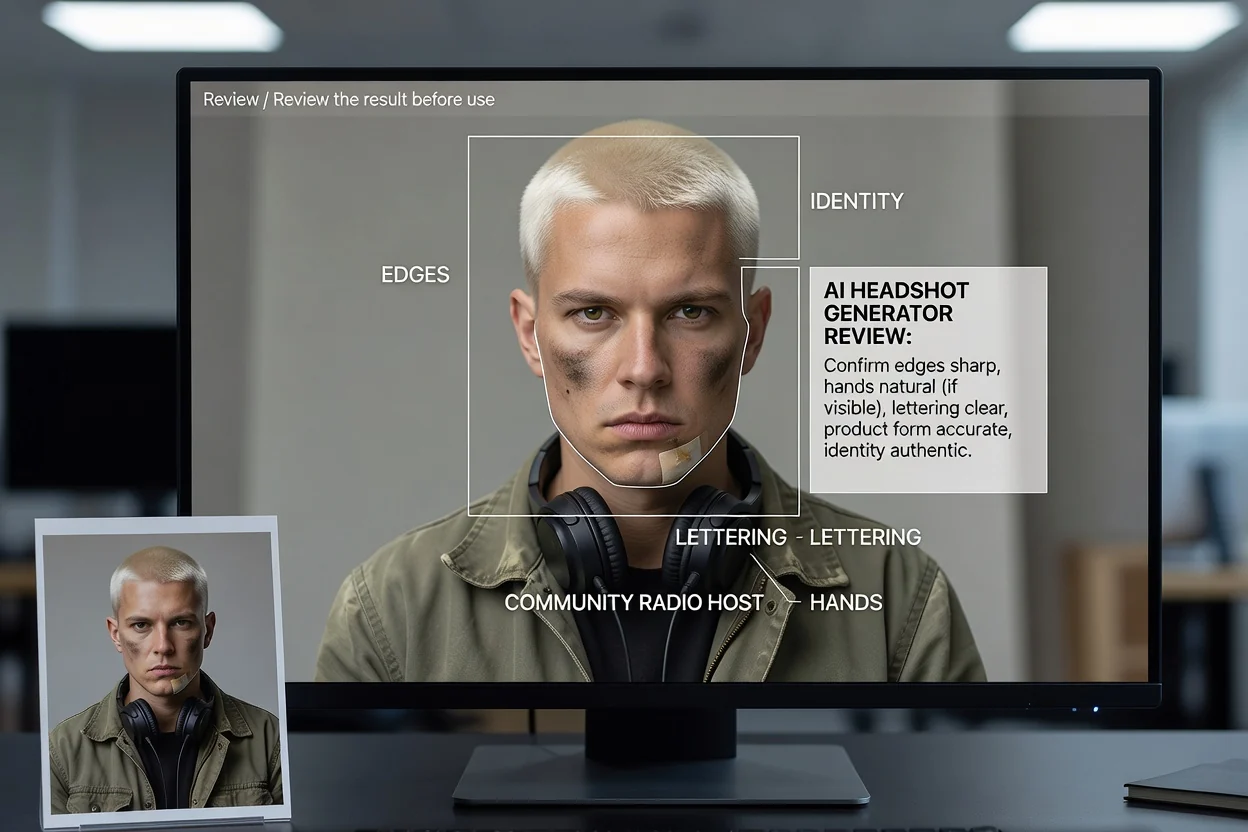
হেডশট ব্যবহারের আগে উৎস প্রতিকৃতির সঙ্গে মুখ, বয়সের ইঙ্গিত, চুল, ত্বকের বিবরণ ও অভিব্যক্তি তুলনা করুন।
চূড়ান্ত প্রদর্শন আকারে চোখ, দাঁত, কান, চুলের রেখা, চশমা, গয়না ও পোশাকের সীমানা পরীক্ষা করুন।
পোশাক, পটভূমি, আলো ও অভিব্যক্তি ভূমিকা, প্রতিষ্ঠান ও প্ল্যাটফর্মের সঙ্গে মানানসই কি না নিশ্চিত করুন।
বর্গাকার ও বৃত্তাকার ক্রপ পরীক্ষা করুন, যাতে চূড়ান্ত স্থাপনায় মুখ, কাঁধ ও মাথার ফাঁকা জায়গা ভারসাম্যপূর্ণ থাকে।
তৈরি করা হেডশট উৎস প্রতিকৃতিকে ব্যাখ্যা করে এবং চেনা যায় বা পেশাগতভাবে গুরুত্বপূর্ণ এমন বিবরণ বদলে দিতে পারে।
মডেল তৈরি করা সংস্করণগুলোতে মুখের অনুপাত, বয়সের ইঙ্গিত, ত্বকের টেক্সচার, চুল বা অভিব্যক্তি বদলে দিতে পারে।
কলার, ল্যাপেল, গয়না, নকশা, চশমা ও ছোট আনুষঙ্গিক বস্তু আরও নিবিড় পর্যালোচনা বা আরেকবার তৈরি করার প্রয়োজন হতে পারে।
কিছু নিয়োগকর্তা, সনদ বা প্ল্যাটফর্ম এআই-তৈরি প্রতিকৃতির বদলে সাম্প্রতিক বাস্তব ছবি প্রত্যাশা করতে পারে।
প্রতিকৃতির ইনপুট, পেশাদার ব্যবহার, সাদৃশ্য, দলের সামঞ্জস্য ও প্রোফাইল ফ্রেমিং সম্পর্কে উত্তর।
একটি স্পষ্ট প্রতিকৃতি আপলোড করুন, ভূমিকা ও উপস্থাপনা নির্ধারণ করুন, তারপর উদ্দিষ্ট প্রোফাইল আকারে একটি কেন্দ্রীভূত ব্যাচ তুলনা করুন।