
تصویر اپ لوڈ کریں
اپنے ڈیوائس سے JPG، PNG یا WEBP تصویر منتخب کریں۔
JPG، PNG، یا WEBP فائل میں منتخب کردہ ایک حصے کو نرم کرنے کے لیے بلر امیج ٹول استعمال کریں اور براؤزر میں پروسیس شدہ نتیجہ دیکھیں۔
اصل تصویر
اصل تصویر کا پیش منظر دیکھنے کے لیے فائل منتخب کریں۔
نتیجہ
بلر امیج ٹول تصویر کے کسی حصے پر نرمی کا اثر لگاتا ہے تاکہ منتخب حصے کی تفصیلات کم نمایاں ہوں۔ یہ یوٹیلیٹی مرکوز ترمیم کے لیے بنائی گئی ہے: معاون فائل منتخب کریں، ایک مستطیل حصہ نشان زد کریں، تبدیلی رینڈر کریں اور نتیجہ دیکھیں۔
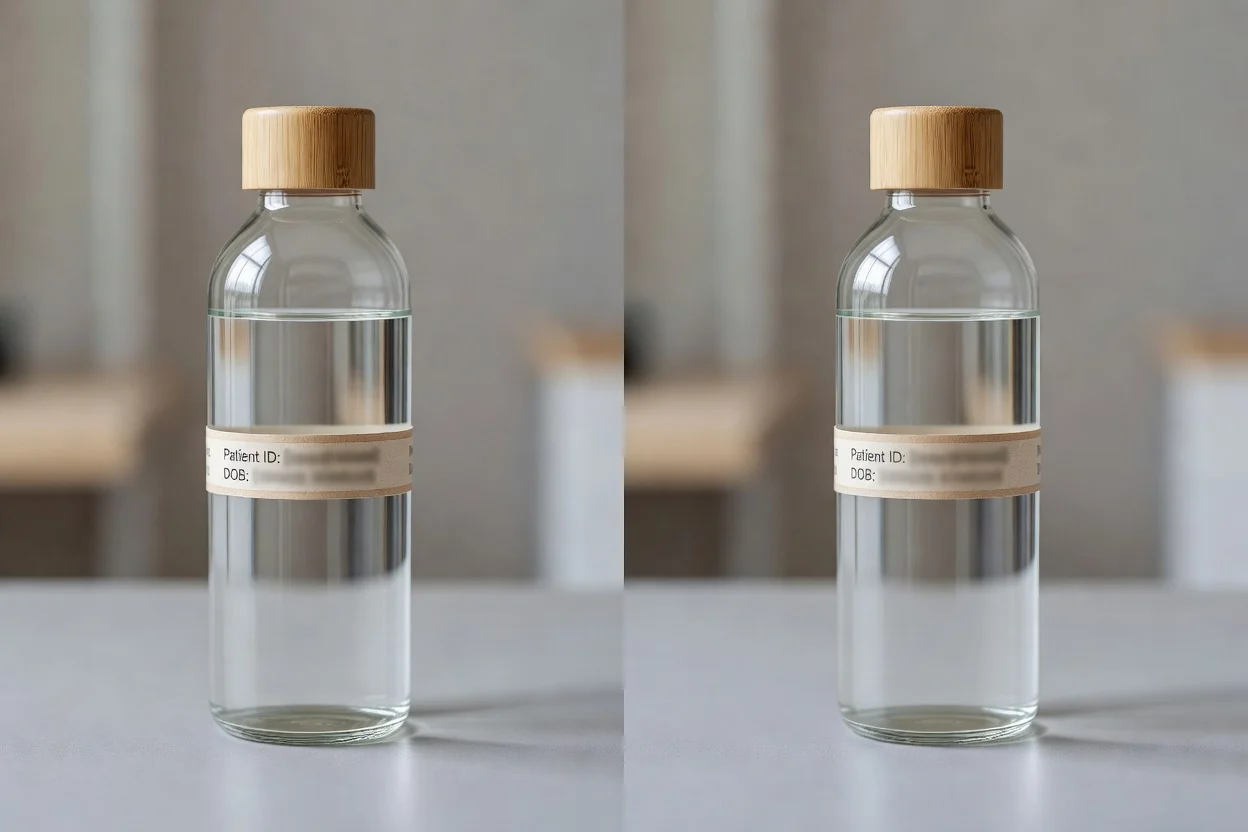
مختصر اور قابلِ جائزہ عمل کے ذریعے تصویر کا حصہ آن لائن بلر کریں۔
اپنے ڈیوائس سے JPG، PNG یا WEBP تصویر منتخب کریں۔
بلر اثر لگانے کے لیے مستطیل حصہ نشان زد کرنے کو ڈریگ کریں۔
ترمیم رینڈر کریں تاکہ پیش منظر میں منتخب حصہ نرم ہو جائے۔
اِن پٹ فائلوں، پروسیسنگ کنٹرولز اور ڈاؤن لوڈ کے قابل آؤٹ پٹ کا تکنیکی رویہ۔
بلر کا کام شروع کرنے کے لیے JPG، PNG یا WEBP تصویر اپ لوڈ کریں۔
منتخب حصہ بلر ہونے کے بعد ٹول جائزے کے لیے پروسیس شدہ آؤٹ پٹ فائل بناتا ہے۔
کنٹرولز ایک مستطیل حصہ منتخب کرنے، نتیجہ رینڈر کرنے اور براؤزر میں مقامی پروسیسنگ استعمال کرنے کی سہولت دیتے ہیں۔
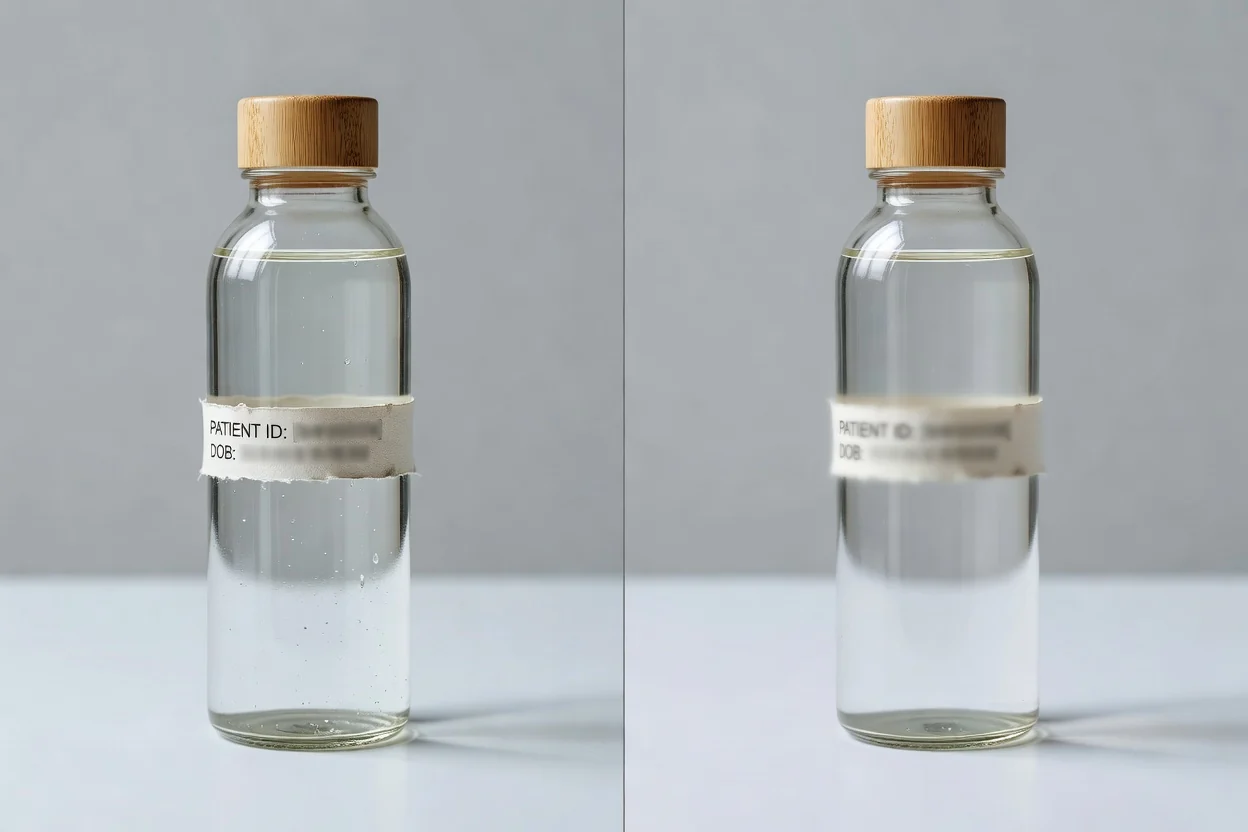
مرکوز کنٹرولز آپ کو پیچیدہ ایڈیٹر ترتیب دیے بغیر تصویر کا ایک حصہ بلر کرنے میں مدد دیتے ہیں۔
تصویر پر ایک مستطیل خطہ نشان زد کریں اور صرف اسی منتخب حصے پر بلر لگائیں۔
ترمیم رینڈر کریں اور پروسیس شدہ فائل محفوظ کرنے سے پہلے نتیجہ جانچیں۔
سادہ آن لائن ورک فلو کے لیے تصویر کو براؤزر میں مقامی طور پر پروسیس کریں۔
بلر کے کام کے لیے JPG، PNG اور WEBP سمیت عام امیج اِن پٹس استعمال کریں۔
جب تخلیق کاروں، مارکیٹرز اور ٹیموں کو فوری امیج ایڈجسٹمنٹ درکار ہو تو ٹول کے عملی استعمال۔
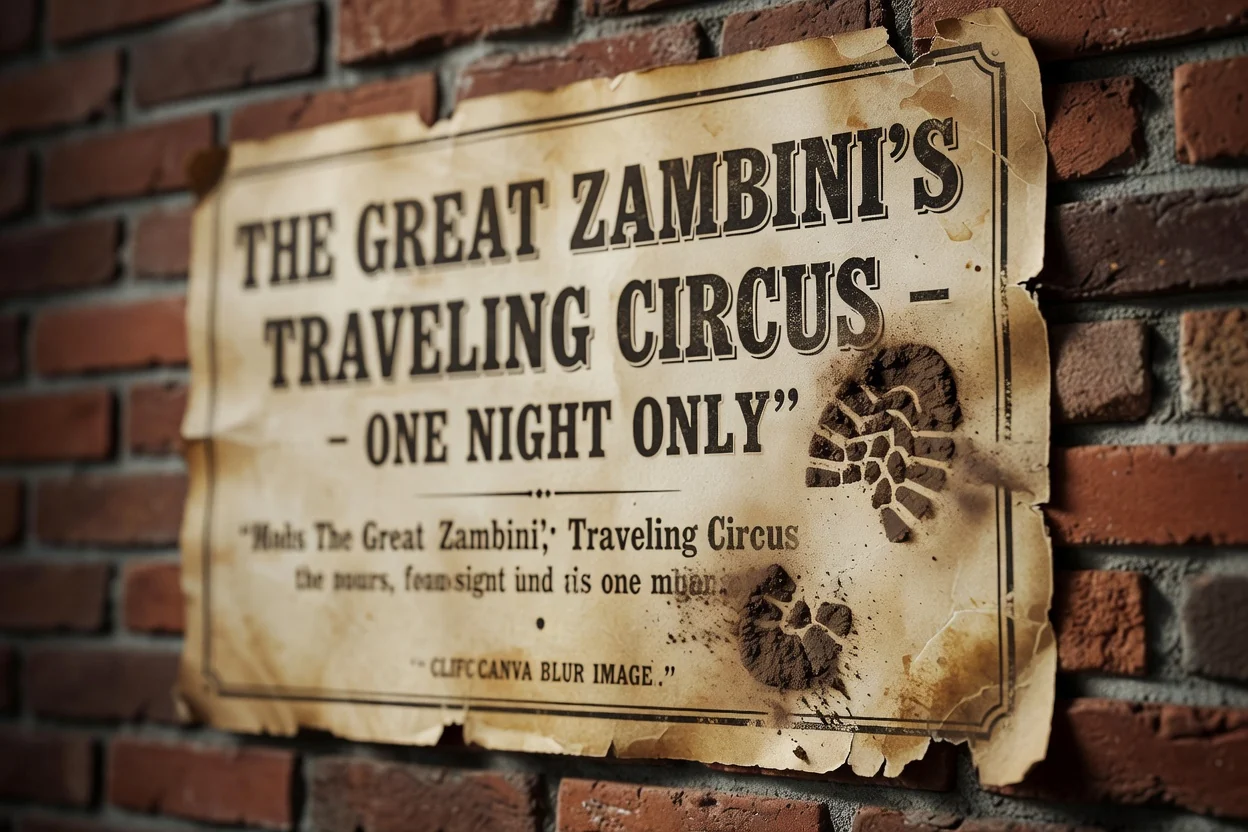
پس منظر کی کسی تفصیل، لیبل یا چھوٹی بصری توجہ ہٹانے والی چیز پر توجہ کم کرنے کے لیے تصویر کا ایک منتخب حصہ بلر کریں۔
پریزنٹیشن، مہم کے مسودے یا اندرونی جائزے کے لیے رینڈر شدہ نتیجہ تیار کریں، جہاں ایک حصہ کم نمایاں ہونا چاہیے۔
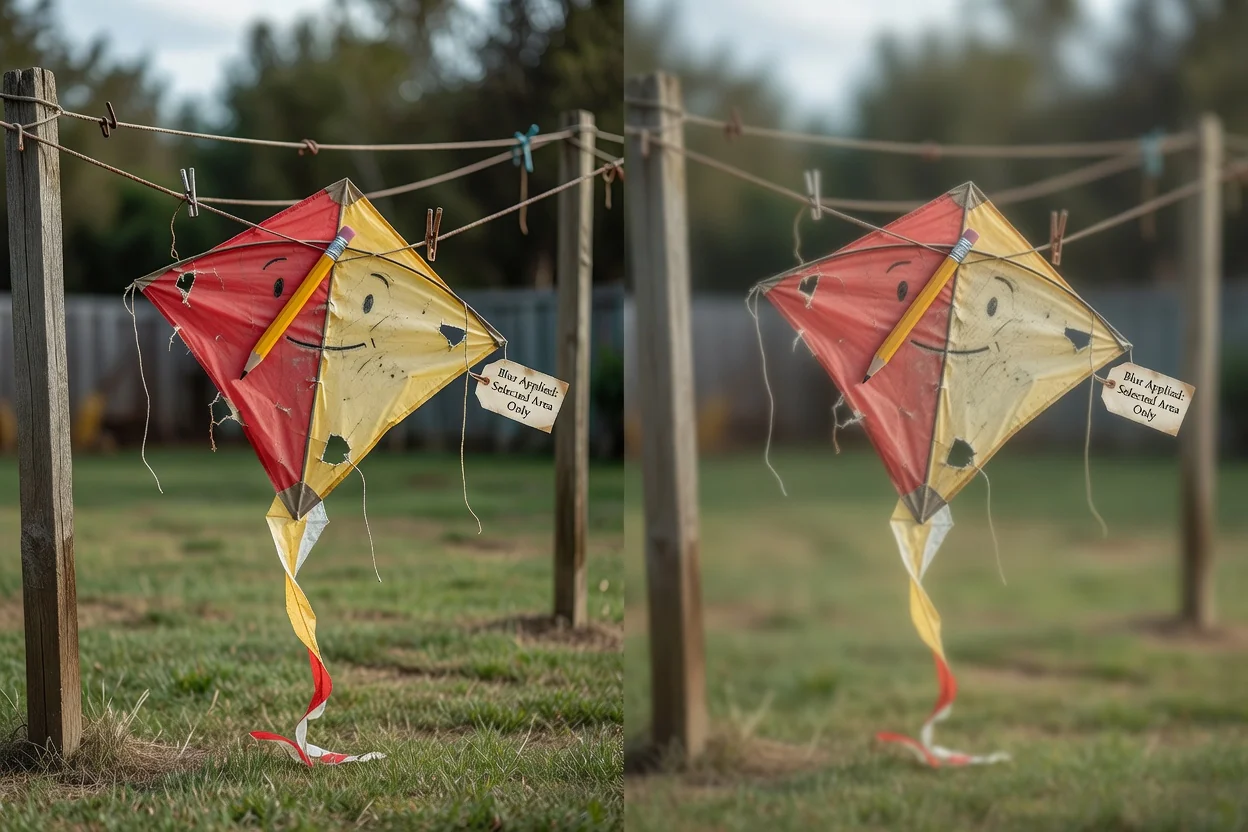
جب کام مکمل ایڈیٹنگ سیشن کے بجائے صرف منتخب حصے کو بلر کرنا ہو تو تصویر کو براؤزر میں مقامی طور پر پروسیس کریں۔
بلر شدہ ماخذ تصویر کو حتمی سمجھنے سے پہلے ان حدود کو جان لیں۔
ہر آؤٹ پٹ میں ایک مستطیل حصہ منتخب کیا جا سکتا ہے۔ اگر آپ کو الگ الگ بلر شدہ حصے چاہییں تو ہر نتیجے کے لیے عمل دہرائیں۔
بلر تفصیلات کو پڑھنا مشکل بنا سکتا ہے، مگر ماخذ فائل میں انتہائی حساس معلومات کے لیے یہ یقینی محفوظ ریڈیکشن طریقہ نہیں ہے۔
حتمی منظر اصل تصویر کے مواد، منتخب حصے اور بلر رینڈرنگ پر منحصر ہوتا ہے۔
بلر امیج ٹول کے استعمال اور آؤٹ پٹ سے متعلق عام سوالات۔
ClipCanva کی دوسری یوٹیلیٹیز جو متعلقہ امیج ایڈیٹنگ کاموں میں مدد دیتی ہیں۔
معاون تصویر اپ لوڈ کریں، نرم کرنے کے لیے حصہ منتخب کریں، ترمیم رینڈر کریں اور پروسیس شدہ نتیجہ دیکھیں۔