
خیال بیان کریں
جو دیکھنا چاہتے ہیں اسے سادہ زبان میں لکھیں۔ لمبائی سے زیادہ موضوع اور مقصد بتانا اہم ہے۔
پرامپٹ کی منصوبہ بندی
ایک ابتدائی خیال بیان کریں، تصویر کی قسم، انداز، ہدف ماڈل اور پہلو تناسب منتخب کریں، پھر امیج پرامپٹ جنریٹر ایک منظم پرامپٹ، مختصر ورژن اور نقل کرنے کے قابل منفی پرامپٹ لکھ دے گا۔
پرامپٹ ورک اسپیس
خیال سے کاپی کے قابل تصویری پرامپٹ تک
ایک مختصر جملہ کافی ہے۔ ٹول ساخت، انداز، روشنی اور کمپوزیشن شامل کرے گا۔
نتائج یہاں منتخب ماڈل، تناسب، انداز، اور آؤٹ پٹ شمار کے ساتھ ظاہر ہوں گے۔
نتائج یہاں منتخب ماڈل، تناسب، انداز، اور آؤٹ پٹ شمار کے ساتھ ظاہر ہوں گے۔
ایک مختصر جملہ کافی ہے۔ ٹول ساخت، انداز، روشنی اور کمپوزیشن شامل کرے گا۔
خیال سے کاپی کے قابل تصویری پرامپٹ تک
امیج جنریٹر میں استعمال کریںیہ مختصر وضاحت کو ایسی پرامپٹ زبان میں بدلتا ہے جس پر تصویری ماڈل عمل کر سکے۔ الفاظ کا اندازہ لگانے کے بجائے تصویر کی قسم، بصری انداز، ہدف ماڈل اور پہلو تناسب مقرر کریں، اور ایسا پرامپٹ پائیں جو موضوع، کمپوزیشن، روشنی اور فریم سے باہر رکھنے والی چیزوں کا نام لے۔
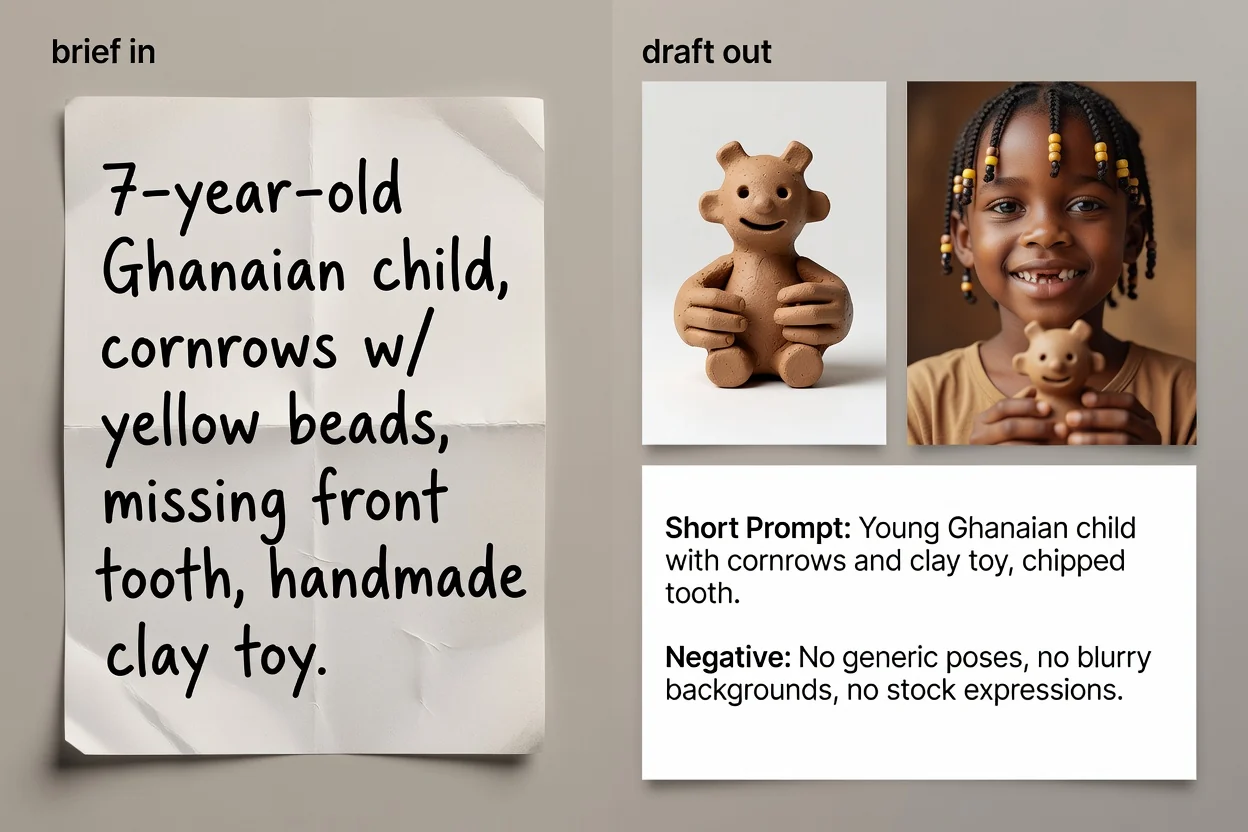
خیال سے نقل کے لیے تیار پرامپٹ متن تک چار مراحل۔
جو دیکھنا چاہتے ہیں اسے سادہ زبان میں لکھیں۔ لمبائی سے زیادہ موضوع اور مقصد بتانا اہم ہے۔
تصویر کی قسم اور بصری انداز منتخب کریں تاکہ پرامپٹ اس زمرے کے لیے درست الفاظ استعمال کرے۔
وہ ماڈل منتخب کریں جسے آپ استعمال کرنے والے ہیں اور پہلو تناسب طے کریں، تاکہ جملہ سازی اور فریمنگ منزل کے مطابق ہو۔
پرامپٹ بنائیں، اس کا جائزہ لیں، اور اختیاری طور پر الفاظ بہتر کرنے اور غائب تفصیل شامل کرنے کے لیے AI بہتری کا مرحلہ چلائیں۔
تین مختلف حالات کے لیے پرامپٹ کے تین ورژن۔
موضوع، کمپوزیشن، روشنی، انداز اور فریمنگ کے ساتھ مکمل پرامپٹ، جو ترتیب سے واضح کیا گیا ہو۔
اختیاری طور پر دوبارہ لکھا گیا ورژن، جو جملہ سازی بہتر کرتا ہے اور مختصر وضاحت کی چھوڑی ہوئی کمی پوری کرتا ہے۔
کم ان پٹ حد والے انٹرفیسز یا فوری تکرار کے لیے مختصر ورژن۔
تصویر سے باہر رکھنے والی چیزوں کی فہرست، جیسے متن، واٹرمارکس یا بگڑی ہوئی تفصیلات۔
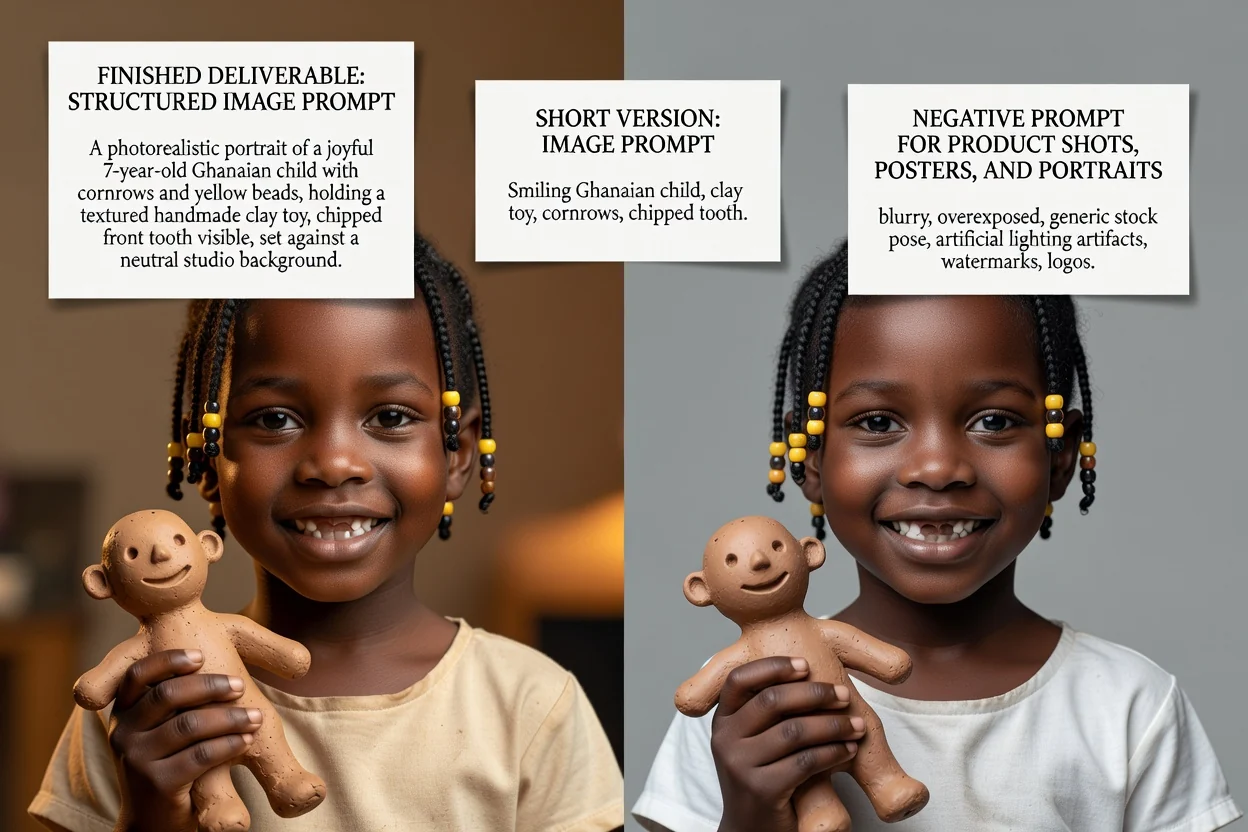
ہر کنٹرول صرف لیبل نہیں، الفاظ بھی بدلتا ہے۔
پروڈکٹ تصویر، پورٹریٹ، پوسٹر، لوگو، سوشل گرافک یا السٹریشن۔ اس سے طے ہوتا ہے کہ کمپوزیشن کی کون سی اصطلاحات آئیں گی۔
فوٹوریئلسٹک، سنیماٹک، اداریہ، منیمل، 3D رینڈر یا اینیمی؛ یہ روشنی اور رینڈرنگ کی زبان متعین کرتا ہے۔
GPT Image، Midjourney، Flux، Stable Diffusion یا DALL-E۔ ان کے درمیان جملہ سازی کے طریقے مختلف ہوتے ہیں۔
مربع، افقی، عمودی یا پورٹریٹ، تاکہ فریمنگ اور خالی جگہ آخری جگہ کے مطابق ہو۔
وہ عام کام جو یہاں سے شروع ہوتے ہیں۔
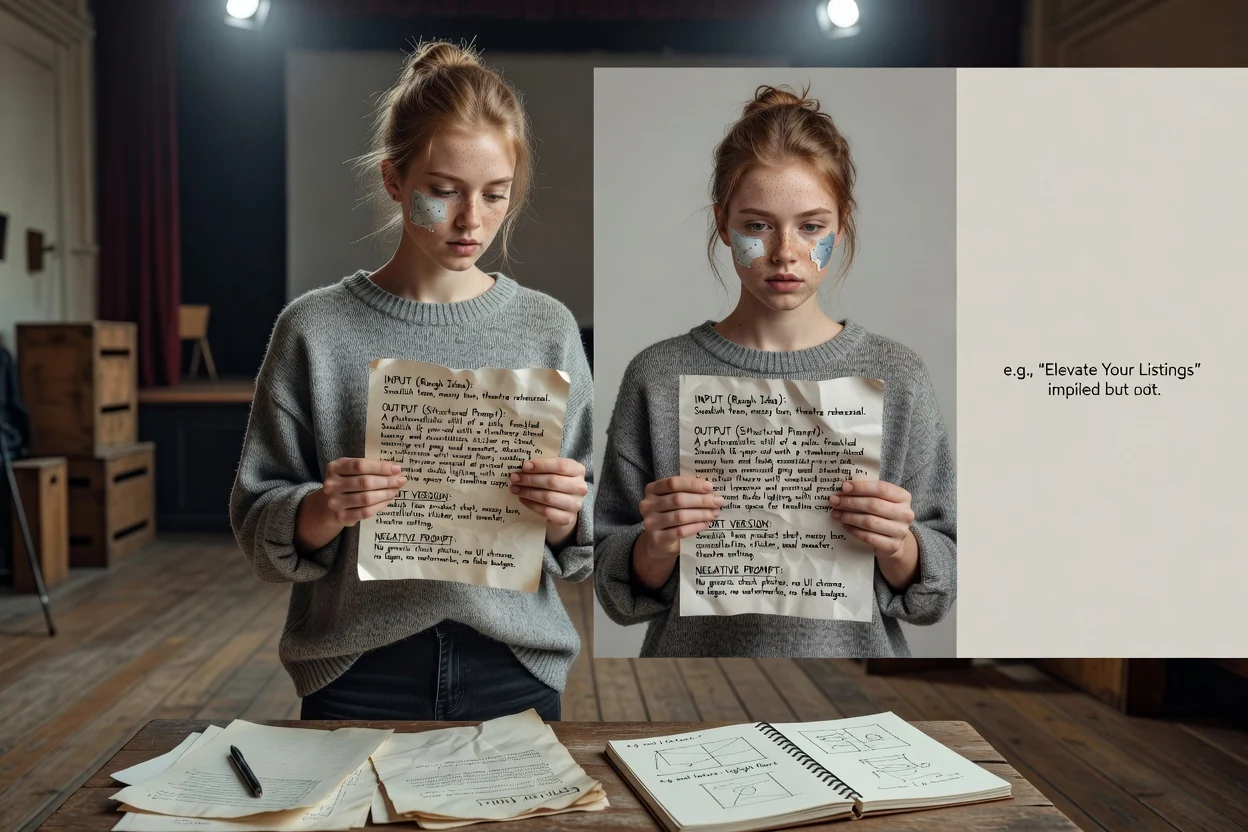
ایسے پرامپٹس لکھیں جو سطح، روشنی اور خالی جگہ کا نام لیں، تاکہ پروڈکٹ کے ساتھ ہیڈلائن متن کی جگہ بھی رہے۔
پروڈکٹ پرامپٹ بنائیں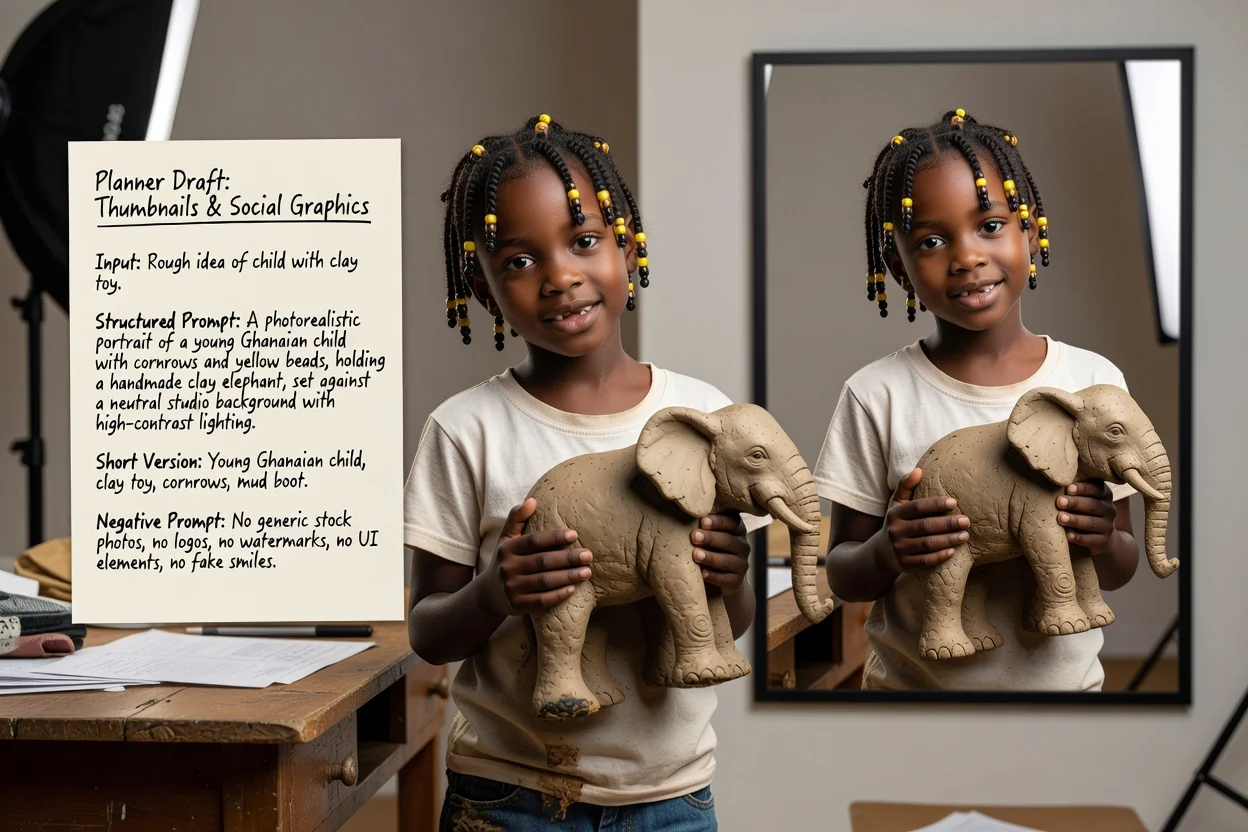
عمودی یا افقی تناسب اور زیادہ تضاد والا انداز مقرر کریں، تاکہ نتیجہ چھوٹے سائز میں بھی واضح رہے۔
سوشل پرامپٹ بنائیں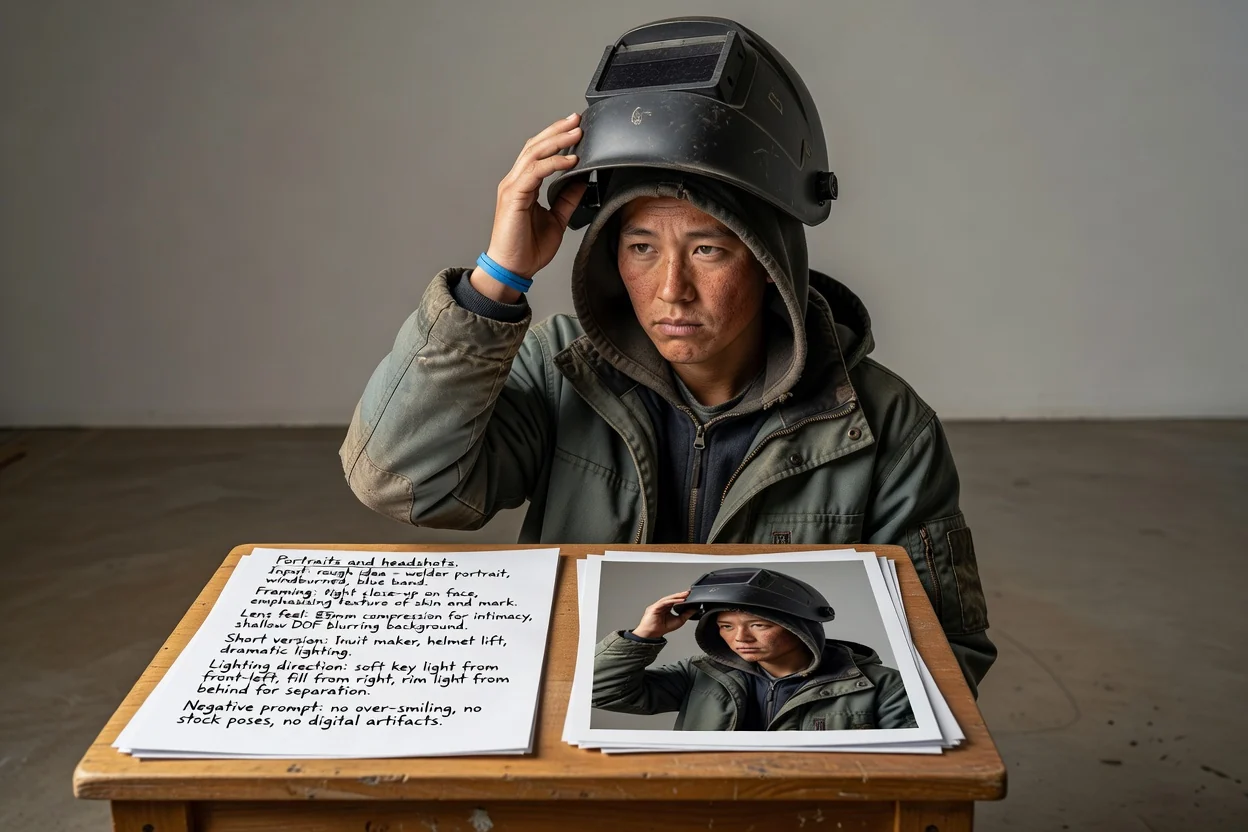
ماڈل سے انداز کا اندازہ لگوانے کے بجائے فریمنگ، لینس کا احساس اور روشنی کی سمت بیان کریں۔
پورٹریٹ پرامپٹ بنائیں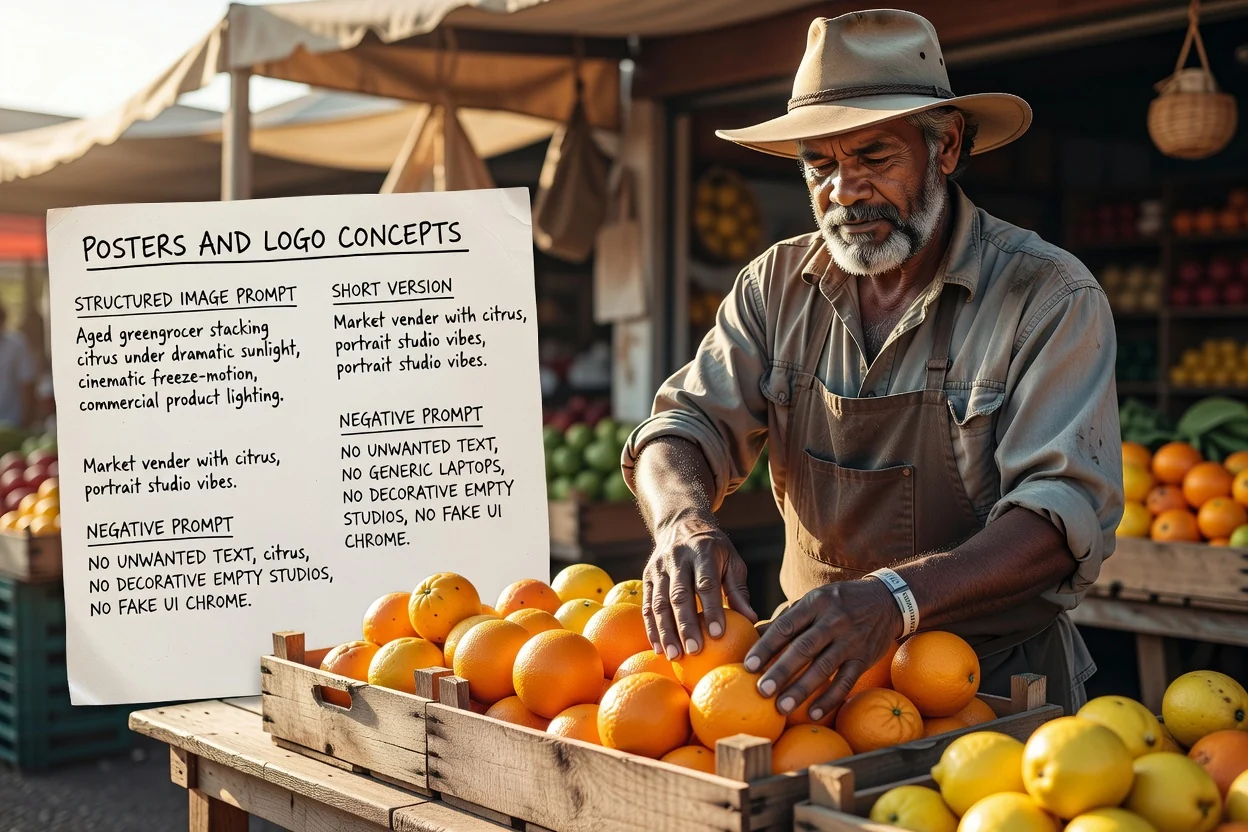
لے آؤٹ اور ٹائپوگرافی کی جگہ پہلے سے منصوبہ بنائیں، اور غیر مطلوب متن کو قابو میں رکھنے کے لیے منفی پرامپٹ استعمال کریں۔
پوسٹر پرامپٹ بنائیںدوبارہ کوششیں کم کرنے والی چار فوری جانچیں۔
اگر پرامپٹ دو مقابل موضوعات بیان کرتا ہے تو ایک بھرے ہوئے فریم کے بجائے اسے دو پرامپٹس میں تقسیم کریں۔
عمودی تناسب کو عمودی کمپوزیشن کی زبان درکار ہوتی ہے۔ عدم مطابقت عجیب کراپ کا سب سے عام سبب ہے۔
اگر بعد میں تصویر پر متن رکھنا ہے تو یقینی بنائیں کہ پرامپٹ صحیح جگہ خالی جگہ مانگتا ہے۔
جن اخراجات کی حقیقتاً ضرورت نہیں انہیں ہٹا دیں، کیونکہ بہت طویل منفی پرامپٹس نتیجے کو پھیکا کر سکتے ہیں۔
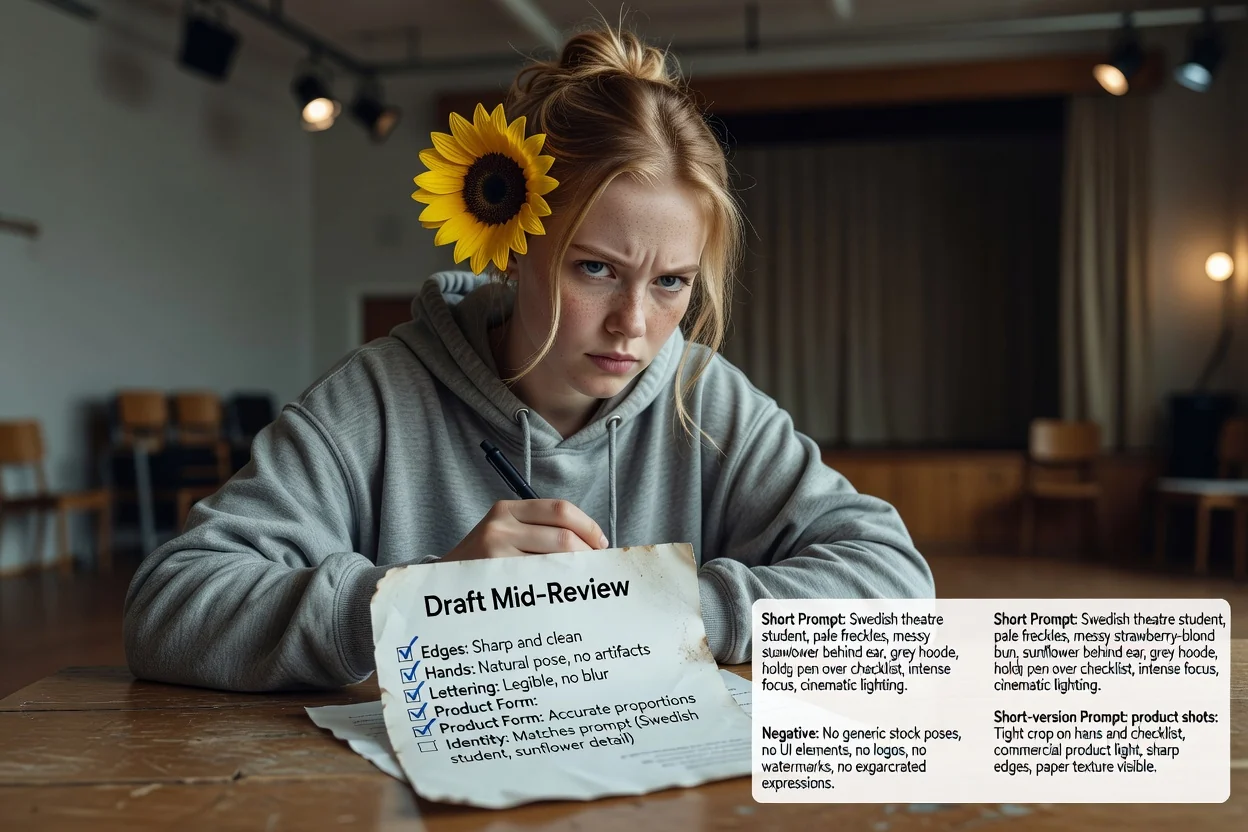
اس پر انحصار کرنے سے پہلے جان لینے کے قابل حدود۔
تصویر بنانا تصویری ورک فلو میں ہوتا ہے۔ یہ مرحلہ صرف وہ متن تیار کرتا ہے جو آپ وہاں بھیجتے ہیں۔
ایک ہی پرامپٹ مختلف ماڈلز اور ورژنز میں مختلف نتائج دیتا ہے۔ پہلے نتیجے کو آزمائش سمجھیں۔
تصویر میں عین متن مانگنا اکثر ناکام ہوتا ہے۔ اس کے بجائے لے آؤٹ کے دوران اصل ٹائپوگرافی شامل کرنے کا منصوبہ بنائیں۔
AI تصویری ماڈلز کے لیے پرامپٹ لکھنے سے متعلق عام سوالات۔
امیج پرامپٹ جنریٹر کو ایک ابتدائی خیال دیں اور آزمائش کے لیے مکمل پرامپٹ، مختصر پرامپٹ اور منفی پرامپٹ حاصل کریں۔