01
اپنی تصویر اپ لوڈ کریں۔
کوئی بھی تصویر یا تصویر اپ لوڈ کریں جسے آپ تبدیل کرنا چاہتے ہیں۔ اعلی ریزولیوشن ان پٹ بہتر تبدیلی کے نتائج پیدا کرتے ہیں۔
کوئی بھی تصویر اپ لوڈ کریں اور اسے اے آئی کے ساتھ تبدیل کریں۔ طرزیں تبدیل کریں، عناصر شامل کریں، پس منظر میں ترمیم کریں، یا سادہ متن کے اشارے کے ساتھ اپنے بصریوں کا دوبارہ تصور کریں۔
موجودہ تصاویر کو بالکل نئی چیز میں تبدیل کریں۔ طرز کی منتقلی سے لے کر آبجیکٹ میں ترمیم تک، لامحدود تخلیقی امکانات کو غیر مقفل کریں۔


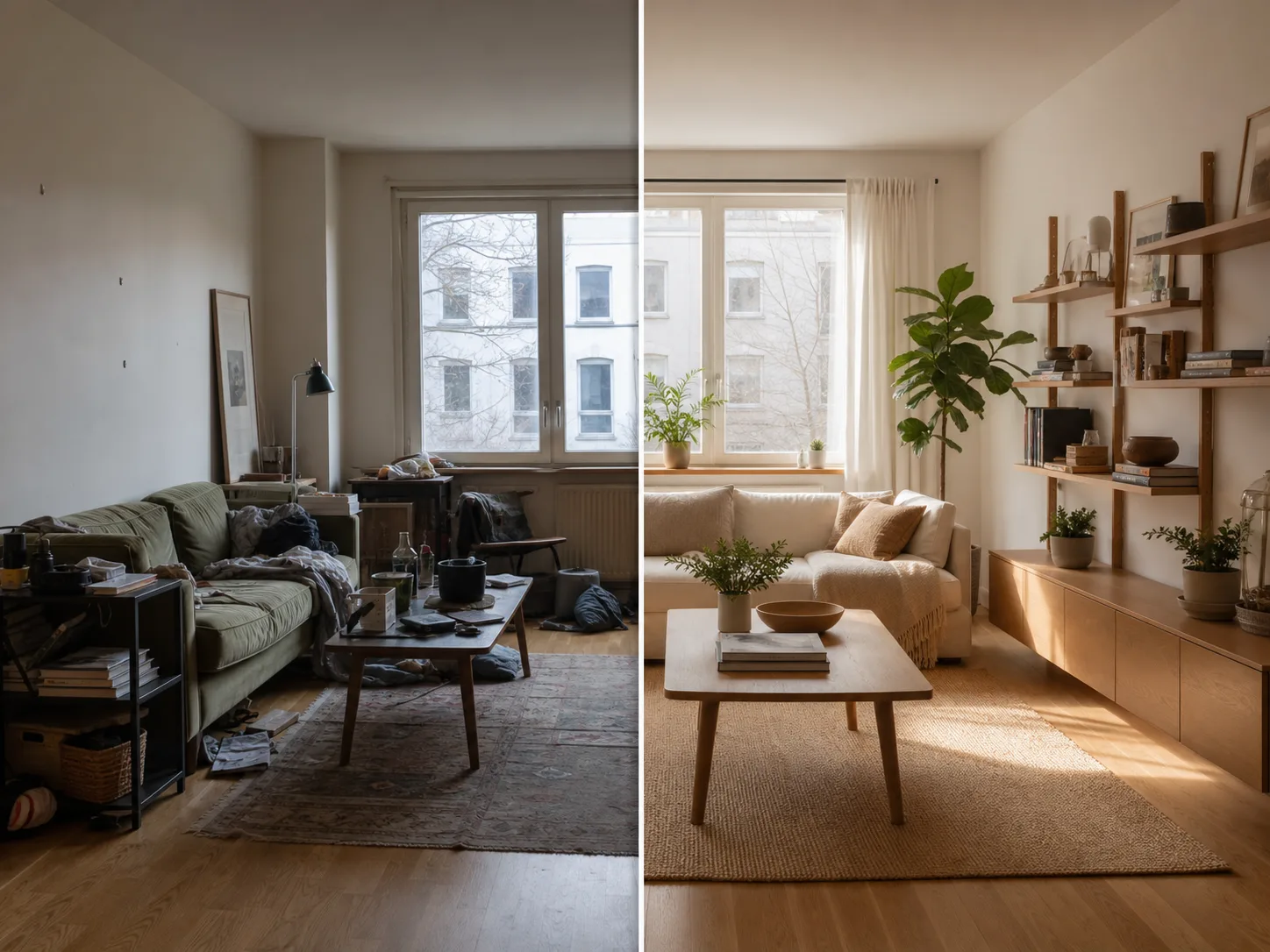
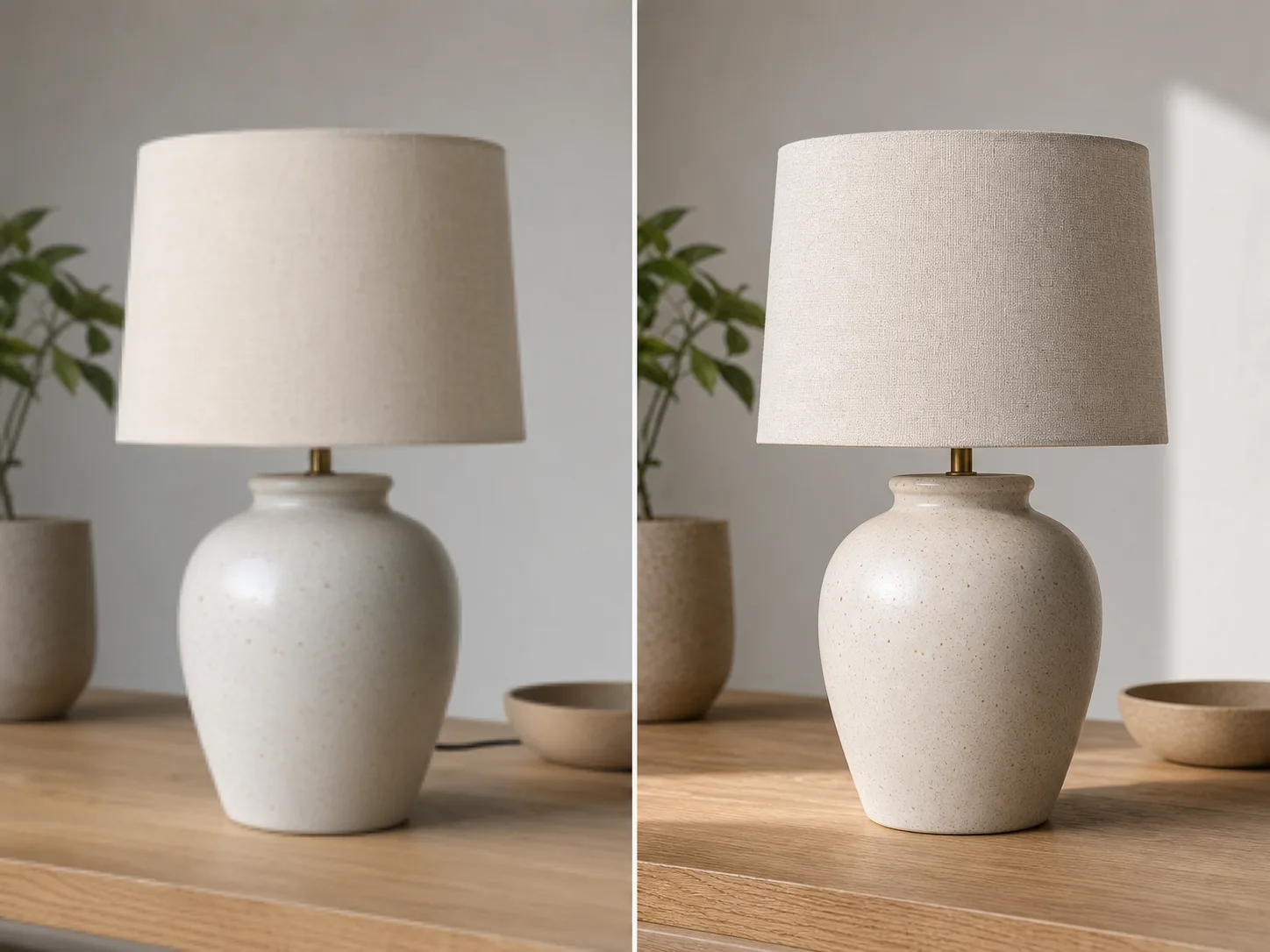
اپ لوڈ سے تبدیل شدہ تصویر تک منٹوں میں:
کوئی بھی تصویر یا تصویر اپ لوڈ کریں جسے آپ تبدیل کرنا چاہتے ہیں۔ اعلی ریزولیوشن ان پٹ بہتر تبدیلی کے نتائج پیدا کرتے ہیں۔
اپنی مطلوبہ تبدیلی کو بیان کرتے ہوئے ایک ٹیکسٹ پرامپٹ لکھیں۔ انداز تبدیل کریں، عناصر شامل کریں، پس منظر بدلیں، یا تصویر کا دوبارہ تصور کریں۔
سیکنڈوں میں اپنی تبدیل شدہ تصویر پیدا کریں اور وصول کریں پر کلک کریں۔ اعلی ریزولیوشن میں ڈاؤن لوڈ کریں، استعمال کے لیے تیار۔
اپنی تصویر کو کسی بھی فنکارانہ انداز میں تبدیل کریں۔ مشہور پینٹنگز، مخصوص فنکاروں، یا کسی بھی بصری جمالیاتی کی شکل کا اطلاق کریں۔
ترمیم کرنے کے لیے اپنی تصویر کا کوئی بھی حصہ منتخب کریں۔ ناپسندیدہ اشیاء کو ہٹا دیں، نئے عناصر شامل کریں، یا مخصوص تفصیلات کو تبدیل کریں۔
بغیر کسی رکاوٹ کے پس منظر کو تبدیل کریں۔ مناسب روشنی کو برقرار رکھتے ہوئے مضامین کو نئے ماحول میں رکھیں۔
طرزوں اور عناصر کو تبدیل کرتے ہوئے اپنی اصل تصویر کی ترتیب، مضامین اور تناظر کو برقرار رکھیں۔
مزید اے آئی ٹولز دیکھیں
مفت تصاویر میں واٹر مارک شامل ہوتا ہے۔ صاف نتائج، تیز جنریشن اور کمرشل استعمال کے لیے اپ گریڈ کریں۔
اسٹارٹر پیک
تصویر، موسیقی اور مختصر ویڈیو جنریشن کو آزمانے کے لیے ایک وقتی کریڈٹ پیک۔
خالق
ماہانہ منصوبہ · 1,500 کریڈٹ ہر ماہ تجدید ہوتے ہیں۔
GPT Image 2 Unlimited
Stripe Checkout پر کوڈ FOUNDING6 درج کریں: پہلے 6 ماہ $19 ماہانہ، پھر $29 ماہانہ۔
پرو
ماہانہ منصوبہ · 4,000 کریڈٹ ہر ماہ تجدید ہوتے ہیں۔
اسٹوڈیو
ماہانہ منصوبہ · 12,000 کریڈٹ ہر ماہ تجدید ہوتے ہیں۔
محفوظ ادائیگی · سبسکرپشن خودکار طور پر تجدید ہوتے ہیں · ریفنڈ کی اہلیت دیکھیں
ٹیم
ایجنسیوں، پروڈکشن ٹیموں، اور حسب ضرورت حجم کی ضروریات کے لیے۔
ہر وہ چیز جو آپ کو امیج ٹو امیج اے آئی کے بارے میں جاننے کی ضرورت ہے۔
کوئی بھی تصویر اپ لوڈ کریں اور اے آئی سے چلنے والی تبدیلی کا جادو دیکھیں۔