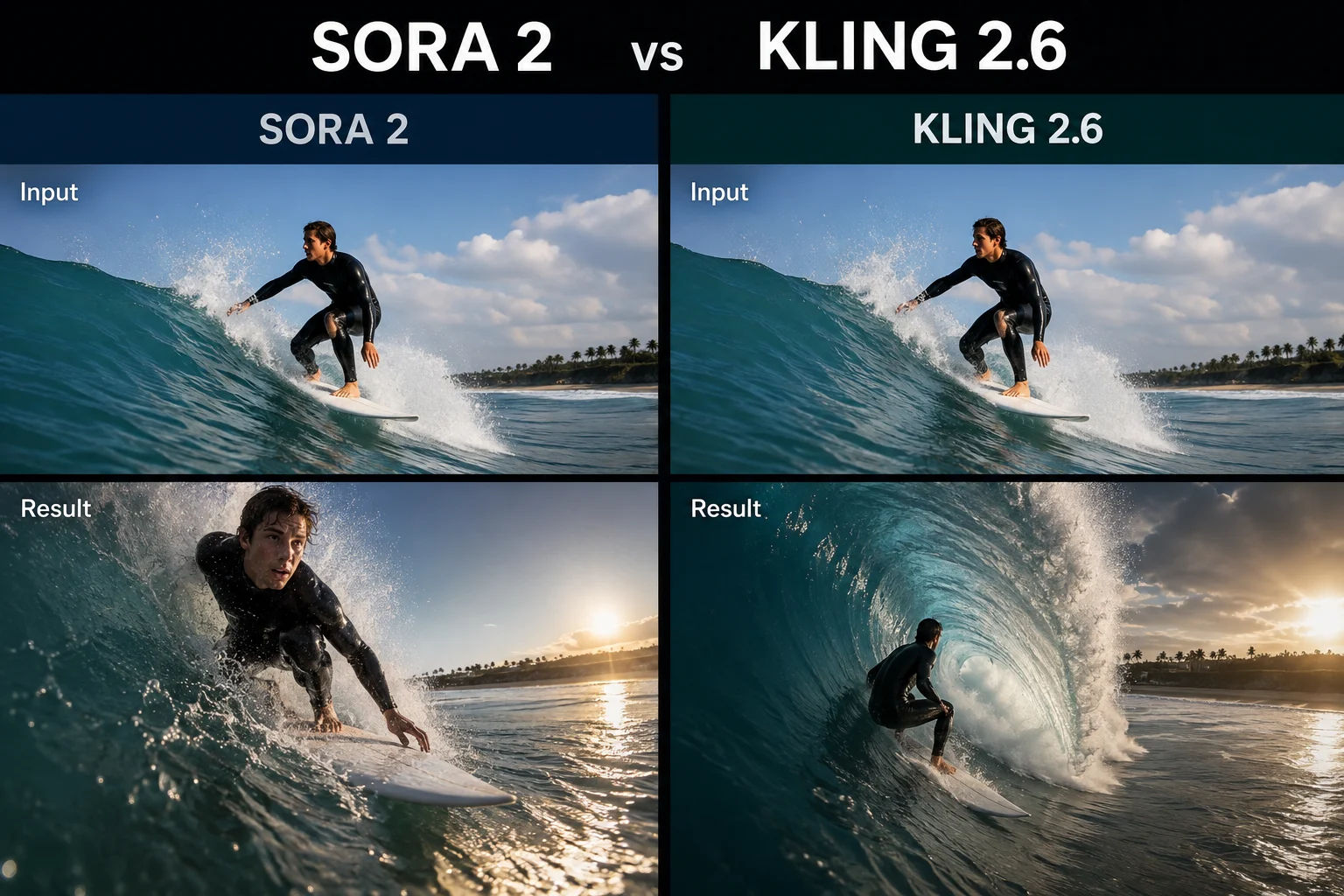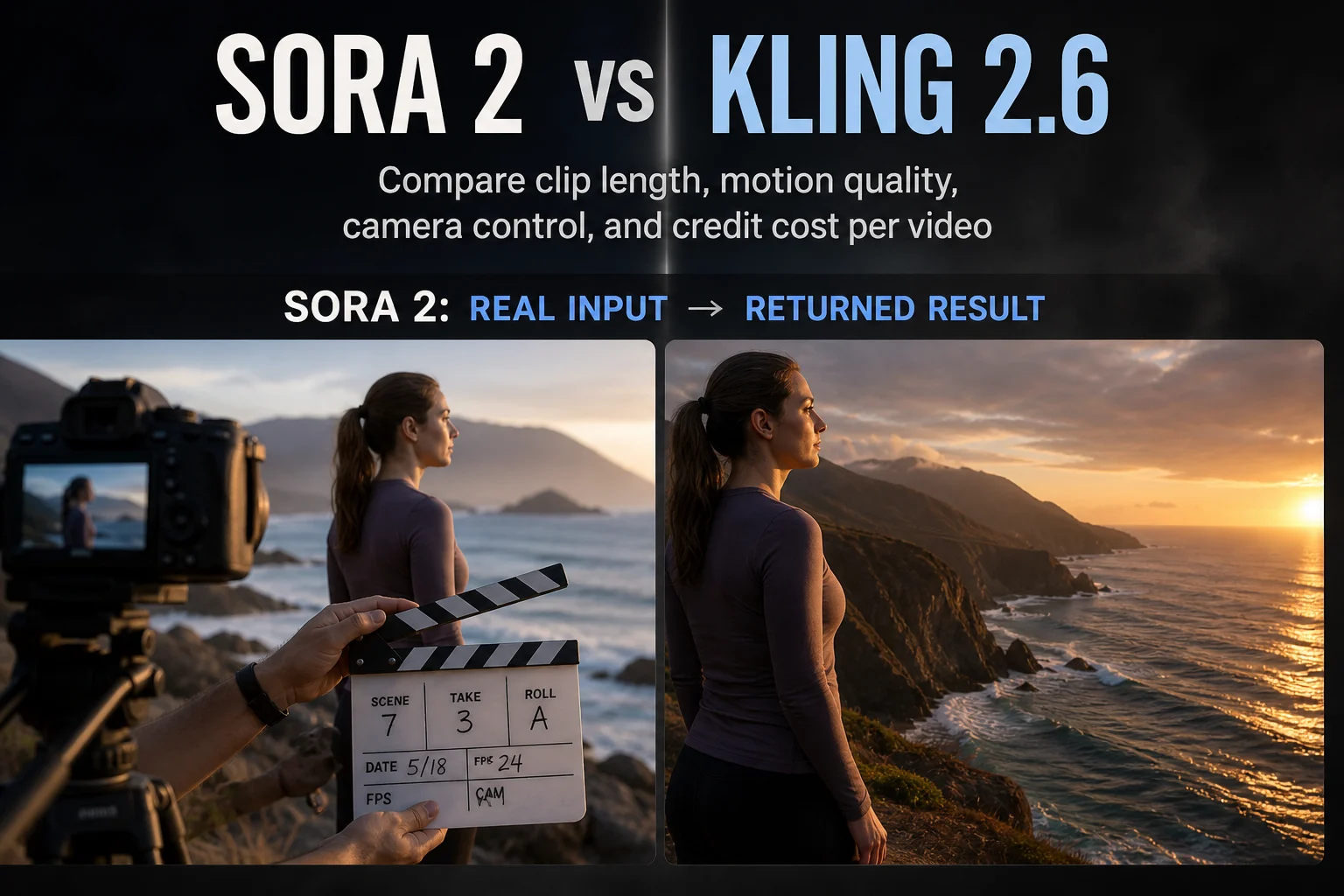
ClipCanva

Video model comparison

Sora 2 vs Kling 2.6

Sora 2 and Kling 2.6 both generate video from text or a still image at up to 1080p. They differ on how long one clip can run, how much camera control you get, and cost per run.

Choose Sora 2 when one continuous shot needs to run longer. Choose Kling 2.6 when you want more short variations for the same credit budget.

Quick Comparison

The stated differences that change a production decision.

DimensionSora 2Kling 2.6
Maximum clip length5 to 20 seconds per generation5 to 10 seconds per generation
Maximum resolutionUp to 1080pUp to 1080p
Camera controlBasicModerate
Credit cost per video80 credits40 credits
Typical useLonger storytelling shots and continuityShort-form social clips and volume iteration

What Each Model Is

Two video models available through the same generator.

A Sora 2 clip playing at its native aspect ratio

Sora 2

A video model from OpenAI that accepts text or an image and generates clips up to 20 seconds, with strong motion quality across the shot.

A Kling 2.6 clip playing at its native aspect ratio

Kling 2.6

A video model from Kuaishou that accepts text or an image and generates clips up to 10 seconds, at half the credit cost of Sora 2 per run.

Capability Comparison

How the two models compare on stated behaviour.

Clip duration

Sora 2
Up to 20 seconds in one generation, so a single shot can carry a short narrative beat.
Kling 2.6
Up to 10 seconds, which fits most vertical social slots without stitching.

Motion quality

Sora 2
Rated excellent, and holds together over the longer durations it supports.
Kling 2.6
Rated very good, which is generally sufficient at short lengths.

Camera control

Sora 2
Basic camera direction, so movement is largely inferred from the prompt.
Kling 2.6
Moderate camera control, giving more say over how the shot moves.

Input methods

Sora 2
Text to video and image to video, at aspect ratios of 16:9, 9:16, and 1:1.
Kling 2.6
Text to video and image to video, at aspect ratios of 16:9, 9:16, and 1:1.

How Each Fits a Workflow

The practical difference once you start producing.

Planning a scene

Sora 2
One prompt can cover a longer beat, so fewer clips need to be stitched together.
Kling 2.6
Plan in short beats, because each clip covers a smaller slice of the scene.

Iterating on a prompt

Sora 2
Each attempt costs 80 credits, so it pays to refine the prompt before generating.
Kling 2.6
Each attempt costs 40 credits, so testing several variations is more affordable.

Directing movement

Sora 2
Describe motion in the prompt and accept more variance between runs.
Kling 2.6
Use the additional camera control to reproduce a movement more deliberately.

Reviewing the Result

What to check after each model returns a clip.

Continuity

Sora 2
Watch the later seconds of a long clip, where drift is most likely to appear.
Kling 2.6
Shorter clips drift less, so review whether the beat feels complete instead.

Format fit

Sora 2
Confirm the aspect ratio matches the destination before generating a long clip.
Kling 2.6
Confirm the clip is long enough for the platform slot you are filling.

Cost per usable clip

Sora 2
Fewer, longer attempts. One good result can replace several short ones.
Kling 2.6
More attempts per budget, so keeping a usable take is more likely.
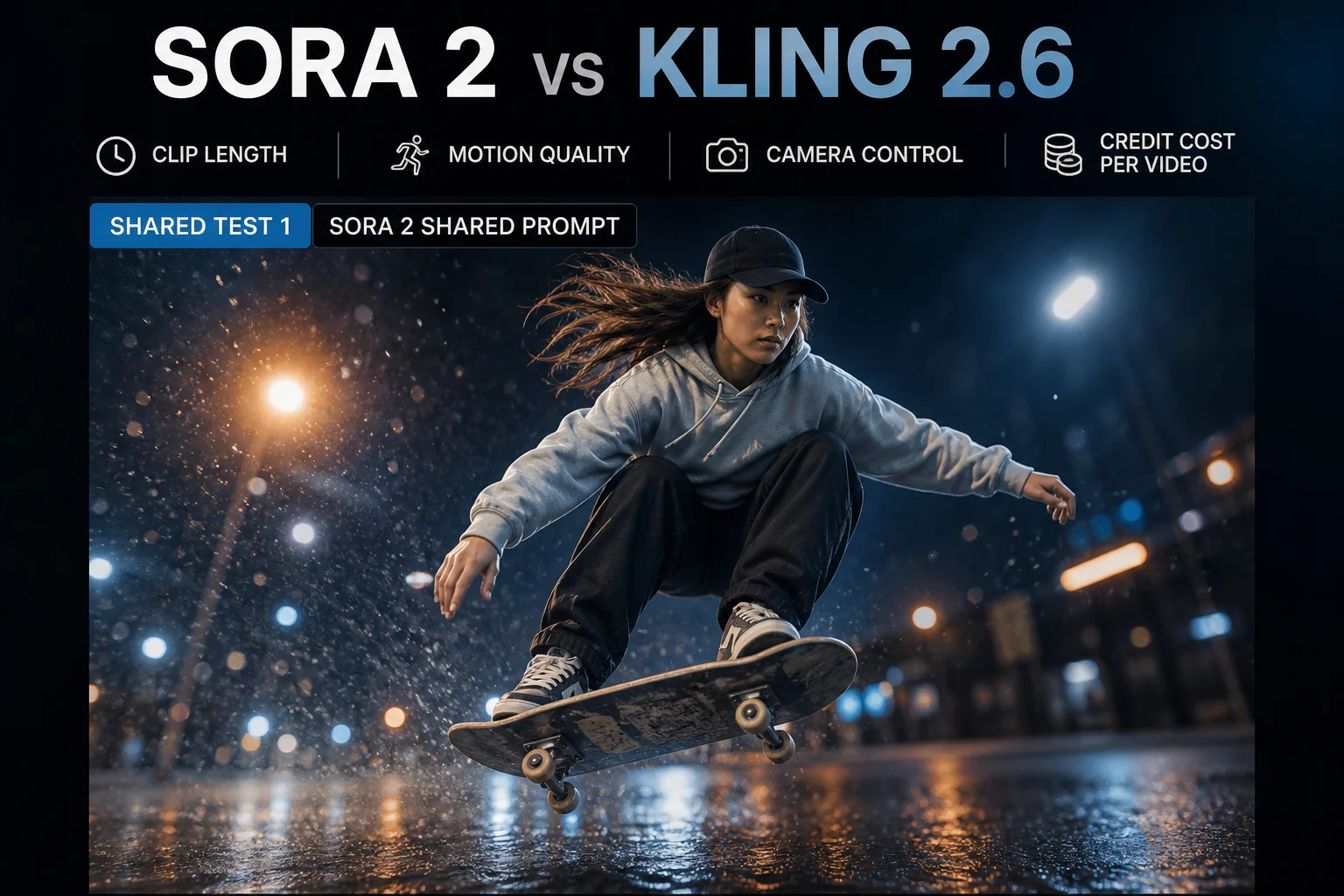
A frame from a Sora 2 clip generated from the shared test prompt

Sora 2

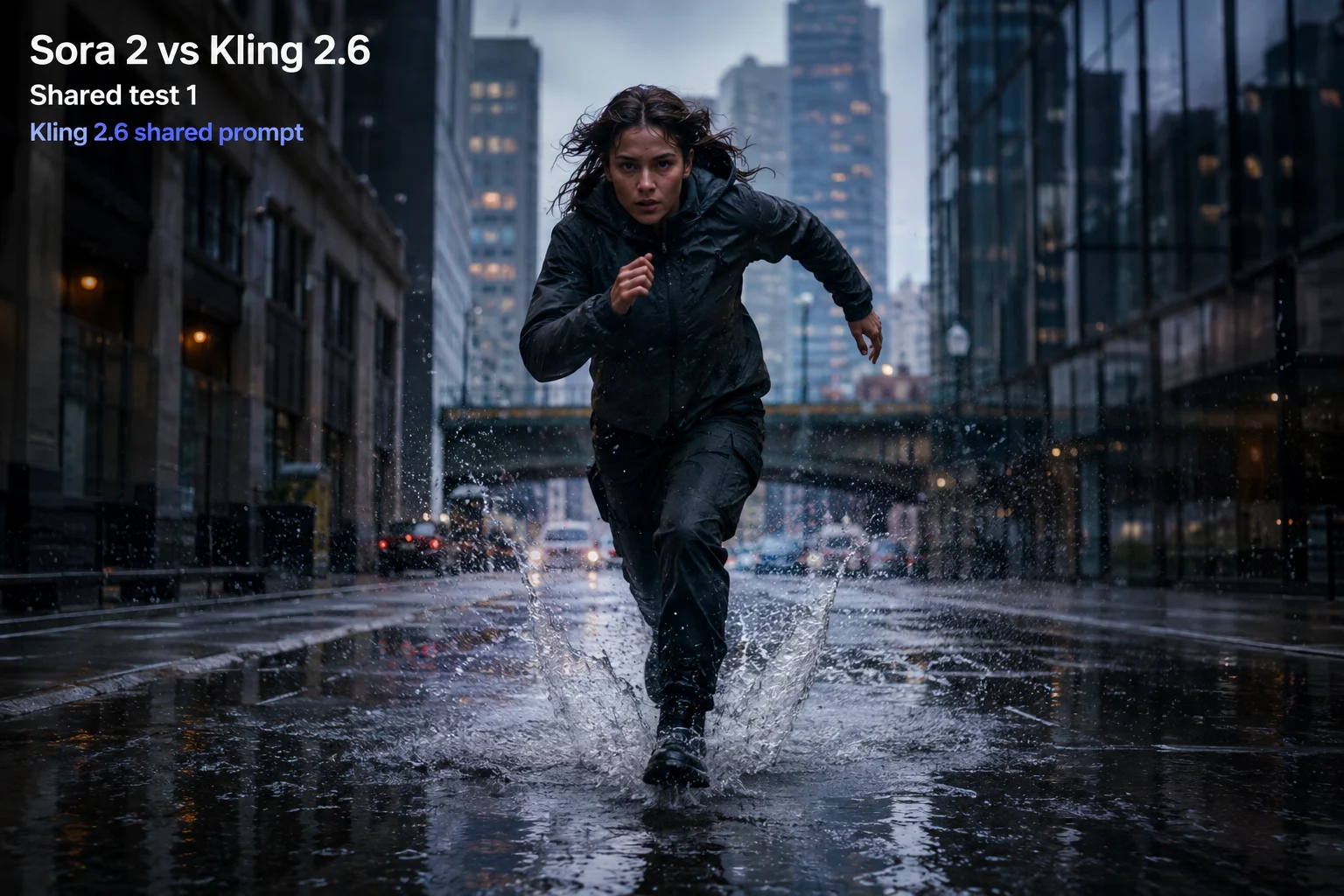
A frame from a Kling 2.6 clip generated from the same test prompt

Kling 2.6

Which to Reach For

Pick by what your edit actually needs.

Sora 2 suits

  • A single shot that needs to run longer than 10 seconds
  • Narrative beats where continuity across the clip matters
  • Projects where motion quality outweighs cost per attempt

Kling 2.6 suits

  • Vertical clips for TikTok, Reels, and Shorts
  • Testing many prompt variations on a fixed credit budget
  • Shots where you want more say over camera movement
  • High-volume short-form production

What to Verify Yourself

Details that change with provider updates.

Specifications can change

Durations, resolutions, and credit costs reflect what the generator states today. Check the current cost shown before you submit a run.

Prompt results vary between runs

The same prompt does not return the same clip twice on either model. Treat the first generation as a test, not a final.

ClipCanva is independent

ClipCanva connects to both models through their providers and is not affiliated with OpenAI or Kuaishou. Access can change when a provider changes availability.

Checked on: 2026-08-18

Which Model to Use

Three situations and the model that fits each.

You need one shot longer than 10 seconds

Use Sora 2, since it is the only one of the two that generates up to 20 seconds in a single run.

Open Sora 2

You are producing short-form at volume

Use Kling 2.6, because 40 credits per run lets you keep more usable takes from the same budget.

Open Kling 2.6

You are not sure which fits your prompt

Generate one clip on each model from the same prompt, then judge the motion against your own edit.

Test both prompts

Sora 2 vs Kling 2.6 FAQ

Common questions about choosing between these two video models.

Which is better, Sora 2 or Kling 2.6?
It depends on clip length and budget. Sora 2 generates up to 20 seconds with excellent motion quality at 80 credits per run. Kling 2.6 tops out near 10 seconds at 40 credits, which suits short-form volume.
Do both support image to video?
Yes. Both accept a text prompt or a starting image, and both support 16:9, 9:16, and 1:1 aspect ratios, so either can produce vertical clips for social platforms.
Which is better value per clip?
Kling 2.6 costs half as much per run, so it produces more attempts for the same credits. Sora 2 can be better value when one longer clip replaces several short ones you would otherwise stitch.
Which suits TikTok and Reels?
Both generate 9:16 vertical video. Kling 2.6 is often the more practical choice because short-form slots rarely need more than 10 seconds and the lower cost allows more takes.
Which gives more camera control?
Kling 2.6 is rated moderate on camera control against basic for Sora 2, so it is the better choice when you need a specific movement rather than whatever the prompt implies.

Run the same prompt through both

Generate one clip on Sora 2 and one on Kling 2.6, compare motion and cost, then choose per project.