
01
చిత్రం
చిత్రం నుంచి చిత్రం AI కోసం స్పష్టమైన నియంత్రణలు, ఉపయోగకరమైన సూచనలు మరియు పునరావృతంగా మెరుగుపరచగల సృజనాత్మక పని ప్రవాహం.
చిత్రం నుంచి చిత్రం AIతో మీ ఆలోచనను స్పష్టమైన ప్రాంప్ట్, రిఫరెన్స్ లేదా సెట్టింగ్లతో ప్రారంభించి, ClipCanvaలో ఉపయోగించడానికి సిద్ధమైన ఫలితాన్ని రూపొందించండి.
ప్రో మోడ్
అప్లోడ్ తర్వాత అధునాతన కంట్రోల్స్
చిత్రం అప్లోడ్ అయిన తర్వాత అధునాతన సెట్టింగ్లను సర్దుబాటు చేయండి.
చిత్రం నుంచి చిత్రం AI కోసం స్పష్టమైన నియంత్రణలు, ఉపయోగకరమైన సూచనలు మరియు పునరావృతంగా మెరుగుపరచగల సృజనాత్మక పని ప్రవాహం.
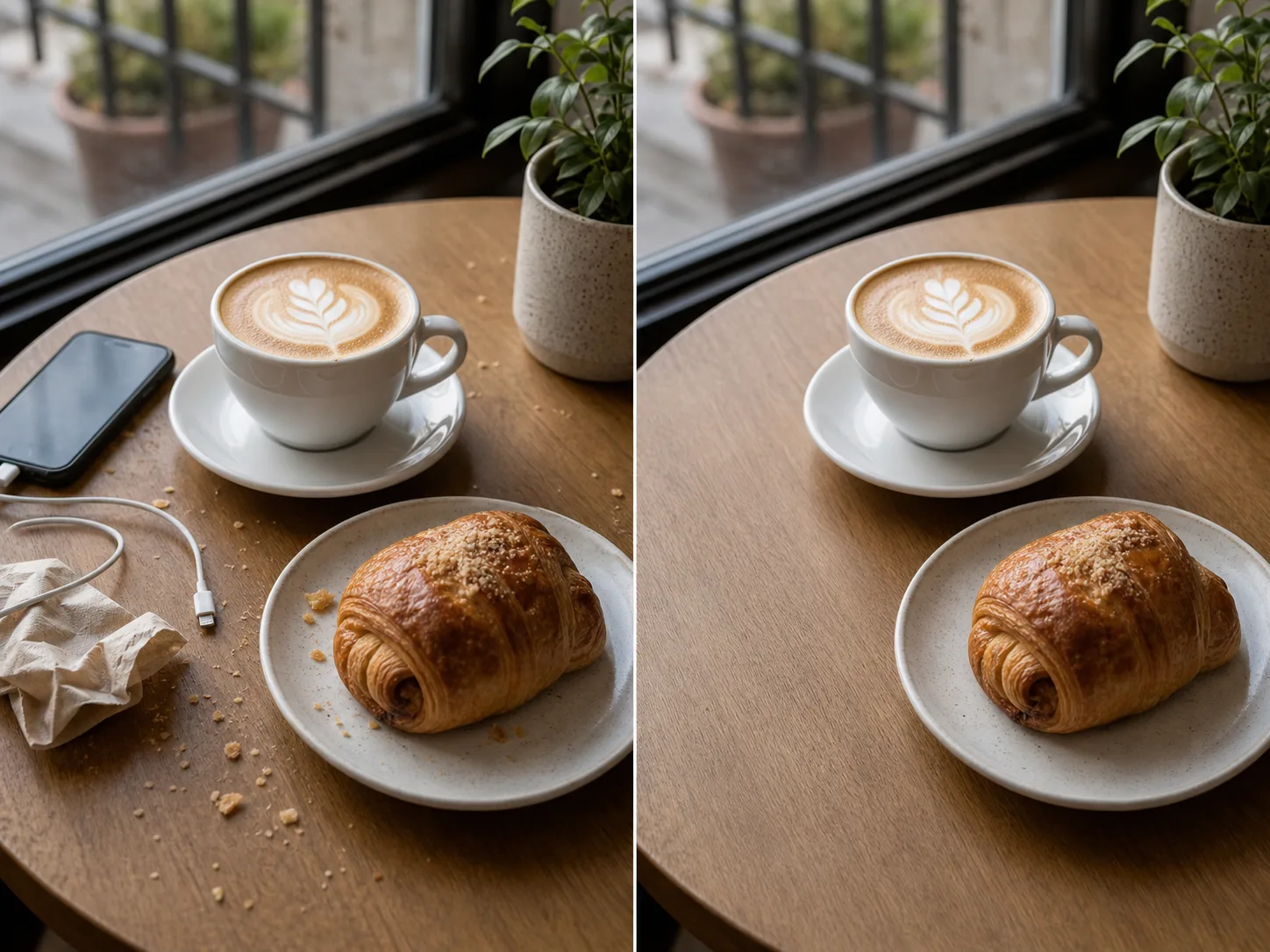

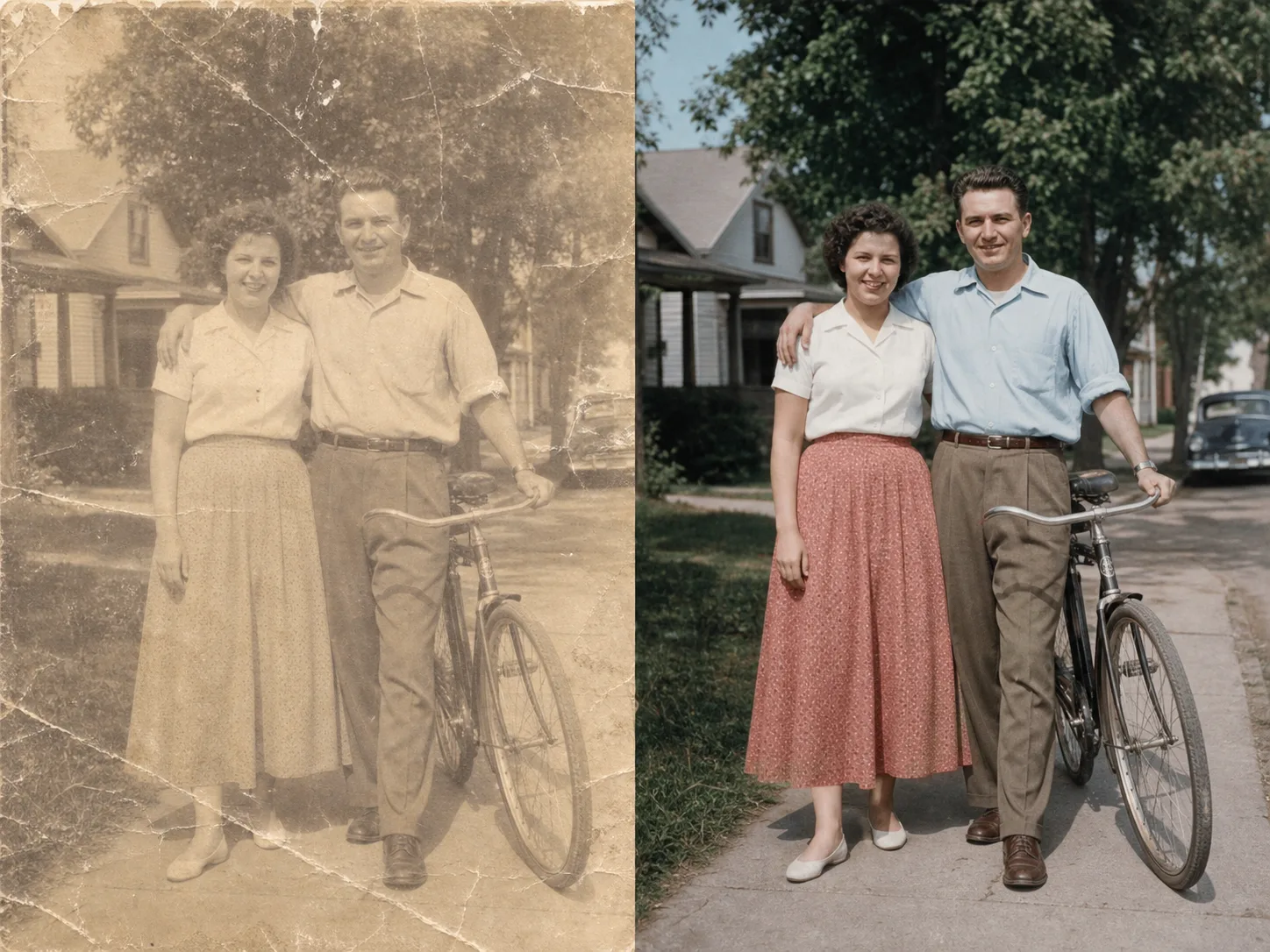
చిత్రం నుంచి చిత్రం AI కోసం స్పష్టమైన నియంత్రణలు, ఉపయోగకరమైన సూచనలు మరియు పునరావృతంగా మెరుగుపరచగల సృజనాత్మక పని ప్రవాహం.
చిత్రం నుంచి చిత్రం AI కోసం స్పష్టమైన నియంత్రణలు, ఉపయోగకరమైన సూచనలు మరియు పునరావృతంగా మెరుగుపరచగల సృజనాత్మక పని ప్రవాహం.
చిత్రం నుంచి చిత్రం AI కోసం స్పష్టమైన నియంత్రణలు, ఉపయోగకరమైన సూచనలు మరియు పునరావృతంగా మెరుగుపరచగల సృజనాత్మక పని ప్రవాహం.
చిత్రం నుంచి చిత్రం AI కోసం స్పష్టమైన నియంత్రణలు, ఉపయోగకరమైన సూచనలు మరియు పునరావృతంగా మెరుగుపరచగల సృజనాత్మక పని ప్రవాహం.
చిత్రం నుంచి చిత్రం AI కోసం స్పష్టమైన నియంత్రణలు, ఉపయోగకరమైన సూచనలు మరియు పునరావృతంగా మెరుగుపరచగల సృజనాత్మక పని ప్రవాహం.
చిత్రం నుంచి చిత్రం AI కోసం స్పష్టమైన నియంత్రణలు, ఉపయోగకరమైన సూచనలు మరియు పునరావృతంగా మెరుగుపరచగల సృజనాత్మక పని ప్రవాహం.
చిత్రం నుంచి చిత్రం AI కోసం స్పష్టమైన నియంత్రణలు, ఉపయోగకరమైన సూచనలు మరియు పునరావృతంగా మెరుగుపరచగల సృజనాత్మక పని ప్రవాహం.
చిత్రం నుంచి చిత్రం AI కోసం స్పష్టమైన నియంత్రణలు, ఉపయోగకరమైన సూచనలు మరియు పునరావృతంగా మెరుగుపరచగల సృజనాత్మక పని ప్రవాహం.
చిత్రం నుంచి చిత్రం AI కోసం స్పష్టమైన నియంత్రణలు, ఉపయోగకరమైన సూచనలు మరియు పునరావృతంగా మెరుగుపరచగల సృజనాత్మక పని ప్రవాహం.
ఉచిత చిత్రాల్లో watermark ఉంటుంది. శుభ్రమైన output, వేగవంతమైన generation మరియు commercial use కోసం upgrade చేయండి.
స్టార్టర్ ప్యాక్
చిత్రం, సంగీతం, మరియు చిన్న వీడియో సృష్టిని ప్రయత్నించడానికి ఒకేసారి క్రెడిట్ ప్యాక్.
సృష్టికర్త
మాసిక ప్రణాళిక · 1,500 క్రెడిట్లు ప్రతి నెలా పునరుద్ధరించబడతాయి
GPT Image 2 Unlimited
Stripe Checkoutలో FOUNDING6 కోడ్ను నమోదు చేయండి: మొదటి 6 నెలలు నెలకు $19, ఆపై నెలకు $29.
ప్రొ
మాసిక ప్రణాళిక · 4,000 క్రెడిట్లు ప్రతి నెలా పునరుద్ధరించబడతాయి
స్టూడియో
మాసిక ప్రణాళిక · 12,000 క్రెడిట్లు ప్రతి నెలా పునరుద్ధరించబడతాయి
సురక్షిత చెల్లింపు · సబ్స్క్రిప్షన్లు స్వయంచాలకంగా పునరుద్ధరించబడతాయి · రీఫండ్ అర్హతను చూడండి
జట్టు
ఏజెన్సీల కోసం, ప్రొడక్షన్ టీమ్స్ కోసం, మరియు కస్టమ్ వాల్యూమ్ అవసరాల కోసం.
చిత్రం నుంచి చిత్రం AI కోసం స్పష్టమైన నియంత్రణలు, ఉపయోగకరమైన సూచనలు మరియు పునరావృతంగా మెరుగుపరచగల సృజనాత్మక పని ప్రవాహం.
చిత్రం నుంచి చిత్రం AIను ClipCanvaలో ఇప్పుడే ప్రయత్నించి, మీ తదుపరి చిత్రం, వీడియో లేదా సృజనాత్మక ఆస్తిని వేగంగా రూపొందించండి.

