
01
మూల చిత్రంతో ప్రారంభించండి
ముఖ్యమైన వివరాలు కుదింపులో పోకముందే అత్యంత స్పష్టమైన అనుమతించిన మూల చిత్రాన్ని అప్లోడ్ చేయండి.
ఒక ఫోటోను అప్లోడ్ చేసి మార్పును సాధారణ భాషలో వివరించండి. ఉత్పత్తి, పోర్ట్రెయిట్, గది లేదా పాత ఫోటో కోసం టెక్స్ట్-నిర్దేశిత ఎడిట్ సృష్టించి, గుర్తింపు, వస్తువులు, అక్షరాలు మరియు సందర్భాన్ని తనిఖీ చేయండి.
ఒక ఫోటోను అప్లోడ్ చేసి మార్పును సాధారణ భాషలో వివరించండి. ఉత్పత్తి, పోర్ట్రెయిట్, గది లేదా పాత ఫోటో కోసం టెక్స్ట్-నిర్దేశిత ఎడిట్ సృష్టించి, గుర్తింపు, వస్తువులు, అక్షరాలు మరియు సందర్భాన్ని తనిఖీ చేయండి.
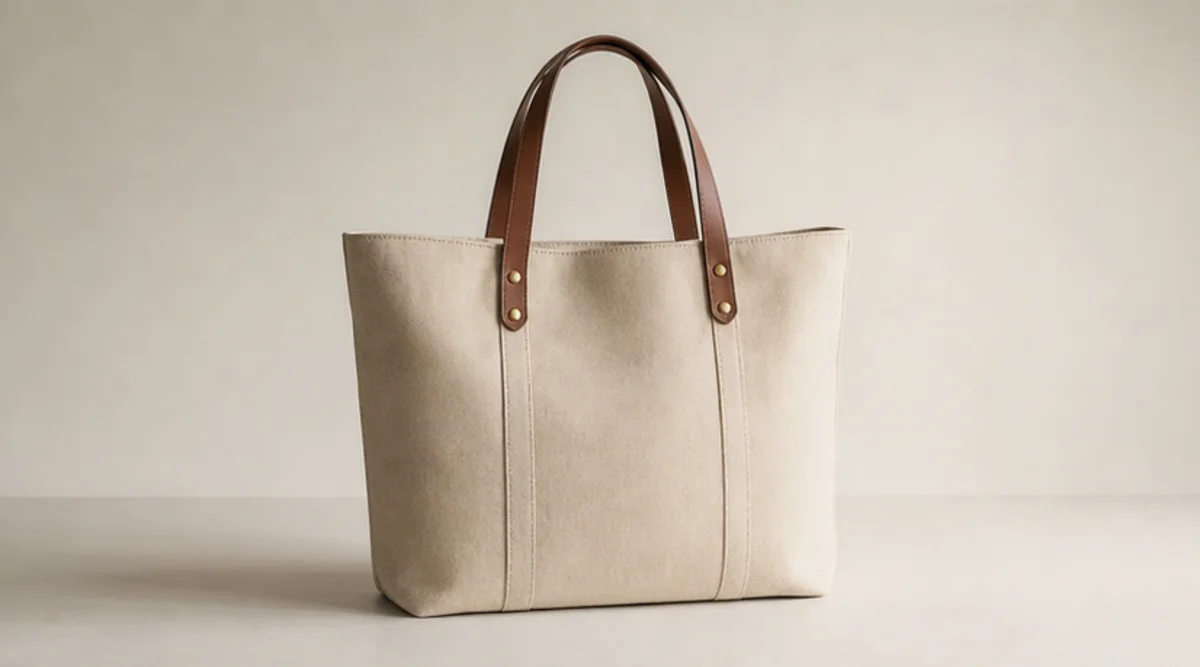

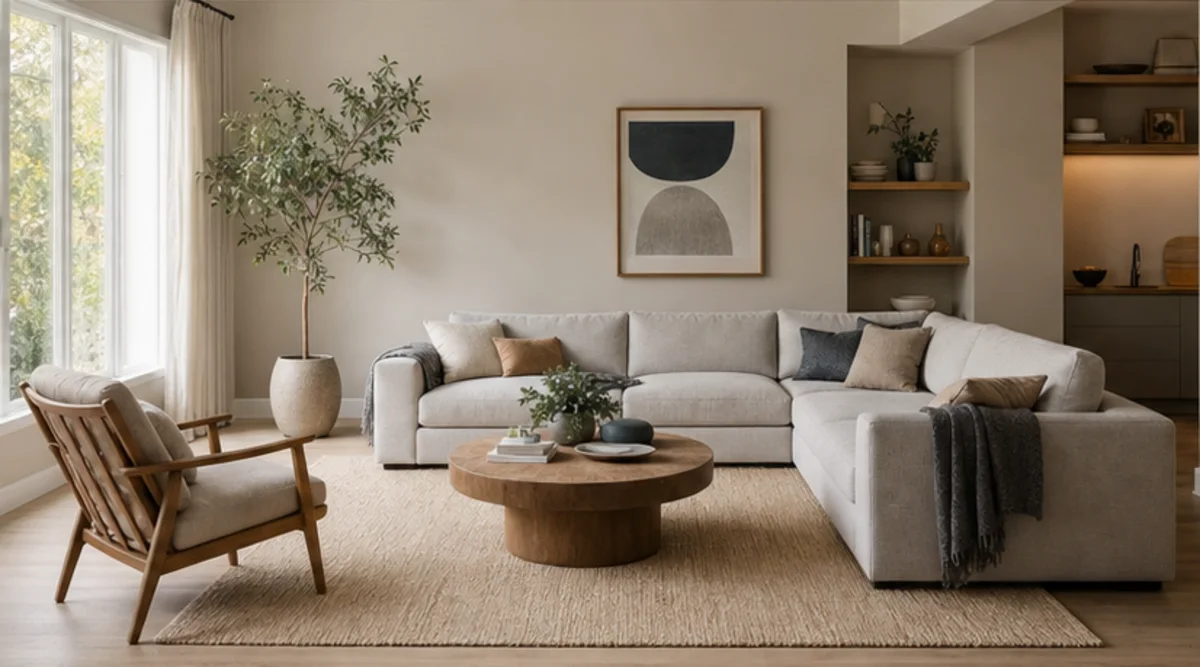
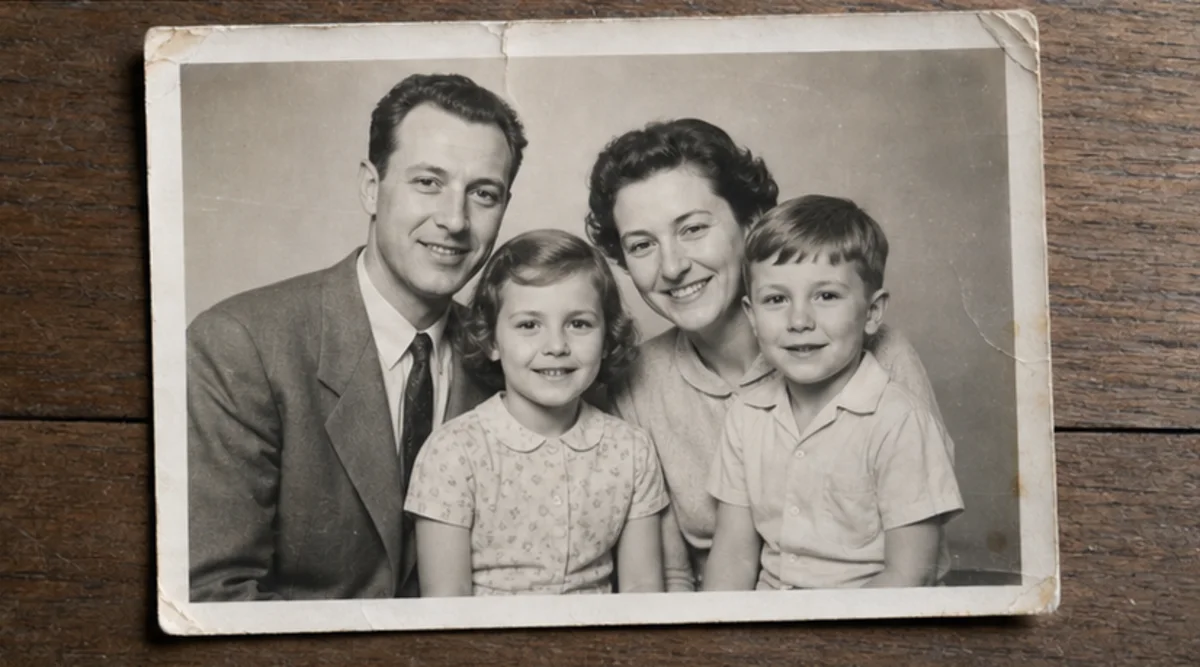
ఒక ఫోటోను అప్లోడ్ చేసి మార్పును సాధారణ భాషలో వివరించండి. ఉత్పత్తి, పోర్ట్రెయిట్, గది లేదా పాత ఫోటో కోసం టెక్స్ట్-నిర్దేశిత ఎడిట్ సృష్టించి, గుర్తింపు, వస్తువులు, అక్షరాలు మరియు సందర్భాన్ని తనిఖీ చేయండి.
ముఖ్యమైన వివరాలు కుదింపులో పోకముందే అత్యంత స్పష్టమైన అనుమతించిన మూల చిత్రాన్ని అప్లోడ్ చేయండి.
మార్పుతో పాటు మారకూడని గుర్తింపు, వస్తువులు, అక్షరాలు, నిర్మాణం లేదా నేపథ్యాన్ని వివరించండి.
సంబంధం లేని అనేక మార్పులను కలపకుండా ఆ ఒక సూచనపై దృష్టి పెట్టిన ఎడిట్ సృష్టించండి.
ఫలితాన్ని అసలుతో పూర్తి పరిమాణంలో పోల్చి ముఖాలు, ఉత్పత్తులు, చిన్న వస్తువులు, టెక్స్ట్, అంచులు మరియు సందర్భాన్ని తనిఖీ చేయండి.
ఎడిటర్ టెక్స్ట్ సూచనలను అనుసరిస్తుంది, కానీ ముఖాలు, ఉత్పత్తి ఆకారం, చిన్న వస్తువులు మరియు అక్షరాలు మారవచ్చు. ఇది పిక్సెల్-స్థాయి రీటచ్ సాధనం కాదు.
స్పష్టమైన మూలాన్ని ఉపయోగించి మారకూడని విషయాలను పేర్కొనండి. ఫలితాన్ని అసలుతో పూర్తి పరిమాణంలో పోల్చండి.
మీ సొంత లేదా ఎడిట్ చేయడానికి అనుమతి ఉన్న చిత్రాలను మాత్రమే అప్లోడ్ చేయండి. గుర్తింపు, ఉత్పత్తి, ఆర్కైవ్ లేదా ప్రజా ఉపయోగానికి ముందు ఫలితాన్ని తనిఖీ చేయండి.
ఉచిత చిత్రాల్లో watermark ఉంటుంది. శుభ్రమైన output, వేగవంతమైన generation మరియు commercial use కోసం upgrade చేయండి.
స్టార్టర్ ప్యాక్
చిత్రం, సంగీతం, మరియు చిన్న వీడియో సృష్టిని ప్రయత్నించడానికి ఒకేసారి క్రెడిట్ ప్యాక్.
సృష్టికర్త
మాసిక ప్రణాళిక · 1,500 క్రెడిట్లు ప్రతి నెలా పునరుద్ధరించబడతాయి
GPT Image 2 Unlimited
Stripe Checkoutలో FOUNDING6 కోడ్ను నమోదు చేయండి: మొదటి 6 నెలలు నెలకు $19, ఆపై నెలకు $29.
ప్రొ
మాసిక ప్రణాళిక · 4,000 క్రెడిట్లు ప్రతి నెలా పునరుద్ధరించబడతాయి
స్టూడియో
మాసిక ప్రణాళిక · 12,000 క్రెడిట్లు ప్రతి నెలా పునరుద్ధరించబడతాయి
సురక్షిత చెల్లింపు · సబ్స్క్రిప్షన్లు స్వయంచాలకంగా పునరుద్ధరించబడతాయి · రీఫండ్ అర్హతను చూడండి
జట్టు
ఏజెన్సీల కోసం, ప్రొడక్షన్ టీమ్స్ కోసం, మరియు కస్టమ్ వాల్యూమ్ అవసరాల కోసం.
ఒక ఫోటోను అప్లోడ్ చేసి మార్పును సాధారణ భాషలో వివరించండి. ఉత్పత్తి, పోర్ట్రెయిట్, గది లేదా పాత ఫోటో కోసం టెక్స్ట్-నిర్దేశిత ఎడిట్ సృష్టించి, గుర్తింపు, వస్తువులు, అక్షరాలు మరియు సందర్భాన్ని తనిఖీ చేయండి.
ఒక ఫోటోను అప్లోడ్ చేసి మార్పును సాధారణ భాషలో వివరించండి. ఉత్పత్తి, పోర్ట్రెయిట్, గది లేదా పాత ఫోటో కోసం టెక్స్ట్-నిర్దేశిత ఎడిట్ సృష్టించి, గుర్తింపు, వస్తువులు, అక్షరాలు మరియు సందర్భాన్ని తనిఖీ చేయండి.