
స్పష్టమైన పోర్ట్రెయిట్ను అప్లోడ్ చేయండి
కనిపించే జుట్టు, ముఖ ఆకృతి, సమాన వెలుతురు ఉన్న ఎదురుముఖ లేదా మూడు-వంతుల ఫోటోను ఎంచుకోండి.
నిజ జీవితంలో ఒక శైలిని ఎంచుకునే ముందు, మీ స్వంత పోర్ట్రెయిట్పై హెయిర్కట్, పొడవు, టెక్స్చర్, ఫ్రింజ్, ఫేడ్ లేదా రంగు దిశను ముందే చూడండి.
కృత్రిమ మేధ హెయిర్కట్ అనేది పోర్ట్రెయిట్పై కొత్త హెయిర్కట్ లేదా రంగును దృశ్యరూపంలో చూడటానికి ఫోటో ఆధారంగా పనిచేసే ఇమేజ్ వర్క్ఫ్లో. మూల ఫోటో ముఖాన్ని, ప్రస్తుత కూర్పును నిలబెడుతుంది; మీ ప్రాంప్ట్ కావలసిన పొడవు, టెక్స్చర్, పార్టింగ్, బ్యాంగ్స్, ఫేడ్, వాల్యూమ్, రంగు, స్టైలింగ్ను వివరిస్తుంది.
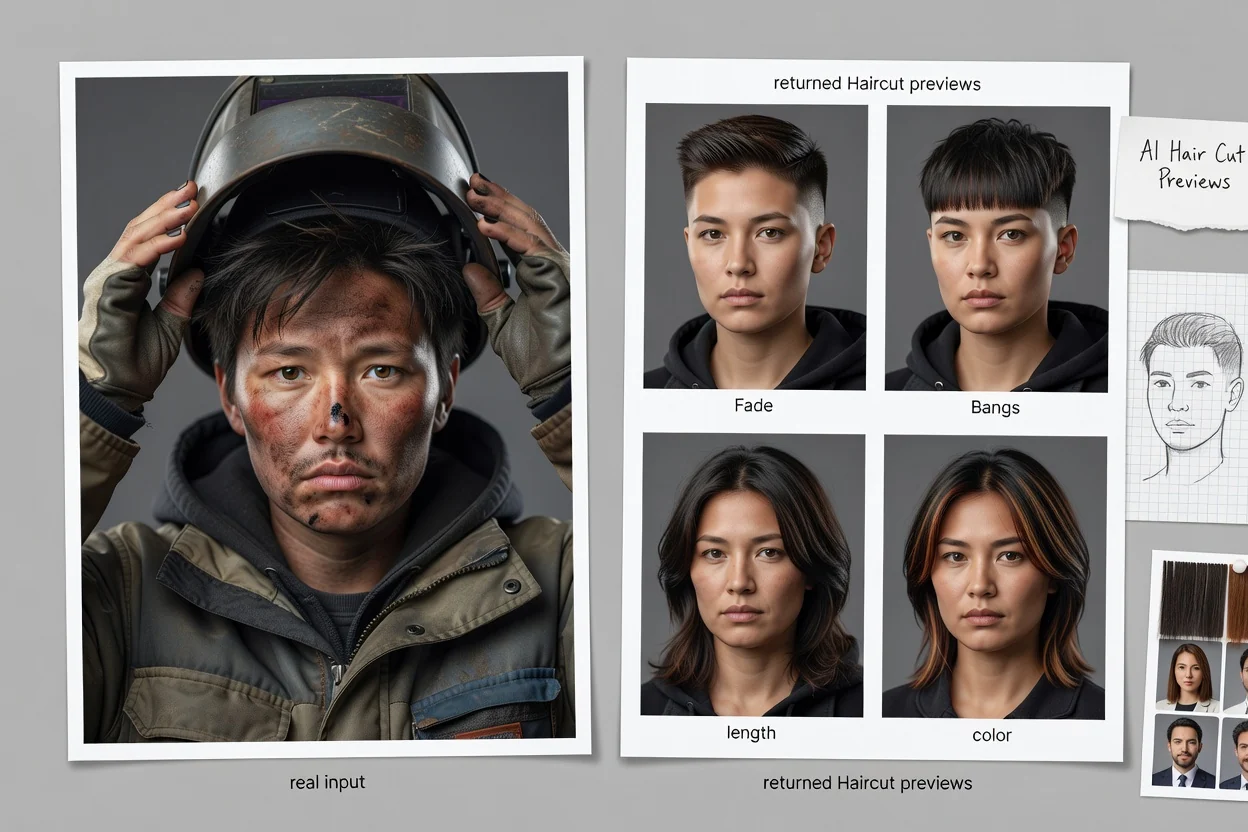
ప్రత్యామ్నాయాలను పోల్చే ముందు పోర్ట్రెయిట్ను స్పష్టంగా ఉంచి, ఒక హెయిర్స్టైల్ దిశను వివరించండి.
కనిపించే జుట్టు, ముఖ ఆకృతి, సమాన వెలుతురు ఉన్న ఎదురుముఖ లేదా మూడు-వంతుల ఫోటోను ఎంచుకోండి.
మీరు అన్వేషించాలనుకునే కట్, పొడవు, టెక్స్చర్, పార్టింగ్, బ్యాంగ్స్, ఫేడ్, వాల్యూమ్, రంగు, స్టైలింగ్ ఫినిష్ను పేర్కొనండి.
అనేక ప్రివ్యూలను పక్కపక్కనే పరిశీలించి, స్టైలిస్ట్కు లేదా ప్రొఫైల్ భావనకు ఉపయోగపడే దృశ్య రిఫరెన్స్ను ఉంచుకోండి.
రూపొందించే ప్రతి ప్రివ్యూలో సందిగ్ధతను తగ్గించడానికి స్పష్టమైన పోర్ట్రెయిట్, హెయిర్స్టైల్ వివరాలను ఉపయోగించండి.
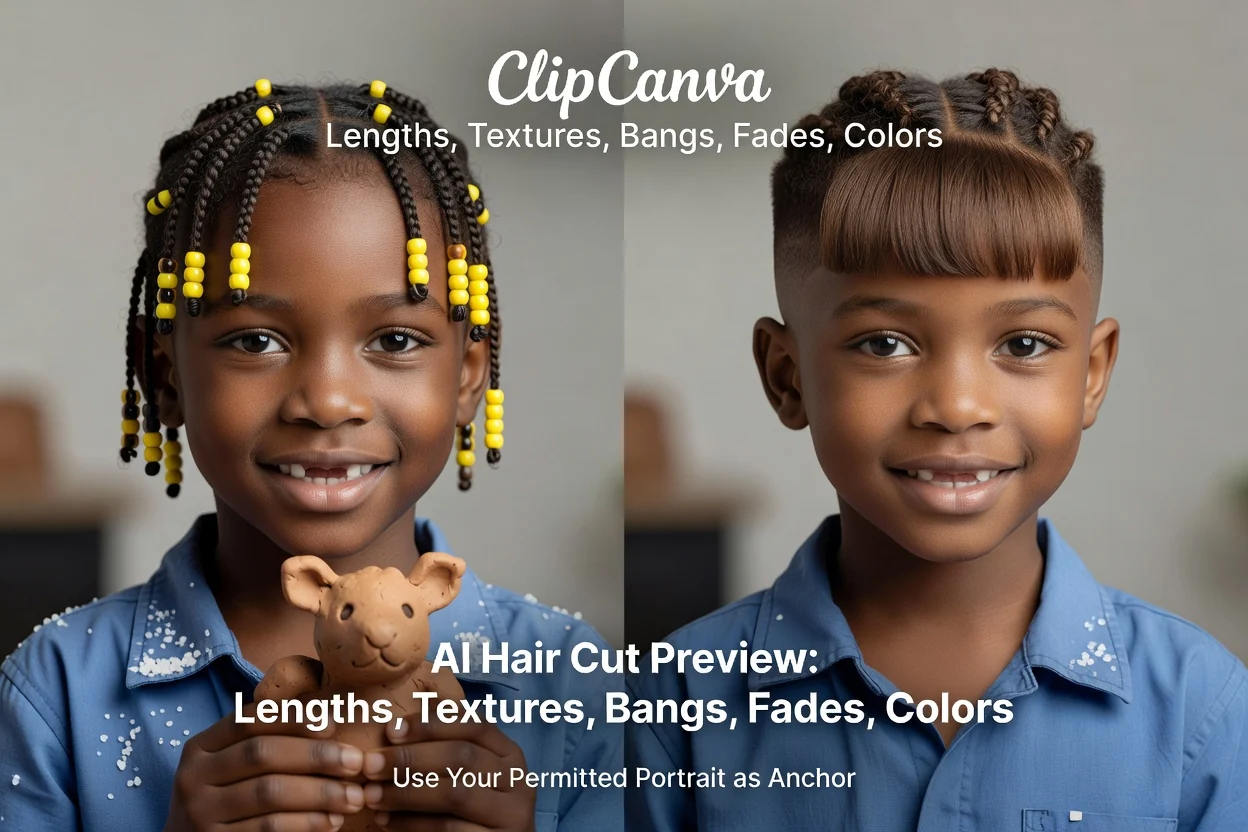
హెయిర్కట్ భావన ఉద్దేశించిన ముఖం, కూర్పుపై కనిపించేలా మీ అనుమతించిన పోర్ట్రెయిట్ను దృశ్య ఆధారంగా ఉపయోగించండి.
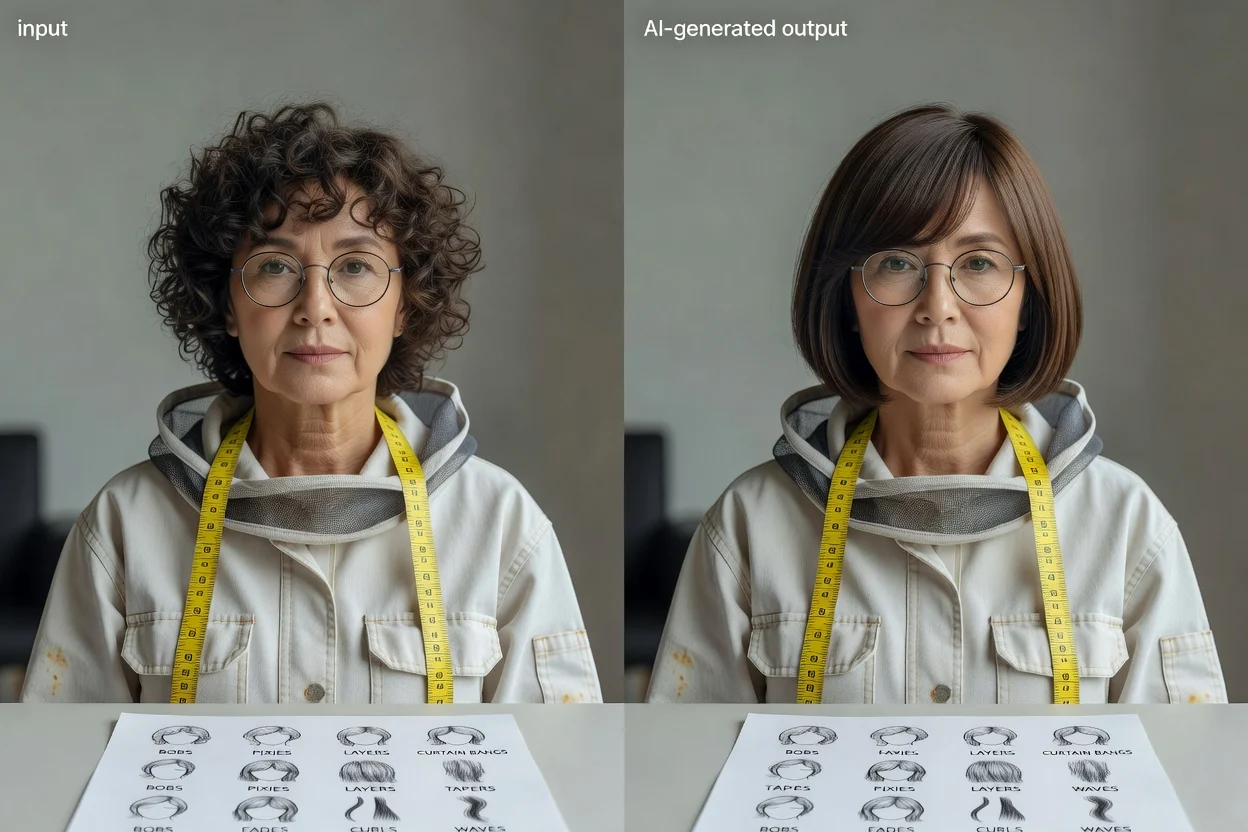
బాబ్లు, పిక్సీలు, లేయర్లు, కర్టెన్ బ్యాంగ్స్, టేపర్లు, ఫేడ్లు, కర్ల్స్, వేవ్స్ లేదా మరొక నిర్దిష్ట హెయిర్కట్ దిశను వివరించండి.
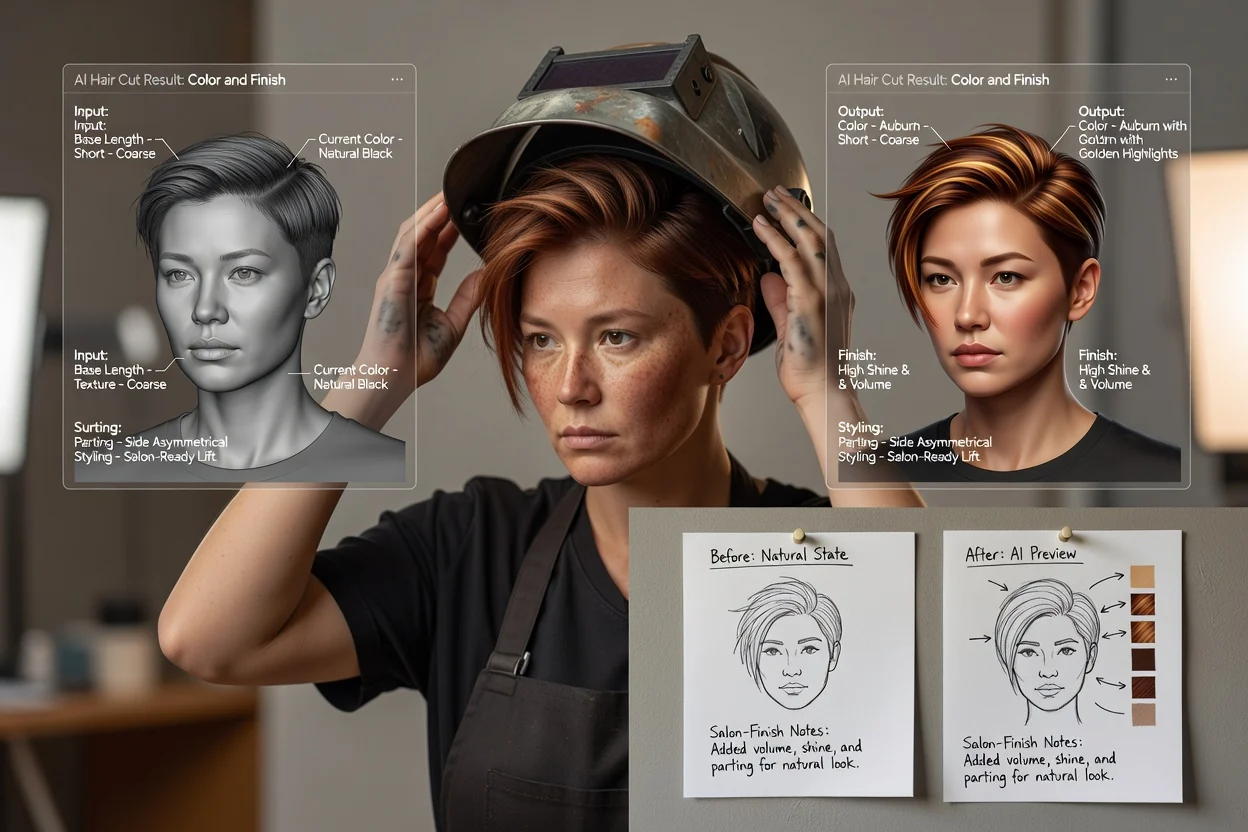
ఒకే కేంద్రీకృత వివరంలో రంగు, హైలైట్స్, పార్టింగ్, వాల్యూమ్, మెరుపు, స్టైలింగ్, సెలూన్-ఫినిష్ సూచనలను జోడించండి.
నిర్ణయాలు, సంప్రదింపులు, సృజనాత్మక పోర్ట్రెయిట్ ప్రణాళిక కోసం రూపొందించిన లుక్లను దృశ్య రిఫరెన్స్లుగా ఉపయోగించండి.
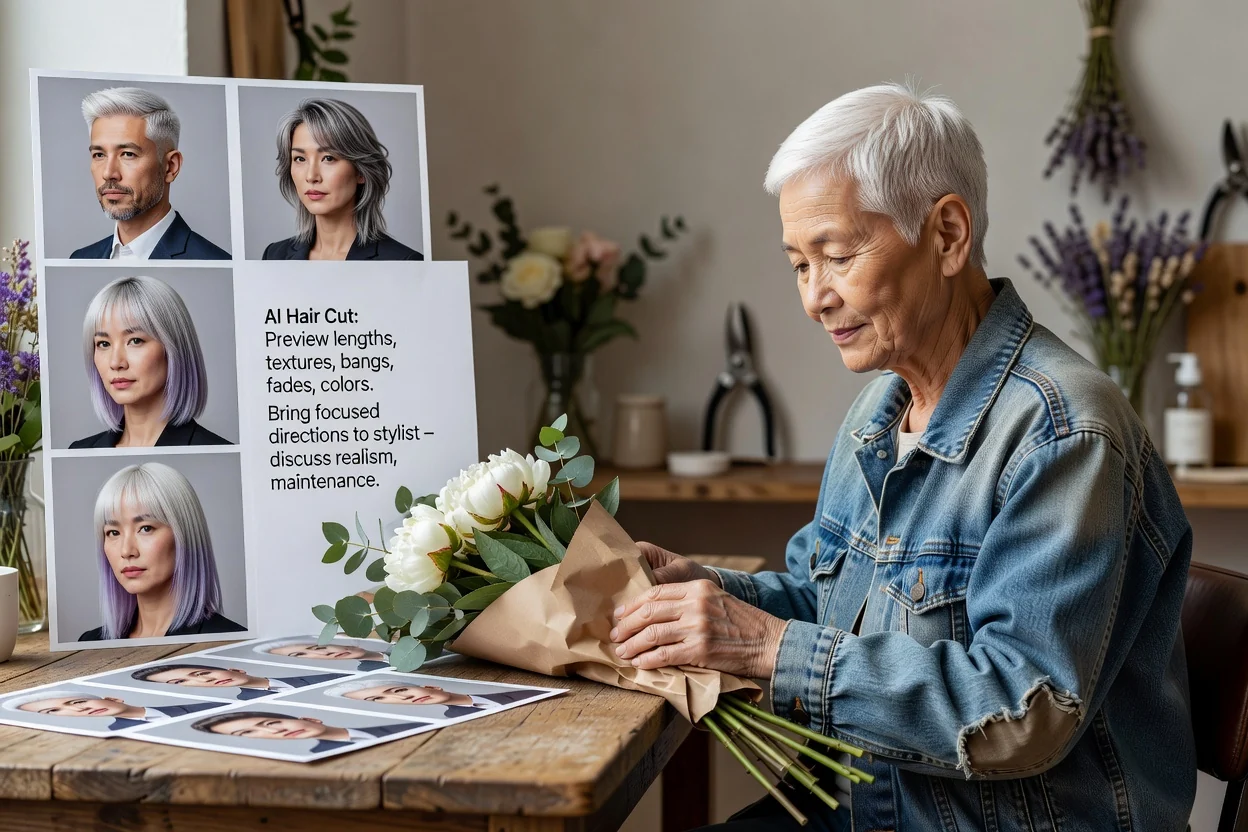
పొడవు, టెక్స్చర్, నిర్వహణ, మీ జుట్టుకు వాస్తవికంగా సాధ్యమయ్యే వాటిని చర్చించేందుకు కొన్ని కేంద్రీకృత దిశలను స్టైలిస్ట్కు తీసుకెళ్లండి.
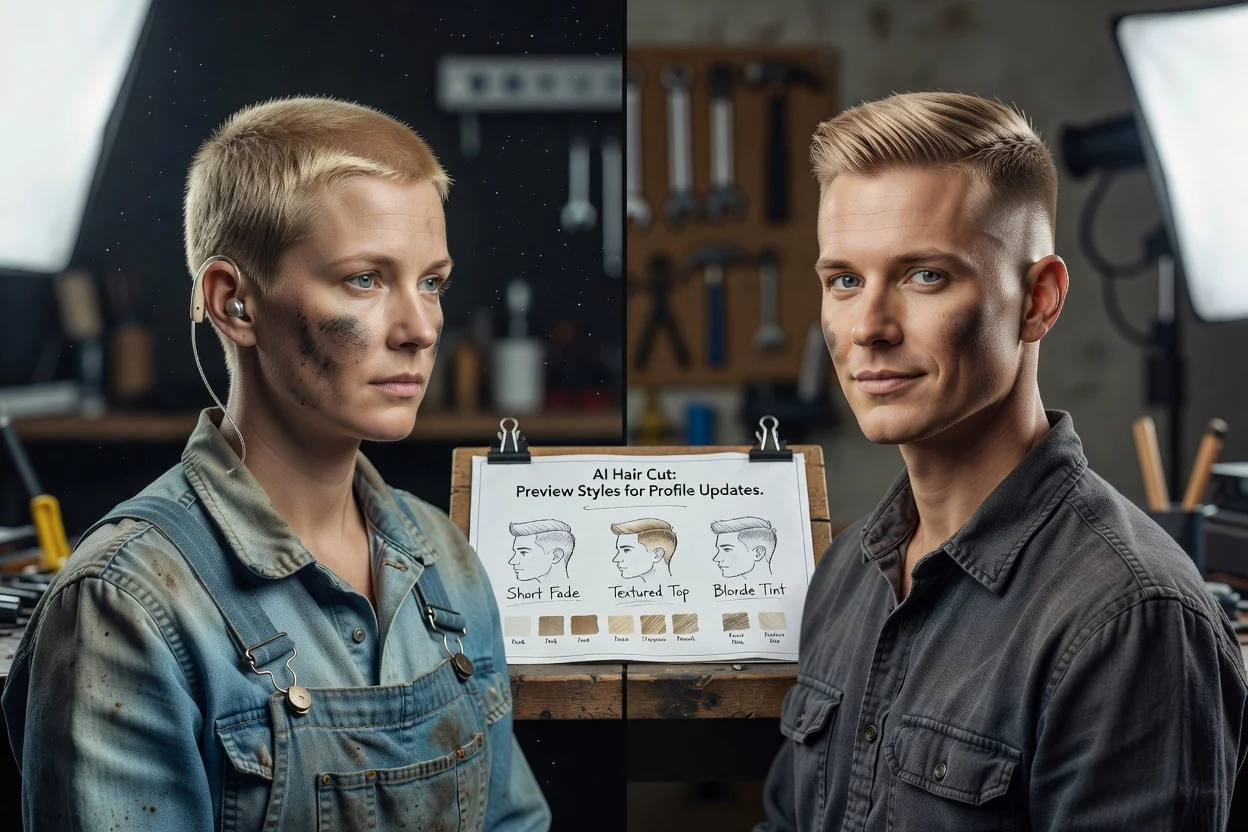
ప్రొఫైల్ నవీకరణ లేదా ఫోటోషూట్కు ముందు, హెయిర్కట్ లేదా రంగు దిశ పోర్ట్రెయిట్ రూపాన్ని ఎలా మార్చవచ్చో అన్వేషించండి.
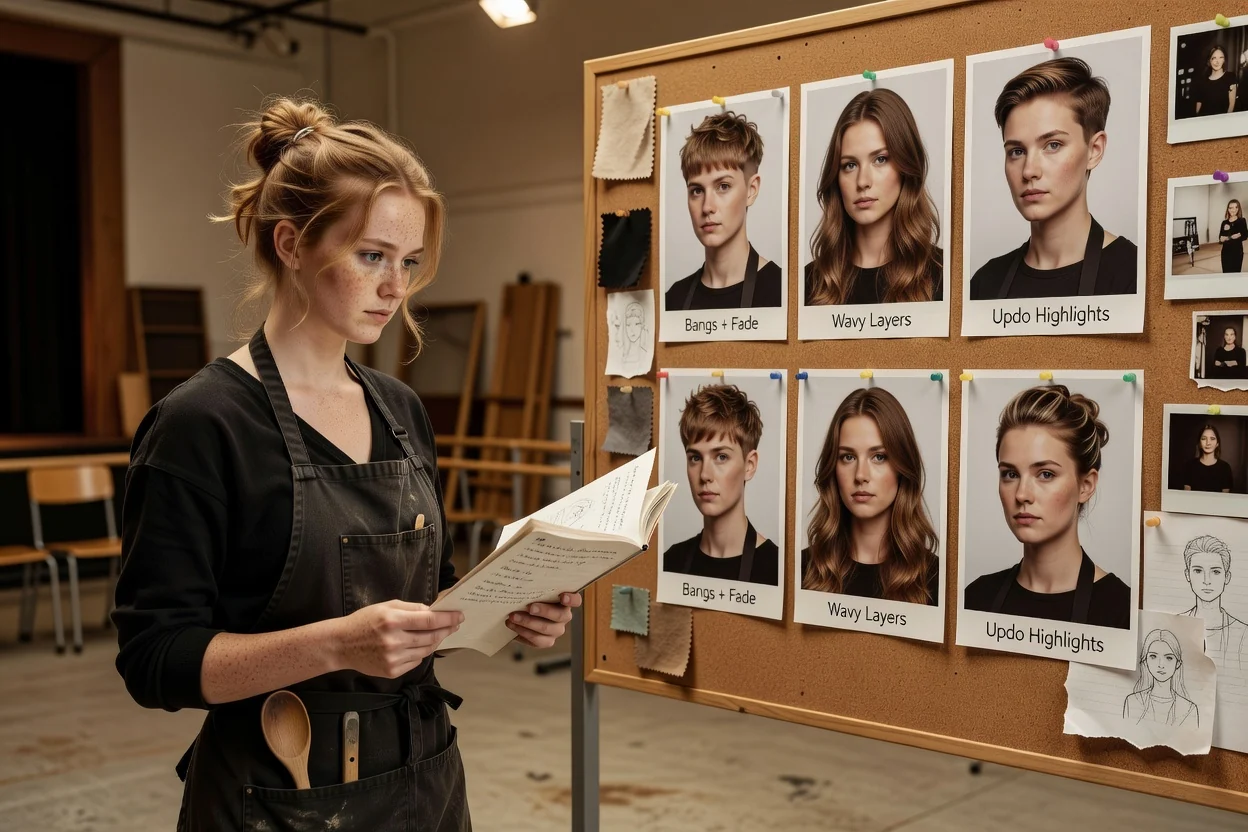
ప్రతి ఆలోచనను మళ్లీ చిత్రీకరించకుండానే పాత్ర, క్రియేటర్ లుక్, మూడ్బోర్డ్ లేదా ప్రచార పోర్ట్రెయిట్ కోసం హెయిర్స్టైల్ దిశలను పరీక్షించండి.
రూపొందించిన ప్రివ్యూ దృశ్య దిశను తెలియజేస్తుంది, కానీ నిజమైన జుట్టుపై కచ్చితమైన ఫలితాన్ని ఊహించలేదు.
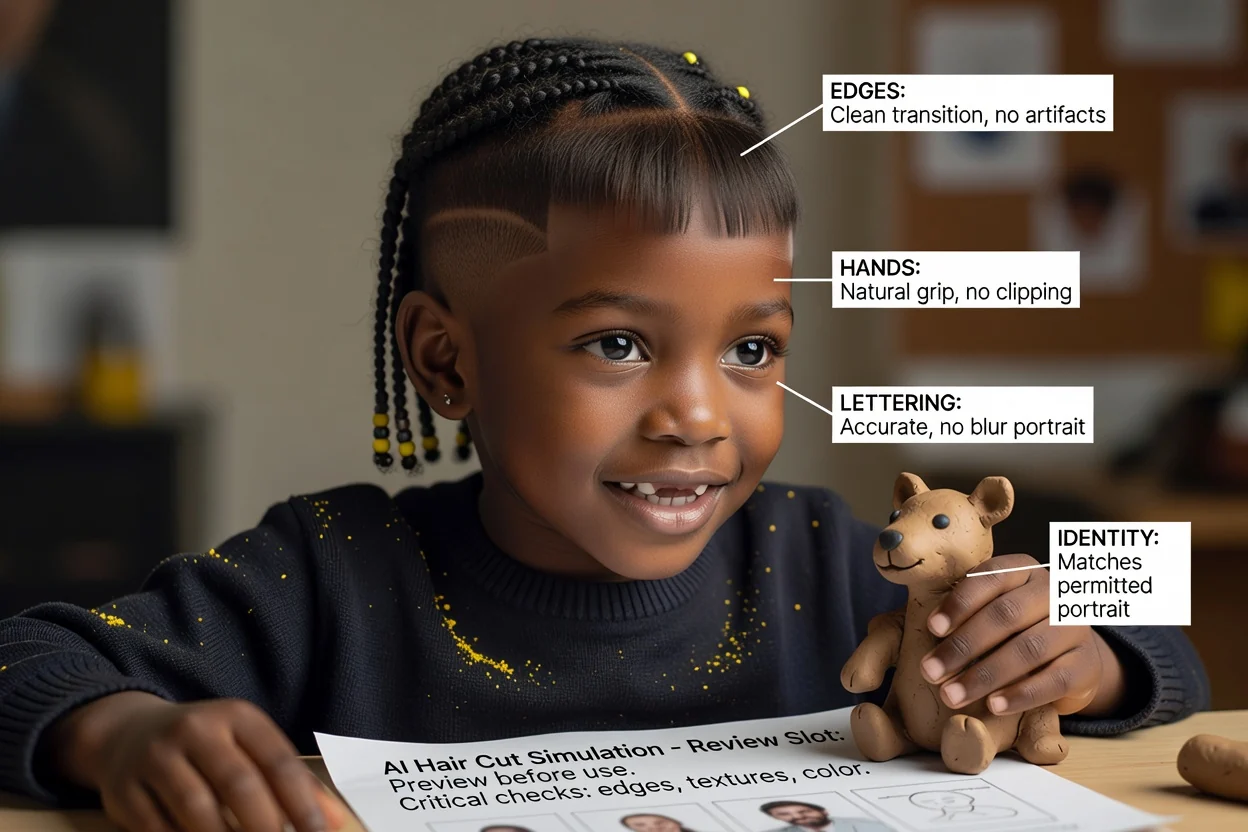
ముఖం ఇప్పటికీ మూల ఫోటోను పోలి ఉందో నిర్ధారించండి; హెయిర్లైన్, చెవులు, మెడ, అంచుల్లో స్పష్టమైన లోపాల కోసం పరిశీలించండి.
ఉద్దేశించిన పొడవు, ఫ్రింజ్, లేయర్లు, ఫేడ్, టెక్స్చర్, పార్టింగ్ కనిపిస్తున్నాయా, అంతర్గతంగా స్థిరంగా ఉన్నాయా చూడండి.
జుట్టు రకం, సాంద్రత, స్థితి, నిర్వహణ, సాధ్యమయ్యే రంగు మార్పులను అర్హతగల స్టైలిస్ట్తో చర్చించండి.
నిజ జీవితంలో అదే కట్ లేదా రంగు అచ్చం అలాగే కనిపిస్తుందనే హామీగా కాకుండా, ప్రేరణగా ప్రివ్యూను చూపండి.
ఇమేజ్ మోడల్ రూపాన్ని అర్థం చేసుకుంటుంది, కానీ నిజమైన జుట్టు భౌతిక ప్రవర్తనను లేదా స్థితిని అంచనా వేయలేదు.
సెలూన్ సేవ తర్వాత హెయిర్కట్, టెక్స్చర్ లేదా రంగు మీకు ఎలా సరిపోతుందో, ఎలా ఉంటుందో ప్రివ్యూ హామీ ఇవ్వలేదు.
జుట్టును మార్చేటప్పుడు మోడల్ ముఖ ఆకృతి, చర్మం, చెవులు, ఆభరణాలు, దుస్తులు లేదా నేపథ్యాన్ని మార్చవచ్చు.
సరిపోవడం, నిర్వహణ, రసాయన ప్రాసెసింగ్, మీ ప్రస్తుత జుట్టుతో సాధ్యమయ్యే అంశాలపై స్టైలిస్ట్ను అడగండి.
పోర్ట్రెయిట్ ఇన్పుట్లు, హెయిర్కట్ ప్రాంప్ట్లు, సెలూన్ రిఫరెన్స్లు, జుట్టు రంగు, వాస్తవిక అంచనాలపై సమాధానాలు.
స్పష్టమైన పోర్ట్రెయిట్ను అప్లోడ్ చేసి, కట్, రంగును వివరించి, కేంద్రీకృత దృశ్య రిఫరెన్స్ల సమితిని పోల్చండి.