
Ladda upp din bild
Välj en JPG-, PNG- eller WEBP-bild som du vill märka med text.
Använd verktyget för att lägga till vattenstämpel på bild för att placera din egen text på en JPG-, PNG- eller WEBP-bild och skapa ett resultat som kan granskas i webbläsaren.
Källbild
Välj en bild för att se förhandsgranskningen av källan.
Resultat
Att lägga till vattenstämpel på bild är en fokuserad bildbearbetningsuppgift som renderar din egen text på en bild. Den är utformad för kreatörer, marknadsförare och team som behöver placera en synlig textmärkning på en JPG-, PNG- eller WEBP-fil som stöds utan att byta till en mer avancerad redigerare.

Ett enkelt webbläsarbaserat arbetsflöde för att lägga till en textvattenstämpel på en bild som stöds.
Välj en JPG-, PNG- eller WEBP-bild som du vill märka med text.
Ange formuleringen för vattenstämpeln och välj sedan en av de fem tillgängliga placeringarna.
Bearbeta en bild i webbläsaren för att rendera textvattenstämpeln i kopian.
Tekniska detaljer om indata som stöds, bearbetningskontroller och hur utdata fungerar.
Ladda upp en JPG-, PNG- eller WEBP-bild som källfil för åtgärden med textvattenstämpel.
Utdata är ett bearbetat resultat för granskning med textvattenstämpeln renderad i bilden och tillhandahålls som en nedladdningsbar utdatafil.
Kontrollerna omfattar din egen text, fem placeringsval och rendering i webbläsaren för det bearbetade resultatet.
Kontrollerna är begränsade till det viktigaste för att placera en textvattenstämpel tydligt och konsekvent.
Ange exakt den formulering du vill rendera som vattenstämpel, till exempel ett namn, användarnamn, en etikett eller en kort ägarskapsnotering.
Välj en av fem placeringar så att bildens textvattenstämpel visas där den passar bäst i kompositionen.
Renderingssteget i webbläsaren skapar ett resultat som du kan granska innan du använder den bearbetade utdatafilen.
Arbeta med vanliga bildformat för webben: JPG, PNG och WEBP.
Vanliga situationer där en enkel textvattenstämpel räcker för att identifiera eller märka en bild.
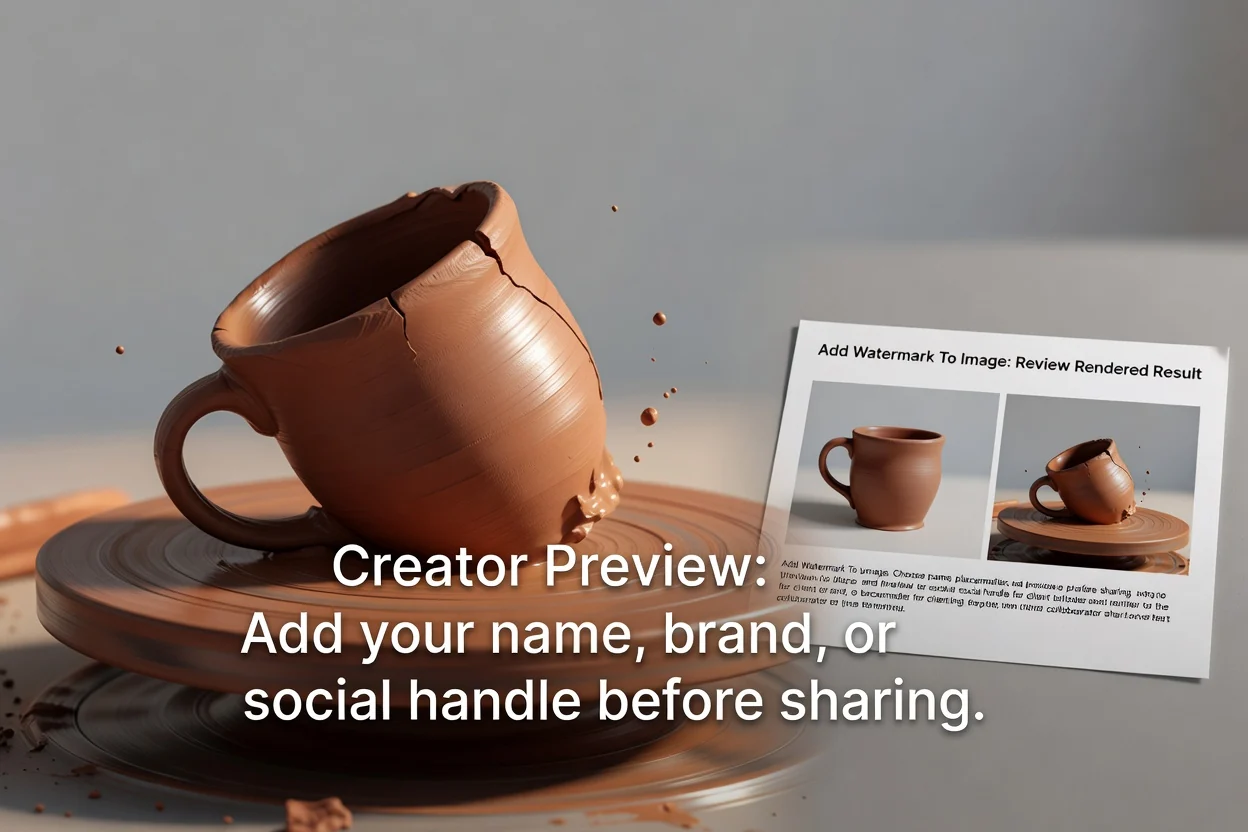
Lägg till ditt namn, varumärke eller användarnamn på sociala medier i en bild innan du delar en förhandsvisning med kunder eller samarbetspartner.
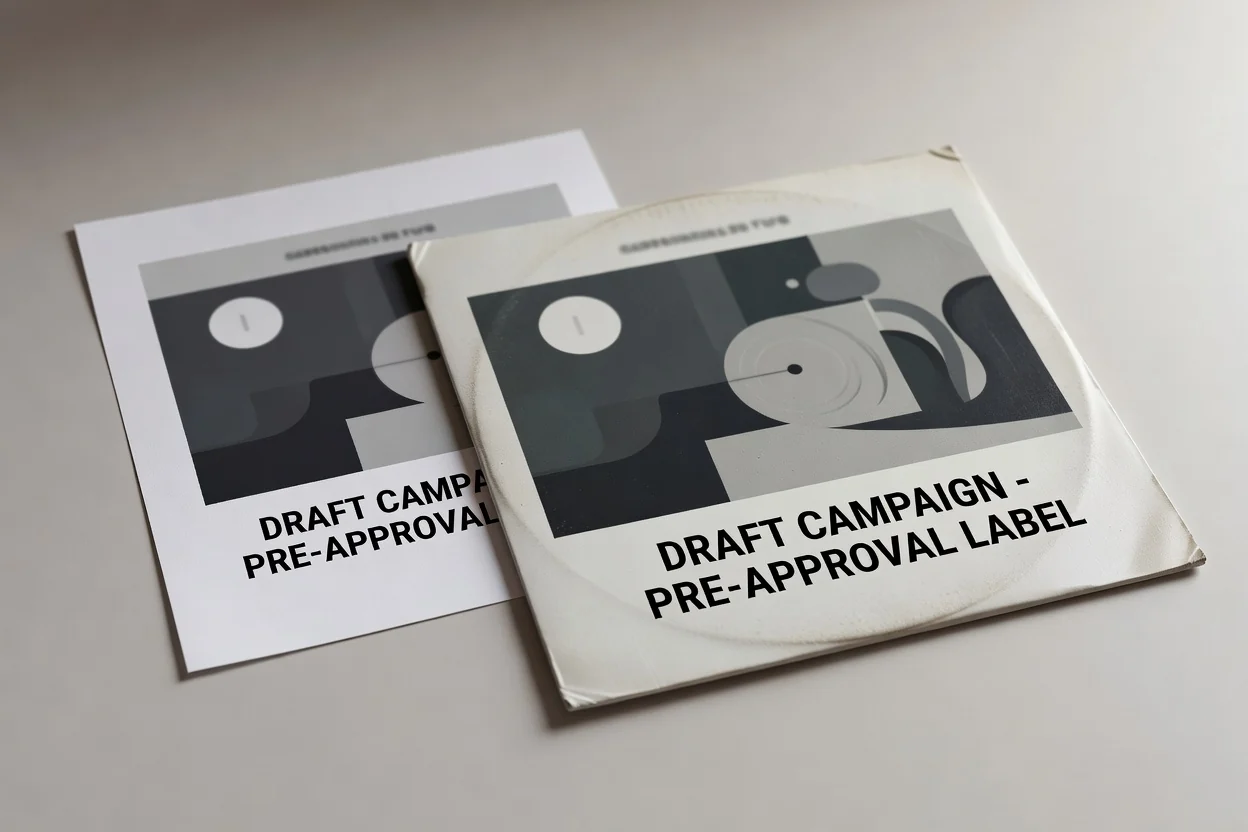
Vattenmärk en bild med text för att märka utkast till kampanjbilder innan de går vidare till granskning eller godkännande.

Placera en kort team- eller projektetikett på en bild med en av de fem förinställda placeringarna för enhetliga interna referenser.
Det här verktyget är avsiktligt begränsat, så granska dessa begränsningar innan du bearbetar din källbild.
Den här versionen lägger endast till textvattenstämplar; bildlogotyper och uppladdad vattenstämpelgrafik stöds ännu inte.
Vattenstämpeln renderas permanent i den nedladdade kopian, så behåll den ursprungliga källfilen om du behöver en omärkt version.
Placering väljs bland fem förinställda positioner i stället för fri dragning eller avancerad layoutredigering.
Svar på vanliga frågor om hur du använder det här verktyget för textvattenstämplar.
Andra fokuserade verktyg som passar bra tillsammans med vattenmärkning när du förbereder bildmaterial.
Bearbeta en bild med din egen textvattenstämpel, välj en placering och granska det renderade resultatet.