
01
Börja med källan
Ladda upp den tydligaste godkända källan innan komprimering tar bort viktiga detaljer.
Ladda upp ett foto och beskriv ändringen med vanligt språk. Skapa en textstyrd redigering av en produkt, ett porträtt, ett rum eller ett gammalt foto och kontrollera identitet, objekt, text och sammanhang.
Ladda upp ett foto och beskriv ändringen med vanligt språk. Skapa en textstyrd redigering av en produkt, ett porträtt, ett rum eller ett gammalt foto och kontrollera identitet, objekt, text och sammanhang.
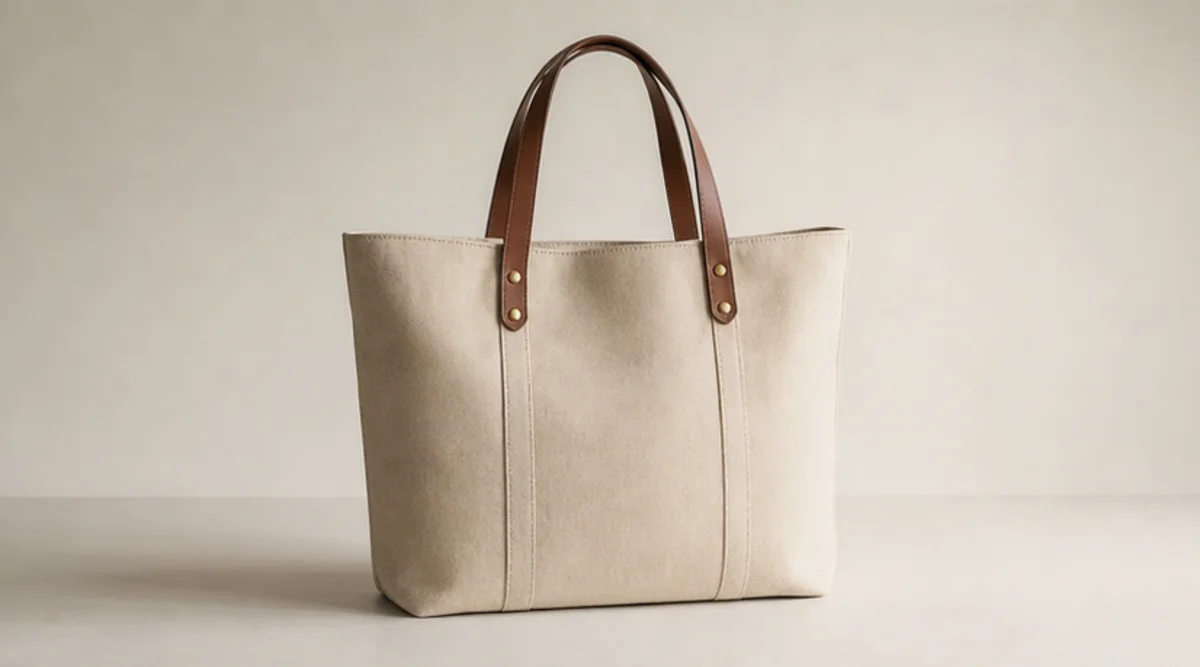
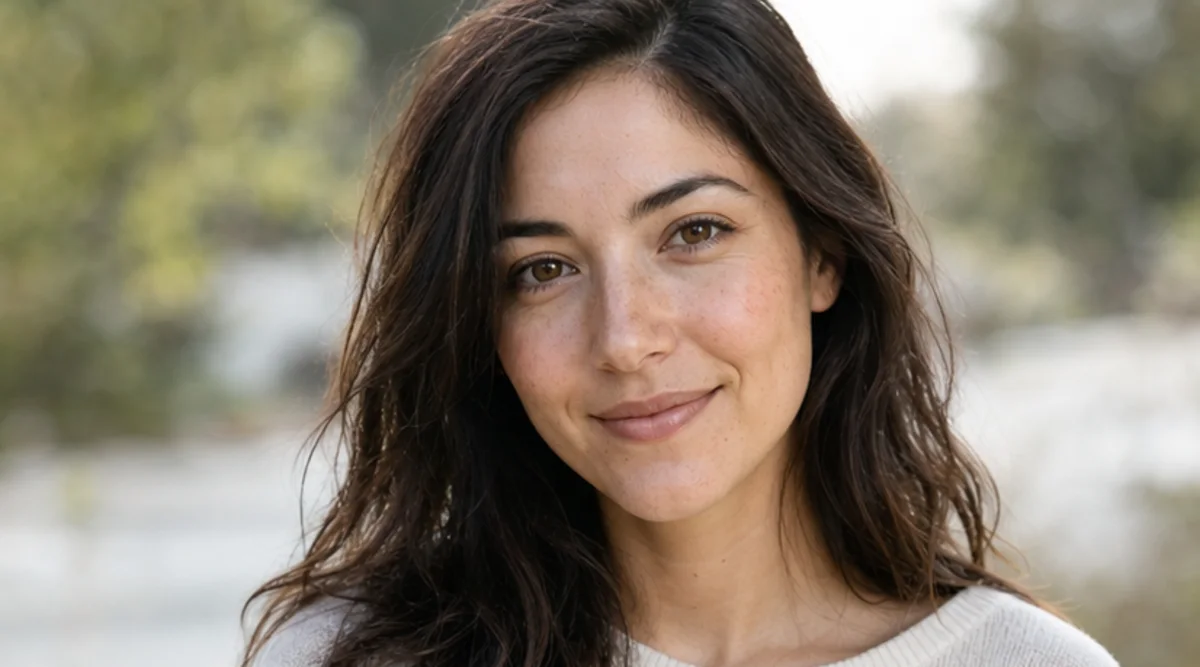
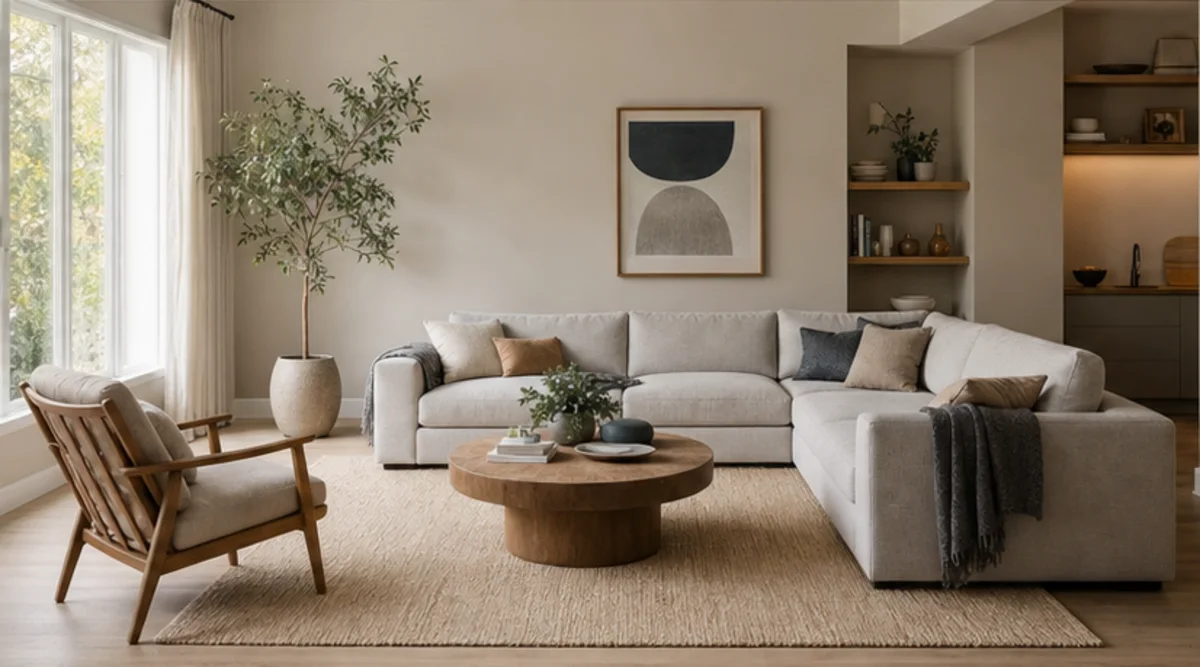
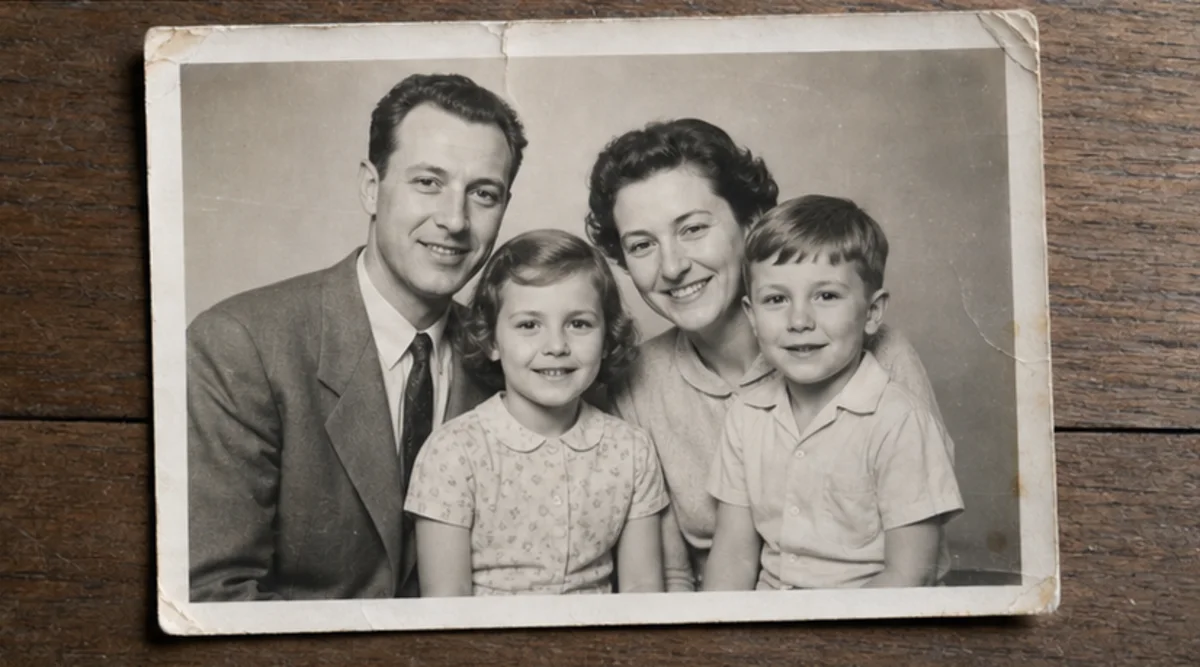
Ladda upp ett foto och beskriv ändringen med vanligt språk. Skapa en textstyrd redigering av en produkt, ett porträtt, ett rum eller ett gammalt foto och kontrollera identitet, objekt, text och sammanhang.
Ladda upp den tydligaste godkända källan innan komprimering tar bort viktiga detaljer.
Beskriv ändringen och den identitet, de objekt, texter, geometrier eller den bakgrund som måste förbli oförändrad.
Generera en riktad redigering utan att blanda flera orelaterade förändringar.
Jämför resultat och original i full storlek och kontrollera ansikten, produkter, små objekt, text, kanter och sammanhang.
Redigeraren följer textinstruktioner, men ansikten, produktgeometri, små objekt och text kan ändras. Det är inte ett pixelprecist retuscheringsverktyg.
Använd en tydlig källa och ange vad som inte får ändras. Jämför resultatet med originalet i full storlek.
Ladda bara upp foton du äger eller har rätt att redigera. Kontrollera resultatet före användning för identitet, produkt, arkiv eller offentlighet.
Gratisbilder innehåller vattenmärke. Uppgradera för rena resultat, snabbare generering och kommersiell användning.
Startpaket
Ett engångskreditpaket för att testa bild-, musik- och kortvideogenerering.
Skapare
Månadsplan · 1 500 krediter förnyas varje månad
GPT Image 2 Unlimited
Ange koden FOUNDING6 i Stripe Checkout: $19/månad de första 6 månaderna, sedan $29/månad.
Pro
For clean, faster outputs
Studio
Månadsplan · 12 000 krediter förnyas varje månad
Säker betalning · Prenumerationer förnyas automatiskt · Se villkor för återbetalning
Team
För byråer, produktionsteam och anpassade volymbehov.
Ladda upp ett foto och beskriv ändringen med vanligt språk. Skapa en textstyrd redigering av en produkt, ett porträtt, ett rum eller ett gammalt foto och kontrollera identitet, objekt, text och sammanhang.
Ladda upp ett foto och beskriv ändringen med vanligt språk. Skapa en textstyrd redigering av en produkt, ett porträtt, ett rum eller ett gammalt foto och kontrollera identitet, objekt, text och sammanhang.