
Ladda upp ett porträttfoto
Lägg till porträttfotot du vill ändra klädstilen på och se till att personen och klädområdet syns tillräckligt tydligt för en klädredigering.
Ladda upp ett porträttfoto, beskriv vilken klädstil du vill ha och skapa med AI-klädbytaren för att få en omstylad porträttbild anpassad efter personen, miljön och målformatet.
AI-klädbytaren hjälper dig att ändra klädstilen i ett porträtt genom att kombinera ett uppladdat foto med en skriftlig redigeringsprompt. Den är utformad för fokuserad visualisering av kläder när du behöver en ny garderobsriktning för en befintlig person.
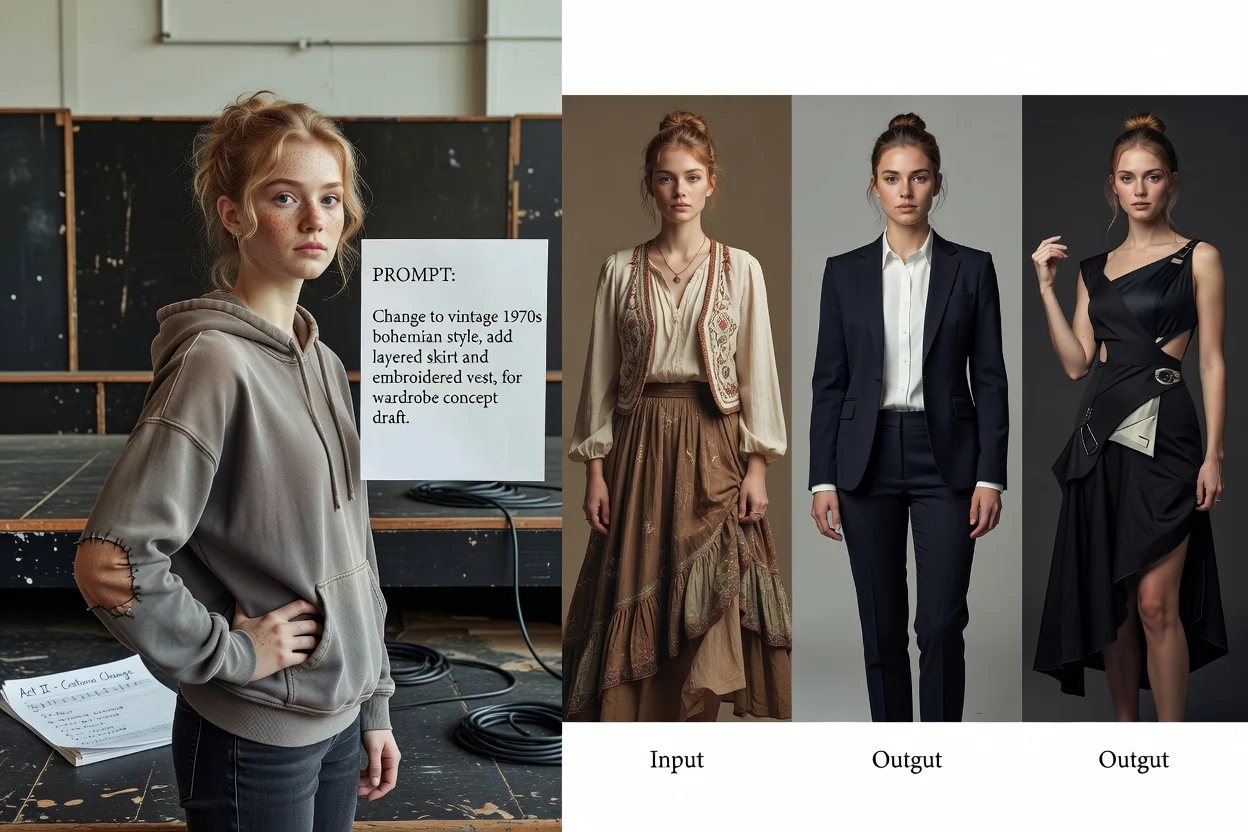
Gå från uppladdning av porträtt till ett omstylat resultat genom att ge generatorn en tydlig klädinstruktion och kontrollera resultatet mot ditt mål.
Lägg till porträttfotot du vill ändra klädstilen på och se till att personen och klädområdet syns tillräckligt tydligt för en klädredigering.
Skriv en klädprompt med plaggtyp, färger, känsla, personens sammanhang och miljö så att systemet vet hur kläderna ska ändras på fotot.
Ange visuell riktning och målformat, skapa sedan med AI-klädbytaren och granska den omstylade porträttbilden.
Styr bildinstruktionen så att klädredigeringen följer en tydlig visuell riktning i stället för ett vagt stilbyte.
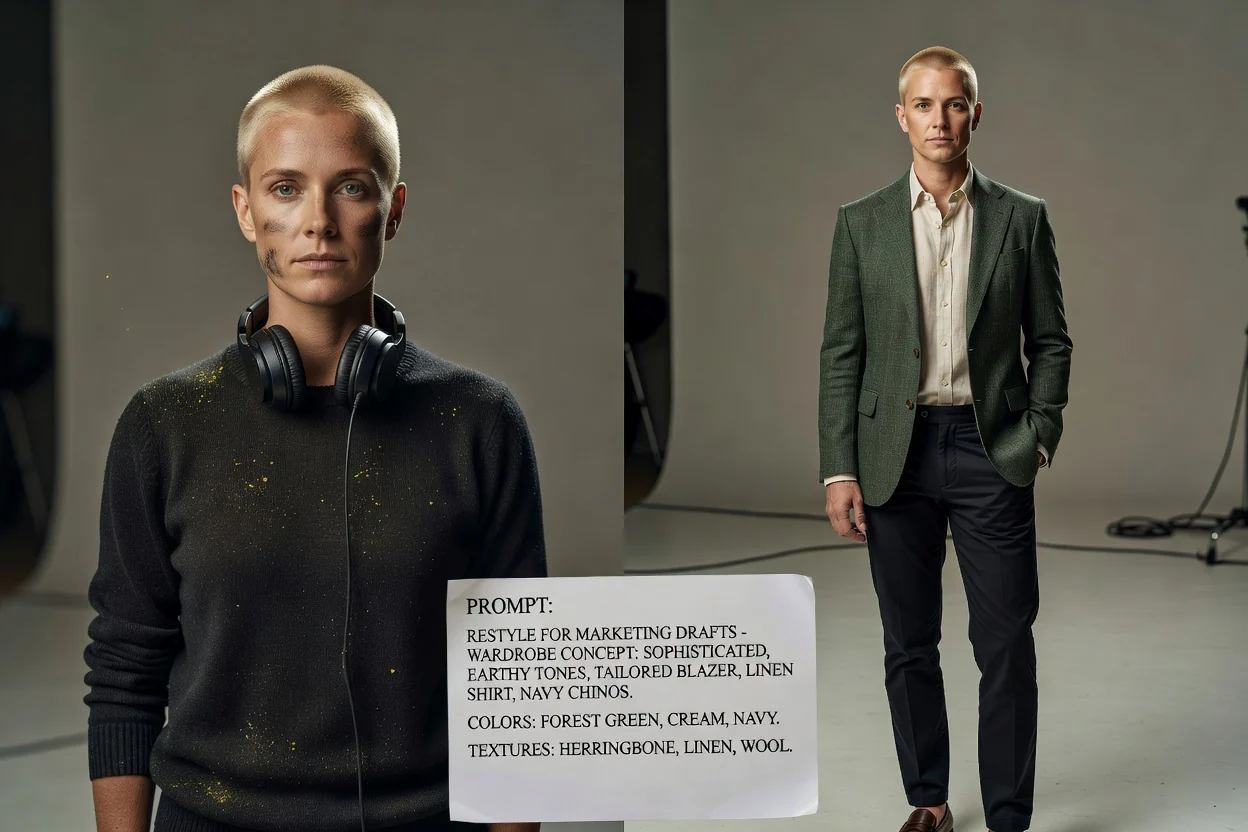
Beskriv färger, plaggtyper, texturer och helhetsstil så att AI-klädbytaren får ett mer specifikt mål att följa.
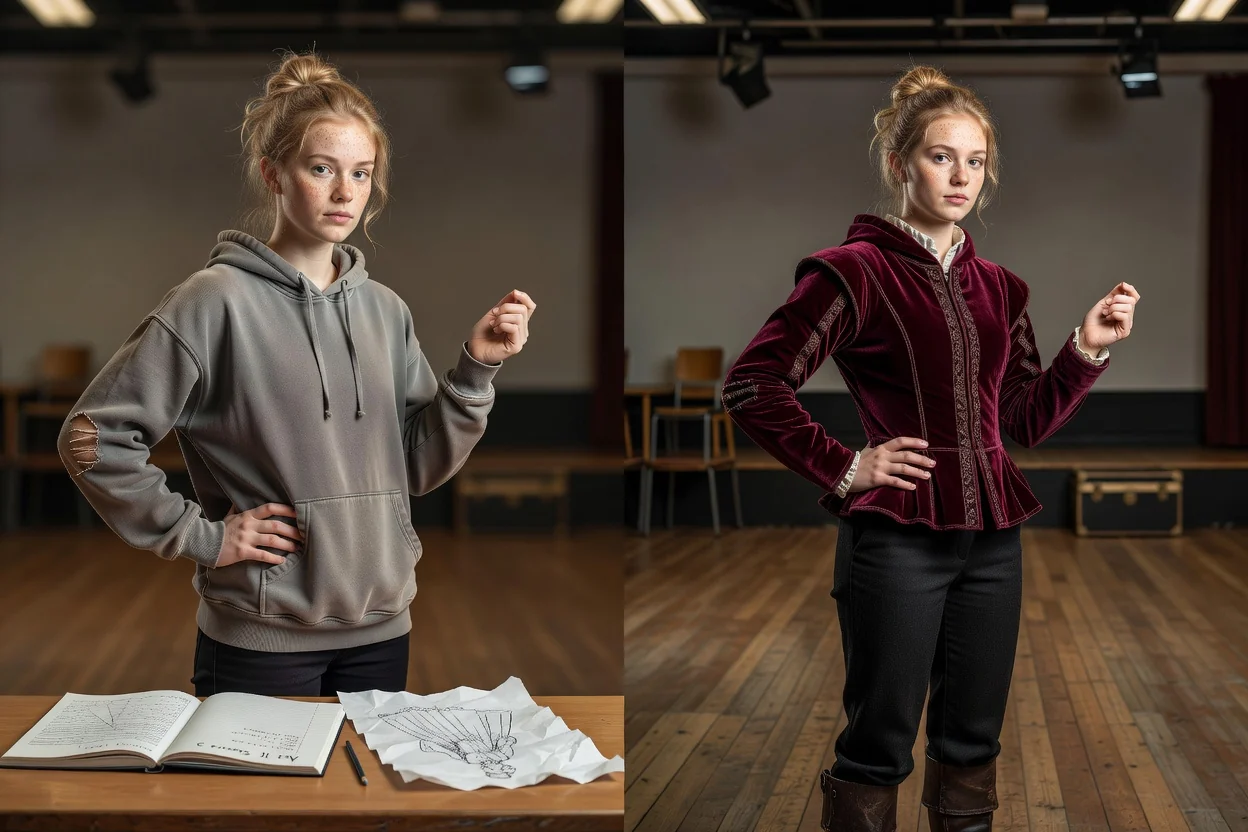
Ta hänsyn till personen, posen och scenen när du ber om att byta kläder på ett foto, så att resultatet passar porträttets befintliga sammanhang.
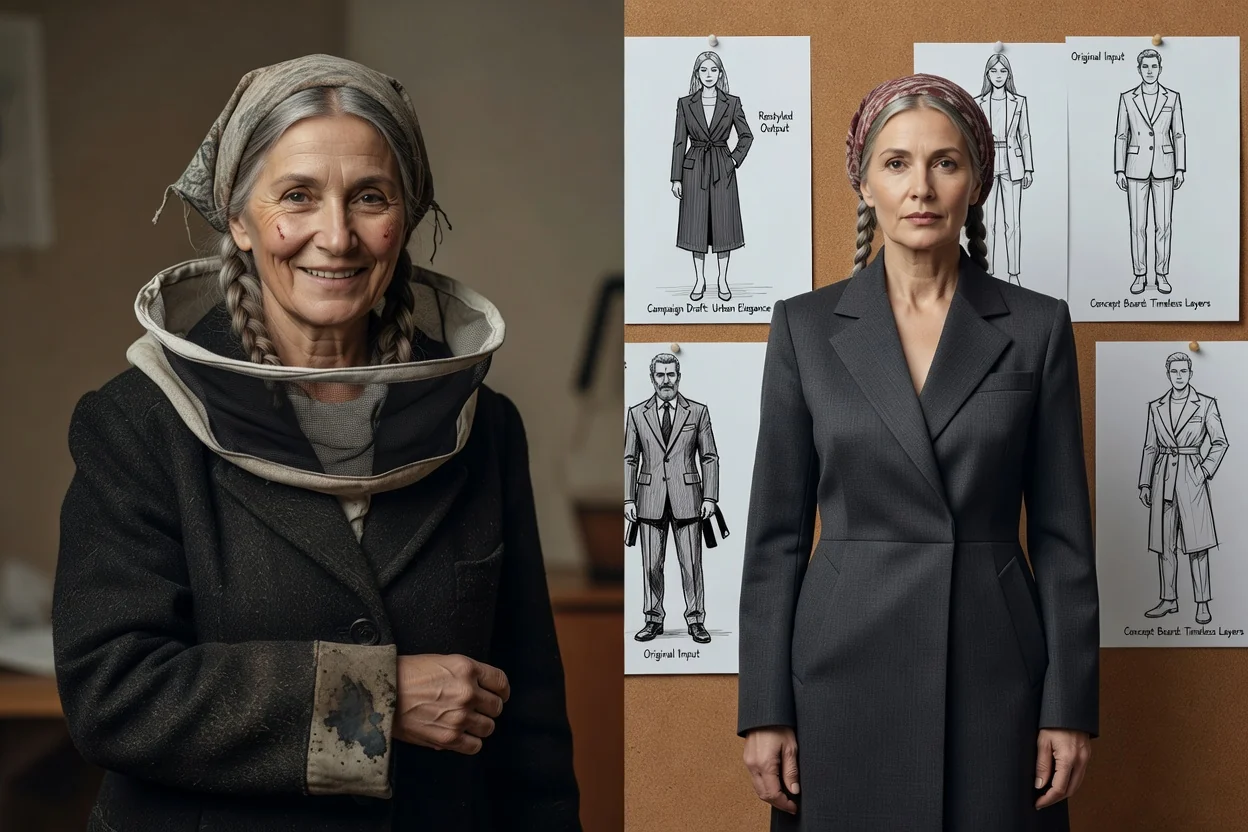
Välj det målformat som passar där den omstylade porträttbilden ska användas, till exempel en profil, ett kampanjutkast eller en koncepttavla.
Skapa alternativ med omstylade porträtt för innehållsplanering, utforskning av garderober och kampanjkoncept.
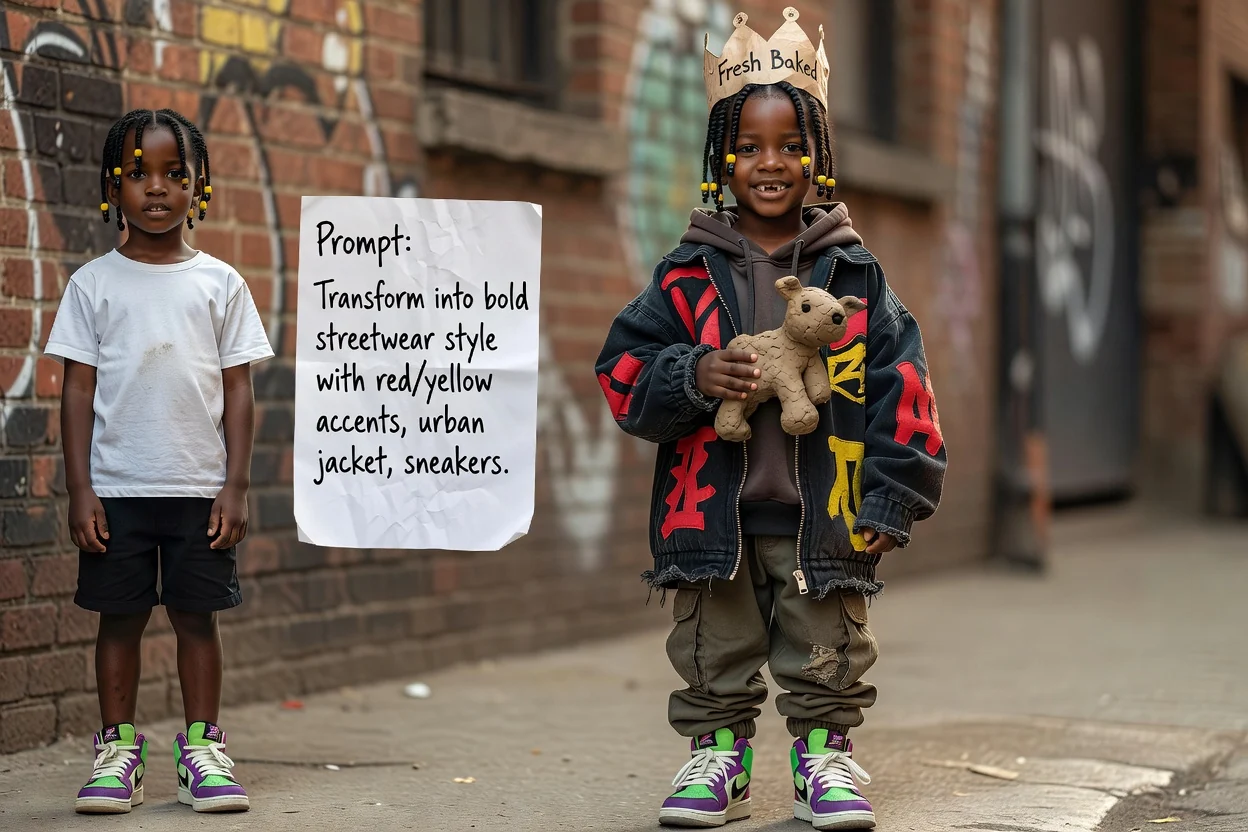
Skapa ett koncept för omstyling i streetwear genom att beskriva jackor, sneakers, färger och urbana stilinslag för porträttet.
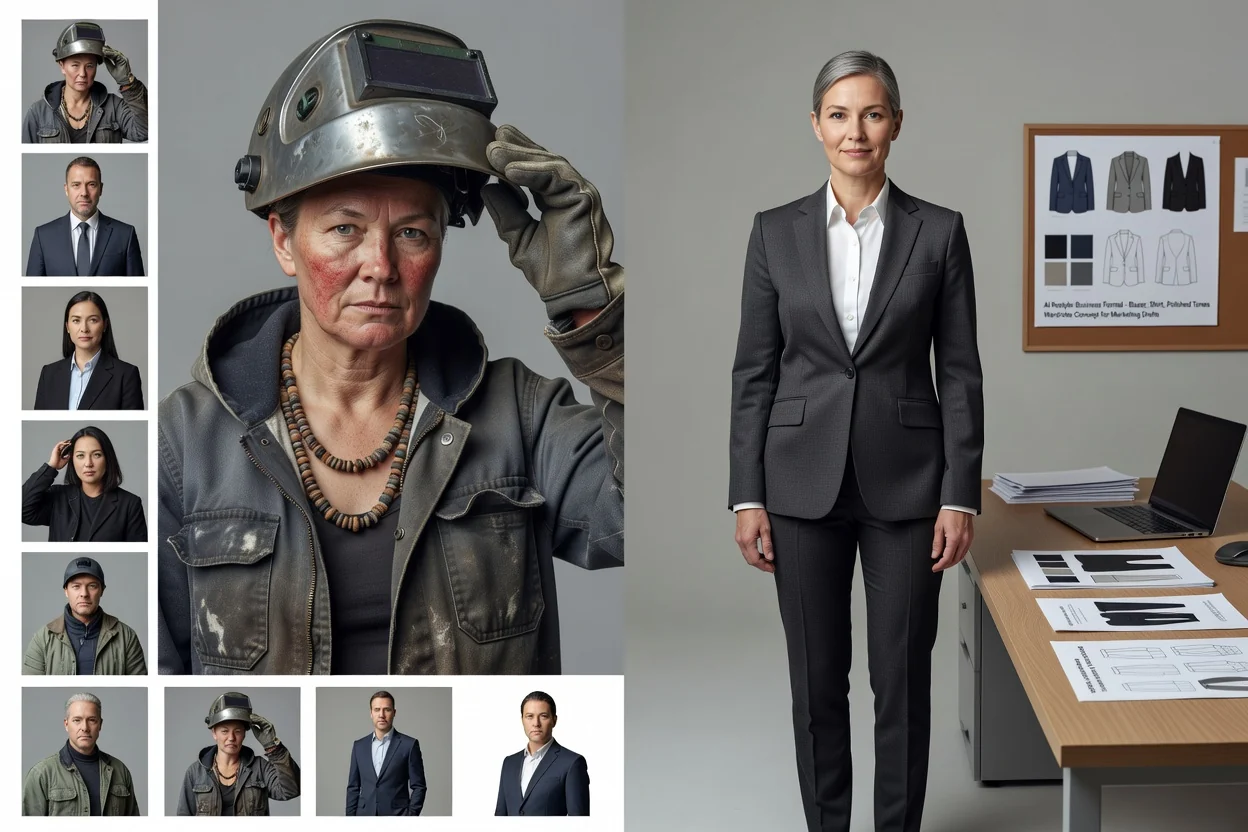
Använd AI-klädbytaren för att utforska inriktningar för affärskläder, som kavajer, skjortor, formella färger eller välvårdade professionella stilar.
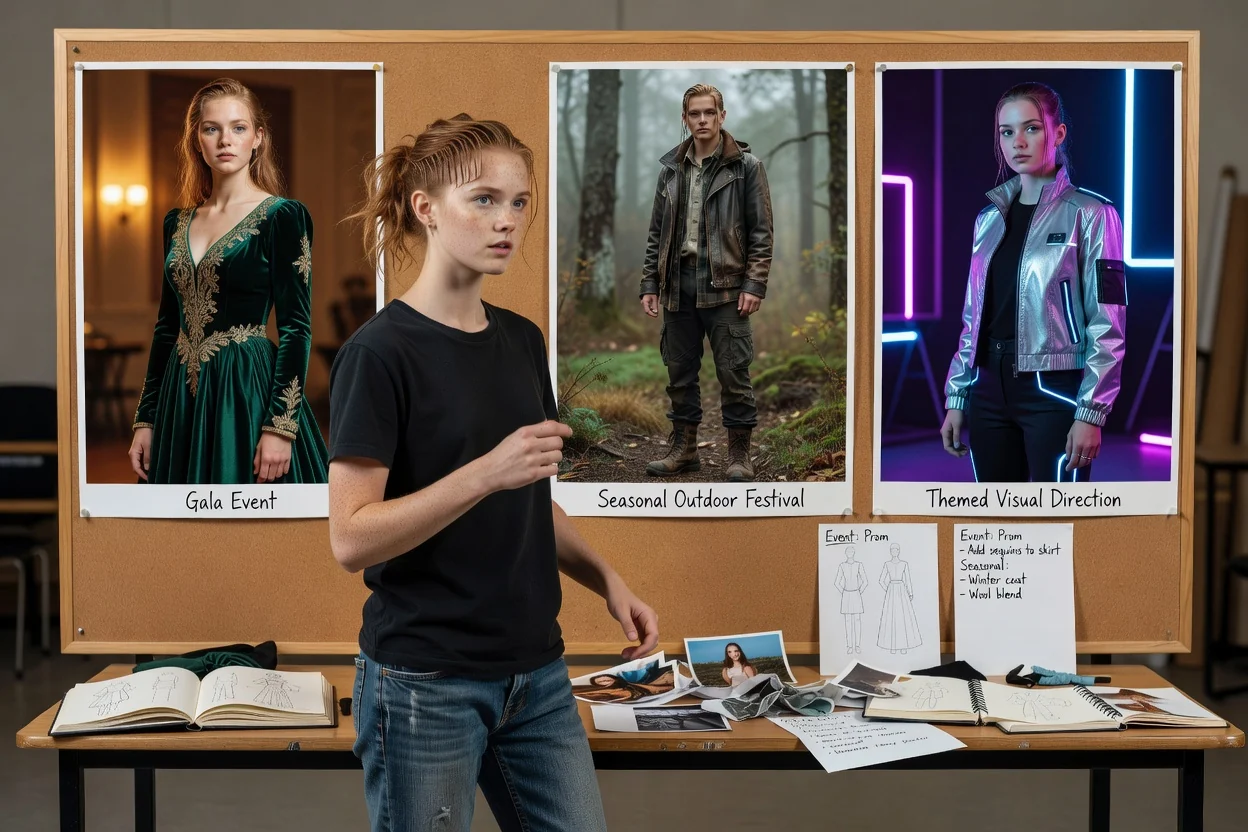
Byt kläder på ett foto för koncept med kläder för särskilda tillfällen, inklusive stilar som passar evenemang, säsongsstyling eller tematiska visuella riktningar.
Innan du väljer ett slutresultat bör du granska bilden mot projektbriefen och de praktiska kraven för ditt målformat.
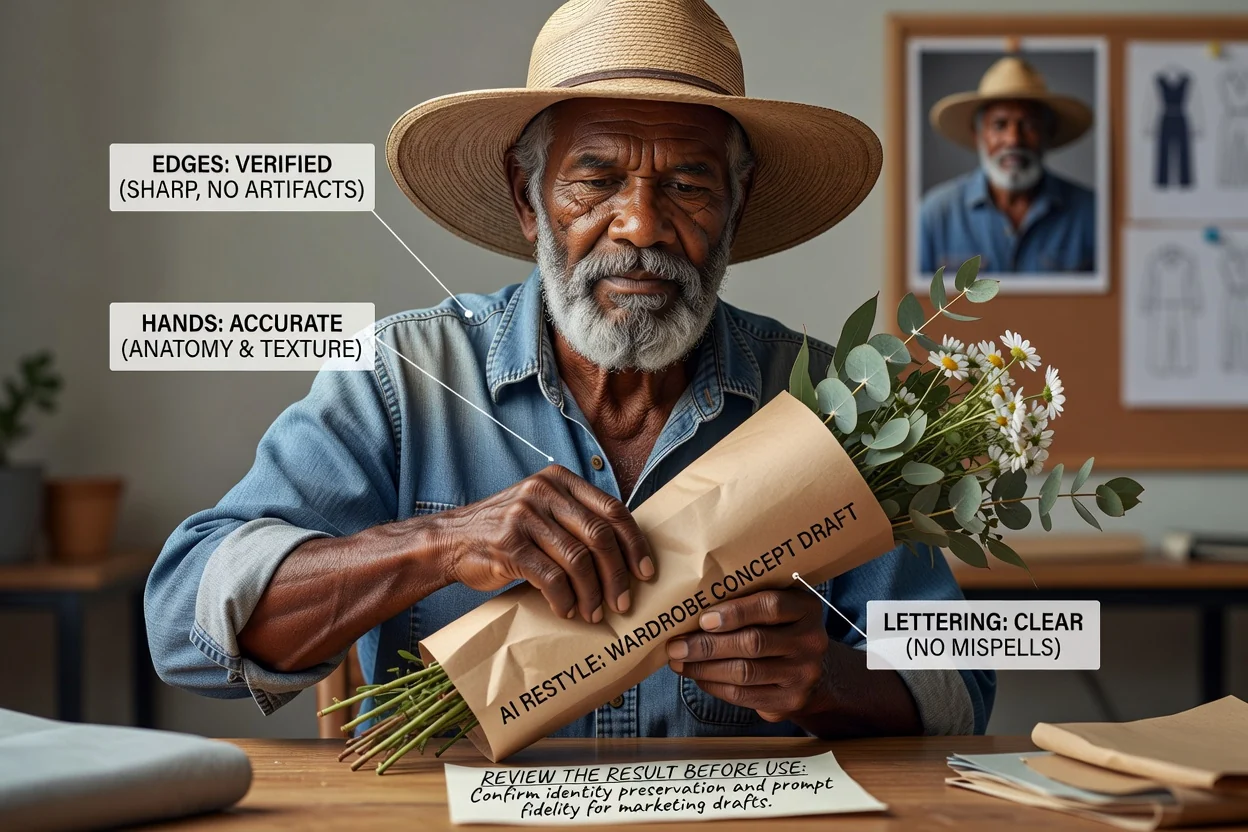
Jämför det omstylade porträttet med din ursprungliga kreativa brief, inklusive klädstil, ton och avsedd målgrupp.
Granska plaggkanter, händer, accessoarer, att ansiktet ser likadant ut och andra detaljer som är viktiga för slutlig användning.
Kontrollera att beskärningen och målformatet fungerar för den kanal, layout eller presentation där bilden ska visas.
Klädredigeringar med AI bygger på generering, så granska resultaten för realism, enhetlighet och lämplighet för din avsedda användning.
Genererade resultat kan avvika från prompten, särskilt när originalporträttet har komplexa kläder, otydliga kanter eller ovanliga poser.
Små accessoarer, logotyper, händer, hår och plaggens konturer kan behöva granskas noga eftersom viktiga detaljer kan ändras under omstylingen.
Svar på vanliga frågor innan du skapar med AI-klädbytaren.
Använd ditt porträttfoto och din klädprompt för att skapa en fokuserad omstylad bild till ditt nästa visuella projekt.