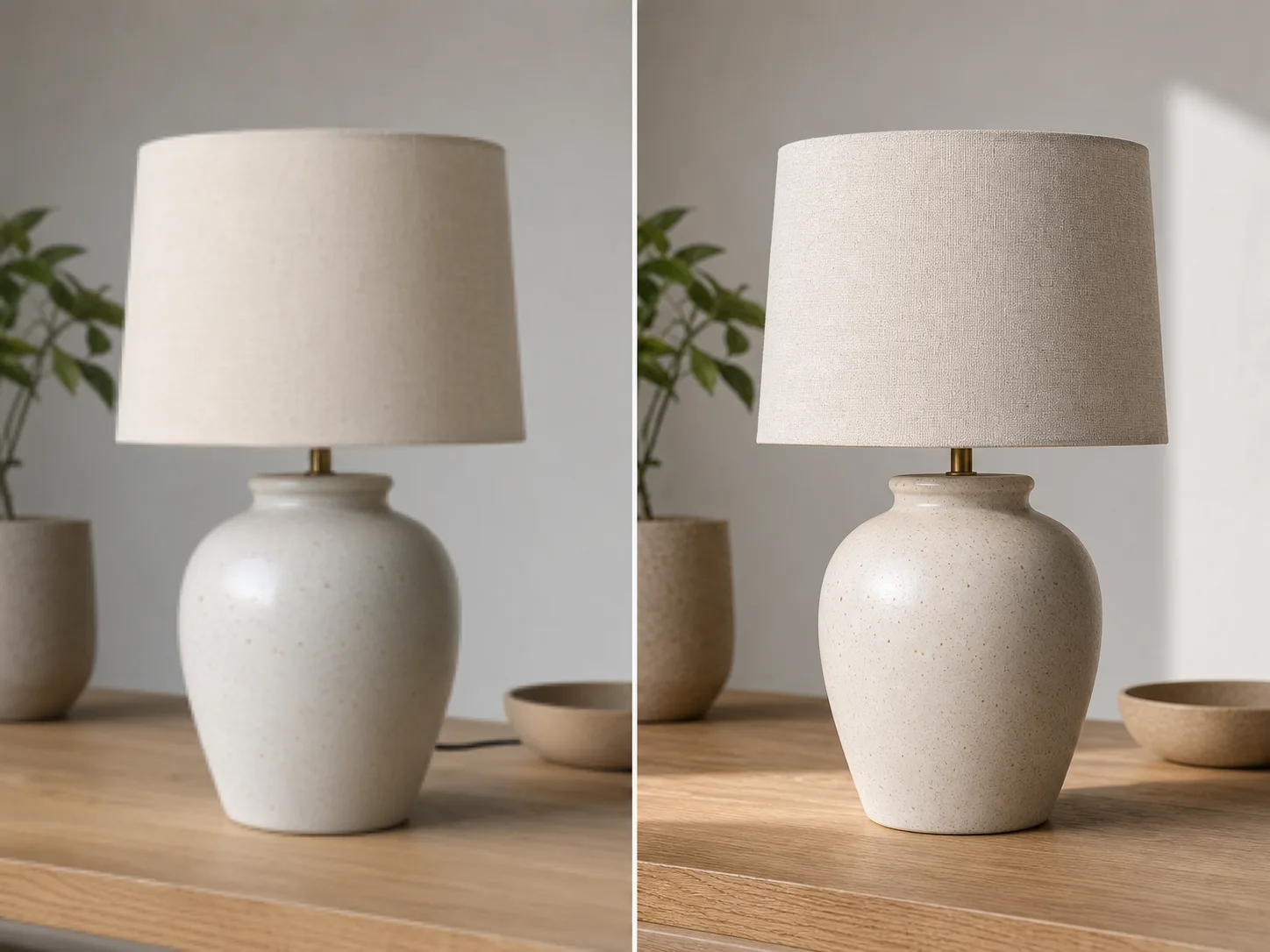
01
Быстрый старт
Опишите задачу обычными словами или добавьте референс, чтобы ClipCanva лучше понял нужный стиль и формат.
Используйте ClipCanva, чтобы быстро создавать изображения и визуальные материалы: начните с идеи, изображения или краткого описания, настройте стиль и получите готовый результат без сложного продакшена.
Посмотрите, какие визуальные и медийные результаты можно собрать в ClipCanva для разных форматов и задач.


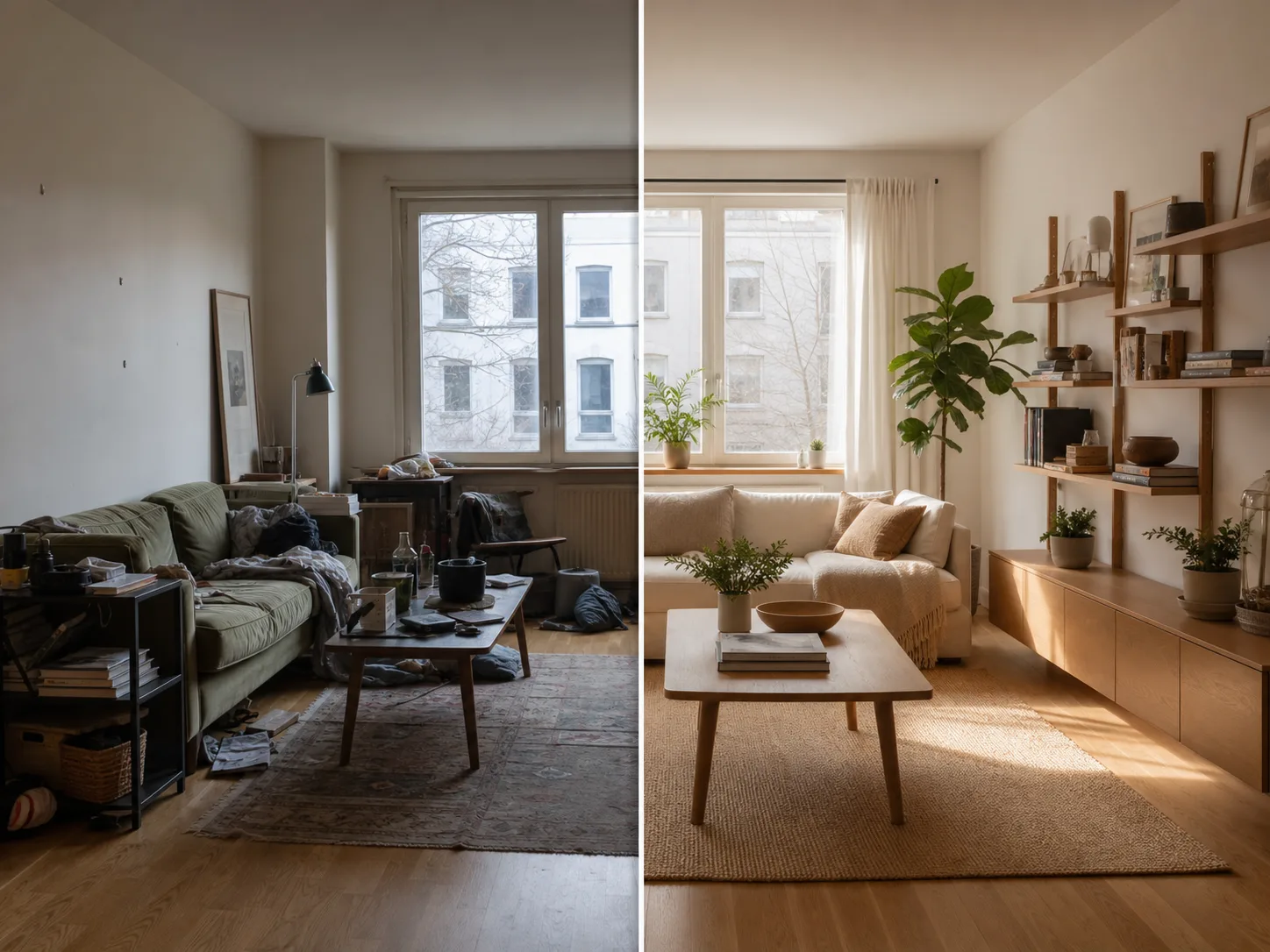

Начните с понятного запроса, проверьте результат и уточняйте детали, пока материал не подойдет под вашу задачу.
Опишите задачу обычными словами или добавьте референс, чтобы ClipCanva лучше понял нужный стиль и формат.
Настраивайте детали: композицию, настроение, длительность, пропорции, персонажей и визуальное направление.
Получайте несколько вариантов и выбирайте тот, который легче всего довести до финального результата.
Опишите задачу обычными словами или добавьте референс, чтобы ClipCanva лучше понял нужный стиль и формат.
Настраивайте детали: композицию, настроение, длительность, пропорции, персонажей и визуальное направление.
Получайте несколько вариантов и выбирайте тот, который легче всего довести до финального результата.
Используйте результат для социальных сетей, презентаций, кампаний, прототипов и личных творческих проектов.
ClipCanva помогает создавать изображения и визуальные материалы для реальных задач: от первых идей до материалов, которые удобно показать, обсудить и опубликовать.
Бесплатные изображения содержат водяной знак. Перейдите на платный план для чистых результатов, более быстрой генерации и коммерческого использования.
Стартовый пакет
Разовый пакет кредитов, чтобы попробовать генерацию изображений, музыки и коротких видео.
Создатель
Ежемесячный план · 1 500 кредитов обновляются каждый месяц
GPT Image 2 Unlimited
Введите код FOUNDING6 в Stripe Checkout: $19 в месяц первые 6 месяцев, затем $29 в месяц.
Про
Ежемесячный план · 4 000 кредитов обновляются каждый месяц
Студия
Ежемесячный план · 12 000 кредитов обновляются каждый месяц
Безопасная оплата · Подписки продлеваются автоматически · Условия возврата
Команда
Для агентств, продакшн-команд и индивидуальных объемов.
ClipCanva помогает создавать изображения и визуальные материалы для реальных задач: от первых идей до материалов, которые удобно показать, обсудить и опубликовать.
Попробуйте преобразование изображения в изображение в ClipCanva и создайте аккуратный результат из простой идеи, текста или референса.