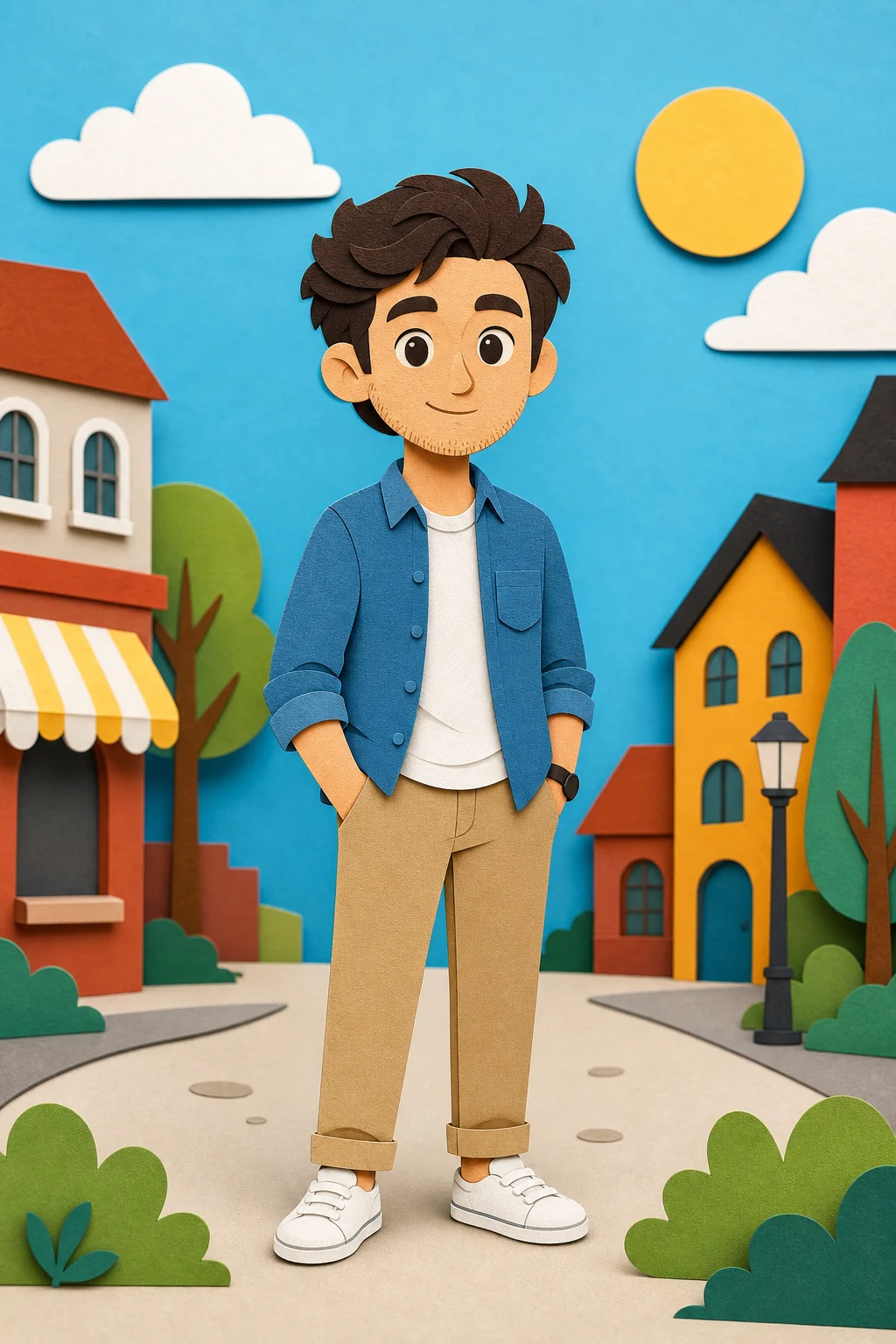
South Park Character Creator

South Park Character Creator

Turn a clear portrait into a simple cutout cartoon with rounded shapes, thick outlines, flat colors, and recognizable hairstyle, outfit, and expression cues.

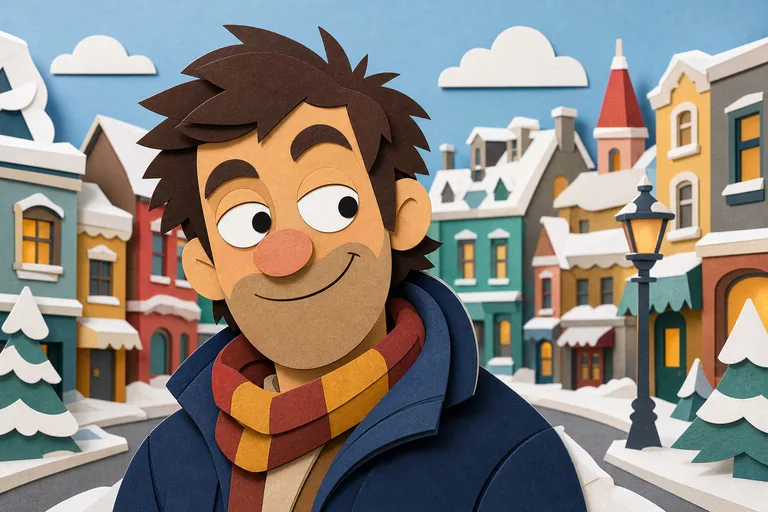
South Park-style character example
0 / 2000
Template prompt

South Park Character Creator

Apply the South Park Character Creator effect to the uploaded portrait. Preserve the person identity, hairstyle, expression, clothing colors, accessories, and key facial cues. Rebuild the subject as a simple cutout cartoon character with flat construction-paper shapes, thick outlines, rounded head forms, limited animation-style detail, and playful snowy or plain background. Simplify aggressively, but keep the character traceable to the uploaded person.

South Park-style character example

What this South Park Character Creator makes

This South Park Character Creator page is designed for transforming a portrait into a playful cutout-cartoon character. The result uses simple geometric forms, bold outlines, flat construction-paper colors, rounded head shapes, and limited detail while keeping the person traceable through their hairstyle, clothing colors, expression, accessories, and key facial cues.

Portrait to cutout cartoon transformation

The transformation reduces a real portrait into a bold, flat cartoon while keeping the subject’s most important identifying details coherent.

What changes

  • Create a cutout-cartoon version of a portrait with simple rounded shapes, thick outlines, limited detail, and the original hairstyle and outfit cues.
  • Recreate simple geometric shapes, bold outlines, and flat colors associated with a paper-cutout cartoon look.
  • Simplify the portrait into an animation-style character suitable for posts, mockups, references, or creative drafts.
  • Rebuild the subject with flat construction-paper shapes, rounded head forms, limited facial detail, and a playful snowy or plain background.

What stays recognizable

  • Preserve the person’s identity, hairstyle, expression, clothing colors, accessories, and key facial cues.
  • Simplify aggressively, but keep the character traceable to the uploaded person.
  • Keep the main subject recognizable from the source image.
  • Maintain defining colors, pose, silhouette, and important subject details.

How to create your character

Start with a clear portrait, describe the details that should stay recognizable, then review the simplified cartoon result.

1

Upload a clear portrait

Choose a sharp image where the face, hairstyle, outfit colors, pose, and any important accessories are visible.

2

Add the key details

Describe the South Park-style cutout look and call out the identity cues that matter most, such as hair, glasses, jacket color, expression, or hat.

3

Review and refine

Compare the result with the source, checking recognizability, outline quality, simplified shapes, and any artifacts around small details.

South Park-style character examples

Explore different examples of the same simplified cutout-cartoon treatment, from plain backgrounds to playful character-focused scenes.

South Park-style character example background

Classic cutout portrait

A clean character-focused example with bold outlines, flat colors, and a simple composition.

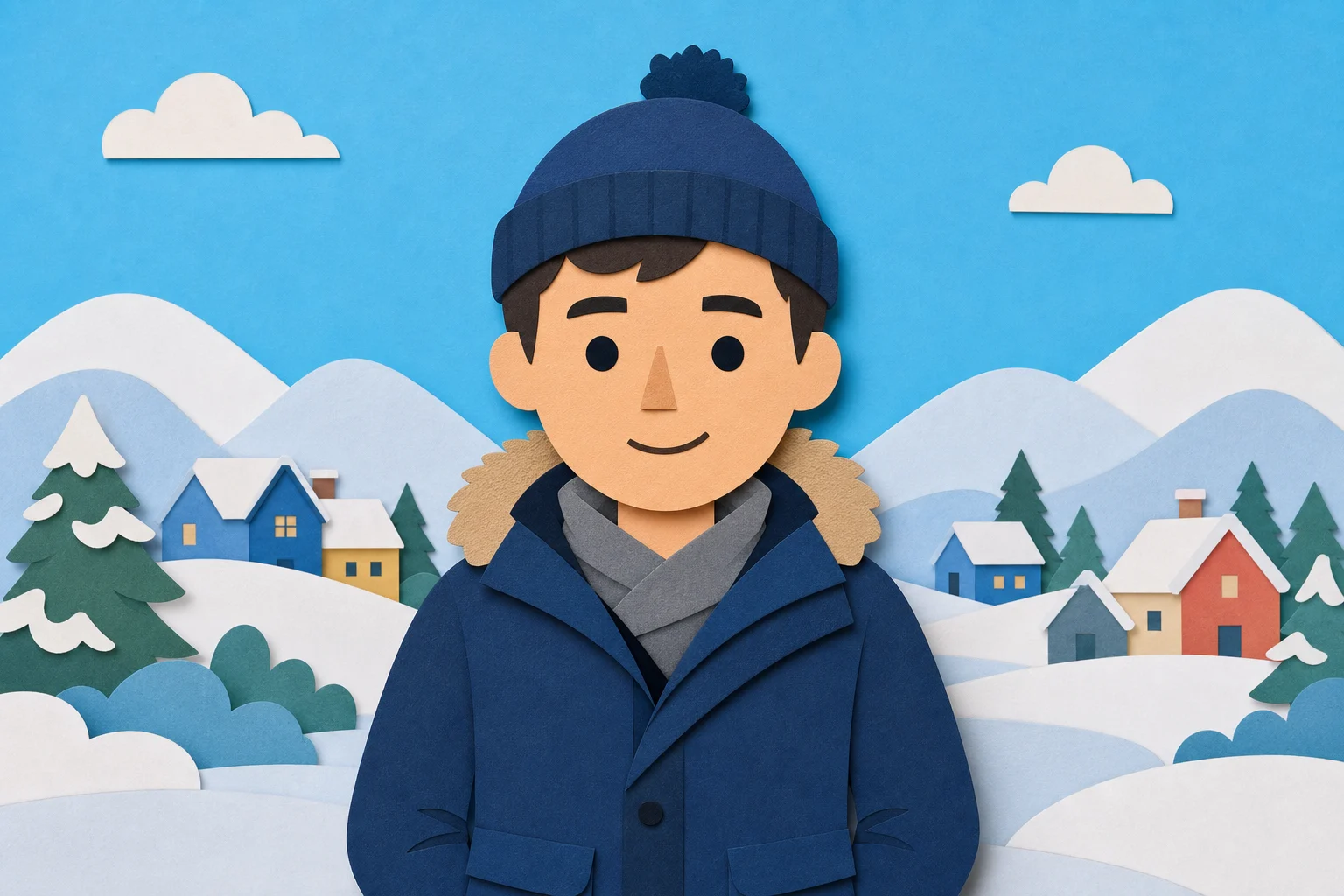
South Park-style character example 1

Rounded cartoon avatar

A simplified character variation that emphasizes rounded forms and readable outfit cues.

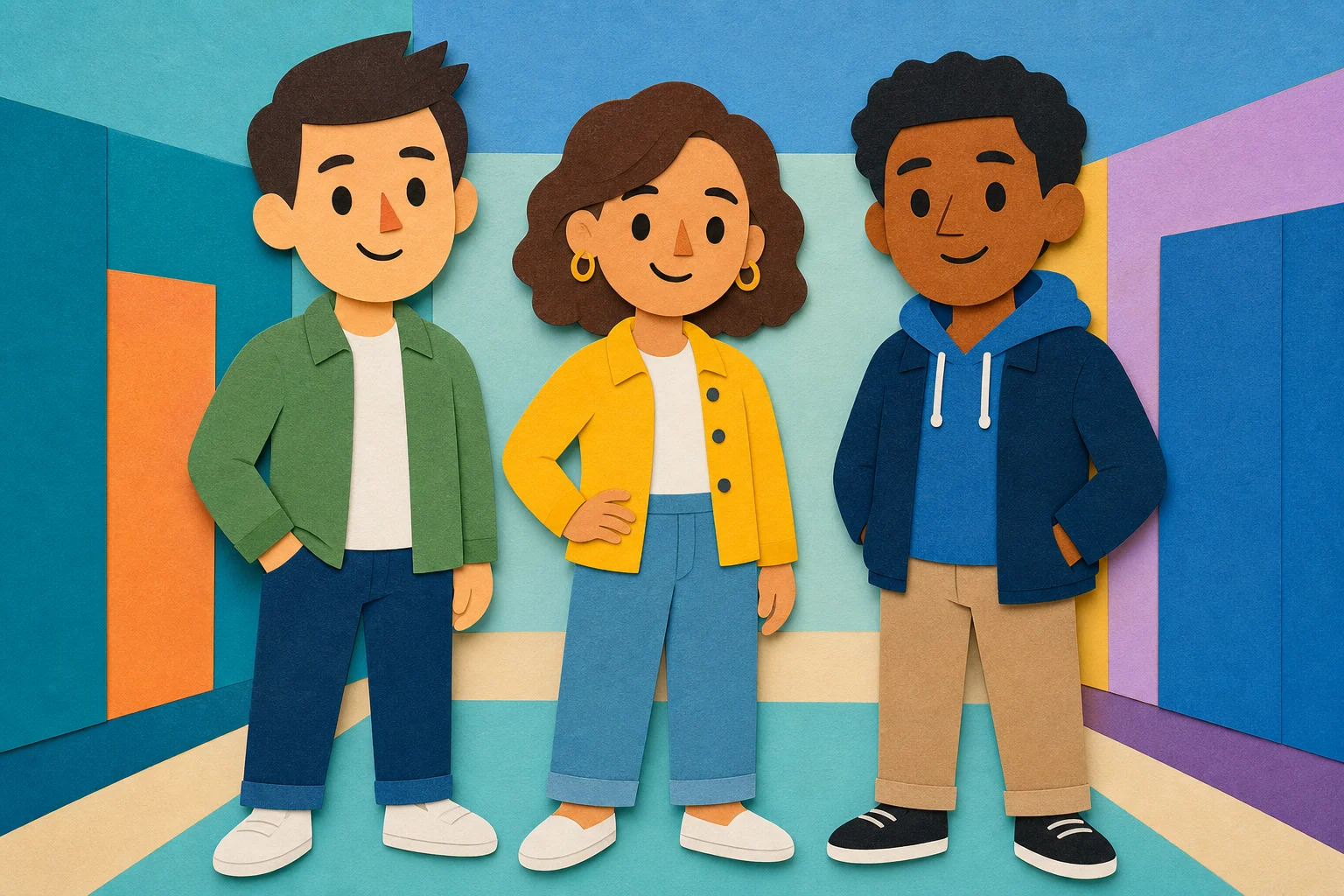
South Park-style character example 2

Bold outline character

A playful variation with thick outlines, flat colors, and a clear character silhouette.

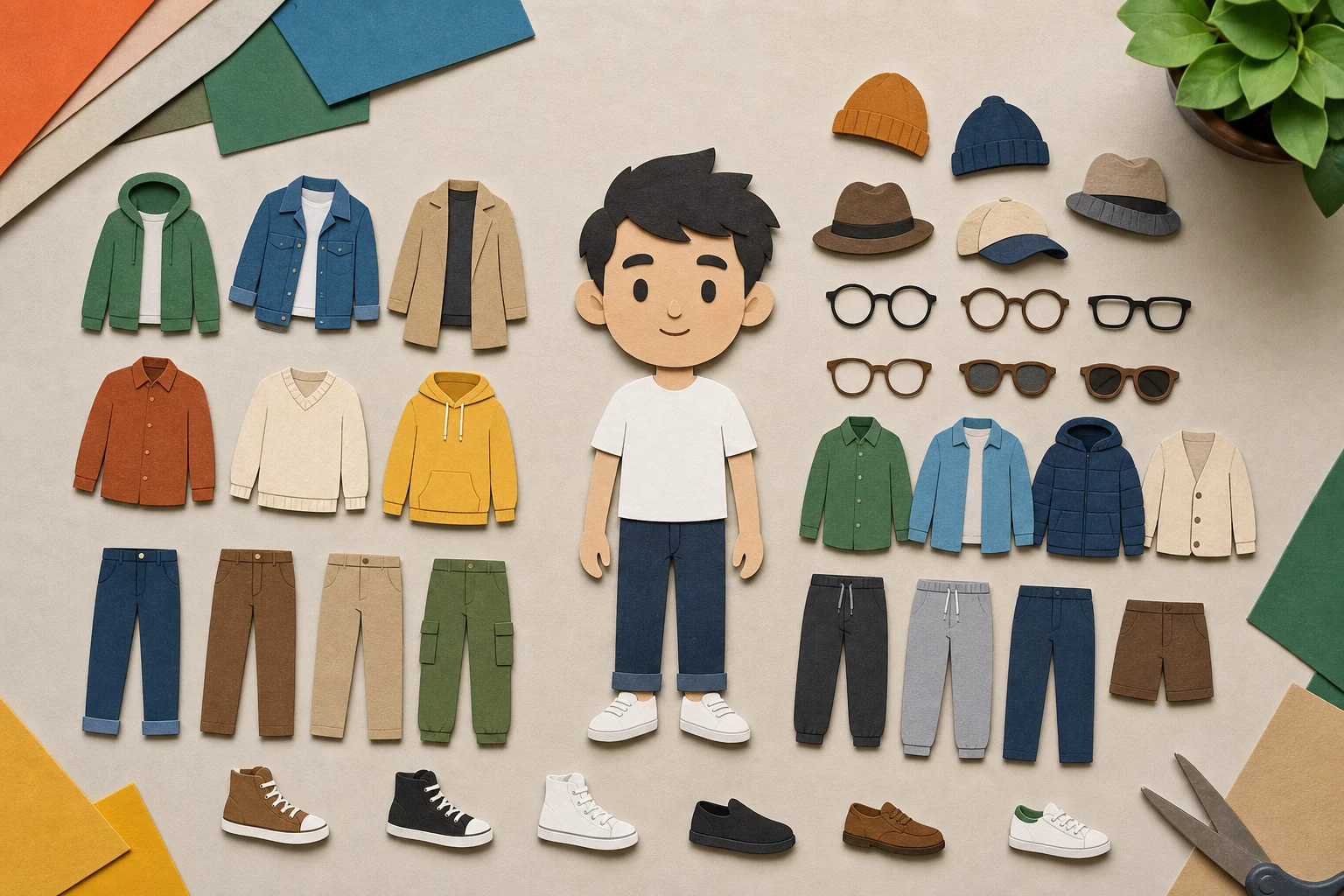
South Park-style character example 3

Simple reference look

A plain, readable version suited for comparing facial cues, hairstyle, and clothing color choices.

Ways to use this template

Use this template when you need a quick visual direction for a South Park-inspired character based on a real portrait or character reference.

Personal character previews

Create a focused South Park Character Creator preview for a personal avatar, creative concept, profile idea, or themed design direction.

Creative review and iteration

Compare the cutout-cartoon direction before refining, sharing, or presenting the result in a project draft.

How to get a stronger character result

A clear prompt and a strong source portrait help the character stay recognizable after the details are simplified.

Source image checklist

  • Use a sharp source image with the main subject clearly visible.
  • Avoid heavy blur, blocked details, extreme crops, or confusing overlaps.
  • Choose a source whose pose and framing support the intended South Park Character Creator result.

Prompt tips

Ask for a South Park-style cutout cartoon portrait with flat construction-paper shapes, thick black outlines, rounded head forms, limited animation-style detail, and a plain or snowy background. Mention the hairstyle, expression, clothing colors, accessories, and any facial cues that must remain visible.

Review before you use the image

Generated details can vary, so review the image carefully and try a clearer source or more specific prompt if the person no longer feels recognizable.

Check recognizability

Compare the character’s face shape, hairstyle, expression, clothing colors, accessories, and overall silhouette with the uploaded portrait.

Review the style treatment

Look for simple rounded shapes, thick outlines, flat colors, and intentionally limited detail across the whole image.

Inspect the final details

Inspect faces, hands, small accessories, edges, background transitions, and any text-like areas for visual artifacts before using or sharing the image.

South Park Character Creator FAQ

Answers to common questions about creating a simplified South Park-inspired character from a portrait.

What is a South Park character creator?
A South Park character creator helps turn a person, avatar idea, or portrait reference into a simplified cutout cartoon with rounded shapes, thick outlines, flat colors, and limited detail.
Is the South Park character creator free?
Availability and access can vary by tool or plan. Check the current options on the creation page before starting your image.
How do I make myself a South Park character?
Upload a clear portrait where your face, hairstyle, clothing, and accessories are visible. Use a prompt that asks for a simplified cutout cartoon with thick outlines, flat colors, and recognizable personal details.
Will it keep my facial features and clothes?
The template is built to retain the main hairstyle, expression, clothing colors, accessories, and key facial cues, but details are intentionally simplified to match the cutout-cartoon look.
Can I use the generated character commercially?
Usage depends on the source image, the final image, and your intended context. Review any applicable rights, brand considerations, and project requirements before using the character commercially.
What South Park Character Creator changes should I expect?
It changes the portrait into a flatter cartoon with simple rounded forms, bold outlines, reduced facial detail, and playful snowy or plain background options while preserving the subject’s core identity cues.
Which source image works best?
Use a sharp, well-lit image with the main subject clearly visible. Avoid heavy blur, blocked faces, extreme crops, confusing overlaps, and tiny details that are hard to interpret.
How do I keep the subject recognizable?
Choose a source with a clear silhouette, visible face, distinct hairstyle, readable outfit colors, and meaningful accessories. After creating the image, compare the result with the source and refine if important details are missing.

Make your own South Park-style character

Create a simplified cutout-cartoon version of a portrait with thick outlines, flat colors, rounded forms, and recognizable hairstyle and outfit cues.