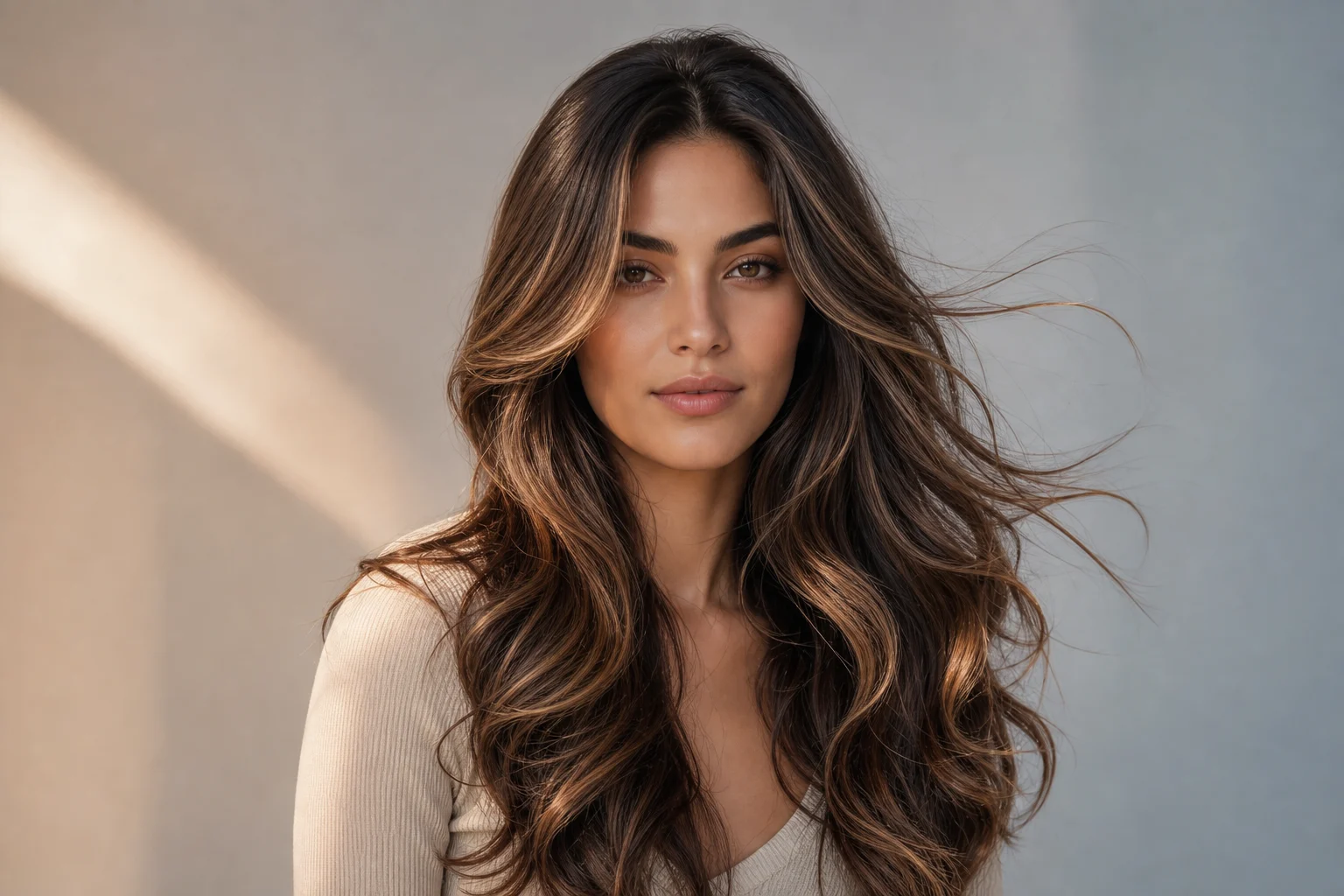
AI Long Hair Filter

AI Long Hair Filter

Preview longer hair on your portrait with natural length, volume, flow, and face-framing layers while keeping your face, pose, clothing, and setting recognizable.

AI long hair filter hairstyle preview on portrait
0 / 2000
Template prompt

AI Long Hair Filter

Apply the AI Long Hair Filter effect to the uploaded portrait. Preserve the same person, face shape, expression, pose, clothing, lighting, camera angle, and background. Change only the hairstyle by adding realistic longer hair with natural length, volume, flow, strand detail, shadows, and face-framing layers. Match the original hair color unless requested otherwise, and keep all non-hair details unchanged.

AI long hair filter hairstyle preview on portrait

What is an AI Long Hair Filter?

The AI Long Hair Filter helps you see how you might look with longer hair by extending your hairstyle into a realistic Long Hair preview. It is designed for portraits where the subject should stay the same while the hair gains length, volume, natural fall, strand detail, and face-framing shape.

What the AI Long Hair Filter does

This template is built to transform the hairstyle while preserving the identity and composition of the original portrait.

What changes

  • See how you would look with longer hair by adding realistic length, volume, flow, and face-framing layers to your portrait.
  • Add long hair with natural fall, volume, layers, and face-framing shape.
  • Keep your face, expression, pose, and clothing consistent while changing only the hairstyle.
  • Test flowing hair, layered looks, soft waves, or sleek long styles before committing.

What stays the same

  • Preserve the same person, face shape, expression, pose, clothing, lighting, camera angle, and background.
  • Match the original hair color unless requested otherwise, and keep all non-hair details unchanged.
  • The main subject remains recognizable from the source image.
  • Defining colors, pose, silhouette, and important subject details stay coherent.

How to use the AI Long Hair Filter

Create a focused Long Hair preview by starting with a clear portrait, choosing a hairstyle direction, and reviewing the final image closely.

1

Upload a clear portrait

Pick a sharp portrait where the face, current hair, shoulders, clothing, lighting, and background are easy to see.

2

Define the hairstyle direction

Choose whether you want flowing Long Hair, soft waves, layered volume, or a sleek long style. Keep the original hair color unless you want a different look.

3

Review and refine the preview

Check that the face, expression, pose, clothing, and setting stayed consistent while the hairstyle gained realistic length and shape.

AI Long Hair Filter style variations

Explore different Long Hair directions while keeping the same person, pose, and portrait composition consistent.

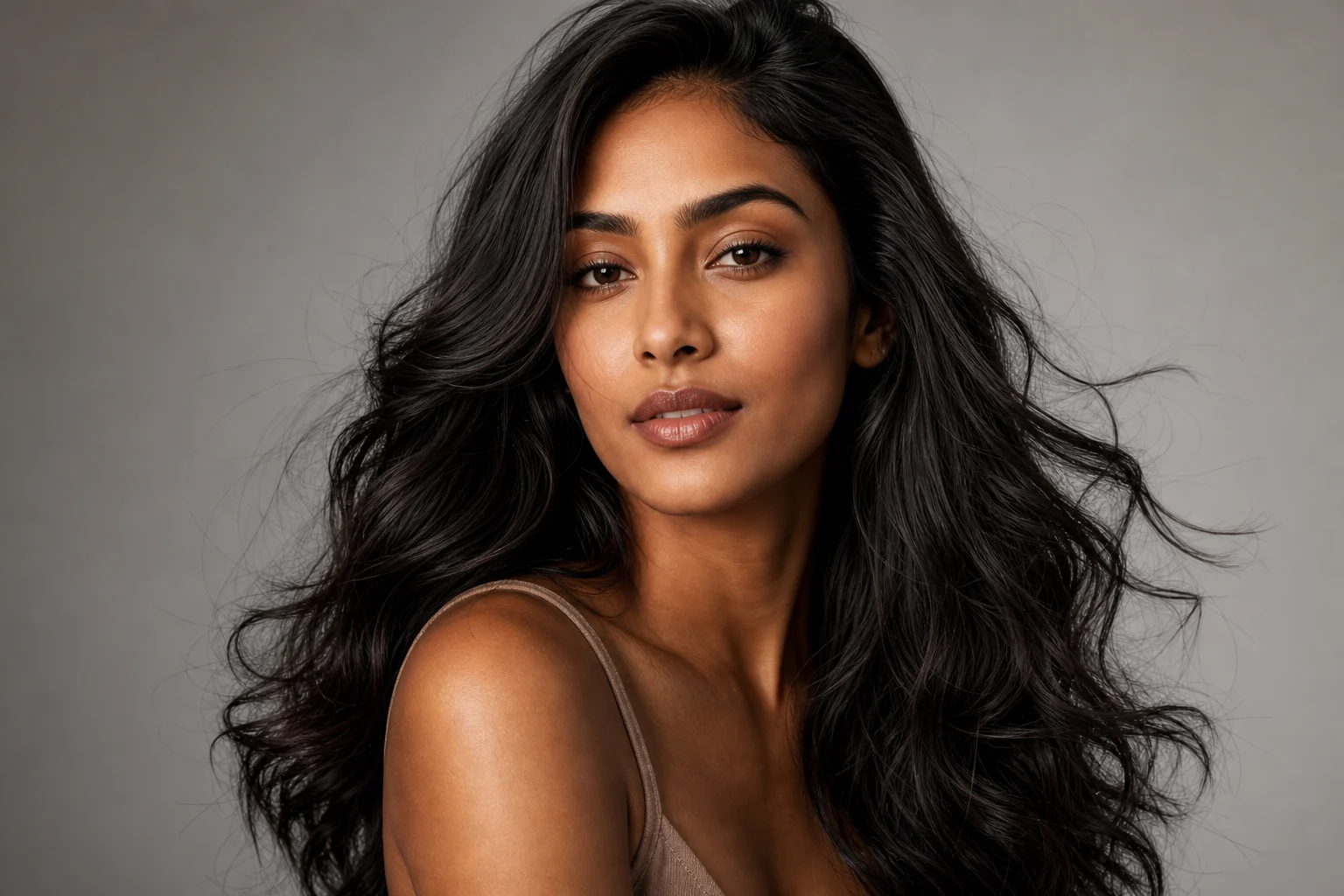
AI long hair filter hairstyle preview on portrait 1

Natural flowing Long Hair

A natural Long Hair preview with soft movement, added length, and gentle face-framing layers.

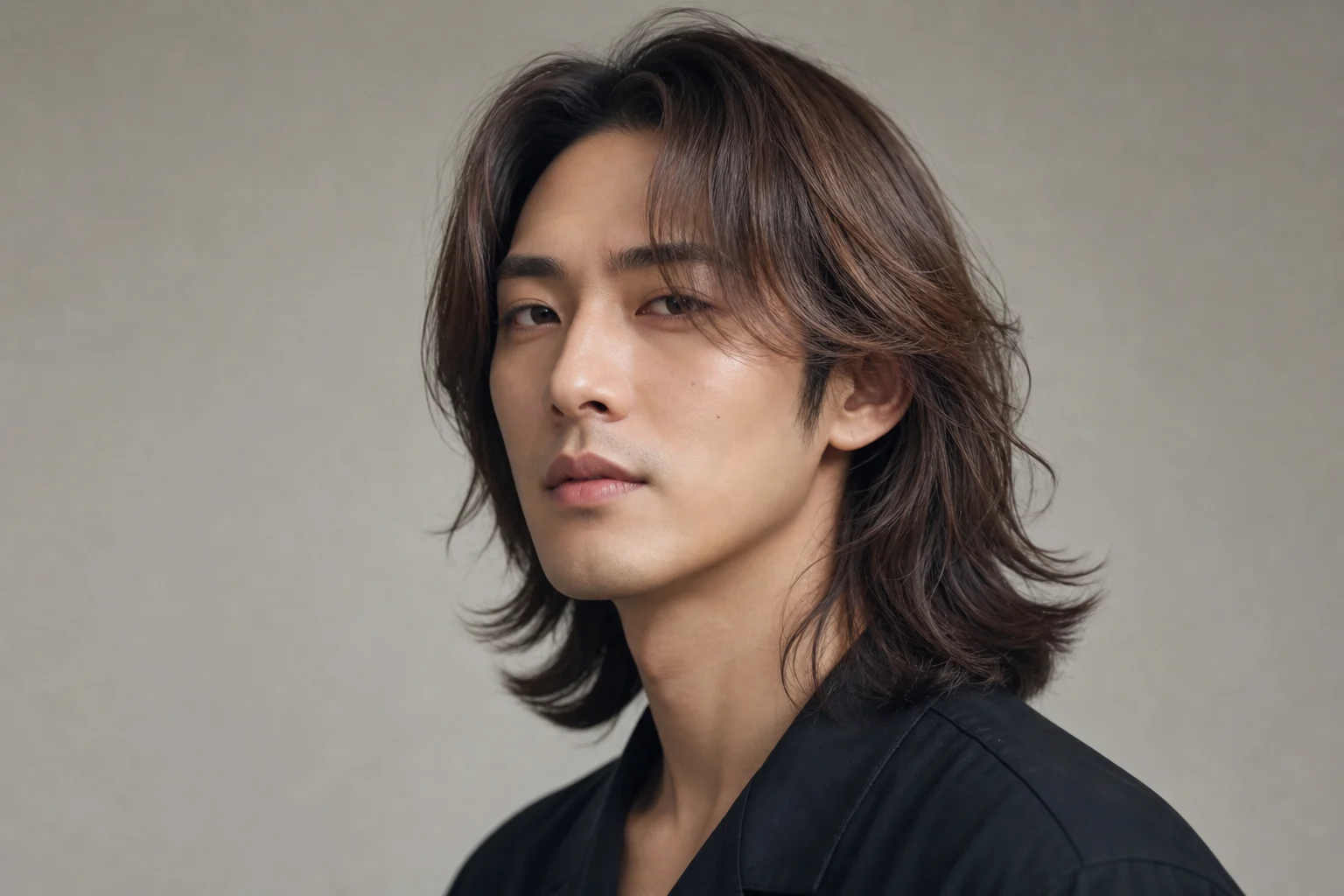
AI long hair filter hairstyle preview on portrait 2

Layered Long Hair with volume

A fuller hairstyle direction with visible volume, layered shape, and realistic fall around the shoulders.

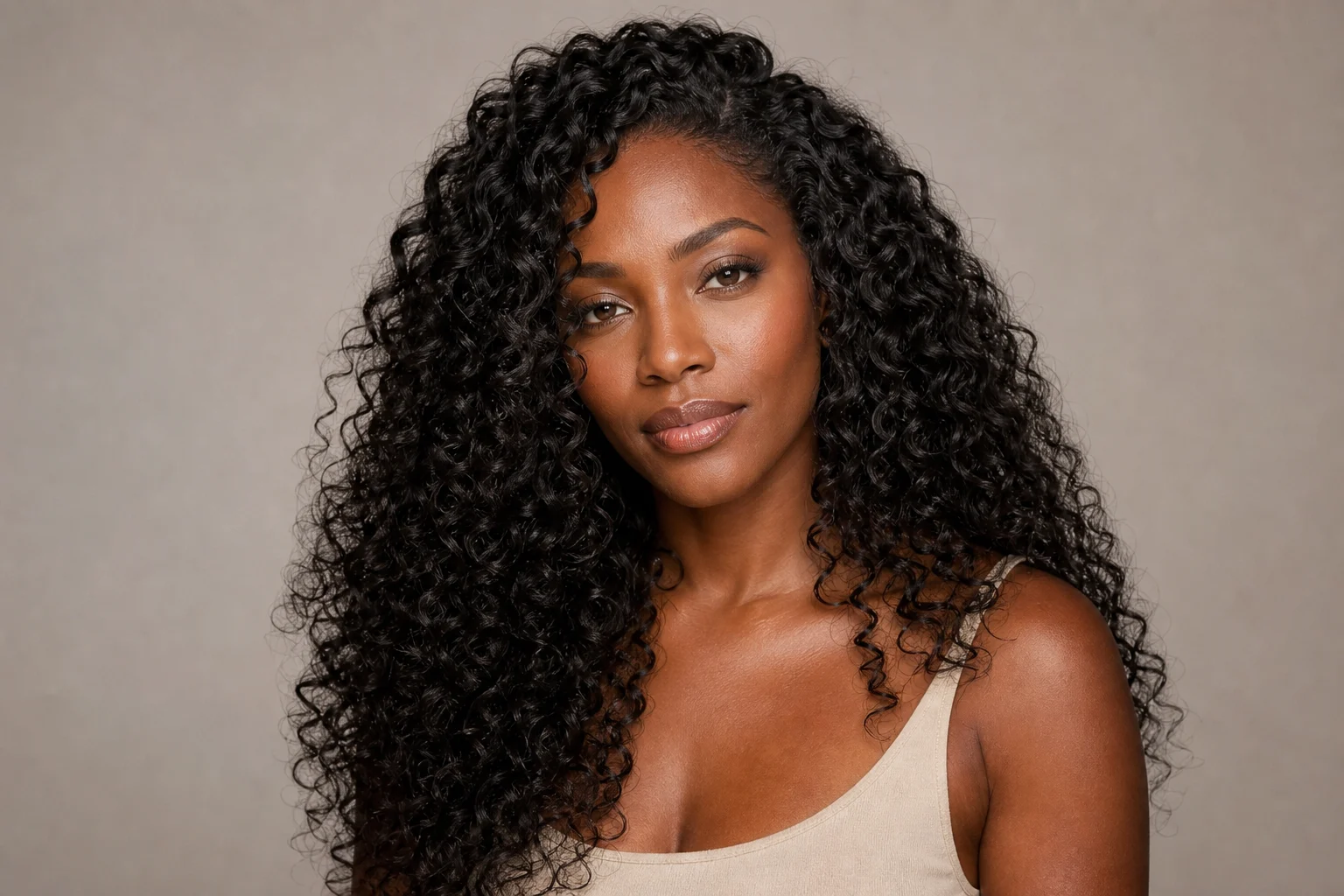
AI long hair filter hairstyle preview on portrait 3

Sleek Long Hair preview

A smoother Long Hair look with a polished shape, clean edges, and subtle strand detail.

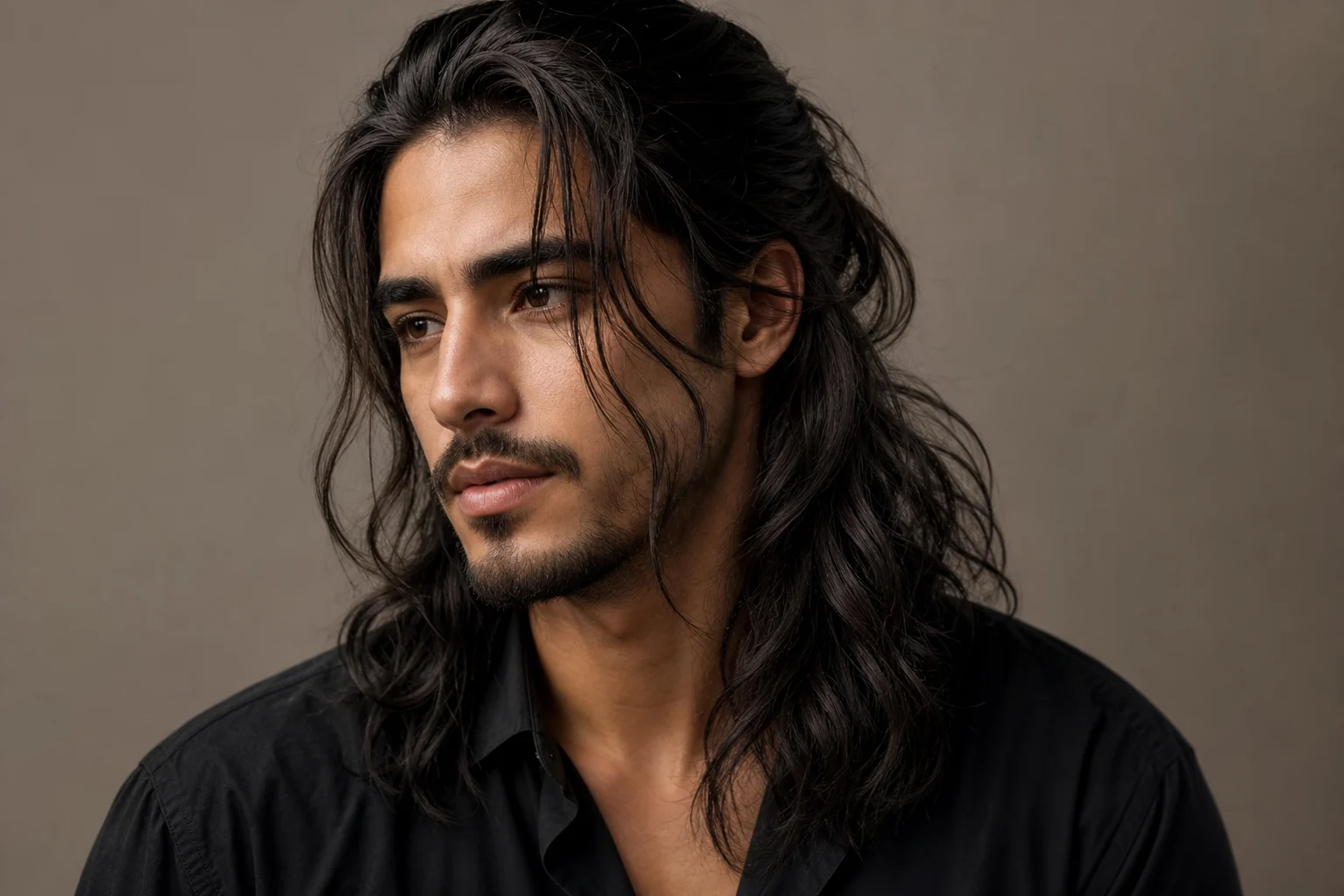
AI long hair filter hairstyle preview on portrait 4

Soft wavy Long Hair

A soft wavy hairstyle option with longer length, relaxed movement, and a flattering frame around the face.

Ways to use the Long Hair Filter

Use the AI Long Hair Filter when you want a focused hairstyle preview without changing the rest of the portrait.

Personal hairstyle preview

Create a clear Long Hair version of your portrait for a personal style idea, profile concept, mood board, or creative edit.

Style direction comparison

Compare flowing hair, layered looks, soft waves, and sleek Long Hair before refining the image or sharing the direction with someone else.

How to get a better Long Hair preview

A strong source image and a specific hairstyle direction help the AI Long Hair Filter produce a more coherent preview.

Source image checks

  • Use a sharp source image with the main subject clearly visible.
  • Avoid heavy blur, blocked details, extreme crops, or confusing overlaps.
  • Choose a source whose pose and framing support the intended AI Long Hair Filter result.

Prompt guidance

Ask for realistic longer hair with natural length, volume, flow, strand detail, shadows, and face-framing layers. Mention whether you want soft waves, sleek Long Hair, layered movement, or a fuller flowing style. If you want to keep your current color, say that the original hair color should stay the same.

Review your AI Long Hair Filter result

Generated details can vary, so review the result before using it in a personal, creative, or presentation context.

Confirm the subject still matches

Compare the face shape, expression, pose, clothing, silhouette, and defining details with the original portrait.

Inspect the hairstyle details

Look at the hairline, part, layers, ends, shadows, and face-framing strands to make sure the Long Hair effect feels natural.

Check the whole image

Review faces, hands, text, edges, small objects, and background transitions for artifacts or unexpected changes.

AI Long Hair Filter FAQ

Common questions about using a Long Hair Filter online for realistic hairstyle previews.

What is an AI long hair filter?
An AI long hair filter is a portrait editing effect that changes short or medium hair into a longer hairstyle. It focuses on adding believable length, flow, volume, layers, and face-framing strands while keeping the person recognizable.
Is the AI long hair filter free?
Availability can vary by product or platform. This template page is focused on creating a clear Long Hair preview from your portrait, so check the current tool experience for access details before you begin.
Will the filter change my face?
The intended result keeps your face, expression, pose, clothing, lighting, camera angle, and background consistent. You should still review the output carefully, especially around the hairline, jawline, and facial edges.
What photos work best for long hair previews?
Use a sharp portrait where the face, current hairstyle, shoulders, and background are visible. Avoid heavy blur, blocked hair, extreme crops, hats, or overlapping objects that make the hair shape hard to understand.
Can I use the result for hairstyle planning?
Yes. A Long Hair Filter online preview can help you explore whether flowing, layered, wavy, or sleek Long Hair suits your portrait before discussing a style direction or making a creative edit.
What AI Long Hair Filter changes?
It changes the hairstyle by adding Long Hair with natural fall, layered shape, volume, strand detail, shadows, and face-framing structure. Non-hair details should remain as close to the source portrait as possible.
Which source image works best?
Choose a clear, well-lit portrait with the main subject visible and enough room around the head and shoulders for longer hair to appear naturally. A simple background can also make the hair edges easier to read.
How to keep the subject recognizable?
Start with a source image that clearly shows the person’s face shape, expression, pose, and defining details. After creating the preview, compare the result with the original and check that only the hairstyle has changed.

See yourself with longer hair

Upload a clear portrait and create a realistic Long Hair preview with length, volume, flow, and face-framing layers.