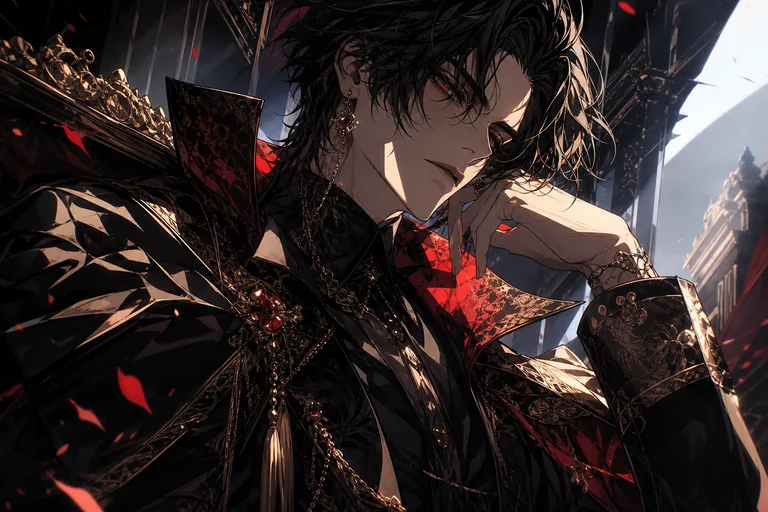
AI JoJo Filter for Dramatic Anime Portraits

AI JoJo Filter for Dramatic Anime Portraits

Turn a clear portrait into a dramatic manga-style character with sharp ink lines, sculpted shadows, bold color accents, and recognizable facial details.

Dramatic AI JoJo filter anime background
0 / 2000
Template prompt

AI JoJo Filter for Dramatic Anime Portraits

Apply the AI JoJo-inspired effect to the uploaded portrait. Preserve the person identity, face shape, hairstyle, expression, pose/action silhouette, and outfit color cues. Recreate the image as a high-drama manga portrait with sharp ink lines, sculpted shadows, stylized fashion, intense expression, dynamic composition, bold color accents, and theatrical character energy. Keep the subject recognizable while amplifying the manga style.

Dramatic AI JoJo filter anime background

What is the AI JoJo Filter?

The AI JoJo Filter transforms a source photo into a high-drama anime portrait with manga-style ink work, strong cheekbones, vivid color, stylized fashion, and theatrical character energy. It is designed for selfies, waist-up portraits, and fashion shots where the subject should remain recognizable while the overall look becomes bolder and more illustrated.

From photo to high-drama manga portrait

This template pushes a regular portrait toward a bold JoJo-style anime look while keeping the main subject connected to the original image.

What changes

  • Recreate your photo as a high-drama anime portrait with sharp ink lines, sculpted shadows, stylized fashion, and expressive manga energy.
  • Apply sharp ink work, strong cheekbones, vivid color, and manga-inspired drama.
  • Keep key facial features recognizable while transforming the overall illustration style.
  • Works with selfies, waist-up portraits, and fashion shots for expressive anime results.

What stays recognizable

  • Preserve the person identity, face shape, hairstyle, expression, pose/action silhouette, and outfit color cues.
  • Keep the subject recognizable while amplifying the manga style.
  • The main subject remains recognizable from the source image.
  • Defining colors, pose, silhouette, and important subject details stay coherent.

How to use the JoJo Filter online

Start with a clean portrait, choose the visual direction, then review the result for both resemblance and manga-style impact.

1

Upload a clear source photo

Select a sharp selfie, waist-up portrait, or fashion shot where the subject, face, hair, pose, and outfit are easy to read.

2

Set the manga portrait direction

Aim for sharp ink lines, strong cheekbones, vivid color, stylized fashion, and theatrical JoJo-style character energy.

3

Review and refine

Check that the result still reflects the original identity while the overall look becomes more dramatic and illustrated.

AI JoJo Filter style examples

Explore different examples of the JoJo Filter look, from intense portrait lighting to bold manga-style fashion and expressive character energy.

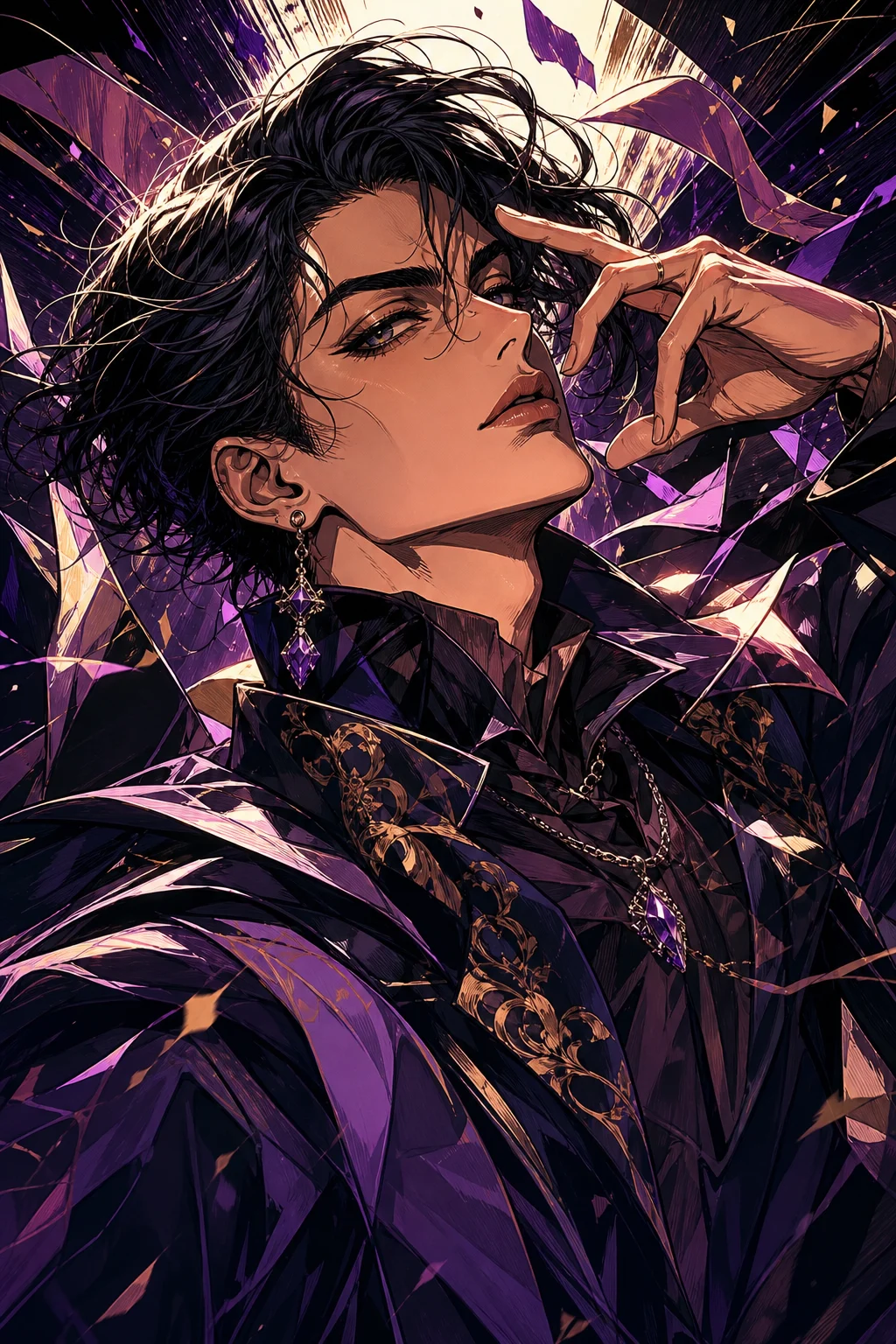
AI JoJo filter anime portrait with bold ink lines

Bold ink portrait

A sharp portrait style with strong ink lines, dramatic shading, and a confident anime character presence.

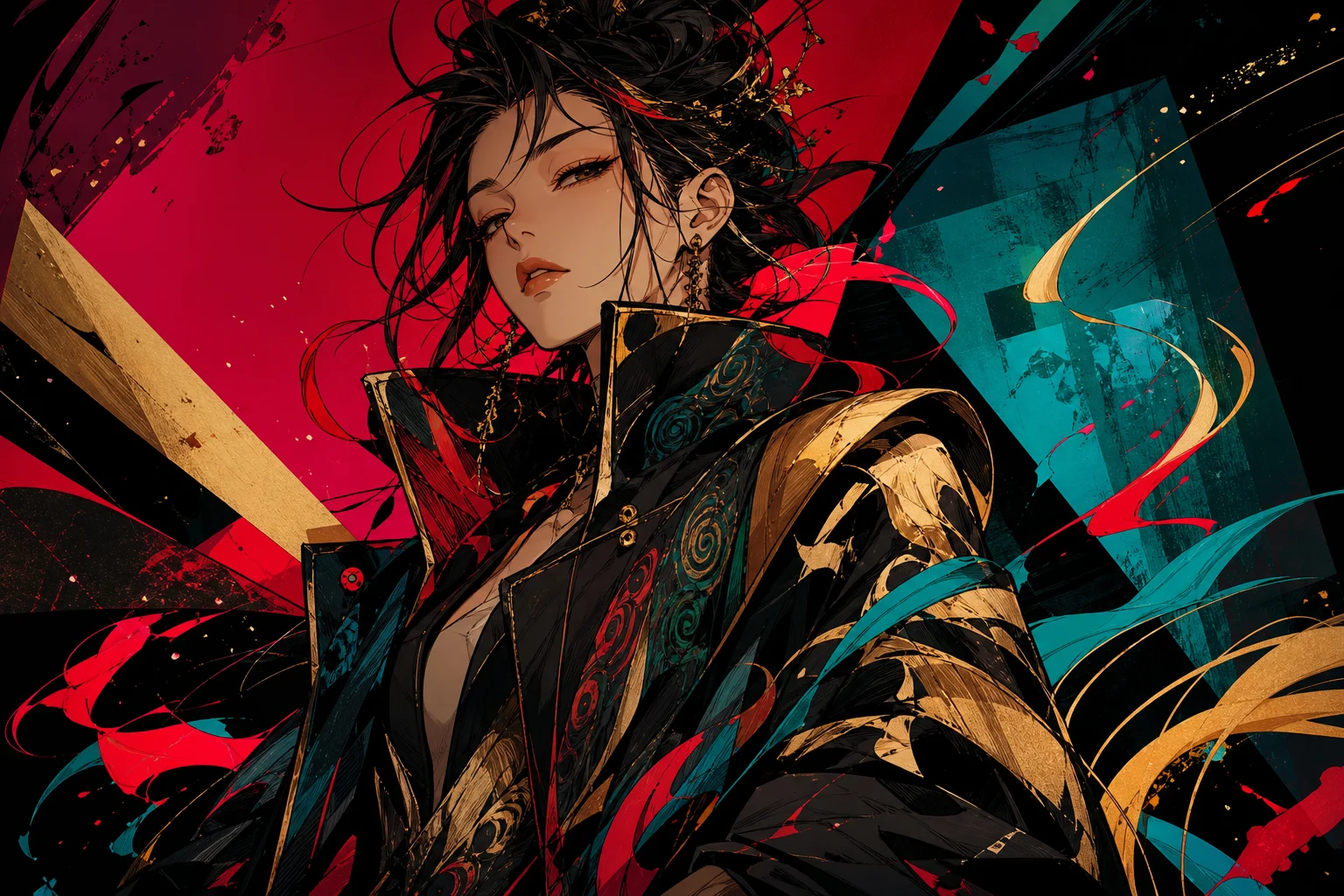
AI JoJo filter anime portrait with bold ink lines 1

Sculpted shadow look

A high-contrast anime treatment with sculpted facial shadows, vivid color accents, and theatrical manga energy.

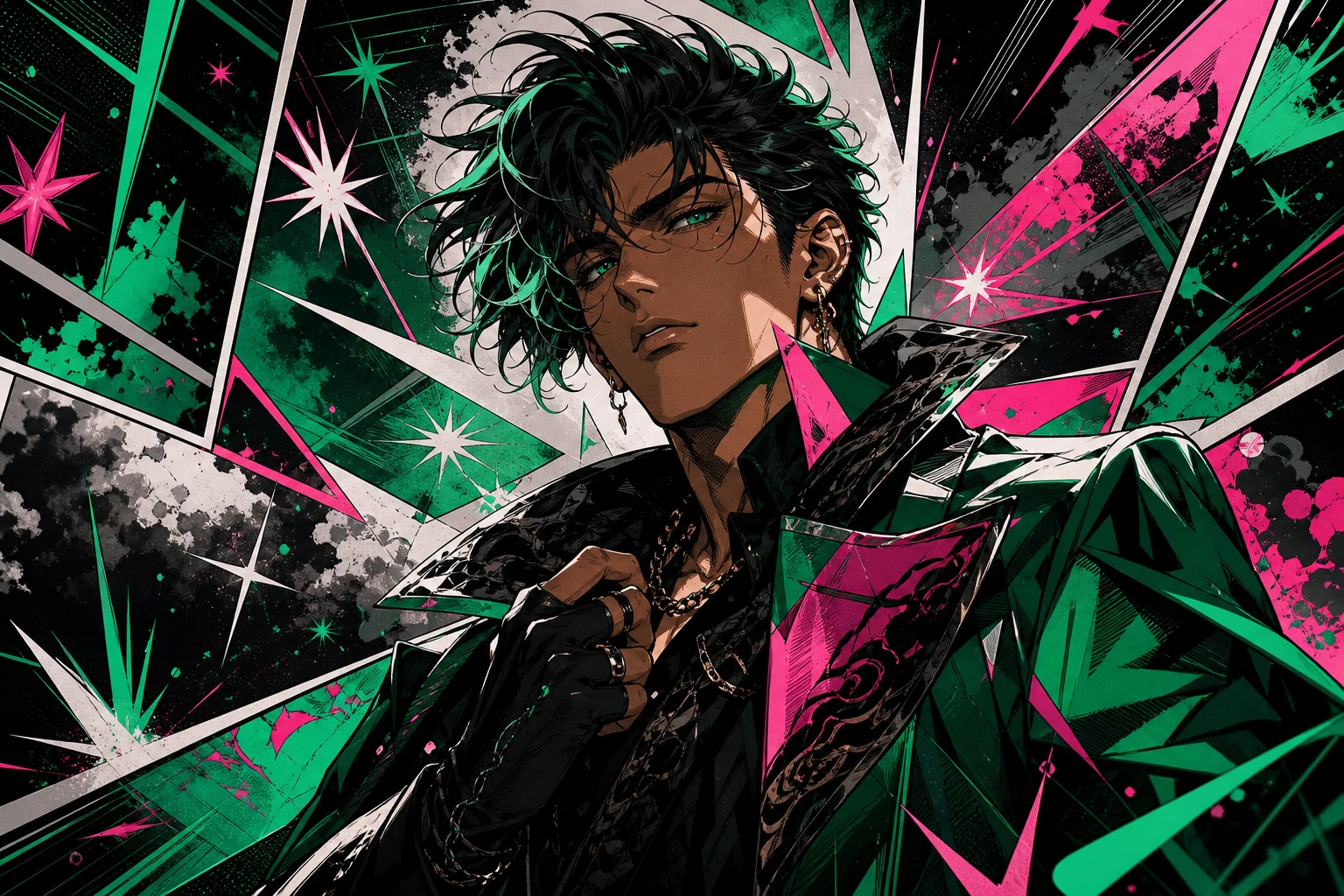
AI JoJo filter anime portrait with bold ink lines 2

Stylized fashion energy

A stylized fashion portrait that emphasizes pose, silhouette, outfit color cues, and expressive JoJo-inspired drama.

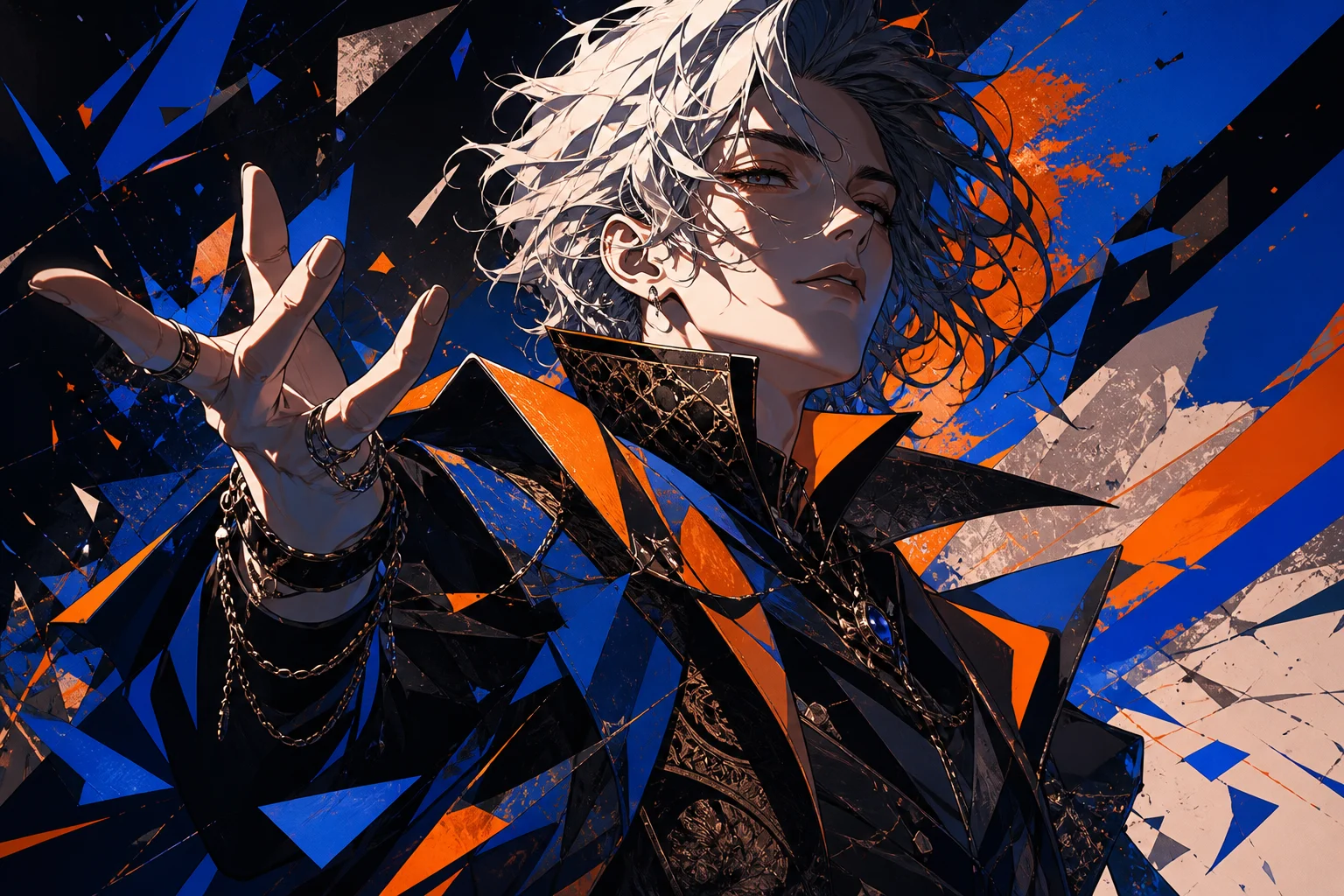
AI JoJo filter anime portrait with bold ink lines 3

Expressive anime character

A vivid character-style result with crisp outlines, intense expression, and dynamic manga composition.

Ways to use the AI JoJo Filter

Use the AI JoJo Filter when you want a dramatic character-style version of a portrait without losing the source photo’s key identity cues.

Personal and creative portraits

Create a focused AI JoJo Filter preview for a personal avatar, character concept, fan-style edit, profile image, or creative mood board.

Style exploration

Compare the visual direction before refining, sharing, or presenting the result, especially when testing poses, outfits, or color choices.

How to get a better JoJo Filter result

A strong source image gives the style more detail to work with and helps the final portrait stay recognizable.

Source image checklist

  • Use a sharp source image with the main subject clearly visible.
  • Avoid heavy blur, blocked details, extreme crops, or confusing overlaps.
  • Choose a source whose pose and framing support the intended AI JoJo Filter result.

Prompt guidance

Describe the look you want in visual terms: sharp ink lines, sculpted shadows, vivid color accents, stylized fashion, intense expression, dynamic pose, and dramatic manga energy. Mention any identity details that must remain clear, such as hairstyle, face shape, outfit colors, or pose.

Review before you use the result

Generated details can vary, so review the image before sharing, presenting, or refining it further.

Subject recognition

Compare the face shape, hairstyle, expression, silhouette, pose, and outfit color cues with the original photo.

Style coherence

Look for consistent sharp ink work, sculpted shadows, bold color accents, and expressive manga-inspired drama across the full image.

Detail quality

Inspect faces, hands, text, edges, small objects, and background transitions for artifacts or distracting distortions.

AI JoJo Filter FAQ

Quick answers about using the JoJo Filter online and getting a recognizable anime-style result from your photo.

What is the AI JoJo filter?
The AI JoJo filter is a portrait effect that restyles your photo into a dramatic manga-inspired image with sharp outlines, sculpted shadows, intense expressions, and bold visual energy.
Is the AI JoJo filter free?
Availability can vary by tool or platform. Check the current options shown on the page before starting your edit.
Will the result still look like me?
The best results keep your face shape, hairstyle, expression, pose, and outfit color cues recognizable while changing the overall illustration style.
What kind of photo should I upload?
Use a sharp selfie, waist-up portrait, or fashion shot where the face, hair, outfit, and pose are clearly visible. Avoid heavy blur, blocked features, extreme crops, or crowded overlaps.
Can I use AI JoJo filter images commercially?
Usage rights can depend on the source photo, the platform, and where you plan to use the image. Review the relevant terms before using the result in a commercial context.
What AI JoJo Filter changes should I expect?
It adds manga-inspired drama: bold ink lines, deeper shadows, vivid colors, sharper facial structure, stylized clothing, and a more expressive character presence.
Which source image works best?
Choose a clear image with one main subject, visible facial features, and a pose that already has personality. Clean lighting and a simple composition usually help the style read better.
How do I keep the subject recognizable?
Start with a clear photo and keep defining details visible, including face shape, hairstyle, expression, pose, silhouette, and outfit colors. Review the result for identity, hands, edges, and small details.

Create your dramatic anime portrait

Use a clear portrait and create a bold manga-style version with sharp lines, sculpted shadows, and expressive JoJo energy.