
파일 추가하기
JPG, PNG, WEBP, AVIF 이미지 파일을 추가하세요. 배치는 지원되는 원본 이미지 제한 내에서 유지하세요.
이미지 합치기 도구를 사용하면 지원되는 이미지 파일을 하나의 검토 가능한 결과물로 정리할 수 있습니다. JPG, PNG, WEBP, AVIF 파일을 추가하고 레이아웃을 선택한 다음 간격과 배경 색상을 조정하여 브라우저에서 이미지를 처리합니다.
이미지 순서
결과
합쳐진 이미지 또는 PDF가 여기에 표시됩니다.
이미지를 합치기란 여러 이미지 파일을 단일 캔버스에 배치하여 하나의 처리된 파일로 확인, 공유 또는 저장할 수 있게 하는 작업입니다. 이 도구는 특정 작업을 위해 설계되었습니다: 개별 시각 자료를 한데 모아 배치를 제어하고, 사용하기 전 미리 확인할 수 있는 단일 결과물을 만듭니다.
짧은 브라우저 기반 단계를 통해 온라인에서 이미지를 합치고 저장하기 전 결과물을 확인할 수 있습니다.
JPG, PNG, WEBP, AVIF 이미지 파일을 추가하세요. 배치는 지원되는 원본 이미지 제한 내에서 유지하세요.
사용 가능한 레이아웃 중 하나를 선택한 뒤 만들고자 하는 비교, 순서, 콜라주에 맞게 이미지 순서를 정렬하세요.
항목 사이의 간격을 설정하고 배경 색상을 선택하여 합성된 캔버스가 깔끔하게 보이도록 하세요.
이미지 합치기 도구의 입력 파일, 처리 컨트롤, 출력에 대한 기술적 동작입니다.
JPG, PNG, WEBP, AVIF 이미지 파일을 추가할 수 있습니다. 한 번의 실행으로 최대 20개의 원본 이미지를 지원합니다.
이 도구는 검토를 위한 처리된 출력 파일을 생성합니다. 처리 후 다운로드 가능한 출력 파일을 저장할 수 있습니다.
세 가지 유용한 레이아웃, 파일 순서, 간격 크기, 배경 색상, 브라우저 내 로컬 처리를 포함한 사용 가능한 컨트롤입니다.
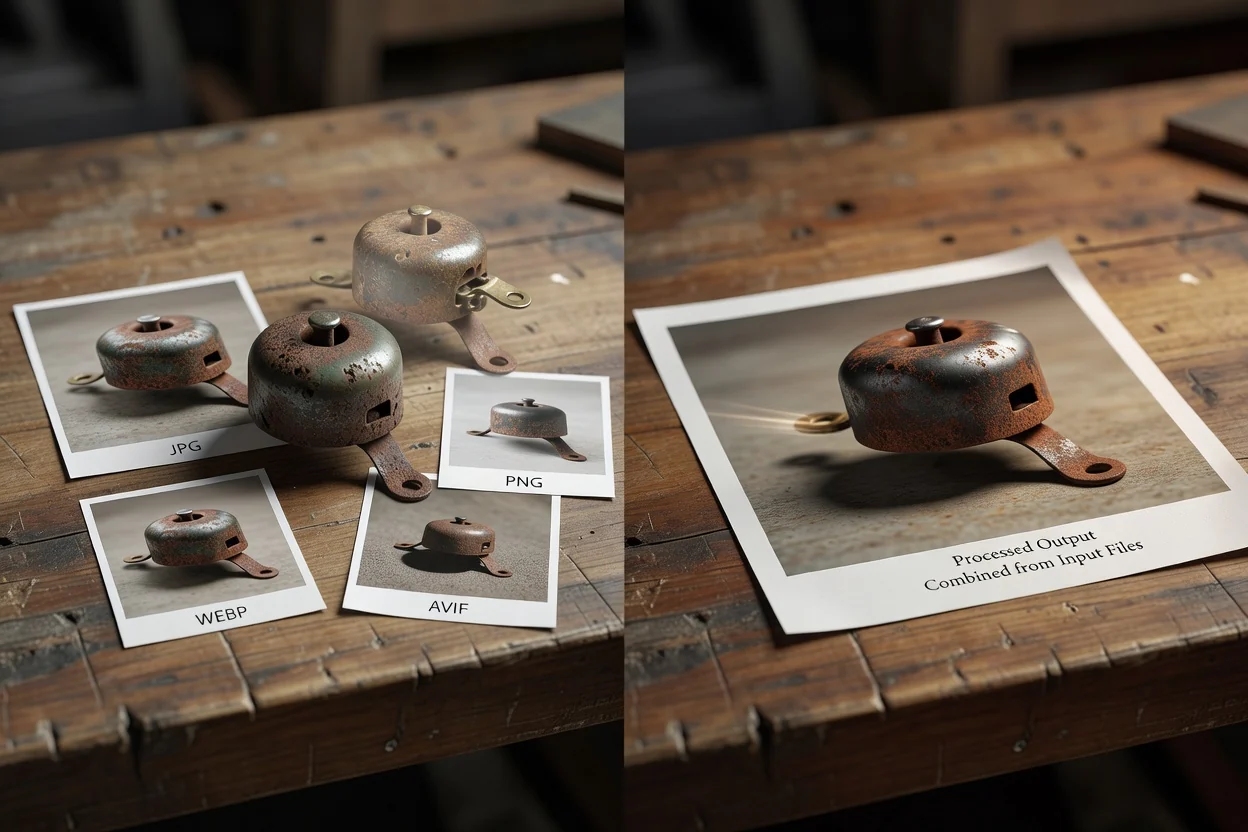
컨트롤은 여러 파일에서 깔끔하고 예측 가능한 결과물을 만드는 데 중점을 두고 있습니다.
온라인에서 이미지를 합치는 방식을 고려해 나란히 비교, 겹쳐 보기, 격자식 프레젠테이션 등 유용한 레이아웃 세 가지 중 하나를 선택할 수 있습니다.
원본 파일의 순서를 변경하고, 이미지 사이의 간격을 설정하며, 필요한 외관에 맞게 배경 색상을 선택할 수 있습니다.
처리는 브라우저에서 로컬로 이루어지므로 지원 파일에 대한 작업 흐름이 빠르고, 저장하기 전에 합쳐진 결과물을 미리 확인할 수 있습니다.
특히 비교나 시각적 요약을 위해 이미지를 이어 붙일 때, 최종 파일을 결정하기 전에 미리보기를 통해 정렬, 간격, 배경을 확인할 수 있습니다.
큰 편집기를 열지 않고도 여러 시각 자료를 하나의 이미지로 만들어야 할 때 이 도구를 사용하세요.
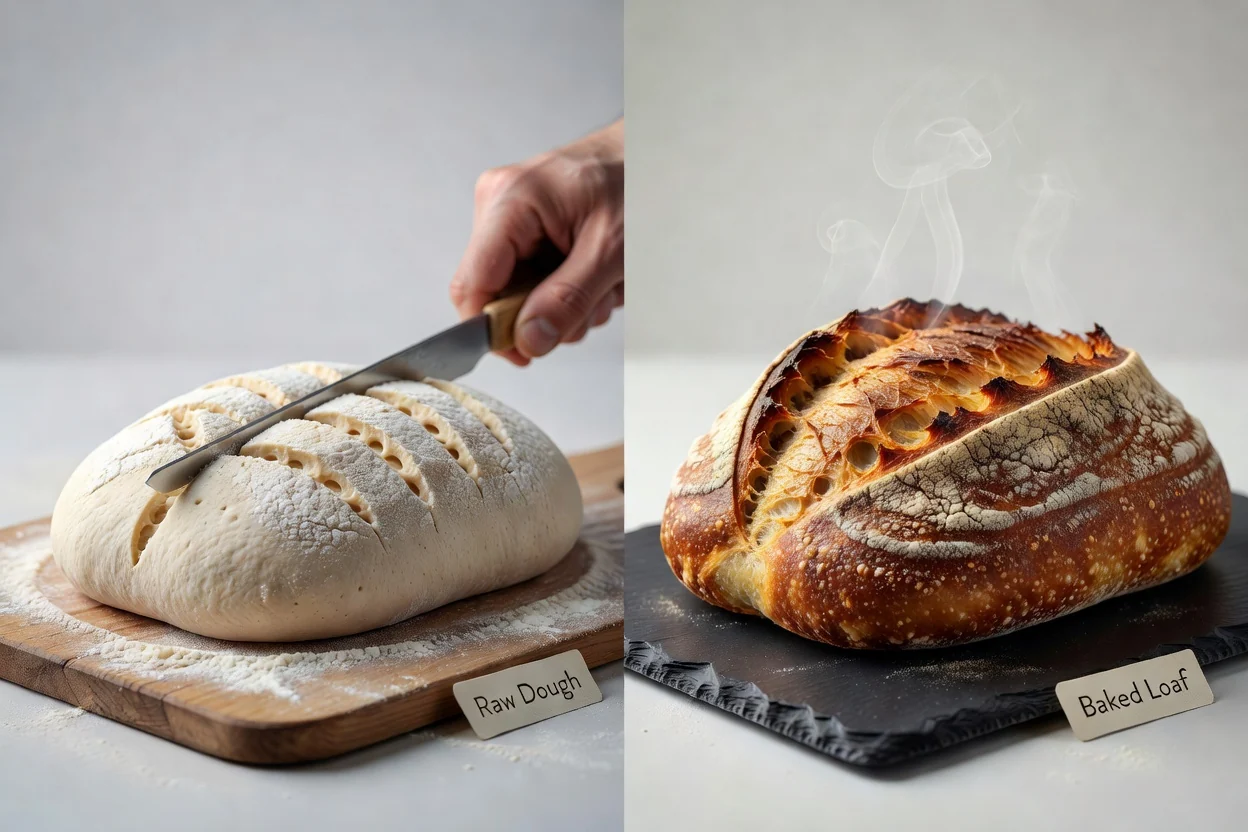
제품, 디자인 또는 캠페인 시각 자료를 나란히 배치하여 하나의 합성 이미지에서 차이점을 비교할 수 있습니다.
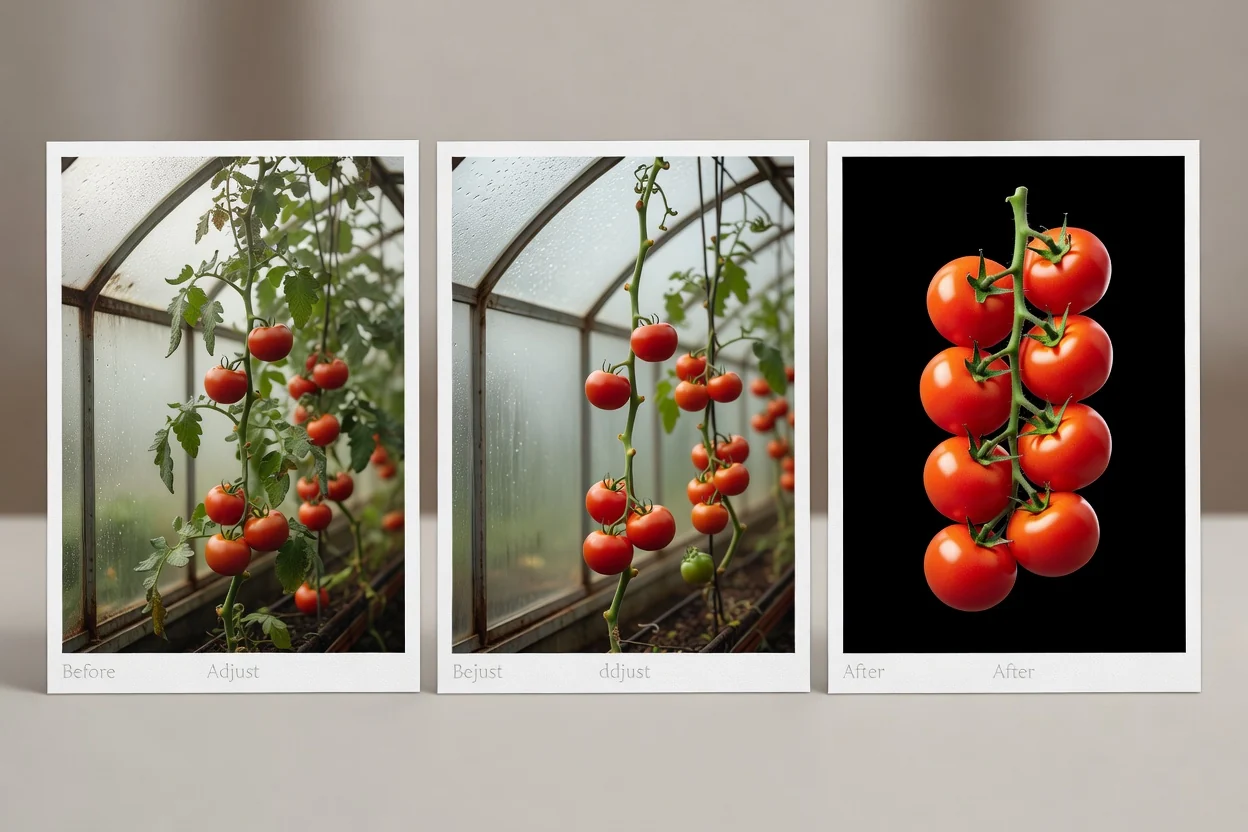
이전 대 이후 비교, 단계별 설명, 소셜 콘텐츠 초안을 위해 이미지를 간단한 순서로 이어 붙일 수 있습니다.
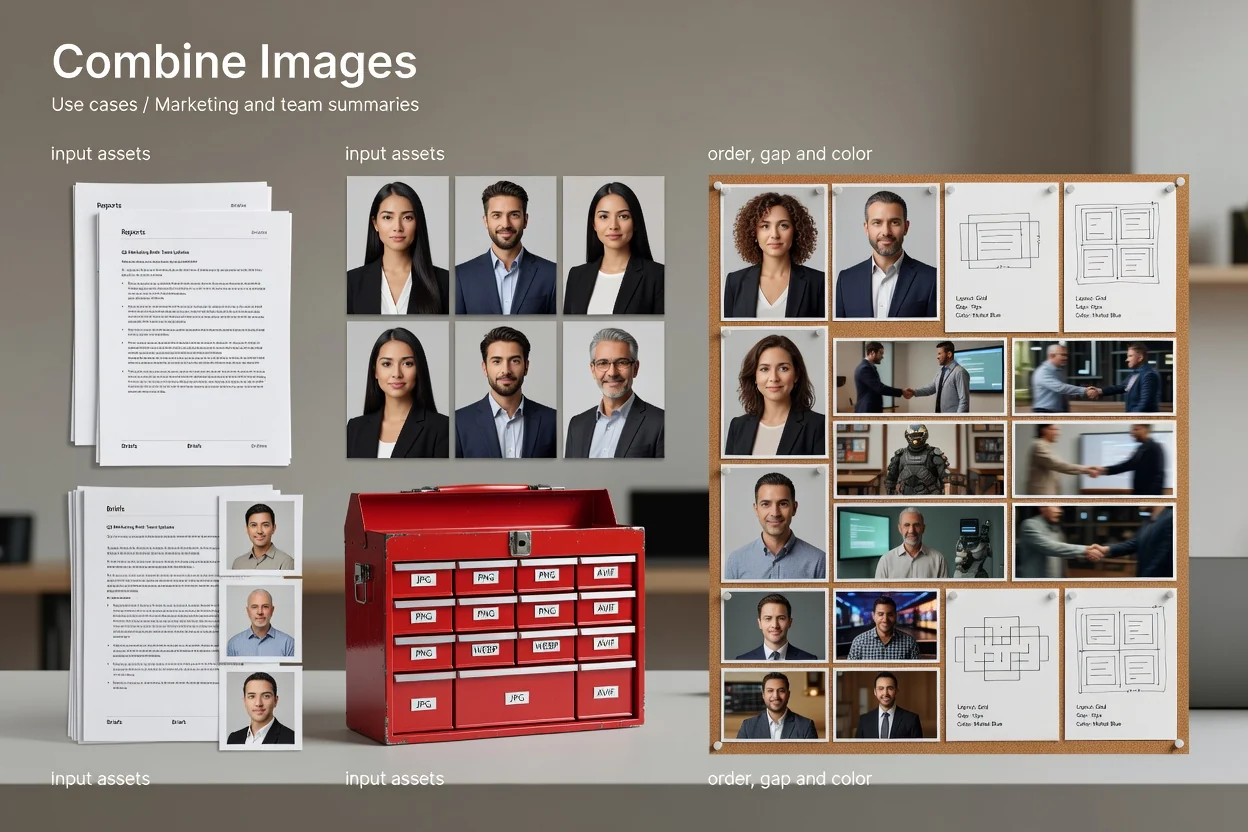
보고서, 브리핑, 팀 업데이트를 위한 깔끔한 이미지 요약을 준비하려면 순서, 간격, 색상 컨트롤을 활용하세요.
이 유틸리티는 브라우저 기반의 특정 이미지 결합 작업을 위해 설계되었으며, 처리를 관리 가능하게 유지하는 제한 사항이 있습니다.
한 번의 실행으로 최대 20개의 원본 이미지를 받습니다. 더 많은 이미지가 필요하다면 작업을 더 작은 배치로 나누어야 합니다.
매우 큰 합성 캔버스는 브라우저 픽셀 제한을 초과하기 전에 차단되므로, 극단적으로 큰 원본 파일이나 많은 고해상도 이미지는 먼저 크기를 조정해야 할 수 있습니다.
이 도구는 파일을 하나의 시각적 결과물로 결합할 뿐이며, 고급 디자인 편집, 레이어 효과, 수동 보정 컨트롤은 제공하지 않습니다.
이 유틸리티를 사용하여 이미지를 합치는 방법에 대한 자주 묻는 질문입니다.
이미지를 합치기 전후에 준비하는 데 도움이 되는 다른 유틸리티입니다.