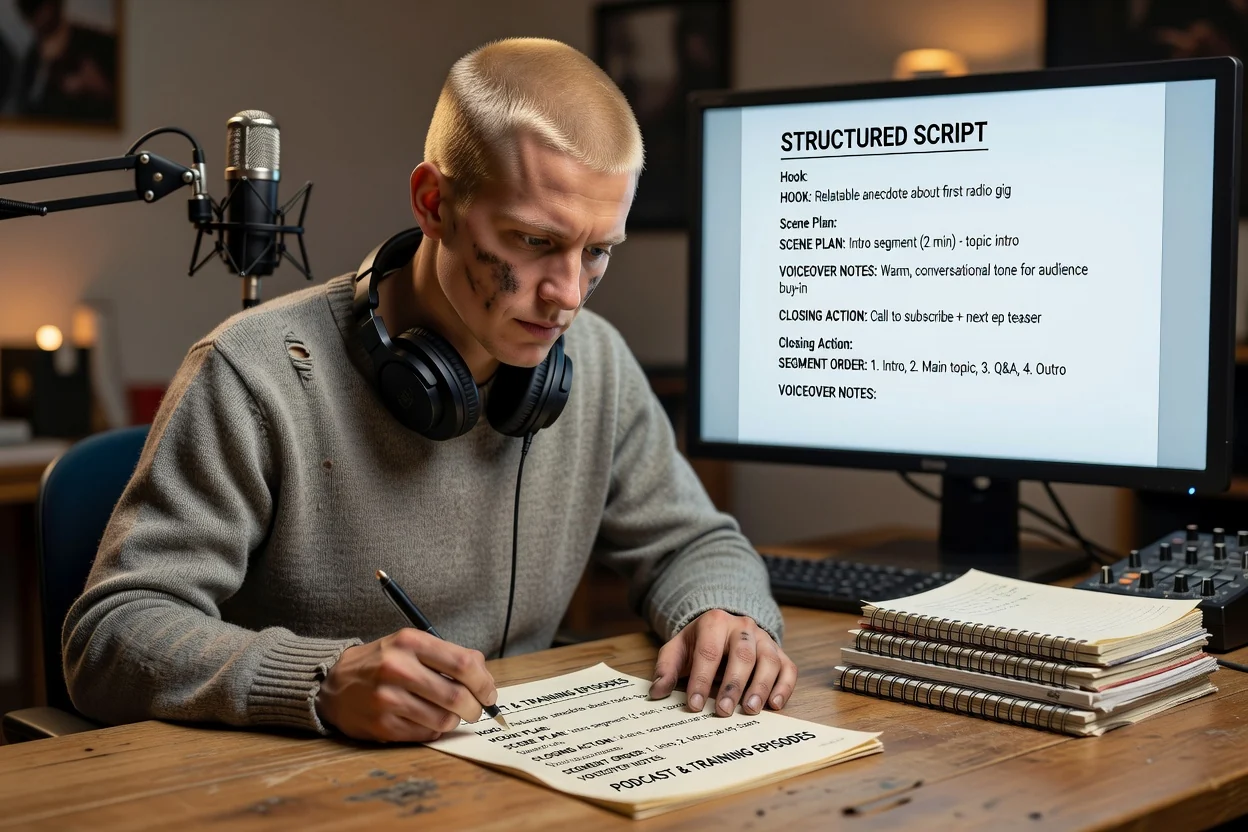
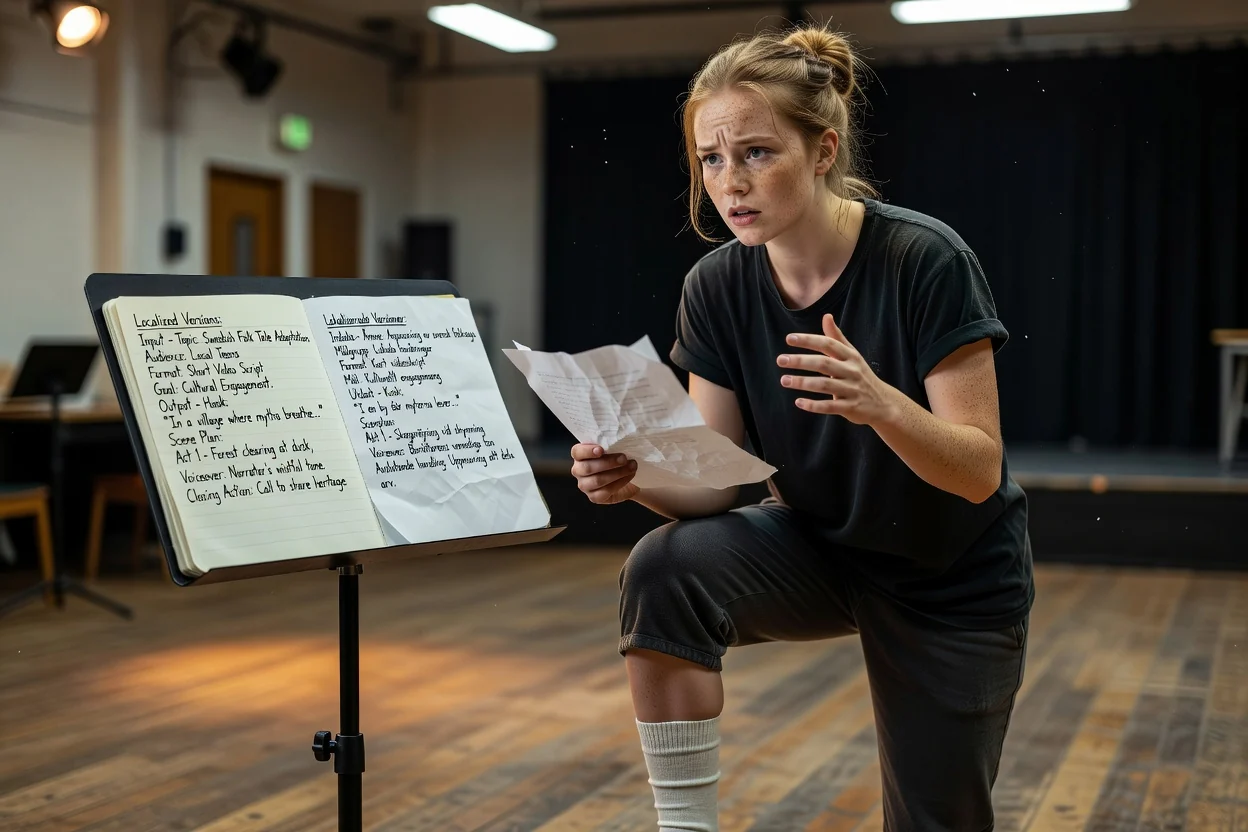
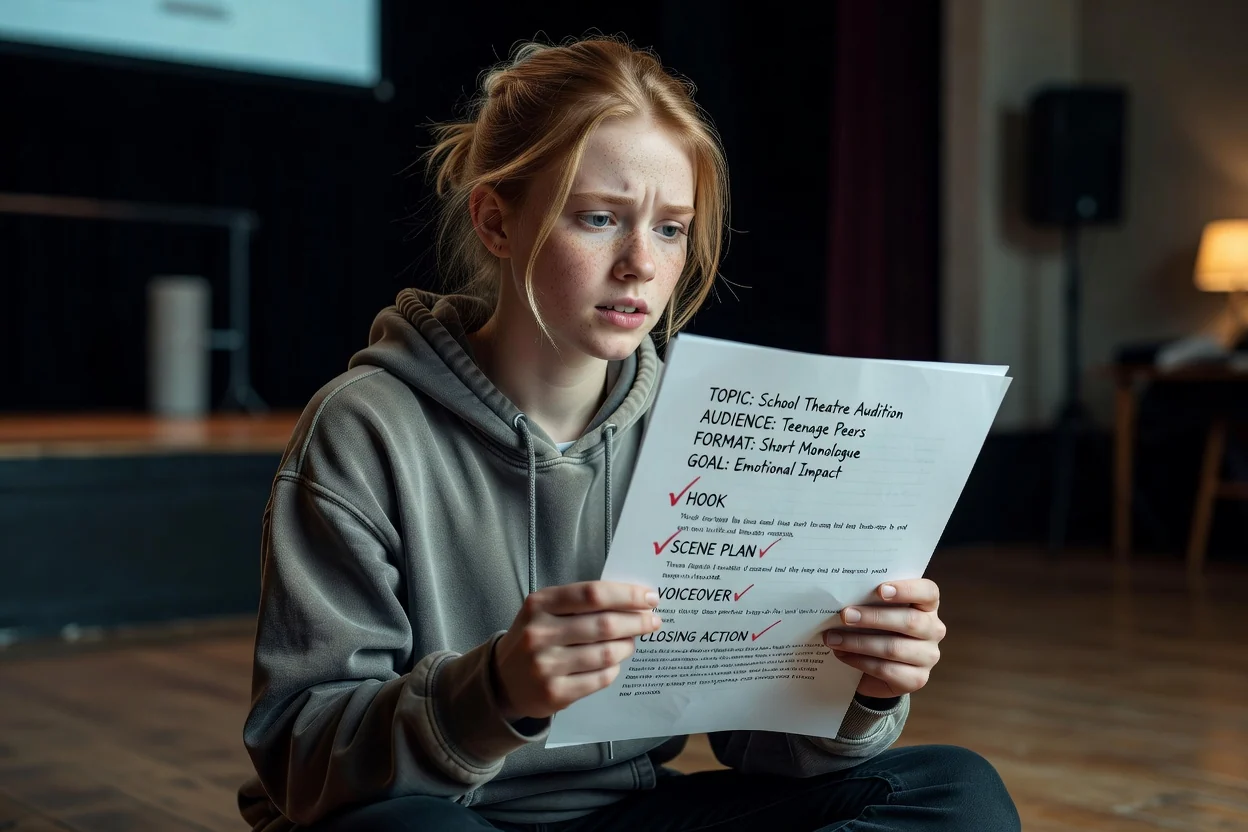
Free AI Script Generator for YouTube, TikTok, Ads & Product Demos

Turn a rough idea into a structured video, podcast, ad, training, or product demo script. Create hooks, scene beats, voiceover, on-screen text, and a clear call to action before production.

Video ScriptsYouTubeTikTokAdsTrainingProduct DemosPodcast Scripts

Script Workspace

Start a new draft or reopen a recent script.

Need Inspiration? Try these topics...

How ClipCanva drafts your script

A simple flow from rough idea to chat-ready script brief.

Step 1

Write your brief

1

Describe the video idea. Add a reference file if it helps.

Brief

Create a 30-second launch video for a skincare brand focused on simple routines and sensitive skin.

Optional: add a reference file

Step 2

Refine in chat

2

Continue with an editable script outline.

Turn this into a video script.

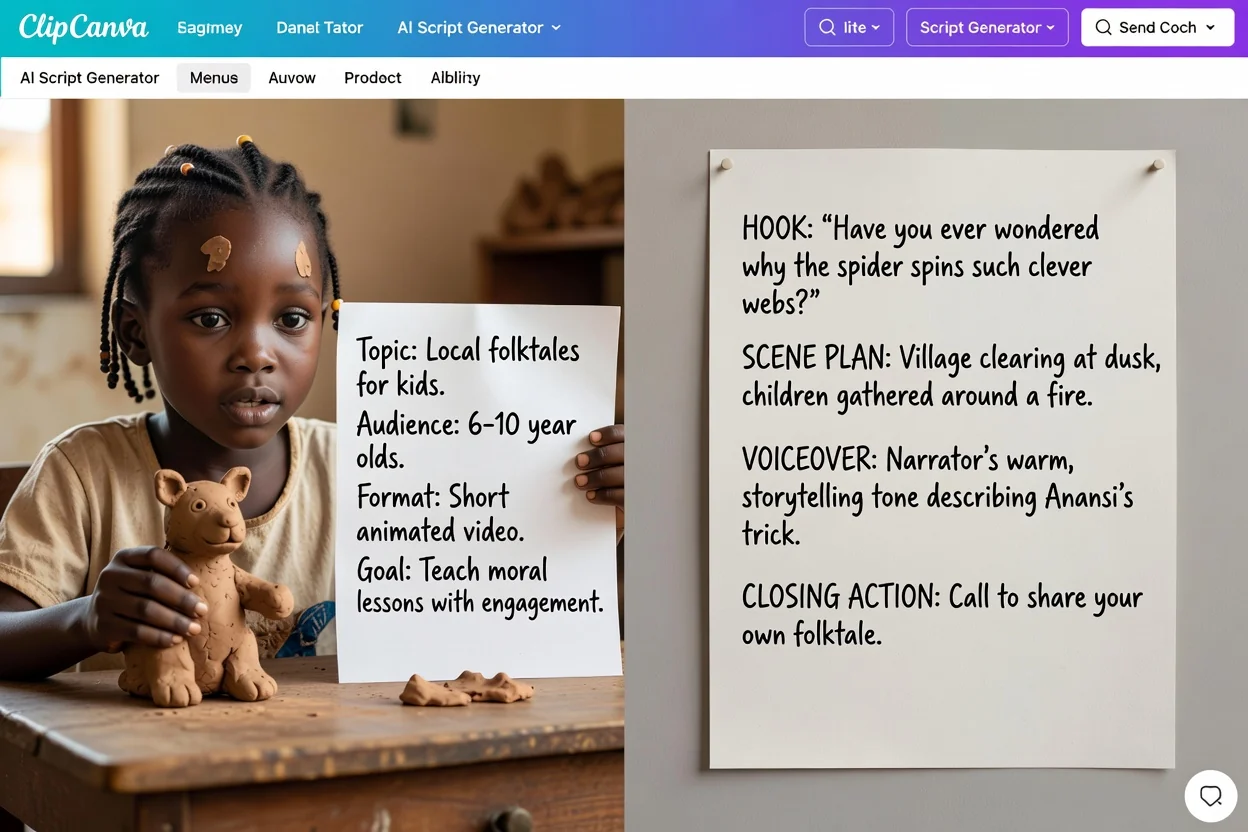
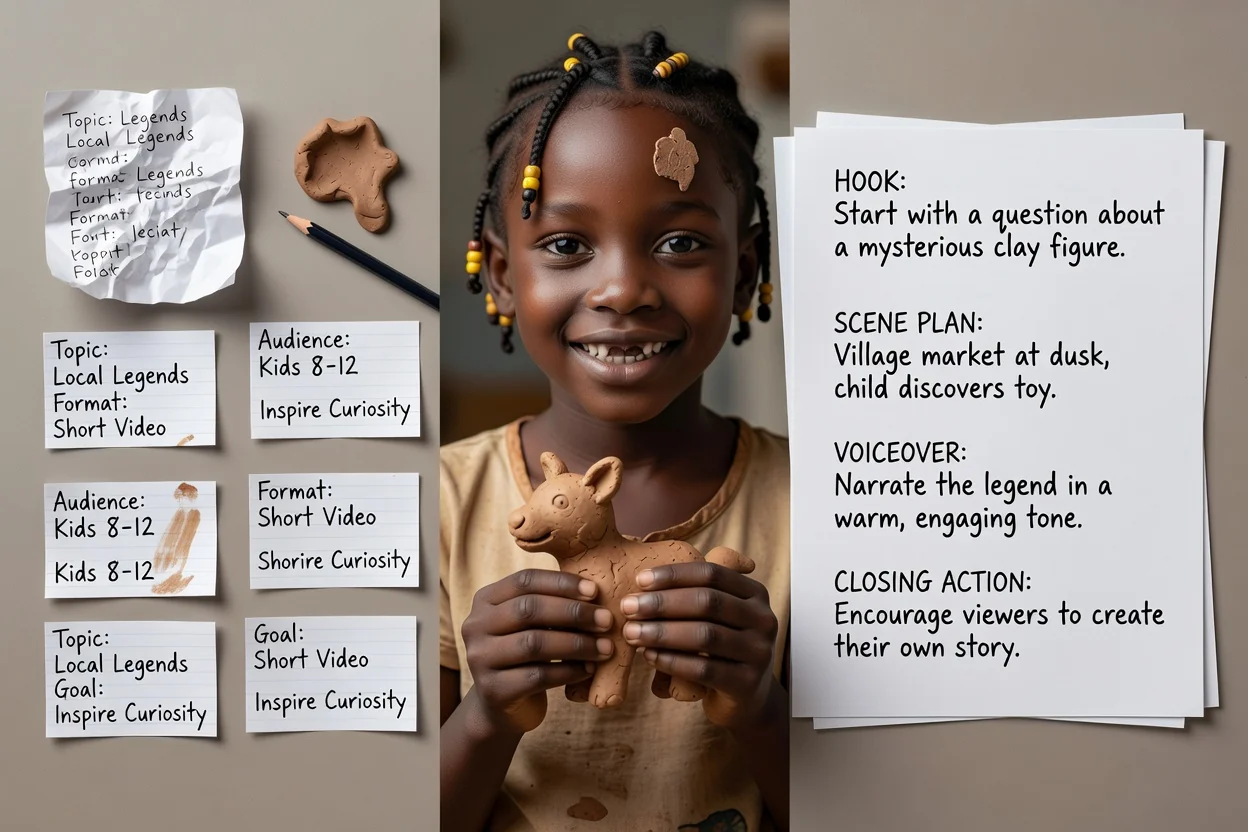
Hook

Here is a simple way for first-time skincare buyers to move from idea to a clear video message: Create a 30-second launch video for a new skincare brand focused on simple routines and sensitive skin.

Scene plan

Start with the problem in one sharp line.

The AI Script Generator for Every Video Format

Create drafts for creator content, YouTube videos, TikTok / Reels clips, podcast segments, product videos, ads, and internal training without starting from a blank page.

What to include for a stronger script

A few concrete details help the script land closer to the video you actually want to make.

01

Format and length

Choose whether the draft is for YouTube, TikTok / Reels, an ad, training, a product demo, or a podcast script.

02

Audience and angle

Name who the video is for and what they should understand, feel, or do after watching.

03

Key points to cover

Add the claims, examples, product details, or talking points that must appear in the script.

04

Call to action

Tell the generator whether the script should drive a click, signup, purchase, demo, or follow.

Why Use an AI Script Generator?

Structured Script Drafts

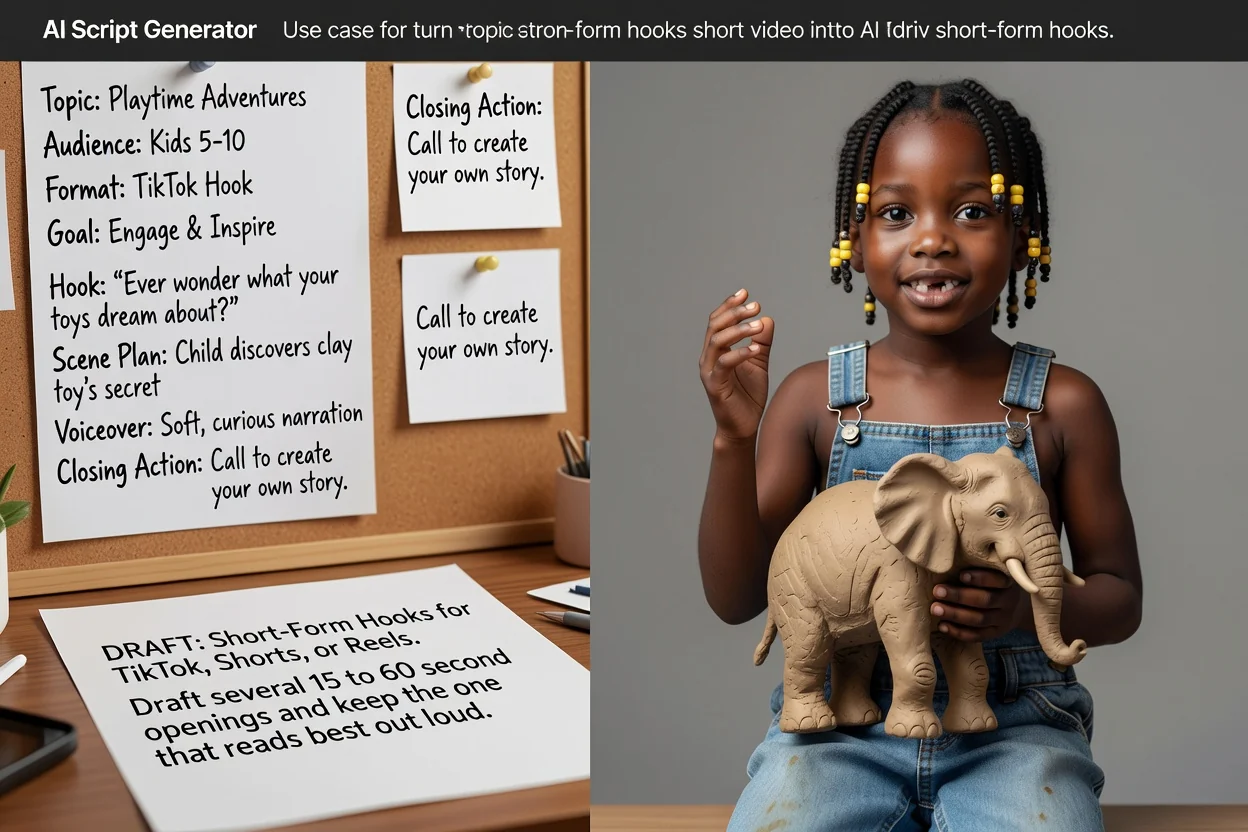
Generate hooks, voiceover, scene beats, on-screen text, and calls to action from one brief.

Built for Video Formats

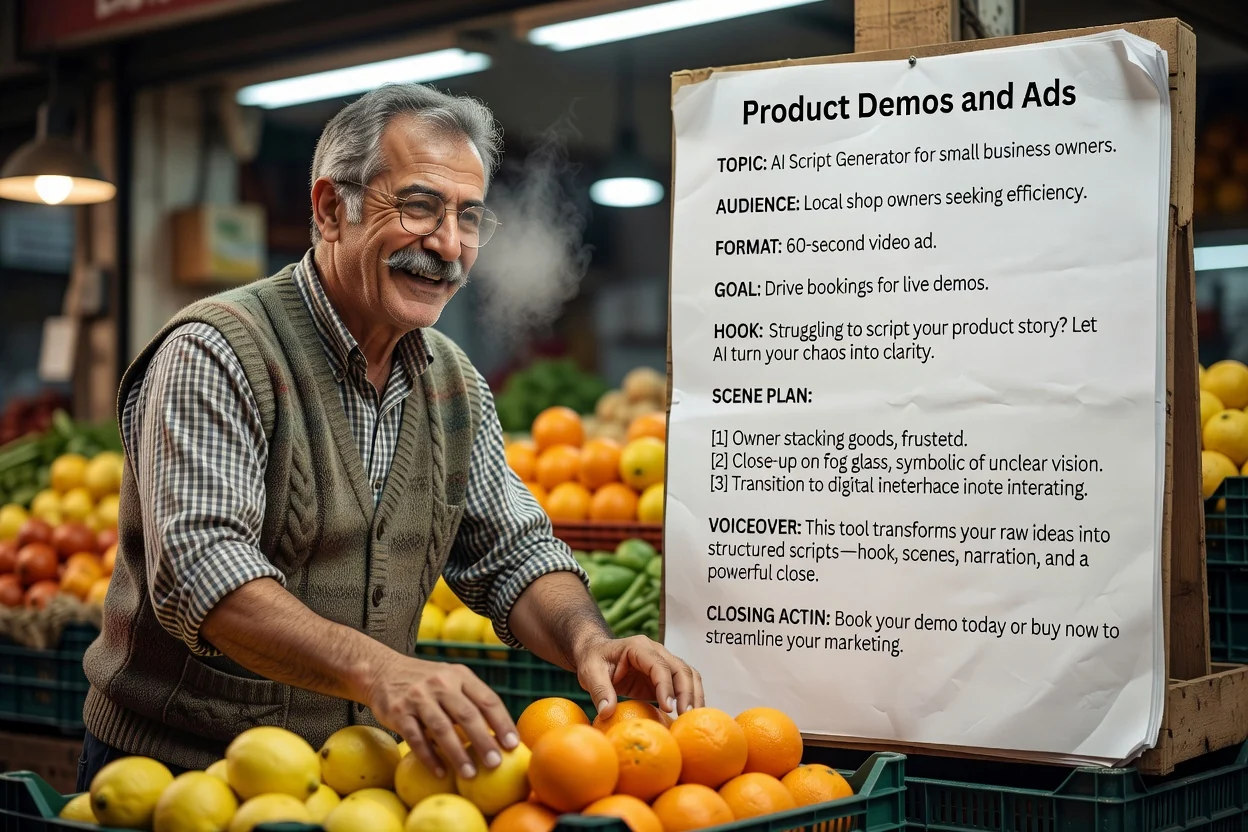
Shape scripts for YouTube, TikTok, Reels, ads, training videos, product demos, and podcasts.

On-screen Text Ideas

Get short captions and visual cues that help editors turn the script into a watchable video.

Multi-language Planning

Plan drafts in common campaign languages before adapting the final video for each market.

관련 도구 살펴보기

Move from script planning to concept frames, short clips, and finished video assets.

요금제 선택

무료 이미지는 워터마크가 포함됩니다. 깨끗한 출력, 더 빠른 생성, 상업적 사용을 위해 업그레이드하세요.

스타터 팩

$9

이미지, 음악, 짧은 동영상 생성을 시험해 볼 수 있는 일회성 크레딧 팩입니다.

  • 600 크레딧
  • 이미지 최대 100개
  • 짧은 동영상 최대 7개
  • 크레딧 30일 유효
  • 워터마크 없음

크리에이터

$19/mo

월간 요금제 · 매월 1,500 크레딧 갱신

  • 월 1,500 크레딧
  • 월 이미지 최대 250개
  • 월 짧은 동영상 최대 18개
  • ClipCanva Pro 및 기타 크레딧 모델과 함께 사용 가능
  • 우선 대기열
  • 커뮤니티 지원
  • 광고 없음
  • 워터마크 없음

프로

$39/mo

월간 요금제 · 매월 4,000 크레딧 갱신

  • 월 4,000 크레딧
  • 월 이미지 최대 660개
  • 월 짧은 동영상 최대 50개
  • ClipCanva Pro 및 기타 크레딧 모델과 함께 사용 가능
  • 최상위 우선 대기열
  • ClipCanva Pro 잠금 해제
  • 광고 없음
  • 워터마크 없음
  • 고급 보정

스튜디오

$99/mo

월간 요금제 · 매월 12,000 크레딧 갱신

  • 월 12,000 크레딧
  • 월 이미지 최대 2,000개
  • 월 짧은 동영상 최대 150개
  • ClipCanva Pro 및 기타 크레딧 모델과 함께 사용 가능
  • 최상위 우선 대기열
  • 강화된 개인정보 보호
  • 새 기능 조기 이용
  • 우선 지원

월간 요금제는 각 결제 주기마다 크레딧이 갱신됩니다. 연간 요금제는 12개월치 크레딧을 선지급하며 17%를 절약할 수 있습니다. 사용량 추정치는 지원되는 최저 비용 이미지 및 동영상 모델 기준이며, 프리미엄 모델, 더 높은 해상도, 더 긴 동영상, 참조 기반 생성, 고급 도구는 더 많은 크레딧을 사용합니다.

에이전시, 제작팀, 맞춤형 대량 사용에 적합합니다.

문의하기

AI Script Generator FAQ

Common questions before drafting your first video script.

What can I create with an AI script generator?
You can draft scripts for YouTube videos, TikTok and Reels clips, product demos, video ads, training videos, podcast segments, presentations, and explainers.
Why use a script generator AI instead of a blank document?
A script generator AI gives you a first structure: hook, intro, talking points, scene notes, on-screen text, and CTA. You still edit the draft for facts, voice, and claims before publishing.
What should I include in the prompt?
Include the topic, audience, goal, key points, length, tone, and any offer or call to action. The more specific the brief, the easier the script is to edit.
Can I turn the script into a video?
Yes. Copy the draft into ClipCanva's video tools, or use the visual direction and scene plan as a prompt for video generation.
Is the generated script ready to publish?
Treat it as a first draft. Check facts, brand voice, legal claims, and product details before recording or publishing.

Turn your script into a video

Use ClipCanva to move from script draft to visual concepts, generated scenes, and short-form video assets.