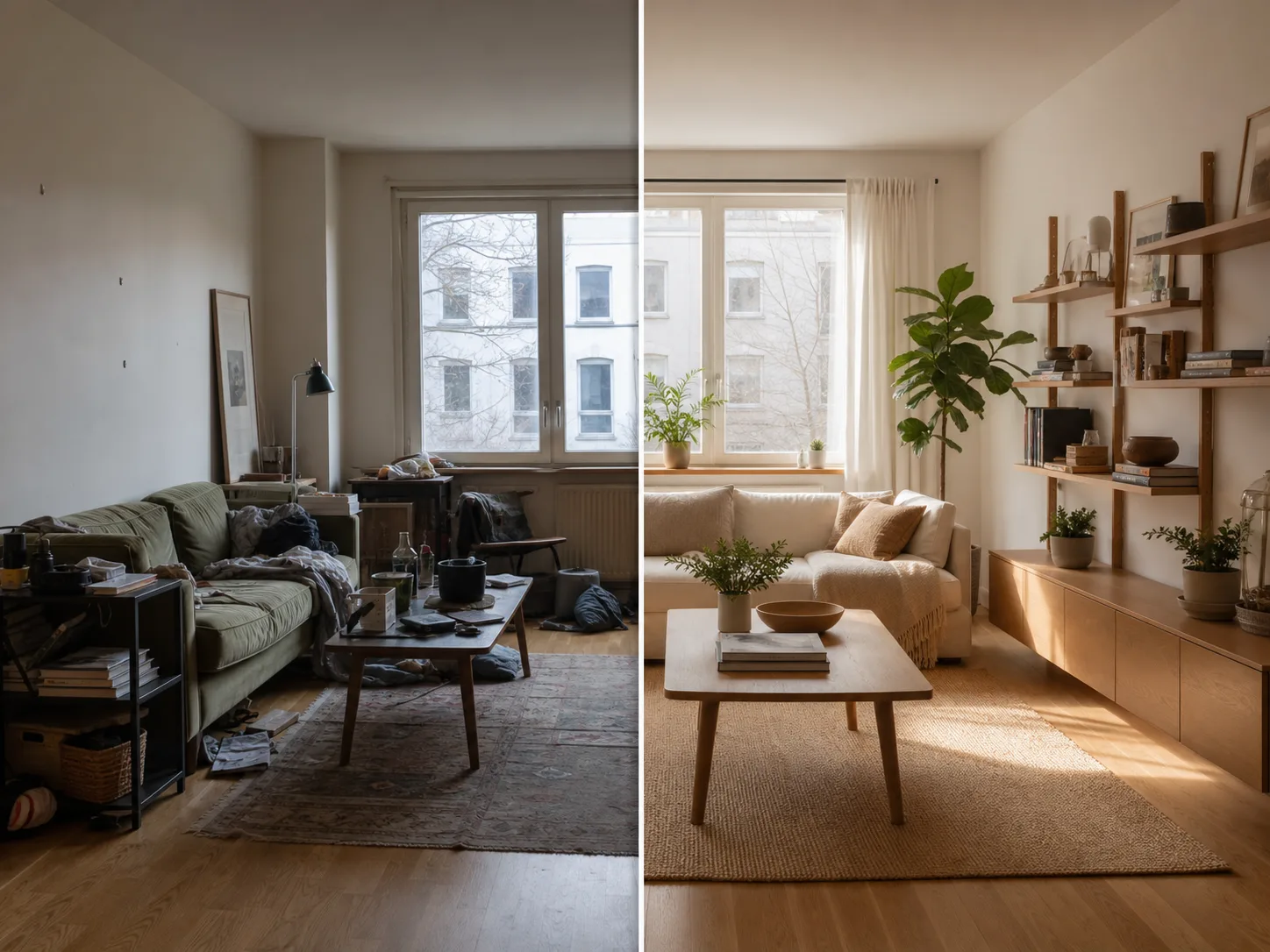
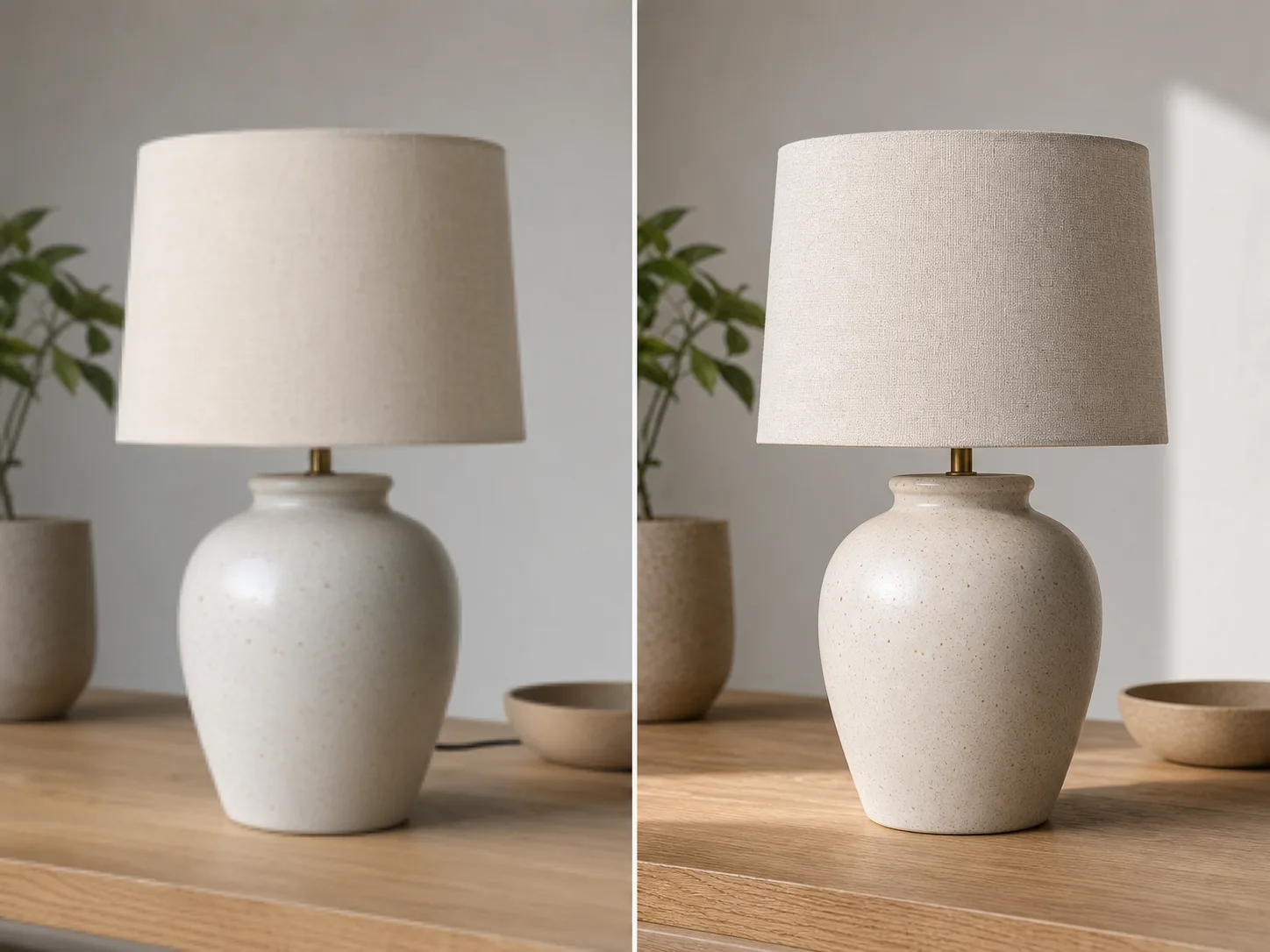
AI Image Extender

Upload an image, describe the direction or target ratio, and use AI to extend the borders with a natural-looking background.

AI UncropOutpaintingAspect RatiosProducts & Social
0 / 2000

AI Image Extension Ideas

Create room for new layouts without cropping out the subject or stretching the original image.

How to uncrop an image

Start with the target layout, then describe what must stay unchanged for a more reliable expansion.

01

Upload the image

Start with the photo you want to uncrop. Product shots, portraits, interiors, posters, and social images work well.

02

Pick the target layout

Choose a wider, taller, square, or story-friendly ratio depending on where the image will be used.

03

Describe what to preserve

Mention the subject, face, product shape, logo, lighting, and background details that should stay consistent.

04

Generate and refine

Create an expanded version, compare it with the original, then adjust the prompt when you need a cleaner extension.

Make one image fit more layouts

Expand the Canvas

Turn tight crops into wider banners, vertical stories, square posts, thumbnails, and product layouts.

Fill Missing Background

Use AI outpainting to add new visual area without stretching or distorting the original subject.

Fit Real Formats

Adapt one image for landing sections, ads, marketplaces, presentations, and social posts.

Prompt Control

Guide the extension with plain language when the new area needs a specific mood, setting, or clean copy space.

관련 도구 살펴보기

Continue with editing, enhancement, or background removal after expanding the image.

요금제 선택

무료 이미지는 워터마크가 포함됩니다. 깨끗한 출력, 더 빠른 생성, 상업적 사용을 위해 업그레이드하세요.

스타터 팩

$9

이미지, 음악, 짧은 동영상 생성을 시험해 볼 수 있는 일회성 크레딧 팩입니다.

  • 600 크레딧
  • 이미지 최대 100개
  • 짧은 동영상 최대 7개
  • 크레딧 30일 유효
  • 워터마크 없음

크리에이터

$19/mo

월간 요금제 · 매월 1,500 크레딧 갱신

  • 월 1,500 크레딧
  • 월 이미지 최대 250개
  • 월 짧은 동영상 최대 18개
  • ClipCanva Pro 및 기타 크레딧 모델과 함께 사용 가능
  • 우선 대기열
  • 커뮤니티 지원
  • 광고 없음
  • 워터마크 없음

프로

$39/mo

월간 요금제 · 매월 4,000 크레딧 갱신

  • 월 4,000 크레딧
  • 월 이미지 최대 660개
  • 월 짧은 동영상 최대 50개
  • ClipCanva Pro 및 기타 크레딧 모델과 함께 사용 가능
  • 최상위 우선 대기열
  • ClipCanva Pro 잠금 해제
  • 광고 없음
  • 워터마크 없음
  • 고급 보정

스튜디오

$99/mo

월간 요금제 · 매월 12,000 크레딧 갱신

  • 월 12,000 크레딧
  • 월 이미지 최대 2,000개
  • 월 짧은 동영상 최대 150개
  • ClipCanva Pro 및 기타 크레딧 모델과 함께 사용 가능
  • 최상위 우선 대기열
  • 강화된 개인정보 보호
  • 새 기능 조기 이용
  • 우선 지원

월간 요금제는 각 결제 주기마다 크레딧이 갱신됩니다. 연간 요금제는 12개월치 크레딧을 선지급하며 17%를 절약할 수 있습니다. 사용량 추정치는 지원되는 최저 비용 이미지 및 동영상 모델 기준이며, 프리미엄 모델, 더 높은 해상도, 더 긴 동영상, 참조 기반 생성, 고급 도구는 더 많은 크레딧을 사용합니다.

에이전시, 제작팀, 맞춤형 대량 사용에 적합합니다.

문의하기

AI Image Extender FAQ

Common questions before extending your first image.

What does uncrop mean?
Uncrop means expanding an image beyond its current borders. AI fills the new empty areas so the image can fit a wider, taller, or different layout.
How is this different from image enhancement?
Image enhancement improves clarity or resolution of the existing image. Uncrop adds new background area around the original image so the composition fits a new format.
What images work best?
Use images with a clear subject and enough visible background for the AI to understand the scene, lighting, texture, and perspective.
Can I use this for product photos and social posts?
Yes. Common uses include product banners, marketplace images, Instagram posts, TikTok covers, YouTube thumbnails, ads, and website hero images.

Uncrop your first image

Upload one image and create a layout-ready version with ClipCanva.