



지시된 카메라 움직임
프롬프트에 카메라 관련 언어를 지시하면 움직임을 유도할 수 있지만, 각 클립은 여전히 화면 구성, 타이밍, 세부 묘사를 검토해야 합니다.
계획한 AI 비디오 작업을 위해 입력 방식, 기능, 그리고 ClipCanva의 현재 이용 가능 여부를 확인한 후 Kling 3.0 Turbo를 사용해 보세요.
Kling 3.0 Turbo는 프롬프트 주도 클립 생성을 위한 Kuaishou 비디오 모델 버전으로, 내러티브, 동작, 일관성 평가에 활용됩니다.
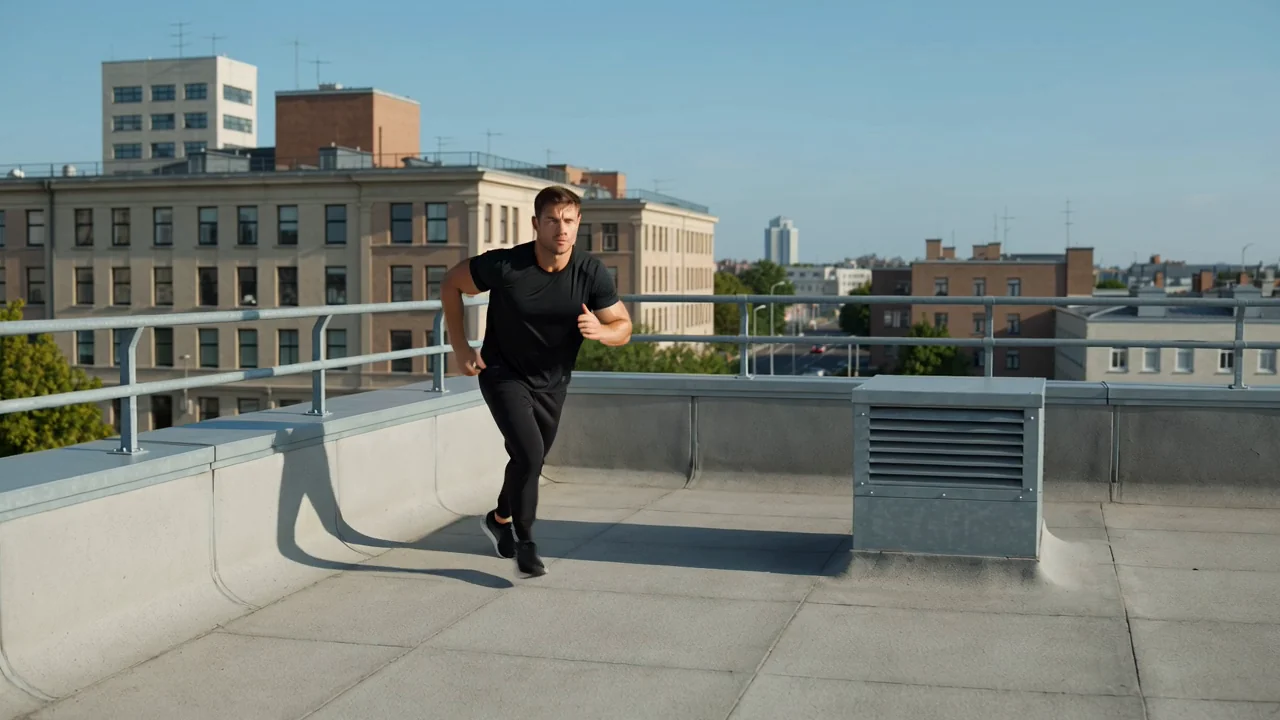
프로덕션 브리핑을 확정하기 전에 모델의 움직임, 내러티브 기획, 일관성, 액션 분야의 기능을 검토하세요.
프롬프트에 카메라 관련 언어를 지시하면 움직임을 유도할 수 있지만, 각 클립은 여전히 화면 구성, 타이밍, 세부 묘사를 검토해야 합니다.
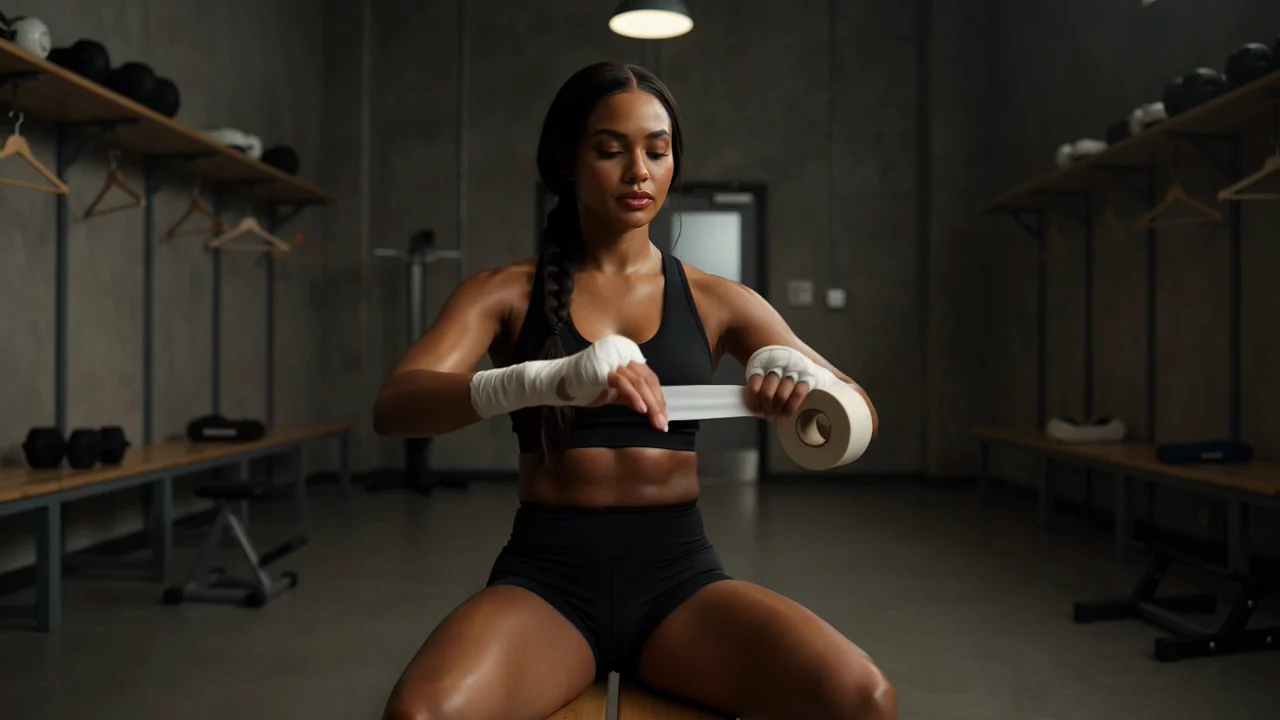
클립 구성을 명확히 계획하여 생성된 영상이 장면 순서, 연속성, 작업 설명서와의 일치 여부 등을 검토할 수 있게 하세요.

참조할 세부 사항과 정밀한 문구를 활용하여 캐릭터, 배경, 시각적 스타일이 클립 전체에 걸쳐 일관되게 유지되는지 점검하세요.

액션 콘셉트를 테스트할 때 속도, 힘, 카메라 의도를 설명하고, 결과물을 활용하기 전에 움직임 선명도를 확인하세요.
지원되는 입력 유형과 표시되는 제어 옵션을 먼저 확인하여 당신의 요청이 이 페이지에서 현재 실행 가능한 범위와 일치하도록 하세요.
구체적인 텍스트 프롬프트를 작성하고, 대상, 스타일, 화면 구성, 장면 맥락을 정의하는 데 도움이 될 때 참조 이미지를 추가하세요.
제출 전에 표시되는 모델 선택 도구, 화면비, 길이, 해상도, 참조 이미지 제어 옵션을 사용하세요.
생성된 비디오 클립 또는 참조 기반 비디오를 받게 되며, 이를 추가 활용하기 전에 반드시 작업 설명서와 비교하여 점검해야 합니다.
프롬프트, 입력 자료, 제어 옵션, 점검 단계를 어떻게 구성하느냐에 따라 생성된 클립이 당신의 작업을 지원할 수 있는지가 결정됩니다.
프롬프트를 작성하기 전에 청중, 목적, 대상, 배경, 원하는 움직임, 최종 형식을 명시하세요.
프롬프트를 작성하고, 해당 작업에 그 입력이 지원될 때에만 참조 이미지를 준비하세요.
제출 전에 표시되는 모델, 화면비, 길이, 해상도, 참조 이미지 옵션을 선택하세요.
Kling 3.0 Turbo로 비디오를 생성하고, 결과물을 비교하며, 가장 약한 지시 사항을 수정한 뒤 다시 시도하세요.
프로덕션 전에 구체적인 최종 결과물, 지원되는 입력 방식, 표시되는 제어 옵션, 점검 계획과 이러한 활용 사례를 연결시키세요.
명확한 대상, 장면 목표, 카메라 지시, 그리고 연속성에 대한 점검 기준을 갖춘 간결한 스토리 순간을 구축하세요.
제품, 배경, 동작, 브랜드 세부 사항을 세심하게 점검해야 하는 제품 중심 움직임 콘셉트를 시험해 보세요.
빠른 움직임, 충격, 카메라 에너지를 탐구하면서 결과물이 알아보기 쉽고 논리적으로 일관되는지 확인하세요.
캐릭터의 자세, 표정, 움직임, 주변 환경이 생성된 클립 전체에서 어떻게 유지되는지 평가하세요.
모든 생성된 영상을 초안으로 취급한 후, 출력물의 창의적 적합성, 사실적 위험 요소, 전달 요구 사항을 점검하세요.
대상, 행동, 카메라 방향, 장면이 프롬프트 및 의도된 최종 결과물과 일치하는지 확인하세요.
대상, 배경, 움직임 흐름, 장면 세부 사항에 생성된 클립 전체에 걸친 연속성 문제가 없는지 검사하세요.
제품 모습, 브랜드 요소, 주장 내용, 사실적 참조를 승인된 원본 자료와 대조하여 정확성을 점검하세요.
클립 길이, 화면비, 해상도, 자르기 범위, 출력 형식을 최종 사용처의 요구 사항에 맞게 검증하세요.
생성 결과가 변동적이며 인간의 점검은 여전히 작업 흐름의 필수 부분이므로, 프로덕션 전에 이용 가능 여부와 제한 사항을 확인하세요.
Kling 3.0 Turbo는 이 페이지에 연결되어 있으며, 2026년 8월 15일 기준 이 모델 페이지에서의 이용 가능 여부가 검증되었습니다.
터보 생성은 결과가 변동적이므로, 동일한 입력이라도 움직임, 구성, 타이밍, 시각적 세부 사항이 다르게 나타날 수 있습니다.
ClipCanva의 제어 옵션은 제출 전에 표시되는 선택 사항으로 제한되므로, 제공자 측 설정이 공개되어 있다고 가정하지 마세요.
정보 확인일
Kling 3.0 Turbo의 정확한 정보, 입력 방식, 제어 옵션, 이용 가능 여부, 작업 흐름, 생성 후 필요한 점검에 관한 답변을 확인하세요.
입력 모드, 표시되는 제어 옵션, 출력 동작, 제한 사항, 검증된 현재 이용 가능 여부를 기준으로 유사한 AI 비디오 모델들을 비교하세요.
명확한 프롬프트와 지원되는 제어 옵션을 활용하고, 출력물이 작업 설명서에 부합하는지 판단할 충분한 점검 시간을 확보하여 Kling 3.0 Turbo를 사용해 보세요.