01
Unggah Gambar Anda
Upload foto atau gambar apa pun yang ingin Anda ubah. Input beresolusi lebih tinggi menghasilkan transformasi yang lebih baik.
Unggah gambar apa pun dan ubah dengan AI. Ganti gaya, tambah elemen, modifikasi background, atau bayangkan ulang visual Anda dengan prompt teks sederhana.
Ubah gambar yang sudah ada menjadi sesuatu yang benar-benar baru. Dari transfer gaya hingga modifikasi objek, buka kemungkinan kreatif tanpa batas.


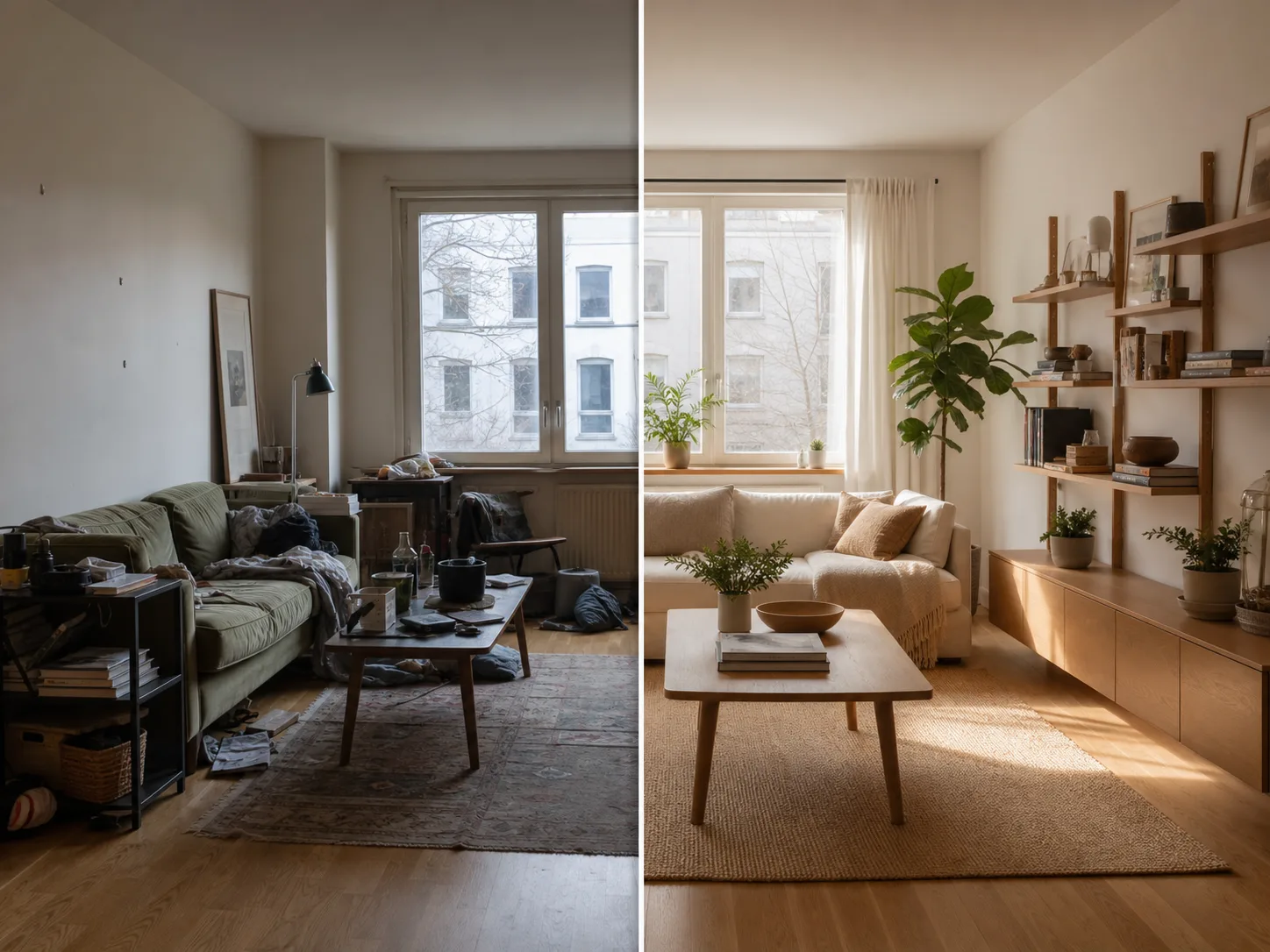
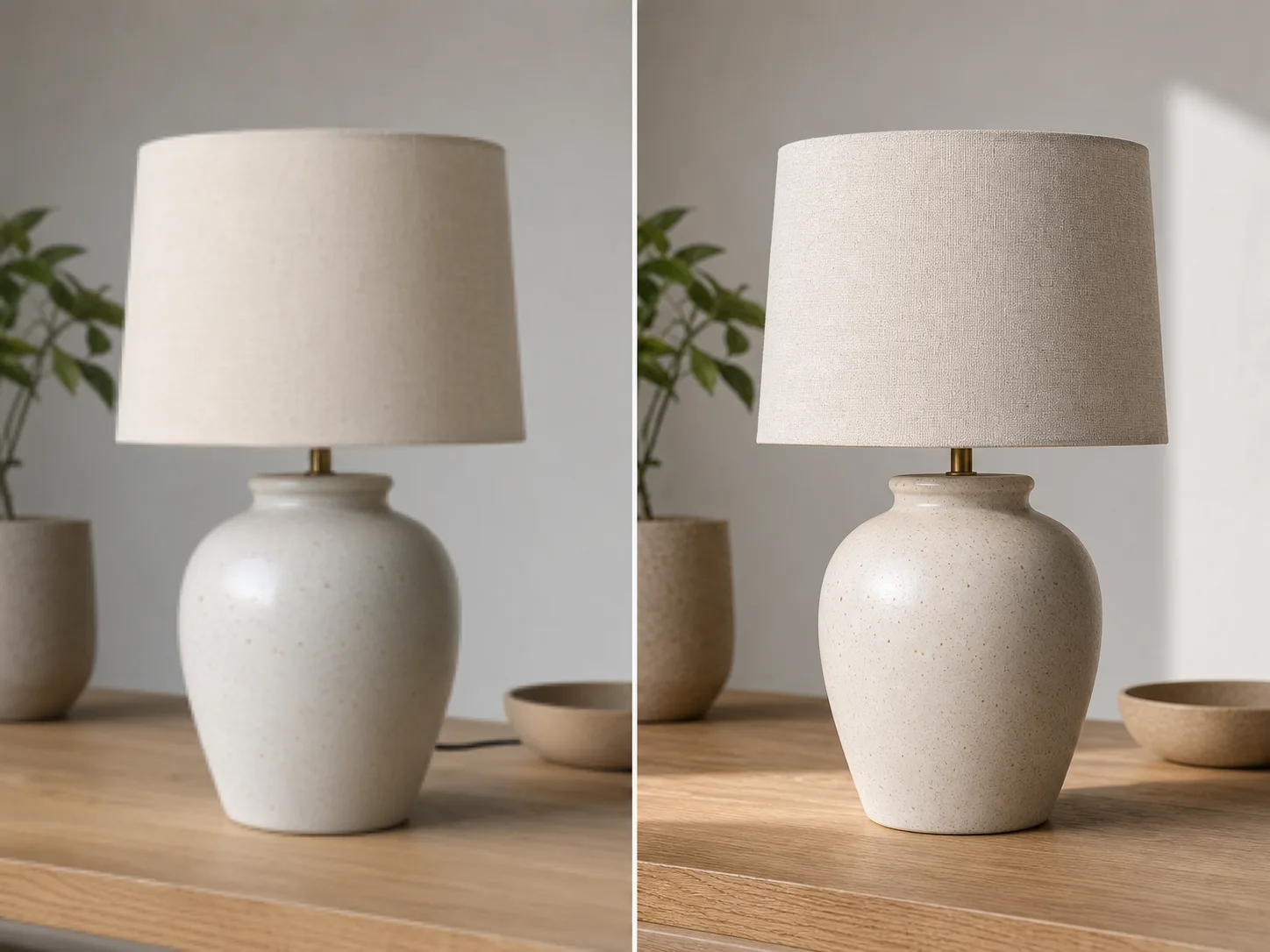
Dari upload hingga gambar berubah dalam hitungan menit:
Upload foto atau gambar apa pun yang ingin Anda ubah. Input beresolusi lebih tinggi menghasilkan transformasi yang lebih baik.
Tulis prompt teks yang menjelaskan transformasi yang Anda inginkan. Ubah gaya, tambah elemen, ganti latar, atau imajinasikan ulang gambar.
Klik generate dan dapatkan gambar yang sudah ditransformasi dalam hitungan detik. Unduh dalam resolusi tinggi, siap digunakan.
Ubah gambar Anda ke gaya artistik apa pun. Terapkan nuansa lukisan terkenal, seniman tertentu, atau estetika visual apa pun.
Pilih area mana pun pada gambar untuk diubah. Hapus objek yang tidak diinginkan, tambahkan elemen baru, atau ubah detail tertentu.
Ganti latar belakang dengan mulus. Tempatkan subjek di lingkungan baru sambil mempertahankan pencahayaan yang sesuai.
Pertahankan tata letak, subjek, dan perspektif gambar asli Anda sambil mengubah gaya dan elemen.
Jelajahi lebih banyak tools bertenaga AI
Gambar gratis menyertakan watermark. Upgrade untuk output bersih, generasi lebih cepat, dan penggunaan komersial.
Paket Pemula
Paket kredit satu kali untuk mencoba pembuatan gambar, musik, dan video pendek.
Pencipta
Paket bulanan · 1.500 kredit diperbarui setiap bulan
GPT Image 2 Unlimited
Masukkan kode FOUNDING6 di Stripe Checkout: $19/bulan untuk 6 bulan pertama, lalu $29/bulan.
Pro
For clean, faster outputs
Studio
Paket bulanan · 12.000 kredit diperbarui setiap bulan
Pembayaran aman · Langganan diperpanjang otomatis · Lihat syarat pengembalian dana
Tim
Untuk agensi, tim produksi, dan kebutuhan volume khusus.
Semua yang perlu Anda tahu tentang Image to Image AI
Unggah gambar apa pun dan lihat keajaiban transformasi bertenaga AI.