
Jelaskan idenya
Tuliskan apa yang ingin Anda lihat dengan bahasa sederhana. Menyebutkan subjek dan tujuannya lebih penting daripada panjang tulisan.
Perencanaan prompt
Jelaskan ide kasar, pilih jenis gambar, gaya, model target, dan rasio aspek, lalu generator prompt gambar menulis prompt terstruktur, versi singkat, serta prompt negatif yang dapat Anda salin.
Ruang prompt
Dari ide ke prompt gambar siap salin
Satu kalimat kasar cukup. Generator menambahkan struktur, gaya, cahaya, dan komposisi.
Hasil akan muncul di sini dengan model, rasio, gaya, dan jumlah keluaran yang dipilih.
Hasil akan muncul di sini dengan model, rasio, gaya, dan jumlah keluaran yang dipilih.
Satu kalimat kasar cukup. Generator menambahkan struktur, gaya, cahaya, dan komposisi.
Dari ide ke prompt gambar siap salin
Gunakan di Generator GambarAlat ini mengubah deskripsi singkat menjadi bahasa prompt yang dapat dijalankan model gambar. Alih-alih menebak susunan kata, Anda menetapkan jenis gambar, gaya visual, model target, dan rasio aspek, lalu memperoleh prompt yang menyebutkan subjek, komposisi, pencahayaan, serta hal yang harus dihindari dari bingkai.
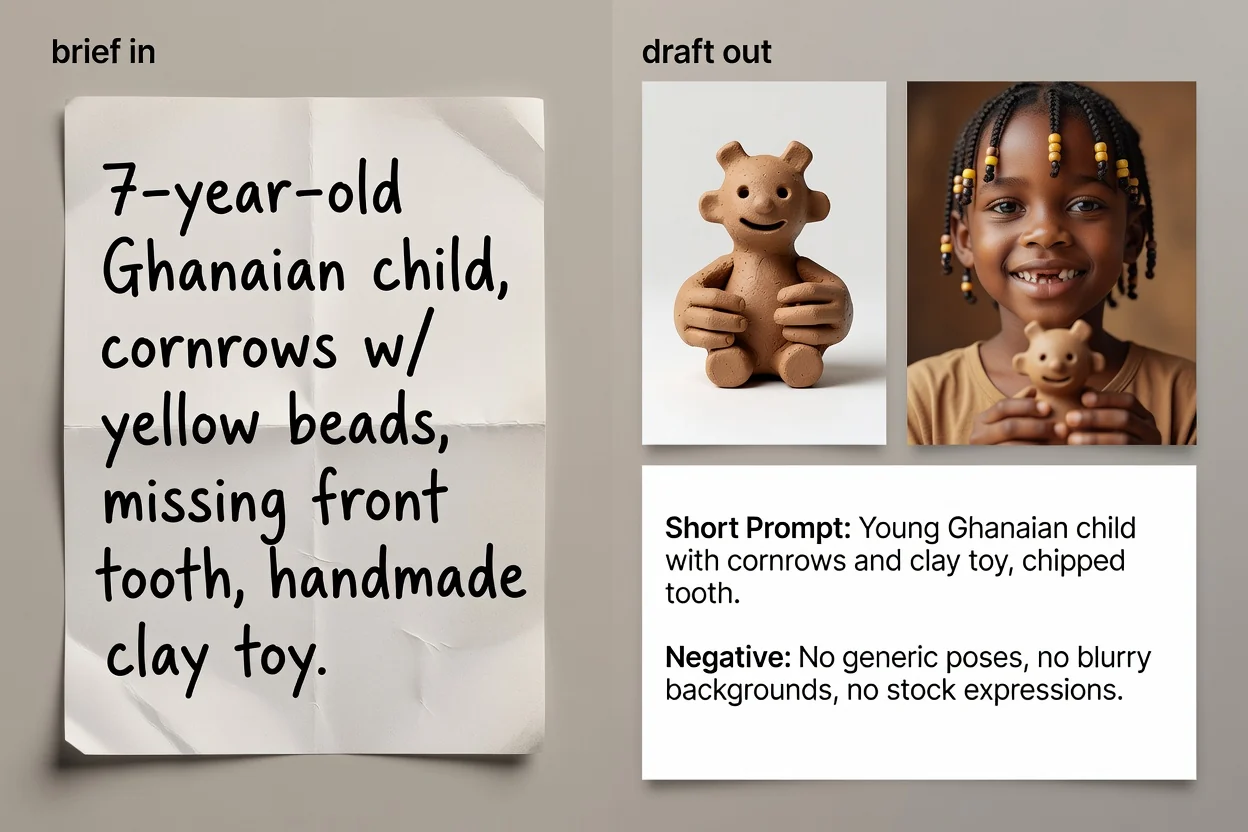
Empat langkah dari ide hingga teks prompt siap disalin.
Tuliskan apa yang ingin Anda lihat dengan bahasa sederhana. Menyebutkan subjek dan tujuannya lebih penting daripada panjang tulisan.
Pilih jenis gambar dan gaya visual agar prompt menggunakan kosakata yang tepat untuk kategori tersebut.
Pilih model yang akan digunakan dan rasio aspek agar susunan kata serta pembingkaian sesuai dengan tujuan.
Buat prompt, tinjau hasilnya, lalu jika perlu jalankan peningkatan AI untuk merapikan susunan kata dan menambahkan detail yang kurang.
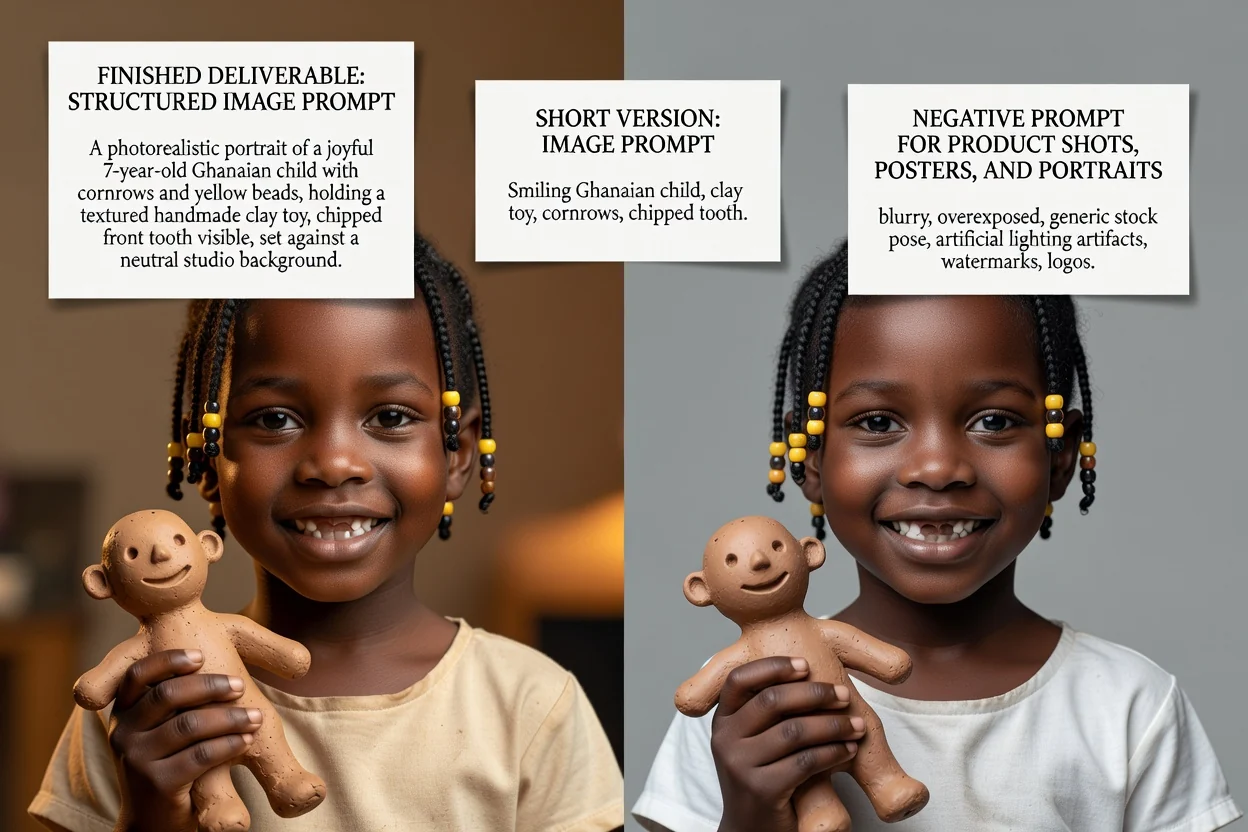
Tiga versi prompt untuk tiga situasi berbeda.
Prompt lengkap dengan subjek, komposisi, pencahayaan, gaya, dan pembingkaian yang dijabarkan secara berurutan.
Versi penulisan ulang opsional yang merapikan susunan kata dan mengisi bagian yang belum tercakup dalam deskripsi singkat.
Versi ringkas untuk antarmuka dengan batas input ketat atau untuk iterasi cepat.
Daftar hal yang perlu dihindari dari gambar, seperti teks, watermark, atau detail yang terdistorsi.
Setiap kontrol mengubah susunan kata, bukan sekadar label.
Foto produk, potret, poster, logo, grafis media sosial, atau ilustrasi. Pilihan ini menentukan istilah komposisi yang digunakan.
Fotorealistis, sinematik, editorial, minimal, render 3D, atau anime, yang menentukan bahasa pencahayaan dan perenderan.
GPT Image, Midjourney, Flux, Stable Diffusion, atau DALL-E. Konvensi susunan kata berbeda di antara model tersebut.
Persegi, lanskap, vertikal, atau potret, agar pembingkaian dan ruang kosong sesuai dengan penempatan akhir.
Kebutuhan umum yang sering dimulai dari sini.
Tulis prompt yang menyebutkan permukaan, pencahayaan, dan ruang kosong agar produk tetap menyisakan tempat untuk teks judul.
Buat prompt produk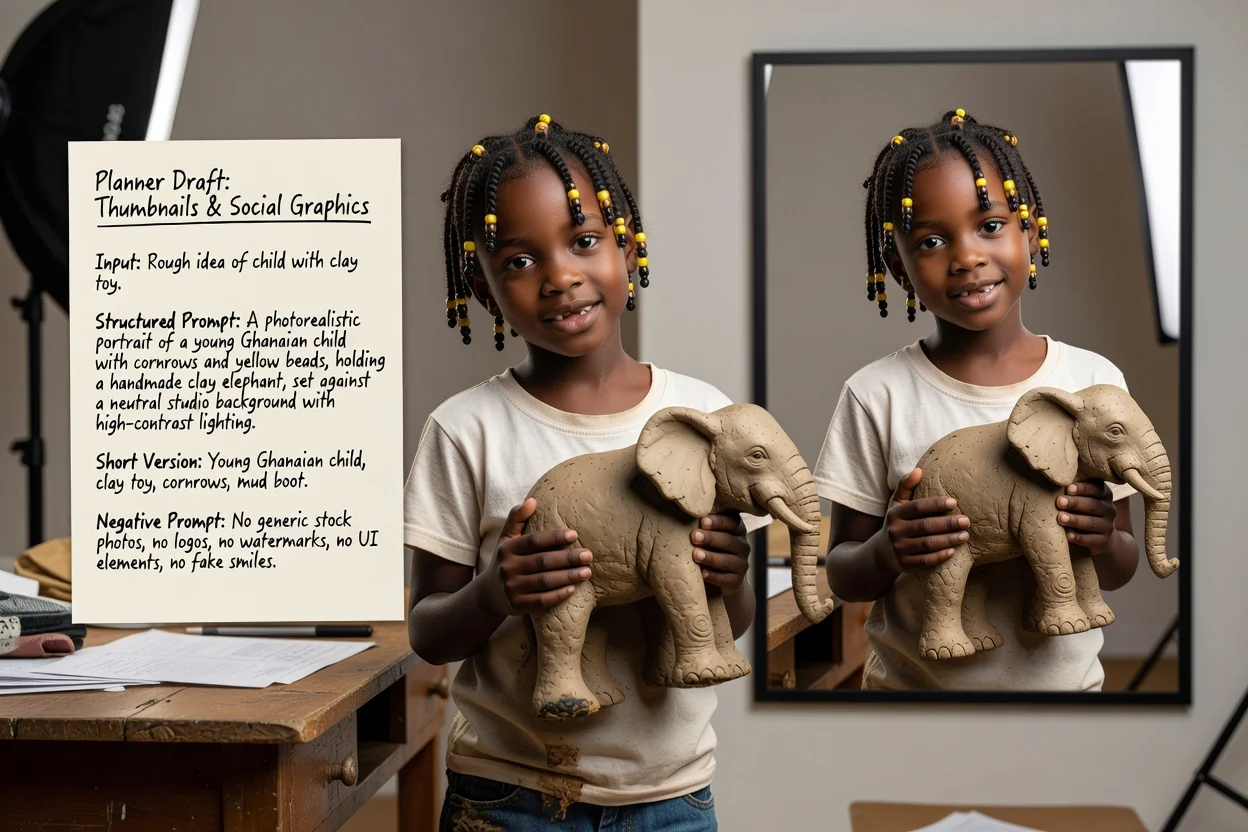
Atur rasio vertikal atau lanskap serta gaya berkontras tinggi agar hasilnya tetap terbaca dalam ukuran kecil.
Buat prompt media sosial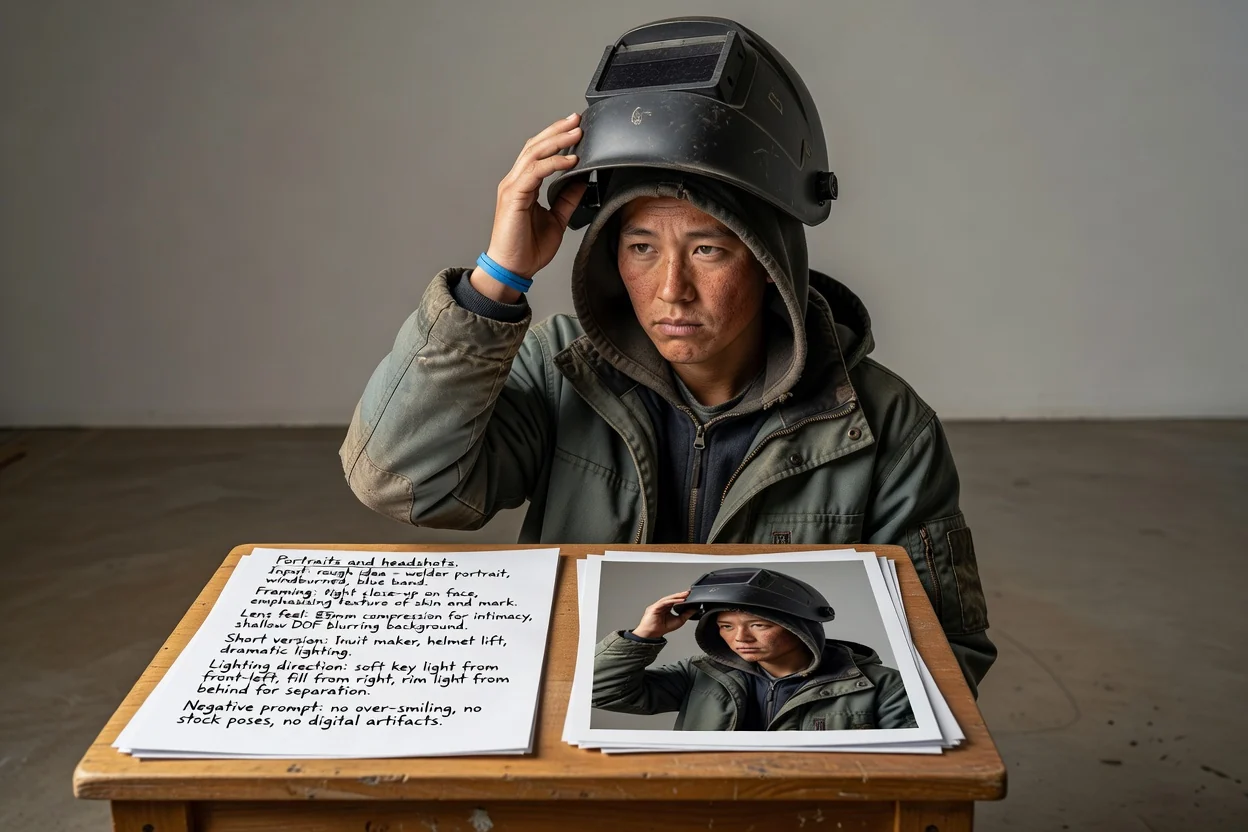
Jelaskan pembingkaian, kesan lensa, dan arah pencahayaan daripada mengandalkan model untuk menebak tampilan yang diinginkan.
Buat prompt potret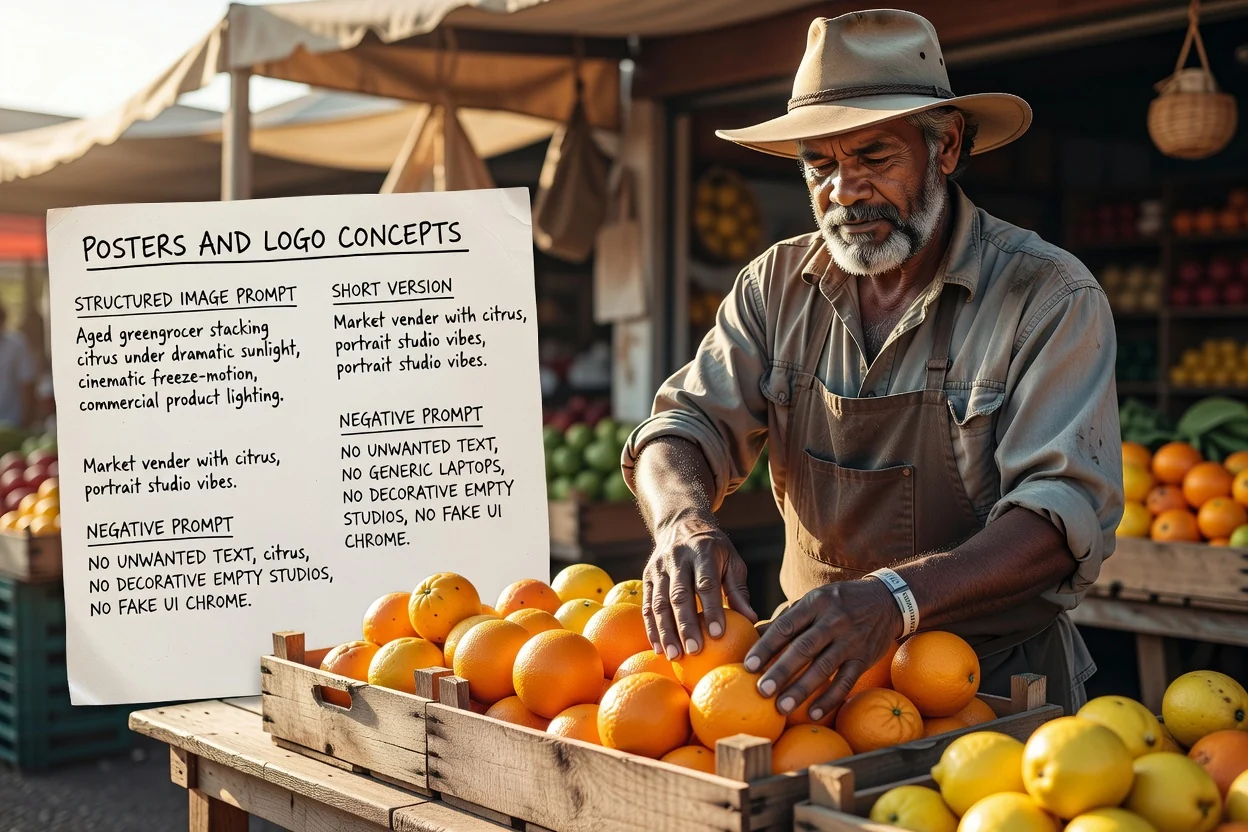
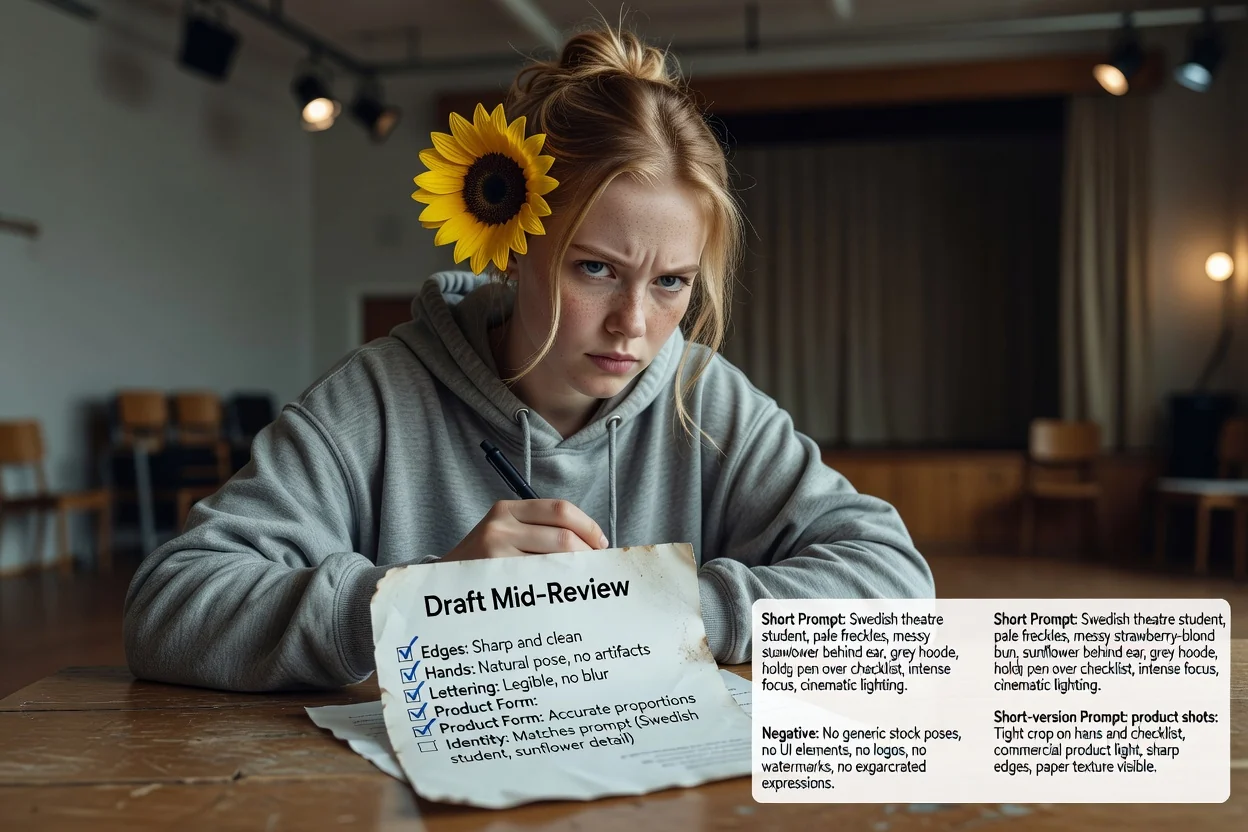
Rencanakan tata letak dan ruang untuk tipografi sejak awal, lalu gunakan prompt negatif untuk mengendalikan teks yang tidak diinginkan.
Buat prompt posterEmpat pemeriksaan cepat untuk mengurangi percobaan ulang.
Jika prompt menjelaskan dua subjek yang saling bersaing, pisahkan menjadi dua prompt alih-alih satu bingkai yang penuh.
Rasio vertikal memerlukan bahasa komposisi vertikal. Ketidaksesuaian adalah penyebab paling umum dari pemotongan yang janggal.
Jika teks akan ditempatkan pada gambar nanti, pastikan prompt meminta ruang kosong di lokasi yang tepat.
Hapus pengecualian yang sebenarnya tidak diperlukan, karena prompt negatif yang terlalu panjang dapat membuat hasil menjadi datar.
Batasan yang perlu diketahui sebelum Anda mengandalkannya.
Pembuatan gambar berlangsung dalam alur kerja gambar. Langkah ini hanya menghasilkan teks yang Anda kirimkan ke sana.
Prompt yang sama menghasilkan keluaran berbeda di berbagai model dan versi. Anggap keluaran pertama sebagai pengujian.
Meminta teks yang persis dalam gambar sering kali gagal. Sebaiknya tambahkan tipografi yang sebenarnya saat menyusun tata letak.
Pertanyaan umum tentang penulisan prompt untuk model gambar AI.
Berikan ide kasar kepada generator prompt gambar dan dapatkan prompt lengkap, prompt singkat, serta prompt negatif untuk diuji.