01
Unggah gambar sumber yang berizin
Pilih satu gambar milik Anda atau yang Anda punya izin untuk edit, dengan subjek utama terlihat jelas.
Hapus latar foto produk, potret, dan logo dengan AI. Periksa tepi transparan sebelum mengunduh hasil potongan.
Mode default
Siap diunggah
Pratinjau, bandingkan, unduh
Hapus latar foto produk, potret, dan logo dengan AI. Periksa tepi transparan sebelum mengunduh hasil potongan.
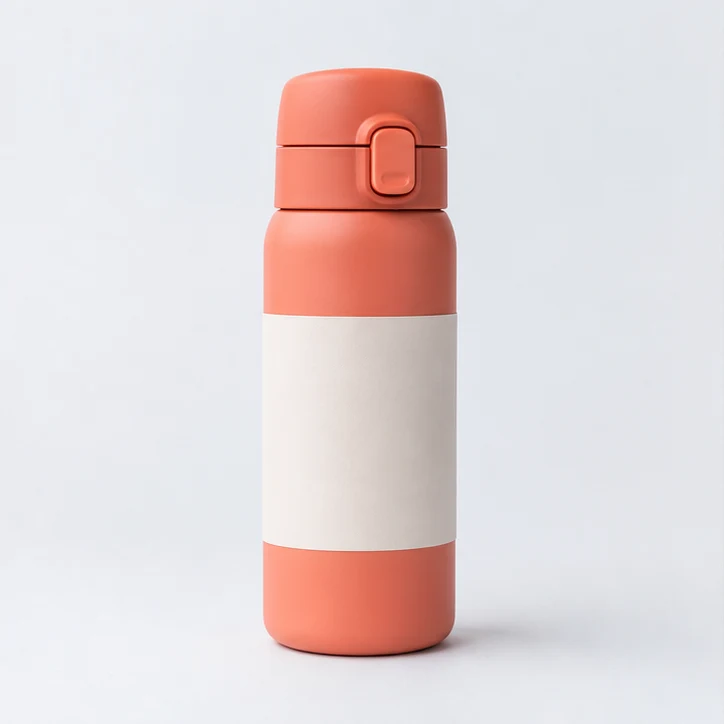
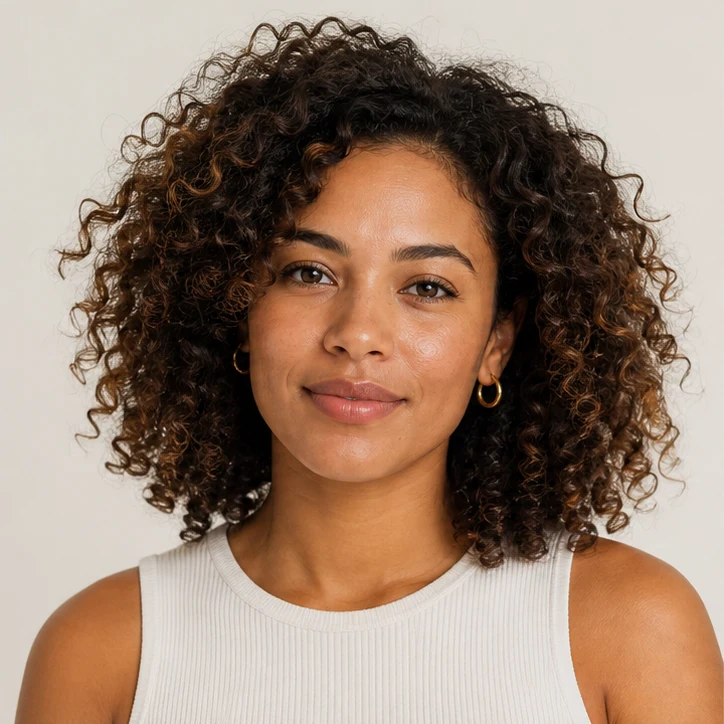
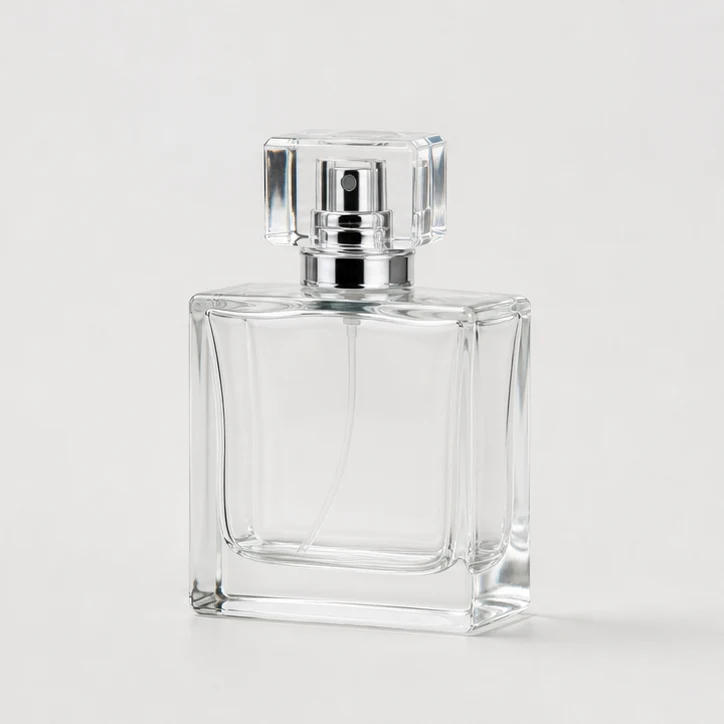
Hapus latar foto produk, potret, dan logo dengan AI. Periksa tepi transparan sebelum mengunduh hasil potongan.
Pilih satu gambar milik Anda atau yang Anda punya izin untuk edit, dengan subjek utama terlihat jelas.
Proses bawaan menghasilkan gambar tanpa latar dengan area transparan. Periksa tepi subjek sebelum mengunduh.
Periksa batas subjek dan area transparan sebelum dipublikasikan, lalu bandingkan dengan sumber asli. Kontras dan resolusi sumber memengaruhi detail halus.
Gunakan gambar yang jelas dan cukup terang dengan subjek utama yang terpisah dari latar. Resolusi lebih tinggi membantu pada tepi yang tipis.
Proses bawaan menghasilkan gambar tanpa latar dengan area transparan. Periksa tepi subjek sebelum mengunduh.
Gunakan logo yang jernih dan beresolusi tinggi, lalu bandingkan tepi transparan hasilnya dengan sumber asli sebelum dipublikasikan.
Periksa batas subjek dan area transparan sebelum dipublikasikan, lalu bandingkan dengan sumber asli. Kontras dan resolusi sumber memengaruhi detail halus.
Jelajahi lebih banyak tool ClipCanva untuk membuat dan mengedit gambar
Gambar gratis menyertakan watermark. Upgrade untuk output bersih, generasi lebih cepat, dan penggunaan komersial.
Paket Pemula
Paket kredit satu kali untuk mencoba pembuatan gambar, musik, dan video pendek.
Pencipta
Paket bulanan · 1.500 kredit diperbarui setiap bulan
GPT Image 2 Unlimited
Masukkan kode FOUNDING6 di Stripe Checkout: $19/bulan untuk 6 bulan pertama, lalu $29/bulan.
Pro
For clean, faster outputs
Studio
Paket bulanan · 12.000 kredit diperbarui setiap bulan
Pembayaran aman · Langganan diperpanjang otomatis · Lihat syarat pengembalian dana
Tim
Untuk agensi, tim produksi, dan kebutuhan volume khusus.
Hapus latar foto produk, potret, dan logo dengan AI. Periksa tepi transparan sebelum mengunduh hasil potongan.
Hapus latar foto produk, potret, dan logo dengan AI. Periksa tepi transparan sebelum mengunduh hasil potongan.