



شناسه دقیق نسخه
از شناسه دقیق نسخه استفاده کنید تا مقایسهها از نسخههای پیشین Wan و گونههای نامرتبط این خانواده جدا بمانند.
Wan 3.0 را بهعنوان راهنمای مدلی مبتنی بر منابع برای قابلیتها، ورودیها، خروجیها، نیازهای بازبینی و دسترسی فعلی در ClipCanva بررسی کنید.
این صفحه هویت دقیق مدل را نشان میدهد و مدل دیگری را با همان نام اجرا نمیکند. از پیوندهای مدلهای مرتبط پایین برای باز کردن گردش کار متصل استفاده کنید.
Wan 3.0 بهعنوان یک نسخه دقیق از مدل ویدئویی Wan برای برنامهریزی، مقایسه و بررسی دسترسی پیگیری میشود.
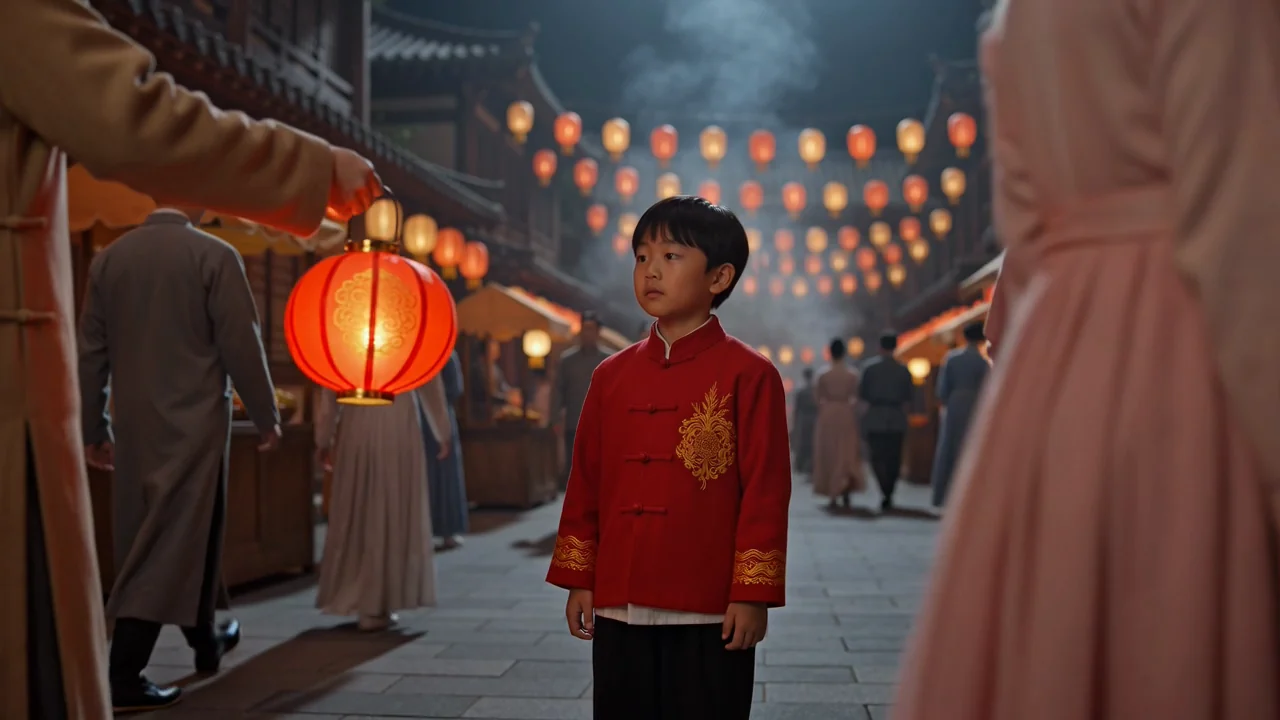
قابلیتهای مستندشده را بررسی کنید، بیآنکه آنها را به ادعاهای تأییدنشده درباره اتصال، دسترسی یا تولید گسترش دهید.
از شناسه دقیق نسخه استفاده کنید تا مقایسهها از نسخههای پیشین Wan و گونههای نامرتبط این خانواده جدا بمانند.

وضعیت انتشار را یک نقطه کنترل در برنامهریزی بدانید، زیرا ClipCanva برای این مدل دقیق اتصالدهنده تأییدشده ندارد.

بر اساس ورودیهای اعلان متنی و تصویر مرجع برنامهریزی کنید و پیش از هر تصمیم تولیدی، پشتیبانی زنده محصول را بررسی کنید.

خروجیهای مورد انتظار را به کلیپهای ویدئویی تولیدشده و ویدئوهای هدایتشده با مرجع محدود کنید که همچنان به بازبینی انسانی نیاز دارند.
حالتهای ورودی مستند را از کنترلهایی که اکنون برای این مدل غیرقابلدسترس در ClipCanva تأیید شدهاند، جدا کنید.
برای برنامهریزی از یک اعلان متنی روشن استفاده کنید و فقط هنگامی تصویر مرجع اضافه کنید که یک مدل متصل از آن پشتیبانی کند.
هیچ کنترل اختصاصی Wan در ClipCanva تأیید نشده است؛ پس گزینههای سمت ارائهدهنده را که نمایش داده نمیشوند، فرض نکنید.
خروجیهای مورد انتظار، کلیپهای ویدئویی تولیدشده و ویدئوهای هدایتشده با مرجع هستند که پیش از استفاده به بازبینی نیاز دارند.
ابتدا بر پایه وضعیت دسترسی تأییدشده برنامهریزی کنید، سپس اعلان، مراجع، بررسیها و نقاط تصمیم را آماده سازید.
هدف ویدئو، مخاطب هدف، سوژه، محیط و الزام تحویل را بیان کنید.
اعلان را بنویسید و داراییهای مرجعی را گردآوری کنید که با صحنه موردنظر و معیار بازبینی همخوان هستند.
دسترسی را بررسی کنید و فقط از کنترلهایی استفاده کنید که در یک مولد تأییدشده قابلمشاهدهاند.
خروجیهای پیشنویس را مقایسه کنید، دستورهای ضعیف را شناسایی کنید و شرح برنامهریزی را هر بار برای یک مسئله بازنگری کنید.
موارد استفاده باید پژوهش مدل را به یک خروجی واقعی، مخاطب، معیار بازبینی و تصمیم دسترسی پیوند دهند.
پیش از ساختن برنامهها بر مبنای دسترسی تولید، تأیید کنید که مدل دقیق متصل است یا نه.
شناسه نسخه، ورودیهای مستند، مرزهای خروجی و نیازهای بازبینی را میان نسخههای Wan مقایسه کنید.
پیش از آغاز تولید، اعلانها، مراجع، مراحل بازبینی و تأییدهای ذینفعان را ترسیم کنید.
پیگیری کنید که یک اتصالدهنده آینده پیش از پشتیبانی از ارزیابی قابلاعتماد، باید چه چیزهایی را در دسترس بگذارد.
از نقاط کنترل بازبینی استفاده کنید تا هر نتیجه ویدئویی را تا زمان برآوردهکردن شرح کار و قواعد مقصد، پیشنویس بدانید.
تأیید کنید که اعلان، سوژه، کنش، محیط و حرکت با وظیفه اصلی همخوانی دارند.
ظاهر سوژه، پیوستگی صحنه، پسزمینهها و گذارها را در سراسر کلیپ بررسی کنید.
جزئیات محصول، عناصر برند، ادعاها و ارجاعات واقعی را با منابع تأییدشده تطبیق دهید.
پیش از انتشار، مدت، برش، قالب خروجی و الزامات مقصد را بازبینی کنید.
دسترسی فعلی، وضعیت اتصالدهنده، تغییرپذیری خروجی و مسئولیت انتشار برای برنامهریزی از هم جدا شدهاند.
مدل دقیق Wan 3.0 در ClipCanva متصل نیست؛ بنابراین هیچ خروجی ClipCanva نباید با نام این مدل برچسب بخورد.
نتایج گردشهای کاری ویدئویی مرتبط ممکن است در جزئیات، ترکیببندی، حرکت و زمانبندی متفاوت باشند؛ پس آنها را با دقت مقایسه کنید.
هیچ اتصالدهنده تأییدشده یا مشخصات رسمی کاملی در ClipCanva موجود نیست؛ بنابراین ادعاهای اشخاص ثالث واقعیت تلقی نمیشوند.
تاریخ تأیید اطلاعات
پاسخها شناسه، قابلیتها، ورودیها، برنامهریزی گردش کار، دسترسی و مسئولیتهای بازبینی Wan 3.0 را پوشش میدهند.
مدلهای ویدئویی هوش مصنوعی نزدیک را بر پایه دسترسی تأییدشده، ورودیهای پشتیبانیشده، کنترلهای قابلنمایش و نیازهای بازبینی مقایسه کنید.
با واقعیتهای مدل آغاز کنید، دسترسی فعلی را تأیید کنید و برای بازبینی دقیق خروجی ویدئو زمان بگذارید.