
Görüntü yükleyin
Cihazınızdan bir JPG, PNG veya WebP görüntüsü seçin.
JPG, PNG veya WebP görüntüsünü inceleyebileceğiniz, kopyalayabileceğiniz ya da TXT dosyası olarak kaydedebileceğiniz karakter tabanlı bir esere dönüştürmek için görüntüyü ASCII sanatına dönüştürücüyü kullanın.
Kaynak görsel
Kaynak önizlemesini görmek için bir görsel seçin.
Sonuç
Görüntüyü ASCII sanatına dönüştürücü, bir görüntüdeki parlaklık değerlerini metin karakterlerine dönüştürür. Koyu ve açık alanlar farklı simgelerle eşleştirilir; böylece nihai sonuç eş aralıklı yazı tipinde görüntülendiğinde özgün resme benzer.
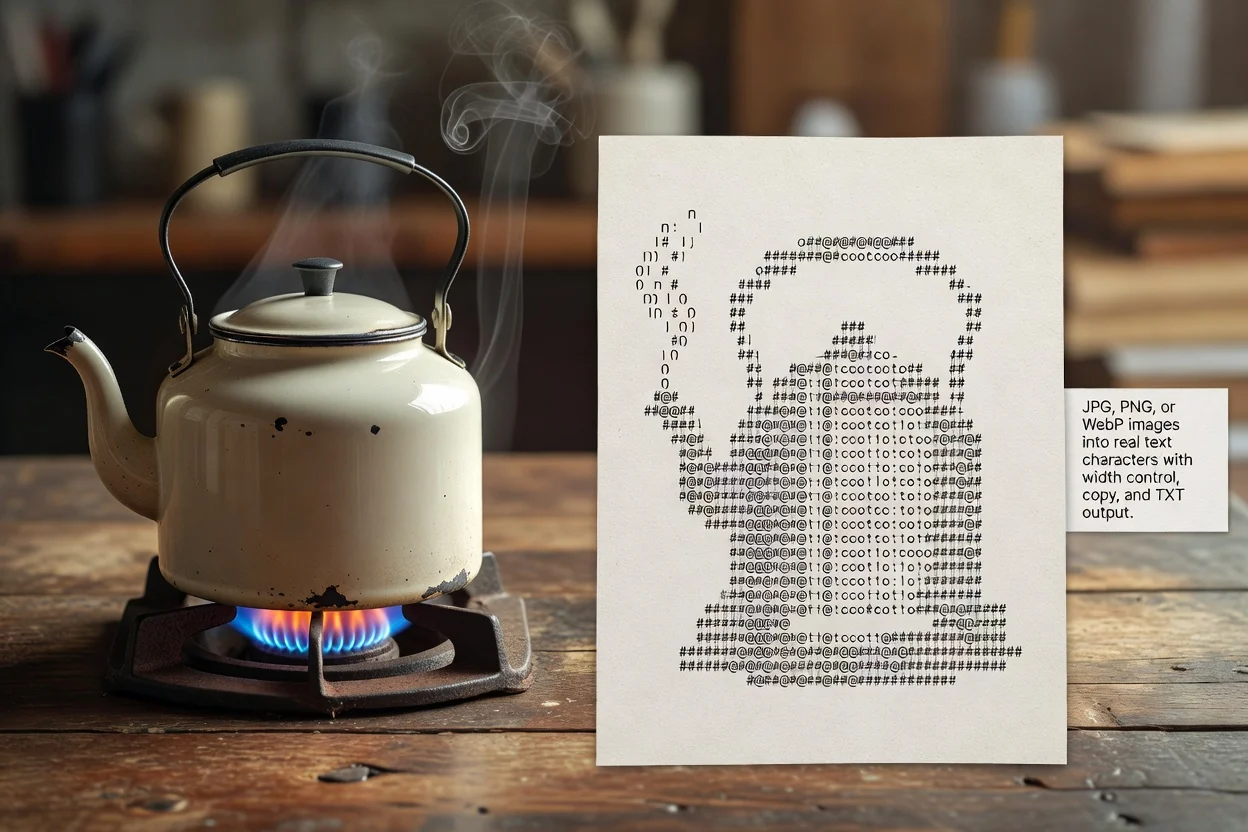
Yüklemeden incelemeye kadar kısa, tarayıcı tabanlı bir süreçte ilerleyerek görüntüyü ASCII sanatına dönüştürün.
Cihazınızdan bir JPG, PNG veya WebP görüntüsü seçin.
Sonuçta yatay olarak kaç karakter kullanılacağını denetlemek için çıktı genişliğini ayarlayın.
Bir görüntüyü işleyin ve oluşturulan ASCII önizlemesini inceleyin.
Araç yaygın görüntü girdilerini kabul eder ve görüntü parlaklığından eşleştirilen metin karakterleriyle incelenebilir bir ASCII çıktısı üretir.
İşleme için bir JPG, PNG veya WebP görüntüsü yükleyin.
Çıktı, inceleyebileceğiniz, kopyalayabileceğiniz veya TXT dosyası olarak kaydedebileceğiniz işlenmiş bir ASCII metin sonucudur.
Denetimler; gerçek metin karakteri işleme, çıktı genişliği ayarı ve oluşturulan metni kopyalama veya TXT dosyası olarak kaydetme seçeneklerini içerir.
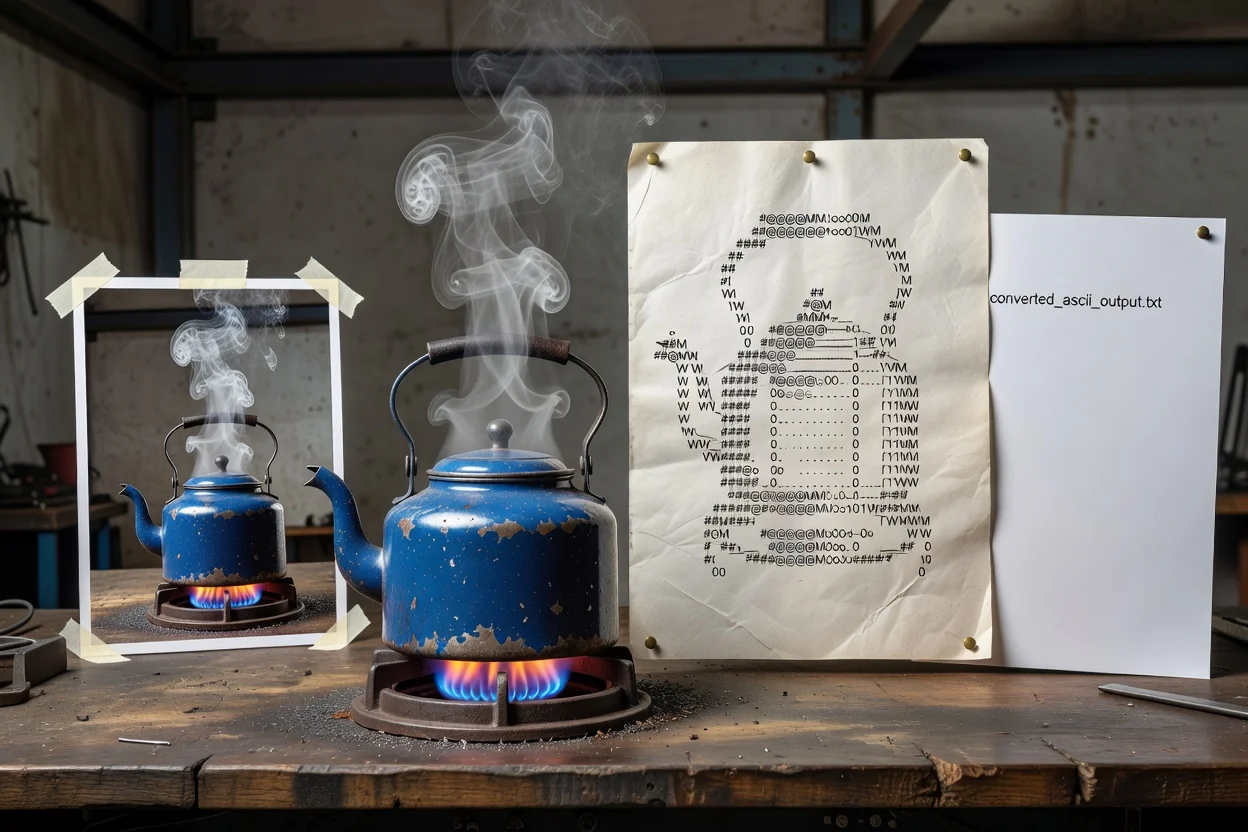
Odaklı denetimler, metin sonucunu inceleme ve yeniden kullanma açısından pratik tutarken görüntüyü ASCII sanatına dönüştürmenize yardımcı olur.
Çıktı gerçek karakterlerden oluşur; bu sayede eş aralıklı gösterimi destekleyen metin tabanlı alanlara kopyalamaya uygundur.
Sonucu tamamlamadan önce ayrıntı, okunabilirlik ve satır uzunluğu arasında denge kurmak için karakter genişliğini ayarlayın.
Önizlemeyi kontrol ettikten sonra oluşturulan ASCII metnini kopyalayın veya TXT dosyası olarak kaydedin.
Araç, görüntüyü ASCII'ye dönüştüren çevrimiçi bir iş akışı olarak çalıştığından tek bir tarayıcı sekmesinde yüklemeden incelemeye geçebilirsiniz.
Görsel bir kaynağın metin tabanlı sürümüne ihtiyaç duyduğunuzda görüntüyü çevrimiçi ASCII'ye dönüştürme iş akışını kullanmanın yaygın yolları.
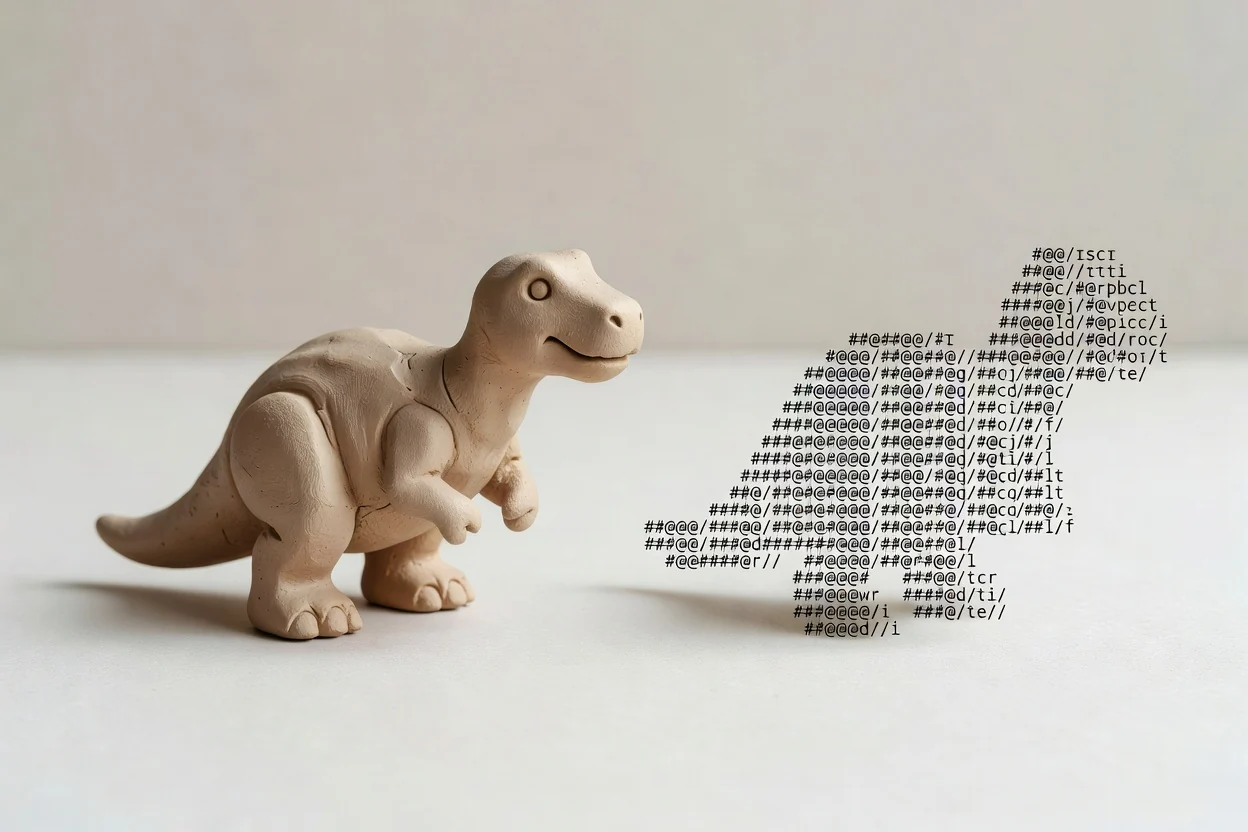
Profil görüntüsünü, simgeyi veya basit bir illüstrasyonu retro bir görsel etki için gerçek metin karakterlerine dönüştürün.
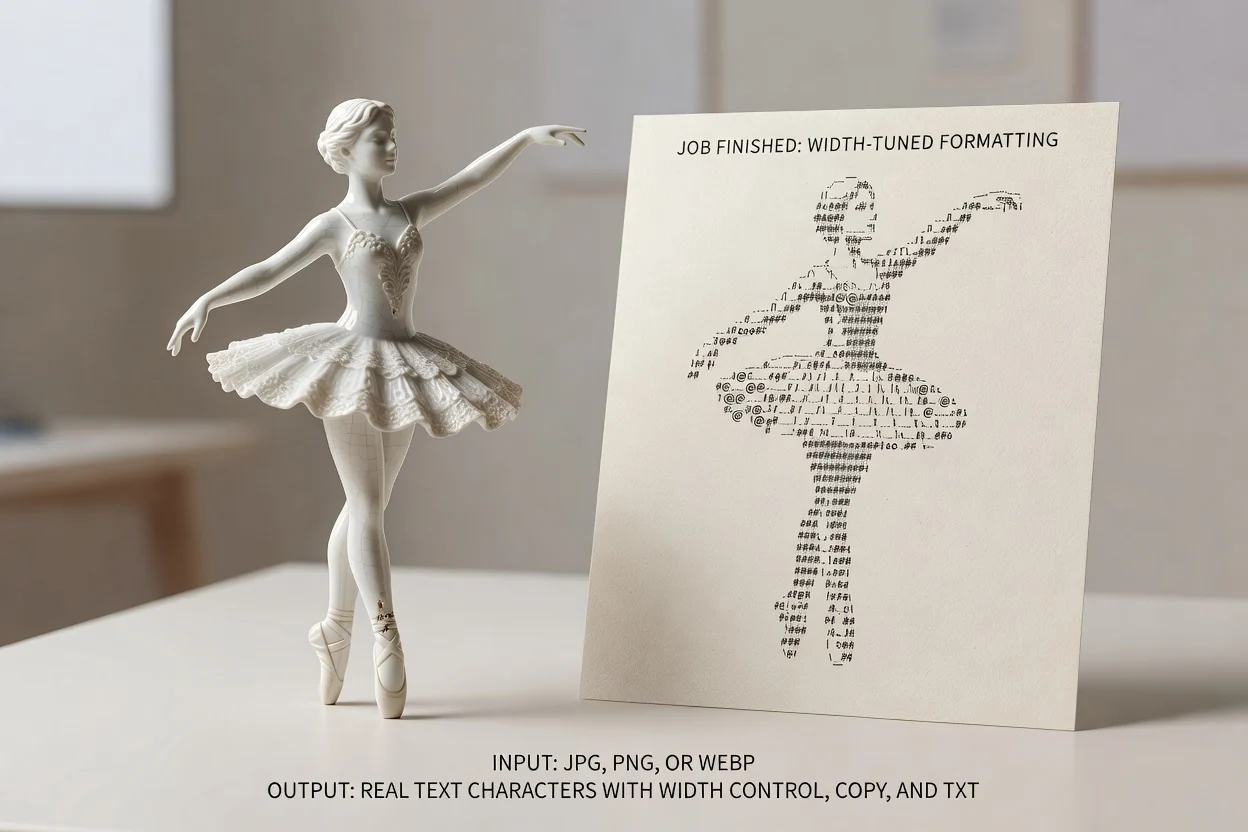
Sohbetler, belgeler veya kurum içi notlar için daha dar ya da daha geniş bir ASCII sonucu oluşturmak üzere çıktı genişliği denetimini kullanın.
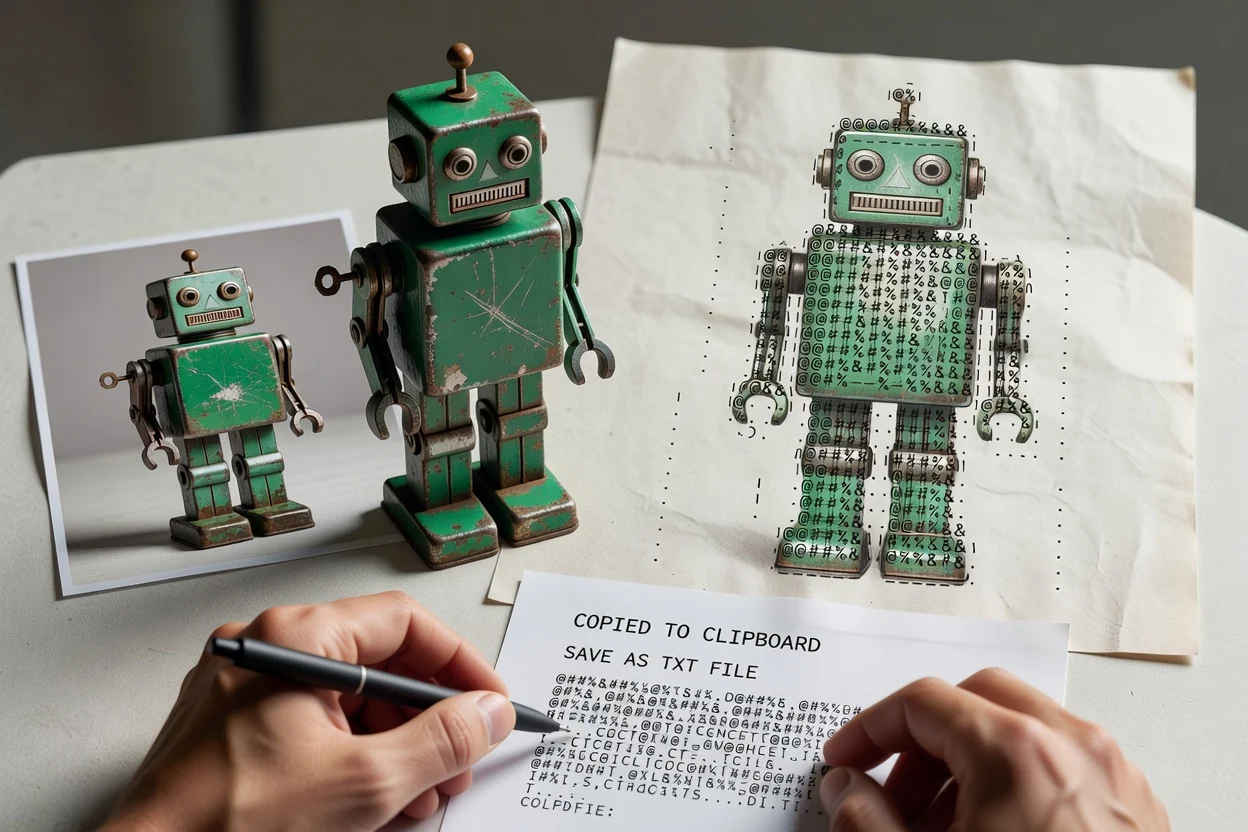
Görüntünün taşınabilir bir metin sürümüne ihtiyaç duyduğunuzda sonucu doğrudan kopyalayın veya TXT dosyası olarak kaydedin.
ASCII dönüştürme, metin tabanlı sanat için kullanışlıdır; ancak sonuç, renklere sadık bir yeniden oluşturma değil, kaynağın yaklaşık bir temsilidir.
Çıktı gri tonlu parlaklık eşlemesi kullanır; bu nedenle kaynak renkler ASCII sonucunda korunmaz.
Sanat çalışması eş aralıklı bir yazı tipinde görüntülenmelidir. Diğer yazı tipleri aralığı değiştirebilir ve hizalamanın düzensiz görünmesine yol açabilir.
Çok ayrıntılı görüntüler, çıktının okunabilir kalması ve satırların aşırı uzamaması için genişlik ayarı gerektirebilir.
Bu görüntüyü ASCII sanatına dönüştürücüyü kullanma ve oluşturulan sonucu inceleme hakkında sık sorulan soruların yanıtları.
Metin tabanlı ve görüntü işleme iş akışlarıyla iyi eşleşen diğer ClipCanva araçları.
Bir görüntüyü şimdi işleyin ve inceleyebileceğiniz, kopyalayabileceğiniz veya TXT dosyası olarak kaydedebileceğiniz bir ASCII metin sonucu oluşturun.