
01
Kaynakla başlayın
Mümkünse ekran görüntüsü veya tekrar tekrar sıkıştırılmış kopya yerine en iyi kaynak dosyayı yükleyin.
Ürün fotoğraflarını, portreleri, taramaları, küçük resimleri ve sosyal içerikleri büyütüp algılanan netliği artırmak için bir görsel yükleyin. İndirmeden önce kaynakla karşılaştırın.
Varsayılan mod
Yüklemeye hazır
Önizle, karşılaştır ve indir
Ürün fotoğraflarını, portreleri, taramaları, küçük resimleri ve sosyal içerikleri büyütüp algılanan netliği artırmak için bir görsel yükleyin. İndirmeden önce kaynakla karşılaştırın.
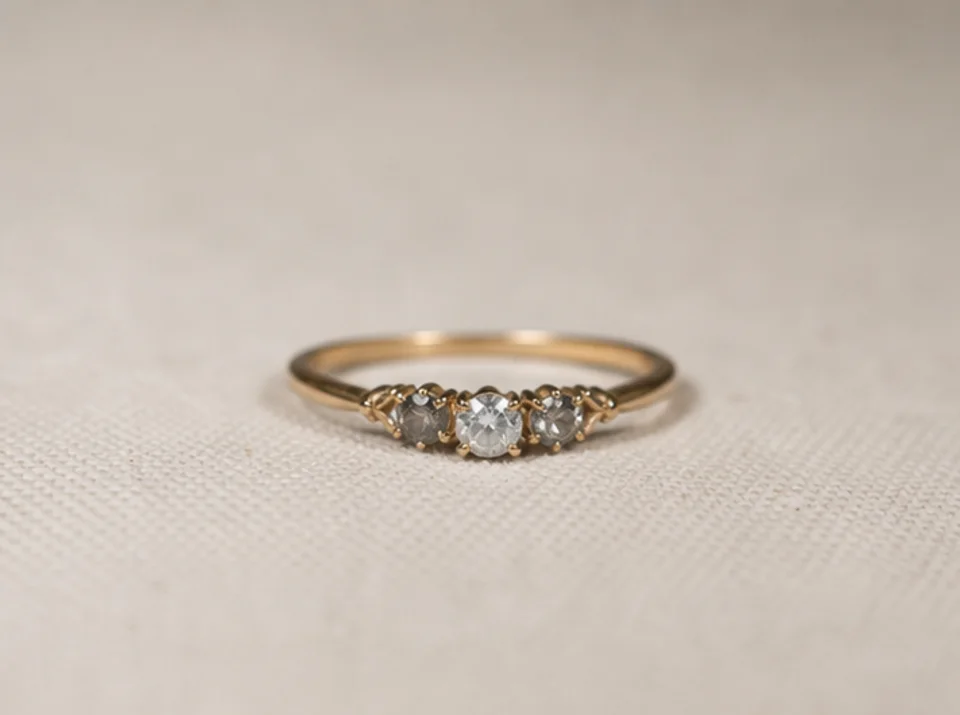

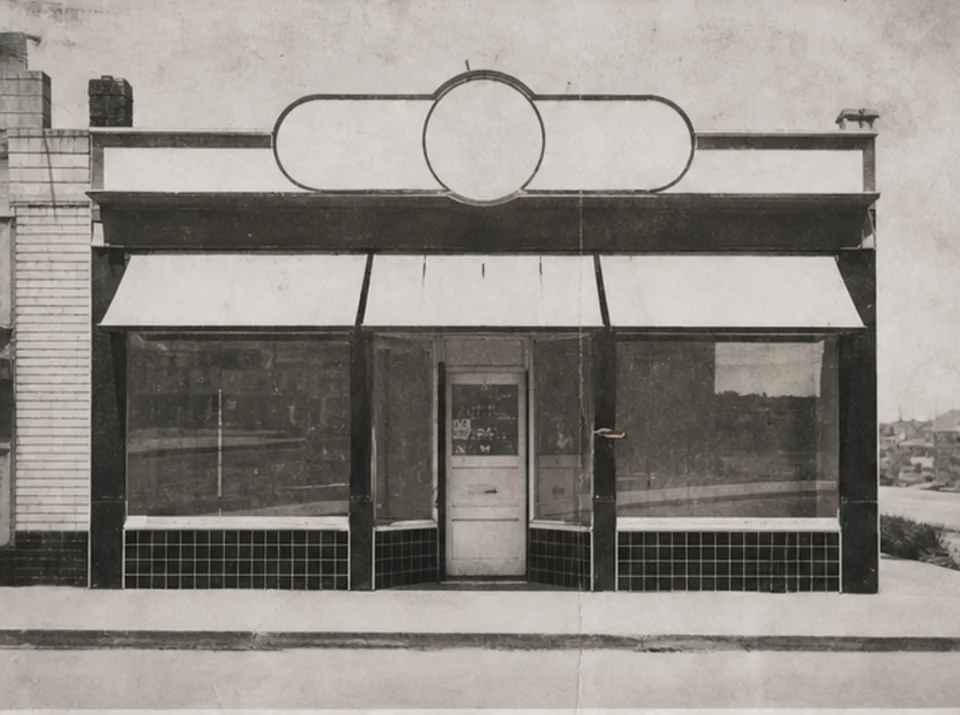
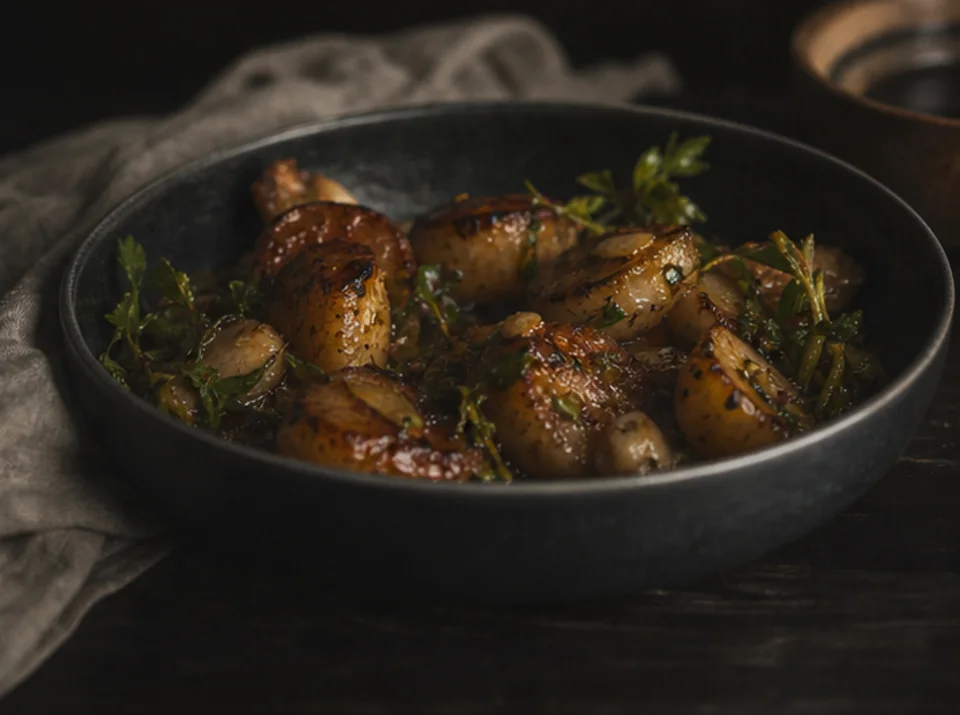
Ürün fotoğraflarını, portreleri, taramaları, küçük resimleri ve sosyal içerikleri büyütüp algılanan netliği artırmak için bir görsel yükleyin. İndirmeden önce kaynakla karşılaştırın.
Mümkünse ekran görüntüsü veya tekrar tekrar sıkıştırılmış kopya yerine en iyi kaynak dosyayı yükleyin.
Son kullanım boyutuna ve kaynakta görünen ayrıntıya göre pratik bir 2× veya 4× hedef seçin.
İyileştirmeyi bir kez çalıştırıp doğrudan karşılaştırma için özgün görseli saklayın.
Her iki görseli tam boyutta karşılaştırarak metni, yüzleri, ürün geometrisini, yinelenen dokuları, haleleri ve arşiv ayrıntılarını inceleyin.
Büyütme kenarları ve dokuları daha net gösterebilir ancak kaynak görselde bulunmayan bilgiyi geri getiremez.
Zaten okunabilen metin netleşebilir. Eksik veya okunamayan harfler güvenilir biçimde yeniden kurulamaz ve yetkili kaynakla kontrol edilmelidir.
İyileştirme sırasında ince dokular ve küçük şekiller tahmin edilebilir. Ürünleri, yüzleri, belgeleri ve arşiv ayrıntılarını kaynakla karşılaştırın.
Ücretsiz görseller filigran içerir. Temiz çıktılar, daha hızlı üretim ve ticari kullanım için yükseltin.
Başlangıç Paketi
Görsel, müzik ve kısa video oluşturmayı denemek için tek seferlik kredi paketi.
Yaratıcı
Aylık plan · Her ay 1.500 kredi yenilenir
GPT Image 2 Unlimited
Stripe Checkout'ta FOUNDING6 kodunu girin: ilk 6 ay $19/ay, ardından $29/ay.
Profesyonel
For clean, faster outputs
Stüdyo
Aylık plan · Her ay 12.000 kredi yenilenir
Güvenli ödeme · Abonelikler otomatik yenilenir · İade uygunluğunu görüntüle
Takım
Ajanslar, üretim ekipleri ve özel hacim ihtiyaçları için.
Ürün fotoğraflarını, portreleri, taramaları, küçük resimleri ve sosyal içerikleri büyütüp algılanan netliği artırmak için bir görsel yükleyin. İndirmeden önce kaynakla karşılaştırın.
Ürün fotoğraflarını, portreleri, taramaları, küçük resimleri ve sosyal içerikleri büyütüp algılanan netliği artırmak için bir görsel yükleyin. İndirmeden önce kaynakla karşılaştırın.