
01
Resminizi Yükleyin
Dönüştürmek istediğiniz herhangi bir fotoğrafı veya resmi yükleyin. Daha yüksek çözünürlüklü girdiler daha iyi dönüşüm sonuçları üretir.
Herhangi bir görüntüyü yükleyin ve onu AI ile dönüştürün. Basit metin istemleriyle stilleri değiştirin, öğeler ekleyin, arka planları değiştirin veya görsellerinizi yeniden tasarlayın.
Pro modu
Yüklemeden sonra gelişmiş kontroller
Gelişmiş kontrolleri kullanmak için önce bir görsel yükleyin.
Mevcut görüntüleri tamamen yeni bir şeye dönüştürün. Stil aktarımlarından nesne değişikliklerine kadar sınırsız yaratıcı olanakların kilidini açın.
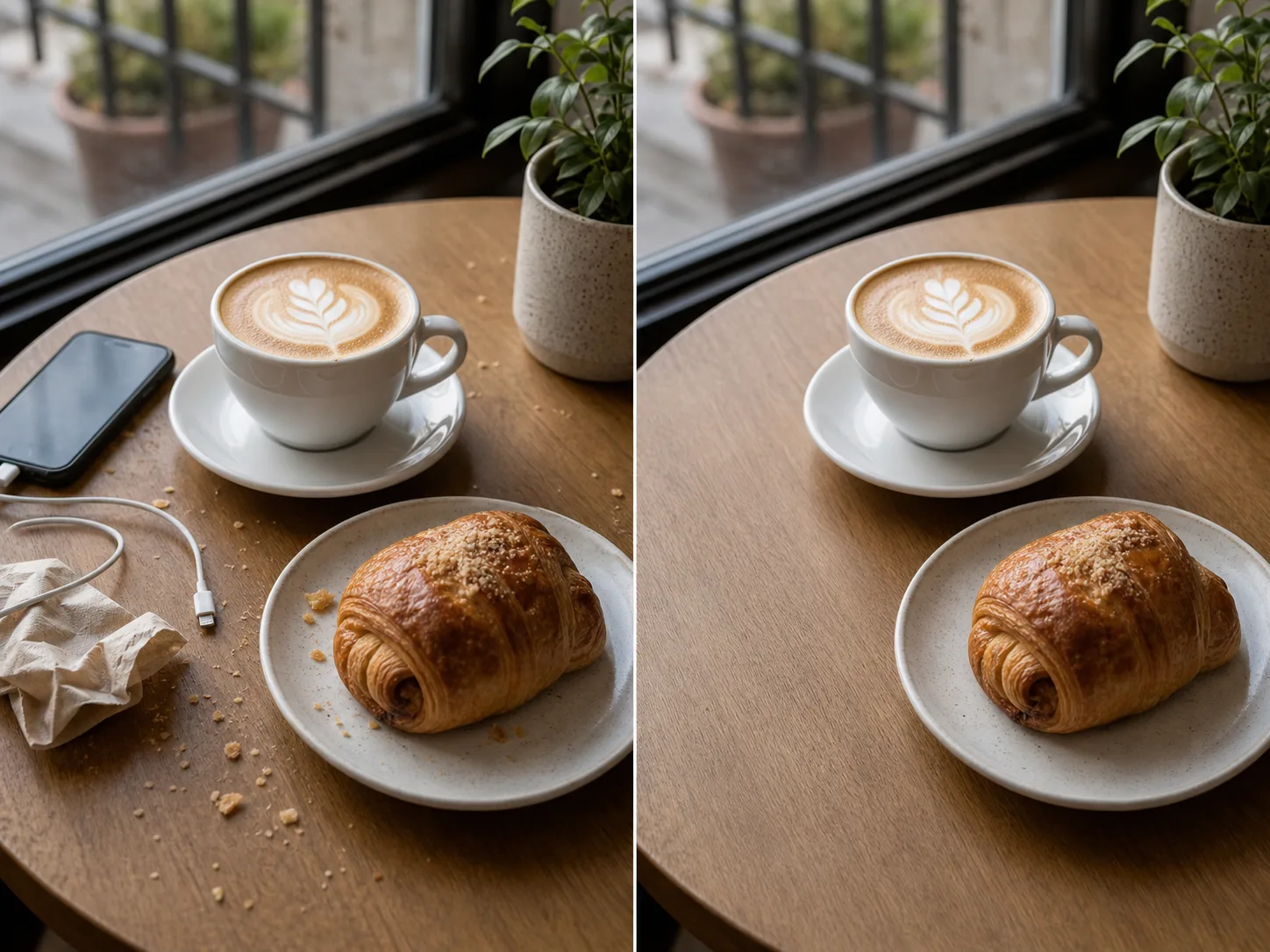

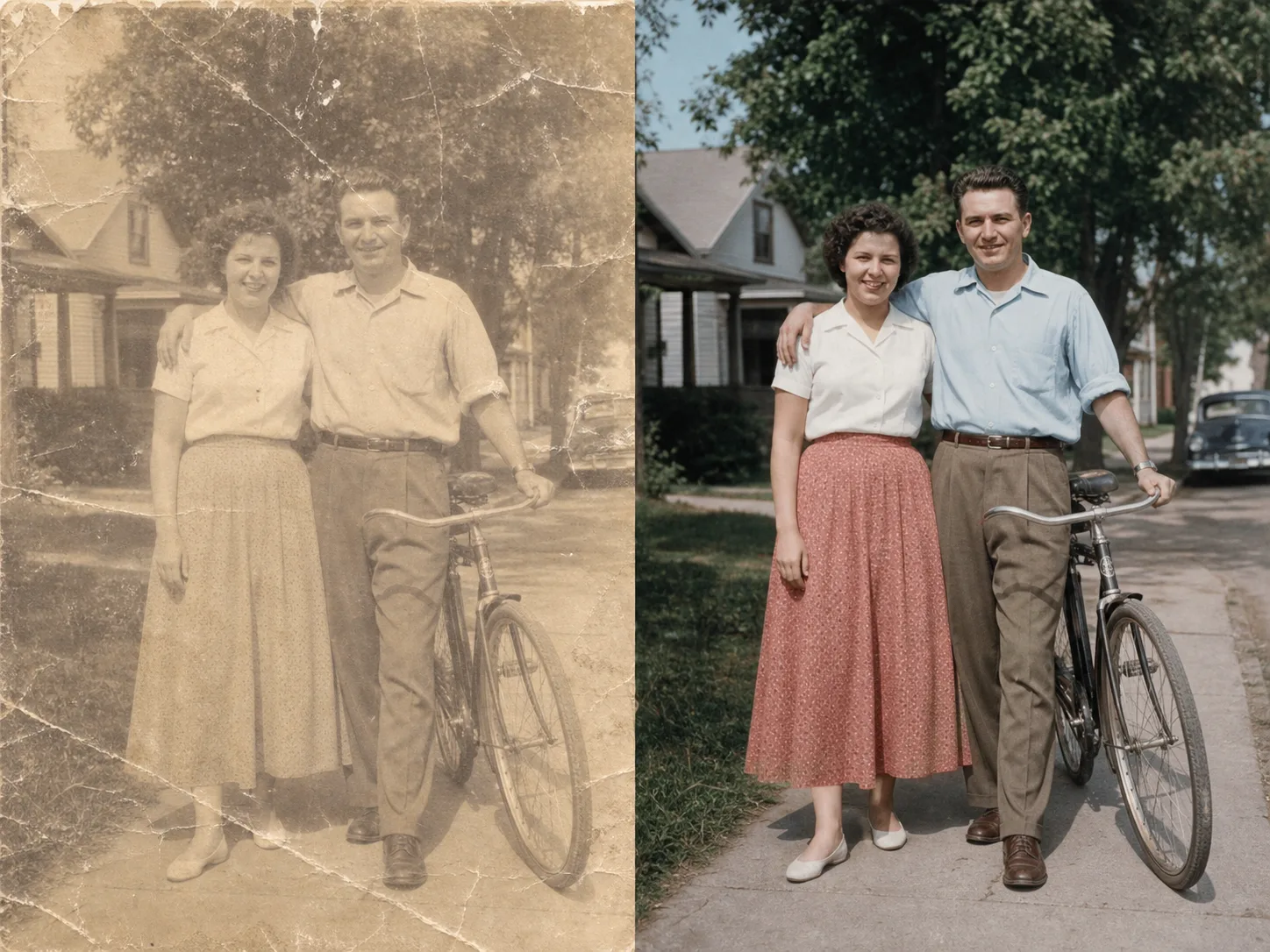
Dakikalar içinde yüklemeden dönüştürülmüş görüntüye:
Dönüştürmek istediğiniz herhangi bir fotoğrafı veya resmi yükleyin. Daha yüksek çözünürlüklü girdiler daha iyi dönüşüm sonuçları üretir.
İstediğiniz dönüşümü açıklayan bir metin istemi yazın. Stili değiştirin, öğeler ekleyin, arka planları değiştirin veya görüntüyü yeniden tasarlayın.
Dönüştürülen görüntünüzü saniyeler içinde oluşturup alın. Yüksek çözünürlükte indirin, kullanıma hazır.
Görüntünüzü istediğiniz sanatsal stile dönüştürün. Ünlü tabloların, belirli sanatçıların veya herhangi bir görsel estetiğin görünümünü uygulayın.
Değiştirmek için görüntünüzün herhangi bir alanını seçin. İstenmeyen nesneleri kaldırın, yeni öğeler ekleyin veya belirli ayrıntıları değiştirin.
Arka planları sorunsuz bir şekilde değiştirin. Uygun aydınlatmayı korurken nesneleri yeni ortamlara yerleştirin.
Stilleri ve öğeleri değiştirirken orijinal görüntünüzün düzenini, konularını ve perspektifini koruyun.
Daha fazla AI destekli aracı keşfedin
Ücretsiz görseller filigran içerir. Temiz çıktılar, daha hızlı üretim ve ticari kullanım için yükseltin.
Başlangıç Paketi
Görsel, müzik ve kısa video oluşturmayı denemek için tek seferlik kredi paketi.
Yaratıcı
Aylık plan · Her ay 1.500 kredi yenilenir
GPT Image 2 Unlimited
Stripe Checkout'ta FOUNDING6 kodunu girin: ilk 6 ay $19/ay, ardından $29/ay.
Profesyonel
For clean, faster outputs
Stüdyo
Aylık plan · Her ay 12.000 kredi yenilenir
Güvenli ödeme · Abonelikler otomatik yenilenir · İade uygunluğunu görüntüle
Takım
Ajanslar, üretim ekipleri ve özel hacim ihtiyaçları için.
Görselden Görsele AI hakkında bilmeniz gereken her şey
Herhangi bir görseli yükleyin ve AI destekli dönüşümün büyüsünü görün.

