
01
Kaynakla başlayın
Önemli ayrıntılar sıkıştırmayla kaybolmadan önce en net ve izinli kaynak fotoğrafı yükleyin.
Bir fotoğraf yükleyip değişikliği doğal dille açıklayın. Ürün, portre, oda veya eski fotoğraf için metin yönlendirmeli bir düzenleme oluşturup kimliği, nesneleri, yazıları ve bağlamı inceleyin.
Bir fotoğraf yükleyip değişikliği doğal dille açıklayın. Ürün, portre, oda veya eski fotoğraf için metin yönlendirmeli bir düzenleme oluşturup kimliği, nesneleri, yazıları ve bağlamı inceleyin.
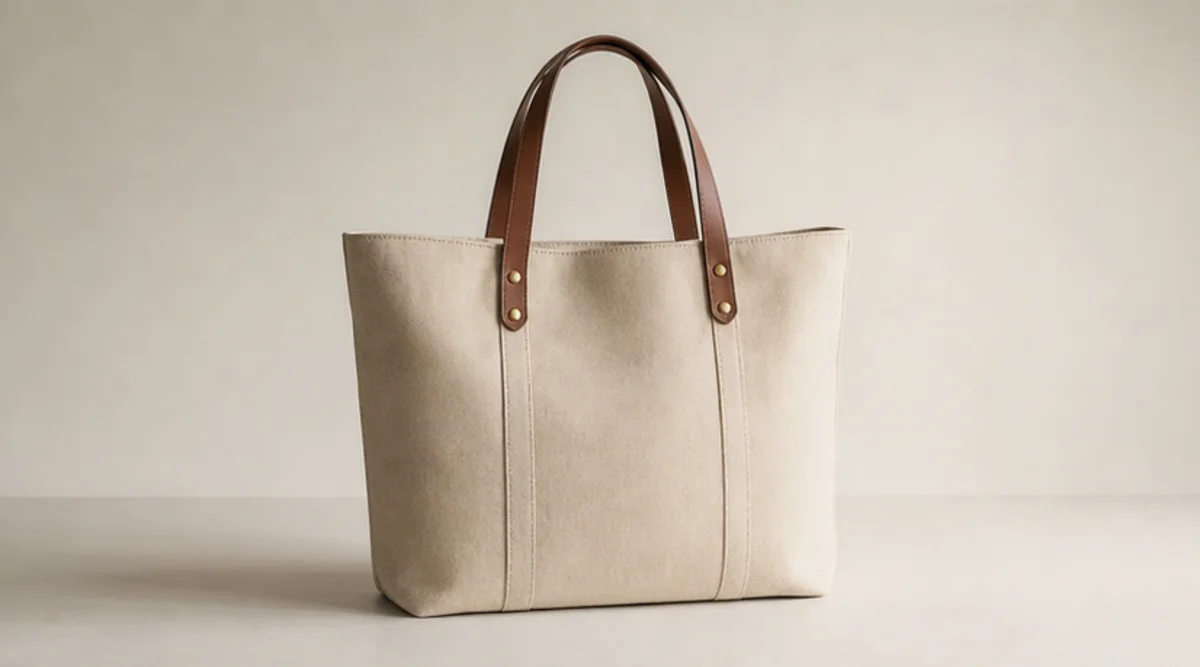
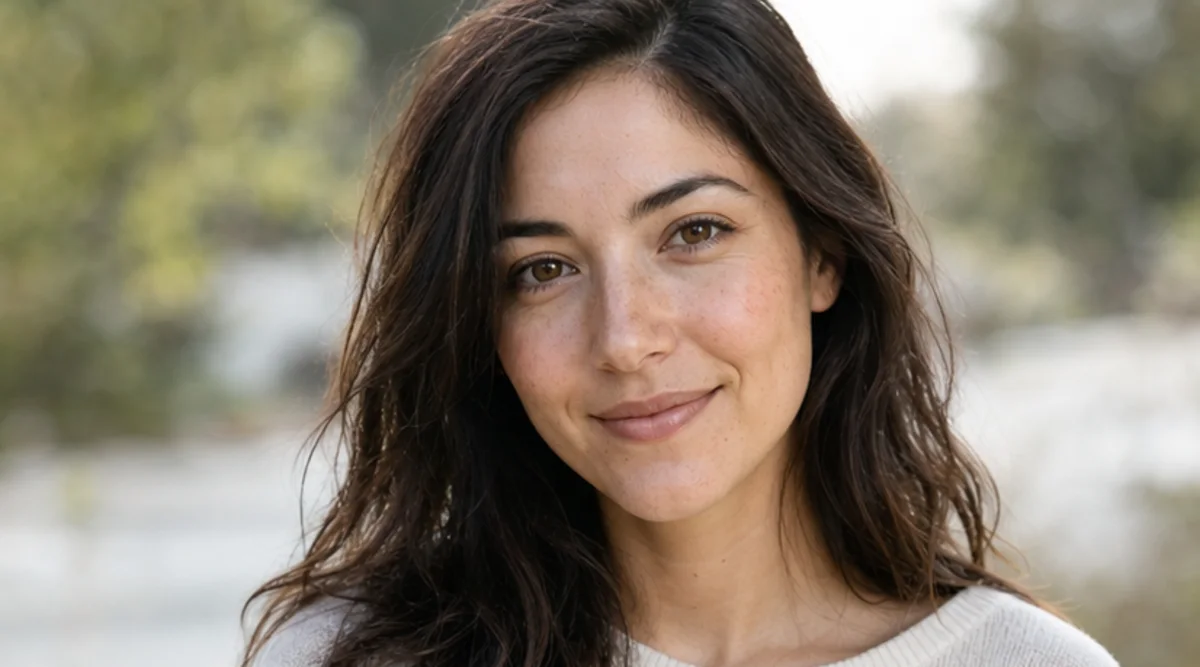
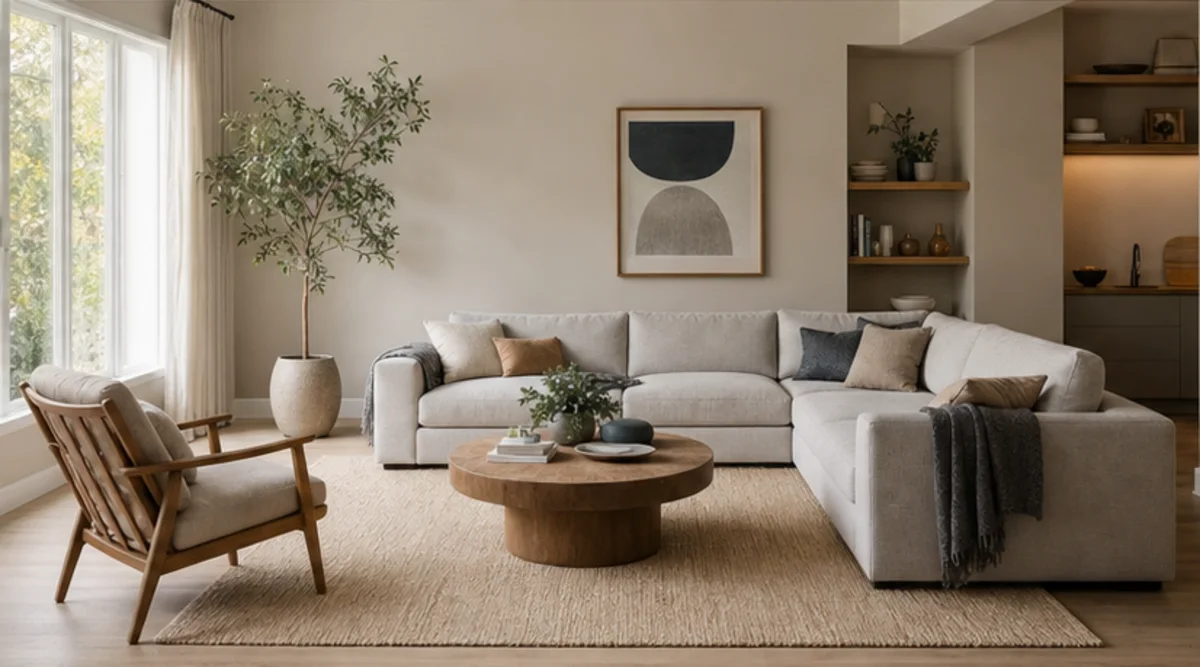
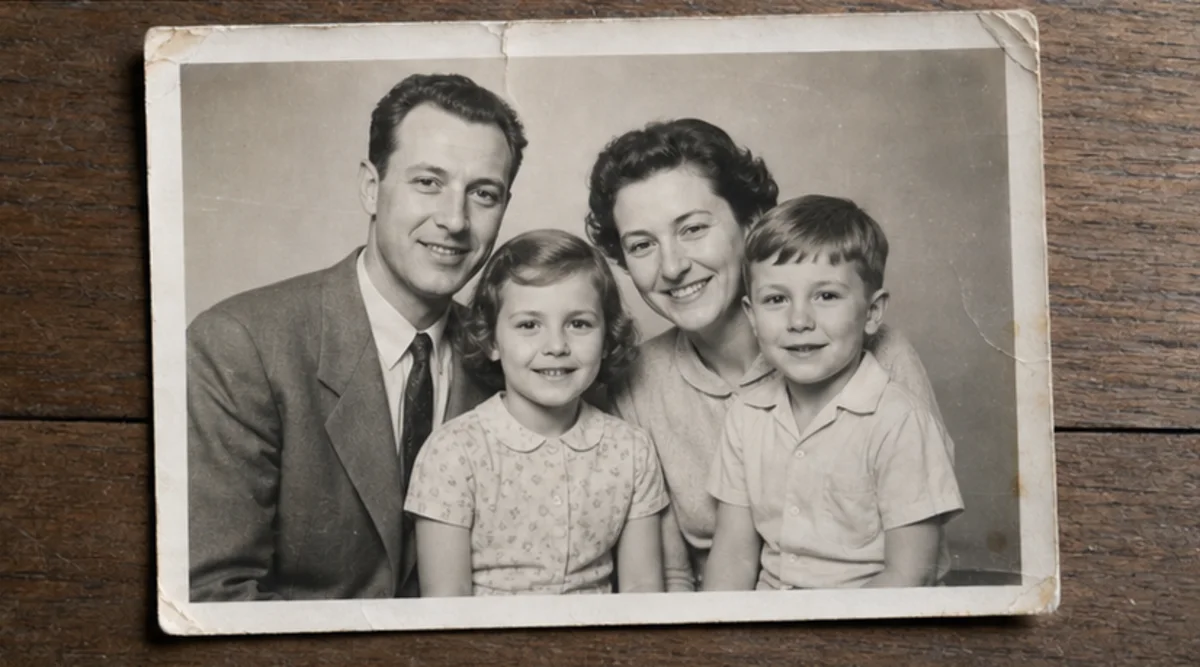
Bir fotoğraf yükleyip değişikliği doğal dille açıklayın. Ürün, portre, oda veya eski fotoğraf için metin yönlendirmeli bir düzenleme oluşturup kimliği, nesneleri, yazıları ve bağlamı inceleyin.
Önemli ayrıntılar sıkıştırmayla kaybolmadan önce en net ve izinli kaynak fotoğrafı yükleyin.
İstenen değişikliği ve aynı kalması gereken kimliği, nesneleri, yazıları, geometriyi veya arka planı açıklayın.
İlgisiz birden fazla dönüşümü karıştırmadan bu talimata odaklanan tek bir düzenleme oluşturun.
Sonuç ile özgün görseli tam boyutta karşılaştırıp yüzleri, ürünleri, küçük nesneleri, metni, kenarları ve bağlamı inceleyin.
Düzenleyici metin talimatlarını izler ancak yüzler, ürün geometrisi, küçük nesneler ve yazılar değişebilir. Piksel hassasiyetinde rötuş aracı değildir.
Net bir kaynak kullanıp değişmemesi gerekenleri belirtin. Sonucu özgün görselle tam boyutta karşılaştırın.
Size ait veya düzenleme izniniz olan fotoğrafları yükleyin. Kimlik, ürün, arşiv veya kamusal kullanım öncesinde sonucu inceleyin.
Ücretsiz görseller filigran içerir. Temiz çıktılar, daha hızlı üretim ve ticari kullanım için yükseltin.
Başlangıç Paketi
Görsel, müzik ve kısa video oluşturmayı denemek için tek seferlik kredi paketi.
Yaratıcı
Aylık plan · Her ay 1.500 kredi yenilenir
GPT Image 2 Unlimited
Stripe Checkout'ta FOUNDING6 kodunu girin: ilk 6 ay $19/ay, ardından $29/ay.
Profesyonel
For clean, faster outputs
Stüdyo
Aylık plan · Her ay 12.000 kredi yenilenir
Güvenli ödeme · Abonelikler otomatik yenilenir · İade uygunluğunu görüntüle
Takım
Ajanslar, üretim ekipleri ve özel hacim ihtiyaçları için.
Bir fotoğraf yükleyip değişikliği doğal dille açıklayın. Ürün, portre, oda veya eski fotoğraf için metin yönlendirmeli bir düzenleme oluşturup kimliği, nesneleri, yazıları ve bağlamı inceleyin.
Bir fotoğraf yükleyip değişikliği doğal dille açıklayın. Ürün, portre, oda veya eski fotoğraf için metin yönlendirmeli bir düzenleme oluşturup kimliği, nesneleri, yazıları ve bağlamı inceleyin.