ClipCanva

Platform comparison

ClipCanva vs Runway

Runway is a specialist AI video studio. ClipCanva is a broader content platform where video generation sits next to scripts, images, music, and model choice.

Choose Runway when video production is the whole job. Choose ClipCanva when video is one output among scripts, images, and audio that all need to ship together.

Quick Comparison

The differences that decide most choices.

DimensionClipCanvaRunway
Primary focusOne platform covering video, image, audio, and writingA dedicated AI video studio
Pre-productionScripts, outlines, and prompt planning are built inPlanning happens in your own tools before you arrive
Model choiceMultiple connected image and video models with their own pagesThe studio's own model family
Other formatsImages, music, voice, and written scripts in the same placeFocused on video and visual effects work
Best fitCreators and marketers shipping several formats per campaignTeams whose deliverable is the video itself

What Each One Is

Both generate video. They are built around different jobs.

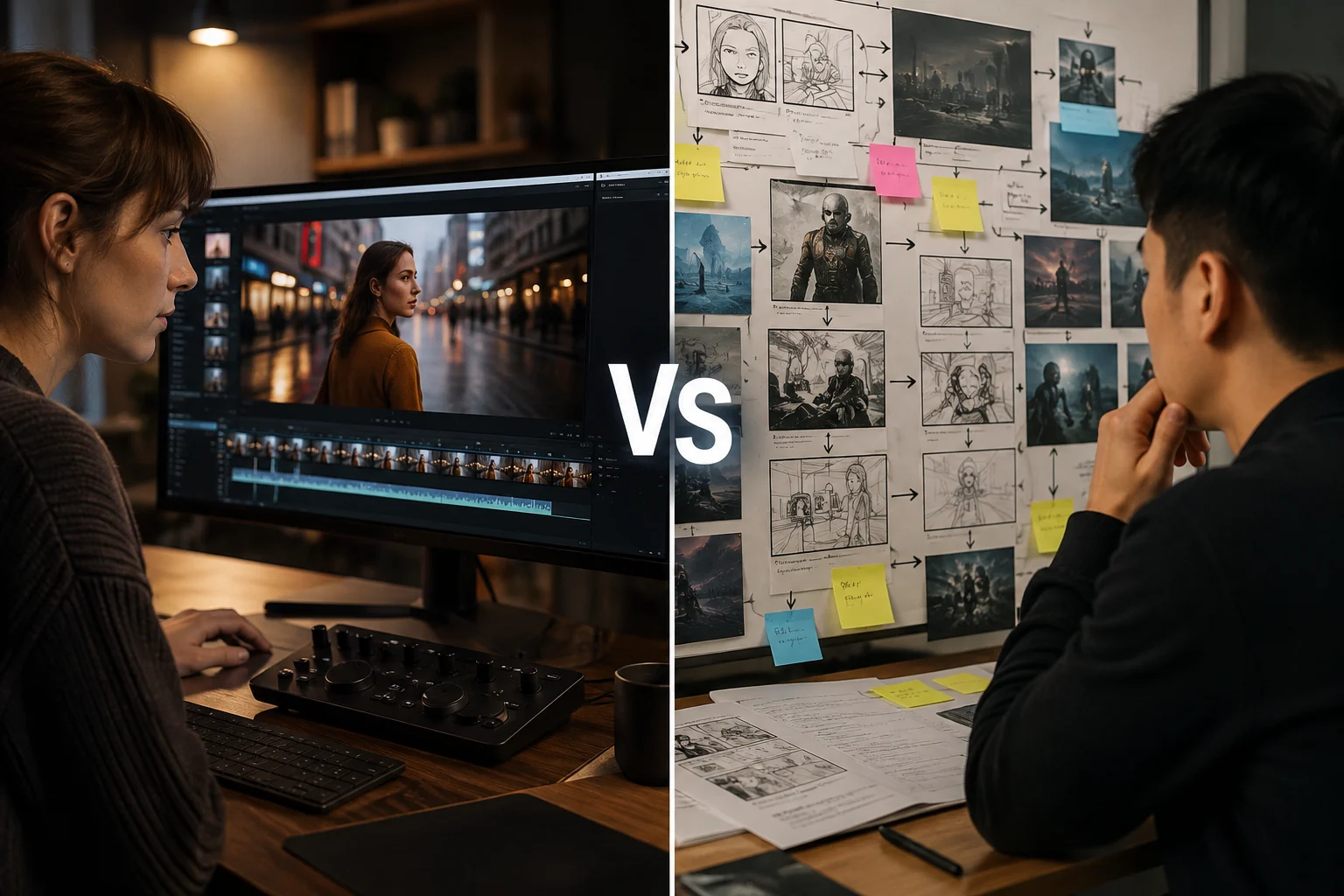
The ClipCanva editor with a video project open

ClipCanva

An AI content platform where you plan a script, generate images or video, add music or voice, and choose between connected models in one place.

The Runway editor with a video project open

Runway

An AI video studio focused on generating and editing video, with tooling built around visual production rather than surrounding content work.

Capability Comparison

What each platform is set up to do.

Video generation

ClipCanva
Generates clips from text or stills across several connected video models you pick per project.
Runway
Generates and edits video with a production-oriented toolset built around its own models.

Image work

ClipCanva
Full image generation and editing, including product shots, thumbnails, and background changes.
Runway
Image capability exists mainly in service of video work rather than as a separate output.

Audio and voice

ClipCanva
Music, voice, and sound generation sit alongside video in the same project.
Runway
Audio support is oriented toward the video being produced.

Writing and planning

ClipCanva
Script and prompt planning tools produce the brief that generation then runs on.
Runway
Scripts and briefs are expected to arrive already written.

How the Work Flows

Where each platform expects you to start and stop.

Starting point

ClipCanva
A rough idea is enough, because planning tools turn it into a script or prompt first.
Runway
A prepared prompt, clip, or storyboard, since the studio starts at production.

Iteration

ClipCanva
Regenerate hooks, prompts, and variations cheaply before committing to final renders.
Runway
Iteration happens inside the video timeline and generation controls.

Handoff

ClipCanva
Assets from different formats collect in one project and export separately.
Runway
Output is a video file that moves into your editor or publishing step.

Reviewing the Output

What you end up checking on each platform.

What you review first

ClipCanva
Whether the script, prompt, and generated asset all still describe the same idea.
Runway
Whether the clip holds together visually across its full duration.

Cost visibility

ClipCanva
Credit cost per run is shown before you submit, and differs by model.
Runway
Usage is governed by the studio's own plan and generation limits.

Fixing a bad result

ClipCanva
Change the model or tighten the prompt, since several models are available for the same job.
Runway
Adjust settings or re-edit within the studio's production tools.
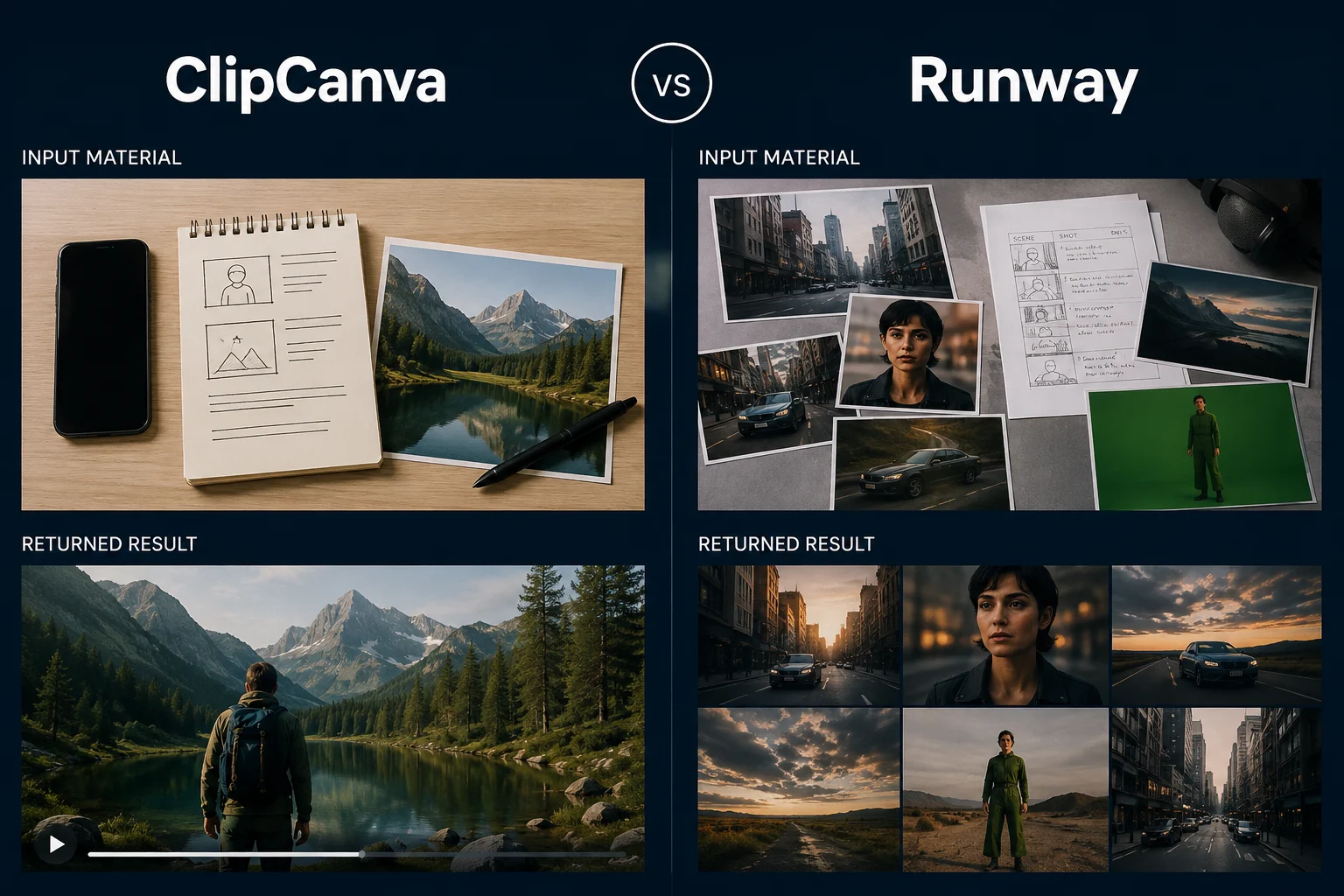
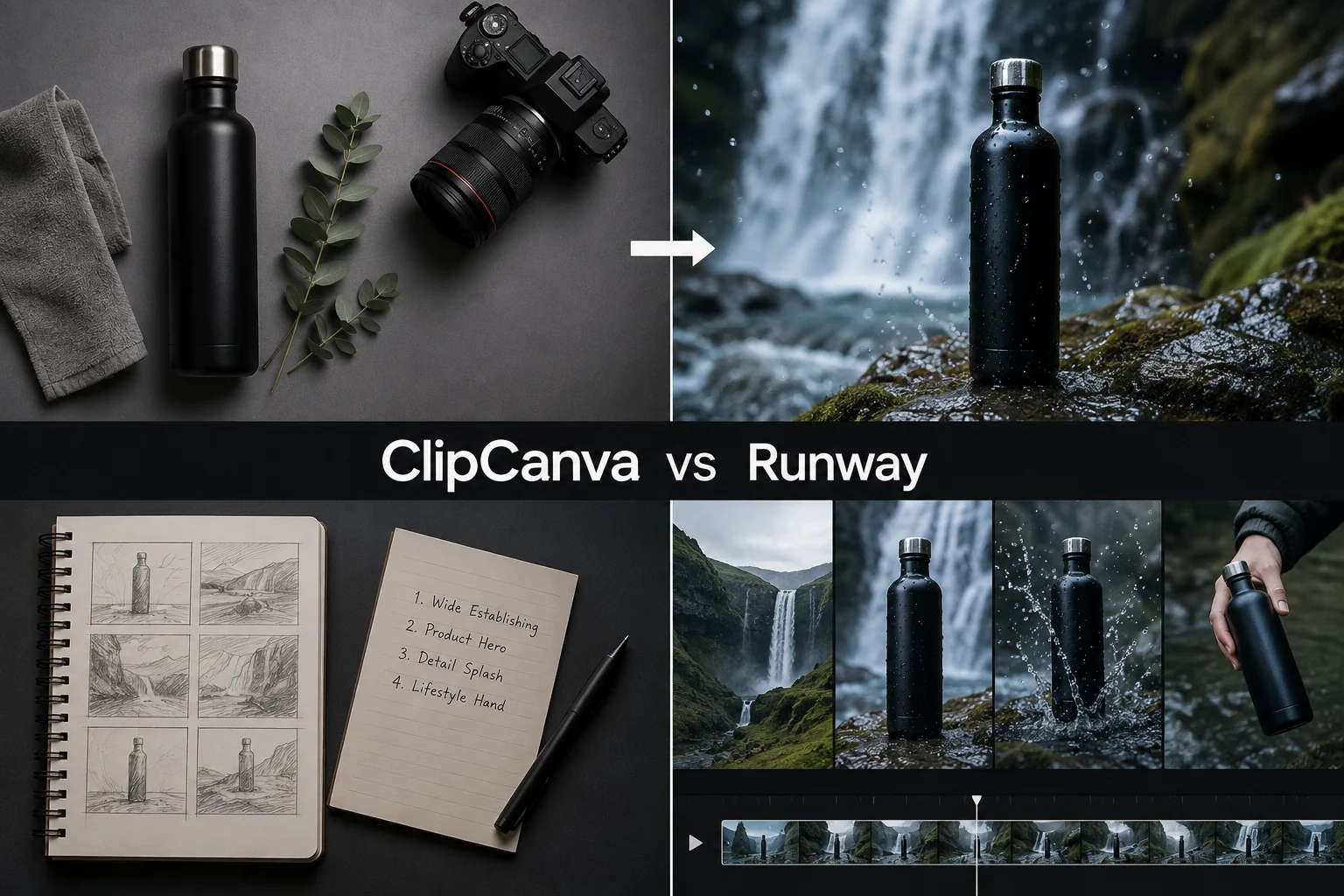
A video frame generated in ClipCanva from the shared test prompt

ClipCanva

A video frame generated in Runway from the same test prompt

Runway

Who Each One Suits

Pick by the shape of your work, not by feature count.

ClipCanva suits

  • Creators shipping scripts, thumbnails, and clips for the same video
  • Marketers producing several formats from one campaign brief
  • Ecommerce teams who need product images and short video together
  • Anyone who wants to compare models before spending credits

Runway suits

  • Teams whose main deliverable is a finished video
  • Editors who want production controls in the same place as generation
  • Projects where visual effects work matters more than surrounding content

What Neither Comparison Can Promise

Boundaries to keep in mind while deciding.

Feature sets move

Both platforms ship changes frequently. Check current capability on each platform before making a long-term commitment.

Pricing is not compared here

Plans and credit systems work differently and change over time. Compare current pricing on each platform directly.

Quality depends on the brief

A vague prompt produces weak output on either platform. Neither one compensates for an unclear idea.

Checked on: 2026-08-18

Which to Choose

Match the situation to the platform.

Video is one of several deliverables

Use ClipCanva, so the script, images, audio, and clip come out of the same brief instead of three tools.

Start with a script

You want to test video models against each other

Use ClipCanva, where several connected video models run the same prompt and each states its credit cost.

Compare video models

The finished video is the entire project

Runway's focus on production and editing may fit better than a broader platform with more surface area.

See what ClipCanva video does

ClipCanva vs Runway FAQ

Common questions about choosing between the two.

Is ClipCanva better than Runway?
Neither is better in general. Runway is a focused AI video studio. ClipCanva is broader and fits better when video sits inside a workflow that also needs scripts, images, music, and model choice.
Which one is better for AI video generation alone?
If the video is the only deliverable and you want production controls next to generation, Runway is built for that. If you want to test several video models against one prompt, ClipCanva gives you that choice.
Which suits YouTube creators?
Creators usually need a script, a thumbnail, and a clip for the same video. ClipCanva covers those in one place. Runway fits better when a creator's bottleneck is video editing rather than planning.
Can I use both?
Yes. Some teams plan and generate assets in ClipCanva, then take footage into a specialist studio for final editing. The platforms are independent of each other.
Is ClipCanva affiliated with Runway?
No. ClipCanva is an independent platform. This comparison describes publicly observable differences in scope and workflow, not a partnership or endorsement.

Test the workflow, not the feature list

Run one real brief through ClipCanva and see whether the wider toolset fits better than a dedicated Runway-style studio.