
อธิบายวิดีโอ
เขียนว่าวิดีโอเกี่ยวกับอะไรและทำเพื่อใครในหนึ่งหรือสองประโยค บรีฟที่เจาะจงจะให้ประโยคเปิดที่เจาะจง.
การวางแผนสคริปต์
เขียนบรีฟเดียว เลือกรูปแบบและความยาว แล้วเครื่องมือสร้างสคริปต์ด้วยปัญญาประดิษฐ์จะส่งคืนประโยคเปิด แผนฉาก ข้อความบนจอ บทพากย์ แนวทางภาพ และคำสั่งปิดท้ายที่นำไปบันทึกได้.
นี่คือขั้นตอนวางแผน ไม่ใช่เครื่องมือเรนเดอร์วิดีโอ คุณอธิบายวิดีโอที่ต้องการด้วยภาษาง่าย ๆ เลือกรูปแบบแพลตฟอร์มและระยะเวลา แล้วรับฉบับร่างสคริปต์แบบมีโครงสร้าง ข้อความร่างนี้แก้ไขได้ ส่งให้ผู้นำเสนอได้ หรือใช้เป็นพรอมต์สร้างภาพและวิดีโอในภายหลังได้.
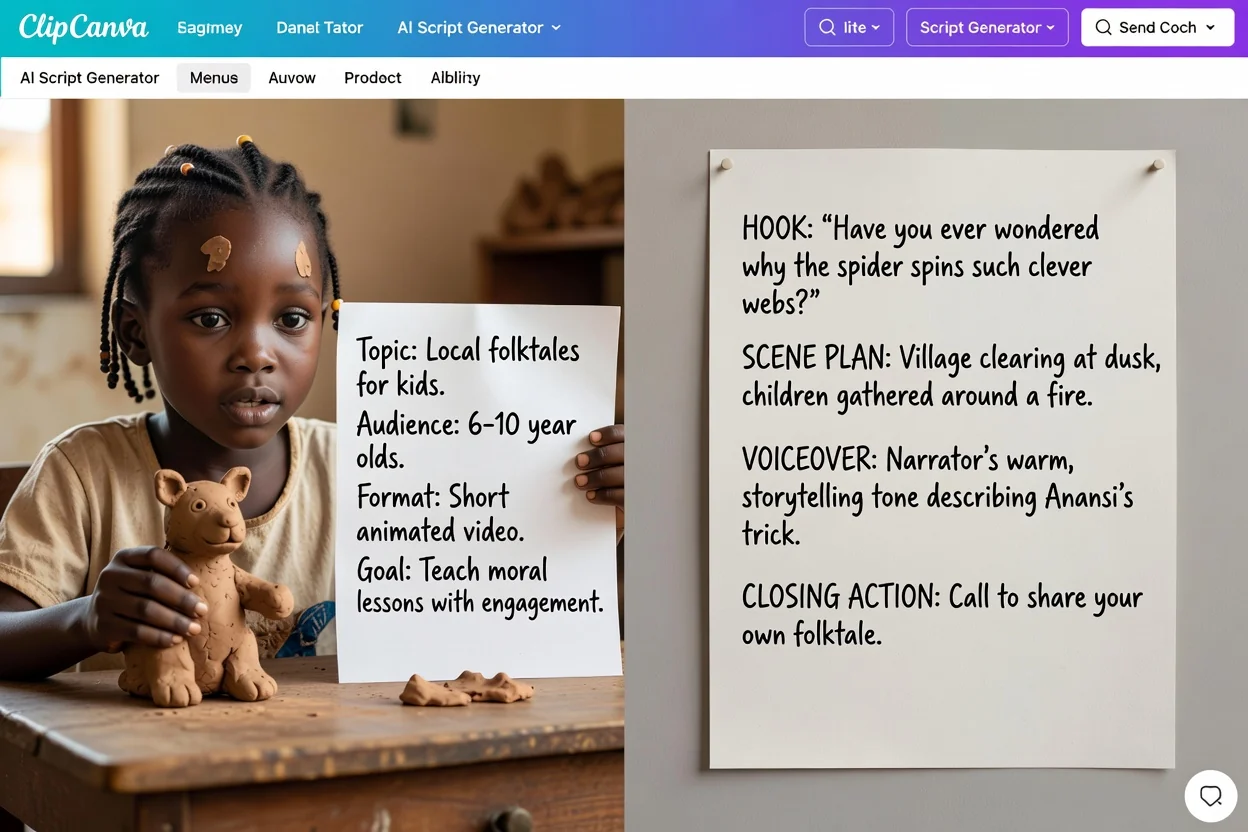
4 ขั้นตอนจากไอเดียคร่าว ๆ สู่ฉบับร่างที่บันทึกได้.
เขียนว่าวิดีโอเกี่ยวกับอะไรและทำเพื่อใครในหนึ่งหรือสองประโยค บรีฟที่เจาะจงจะให้ประโยคเปิดที่เจาะจง.
เลือกรูปแบบแพลตฟอร์มและระยะเวลาเป้าหมาย เพื่อให้แผนฉากมีจังหวะสำหรับช่วงเวลานั้น ไม่ใช่ความยาวทั่วไป.
เลือกโทน ป้ายกำกับกลุ่มผู้ชม ภาษาผลลัพธ์ และการกระทำปิดท้ายที่ต้องการให้ผู้ชมทำ.
ตรวจฉบับร่างทีละส่วน เขียนประโยคเปิดหรือฉากที่ไม่เหมาะใหม่ และสร้างใหม่ด้วยบรีฟที่กระชับขึ้นเมื่อจำเป็น.
ฉบับร่างแยกบทพูด โน้ตภาพ และการกระทำปิดท้าย ตรวจทุกส่วนก่อนใช้.
บรรทัดหรือช่วงเปิดที่เขียนมาเพื่อดึงความสนใจในไม่กี่วินาทีแรก.
รายการฉากตามลำดับ พร้อมสิ่งที่เกิดขึ้นในแต่ละฉาก และจัดจังหวะตามระยะเวลาที่คุณเลือก.
คำบรรยายและป้ายข้อความสั้น ๆ สำหรับวางทับบนภาพ แยกจากบทพูดอย่างชัดเจน.
บทพูดที่เขียนให้พูดออกเสียง โดยใช้ภาษาผลลัพธ์ที่คุณเลือก.
ข้อแนะนำว่าควรแสดงหรือสร้างภาพใด พร้อมบรรทัดปิดท้ายที่เชื่อมกับการกระทำที่คุณเลือก.
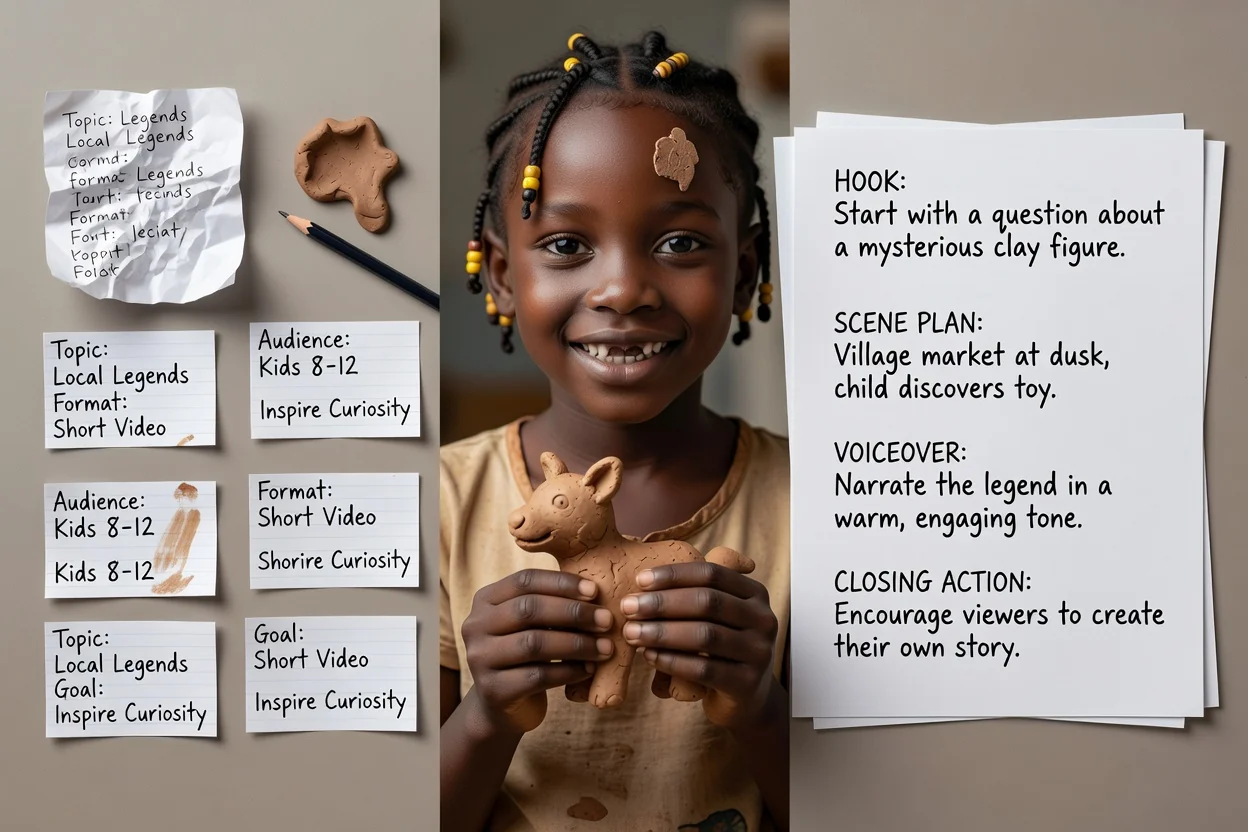
ใช้ตัวเลือกเหล่านี้กำหนดแนวทางฉบับร่าง แล้วตรวจว่าผลตรงกับบรีฟหรือไม่.
วิดีโอยูทูบ ยูทูบชอร์ต ติ๊กต็อก อินสตาแกรมรีลส์ ตอนพอดแคสต์ โฆษณาวิดีโอ วิดีโอฝึกอบรม หรือการสาธิตสินค้า.
15 วินาที 30 วินาที 60 วินาที 3 นาที หรือ 5 นาที การตั้งค่านี้กำหนดจำนวนฉากในแผน.
มืออาชีพ สบาย ๆ โดดเด่น หรือเป็นมิตร โดยเขียนเป็นภาษาอังกฤษ สเปน ฝรั่งเศส เยอรมัน หรือโปรตุเกส.
ระบุผู้ชม แล้วเลือกให้ติดตาม ซื้อเลย จองการสาธิต เรียนรู้เพิ่มเติม หรือขอใบเสนอราคาเป็นตอนจบ.
แนบภาพได้สูงสุด 5 ภาพเพื่อกำหนดแนวทางภาพ การแนบไฟล์ต้องใช้บัญชีที่ลงชื่อเข้าใช้.
ตัวอย่างบรีฟที่เหมาะกับเครื่องมือวางแผนนี้.
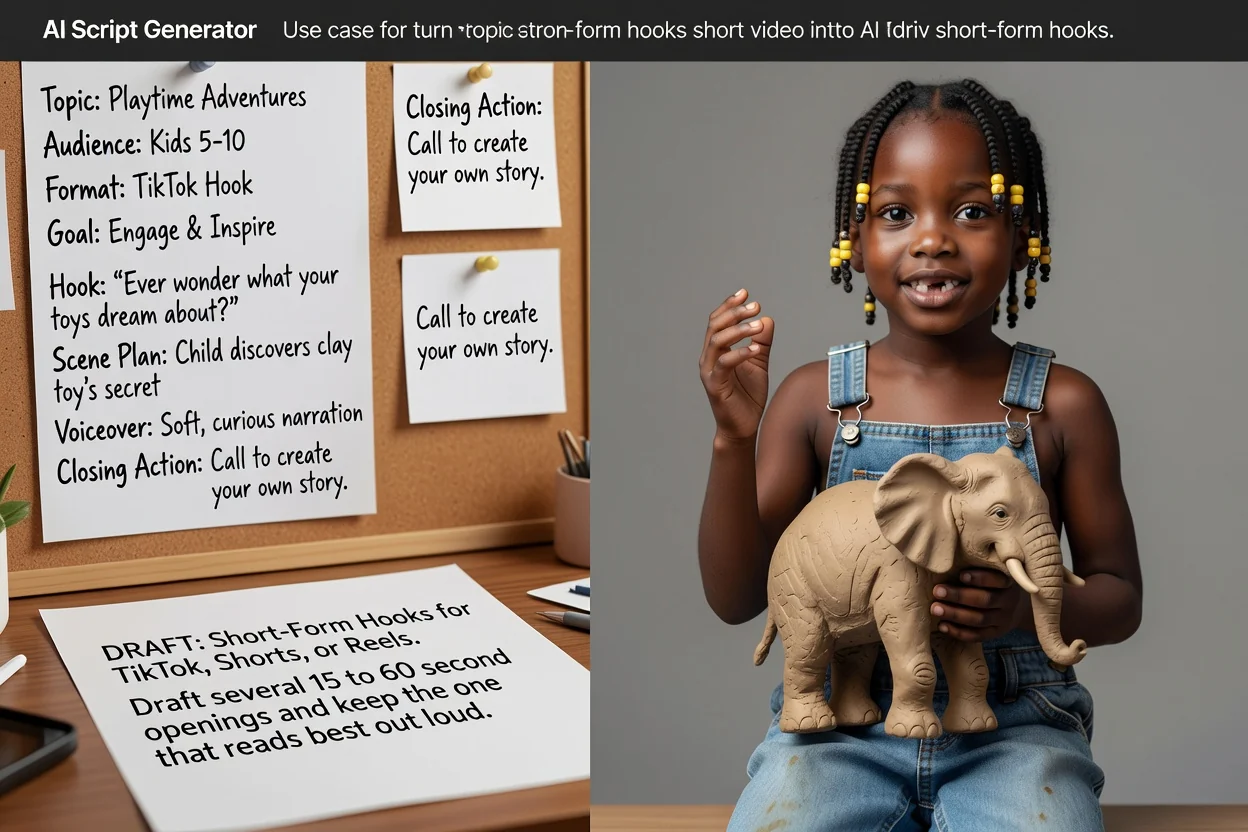
ร่างช่วงเปิดความยาว 15 ถึง 60 วินาทีหลายแบบสำหรับติ๊กต็อก ชอร์ต หรือรีลส์ แล้วเก็บแบบที่อ่านออกเสียงได้ดีที่สุด.
ร่างสคริปต์แบบสั้น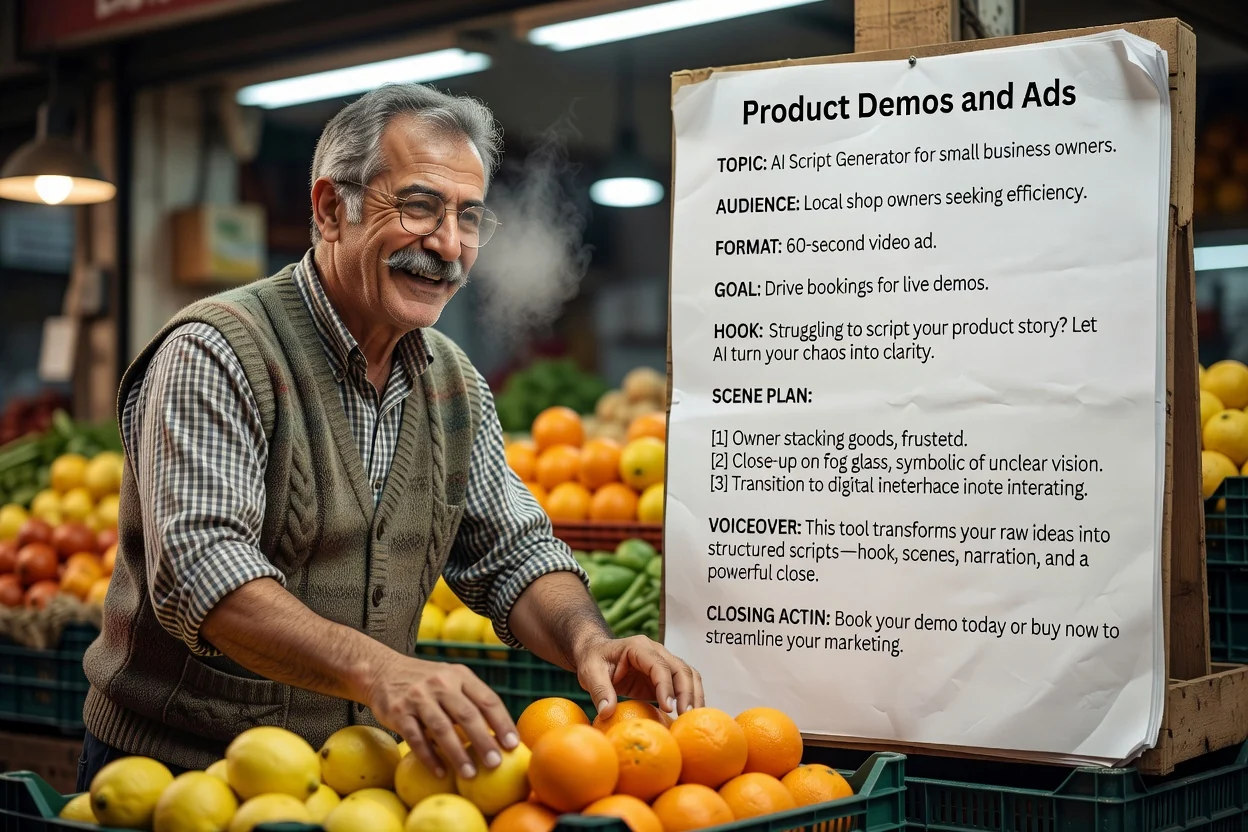
ตัวอย่างบรีฟ: เดโมแก้วเดินทาง 30 วินาทีสำหรับคนเดินทางไปทำงาน แสดงฝาและการจับ ใช้เฉพาะข้อมูลสินค้าที่ตรวจแล้ว และจบด้วยการไปหน้าสินค้า.
ร่างสคริปต์สาธิต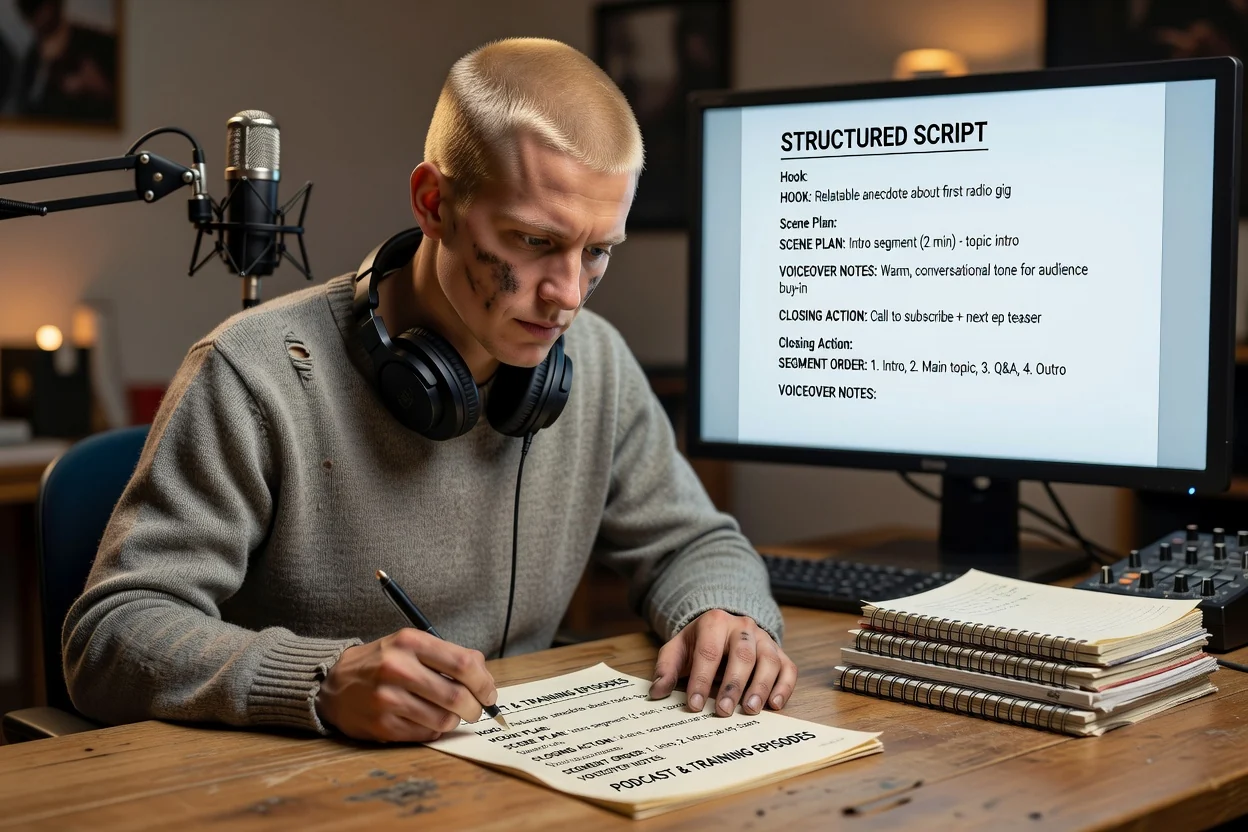
สร้างโครงร่างตอนที่ยาวขึ้นพร้อมลำดับช่วงและหมายเหตุบทพากย์ ก่อนนั่งลงบันทึกเสียง.
ร่างโครงตอน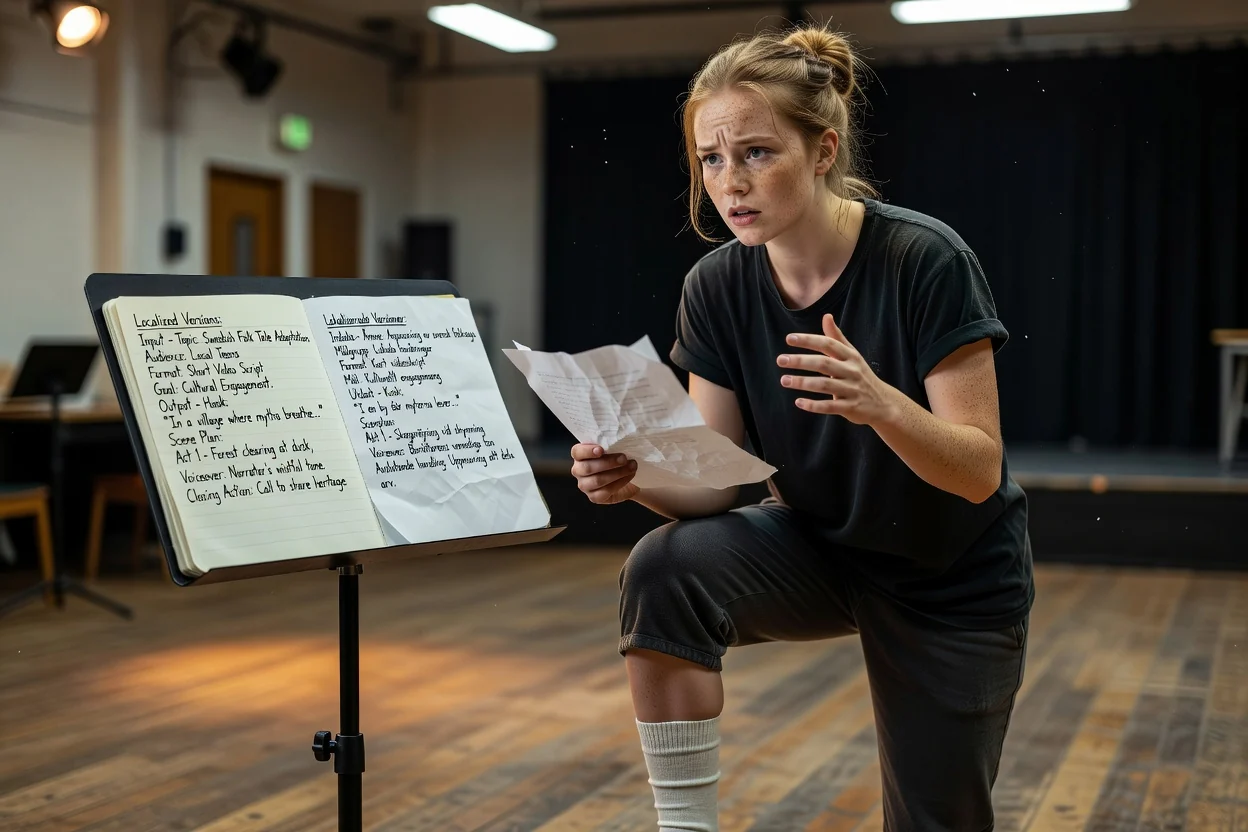
สร้างบรีฟเดิมใหม่ด้วยภาษาผลลัพธ์อื่น เพื่อทำสคริปต์ฉบับที่สองสำหรับตลาดที่ต่างกัน.
ร่างสคริปต์ฉบับแปลท้องถิ่น4 จุดตรวจที่ช่วยพบปัญหาส่วนใหญ่ได้ในการตรวจเพียงรอบเดียว.
หากพูดบรรทัดเปิดให้จบในลมหายใจเดียวได้ยาก ให้ย่อบรรทัดนั้นก่อนอย่างอื่น.
อ่านบทพากย์พร้อมจับเวลา หากฉบับร่าง 30 วินาทียาวเกิน ให้ตัดฉากหรือประโยคซ้ำ แทนการเร่งพูด.
ตรวจให้แน่ใจว่าคำบรรยายเพิ่มข้อมูล ไม่ใช่พูดซ้ำบทพากย์ทุกคำ.
เทียบคำกล่าวอ้างสินค้ากับแหล่งข้อมูล แล้วตรวจว่าการกระทำปิดท้ายมีปลายทางที่ใช้ได้ แก้คำกล่าวอ้างที่ไม่มีหลักฐานก่อนบันทึก.
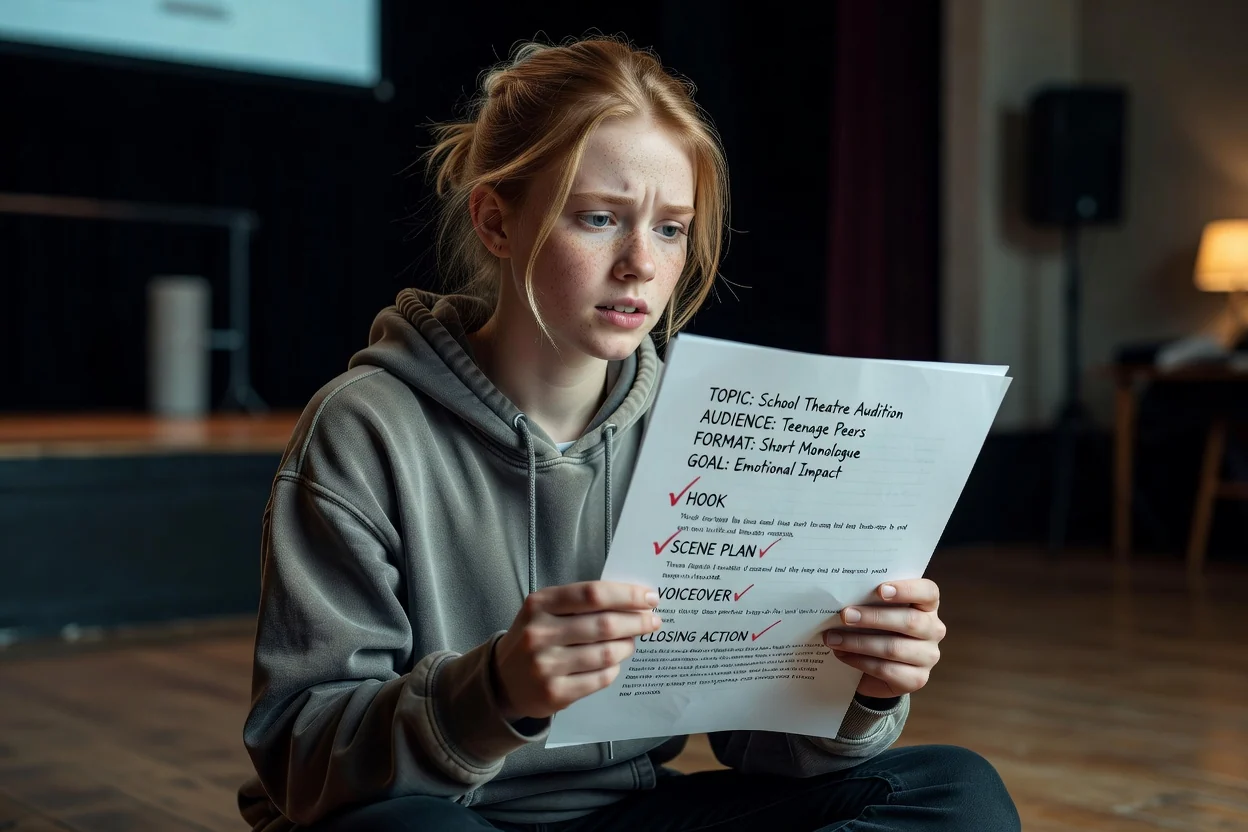
ขอบเขตที่ชัดเจนเพื่อให้คุณวางแผนได้เหมาะสม.
ผลลัพธ์คือสคริปต์ การสร้างภาพหรือเสียงเป็นอีกขั้นตอนหนึ่งในกระบวนการทำวิดีโอหรือเสียง.
คำกล่าวอ้าง ตัวเลข และรายละเอียดสินค้ามาจากบรีฟของคุณ ตรวจสอบข้อมูลเฉพาะเจาะจงก่อนเผยแพร่.
จำนวนฉากถูกจัดจังหวะตามความยาวที่เลือก แต่ความเร็วในการพูดจริงจะเปลี่ยนระยะเวลาสุดท้าย.
คำถามทั่วไปเกี่ยวกับการวางแผนสคริปต์ก่อนเริ่มบันทึก.
อธิบายวิดีโอ เลือกรูปแบบและความยาว แล้วให้เครื่องมือสร้างสคริปต์ด้วยปัญญาประดิษฐ์ส่งคืนฉบับร่างแบบมีโครงสร้างที่คุณแก้ไขและบันทึกได้.