
01
เริ่มจากไฟล์ต้นฉบับ
อัปโหลดต้นฉบับที่ชัดเจนและได้รับอนุญาตที่สุดก่อนการบีบอัดจะทำให้รายละเอียดสำคัญหายไป
อัปโหลดภาพหนึ่งภาพแล้วอธิบายการเปลี่ยนแปลงด้วยภาษาธรรมดา สร้างการแก้ไขสำหรับสินค้า บุคคล ห้อง หรือภาพเก่า แล้วตรวจสอบตัวตน วัตถุ ตัวอักษร และบริบทก่อนใช้งาน
อัปโหลดภาพหนึ่งภาพแล้วอธิบายการเปลี่ยนแปลงด้วยภาษาธรรมดา สร้างการแก้ไขสำหรับสินค้า บุคคล ห้อง หรือภาพเก่า แล้วตรวจสอบตัวตน วัตถุ ตัวอักษร และบริบทก่อนใช้งาน
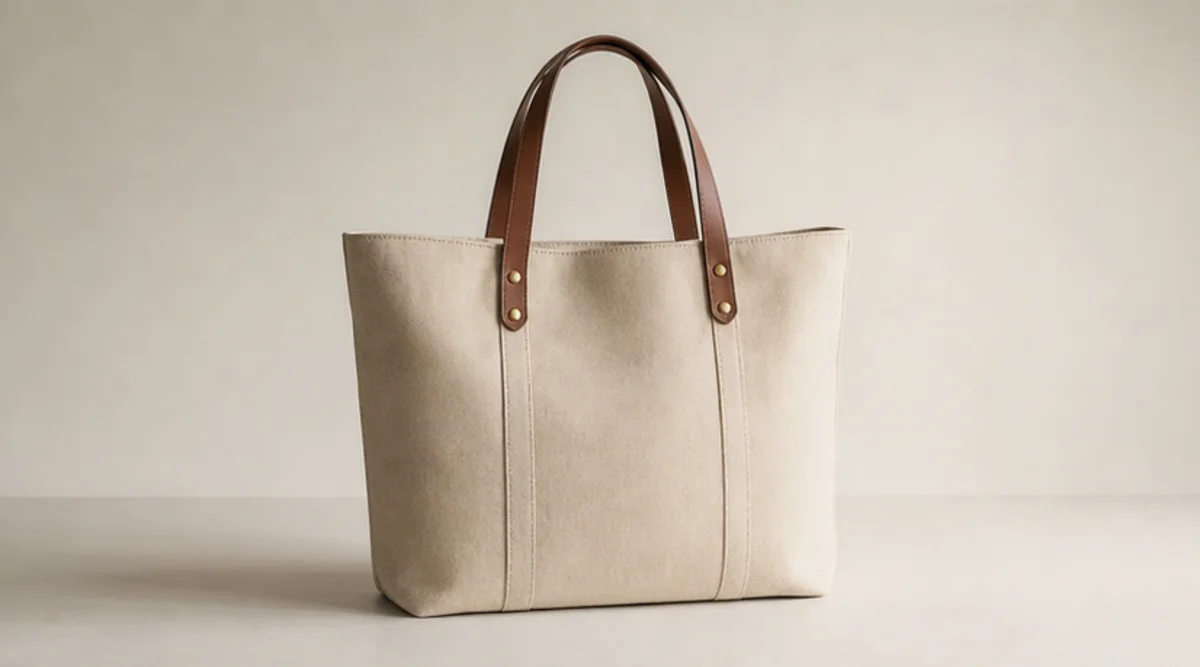
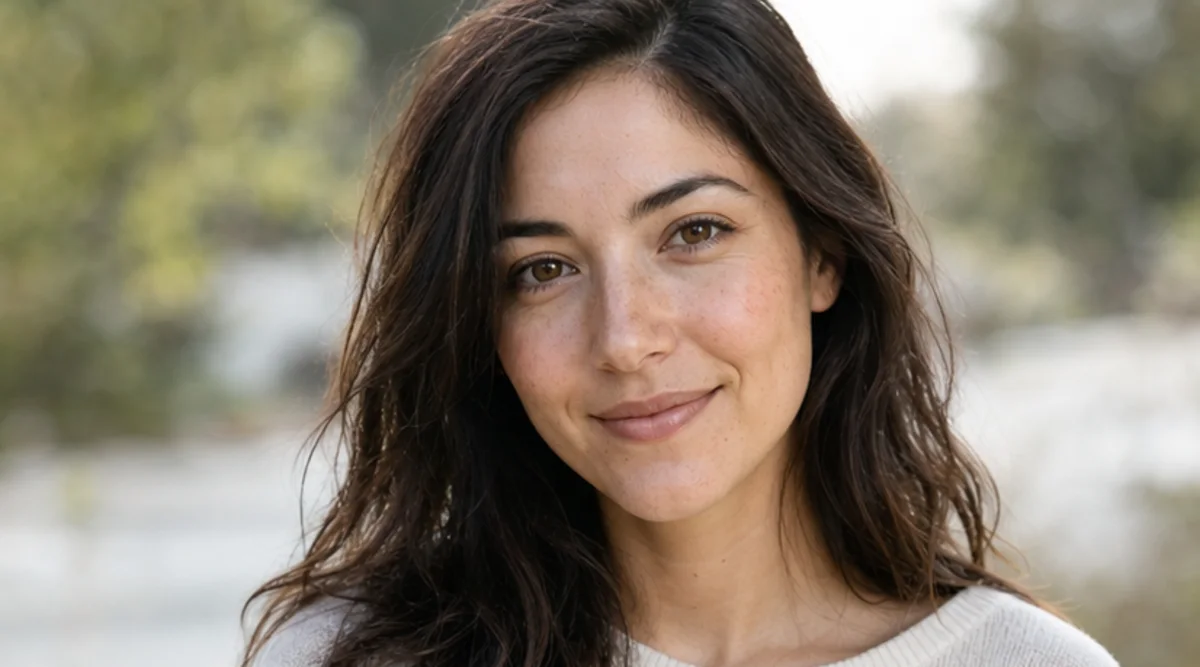
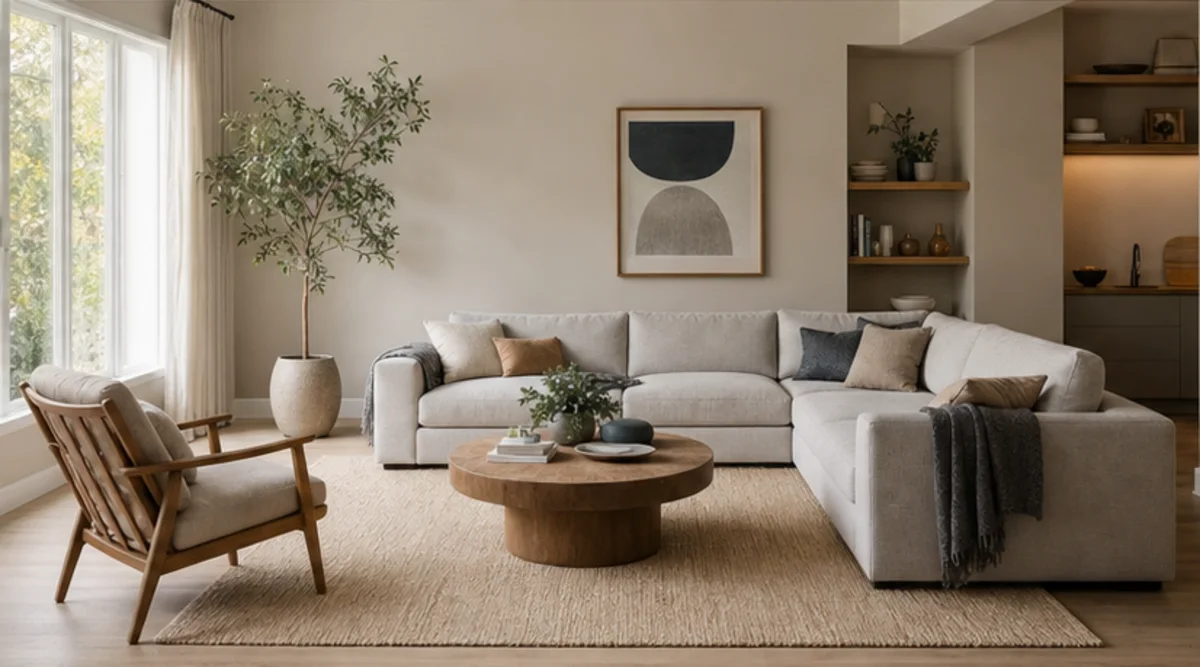
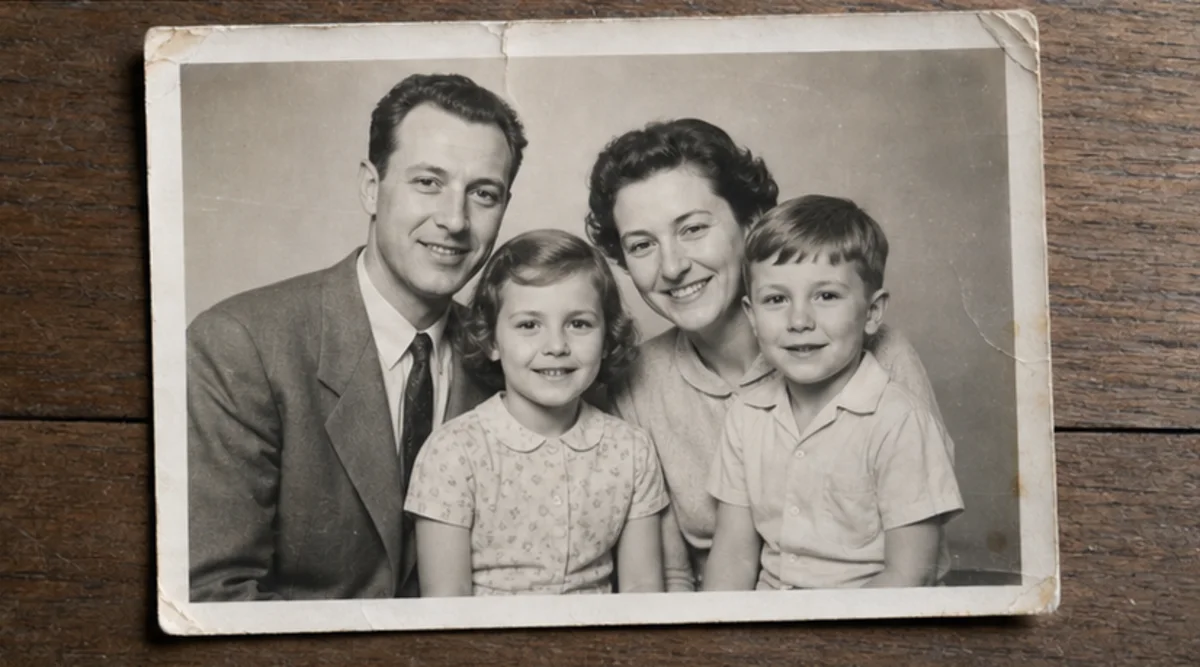
อัปโหลดภาพหนึ่งภาพแล้วอธิบายการเปลี่ยนแปลงด้วยภาษาธรรมดา สร้างการแก้ไขสำหรับสินค้า บุคคล ห้อง หรือภาพเก่า แล้วตรวจสอบตัวตน วัตถุ ตัวอักษร และบริบทก่อนใช้งาน
อัปโหลดต้นฉบับที่ชัดเจนและได้รับอนุญาตที่สุดก่อนการบีบอัดจะทำให้รายละเอียดสำคัญหายไป
อธิบายการเปลี่ยนแปลงและระบุตัวตน วัตถุ ตัวอักษร รูปทรง หรือพื้นหลังที่ต้องคงเดิม
สร้างการแก้ไขที่มุ่งเน้นคำสั่งนี้โดยไม่ผสมการเปลี่ยนแปลงที่ไม่เกี่ยวข้องหลายอย่าง
เปรียบเทียบผลลัพธ์กับต้นฉบับที่ขนาดเต็ม และตรวจสอบใบหน้า สินค้า วัตถุเล็ก ข้อความ ขอบ และบริบท
เครื่องมือทำตามคำสั่งข้อความ แต่ใบหน้า รูปทรงสินค้า วัตถุขนาดเล็ก และตัวอักษรอาจเปลี่ยน จึงไม่ใช่เครื่องมือรีทัชระดับพิกเซล
ใช้ต้นฉบับที่ชัดเจนและระบุสิ่งที่ห้ามเปลี่ยน เปรียบเทียบผลลัพธ์กับต้นฉบับที่ขนาดเต็ม
อัปโหลดเฉพาะภาพที่เป็นของคุณหรือได้รับสิทธิ์ให้แก้ไข ตรวจสอบผลลัพธ์ก่อนใช้กับตัวตน สินค้า เอกสารเก่า หรือสื่อสาธารณะ
รูปภาพฟรีมีลายน้ำ อัปเกรดเพื่อผลลัพธ์สะอาด การสร้างที่เร็วขึ้น และการใช้งานเชิงพาณิชย์
ชุดเริ่มต้น
แพ็กเครดิตแบบจ่ายครั้งเดียวสำหรับลองสร้างภาพ เพลง และวิดีโอสั้น
ผู้สร้าง
แพ็กรายเดือน · ต่ออายุ 1,500 เครดิตทุกเดือน
GPT Image 2 Unlimited
ใส่โค้ด FOUNDING6 ใน Stripe Checkout: 6 เดือนแรก $19/เดือน จากนั้น $29/เดือน
โปร
แผนรายเดือน · 4,000 เครดิตต่ออายุในแต่ละเดือน
สตูดิโอ
แพ็กรายเดือน · ต่ออายุ 12,000 เครดิตทุกเดือน
ชำระเงินอย่างปลอดภัย · การสมัครสมาชิกต่ออายุอัตโนมัติ · ดูเงื่อนไขการคืนเงิน
ทีม
สำหรับเอเจนซี ทีมผลิตงาน และความต้องการใช้งานจำนวนมากแบบเฉพาะ
อัปโหลดภาพหนึ่งภาพแล้วอธิบายการเปลี่ยนแปลงด้วยภาษาธรรมดา สร้างการแก้ไขสำหรับสินค้า บุคคล ห้อง หรือภาพเก่า แล้วตรวจสอบตัวตน วัตถุ ตัวอักษร และบริบทก่อนใช้งาน
อัปโหลดภาพหนึ่งภาพแล้วอธิบายการเปลี่ยนแปลงด้วยภาษาธรรมดา สร้างการแก้ไขสำหรับสินค้า บุคคล ห้อง หรือภาพเก่า แล้วตรวจสอบตัวตน วัตถุ ตัวอักษร และบริบทก่อนใช้งาน