PDF Cleanup

Upload one PDF for a scoped cleanup review. Limits are explained before advanced document controls appear.

Pro WorkflowPDF ReviewDocument CleanupPermission Check

Pro mode

Upload for review

Advanced controls appear after upload

Advanced after upload

The first view stays simple. Detailed controls appear only after the file type and rights confirmation are clear.

Editable header and footer marks
Background stamps when editable
Scan dust and artifact cleanup
Unsupported file review state

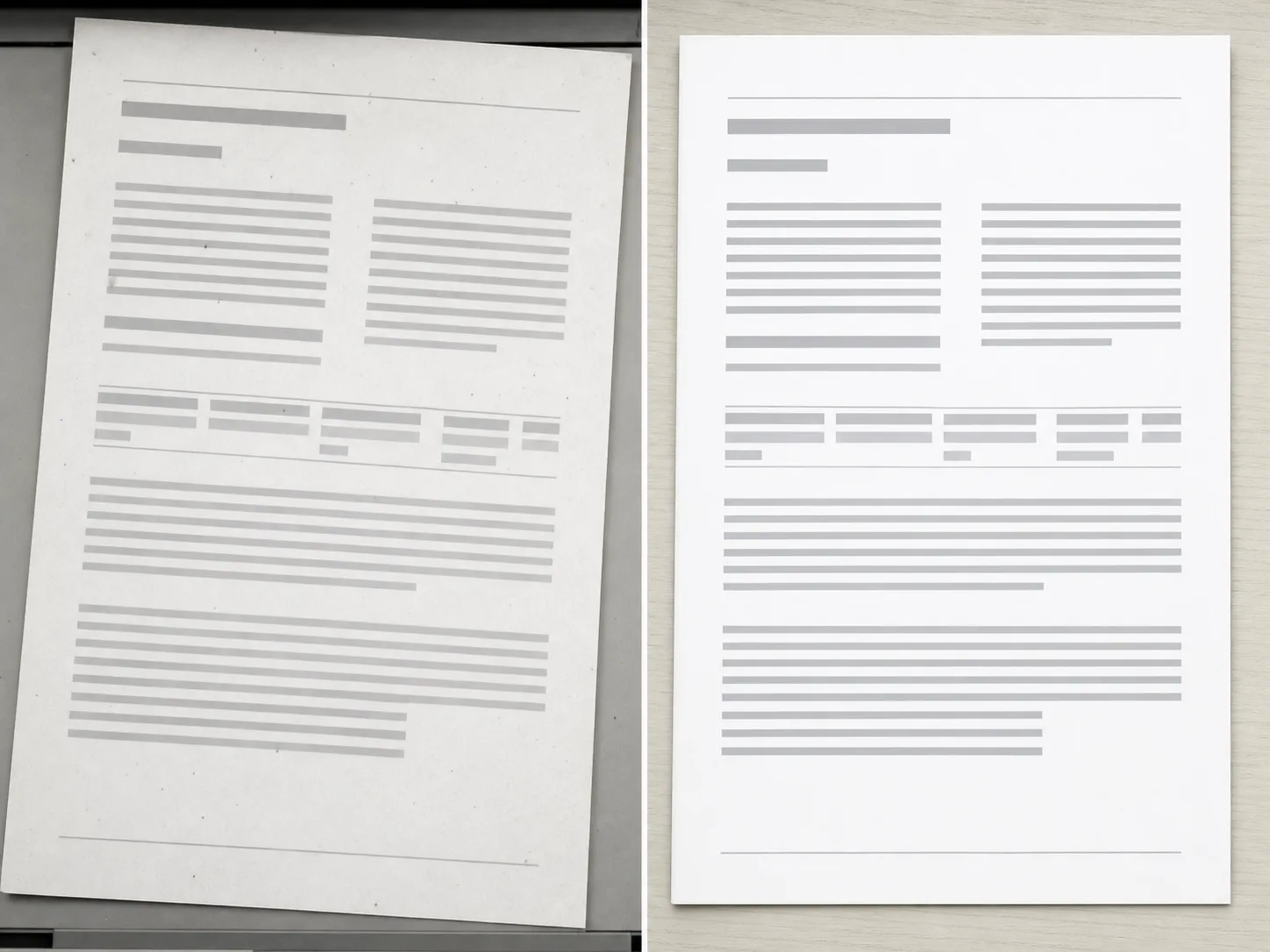
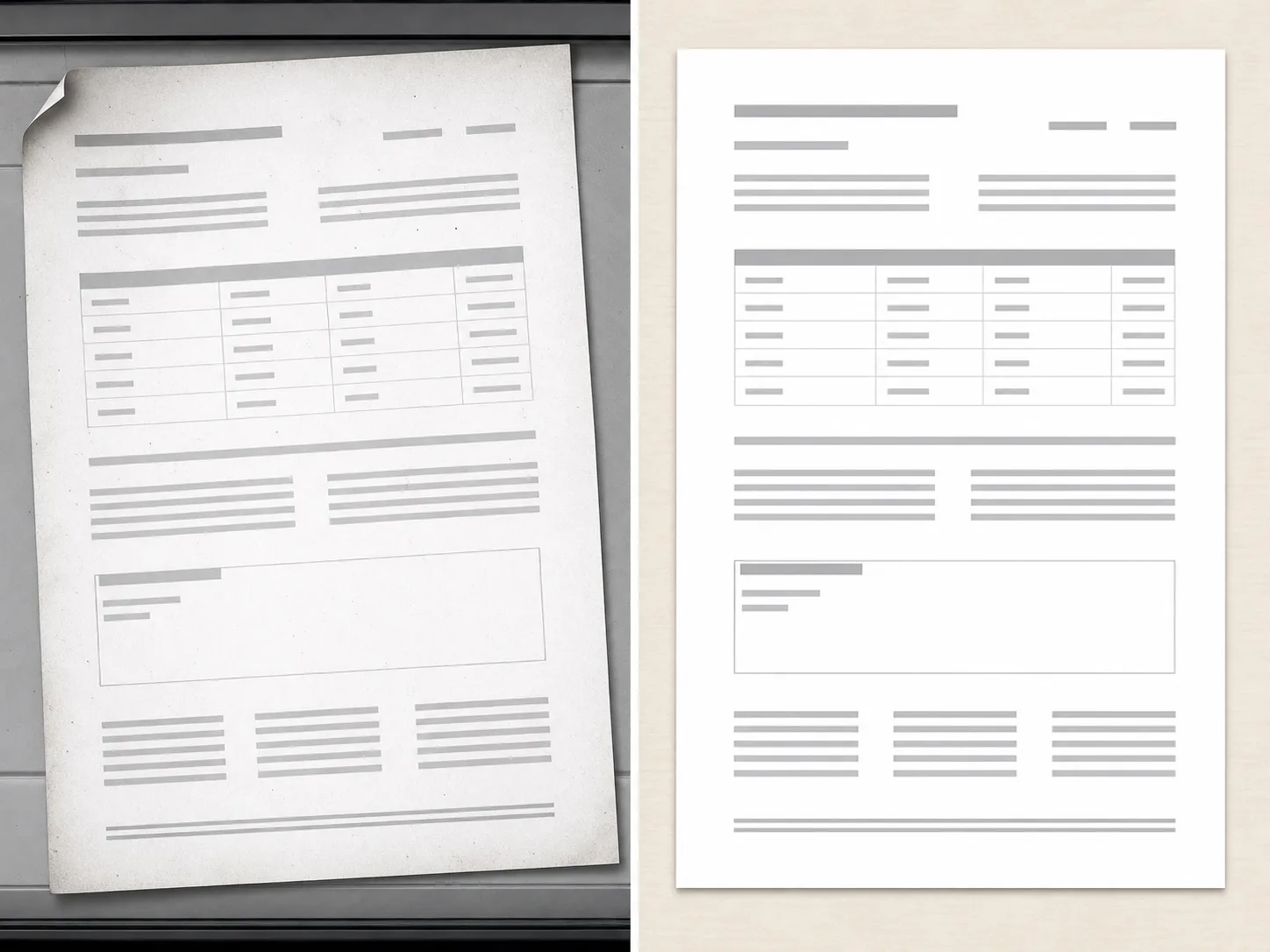
PDF Cleanup Examples

Use scan, document export, and page image examples to clarify cleanup scope.
How PDF cleanup works

The workflow is intentionally scoped so users understand support and limits before processing.

01

Upload one PDF

Start with a document you own or have permission to edit. The workflow checks the file before showing advanced controls.

02

Confirm the document scope

PDF cleanup works best for bounded issues such as editable marks, visible artifacts, or scan cleanup.

03

Review support before processing

Some documents are flattened, locked, or unsupported. Those cases should be reviewed before processing.

04

Export only after review

Use the cleaned document only after checking that the output matches the intended edit.

Scoped document cleanup

PDF-first Flow

The page explains limits before processing, so users do not expect a full document editor on load.

Authorized Documents

The workflow is scoped to documents users own or have permission to edit.

Support Review

Unsupported file types, locked documents, or ambiguous edits can be handled as a review state.

Pro Controls

Advanced document cleanup controls remain gated until the file type and scope are clear.

สำรวจเครื่องมือที่เกี่ยวข้อง

Use image tools when your source is an exported page, scan, or visual asset.

เลือกแผนของคุณ

รูปภาพฟรีมีลายน้ำ อัปเกรดเพื่อผลลัพธ์สะอาด การสร้างที่เร็วขึ้น และการใช้งานเชิงพาณิชย์

ชุดเริ่มต้น

$9

แพ็กเครดิตแบบจ่ายครั้งเดียวสำหรับลองสร้างภาพ เพลง และวิดีโอสั้น

  • 600 เครดิต
  • สูงสุด 100 ภาพ
  • สูงสุด 7 วิดีโอสั้น
  • เครดิตใช้ได้ 30 วัน
  • ไม่มีลายน้ำ

ผู้สร้าง

$19/mo

แพ็กรายเดือน · ต่ออายุ 1,500 เครดิตทุกเดือน

  • 1,500 เครดิตต่อเดือน
  • สูงสุด 250 ภาพ/เดือน
  • สูงสุด 18 วิดีโอสั้น/เดือน
  • ใช้ได้กับ ClipCanva Pro และโมเดลเครดิตอื่น ๆ
  • คิวลำดับความสำคัญ
  • การสนับสนุนจากชุมชน
  • ไม่มีโฆษณา
  • ไม่มีลายน้ำ

โปร

$39/mo

แผนรายเดือน · 4,000 เครดิตต่ออายุในแต่ละเดือน

  • 4,000 เครดิตต่อเดือน
  • สูงสุด 660 ภาพ/เดือน
  • สูงสุด 50 วิดีโอสั้น/เดือน
  • ใช้ได้กับ ClipCanva Pro และโมเดลเครดิตอื่น ๆ
  • คิวที่มีลำดับความสำคัญสูงสุด
  • ปลดล็อค ClipCanva Pro
  • ไม่มีโฆษณา
  • ไม่มีลายน้ำ
  • การปรับแต่งขั้นสูง

สตูดิโอ

$99/mo

แพ็กรายเดือน · ต่ออายุ 12,000 เครดิตทุกเดือน

  • 12,000 เครดิตต่อเดือน
  • สูงสุด 2,000 ภาพ/เดือน
  • สูงสุด 150 วิดีโอสั้น/เดือน
  • ใช้ได้กับ ClipCanva Pro และโมเดลเครดิตอื่น ๆ
  • คิวที่มีลำดับความสำคัญสูงสุด
  • ความเป็นส่วนตัวเต็มรูปแบบ
  • เข้าถึงฟีเจอร์ใหม่ก่อนใคร
  • การสนับสนุนลำดับความสำคัญ

แพ็กรายเดือนจะต่ออายุเครดิตในแต่ละรอบบิล แพ็กรายปีให้เครดิตล่วงหน้า 12 เดือนและประหยัด 17% ตัวเลขการใช้งานเป็นการประเมินจากโมเดลภาพและวิดีโอที่มีต้นทุนต่ำที่สุดที่รองรับ โมเดลพรีเมียม ความละเอียดสูง วิดีโอยาว การสร้างจากภาพอ้างอิง และเครื่องมือขั้นสูงจะใช้เครดิตมากขึ้น

ทีม

สำหรับเอเจนซี ทีมผลิตงาน และความต้องการใช้งานจำนวนมากแบบเฉพาะ

ติดต่อเรา

PDF Cleanup FAQ

Common questions before using Pro document cleanup.

What documents can PDF Cleanup handle?
It is intended for bounded cleanup requests on documents you own, such as editable marks, visible artifacts, or scan cleanup.
Can it remove any mark from any PDF?
No. Locked, flattened, scanned, or complex documents may require review or may be unsupported.
Why is PDF Cleanup a Pro workflow?
Document cleanup has higher risk and more edge cases than a simple image utility, so advanced controls and review states stay in Pro.

Review a document for cleanup

Use ClipCanva Pro for bounded cleanup of supported PDF files.