01
รองรับไฟล์อ้างอิง
ดูความแตกต่างด้านคุณภาพ ความเร็ว การควบคุม ราคา และกรณีใช้งาน เพื่อเลือกตัวเลือกที่เหมาะกับโปรเจกต์ของคุณ
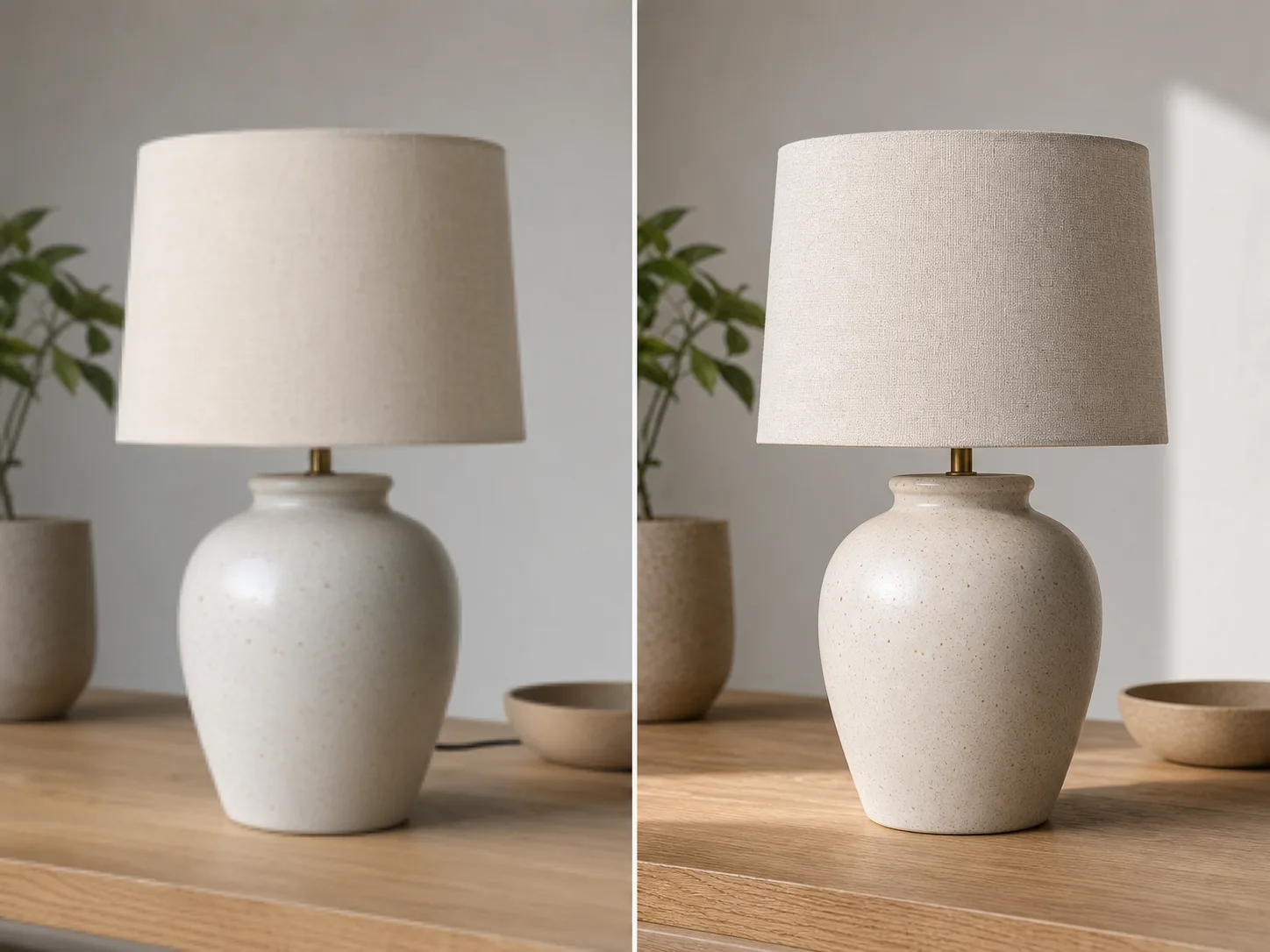
เริ่มจากไอเดีย พรอมต์ หรือไฟล์อ้างอิง แล้วสร้างภาพที่พร้อมใช้งานด้วย เครื่องมือแปลงภาพเป็นภาพ ปรับสไตล์ องค์ประกอบ และรายละเอียดให้เหมาะกับงานครีเอทีฟ แบรนด์ และคอนเทนต์ของคุณ
ควบคุมทิศทางของภาพได้ละเอียดขึ้น ตั้งแต่สไตล์ องค์ประกอบ คุณภาพ ความเร็ว ไปจนถึงรูปแบบที่เหมาะกับการใช้งานจริง


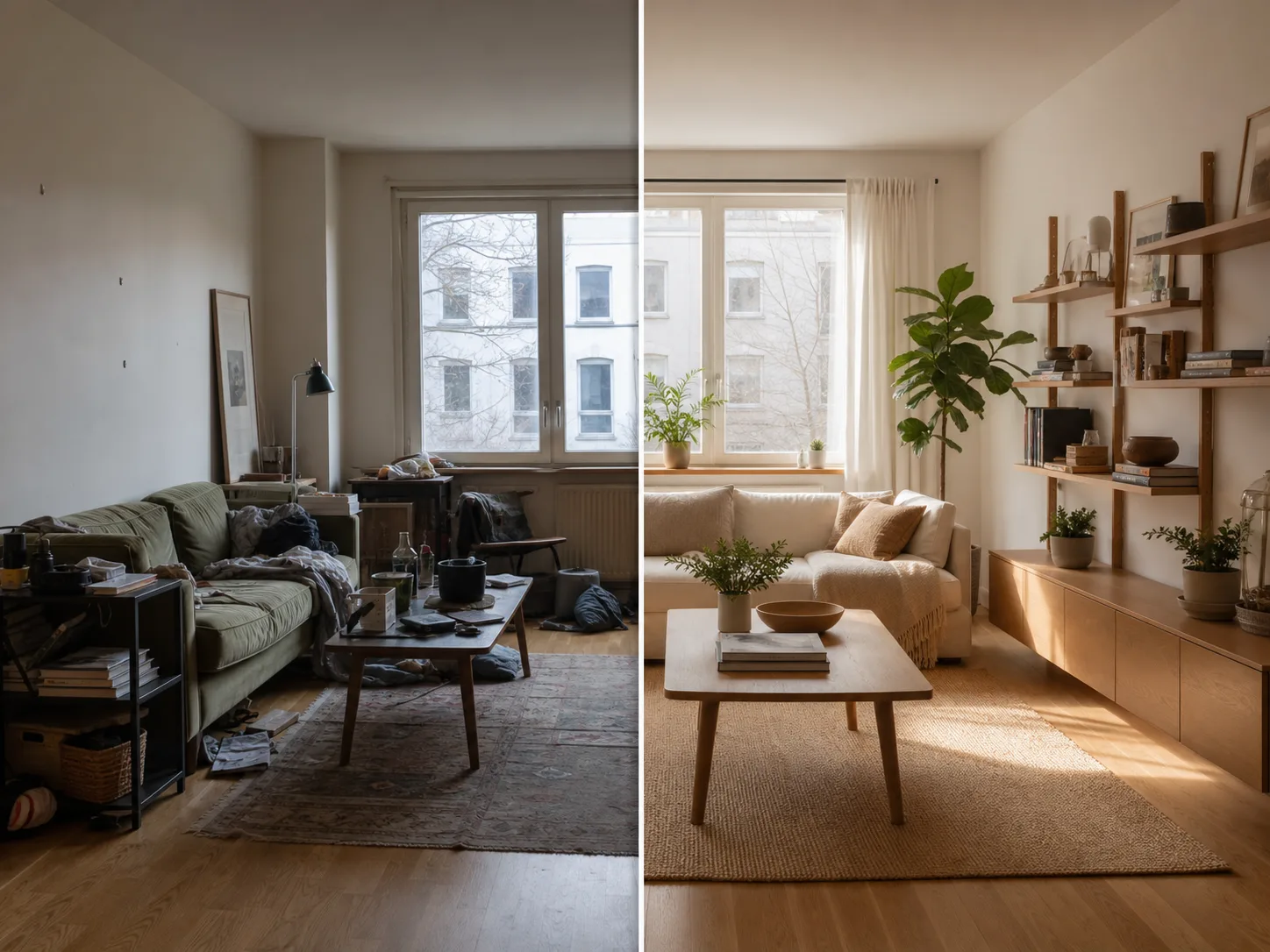

เริ่มจากเป้าหมายของงาน ใส่พรอมต์หรือไฟล์อ้างอิง เลือกสไตล์และรายละเอียด จากนั้นสร้างหลายเวอร์ชันเพื่อเลือกผลลัพธ์ที่ดีที่สุด
ดูความแตกต่างด้านคุณภาพ ความเร็ว การควบคุม ราคา และกรณีใช้งาน เพื่อเลือกตัวเลือกที่เหมาะกับโปรเจกต์ของคุณ
เริ่มจากเป้าหมายของงาน ใส่พรอมต์หรือไฟล์อ้างอิง เลือกสไตล์และรายละเอียด จากนั้นสร้างหลายเวอร์ชันเพื่อเลือกผลลัพธ์ที่ดีที่สุด
เริ่มจากเป้าหมายของงาน ใส่พรอมต์หรือไฟล์อ้างอิง เลือกสไตล์และรายละเอียด จากนั้นสร้างหลายเวอร์ชันเพื่อเลือกผลลัพธ์ที่ดีที่สุด
ควบคุมทิศทางของภาพได้ละเอียดขึ้น ตั้งแต่สไตล์ องค์ประกอบ คุณภาพ ความเร็ว ไปจนถึงรูปแบบที่เหมาะกับการใช้งานจริง
ควบคุมทิศทางของภาพได้ละเอียดขึ้น ตั้งแต่สไตล์ องค์ประกอบ คุณภาพ ความเร็ว ไปจนถึงรูปแบบที่เหมาะกับการใช้งานจริง
ควบคุมทิศทางของภาพได้ละเอียดขึ้น ตั้งแต่สไตล์ องค์ประกอบ คุณภาพ ความเร็ว ไปจนถึงรูปแบบที่เหมาะกับการใช้งานจริง
ควบคุมทิศทางของภาพได้ละเอียดขึ้น ตั้งแต่สไตล์ องค์ประกอบ คุณภาพ ความเร็ว ไปจนถึงรูปแบบที่เหมาะกับการใช้งานจริง
ต่อยอดงานของคุณด้วยเครื่องมือและโมเดลอื่นของ ClipCanva สำหรับสร้าง แก้ไข และปรับแต่งคอนเทนต์ในเวิร์กโฟลว์เดียวกัน
รูปภาพฟรีมีลายน้ำ อัปเกรดเพื่อผลลัพธ์สะอาด การสร้างที่เร็วขึ้น และการใช้งานเชิงพาณิชย์
ชุดเริ่มต้น
แพ็กเครดิตแบบจ่ายครั้งเดียวสำหรับลองสร้างภาพ เพลง และวิดีโอสั้น
ผู้สร้าง
แพ็กรายเดือน · ต่ออายุ 1,500 เครดิตทุกเดือน
GPT Image 2 Unlimited
ใส่โค้ด FOUNDING6 ใน Stripe Checkout: 6 เดือนแรก $19/เดือน จากนั้น $29/เดือน
โปร
แผนรายเดือน · 4,000 เครดิตต่ออายุในแต่ละเดือน
สตูดิโอ
แพ็กรายเดือน · ต่ออายุ 12,000 เครดิตทุกเดือน
ชำระเงินอย่างปลอดภัย · การสมัครสมาชิกต่ออายุอัตโนมัติ · ดูเงื่อนไขการคืนเงิน
ทีม
สำหรับเอเจนซี ทีมผลิตงาน และความต้องการใช้งานจำนวนมากแบบเฉพาะ
คำตอบสั้น ๆ เกี่ยวกับวิธีใช้ เครื่องมือแปลงภาพเป็นภาพ การเตรียมไฟล์ คุณภาพผลลัพธ์ และแพ็กเกจของ ClipCanva
เริ่มสร้างภาพด้วย ClipCanva เลือกแนวทางที่ต้องการ ปรับรายละเอียด แล้วนำผลลัพธ์ไปใช้กับงานออกแบบ คอนเทนต์ หรือโปรเจกต์จริงได้ทันที