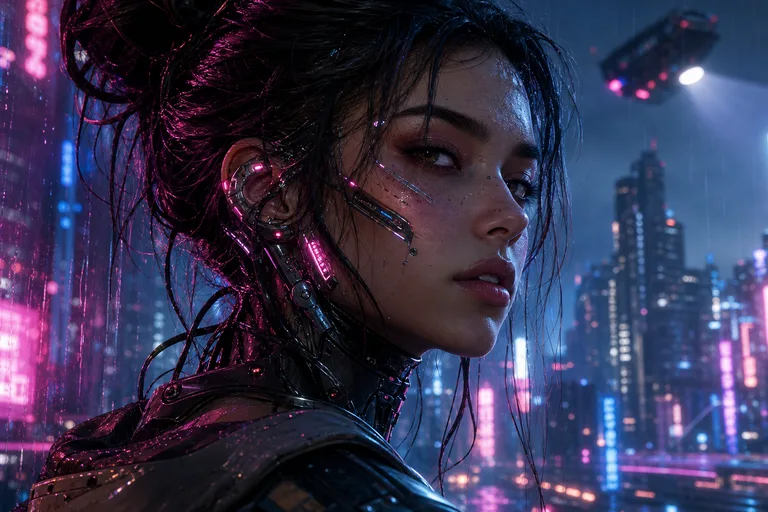
AI Cyberpunk Filter for Neon Sci‑Fi Portraits

AI Cyberpunk Filter for Neon Sci‑Fi Portraits

Turn a portrait into a cinematic Cyberpunk character with neon rim light, futuristic clothing accents, subtle cybernetic details, and a rain-lit sci-fi mood.

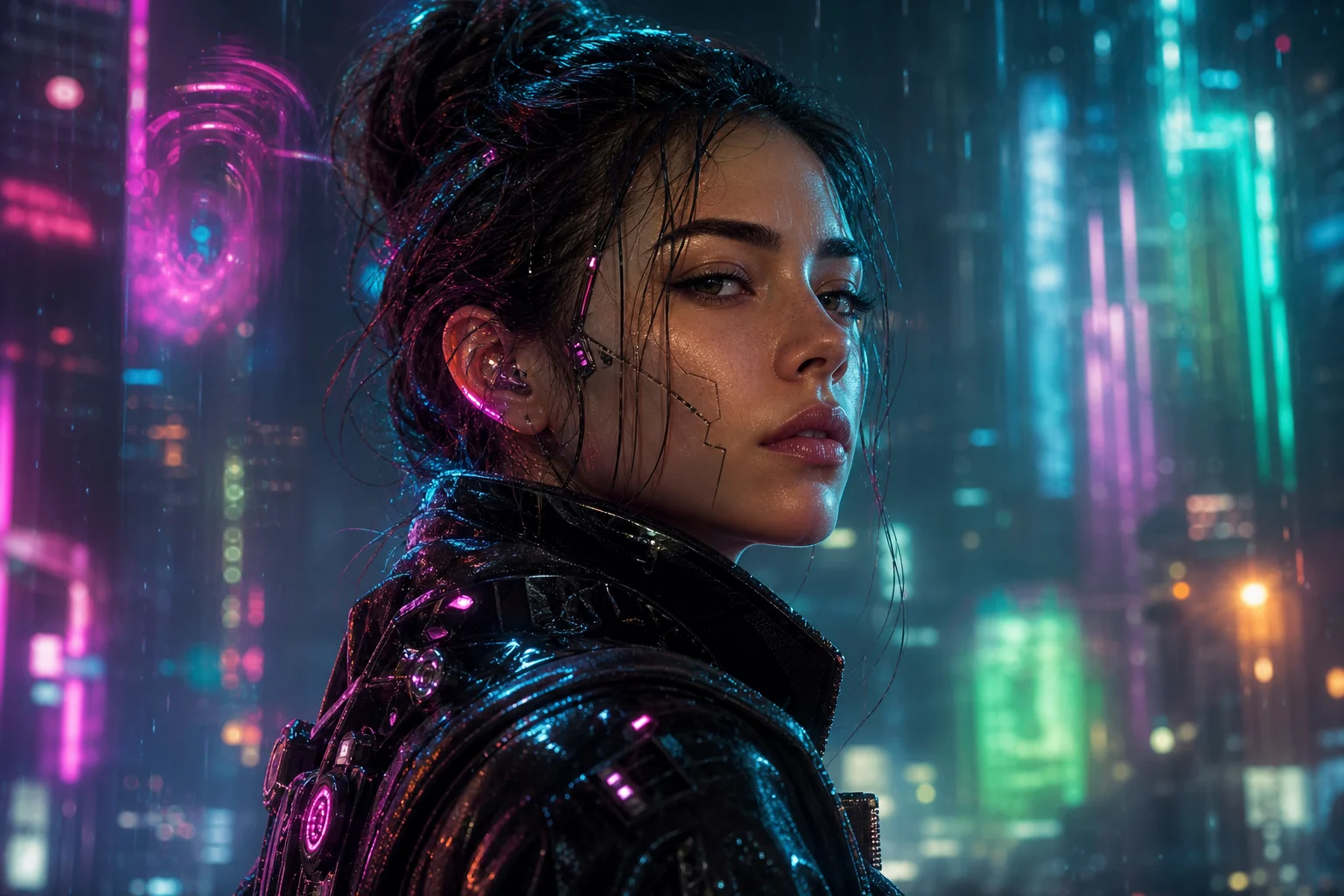
AI Cyberpunk Filter neon portrait with cinematic sci-fi lighting
0 / 2000
Template prompt

AI Cyberpunk Filter for Neon Sci‑Fi Portraits

Apply the AI Cyberpunk Filter effect to the uploaded portrait. Preserve the person identity, face shape, expression, hairstyle direction, pose silhouette, and key clothing colors. Rebuild the image as a cinematic cyberpunk portrait with neon rim lighting, futuristic clothing accents, subtle cybernetic details, rain or city glow, high-contrast sci-fi atmosphere, and polished editorial color grading. Allow outfit and background upgrades required by the cyberpunk effect while keeping the subject recognizable.

AI Cyberpunk Filter neon portrait with cinematic sci-fi lighting

What is the AI Cyberpunk Filter?

The AI Cyberpunk Filter transforms a clear portrait into a futuristic character image. It keeps the person recognizable while adding neon color, techwear cues, city-night atmosphere, cinematic contrast, and polished Cyberpunk styling.

What the AI Cyberpunk Filter changes

The filter upgrades a portrait into a neon sci-fi character image while aiming to keep the person’s core identity and pose intact.

What changes

  • Creates a Cyberpunk version of a portrait with neon lighting, futuristic clothing, cybernetic details, and a cinematic sci-fi atmosphere.
  • Adds rain-slick reflections, techwear cues, electric color, city glow, and high-contrast editorial grading.
  • Supports previewing the result before downloading, then rerunning with a clearer photo or tighter prompt when needed.
  • Rebuilds the background and outfit details to support the futuristic mood.

What stays recognizable

  • Preserves the person’s identity, face shape, expression, hairstyle direction, pose silhouette, and key clothing colors.
  • Allows outfit and background upgrades required by the Cyberpunk effect while keeping the subject recognizable.
  • Keeps the main subject recognizable from the source image.
  • Maintains defining colors, pose, silhouette, and important subject details in a coherent way.

How to use the AI Cyberpunk Filter

Create a Cyberpunk portrait by starting with a readable source image, choosing a focused style direction, and checking the generated details before saving the final image.

1

Upload a clear portrait

Choose a sharp portrait where the subject’s face, hairstyle direction, pose, silhouette, and key clothing colors are visible.

2

Describe the Cyberpunk style

Use a prompt that describes neon rim lighting, futuristic clothing accents, subtle cybernetic details, rain or city glow, and a cinematic sci-fi atmosphere.

3

Preview and compare

Check whether the result keeps the subject recognizable and whether the lighting, outfit upgrades, and background feel coherent.

4

Refine and download

If needed, rerun with a clearer photo or a tighter prompt, then save the version that best matches your Cyberpunk direction.

AI Cyberpunk Filter variations

Explore different Cyberpunk portrait directions, from intense neon close-ups to polished futuristic character concepts.

Neon Cyberpunk portrait with electric city lighting

Neon city portrait

A dramatic portrait direction with glowing neon accents, dark cinematic contrast, and a futuristic city-night feel.

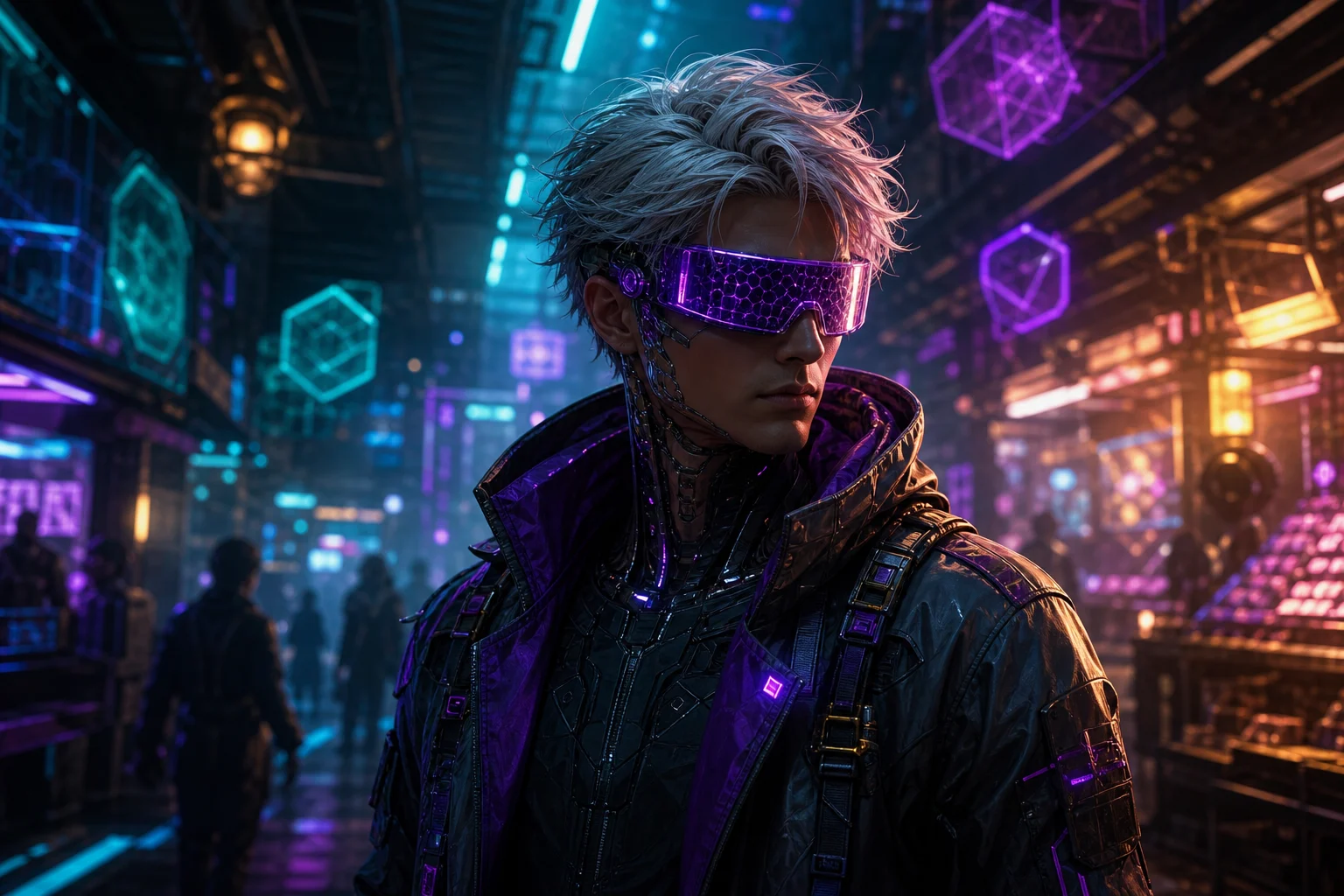
Cyberpunk character portrait with futuristic styling

Futuristic character style

A polished sci-fi character look with techwear-inspired styling, saturated color, and editorial Cyberpunk atmosphere.

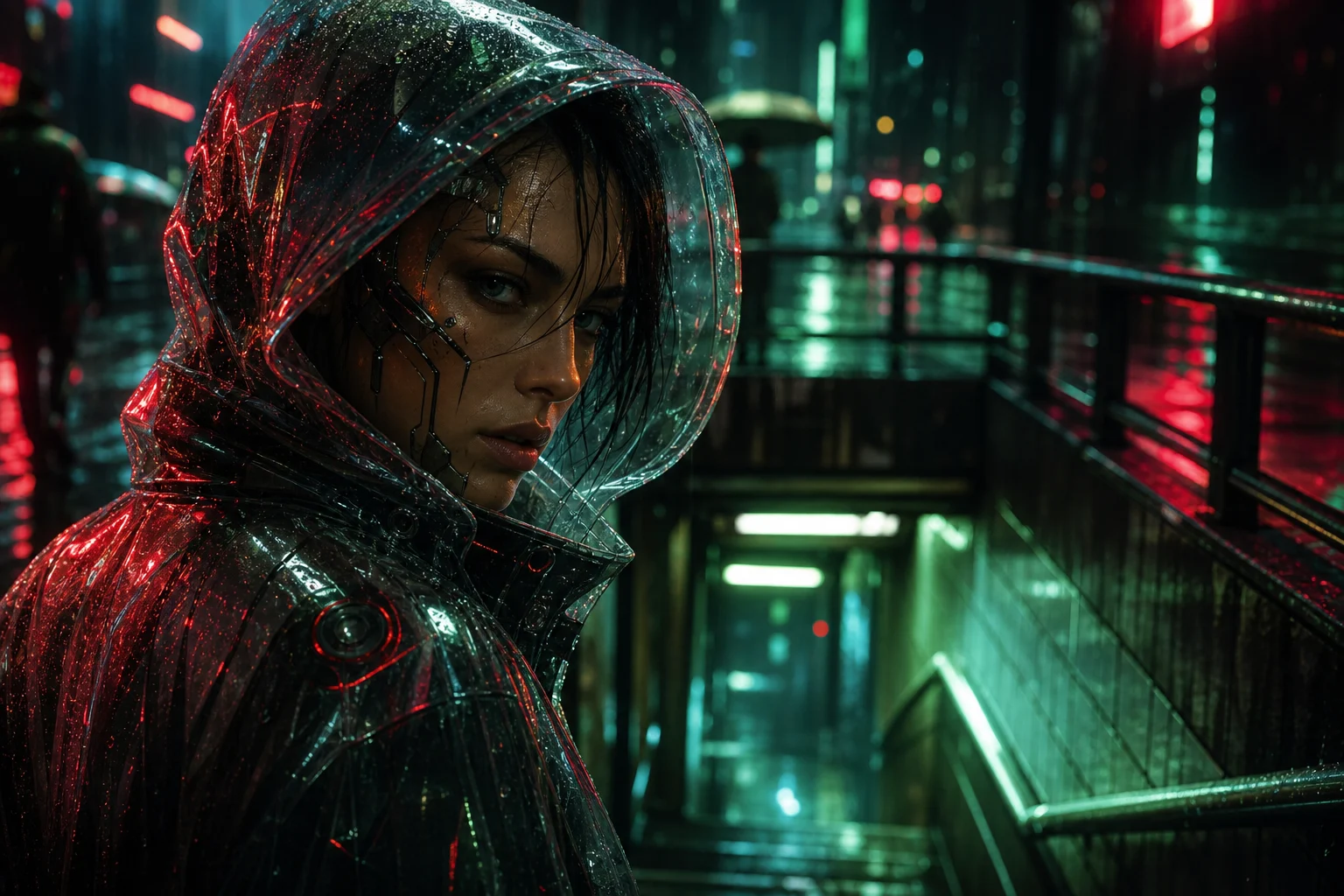
Moody Cyberpunk portrait with reflective neon lighting

Rain-lit sci-fi mood

A moody Cyberpunk version with reflective lighting, vivid color separation, and subtle cybernetic details.

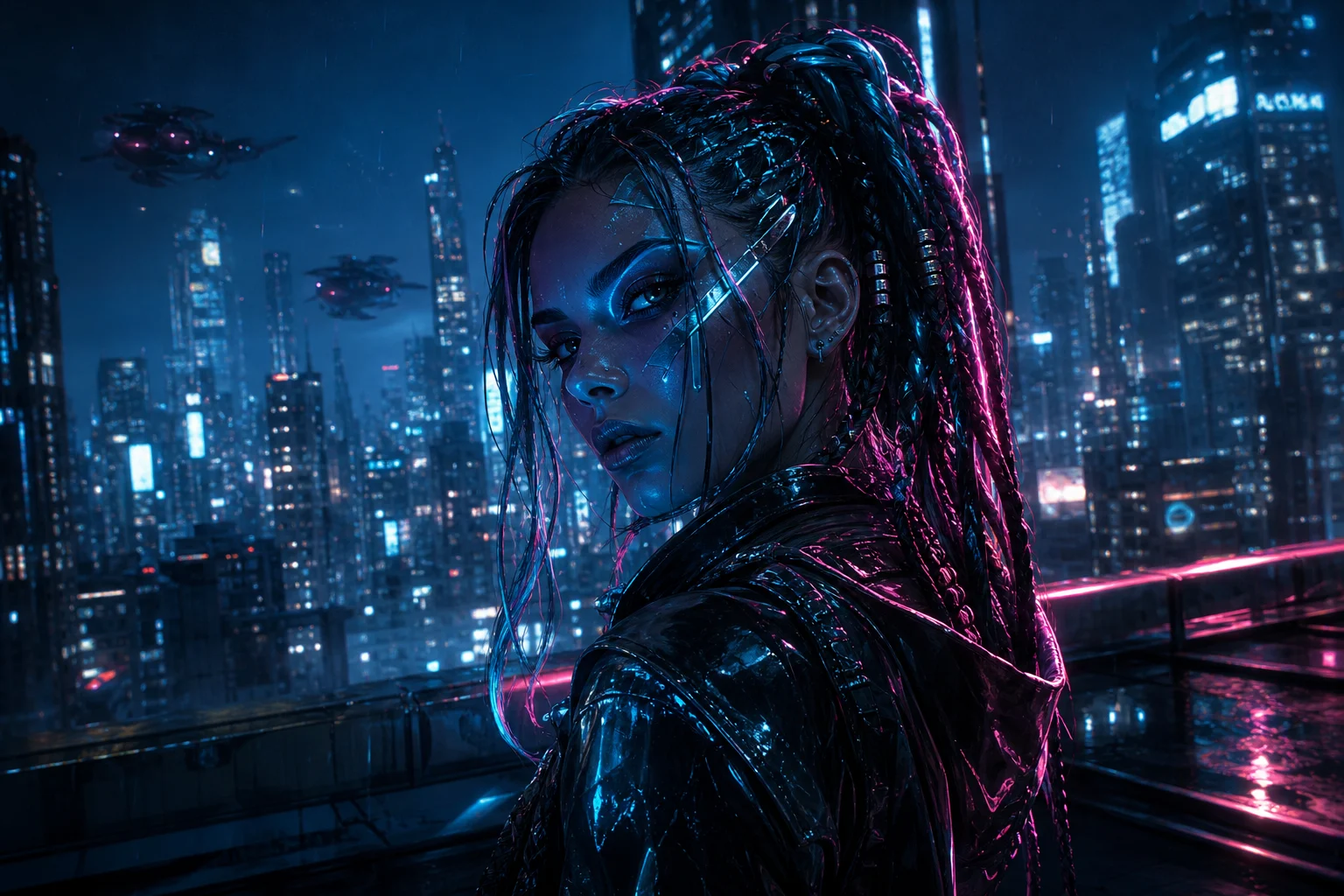
High contrast AI Cyberpunk Filter portrait example

Bold neon avatar

A high-contrast neon portrait built for a bold avatar, concept preview, or atmospheric creative visual.

Ways to use the Cyberpunk look

Use this Cyberpunk Filter online when you need a quick visual direction for a futuristic portrait concept or stylized character image.

Creative portrait exploration

Create a focused AI Cyberpunk Filter preview for a personal concept, profile visual, moodboard, or sci-fi character direction.

Style comparison

Compare the visual direction before refining, sharing, or presenting the result, especially when choosing between different neon, techwear, and city-night looks.

How to get a stronger result

A strong source photo and a focused prompt help the Cyberpunk effect look intentional while preserving the subject’s identity.

Source image checks

  • Use a sharp source image with the main subject clearly visible.
  • Avoid heavy blur, blocked details, extreme crops, or confusing overlaps.
  • Choose a source whose pose and framing support the intended AI Cyberpunk Filter result.

Prompt guidance

Ask for a cinematic Cyberpunk portrait with neon rim lighting, futuristic clothing accents, subtle cybernetic details, rain or city glow, high-contrast sci-fi atmosphere, and polished editorial color grading. Also state what should stay recognizable, such as the face shape, expression, hairstyle direction, pose silhouette, and key clothing colors.

Review before you use the result

Generated details can vary between runs, so review the image before downloading or sharing. If the result feels too loose, try a clearer source photo or a more specific prompt.

Recognizability

Compare the result with the source image to confirm the face shape, expression, hairstyle direction, pose silhouette, and defining details still feel connected to the original person.

Cyberpunk treatment

Look for consistent neon lighting, believable Cyberpunk styling, coherent futuristic clothing details, and a cinematic city-night atmosphere across the image.

Detail quality

Inspect faces, hands, edges, small accessories, background transitions, and any visible text for distortions or unwanted artifacts before using the image.

AI Cyberpunk Filter FAQ

Answers to common questions about using the AI Cyberpunk Filter for portraits, avatars, and creative sci-fi visuals.

What is AI Cyberpunk Filter?
AI Cyberpunk Filter is a portrait style template that reimagines a person with neon lighting, futuristic clothing, subtle cybernetic details, rain-slick reflections, and a cinematic sci-fi atmosphere.
Is AI Cyberpunk Filter free?
Availability and access options can change, so check the current tool interface before starting your edit.
How do I use AI Cyberpunk Filter?
Upload a clear portrait, keep the subject visible, and use a prompt that mentions the Cyberpunk mood you want, such as neon rim lighting, techwear, chrome details, or a rainy city backdrop. Preview the result and rerun with a clearer photo or more specific direction if needed.
What photos work best for AI Cyberpunk Filter?
Sharp portraits work best. Choose an image where the face, hairstyle direction, pose, clothing colors, and main silhouette are easy to read. Avoid heavy blur, blocked faces, extreme crops, and confusing overlaps.
Can I use AI Cyberpunk Filter results commercially?
Usage depends on the source image, the people or brands shown, and the terms that apply to your project. Review your permissions before using any result in a commercial context.
What changes does AI Cyberpunk Filter make?
It can add neon color, high-contrast lighting, futuristic wardrobe details, city glow, rain-like reflections, and subtle cybernetic accents while keeping the portrait’s identity and pose coherent.
Which source image works best?
Use a well-lit portrait with the subject centered or clearly framed. The filter works best when the face shape, expression, hairstyle, pose, and key clothing colors are visible.
How do I keep the subject recognizable?
Start with a clear portrait and include preservation guidance in your prompt, such as keeping the face shape, expression, hairstyle direction, pose silhouette, and important clothing colors recognizable.

Create your AI Cyberpunk Filter portrait

Upload a clear portrait and create a neon sci-fi version with futuristic styling, cinematic contrast, and a recognizable subject.