


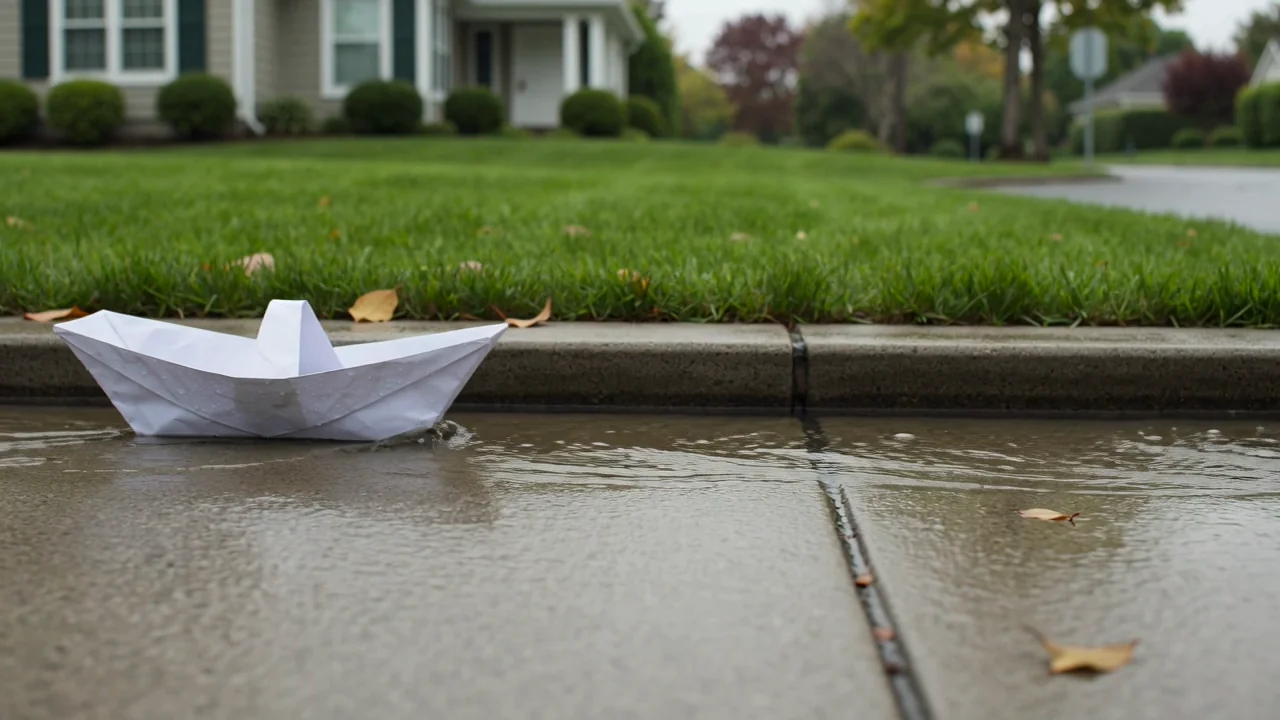
Text-till-videogenerering
Bedöm text-till-video-funktionen utifrån scenavsikt, rörelsepassning och visuella detaljer innan du förlitar dig på en genererad videosekvens.
Utforska fakta, indata, utdata och aktuell tillgänglighet för Sora 2.0 innan du planerar en AI-videouppgift i ClipCanva.
Den här sidan visar modellens exakta identitet och kör inte en annan modell under samma namn. Använd de relaterade modelllänkarna nedan för att öppna ett anslutet arbetsflöde.
Om du undrar vad Sora 2 är, är det OpenAI:s video- och ljudmodell för arbetsflöden med textprompt eller referensbild.
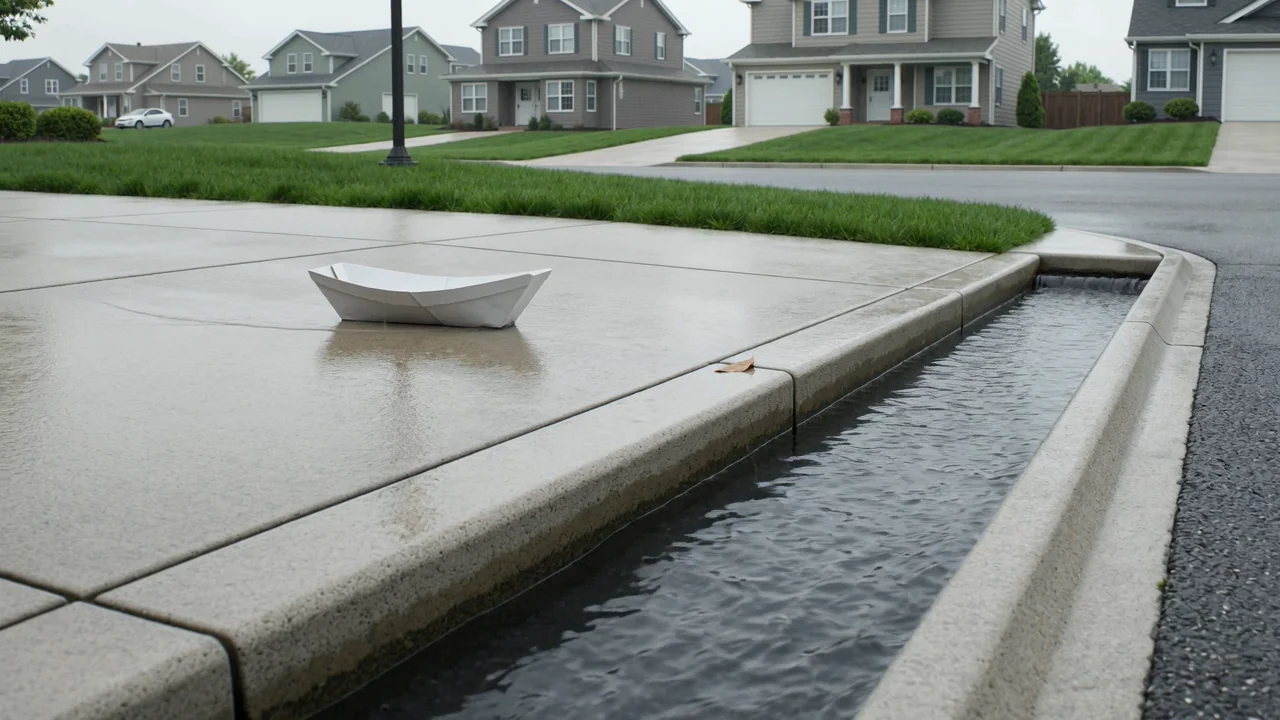
Granska funktionerna i Sora 2.0 som modellunderlag för utvärdering, utan att betrakta dem som aktuella funktioner i ClipCanva.
Bedöm text-till-video-funktionen utifrån scenavsikt, rörelsepassning och visuella detaljer innan du förlitar dig på en genererad videosekvens.
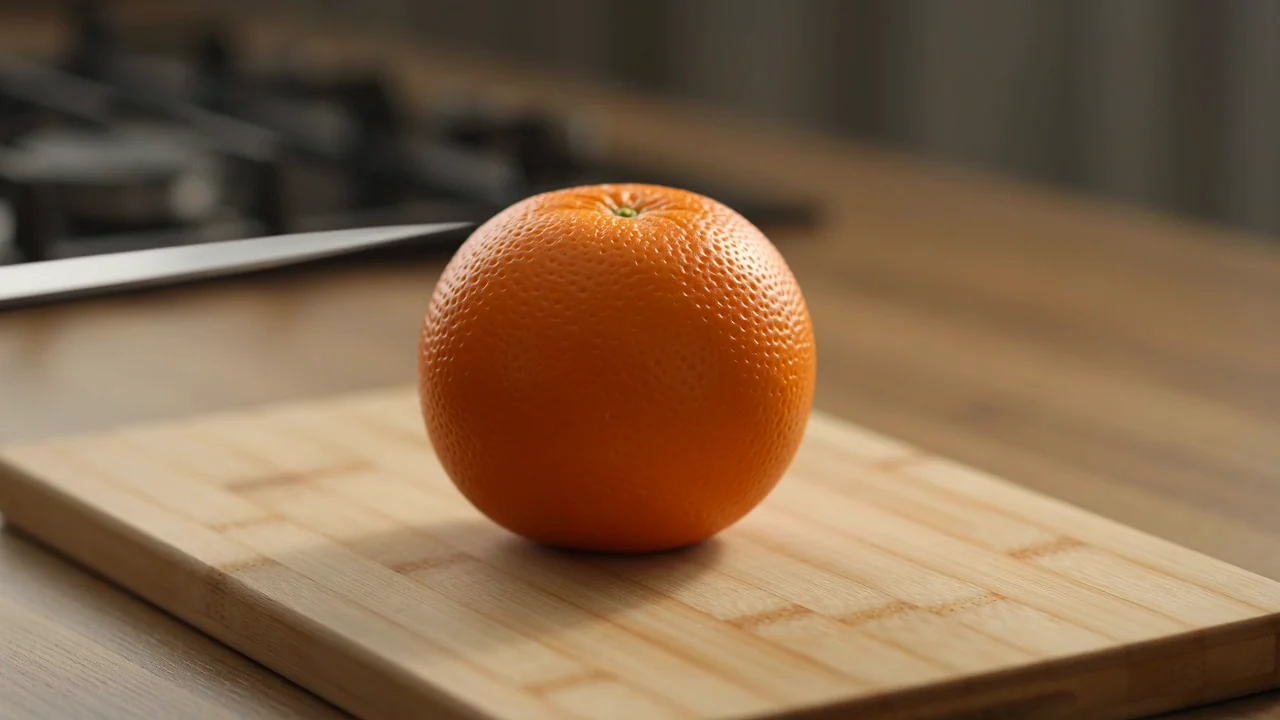
Använd underlag från referensbilder för att bedöma om bildstyrt videobeteende passar målen för kontinuitet hos karaktär, produkt eller scen.
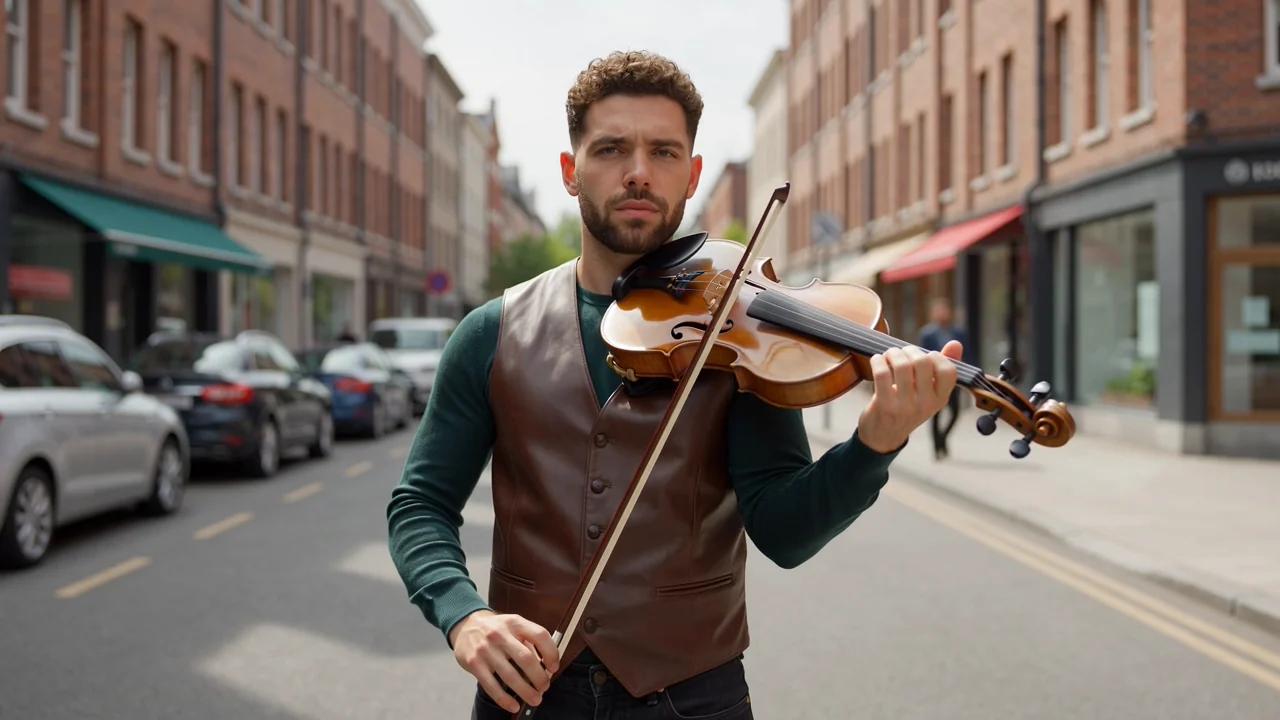
Granska dialog- och ljudfunktionen som en planeringsfaktor och kontrollera sedan timing, tydlighet och sammanhang i varje färdigt material.

Utvärdera fysisk rörelse och promptstyrning för action, iscensättning och kontinuitet, med mänsklig granskning före publicering.
Använd dokumenterade inmatningslägen för planering, men låt synliga kontroller och tillgänglighet vara den operativa sanningskällan.
De dokumenterade inmatningslägena är en textprompt och en referensbild, förberedda med tydligt motiv, handling, miljö och avsikt.
Inga stödda kontroller visas här för den exakta modellen. Utgå därför inte från inställningar för längd, format, upplösning eller stil.
Förväntade utdata omfattar genererade videosekvenser och referensstyrda videor som fortfarande kräver mänsklig granskning före publicering.
Ett praktiskt arbetsflöde börjar med prompten, kontrollerar tillgänglighet och skiljer sedan modellforskning från genomförbara produktionssteg.
Ange videons syfte, målgrupp, motiv, miljö, handling och destination innan du jämför modellalternativ.
Skriv en kortfattad prompt och samla referensbilder endast när den anslutna modellen stöder dessa indata.
Kontrollera tillgängligheten först, eftersom den exakta modellen inte är ansluten i ClipCanva vid detta verifieringsdatum.
Granska utdata mot krav på rörelse, kontinuitet, varumärke, fakta, längd och format före publicering.
Anpassa användningsfall till en verklig målgrupp, kanal, stödda indata och granskningsstandard innan du planerar produktionsarbete.
Utforska stämning, kamerariktning, handlingsmoment och scentempo innan du satsar resurser på ett färdigt videokoncept.
Studera karaktärsrörelser, gesttiming och kontinuitetsbehov innan du väljer produktions- eller animationsmetod.
Skapa utkast för berättelsens rytm, dialogtiming och ljudförväntningar för tidig granskning före mer detaljerat produktionsarbete.
Testa produktdrivna berättelsevinklar, scenstruktur och budskapets tydlighet innan du förbereder slutliga kampanjmaterial.
Behandla varje genererad video som ett utkast tills mänsklig granskning bekräftar överensstämmelse med briefen, kontinuitet, varumärkessäkerhet och formatkrav.
Bekräfta att motiv, handling, komposition och berättelse stämmer med den ursprungliga prompten och produktionsbriefen.
Inspektera personer, produkter, bakgrunder, rörelser, scenbyten och objekts beständighet för synliga fel.
Verifiera varumärkeselement, produktpåståenden, bildtexter och faktareferenser mot godkänt källmaterial.
Kontrollera längd, beskärning, bildförhållande, filkrav och begränsningar för destinationen före överlämning.
Aktuell tillgänglighet, integrationsstatus, leverantörsmeddelanden och variation i utdata bör hållas åtskilda i produktionsplaneringen.
Sora 2 är inte ansluten i ClipCanva, så sidan ger vägledning i stället för en körbar generator för den exakta modellen.
Samma indata kan ge olika detaljer, komposition, rörelse eller timing, så jämför utdata och dokumentera granskningsbeslut.
OpenAI har meddelat datum för avveckling av Sora-produkten, så kontrollera leverantörens status innan du förlitar dig på framtida åtkomst.
Uppgifter verifierade
Svaren omfattar Sora 2:s identitet, indata, arbetsflöde, tillgänglighet, prisfrågor och praktiska förväntningar på granskning.
Jämför relaterade AI-videomodeller utifrån indata, kontroller, beteende hos utdata, granskningsbehov och verifierad tillgänglighet i ClipCanva.
Utforska Sora 2 med verifierade modellfakta, bekräfta aktuell åtkomst och avsätt tillräcklig granskningstid före produktionsanvändning.