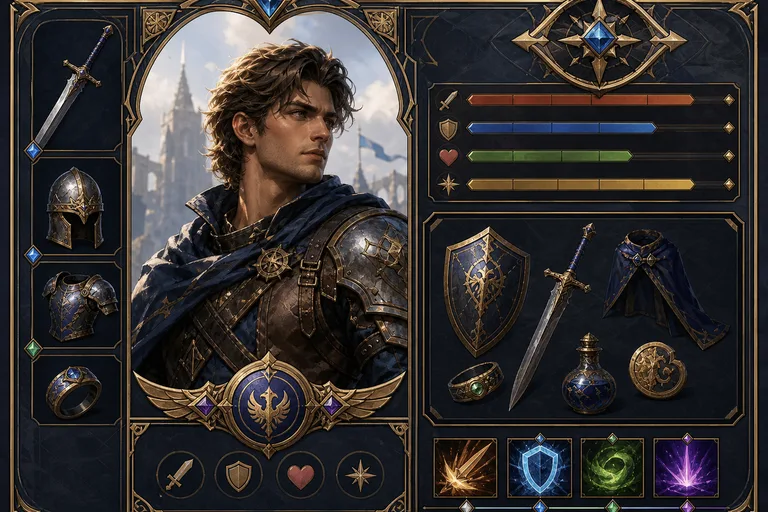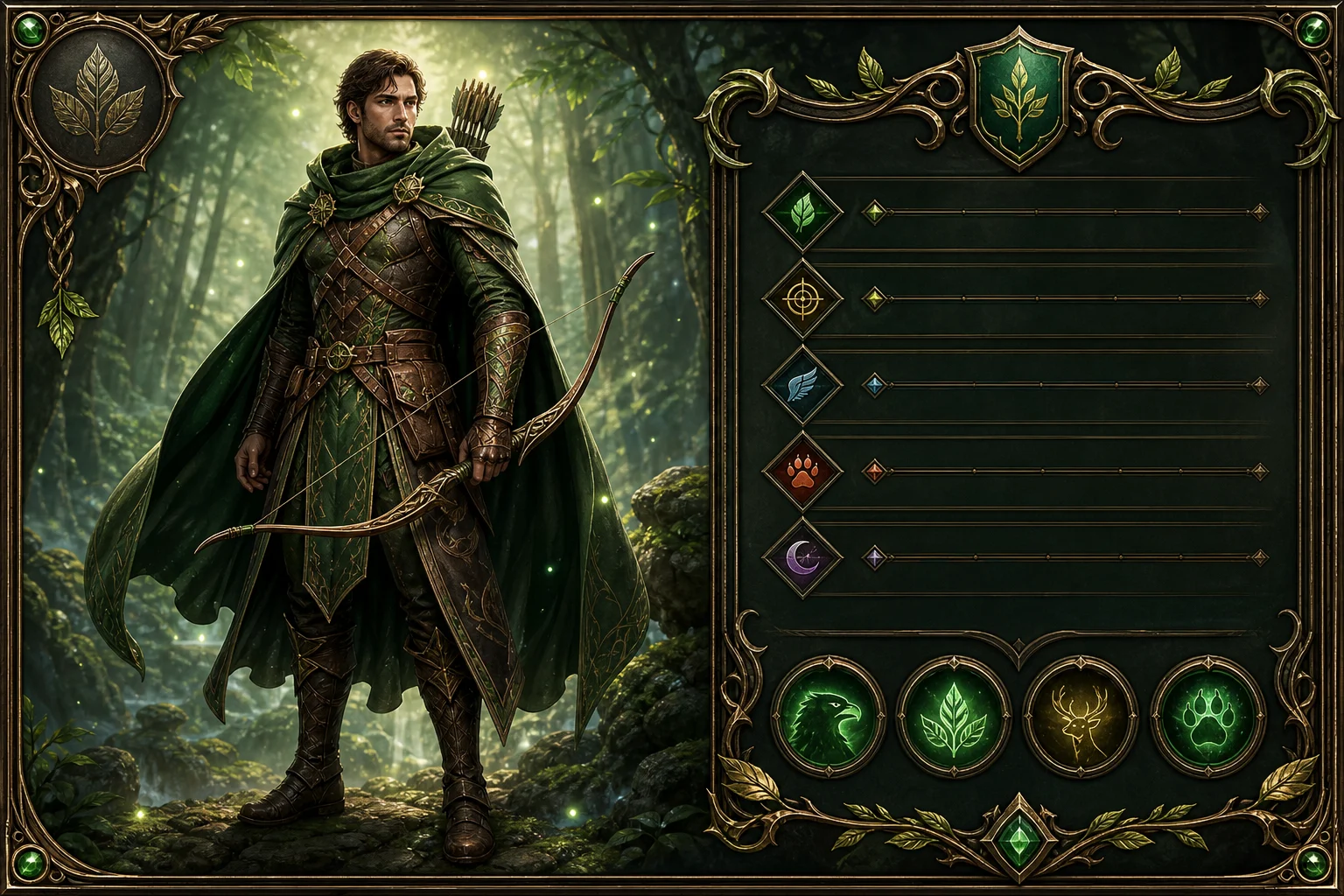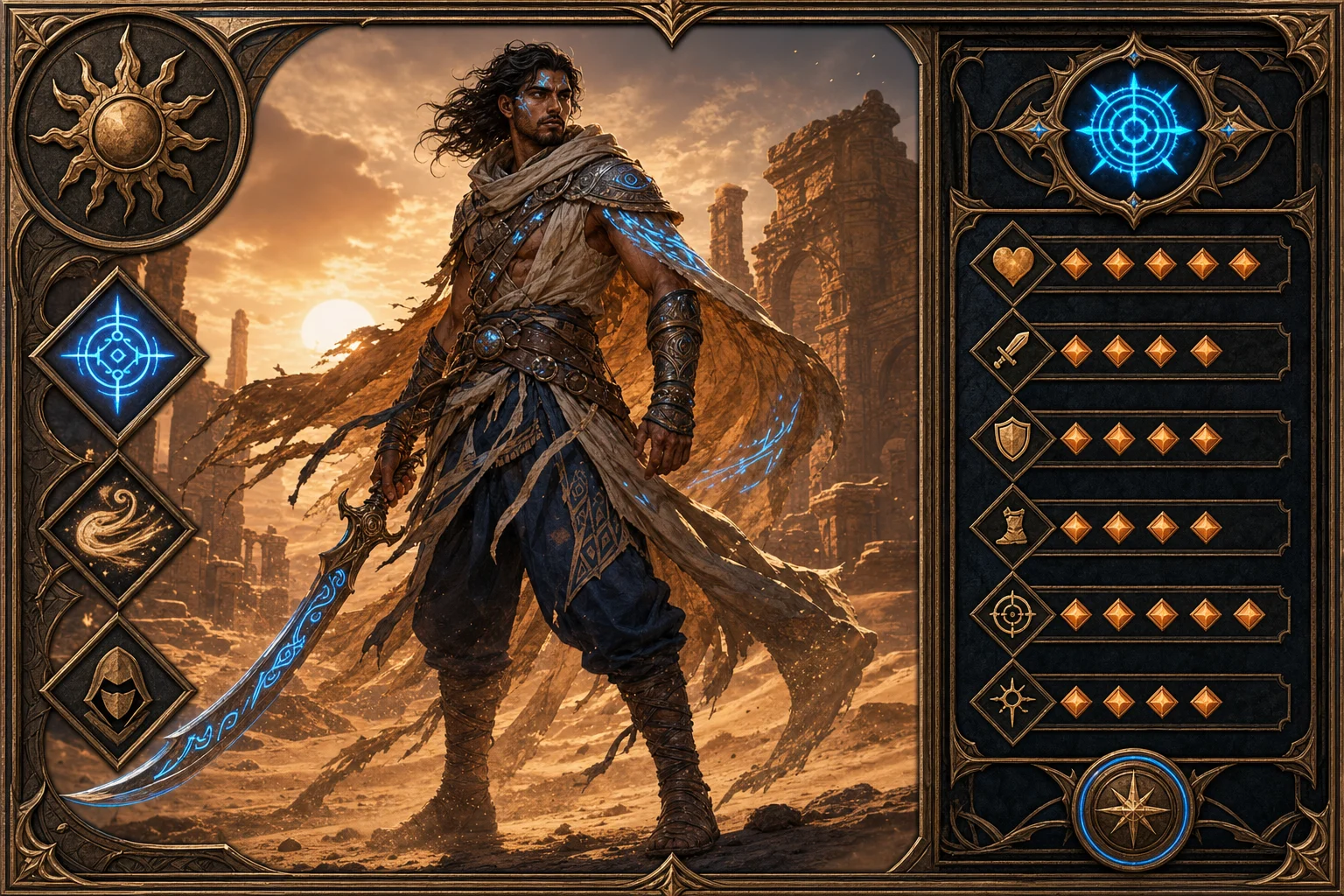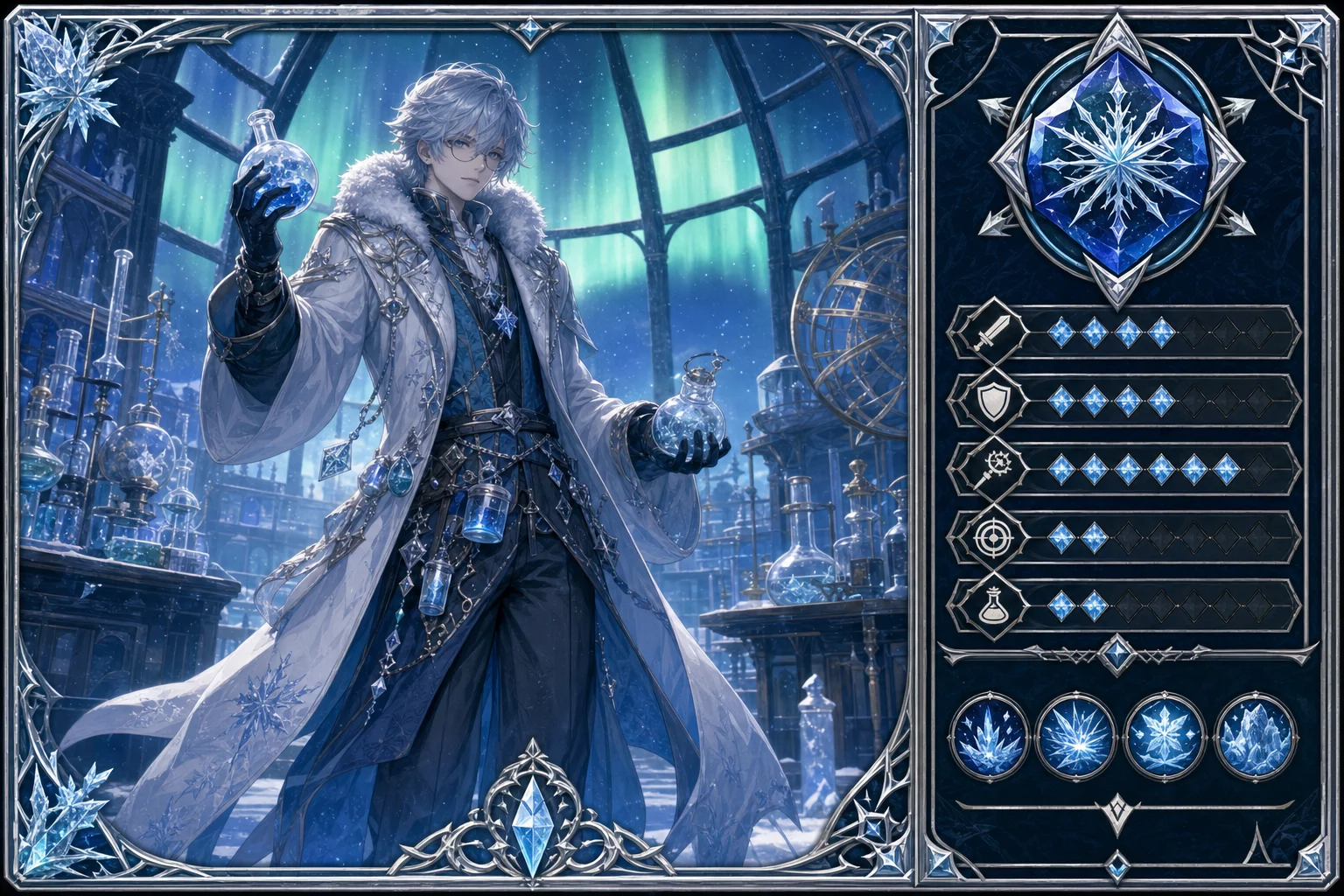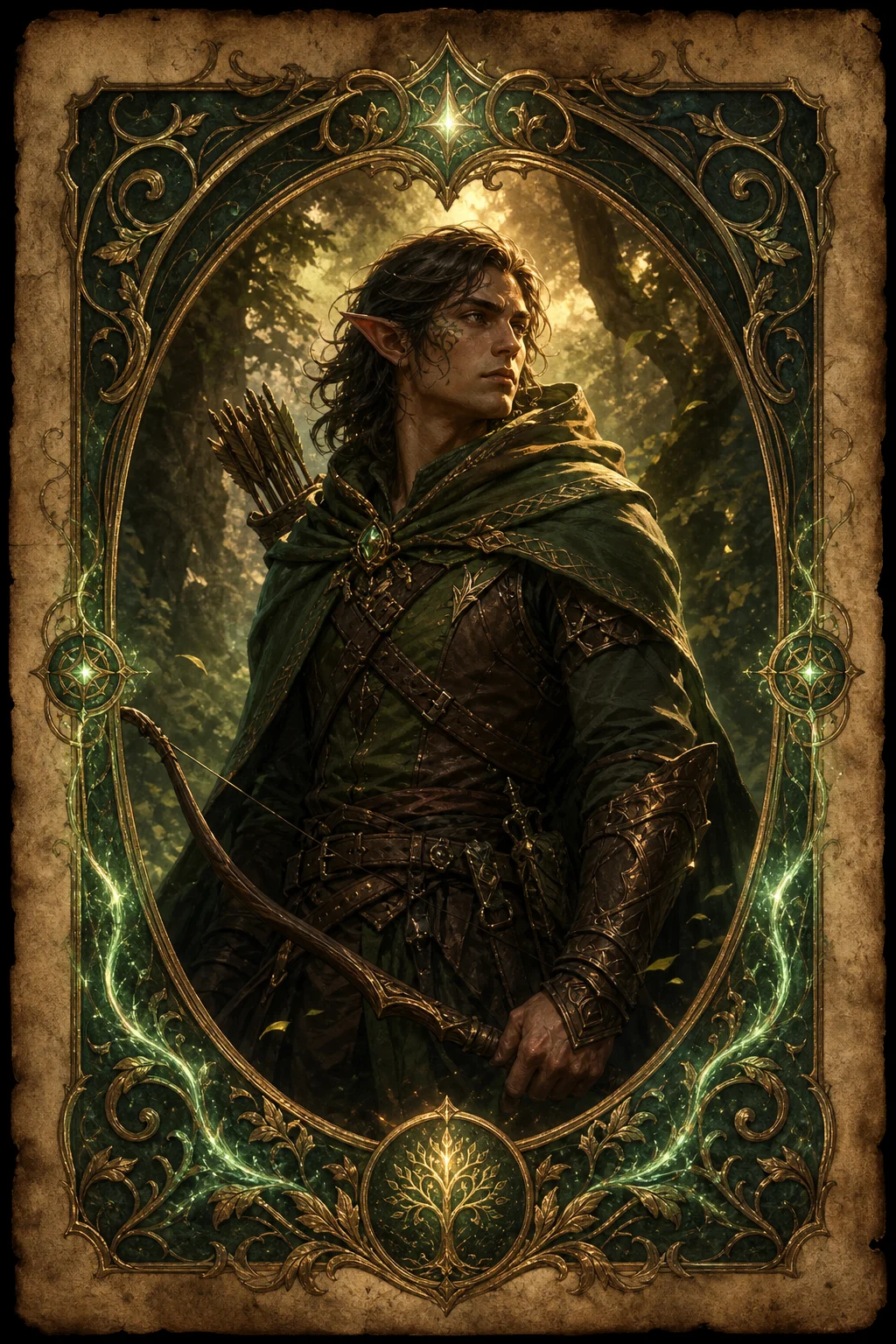
AI RPG Character Card Generator

AI RPG Character Card Generator

Upload a clear portrait and turn it into a fantasy RPG Character Card with class-inspired outfit details, an ornate frame, ability-panel space, and recognizable face cues.

RPG character card generated with AI RPG Character Card Generator
0 / 2000
Template prompt

AI RPG Character Card Generator

Apply the AI RPG Character Card effect to the uploaded portrait or character image. Preserve the subject identity, face shape, hairstyle, expression, and key outfit color cues. Rebuild the subject as a fantasy RPG character card with class-inspired styling, ornate border, stats or ability panel areas, parchment or game-card texture, dramatic lighting, and readable profile-card composition. Allow outfit and pose changes required by the RPG card while keeping the character recognizable.

RPG character card generated with AI RPG Character Card Generator

Turn a portrait into an RPG Character Card

The AI RPG Character Card Generator turns a portrait or character image into a polished game-card style visual. It rebuilds the subject with fantasy RPG styling, decorative borders, parchment or card texture, dramatic lighting, and areas that suggest stats or abilities while keeping the Character recognizable from the source.

From portrait to fantasy RPG Card

This template shifts a portrait into a fantasy game-card format while balancing stylized RPG details with recognizable subject identity.

What changes

  • Turns a portrait into an RPG Character Card with class-inspired outfit details, decorative framing, ability-panel space, and recognizable face cues.
  • Applies fantasy RPG card styling while keeping the subject usable as a recognizable Character visual.
  • Adds a polished game-card look with parchment or card texture, dramatic lighting, and a readable profile-card composition.
  • Creates a quick visual draft for previewing an RPG Character direction before further refinement.

What stays recognizable

  • Preserves the subject’s identity, face shape, hairstyle, expression, and key outfit color cues.
  • Allows outfit and pose changes needed for the RPG Card format while keeping the Character recognizable.
  • Keeps the main subject visually connected to the source image.
  • Maintains defining colors, pose, silhouette, and important subject details where possible.

How it works

Follow a simple process to create and review a fantasy RPG Card from a portrait or character image.

1

Upload a clear portrait

Select a sharp image where the face, hairstyle, outfit colors, and overall pose are visible enough to guide the transformation.

2

Create the RPG card look

Use the AI RPG Character Card Generator prompt to request fantasy class styling, an ornate border, card texture, and ability-panel areas while preserving recognizable features.

3

Review and refine

Compare the output with the source image, then refine with a clearer image or a more specific prompt if the Character identity or Card details need adjustment.

RPG Character Card style examples

Explore different RPG Card moods, from ornate fantasy portraits to darker battle-ready character profiles.

RPG character card background preview

Classic fantasy card style

A polished fantasy Card treatment with strong framing, dramatic lighting, and a clear Character portrait focus.

RPG character card example 1

Ornate ability card look

A character-card example with decorative RPG framing and space that suggests stats or ability information.

RPG character card example 2

Dramatic hero profile

A more cinematic RPG Character Card direction with strong contrast, costume details, and game-profile composition.

RPG character card example 3

Class-inspired character card

A fantasy role card variation that emphasizes class-inspired outfit details and a readable portrait layout.

Ways to use this RPG Character Card Generator

Use the RPG Character Card Generator online when you need a fast card-style visual direction based on an existing portrait or character image.

Personal character concepts

Create a focused AI RPG Character Card Generator preview for a personal concept, tabletop-inspired profile, avatar idea, or creative project.

Visual direction previews

Compare different RPG class moods, frame styles, and fantasy treatments before refining, sharing, or presenting the result.

How to get a stronger RPG Character Card

A strong source image and a direct prompt help the RPG card treatment stay readable while preserving the subject’s identity.

Choose the right source image

  • Use a sharp source image with the main subject clearly visible.
  • Avoid heavy blur, blocked details, extreme crops, or confusing overlaps.
  • Choose a source whose pose and framing support the intended AI RPG Character Card Generator result.

Prompt tips for better card results

Describe the intended RPG class direction, card mood, frame style, and any important details to keep. Mention face shape, hairstyle, expression, outfit color cues, and whether the card should feel heroic, dark, magical, noble, or battle-worn.

Review your RPG Character Card before using it

Generated details can vary between runs, so review the result before refining, sharing, or presenting it.

Check subject recognition

Compare the generated face, hairstyle, silhouette, pose, and key outfit colors with the original portrait.

Review the card design

Make sure the RPG styling, ornate Card border, class details, and ability-panel areas feel coherent across the image.

Inspect small details

Look closely at faces, hands, text-like marks, edges, small props, armor details, and background transitions for artifacts.

AI RPG Character Card Generator FAQ

Answers to common questions about creating RPG Character Card visuals from portraits and character images.

What is AI RPG Character Card Generator?
AI RPG Character Card Generator is a template for transforming a portrait into a fantasy RPG card-style image with a recognizable Character, ornate frame, class-inspired costume details, and space for stats or abilities.
Is AI RPG Character Card Generator free?
Access options can change, so check the current tool page for available usage details before creating your RPG Character Card.
How do I use AI RPG Character Card Generator?
Upload a clear portrait or character image, review the prompt direction, then create a card-style result. For the best outcome, use a source where the face, hairstyle, outfit colors, and pose are easy to read.
What image formats does AI RPG Character Card Generator support?
Use common image formats supported by the upload area. A sharp portrait with visible subject details is more important than the file type for a coherent RPG Card result.
Can I use AI RPG Character Card Generator results commercially?
Commercial use depends on the source image, the generated result, and the terms that apply to your project. Review those requirements before using an RPG Character Card in public or paid work.
What AI RPG Character Card Generator changes can I expect?
It can add fantasy class styling, armor or costume elements, ornate borders, game-card texture, dramatic lighting, and ability-panel areas while preserving key face and identity cues.
Which source image works best?
Choose a sharp image with one main subject clearly visible. Avoid heavy blur, blocked faces, extreme crops, confusing overlaps, or lighting that hides the Character’s defining details.
How do I keep the subject recognizable?
Use a source with a clear face shape, hairstyle, expression, silhouette, and outfit color cues. After generation, compare these details against the original and rerun with a clearer image or more specific prompt if needed.

Make your RPG Character Card

Create a fantasy RPG Character Card from a portrait with decorative framing, class-inspired styling, and recognizable subject details.