AI 3D Chibi Couple Jewelry Box

AI 3D Chibi Couple Jewelry Box

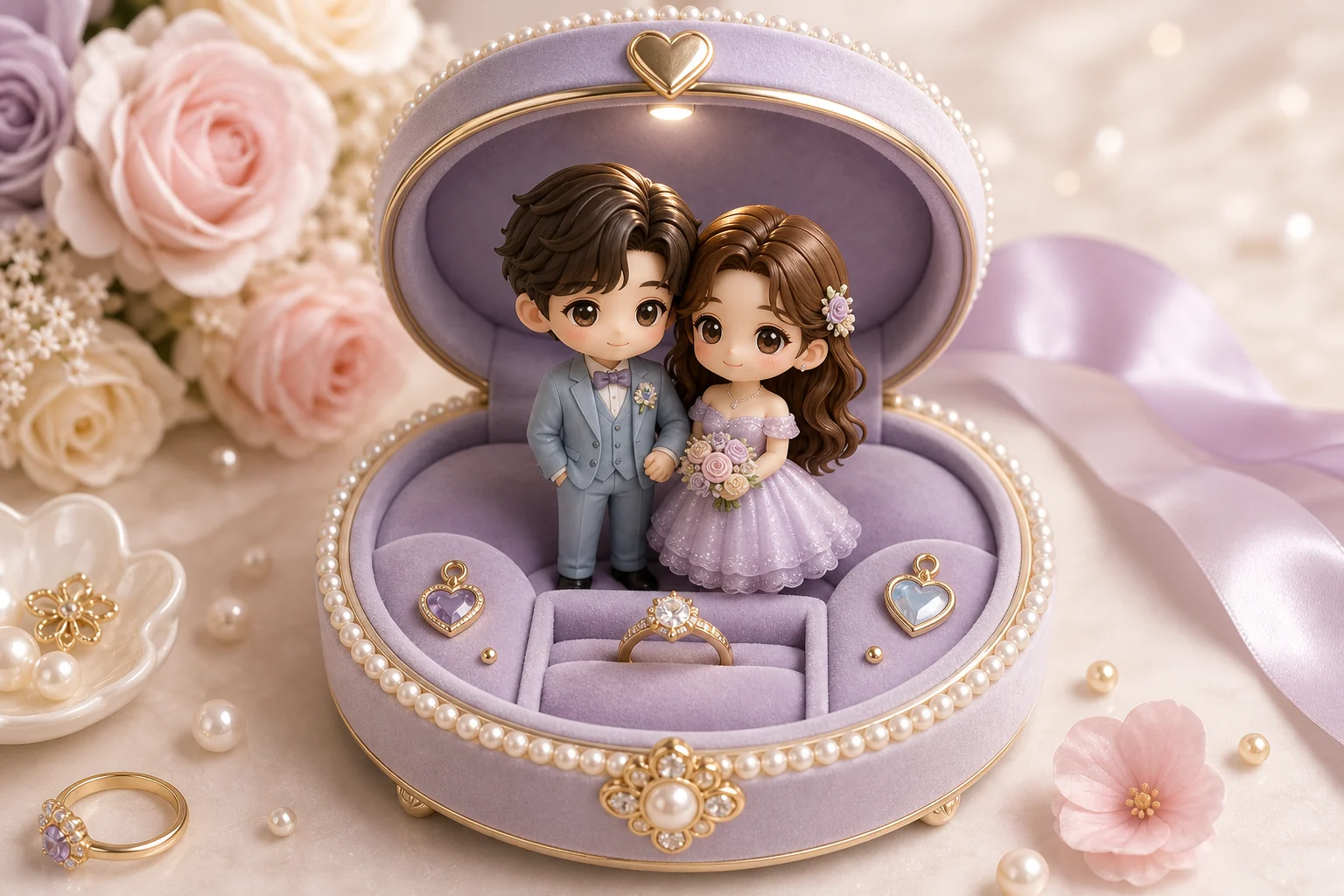
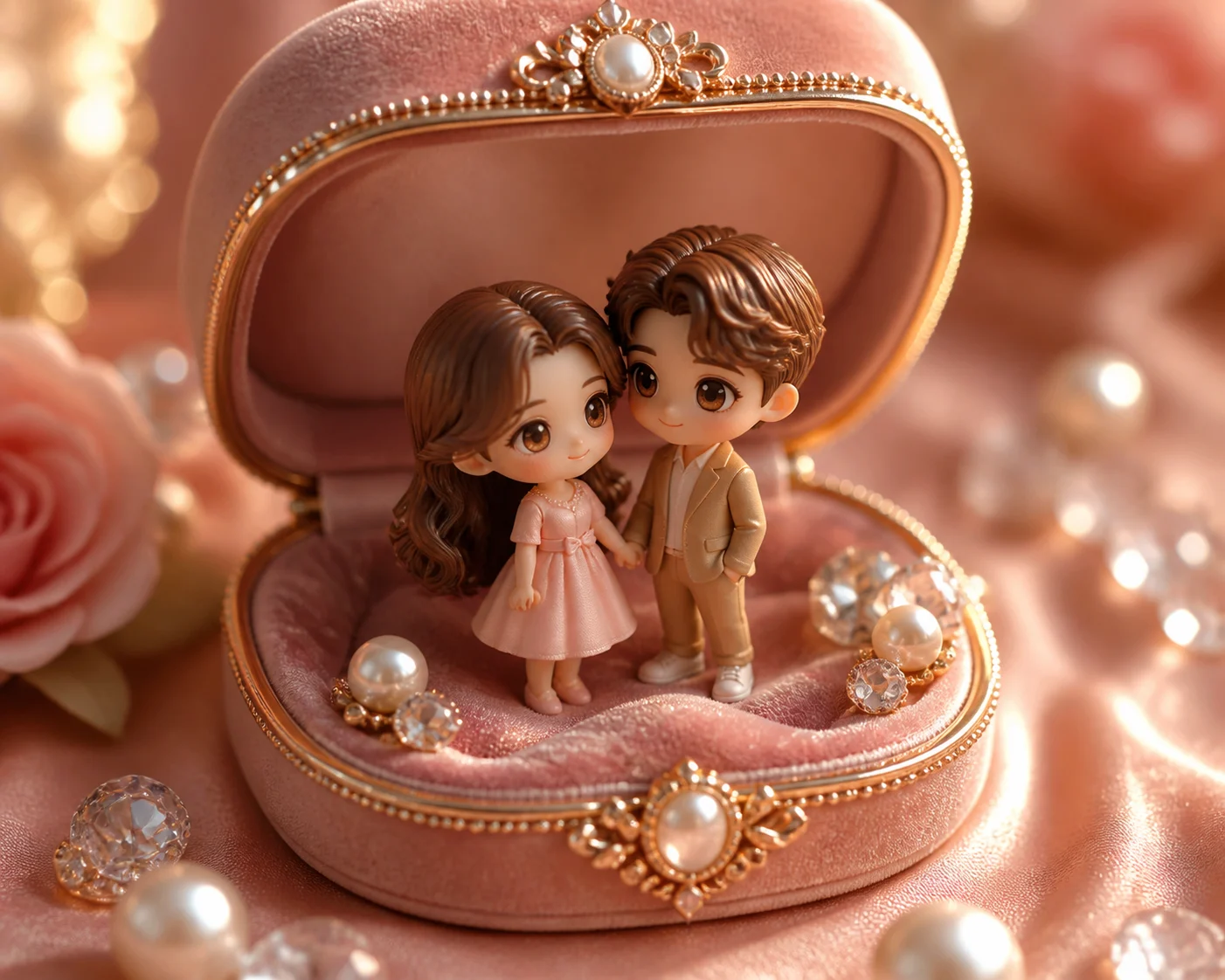
Turn a favorite couple photo into a keepsake-style 3D chibi scene set inside an open jewelry box, with warm light, velvet lining, tiny romantic props, and recognizable outfits and expressions.

AI 3D Chibi Couple Jewelry Box example result
0 / 2000
Template prompt

AI 3D Chibi Couple Jewelry Box

Apply the AI 3D Chibi Couple Jewelry Box effect to the uploaded couple photo. Preserve both people's recognizable facial features, hairstyles, relationship positioning, outfit colors, and emotional tone. Rebuild them as cute 3D chibi couple figures inside an open jewelry box, with velvet lining, tiny romantic props, warm soft lighting, glossy collectible materials, and a polished keepsake composition. Allow pose simplification only when needed to fit the jewelry-box scene.

AI 3D Chibi Couple Jewelry Box example result

What is an AI 3D Chibi Couple Jewelry Box?

AI 3D Chibi Couple Jewelry Box is a photo-to-style template for transforming a couple image into a cute collectible scene. The couple is recreated as 3D chibi figures inside an open jewelry box, while key features such as faces, hairstyles, outfit colors, relationship positioning, and emotional tone remain tied to the original photo.

From couple photo to chibi jewelry-box keepsake

This template restages the couple as adorable 3D chibi figures while keeping the emotional connection and defining details of the source image visible.

What changes

  • Turns a couple photo into a keepsake-style 3D chibi scene inside an open jewelry box.
  • Adds chibi couple figures, velvet-box staging, warm light, glossy collectible surfaces, and tiny romantic props.
  • Applies the AI 3D Chibi Couple Jewelry Box effect while keeping both people as the focus.
  • Simplifies the pose only when needed to fit the jewelry-box composition.

What stays recognizable

  • Both people’s recognizable facial features, hairstyles, relationship positioning, outfit colors, and emotional tone.
  • The main subject identity from the source image.
  • Defining colors, pose, silhouette, and important personal details.
  • A coherent couple-focused composition, even after the scene is rebuilt inside the jewelry box.

How to create a 3D Chibi Couple Jewelry Box online

A clear source photo and a focused description help the final image keep the couple recognizable while shifting the scene into a cute jewelry-box world.

1

Upload a clear couple image

Select a sharp couple photo where both faces, hairstyles, clothing, and pose are visible enough to guide the transformation.

2

Set the chibi jewelry-box direction

Describe the open jewelry box, velvet lining, warm soft lighting, chibi proportions, romantic props, and any personal details that should remain recognizable.

3

Review and refine the image

Review the result for likeness, pose, clothing colors, facial details, hands, props, and overall coherence before saving or refining.

AI 3D Chibi Couple Jewelry Box examples

Explore different examples of the same idea: a couple transformed into a cute 3D chibi scene with jewelry-box staging, soft romantic lighting, and a polished keepsake look.

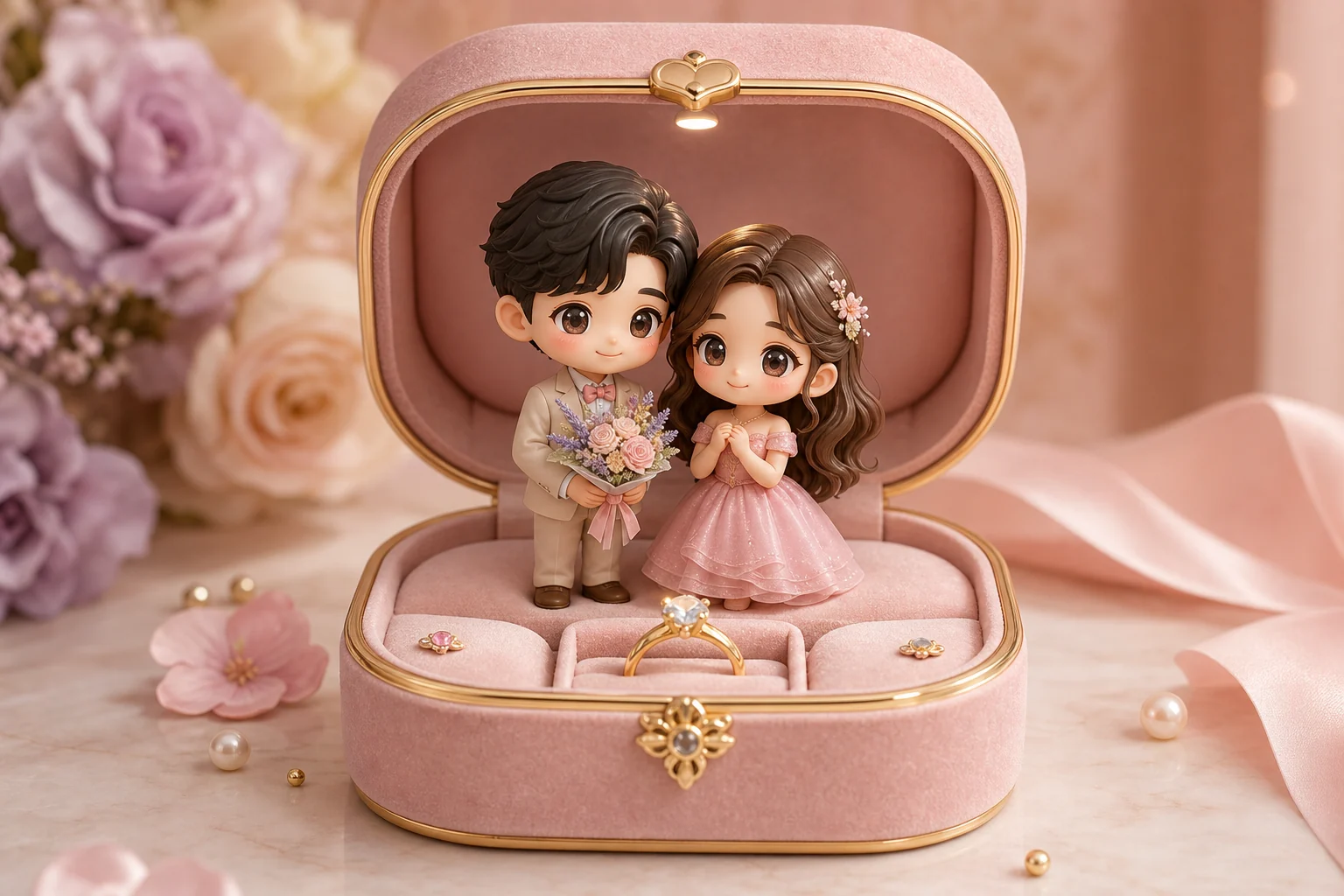
AI 3D Chibi Couple Jewelry Box Example 1

Classic open jewelry box scene

A polished 3D chibi couple composition with an open jewelry box feel and warm romantic presentation.

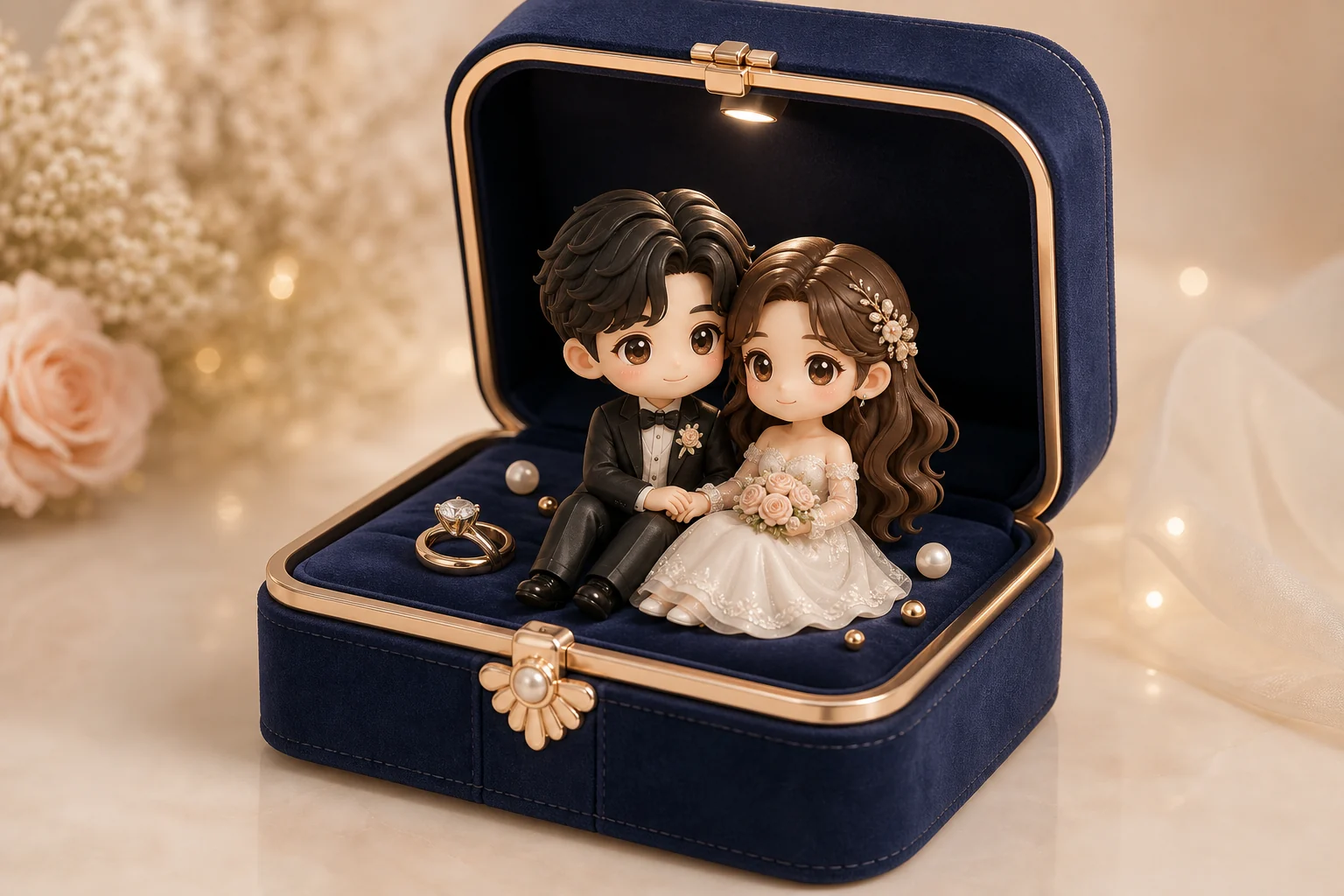
AI 3D Chibi Couple Jewelry Box Example 2

Warm romantic chibi display

A soft keepsake-style chibi couple result focused on recognizable outfits, affectionate positioning, and glossy collectible detail.

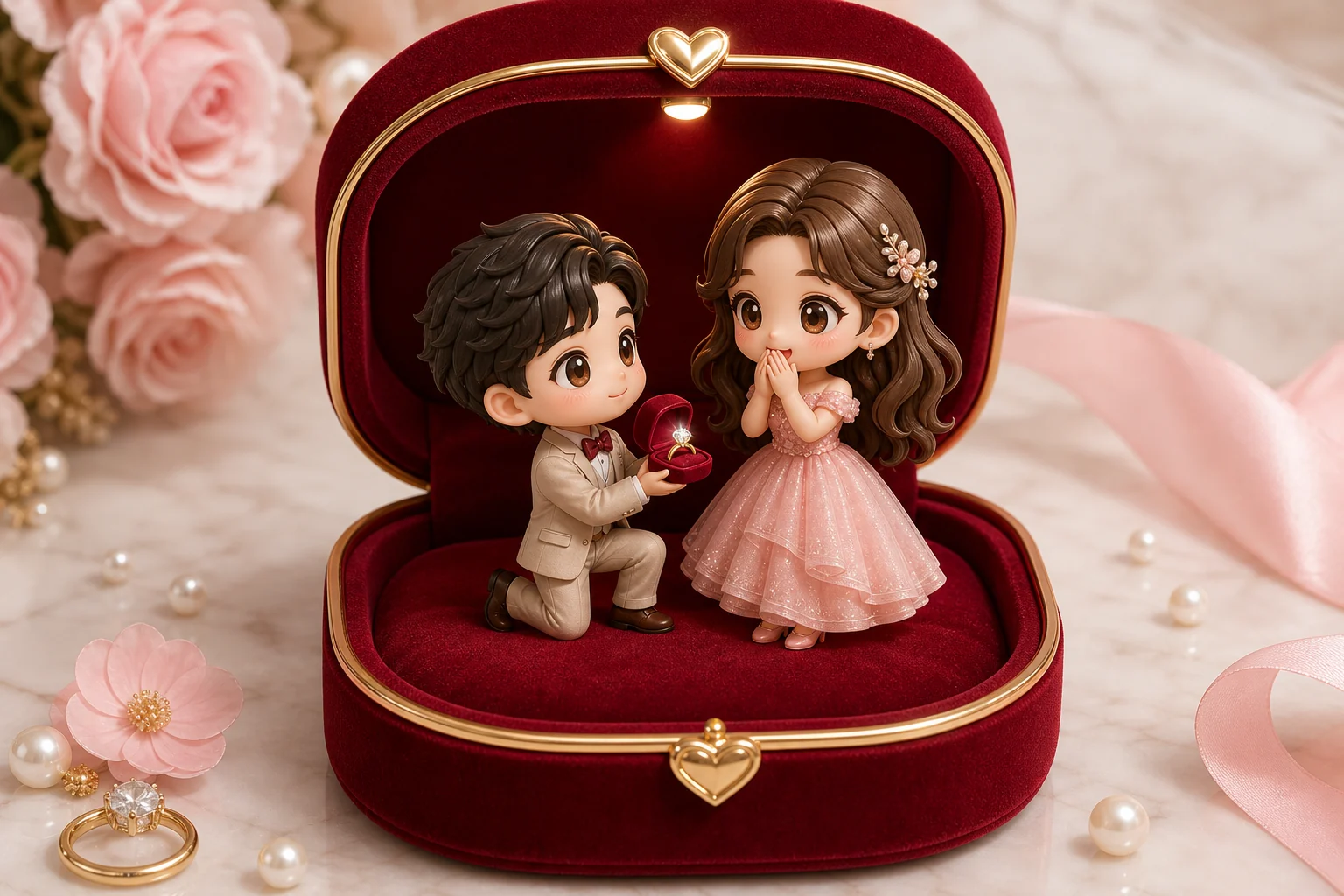
AI 3D Chibi Couple Jewelry Box Example 3

Collectible couple figurine style

A cute 3D couple figure scene with tiny romantic accents, velvet-box atmosphere, and a compact collectible layout.

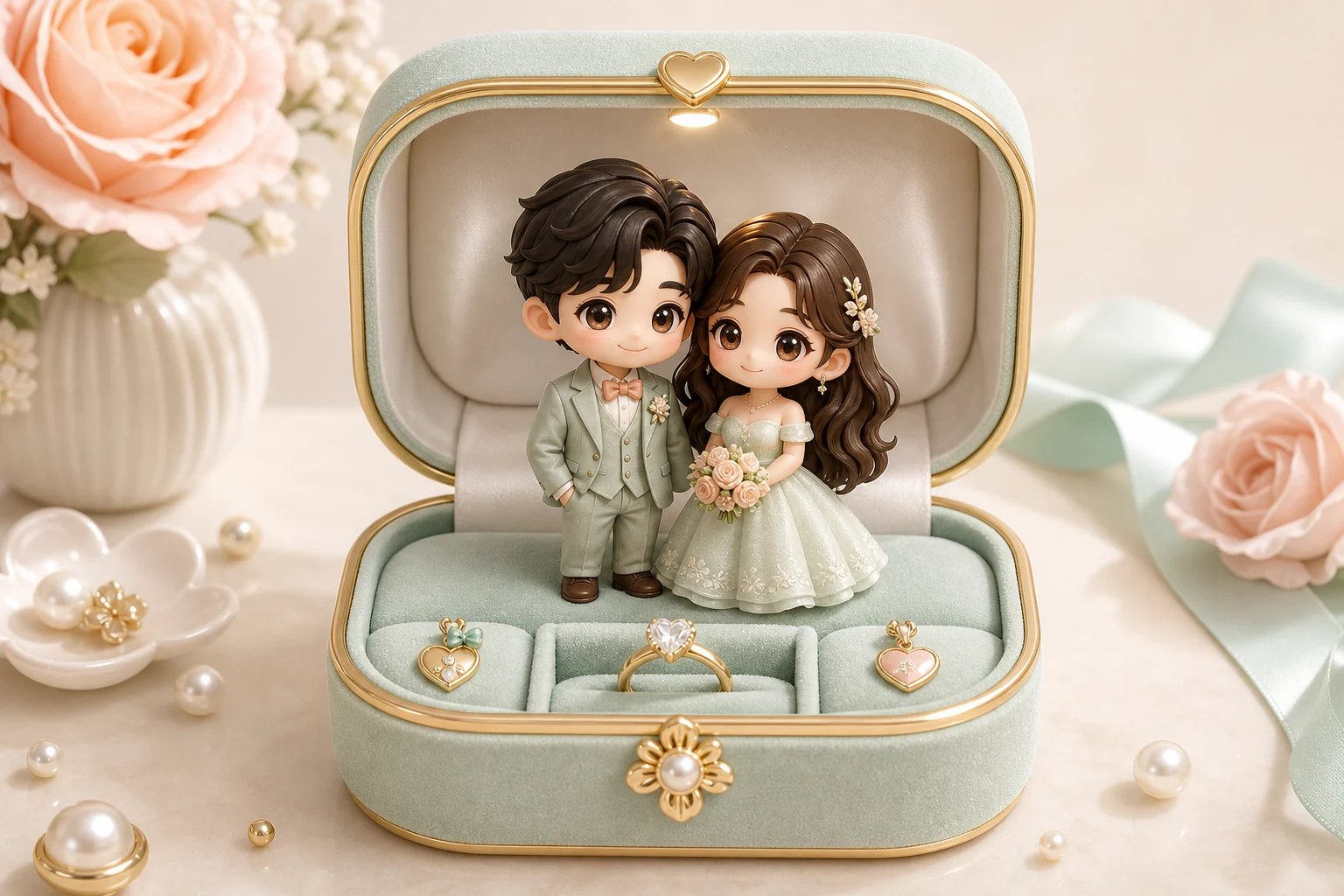
AI 3D Chibi Couple Jewelry Box Example 4

Miniature romantic keepsake

A jewelry-box inspired couple portrait with simplified chibi proportions and a polished miniature-scene finish.

AI 3D Chibi Couple Jewelry Box Example 5

Expressive chibi couple box

A bright 3D Chibi Couple Jewelry Box look designed around expressive faces, recognizable clothing colors, and a sweet display setting.

Ways to use this template

Use this style when you want a focused romantic visual built around a couple, a keepsake mood, and a cute collectible 3D finish.

Personal keepsake visuals

Create a warm AI 3D Chibi Couple Jewelry Box preview for an anniversary, wedding-inspired edit, relationship memory, or personal creative project.

Creative direction preview

Explore the jewelry-box chibi direction before refining the prompt, sharing a draft, or presenting the visual concept to someone else.

How to prepare your couple photo

The best results start with a photo where both people are easy to identify and the relationship pose is clear. Strong source detail helps the final 3D Chibi Couple Jewelry Box feel personal rather than generic.

Source image checklist

  • Use a sharp source image with both people clearly visible.
  • Avoid heavy blur, blocked faces, extreme crops, or confusing overlaps.
  • Choose a source whose pose and framing support the intended AI 3D Chibi Couple Jewelry Box result.

Prompt guidance

Mention details that matter: each person’s hairstyle, outfit colors, pose, expression, relationship positioning, and desired romantic props. Ask for an open jewelry box with velvet lining, warm soft lighting, glossy collectible materials, and a polished keepsake composition. Allow only small pose simplifications when needed to fit the box.

What to review before using the result

Generated details can vary, so review the image before sharing or refining it. A clearer source photo or a more specific prompt can help when the scene needs stronger likeness or cleaner details.

Check identity and pose

Compare both people’s facial features, hairstyles, outfit colors, silhouette, and relationship positioning with the original photo.

Review the jewelry-box style

Look for a coherent open jewelry box scene with velvet lining, warm light, glossy 3D materials, and small romantic props that support the keepsake mood.

Inspect fine details

Inspect faces, hands, edges, background transitions, tiny objects, and any text-like marks for visual artifacts or distracting distortions.

AI 3D Chibi Couple Jewelry Box FAQ

Common questions about creating a 3D Chibi Couple Jewelry Box online from a couple photo.

What is AI 3D Chibi Couple Jewelry Box?
It is a visual style that turns a couple photo into a 3D chibi keepsake scene inside an open jewelry box, usually with velvet lining, soft lighting, glossy materials, and small romantic details.
Is AI 3D Chibi Couple Jewelry Box free?
Availability and access can vary by platform or account. Check the current options shown when you open the template.
How do I use AI 3D Chibi Couple Jewelry Box?
Start with a clear couple photo, choose this template, and describe any important details you want preserved, such as clothing colors, hairstyle, pose, or mood. Review the result and refine if needed.
What image formats does AI 3D Chibi Couple Jewelry Box support?
Use common image formats supported by the upload tool, such as JPG, PNG, or WebP when available. A sharp, well-lit image gives the style more useful detail to reference.
Can I use AI 3D Chibi Couple Jewelry Box results commercially?
Usage terms can depend on the platform, source image, and intended use. Review the applicable rights and terms before using results for business, merchandise, advertising, or public campaigns.
What AI 3D Chibi Couple Jewelry Box changes are made?
The template changes the photo into a cute 3D chibi couple scene with a jewelry-box setting, velvet staging, warm lighting, glossy materials, and small romantic props. It may simplify the pose slightly to fit the box composition.
Which source image works best?
Choose a clear couple photo where both people are visible, faces are not blocked, and the pose is easy to understand. Avoid heavy blur, harsh crops, confusing overlaps, or very dark lighting.
How do I keep the subject recognizable?
Use a photo with visible facial features, hairstyles, outfit colors, and body positioning. After the result is created, compare the faces, silhouette, relationship pose, and clothing details with the original.

Create an AI 3D Chibi Couple Jewelry Box image

Use a clear couple photo to create a warm, romantic jewelry-box scene with cute 3D chibi figures and a polished keepsake look.