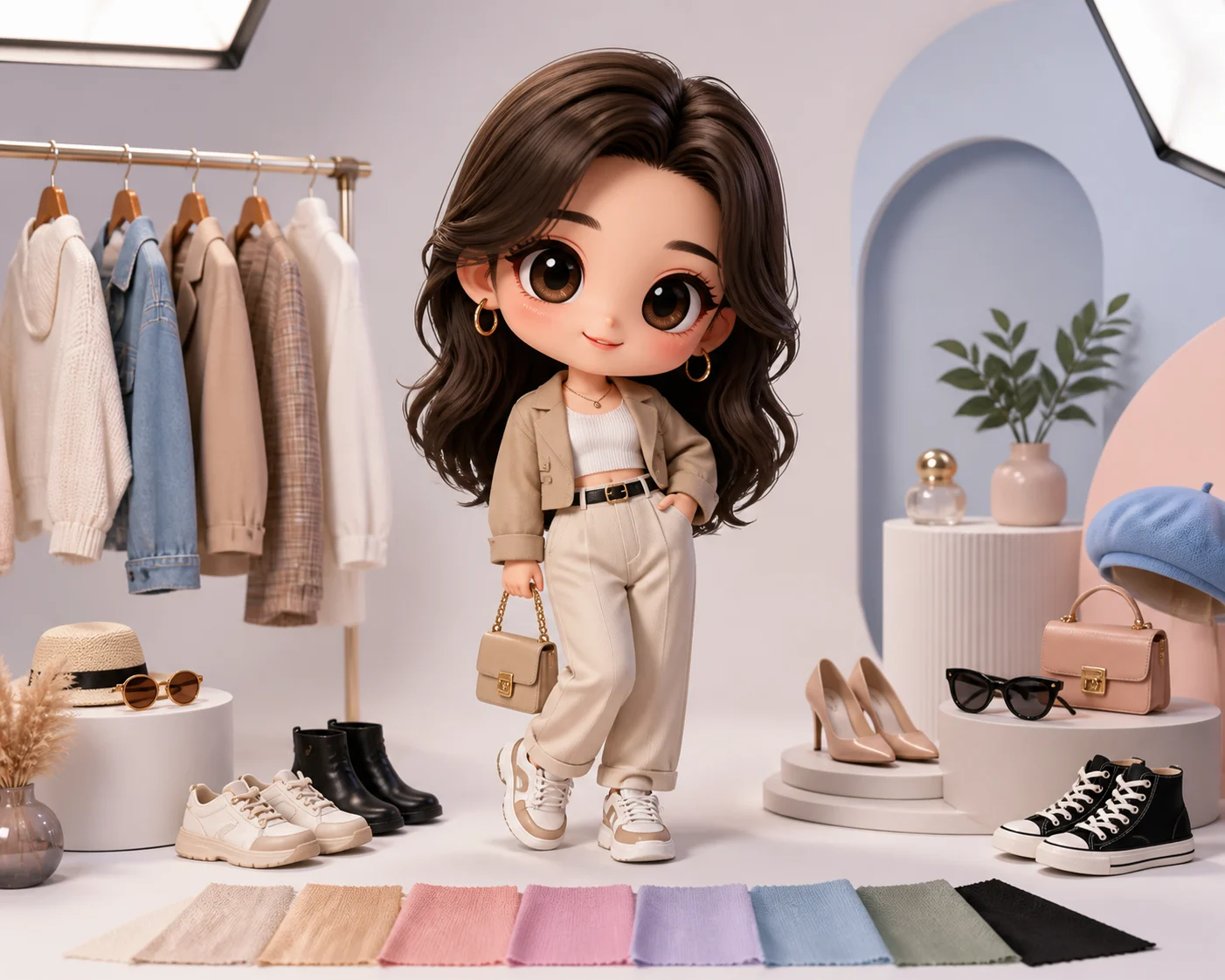
AI 3D Chibi OOTD Generator with 20 Free Credits

AI 3D Chibi OOTD Generator with 20 Free Credits

Turn an outfit photo into a cute 3D Chibi character while keeping the OOTD silhouette, colors, accessories, hairstyle, shoes, and pose recognizable.

AI 3D Chibi OOTD Generator example
0 / 2000
Template prompt

AI 3D Chibi OOTD Generator with 20 Free Credits

Apply the AI 3D Chibi OOTD effect to the uploaded outfit photo. Preserve the person identity, hairstyle, pose, clothing silhouette, colors, accessories, shoes, and styling cues from the upload. Rebuild the subject as a cute 3D chibi character with super-deformed proportions, glossy toy-like materials, fashion-doll styling, clean studio lighting, and a polished avatar-ready composition. Keep the outfit recognizable as the core visual feature.

AI 3D Chibi OOTD Generator example

What this 3D Chibi OOTD template creates

The AI 3D Chibi OOTD Generator with 20 Free Credits helps transform a clear outfit photo into a polished mini-character look. It is designed for fashion-focused edits where the clothing, pose, hairstyle, accessories, and styling cues remain central while the person becomes a big-head, small-body 3D Chibi figure.

From outfit photo to 3D Chibi character

This template changes the visual style of the outfit photo while keeping the OOTD recognizable as the main focus.

What changes

  • Turns an outfit photo into a cute 3D Chibi character with a big head, small body, and polished toy-like finish.
  • Adds soft lighting, clean materials, fashion-doll styling, and a collectible mini-character feel.
  • Creates a playful OOTD visual suitable for posts, avatars, stickers, toy-style edits, and fashion mood boards.
  • Lets you explore a fast first version before refining the style, framing, or character mood.

What stays recognizable

  • Person identity, hairstyle, pose, and main body direction from the source photo.
  • Clothing silhouette, colors, accessories, shoes, and styling cues from the upload.
  • The outfit as the core feature of the final 3D Chibi character.
  • Defining colors, pose, silhouette, and important subject details in a coherent composition.

How it works

Follow a simple process to turn a source outfit photo into a recognizable 3D Chibi character edit.

1

Upload a strong outfit photo

Choose a clear image where the main subject, outfit, hairstyle, accessories, shoes, and pose are visible.

2

Describe the OOTD details

Add notes about the clothing silhouette, colors, pose, hairstyle, accessories, and the kind of 3D Chibi finish you want.

3

Check and refine the result

Review the Chibi character for outfit recognition, coherent proportions, clean edges, and any artifacts that may need another version.

3D Chibi OOTD style variations

Explore different 3D Chibi OOTD looks while keeping the outfit, pose, and personal styling cues at the center of the image.

AI 3D Chibi OOTD Generator background

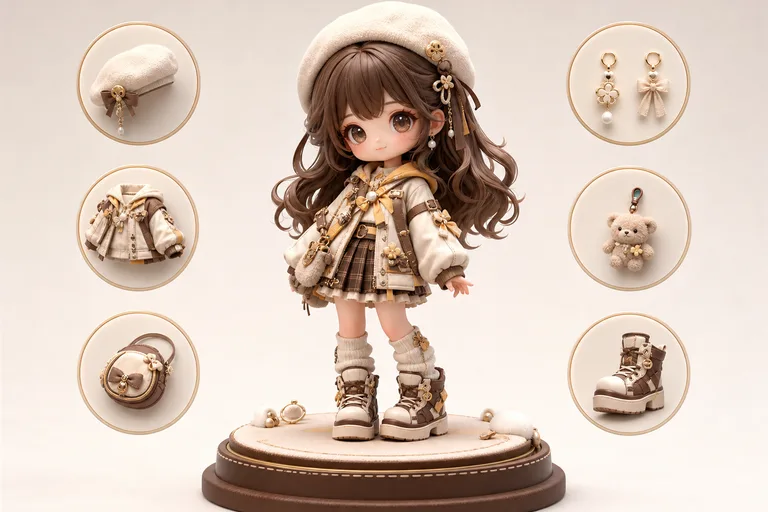
Polished studio Chibi

A clean studio-style Chibi character that emphasizes the outfit silhouette, colors, and accessories with a polished toy-like finish.

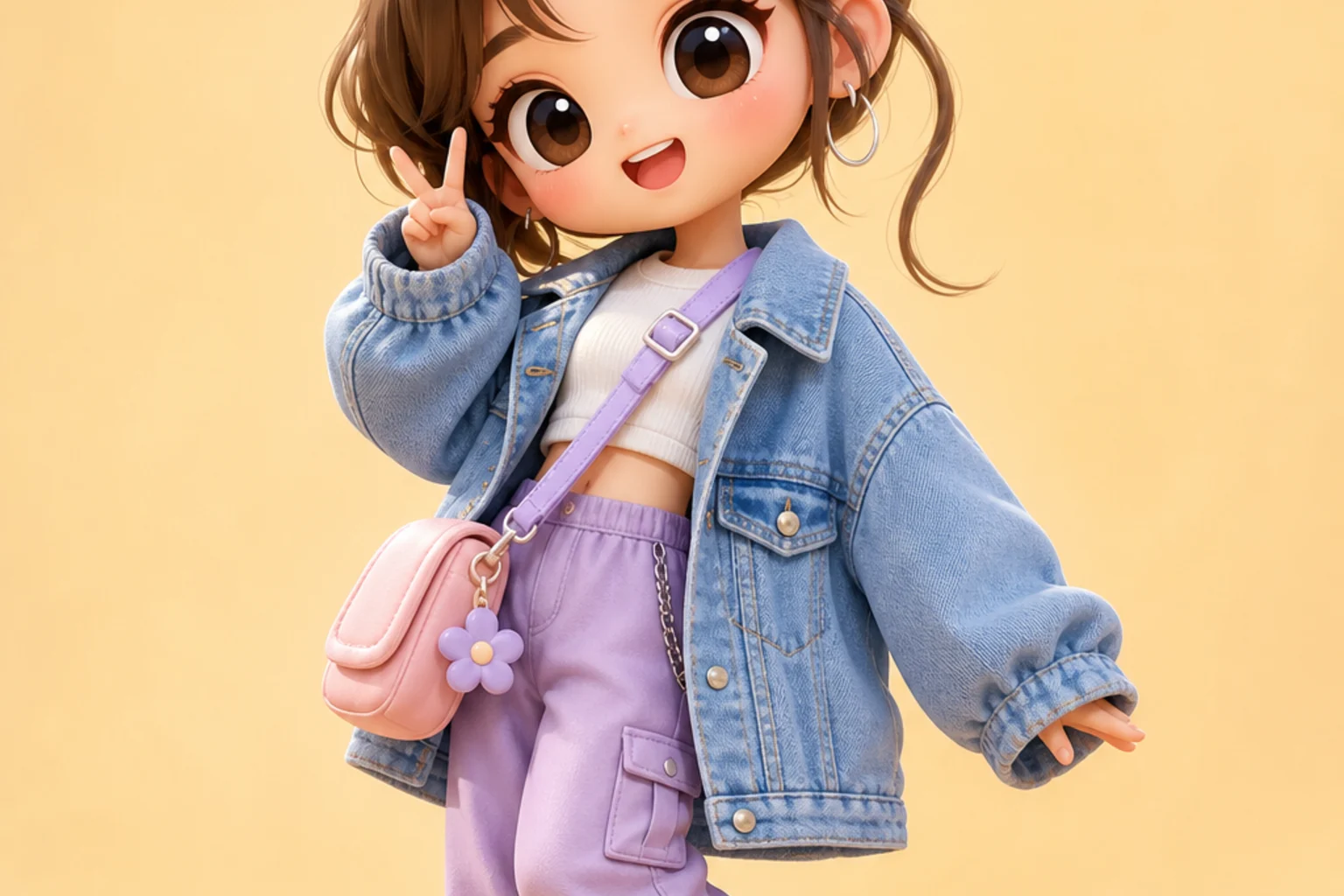
AI 3D Chibi OOTD Generator example 1

Fashion-doll OOTD character

A fashion-doll inspired version with soft lighting, cute proportions, and a display-ready character pose.

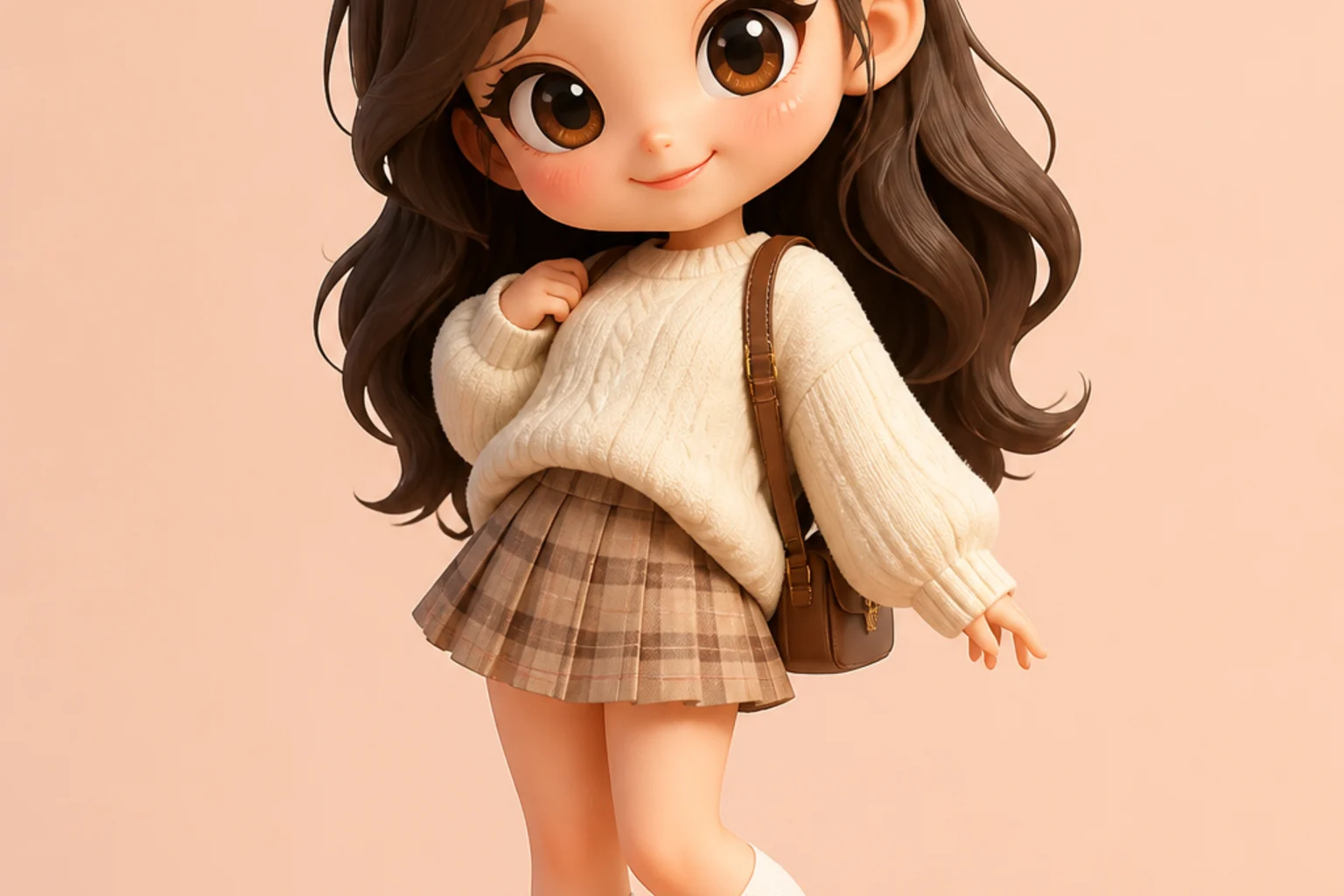
AI 3D Chibi OOTD Generator example 2

Avatar-ready Chibi look

A playful avatar-style Chibi edit that keeps the hairstyle, clothing details, and pose readable for profile or sticker use.

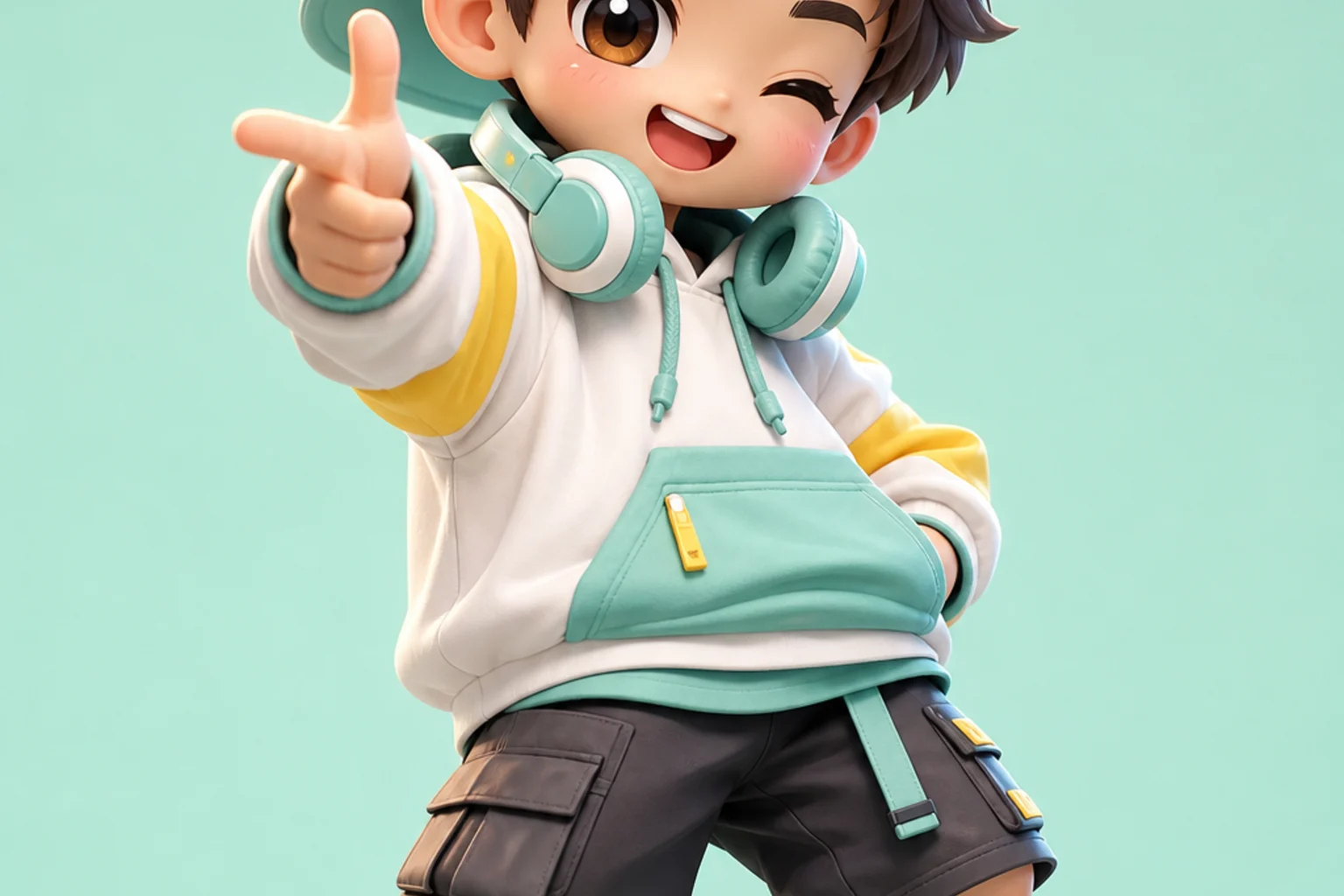
AI 3D Chibi OOTD Generator example 3

Collectible toy-style OOTD

A collectible mini-character direction with glossy materials, compact proportions, and the outfit treated as the main visual feature.

Ways to use a Chibi OOTD image

Use the 3D Chibi OOTD result anywhere you want a cute, fashion-led character version of a real outfit photo.

Create a first version fast

Create a quick first pass from an outfit photo to see how the clothing and pose translate into Chibi form.

Adapt the style to your project

Guide the result toward a glossy toy, fashion-doll, pastel, collectible figure, or clean avatar direction.

Create another version

Try another framing, expression, or material feel while keeping the same outfit recognizable.

Make a creative preview

Build a focused preview for a personal profile, OOTD post, sticker concept, or fashion mood board.

Compare visual directions

Compare different Chibi directions before refining, sharing, or presenting the final image.

How to get a stronger Chibi OOTD result

A clear source and a specific prompt help the Chibi version keep the person, outfit, pose, and styling cues coherent.

Source image checks

  • Use a sharp source image with the main subject clearly visible.
  • Avoid heavy blur, blocked details, extreme crops, or confusing overlaps.
  • Choose a photo where the pose and framing support the intended 3D Chibi OOTD result.

Prompt guidance

Describe the subject as a cute 3D Chibi character with super-deformed proportions, glossy toy-like materials, soft studio lighting, and a polished avatar-ready composition. Include the outfit silhouette, key colors, hairstyle, accessories, shoes, and pose you want preserved.

Review before sharing

Generated details can vary between runs, so review the image before using it in a post, avatar, sticker concept, or presentation.

Check recognition

Compare the face, hairstyle, pose, outfit silhouette, shoes, and accessories with the original photo.

Review the Chibi style

Make sure the 3D Chibi treatment feels consistent, with coherent toy-like materials, soft lighting, and balanced proportions.

Look for details to refine

Inspect faces, hands, edges, small accessories, clothing seams, and background transitions for artifacts or confusing details.

AI 3D Chibi OOTD Generator FAQs

Common questions about creating 3D Chibi OOTD images from outfit photos.

Is the AI 3D Chibi OOTD Generator free?
The template includes 20 Free Credits as part of the experience, so you can try a Chibi OOTD transformation before deciding how you want to refine your image.
What photos work best for chibi OOTD results?
Use a sharp, well-lit photo where the full outfit, hairstyle, shoes, accessories, and pose are easy to see. Avoid heavy blur, blocked clothing details, extreme crops, or crowded overlaps.
Will it keep my outfit recognizable?
It is built to keep the outfit as the core visual feature, including the silhouette, colors, shoes, accessories, and styling cues. You should still review the result because small details can vary.
Can I make avatar or sticker versions?
Yes. The 3D Chibi look works well for profile images, OOTD posts, sticker-style edits, toy-inspired character art, and fashion mood boards.
Can I change the chibi style?
Yes. You can describe the mood you want, such as glossy toy-like, soft studio, fashion-doll, pastel, collectible figure, or clean avatar style, while keeping the outfit details intact.
Can I use generated chibi OOTD images commercially?
Usage terms can depend on the platform, source photo, and any people, brands, or protected elements in the image. Review the applicable rights before using a generated image in a commercial context.
What details should I include for AI 3D Chibi OOTD Generator with 20 Free Credits?
Mention the clothing shape, main colors, hairstyle, accessories, shoes, pose, and desired 3D Chibi finish. Clear guidance helps the result stay closer to the original OOTD.
What makes AI 3D Chibi OOTD Generator with 20 Free Credits useful?
It gives fashion photos a playful character edit while keeping the styling recognizable, making it useful for social posts, avatars, sticker concepts, and quick visual previews.

Create your 3D Chibi OOTD image

Upload a clear outfit photo and create a cute 3D Chibi OOTD version that keeps the clothing, pose, hairstyle, and accessories recognizable.