
Descreva o vídeo
Escreva em uma ou duas frases sobre o que é o vídeo e para quem ele é. Briefings específicos produzem aberturas específicas.
Planejamento de roteiros
Escreva um briefing, escolha o formato e a duração, e o gerador de roteiros com IA cria uma abertura, plano de cenas, texto na tela, locução, orientação visual e ação final para você gravar.
É uma etapa de planejamento, não um renderizador de vídeo. Você descreve em linguagem simples o vídeo que deseja, escolhe o formato da plataforma e a duração, e recebe um rascunho de roteiro estruturado. O rascunho é um texto que você pode editar, entregar a um apresentador ou transformar mais tarde em prompts para geração de imagens e vídeos.
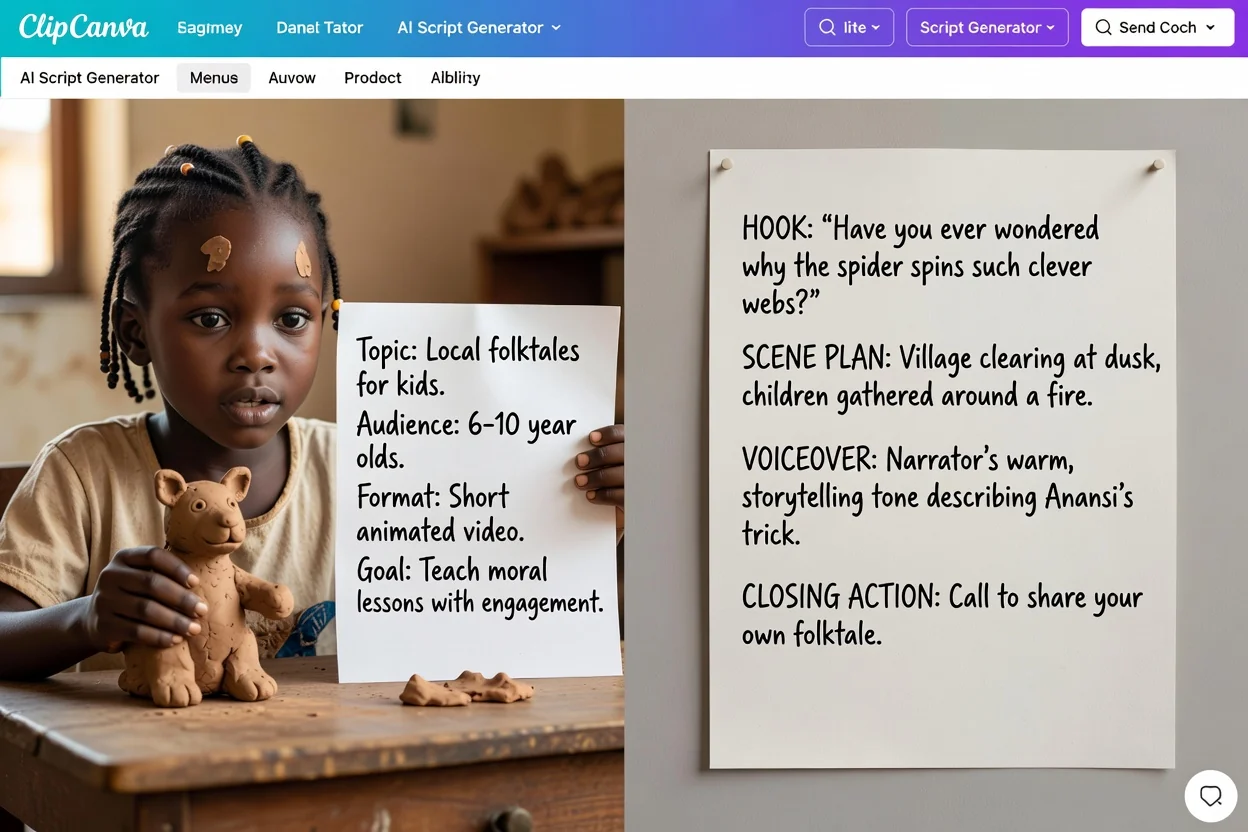
Quatro etapas, de uma ideia inicial a um rascunho que você pode gravar.
Escreva em uma ou duas frases sobre o que é o vídeo e para quem ele é. Briefings específicos produzem aberturas específicas.
Escolha o formato da plataforma e a duração desejada para que o plano de cenas tenha ritmo adequado a esse espaço, em vez de uma duração genérica.
Escolha o tom, a identificação do público, o idioma de saída e a ação final que deseja que os espectadores realizem.
Revise o rascunho seção por seção, reescreva a abertura ou as cenas que não se encaixarem e gere novamente com um briefing mais preciso, se necessário.
O rascunho separa falas, notas visuais e ação final. Revise todas as partes antes de usar.
A frase ou o momento inicial pensado para conquistar atenção nos primeiros segundos.
Uma lista ordenada de cenas com o que acontece em cada uma, no ritmo da duração que você escolheu.
Legendas curtas e rótulos para sobrepor, mantidos separados das falas.
O roteiro falado, escrito para ser lido em voz alta no idioma de saída selecionado.
Notas sobre o que mostrar ou gerar, além da frase final vinculada à ação escolhida.
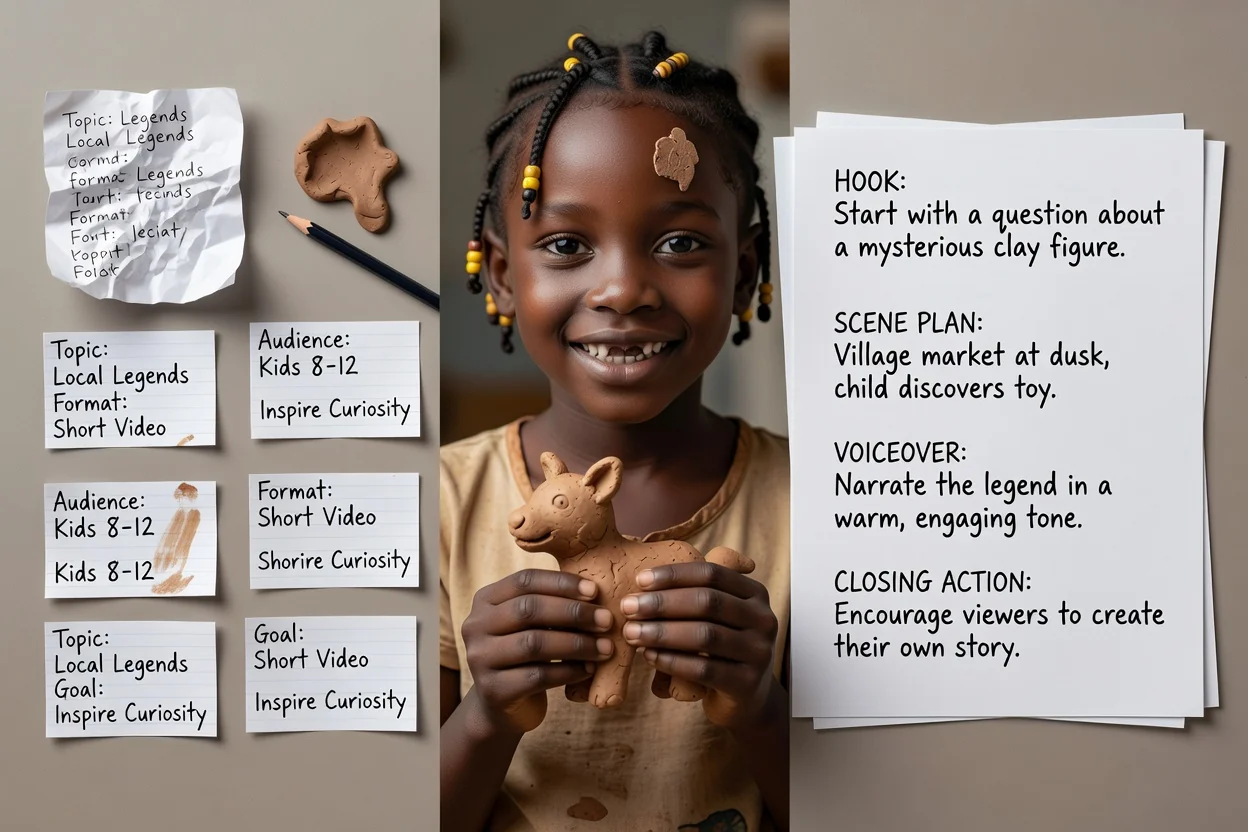
Use estas opções para orientar o rascunho e confira se o resultado atende ao briefing.
Vídeo do YouTube, YouTube Shorts, TikTok, Instagram Reel, episódio de podcast, anúncio em vídeo, vídeo de treinamento ou demonstração de produto.
15 segundos, 30 segundos, 60 segundos, 3 minutos ou 5 minutos. Isso define quantas cenas o plano terá.
Profissional, casual, ousado ou amigável, escrito em inglês, espanhol, francês, alemão ou português.
Indique quem está assistindo e escolha inscrever-se, comprar agora, agendar uma demonstração, saber mais ou solicitar um orçamento como encerramento.
Anexe até cinco imagens para fundamentar a orientação visual. Os anexos exigem uma conta com login.
Briefings comuns adequados a este planejador.
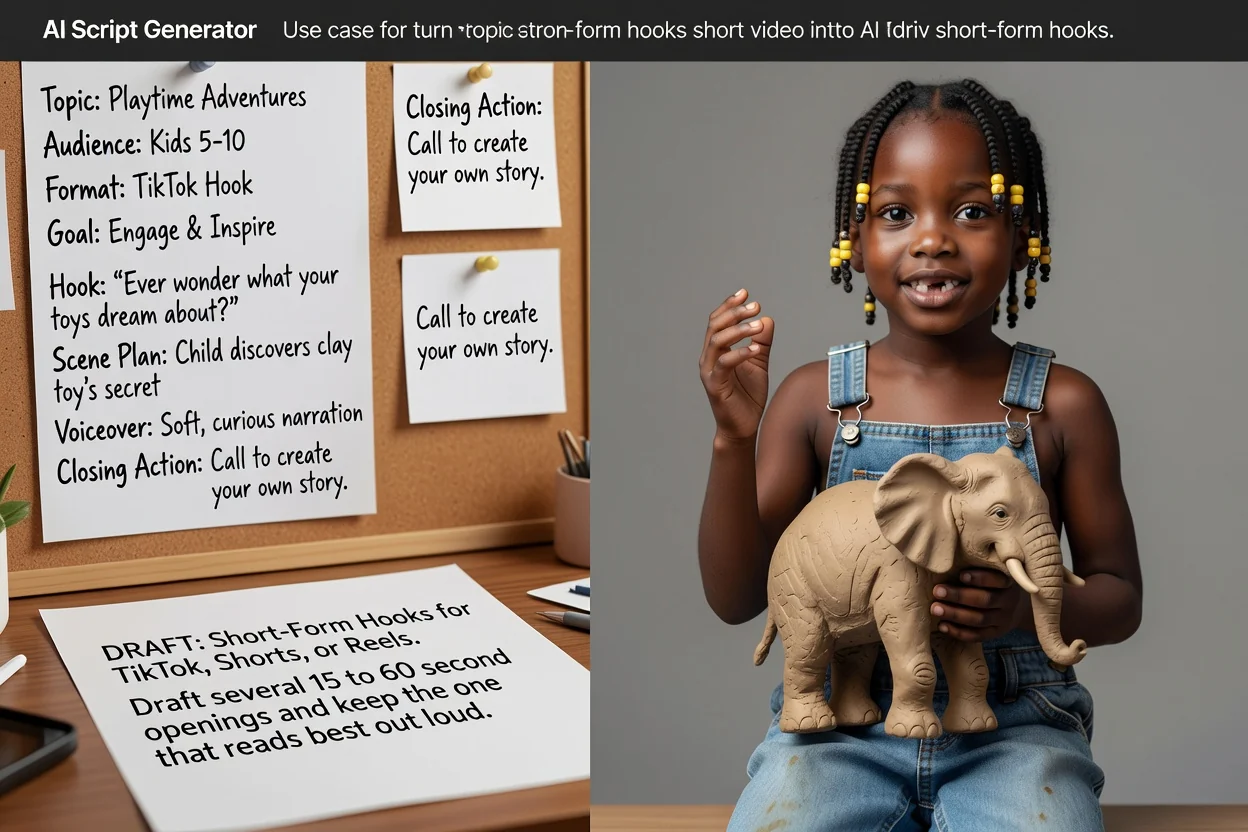
Crie várias aberturas de 15 a 60 segundos para TikTok, Shorts ou Reels e mantenha a que soar melhor em voz alta.
Criar um roteiro curto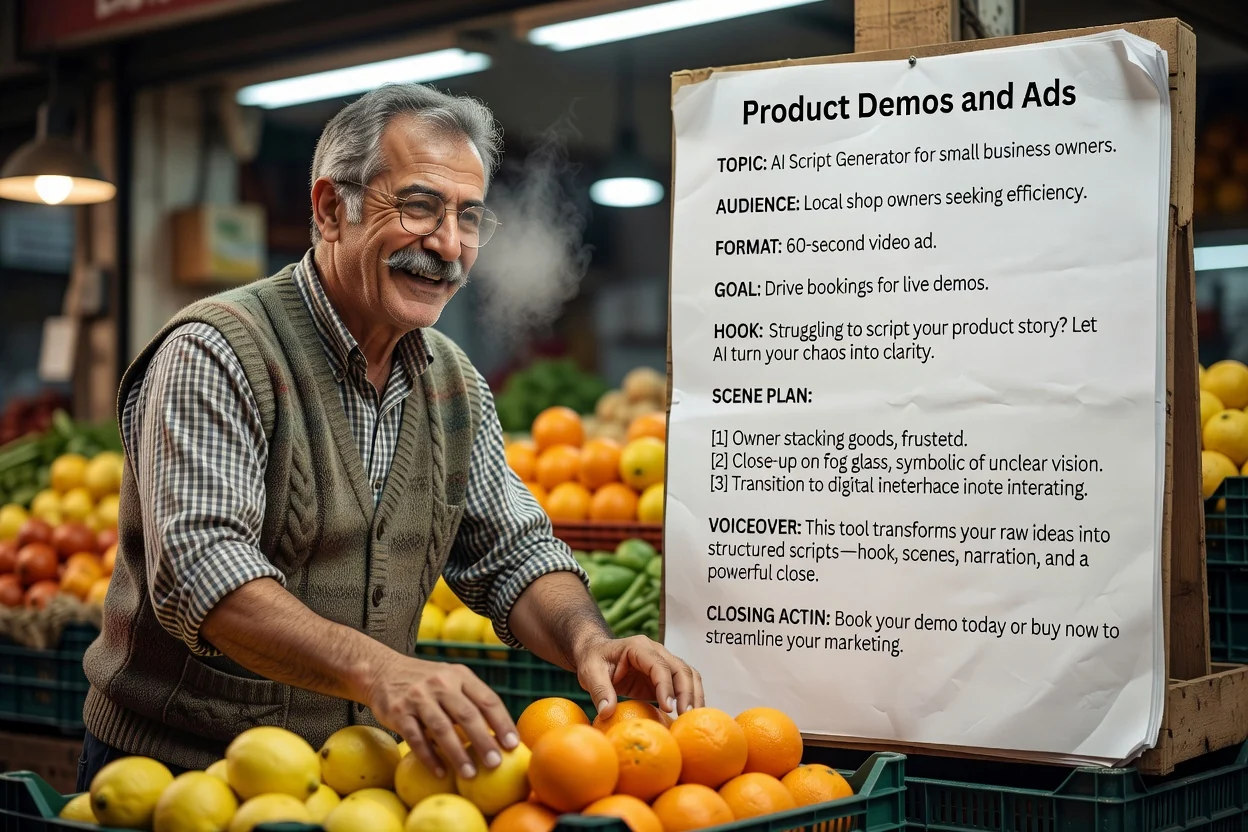
Exemplo: demonstração de 30 segundos de um copo de viagem para quem se desloca ao trabalho. Mostre a tampa e a pegada, use apenas fatos verificados e termine com uma visita à página do produto.
Criar um roteiro de demonstração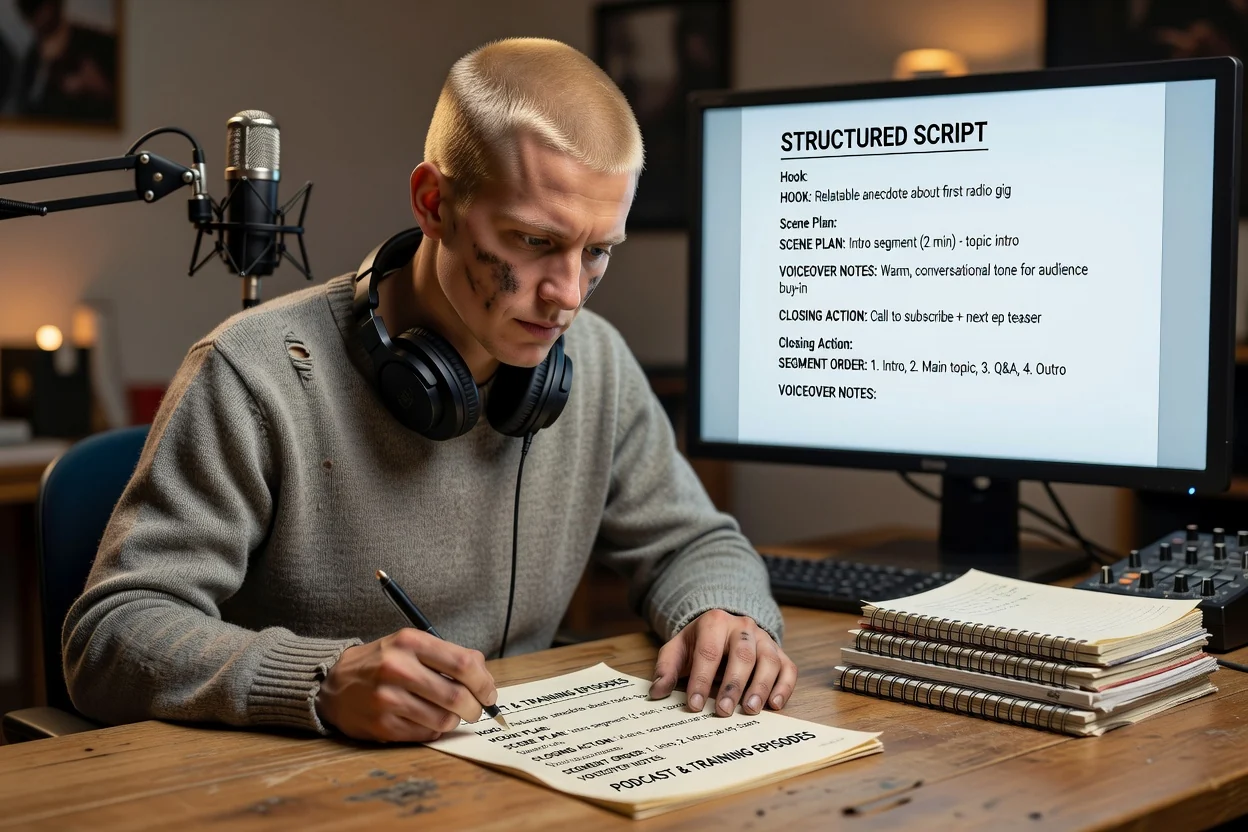
Monte o esboço de um episódio mais longo com ordem dos segmentos e notas de locução antes de se sentar para gravar.
Criar um esboço de episódio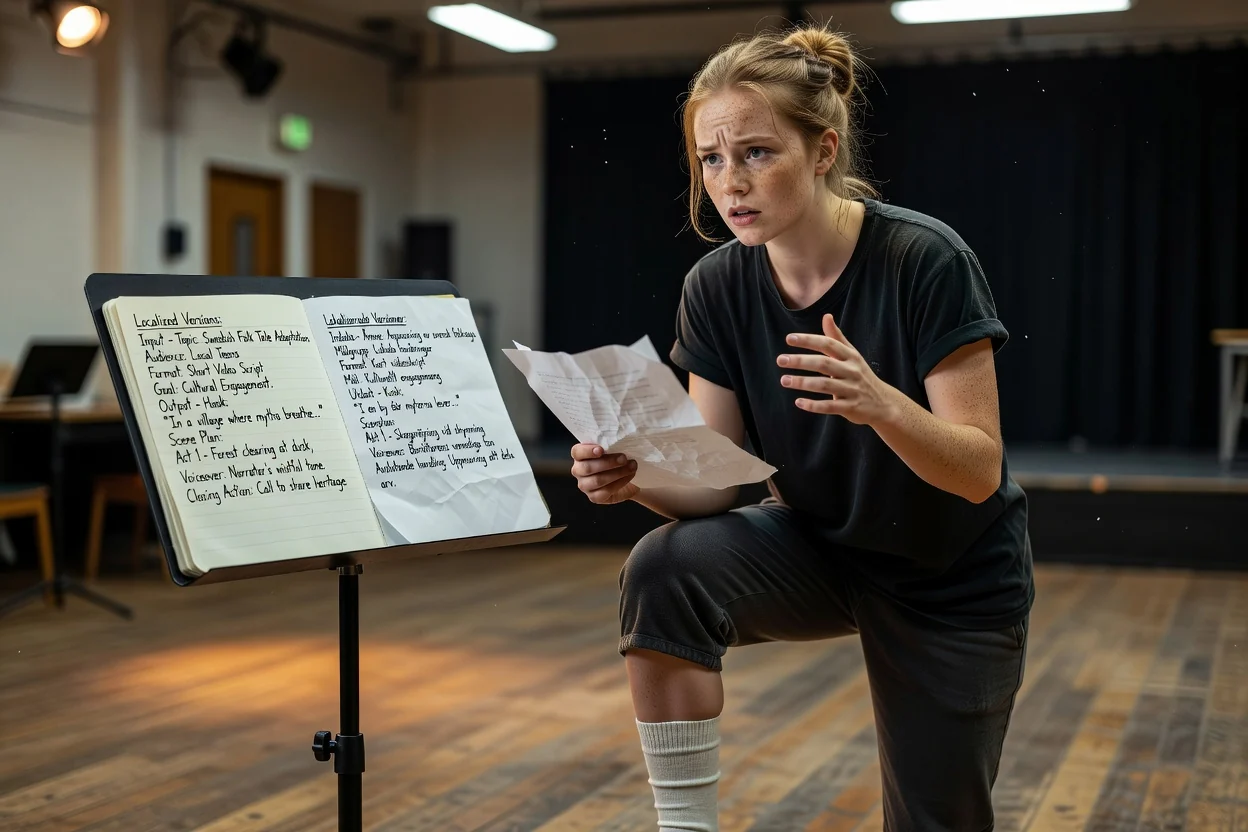
Gere novamente o mesmo briefing em outro idioma de saída para criar uma segunda versão para outro mercado.
Criar um roteiro localizadoQuatro verificações que identificam a maioria dos problemas em uma única revisão.
Se a frase inicial for difícil de dizer em uma respiração, encurte-a antes de qualquer outra coisa.
Leia a locução com um cronômetro. Se um rascunho de 30 segundos passar do tempo, corte uma cena ou frase repetida em vez de acelerar a fala.
Certifique-se de que as legendas acrescentem informações, em vez de repetir a locução palavra por palavra.
Compare as afirmações sobre o produto com sua fonte e confira se a ação final leva a um destino disponível. Reescreva afirmações sem respaldo antes de gravar.
Limites claros para que você possa se planejar levando-os em conta.
O rascunho é um roteiro. Gerar elementos visuais ou voz é uma etapa separada em um fluxo de vídeo ou voz.
Afirmações, números e detalhes de produtos vêm do seu briefing. Verifique qualquer informação específica antes de publicar.
A quantidade de cenas é planejada para a duração escolhida, mas a velocidade real de apresentação altera a duração final.
Perguntas comuns sobre o planejamento de roteiros antes de gravar.
Descreva o vídeo, escolha o formato e a duração, e deixe o gerador de roteiros com IA criar um rascunho estruturado que você pode editar e gravar.