
Descreva a ideia
Escreva em linguagem simples o que você quer ver. Indicar o assunto e a finalidade importa mais do que o tamanho do texto.
Planejamento de prompts
Descreva uma ideia inicial, escolha o tipo de imagem, o estilo, o modelo de destino e a proporção, e o gerador de prompts de imagem cria um prompt estruturado, uma versão curta e um prompt negativo para você copiar.
Área de prompts
Da ideia ao prompt de imagem pronto para copiar
Uma frase simples basta. O gerador adiciona estrutura, estilo, luz e composição.
Os resultados aparecerão aqui com o modelo, a proporção, o estilo e a quantidade de saídas selecionados.
Os resultados aparecerão aqui com o modelo, a proporção, o estilo e a quantidade de saídas selecionados.
Uma frase simples basta. O gerador adiciona estrutura, estilo, luz e composição.
Da ideia ao prompt de imagem pronto para copiar
Usar no gerador de imagensTransforma uma descrição curta em uma linguagem de prompt que um modelo de imagem pode interpretar. Em vez de tentar adivinhar a redação, você define o tipo de imagem, o estilo visual, o modelo de destino e a proporção, e recebe um prompt que indica o assunto, a composição, a iluminação e o que deixar fora do quadro.
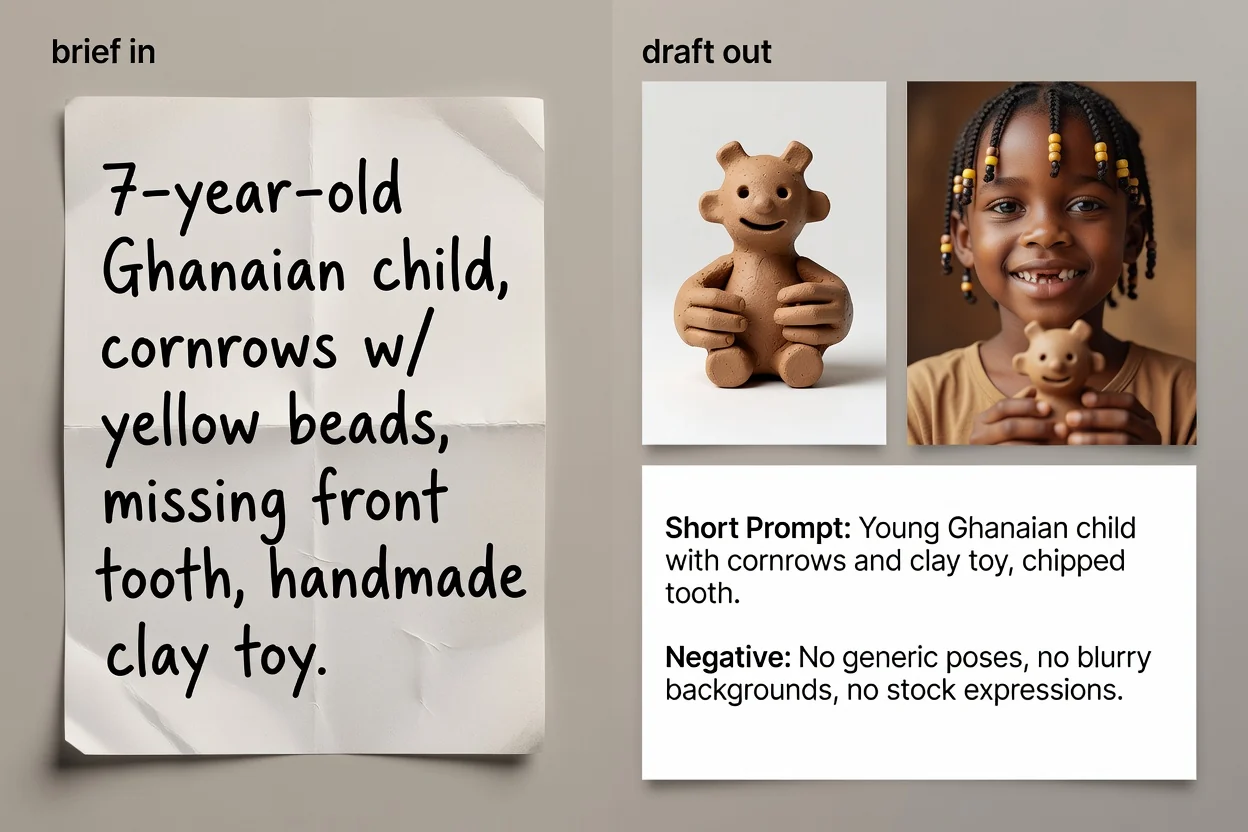
Quatro etapas, de uma ideia a um texto de prompt pronto para copiar.
Escreva em linguagem simples o que você quer ver. Indicar o assunto e a finalidade importa mais do que o tamanho do texto.
Escolha o tipo de imagem e o estilo visual para que o prompt use o vocabulário certo para essa categoria.
Selecione o modelo que pretende usar e a proporção, para que a redação e o enquadramento correspondam ao destino.
Crie o prompt, revise-o e, se quiser, execute o aprimoramento por IA para melhorar a redação e adicionar detalhes ausentes.
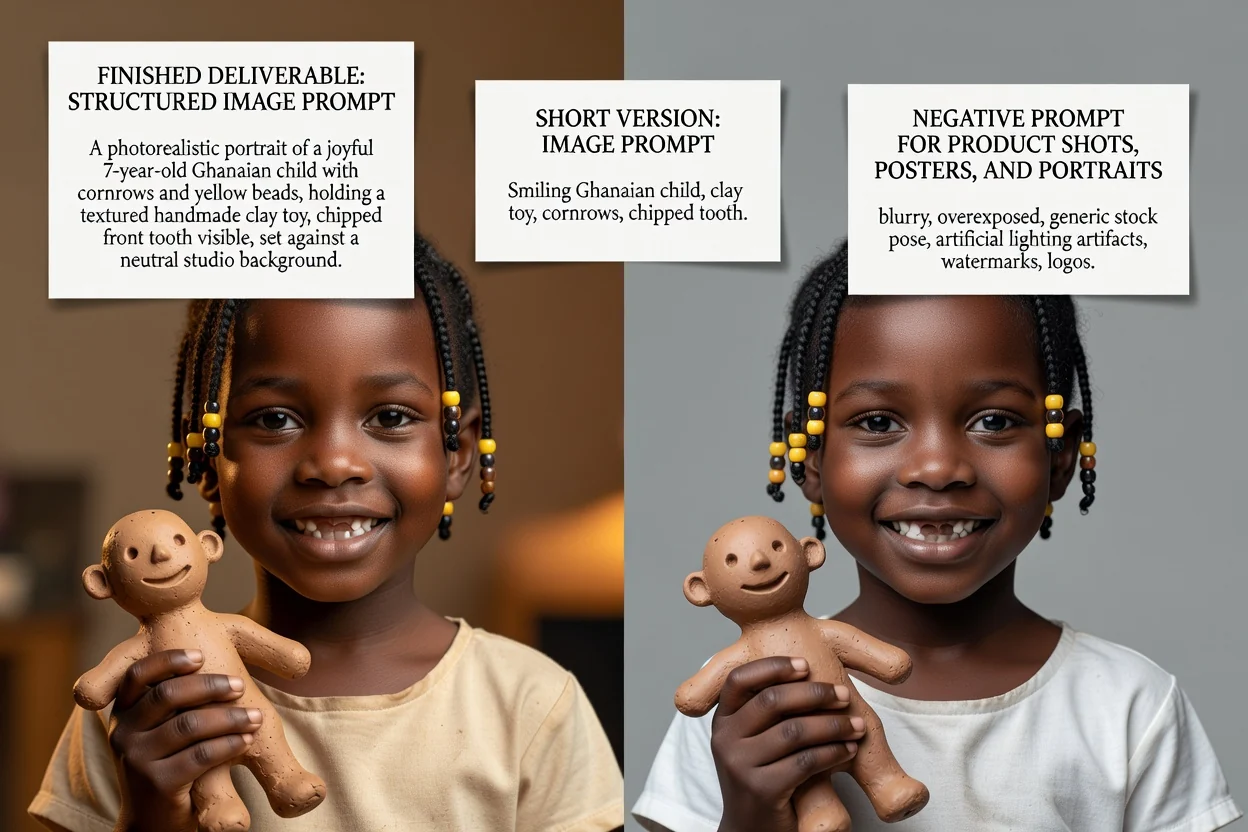
Três versões de prompt para três situações diferentes.
O prompt completo, com assunto, composição, iluminação, estilo e enquadramento detalhados em ordem.
Uma versão reescrita opcional que aprimora a redação e preenche lacunas deixadas pela descrição curta.
Uma versão condensada para interfaces com limites rigorosos de entrada ou para iterações rápidas.
A lista de elementos a manter fora da imagem, como texto, marcas-d'água ou detalhes distorcidos.
Cada controle muda a redação, não apenas o rótulo.
Foto de produto, retrato, pôster, logotipo, arte para redes sociais ou ilustração. Isso define quais termos de composição aparecem.
Fotorrealista, cinematográfico, editorial, minimalista, renderização 3D ou anime, o que orienta a linguagem de iluminação e renderização.
GPT Image, Midjourney, Flux, Stable Diffusion ou DALL-E. As convenções de redação variam entre eles.
Quadrada, paisagem, vertical ou retrato, para que o enquadramento e o espaço negativo se adequem à posição final.
Usos frequentes que começam aqui.
Escreva prompts que indiquem superfície, iluminação e espaço negativo para que o produto ainda deixe espaço para o texto do título.
Criar um prompt de produto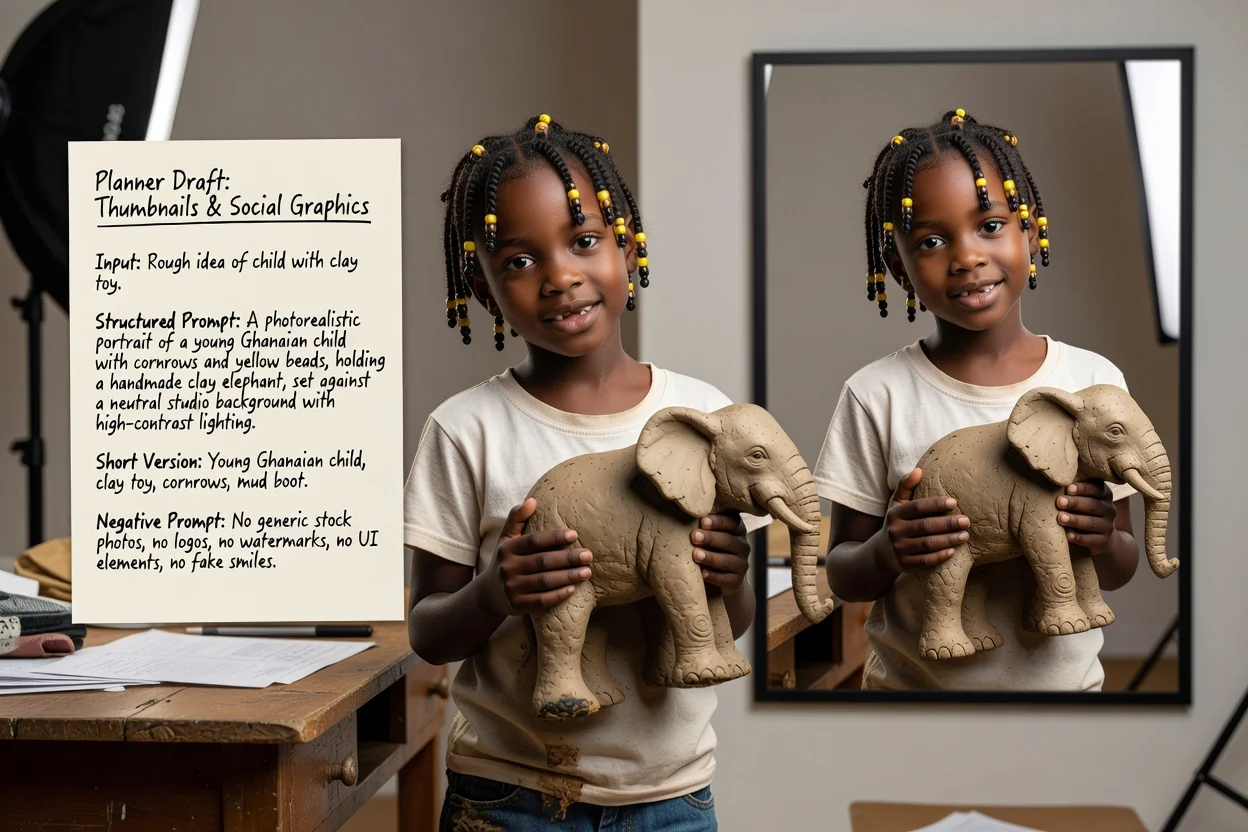
Defina uma proporção vertical ou paisagem e um estilo de alto contraste para que o resultado seja legível em tamanhos pequenos.
Criar um prompt para redes sociais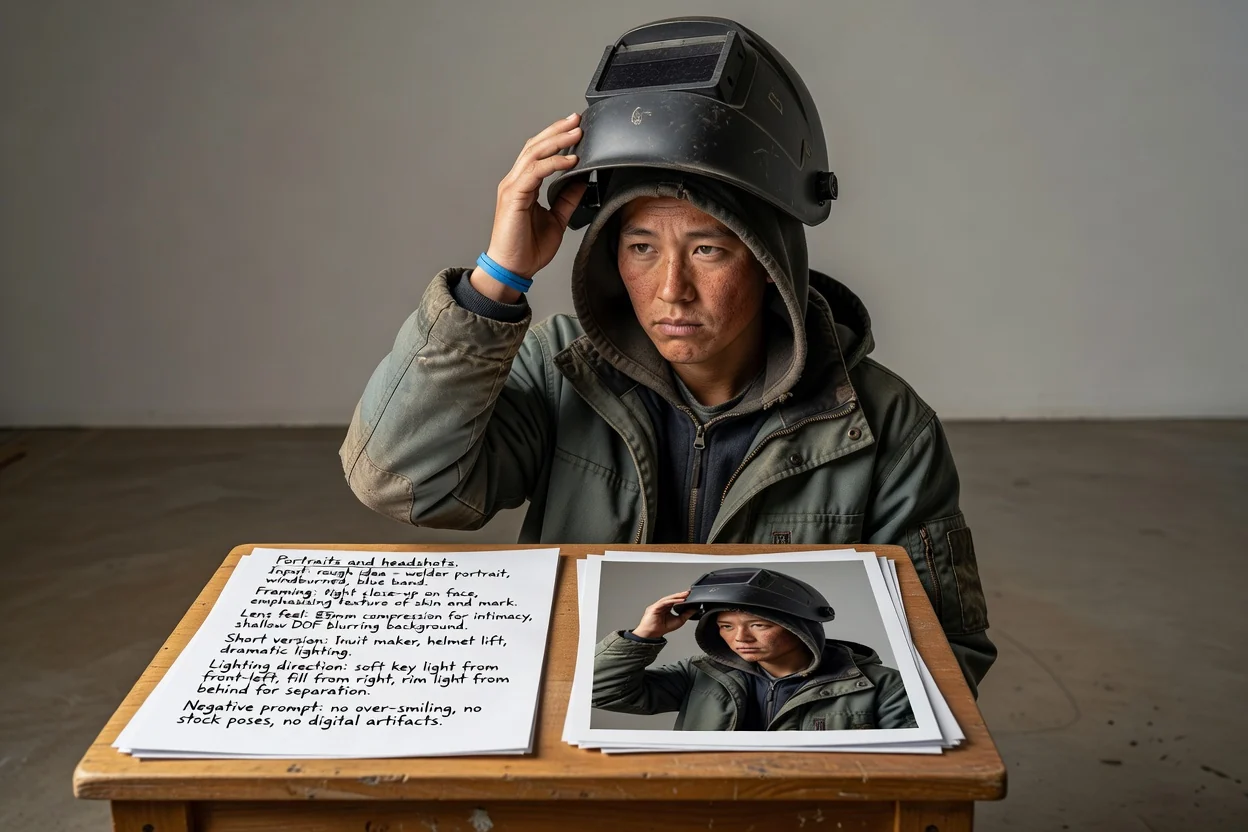
Descreva o enquadramento, a sensação da lente e a direção da iluminação em vez de depender do modelo para adivinhar o visual.
Criar um prompt de retrato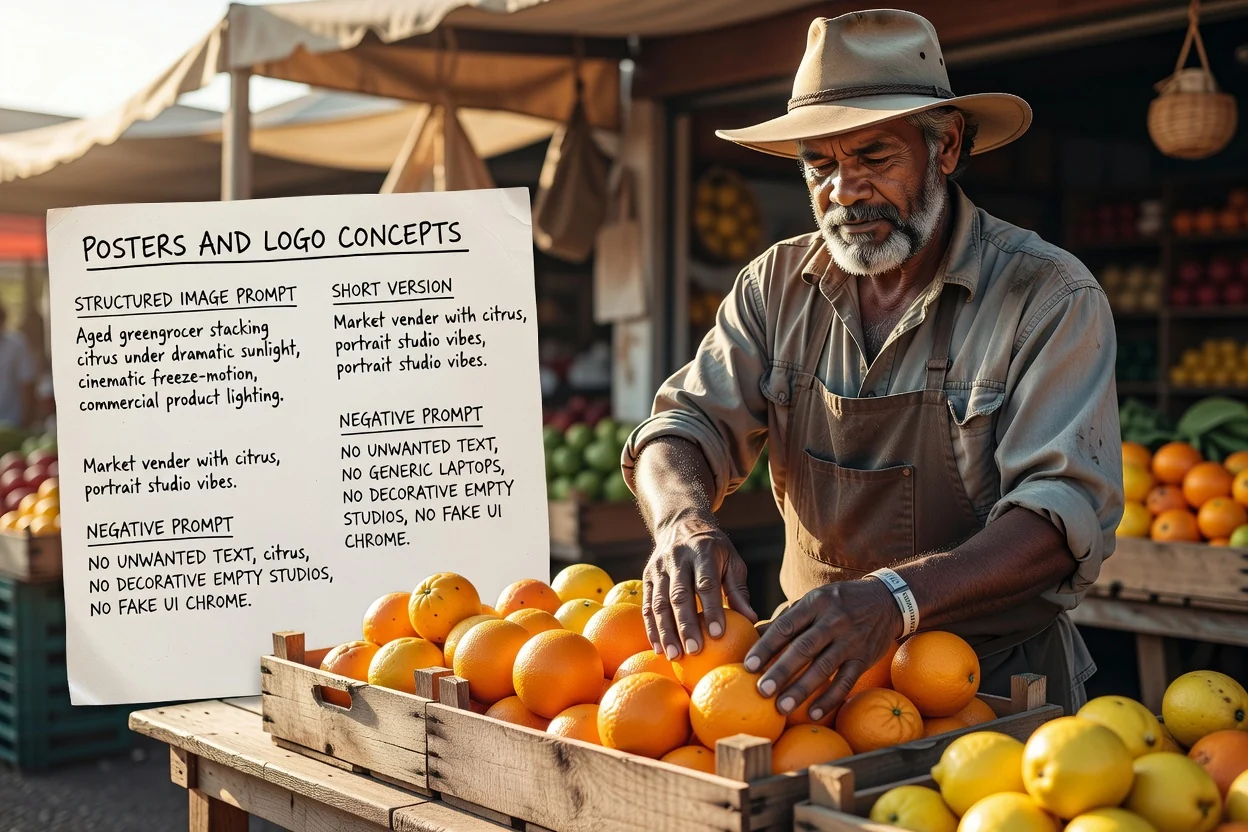
Planeje o layout e o espaço para tipografia desde o início e use o prompt negativo para controlar textos indesejados.
Criar um prompt de pôsterQuatro verificações rápidas que reduzem novas tentativas.
Se o prompt descrever dois assuntos que competem entre si, divida-o em dois prompts em vez de usar um único quadro lotado.
Uma proporção vertical precisa de linguagem de composição vertical. Incompatibilidades são a causa mais comum de recortes estranhos.
Se houver texto sobre a imagem depois, confirme que o prompt pede espaço negativo no lugar certo.
Remova exclusões de que você não precisa de fato, pois prompts negativos longos demais podem achatar o resultado.
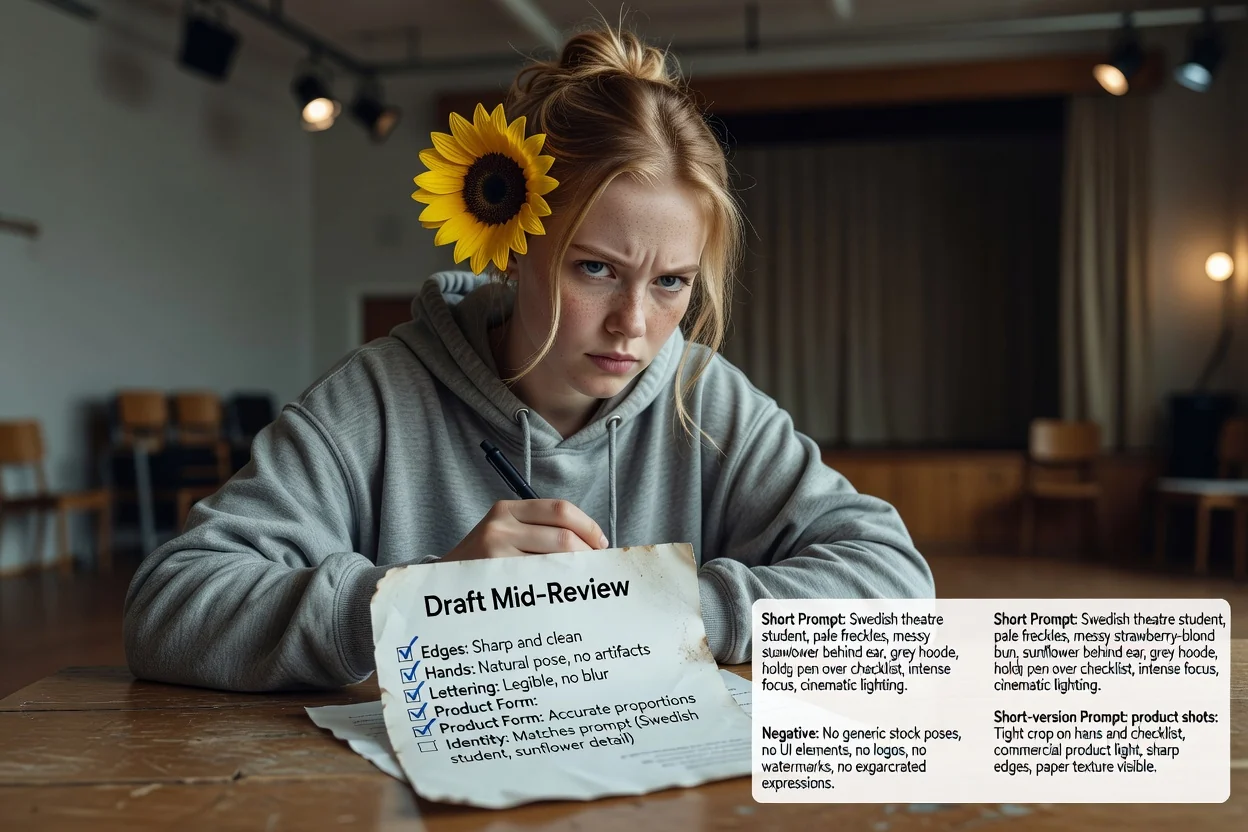
Limites que vale conhecer antes de depender dele.
A geração da imagem acontece em um fluxo de trabalho de imagens. Esta etapa produz apenas o texto que você envia para lá.
O mesmo prompt produz resultados diferentes entre modelos e versões. Considere o primeiro resultado como um teste.
Pedir uma redação exata em uma imagem muitas vezes falha. Em vez disso, planeje adicionar tipografia real durante o layout.
Perguntas comuns sobre como escrever prompts para modelos de imagem com IA.
Dê uma ideia inicial ao gerador de prompts de imagem e receba um prompt completo, um prompt curto e um prompt negativo para testar.