
01
Envie sua imagem
Carregue qualquer foto ou imagem que você deseja transformar. Entradas de resolução mais alta produzem melhores resultados de transformação.
Carregue qualquer imagem e transforme-a com AI. Altere estilos, adicione elementos, modifique planos de fundo ou reinvente seus visuais com texto simples prompts.
Modo Pro
Controles avançados após o envio
Envie primeiro uma imagem para usar os controles avançados.
Transforme imagens existentes em algo totalmente novo. Desde transferências de estilo até modificações de objetos, desbloqueie possibilidades criativas ilimitadas.
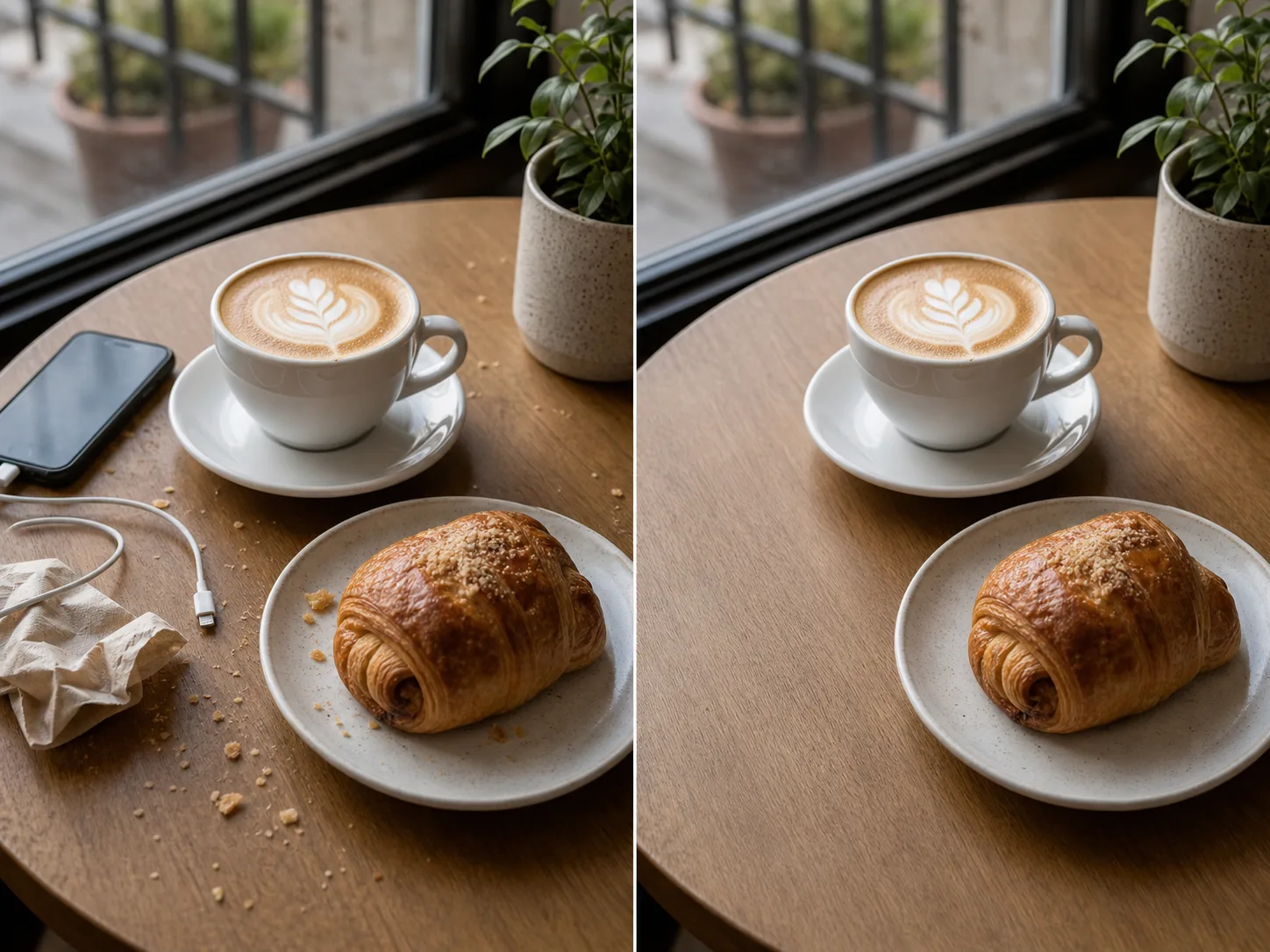

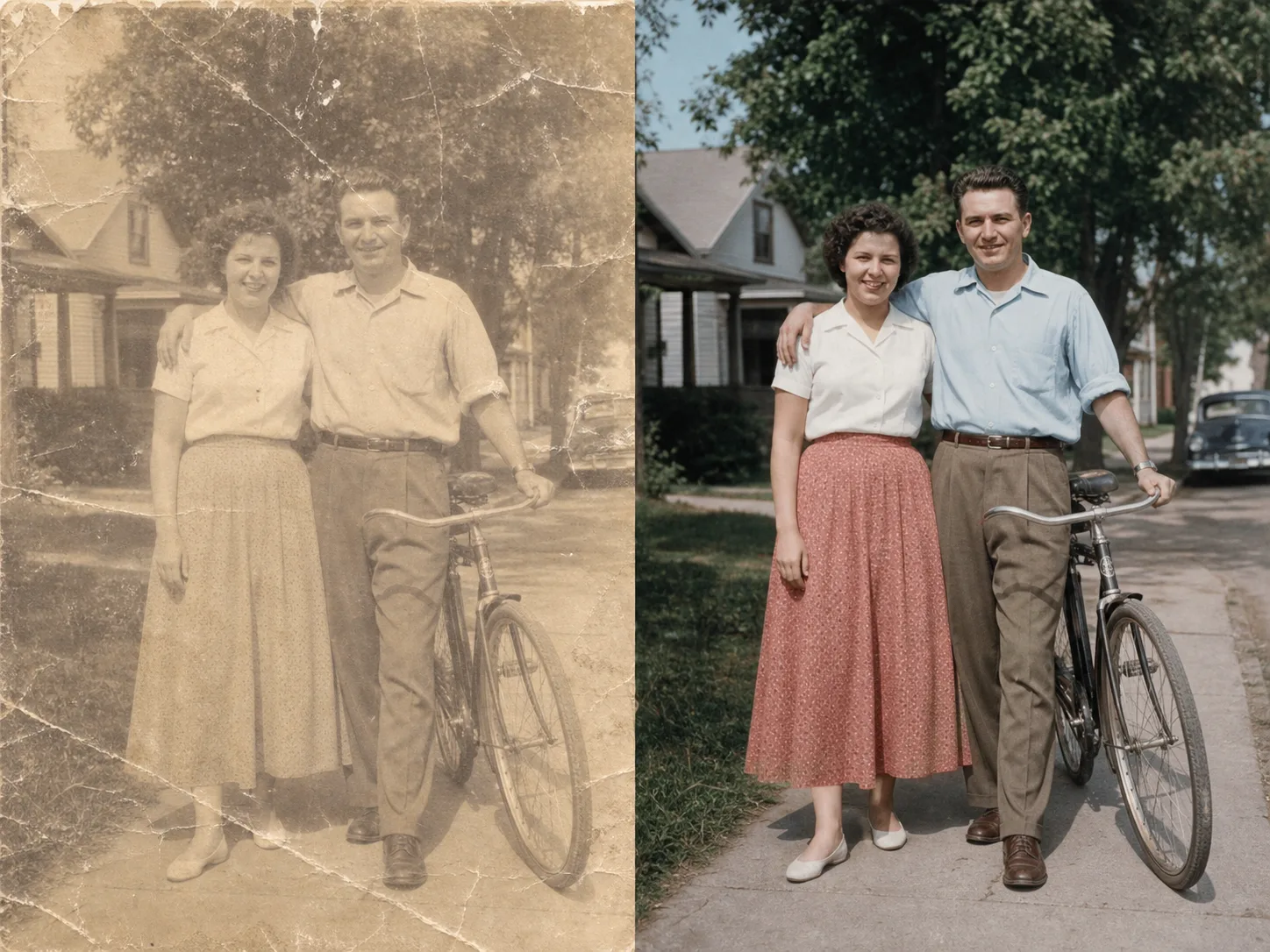
Do upload à imagem transformada em minutos:
Carregue qualquer foto ou imagem que você deseja transformar. Entradas de resolução mais alta produzem melhores resultados de transformação.
Escreva um prompt de texto descrevendo a transformação desejada. Mude o estilo, adicione elementos, substitua planos de fundo ou reinvente a imagem.
Clique em gerar e receba sua imagem transformada em segundos. Baixe em alta resolução, pronto para uso.
Transforme sua imagem em qualquer estilo artístico. Aplique o visual de pinturas famosas, artistas específicos ou qualquer estética visual.
Selecione qualquer área da sua imagem para modificar. Remova objetos indesejados, adicione novos elementos ou altere detalhes específicos.
Substitua os fundos perfeitamente. Coloque os assuntos em novos ambientes, mantendo a iluminação adequada.
Mantenha o layout, os assuntos e a perspectiva da sua imagem original enquanto altera estilos e elementos.
Explore mais ferramentas baseadas em AI
Imagens gratuitas incluem marca d’água. Faça upgrade para saídas limpas, geração mais rápida e uso comercial.
Pacote inicial
Um pacote único de créditos para testar geração de imagens, música e vídeos curtos.
Criador
Plano mensal · 1.500 créditos renovados a cada mês
GPT Image 2 Unlimited
Insira o código FOUNDING6 no Stripe Checkout: $19/mês nos primeiros 6 meses e depois $29/mês.
Pró
Plano mensal · 4.000 créditos renovados a cada mês
Estúdio
Plano mensal · 12.000 créditos renovados a cada mês
Pagamento seguro · As assinaturas são renovadas automaticamente · Ver condições de reembolso
Equipe
Para agências, equipes de produção e necessidades personalizadas de volume.
Tudo o que você precisa saber sobre imagem em imagem AI
Carregue qualquer imagem e veja a magia da transformação alimentada por AI.

