
Adicione o briefing
Informe o tema, público, duração, tom, formato e a ação final que você quer que o espectador realize.
Planejamento de explicativos escritos
Planeje com o Gerador de Roteiros de Vídeos Explicativos antes de gravar ou criar elementos visuais. Informe um tema, público e duração e analise um roteiro explicativo estruturado com o problema, a analogia, as etapas de ensino e a chamada final à ação.
O Gerador de Roteiros de Vídeos Explicativos é uma ferramenta de planejamento para transformar uma ideia explicativa em uma estrutura escrita prática. Ele ajuda a organizar o que o espectador precisa entender, por que isso importa, como o conceito pode ser explicado e qual ação deve vir em seguida.
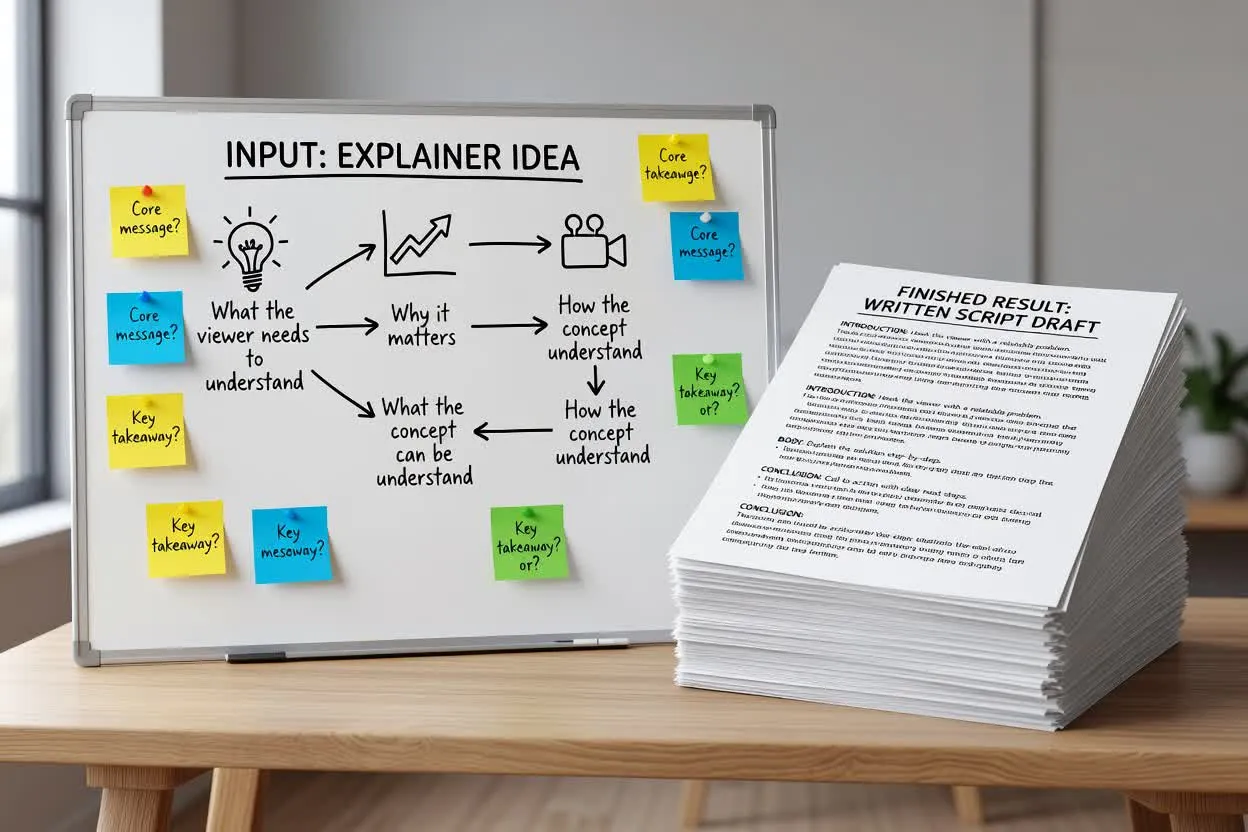
Passe de um briefing inicial a um plano de roteiro explicativo que você pode revisar antes de gravar.
Informe o tema, público, duração, tom, formato e a ação final que você quer que o espectador realize.
Analise como o planejador enquadra o problema, apresenta uma analogia e divide a explicação em etapas didáticas.
Aprimore o texto, remova alegações sem comprovação e certifique-se de que o plano de ensino passo a passo se ajusta à duração prevista do vídeo.
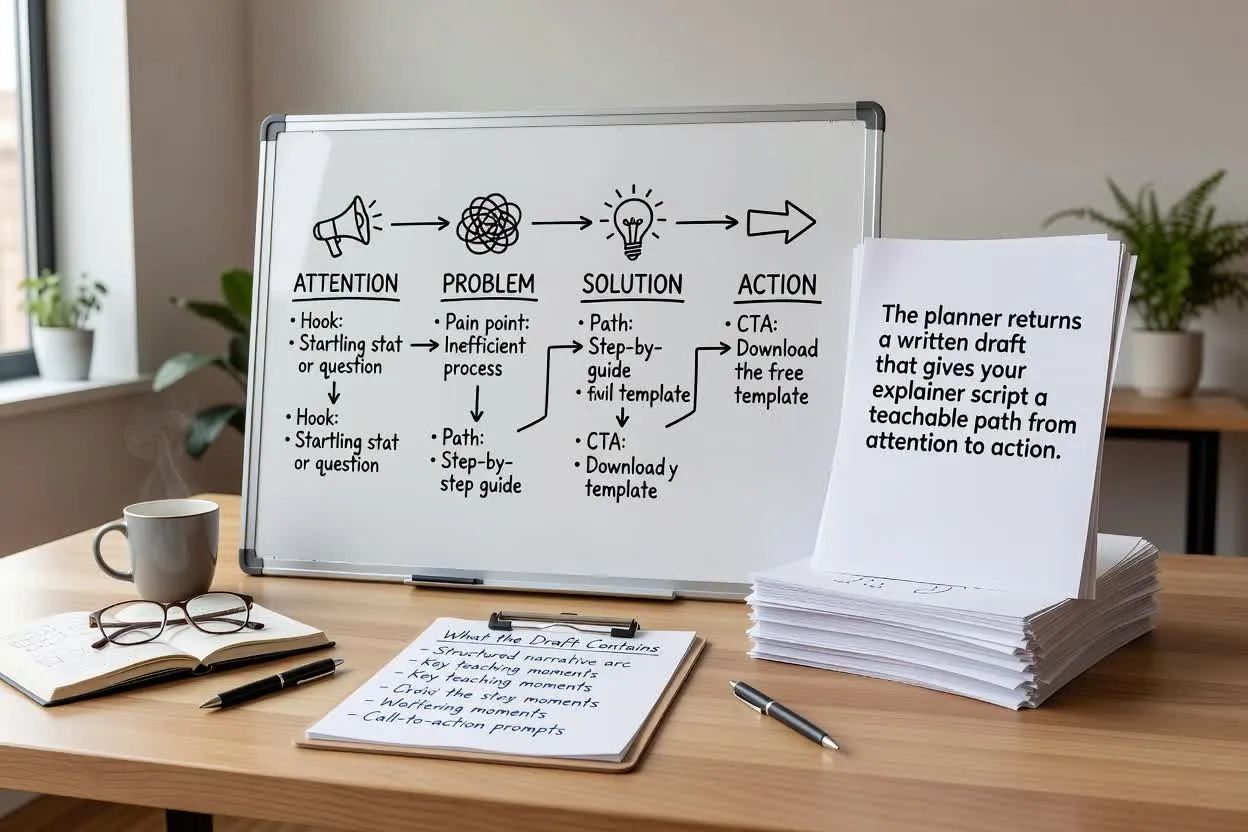
O planejador retorna um rascunho escrito que dá ao seu roteiro explicativo um caminho didático da atenção à ação.
Uma abertura concisa que identifica o problema do espectador e por que ele merece atenção.
Uma comparação ou analogia que torna o tema mais fácil de entender antes do início das etapas detalhadas.
Um plano de ensino passo a passo que divide a explicação em momentos claros para narração ou planejamento de cenas.
Ajuste os dados de planejamento que afetam como o roteiro é estruturado, conduzido e concluído.
Escolha o formato adequado à entrega desejada, como um explicativo de produto, uma aula de treinamento ou um breve guia educacional.
Defina uma duração aproximada para que o plano se ajuste ao volume de explicação que seu público consegue acompanhar adequadamente.
Selecione um tom que corresponda ao estilo da marca ou da aula, de direto e prático a amigável e conversacional.
Use o planejador quando o roteiro precisar ensinar, esclarecer ou apresentar algo antes da criação dos elementos visuais.
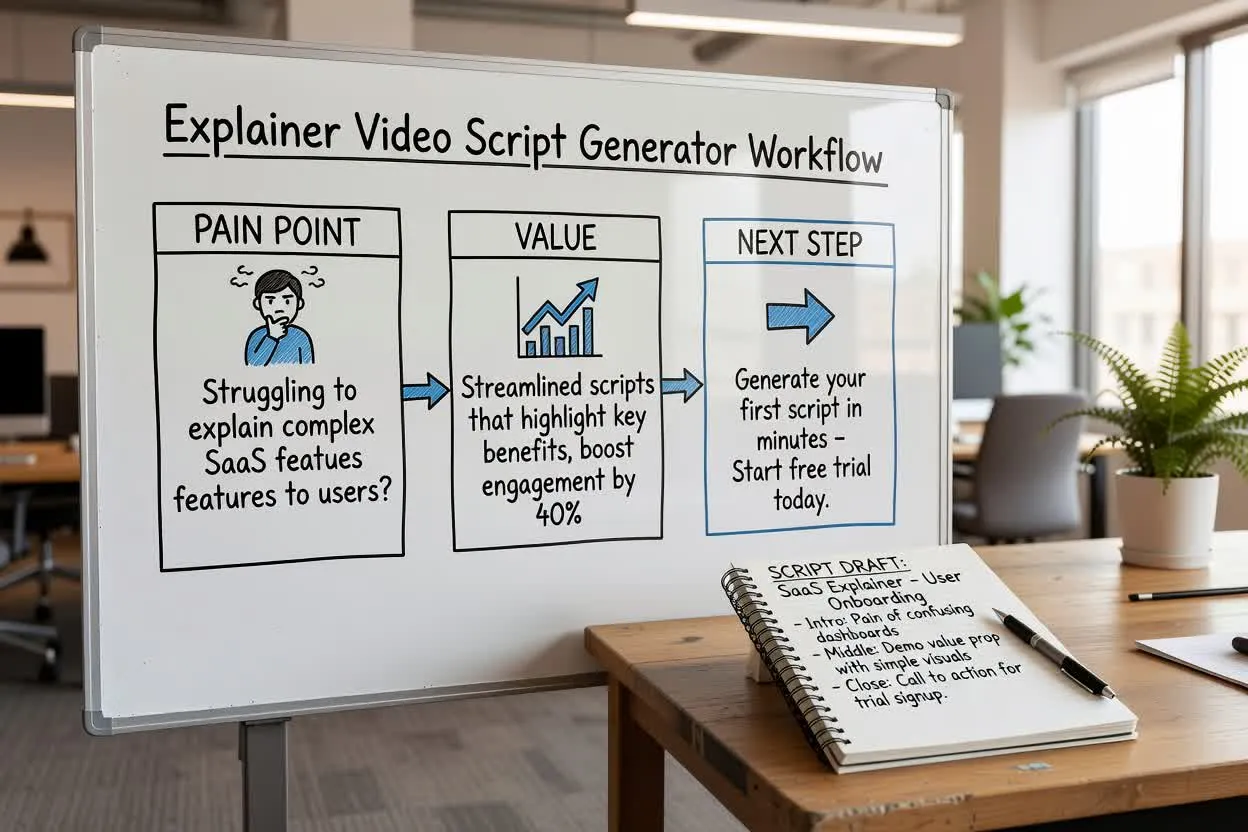
Planeje uma breve explicação de produto que apresente o problema, mostre o valor e termine com uma próxima etapa.
Abrir o planejador de roteiros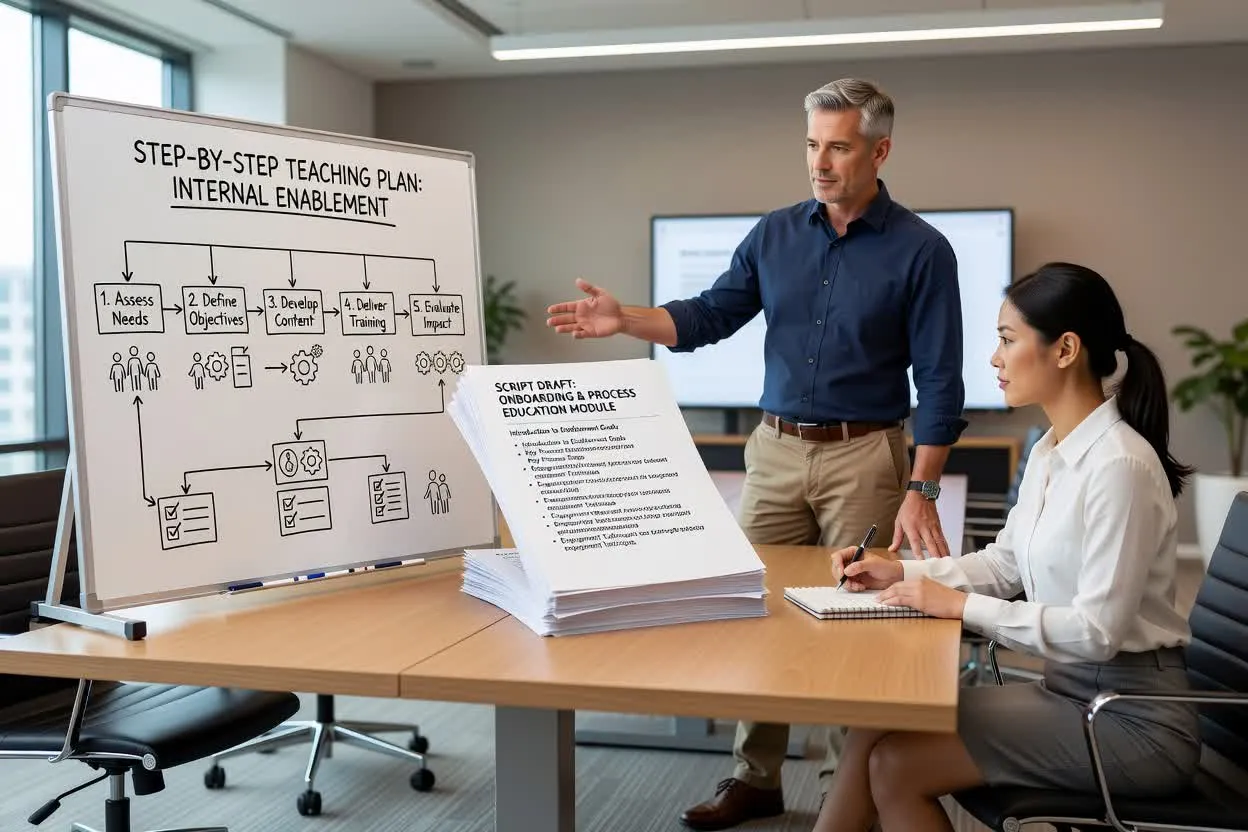
Crie um plano de ensino passo a passo para integração, capacitação interna ou educação sobre processos.
Abrir o planejador de roteiros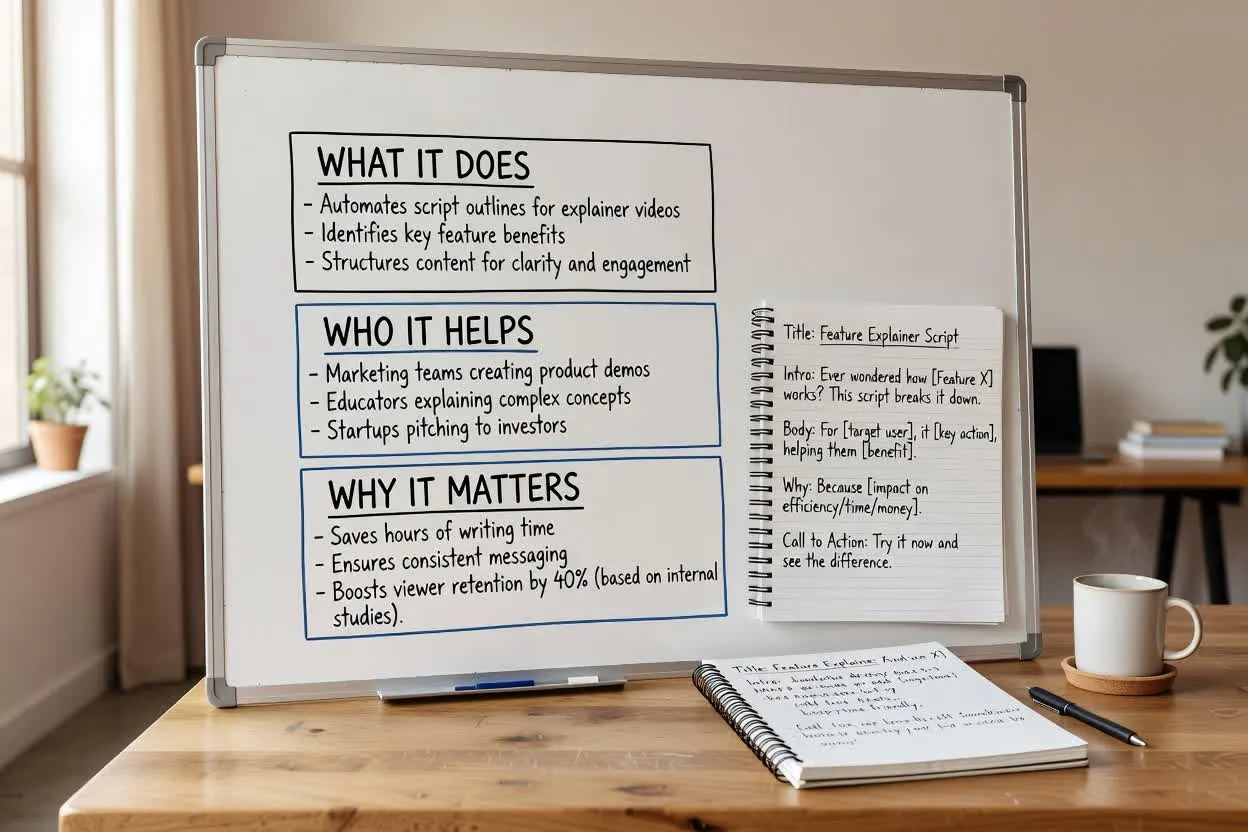
Estruture um roteiro de educação sobre produtos que explique o que um recurso faz, a quem ele ajuda e por que isso importa.
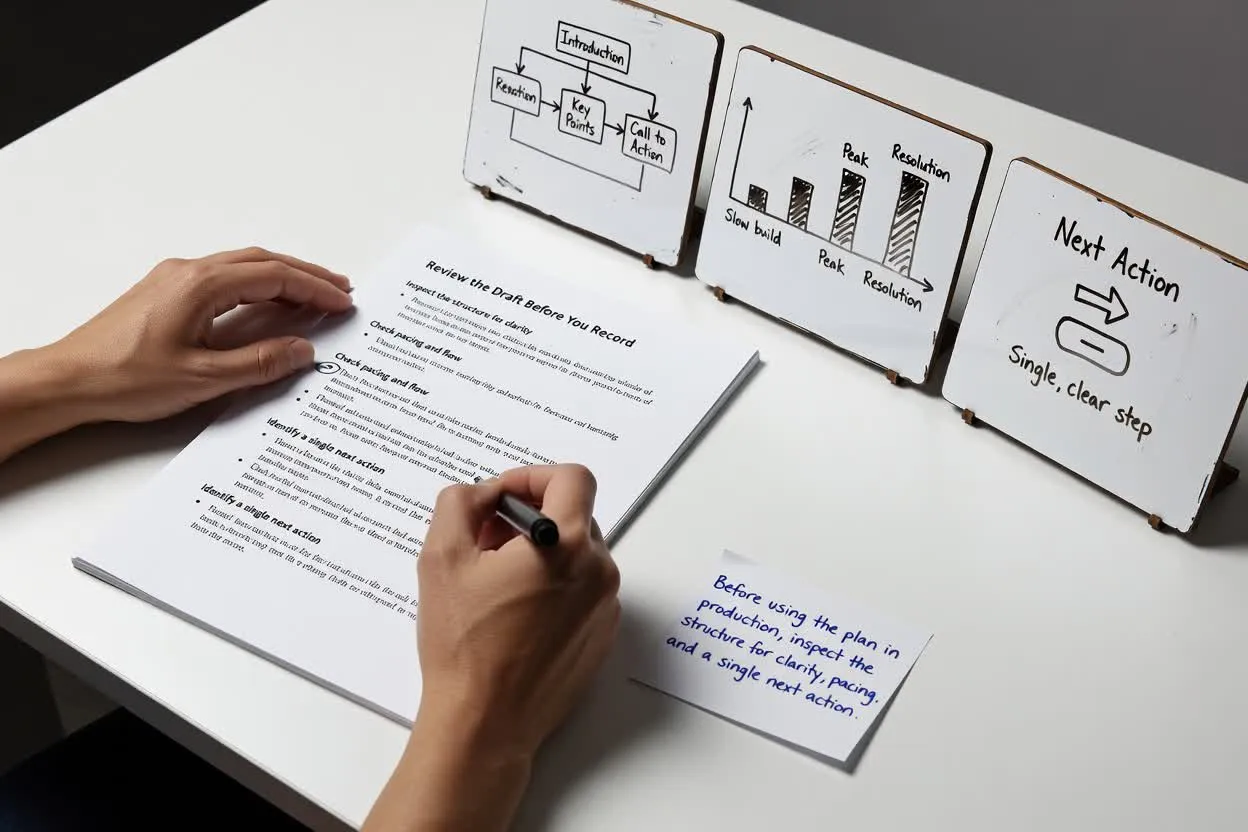
Abrir o planejador de roteirosAntes de usar o plano na produção, analise a estrutura quanto à clareza, ao ritmo e a uma única próxima ação.
Confirme que o gancho corresponde ao problema real do público e não começa de forma abrangente demais.
Verifique se a quantidade de momentos ou cenas parece realista para a duração selecionada.
Mantenha o final focado em uma única chamada final à ação para que o espectador saiba o que fazer em seguida.
Use o resultado como um rascunho de planejamento, não como um material finalizado ou uma fonte verificada de informações.
A ferramenta planeja apenas a estrutura escrita. Ela não grava narração, renderiza elementos visuais nem produz um arquivo de vídeo finalizado.
Quaisquer benefícios de produto, estatísticas, comparações ou promessas no rascunho precisam ser conferidos com suas próprias fontes aprovadas.
Perguntas comuns sobre como usar o Gerador de Roteiros de Vídeos Explicativos para planejar um roteiro explicativo escrito.
Comece com seu tema, público e briefing de duração, depois analise a explicação planejada antes de gravar ou criar o vídeo.