
Escreva a ideia em uma linha
Diga o que o vídeo ensina ou mostra, a quem se destina e aproximadamente quanto tempo deve durar. A duração determina a quantidade de seções.
Planejamento para YouTube
Descreva o vídeo que você quer criar, e o gerador de roteiros para YouTube planejará a abertura de impacto, a introdução, a ordem das seções, os recursos de retenção, as notas de locução, os textos na tela, as opções de título e o CTA final.
Ele planeja um vídeo envolvente antes mesmo de você ligar a câmera. Escreva a ideia e a duração desejada em um único campo para receber um roteiro organizado de acordo com o comportamento do público: uma abertura de impacto que justifica o clique, uma introdução que apresenta a promessa, seções que a cumprem e retomadas entre elas.
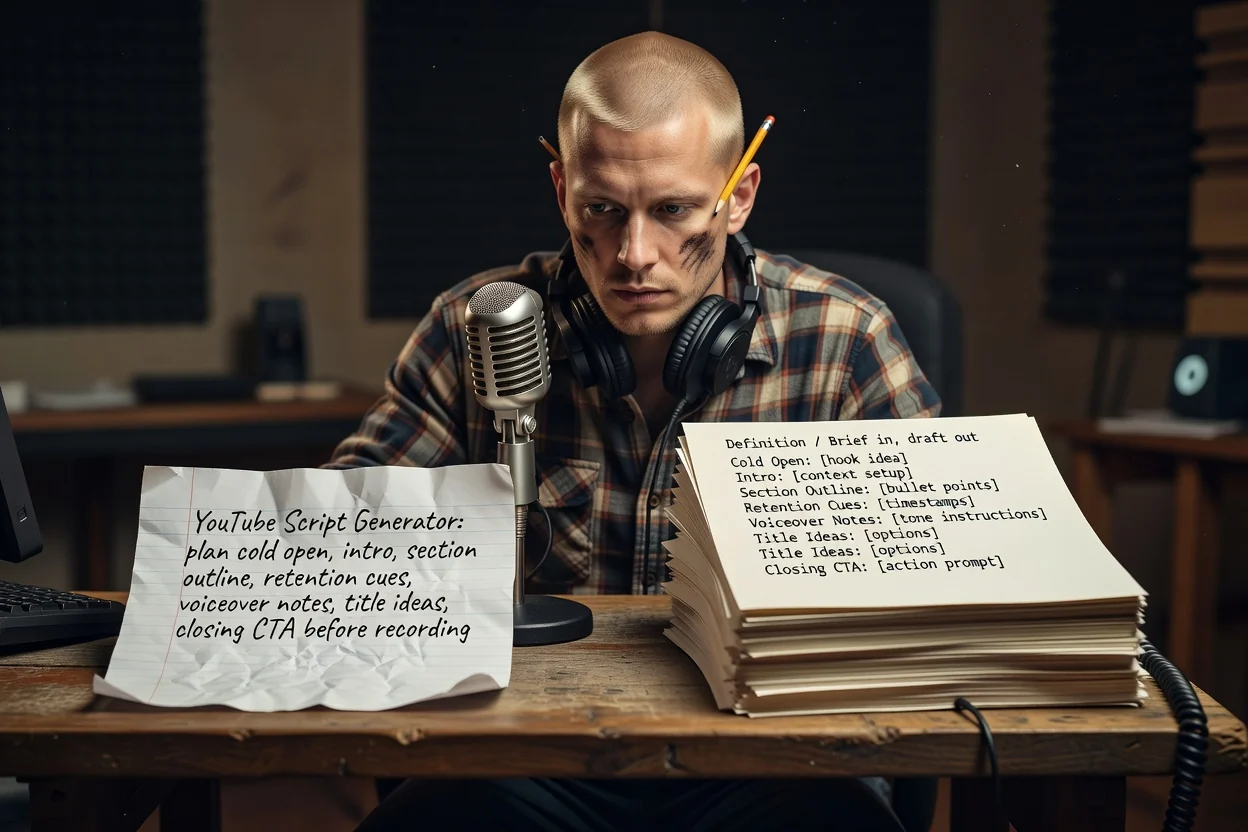
Três etapas para transformar uma ideia em um roteiro pronto para gravação.
Diga o que o vídeo ensina ou mostra, a quem se destina e aproximadamente quanto tempo deve durar. A duração determina a quantidade de seções.
Anexe capturas de tela ou imagens do produto para que o plano possa identificar o que aparece na tela. É necessário entrar na conta para usar anexos.
Revise as seções na ordem, remova qualquer repetição e gere novamente com uma premissa mais precisa caso a promessa não esteja clara.
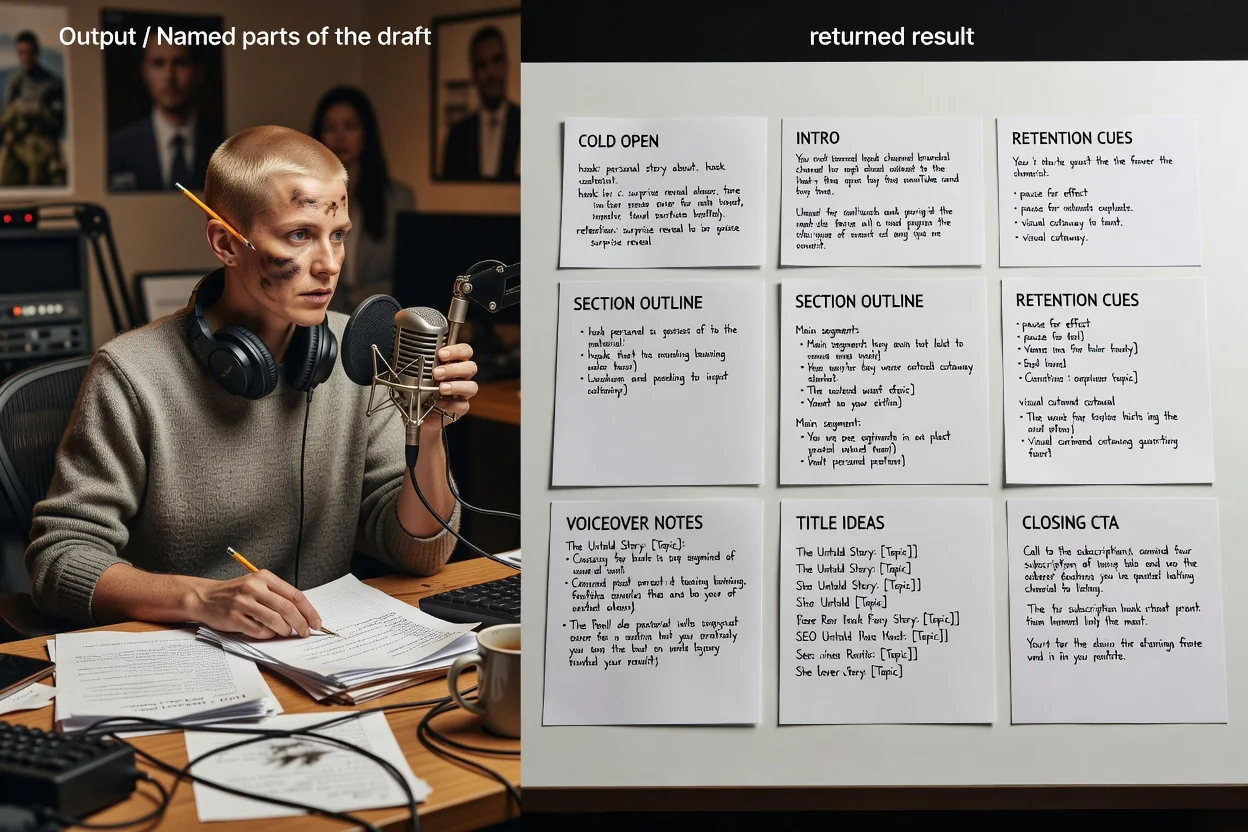
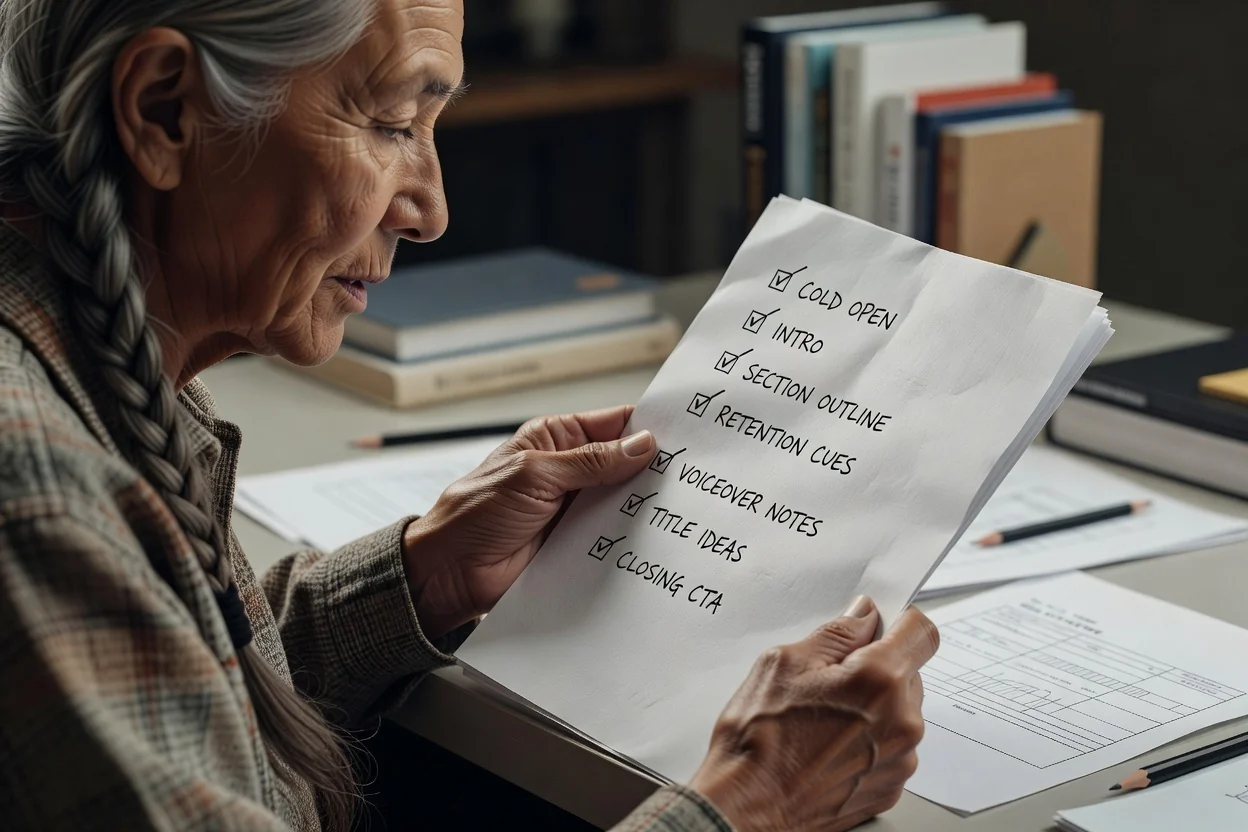
Cada parte corresponde a um momento do vídeo final.
Os primeiros segundos antes de qualquer elemento de marca, escritos para mostrar o benefício em vez de apenas descrevê-lo.
A promessa aparece logo no início, seguida por uma lista organizada de seções e do assunto abordado em cada uma.
Frases inseridas entre as seções que retomam a promessa, dando ao público um motivo para continuar assistindo.
As falas ficam separadas das legendas e dos rótulos, para que você possa gravar e editar sem precisar reescrever.
Várias opções de título para o mesmo vídeo, além do pedido final que você quer que os espectadores atendam.
Este planejador recebe instruções abertas em um único campo, por isso as palavras que você escolhe funcionam como controles.
Indicar uma duração desejada, como um tutorial de 8 minutos ou um Short de 45 segundos, altera a quantidade de seções do roteiro.
Informe se é um vídeo longo ou um Short vertical. Nos Shorts, o plano é reduzido a um gancho, uma entrega principal e um CTA.
Indique quem vai assistir e quanto esse público já sabe, para que a introdução não explique demais nem omita contexto.
Anexe os elementos visuais que pretende mostrar para que os textos na tela e as notas das seções apontem para materiais reais.
Tipos de instruções que funcionam bem neste planejador.
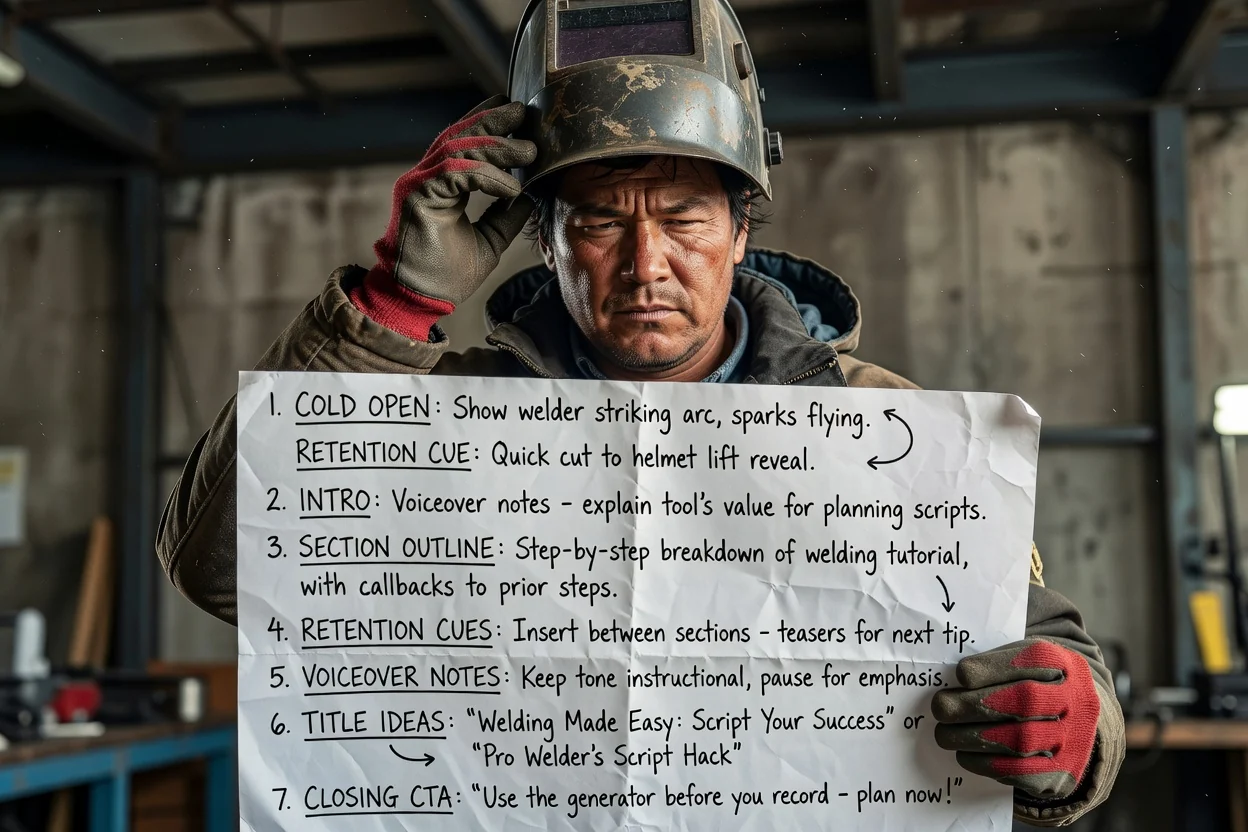
Transforme um processo com várias etapas em seções organizadas, com retomadas para retenção entre cada etapa.
Planejar um tutorial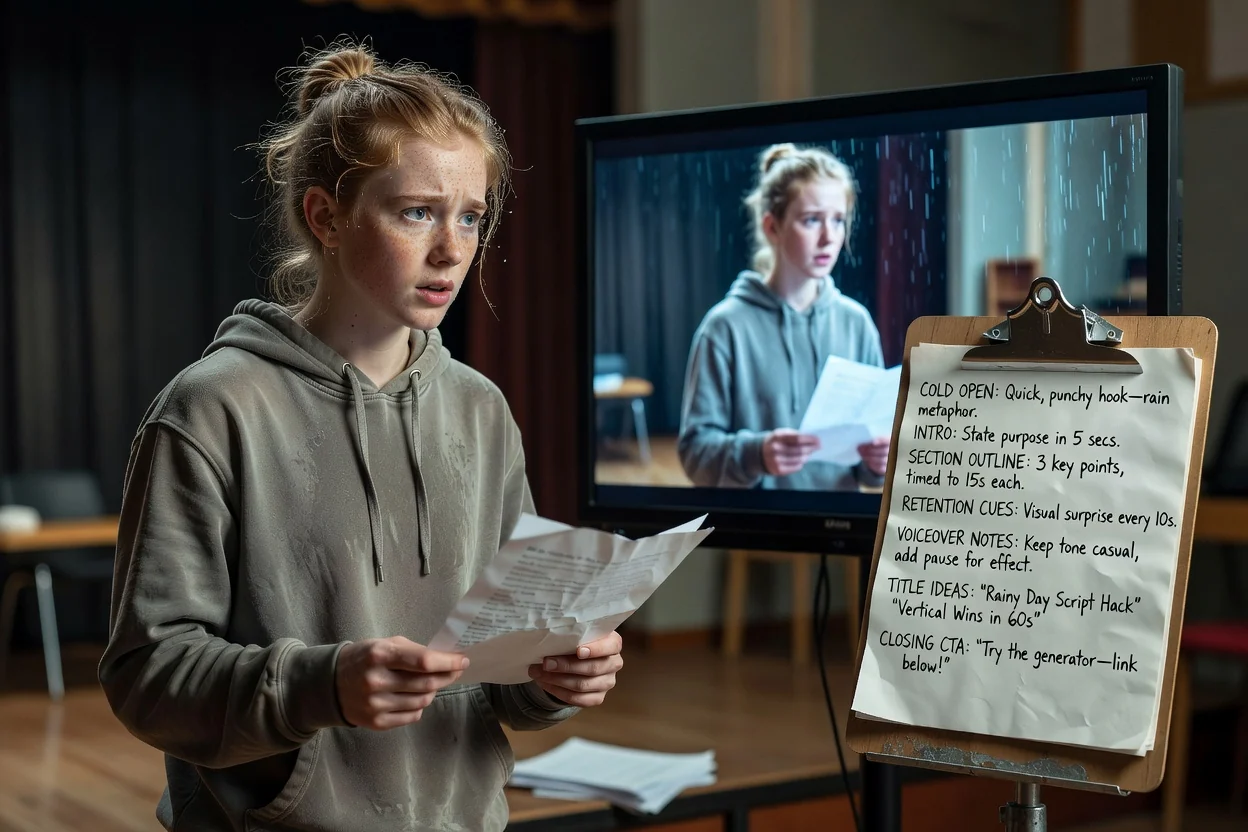
Condense uma ideia em uma abertura de impacto, uma única entrega principal e um pedido final adequado ao formato vertical.
Planejar um Short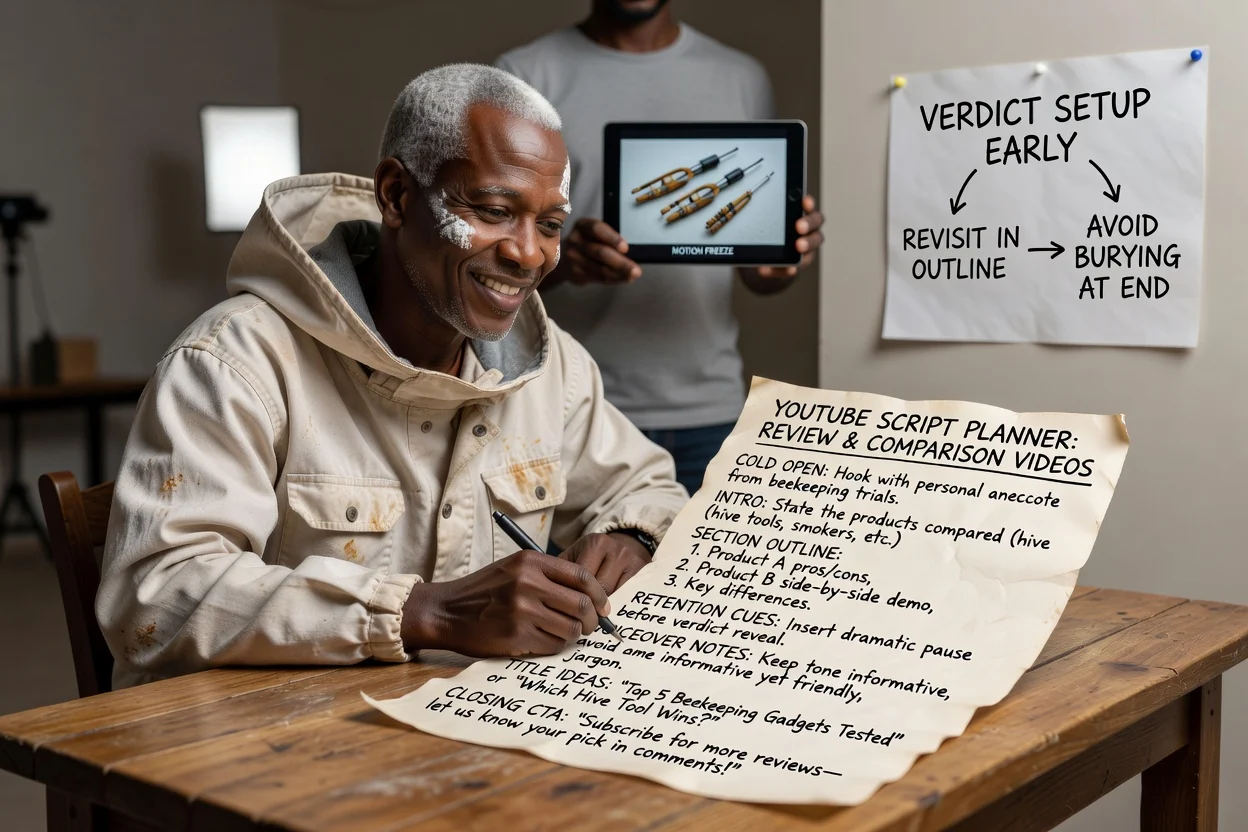
Planeje a ordem das seções para que o veredito seja preparado logo no início e retomado ao longo do vídeo, em vez de ficar escondido no final.
Planejar uma análise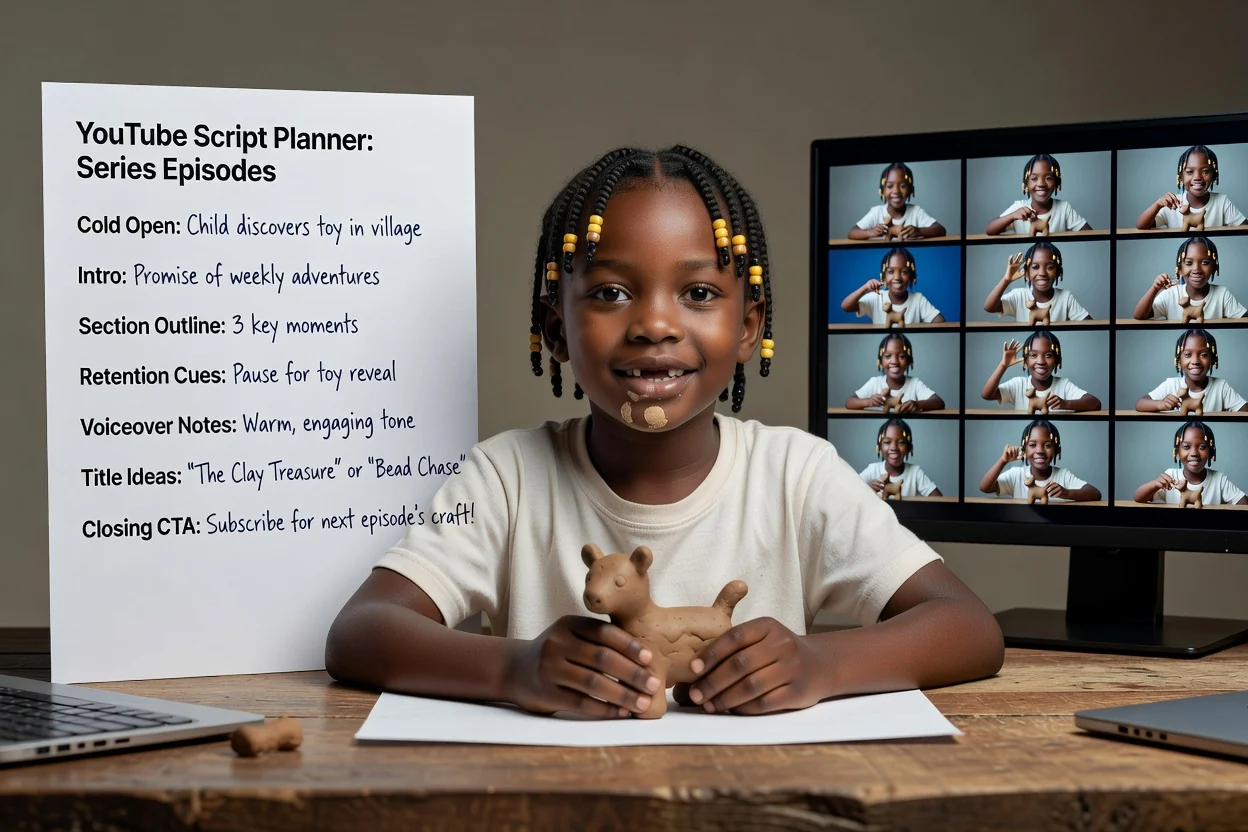
Reutilize a mesma estrutura de instruções em vários episódios para manter consistentes a promessa da introdução e o CTA.
Planejar um episódioQuatro verificações que ajudam a evitar uma nova gravação.
Se a primeira frase explica em vez de mostrar, reescreva-a com foco no momento mais visual do vídeo.
A introdução deve apresentar uma única coisa que o espectador receberá. Se ela listar três, divida o conteúdo em mais de um vídeo.
Se houver seções demais para a duração, a apresentação ficará apressada. Remova seções em vez de encurtar cada uma.
Um único pedido claro funciona melhor do que uma lista acumulada de solicitações para se inscrever, comentar e acessar links.
Saiba até onde vai este planejador.
O resultado é um roteiro escrito. A gravação, a geração de cenas e a edição são etapas separadas.
As ideias de títulos são rascunhos para você avaliar, não chamadas que já foram testadas. Compare-as com o histórico do seu próprio canal.
Qualquer afirmação sobre um produto, estatística ou ordem de etapas presente no roteiro deve ser conferida com sua fonte antes da publicação.
Perguntas comuns sobre como planejar um vídeo para YouTube antes da gravação.
Forneça uma ideia e uma duração ao gerador de roteiros para YouTube e receba uma abertura de impacto, um roteiro por seções e um CTA prontos para gravar.