


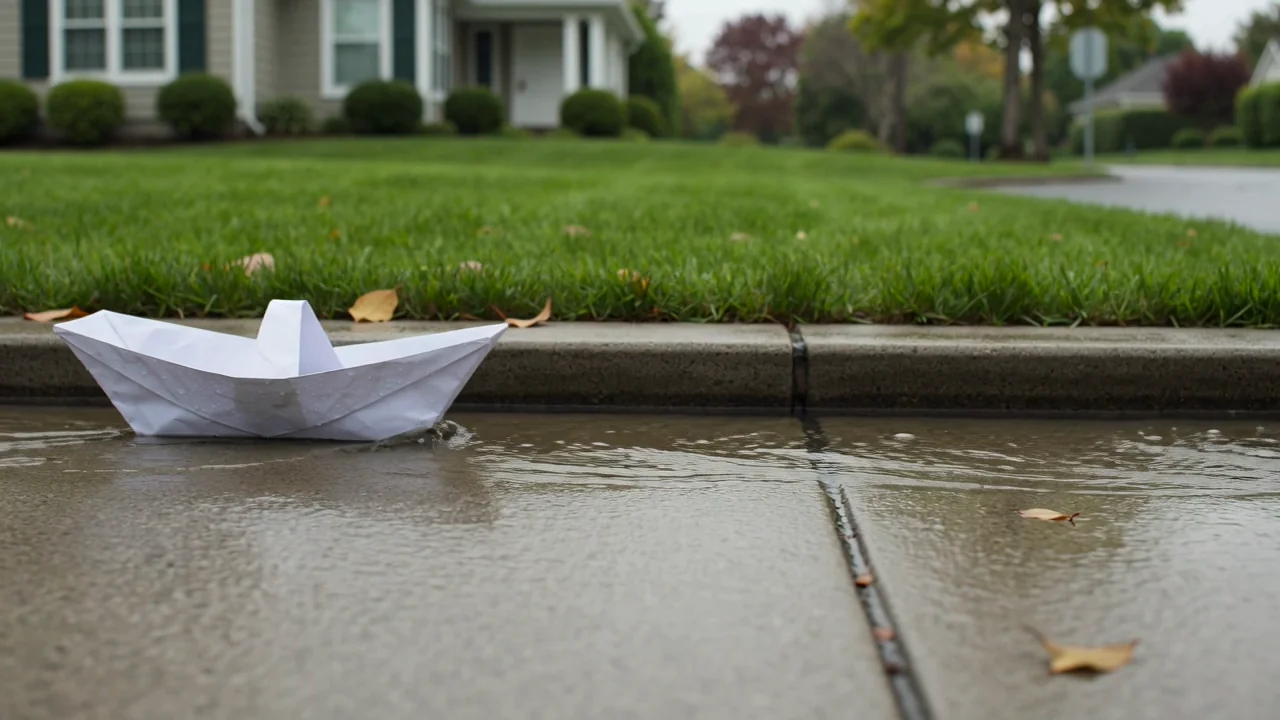
Tekst-til-video-generering
Vurder tekst-til-video-funksjonen for sceneintensjon, bevegelsesegnethet og visuelle detaljer før du stoler på et generert videoklipp.
Utforsk fakta, inndata, utdata og nåværende tilgjengelighet for Sora 2.0 før du planlegger en AI-videooppgave i ClipCanva.
Denne siden viser den nøyaktige modellidentiteten og kjører ikke en annen modell under samme navn. Bruk de relaterte modelllenkene nedenfor for å åpne en tilkoblet arbeidsflyt.
Hvis du lurer på hva Sora 2 er, er det OpenAIs video- og lydmodell for arbeidsflyter med tekstprompt eller referansebilde.
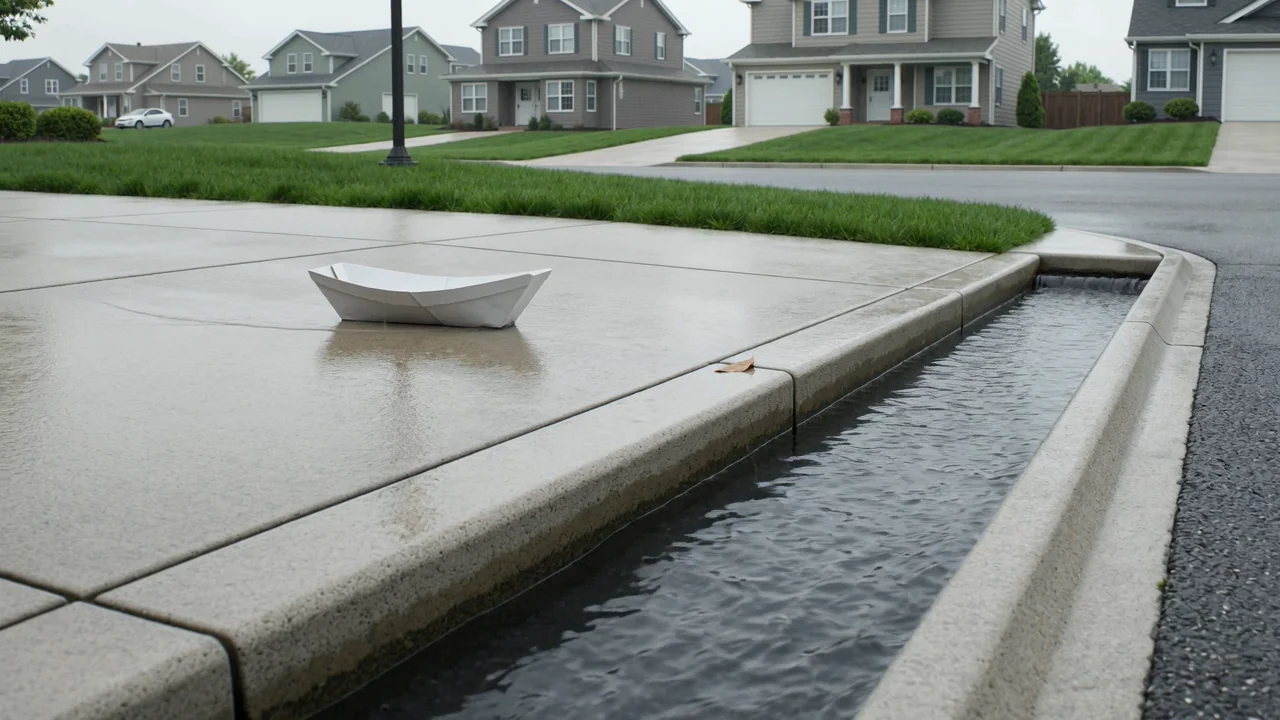
Gå gjennom funksjonene i Sora 2.0 som modelldokumentasjon for evaluering, uten å behandle dem som nåværende funksjoner i ClipCanva.
Vurder tekst-til-video-funksjonen for sceneintensjon, bevegelsesegnethet og visuelle detaljer før du stoler på et generert videoklipp.
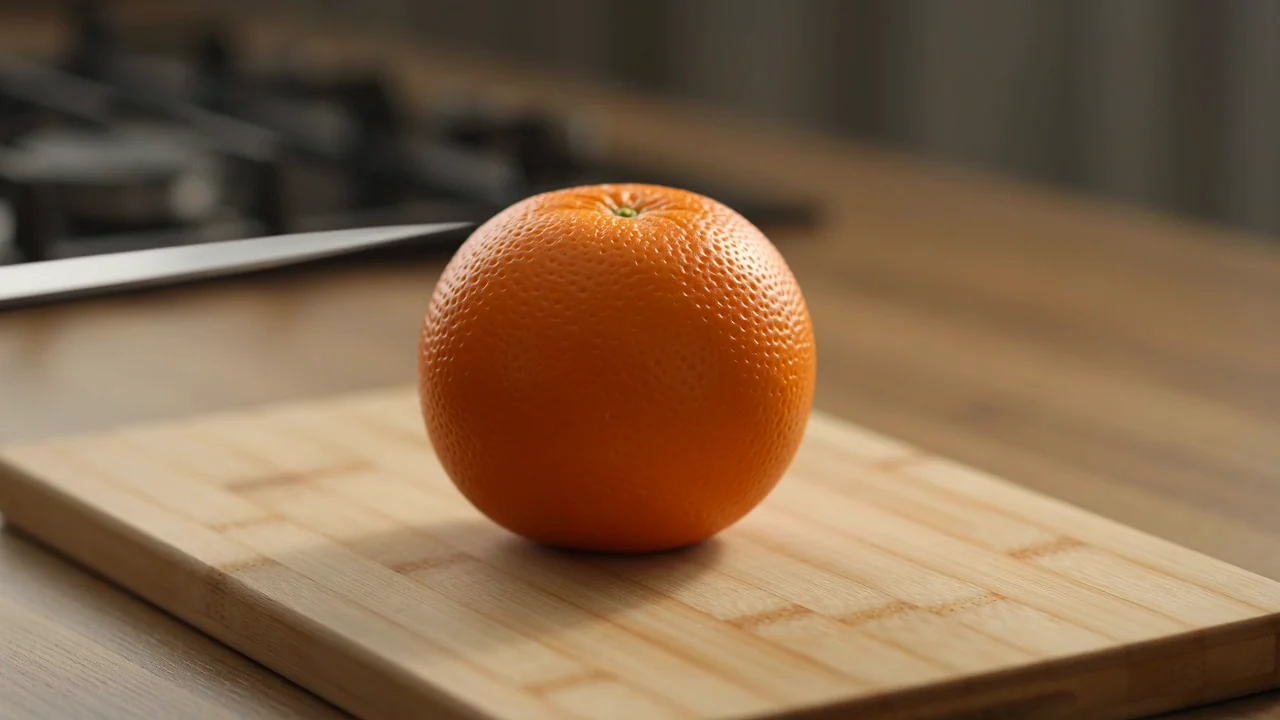
Bruk dokumentasjon fra referansebilder til å vurdere om bildebasert videogenerering passer målene for kontinuitet i karakterer, produkter eller scener.
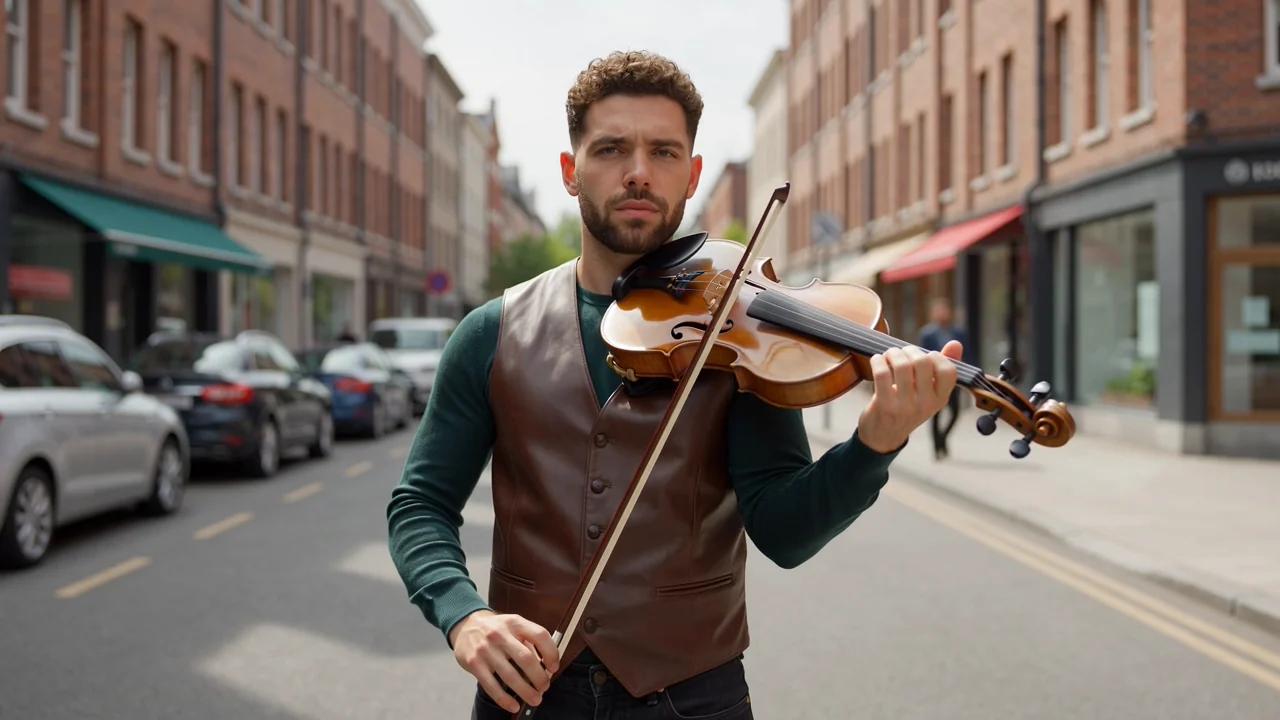
Vurder funksjonen for dialog og lyd som en planleggingsfaktor, og kontroller deretter timing, klarhet og kontekst i hvert ferdige element.

Evaluer fysisk bevegelse og promptkontroll for handling, iscenesettelse og kontinuitet, med menneskelig gjennomgang før publisering.
Bruk dokumenterte inndatamodus for planlegging, men behandle synlige kontroller og tilgjengelighet som den operative fasiten.
De dokumenterte inndatamodusene er en tekstprompt og et referansebilde, utarbeidet med tydelig motiv, handling, miljø og hensikt.
Ingen støttede kontroller er eksponert for den nøyaktige modellen her, så ikke anta innstillinger for varighet, format, oppløsning eller stil.
Forventede utdata omfatter genererte videoklipp og referansestyrte videoer som fortsatt trenger menneskelig gjennomgang før publisering.
En praktisk arbeidsflyt starter med prompten, kontrollerer tilgjengelighet og skiller deretter modellundersøkelser fra gjennomførbare produksjonstrinn.
Oppgi videoens formål, publikum, motiv, miljø, handling og destinasjon før du sammenligner modellalternativer.
Skriv en kortfattet prompt og samle referansebilder bare når den tilkoblede modellen støtter disse inndataene.
Kontroller tilgjengeligheten først, fordi den nøyaktige modellen ikke er koblet til ClipCanva på denne verifiseringsdatoen.
Gå gjennom utdataene opp mot krav til bevegelse, kontinuitet, merkevare, fakta, varighet og format før publisering.
Knytt bruksområder til et reelt publikum, en kanal, støttede inndata og en gjennomgangsstandard før du planlegger produksjonsarbeid.
Utforsk stemning, kameraretning, handlingsslag og scenetempo før du binder ressurser til et ferdig videokonsept.
Studer karakterbevegelse, timing av gester og behov for kontinuitet før du velger en produksjons- eller animasjonstilnærming.
Utarbeid fortellingsrytme, dialogtiming og lydforventninger for tidlig gjennomgang før mer detaljert produksjonsarbeid.
Test produktstyrte fortellervinkler, scenestruktur og budskapsklarhet før du utarbeider endelige kampanjematerialer.
Behandle hver genererte video som et utkast inntil en menneskelig gjennomgang bekrefter samsvar med briefen, kontinuitet, merkevaresikkerhet og formatkrav.
Bekreft at motivet, handlingen, komposisjonen og fortellingen samsvarer med den opprinnelige prompten og produksjonsbriefen.
Undersøk personer, produkter, bakgrunner, bevegelse, sceneskift og objekters varighet for synlige feil.
Kontroller merkevareelementer, produktpåstander, bildetekster og faktareferanser mot godkjent kildemateriale.
Kontroller varighet, beskjæring, sideforhold, filkrav og begrensninger for destinasjonen før overlevering.
Nåværende tilgjengelighet, integrasjonsstatus, leverandørvarsler og variasjon i utdata bør holdes atskilt i produksjonsplanleggingen.
Sora 2 er ikke koblet til ClipCanva, så denne siden gir veiledning i stedet for en kjørbar generator for den nøyaktige modellen.
Samme inndata kan gi ulike detaljer, komposisjon, bevegelse eller timing, så sammenlign utdata og dokumenter beslutninger fra gjennomgangen.
OpenAI har kunngjort datoer for avvikling av Sora-produktet, så kontroller leverandørstatusen før du baserer deg på fremtidig tilgang.
Fakta verifisert
Svarene dekker identiteten til Sora 2, inndata, arbeidsflyt, tilgjengelighet, spørsmål om prising og praktiske forventninger til gjennomgang.
Sammenlign beslektede AI-videomodeller etter inndata, kontroller, utdataatferd, behov for gjennomgang og bekreftet tilgjengelighet i ClipCanva.
Utforsk Sora 2 med bekreftede modellfakta, kontroller nåværende tilgang og sett av nok tid til gjennomgang før produksjonsbruk.