
Schrijf het idee in één regel
Vertel wat de video uitlegt of toont, voor wie die is en ongeveer hoe lang die moet duren. De duur bepaalt het aantal secties.
YouTube-planning
Beschrijf de video die je wilt maken en de YouTube-scriptgenerator plant de koude opening, intro, volgorde van secties, retentieprikkels, voice-overnotities, tekst in beeld, titelopties en afsluitende CTA.
De tool plant een video die prettig kijkt voordat je de camera aanzet. Schrijf het idee en de gewenste duur in één vak; je krijgt een geordend script dat aansluit op kijkgedrag: een koude opening die de klik verdient, een intro die de belofte neerzet, secties die die waarmaken en tussendoor terugverwijzingen.
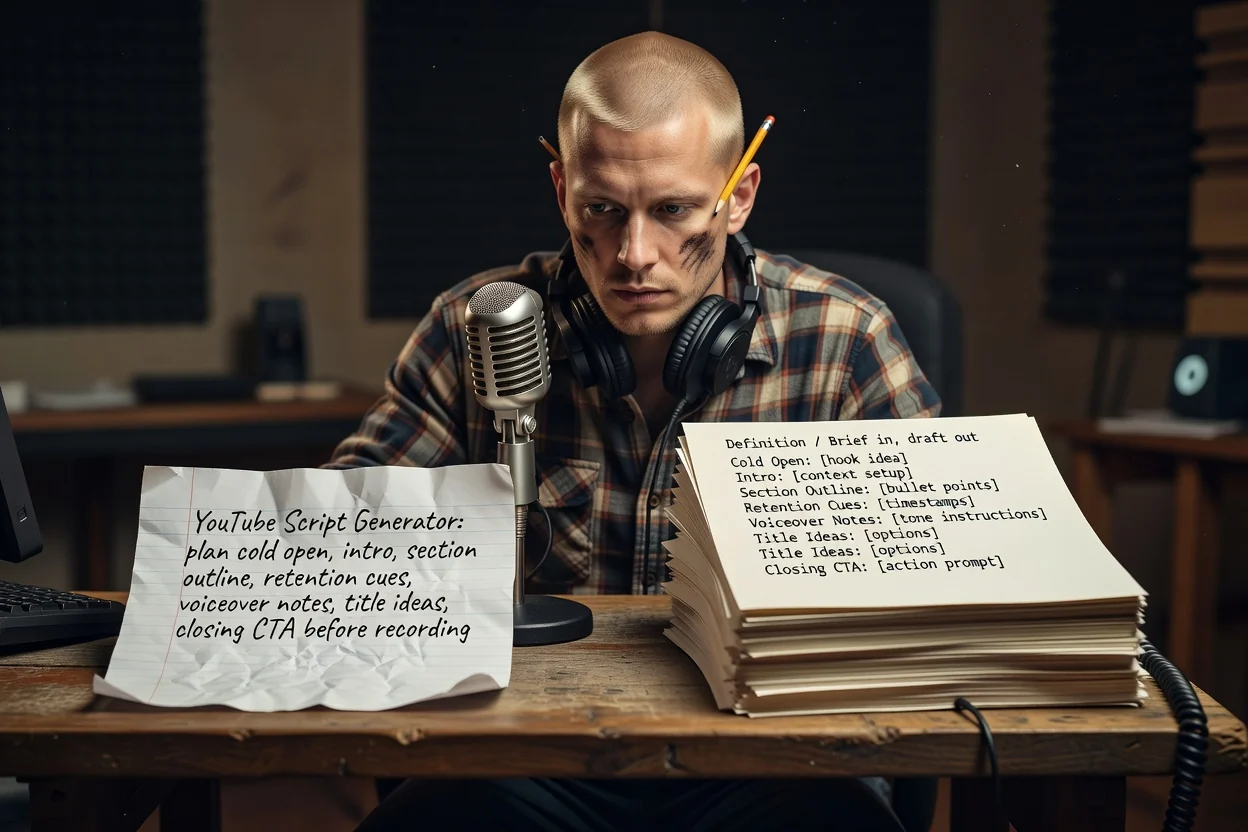
Drie stappen van een idee naar een opneembare opzet.
Vertel wat de video uitlegt of toont, voor wie die is en ongeveer hoe lang die moet duren. De duur bepaalt het aantal secties.
Voeg schermafbeeldingen of productfoto's toe, zodat het plan kan benoemen wat er in beeld verschijnt. Bijlagen vereisen een ingelogd account.
Bekijk de secties op volgorde, verwijder herhalingen en genereer opnieuw met een scherpere premisse als de belofte onduidelijk is.
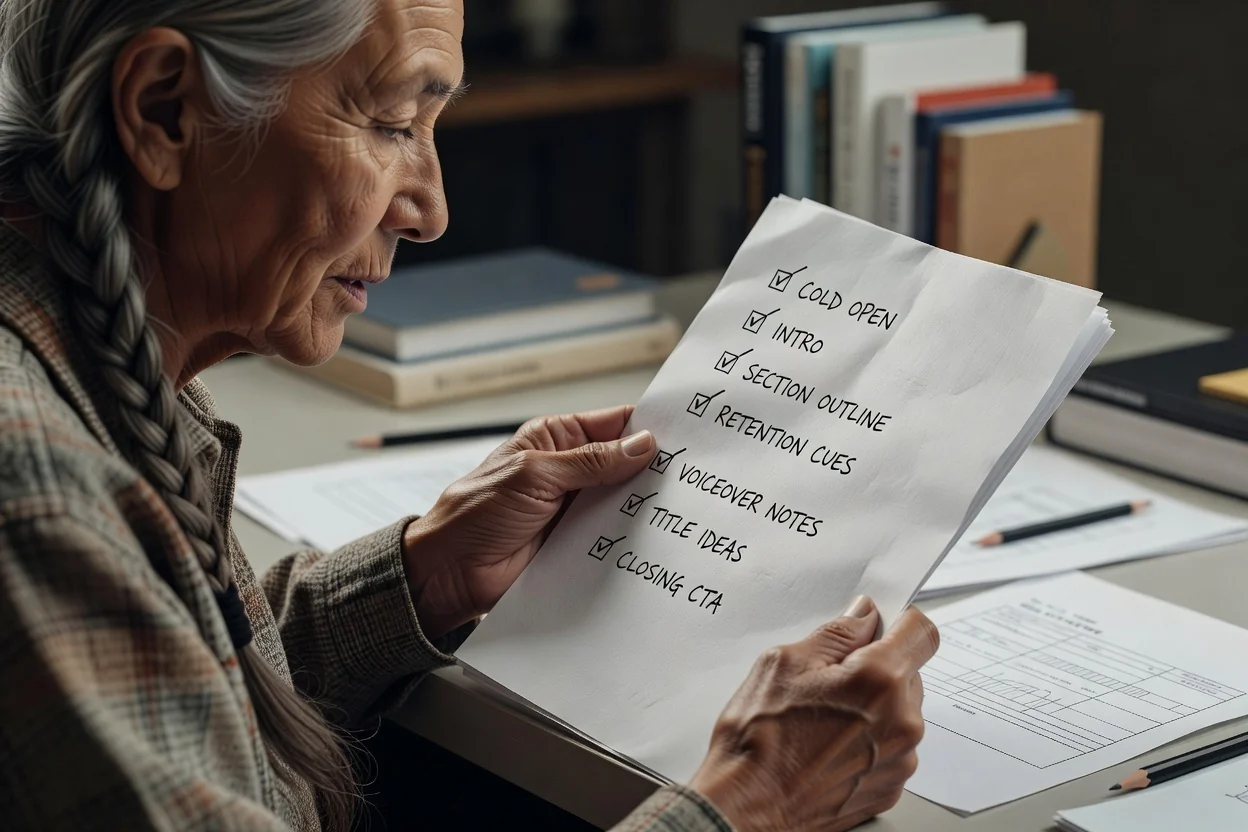
Elk onderdeel past bij een moment in de uiteindelijke video.
De eerste seconden vóór enige branding, geschreven om de opbrengst te tonen in plaats van die te beschrijven.
Eerst de belofte, daarna een geordende lijst van secties met wat elke sectie behandelt.
Zinnen tussen secties die naar de opbrengst verwijzen, zodat kijkers reden hebben om te blijven.
Gesproken tekst gescheiden van bijschriften en labels, zodat je kunt opnemen en monteren zonder te herschrijven.
Meerdere titelopties voor dezelfde video, plus de afsluitende oproep waarop je wilt dat kijkers reageren.
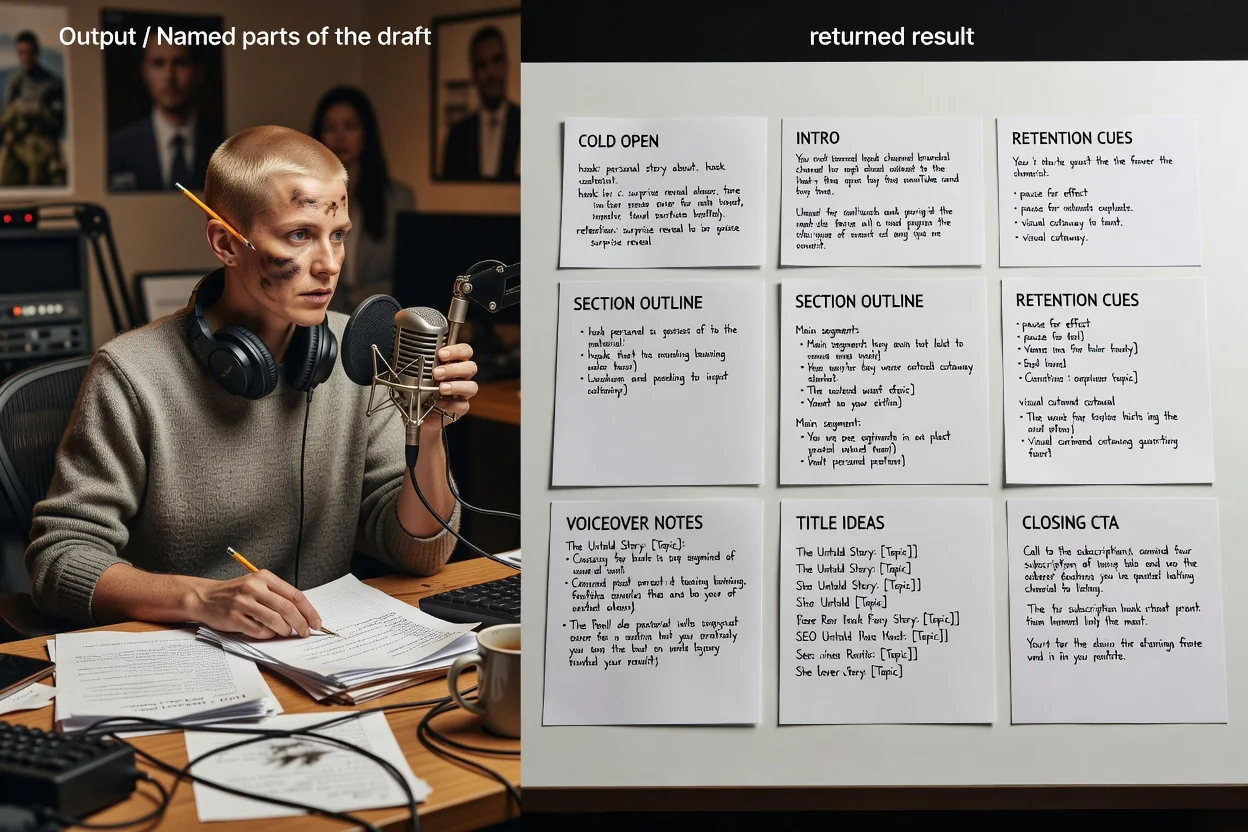
Deze planner gebruikt één open briefing, dus je formulering bepaalt de mogelijkheden.
Een gewenste lengte noemen, zoals een tutorial van 8 minuten of een Short van 45 seconden, verandert hoeveel secties de opzet bevat.
Geef aan of het een uitgebreide video of een verticale Short is. Shorts worden teruggebracht tot een hook, één uitkomst en een CTA.
Benoem wie kijkt en hoeveel diegene al weet, zodat de intro niet te veel uitlegt of context overslaat.
Voeg beelden toe die je wilt tonen, zodat tekst in beeld en sectienotities naar echte middelen verwijzen.
Briefings die goed bij deze planner passen.
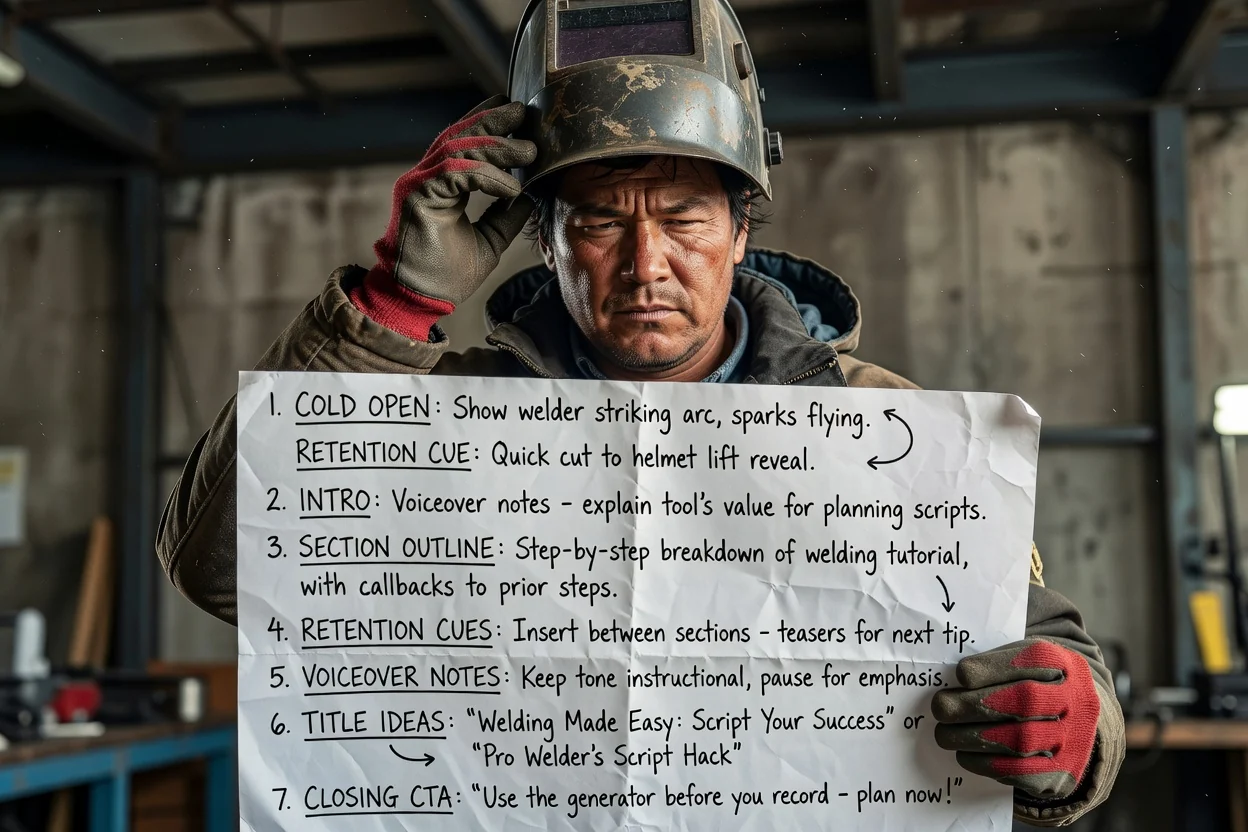
Zet een proces met meerdere stappen om in geordende secties met retentieterugverwijzingen tussen elke stap.
Plan een tutorial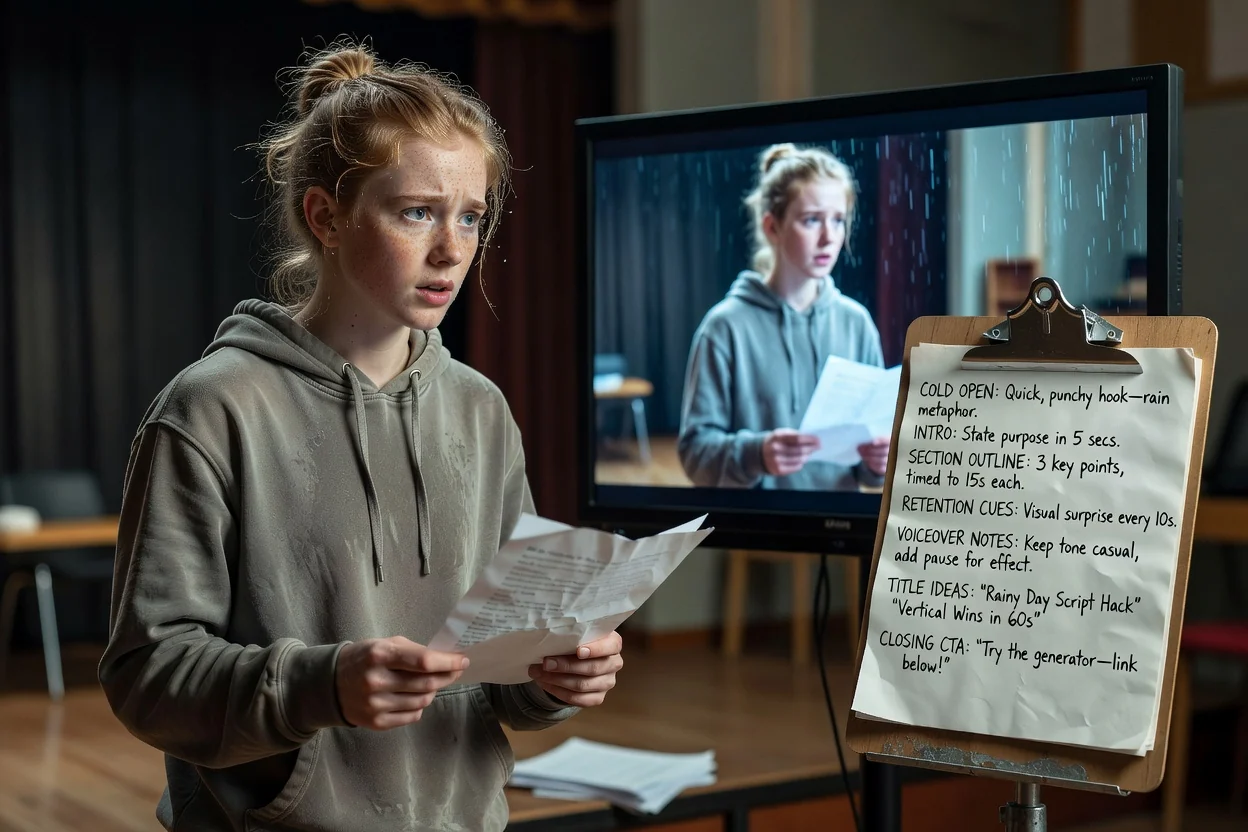
Vat één idee samen in een koude opening, één uitkomst en een afsluitende oproep die in een verticaal formaat past.
Plan een Short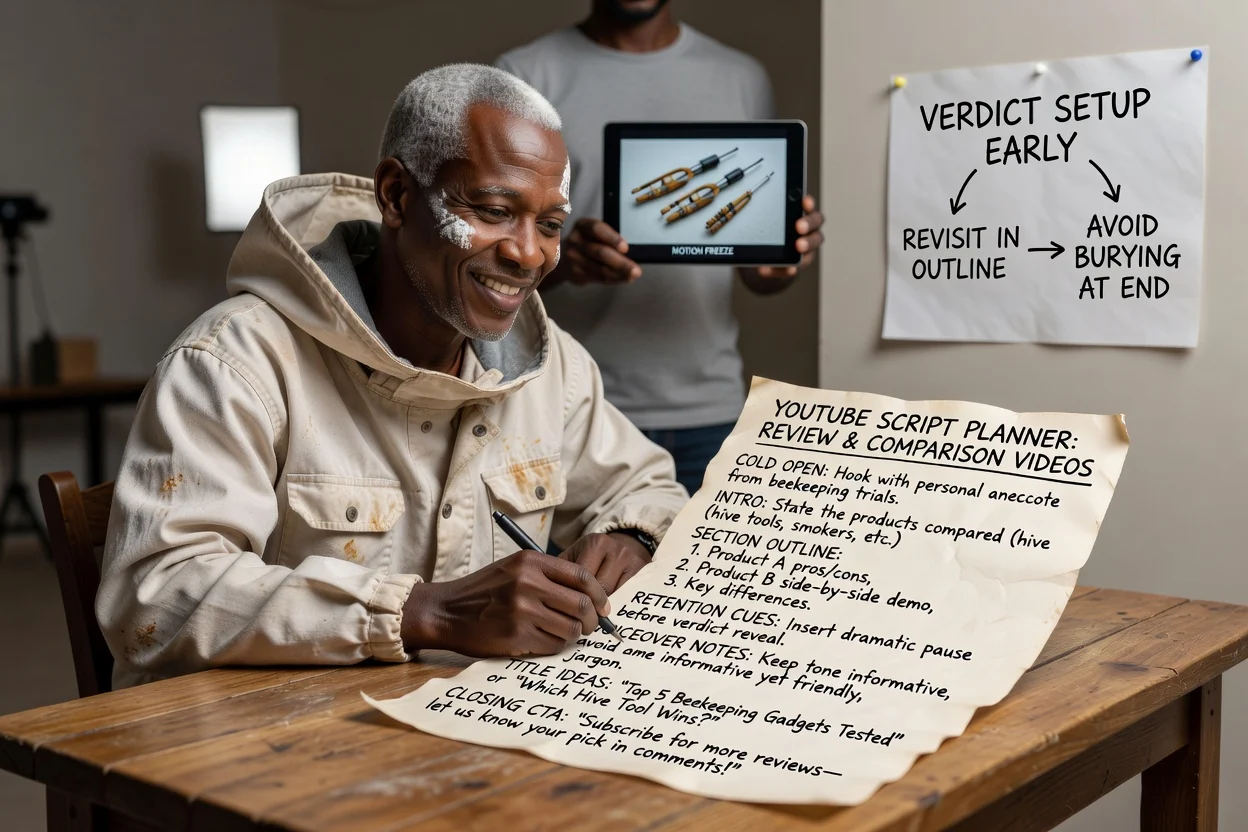
Plan de sectievolgorde zodat het oordeel vroeg wordt voorbereid en herhaald, in plaats van aan het einde te worden begraven.
Plan een review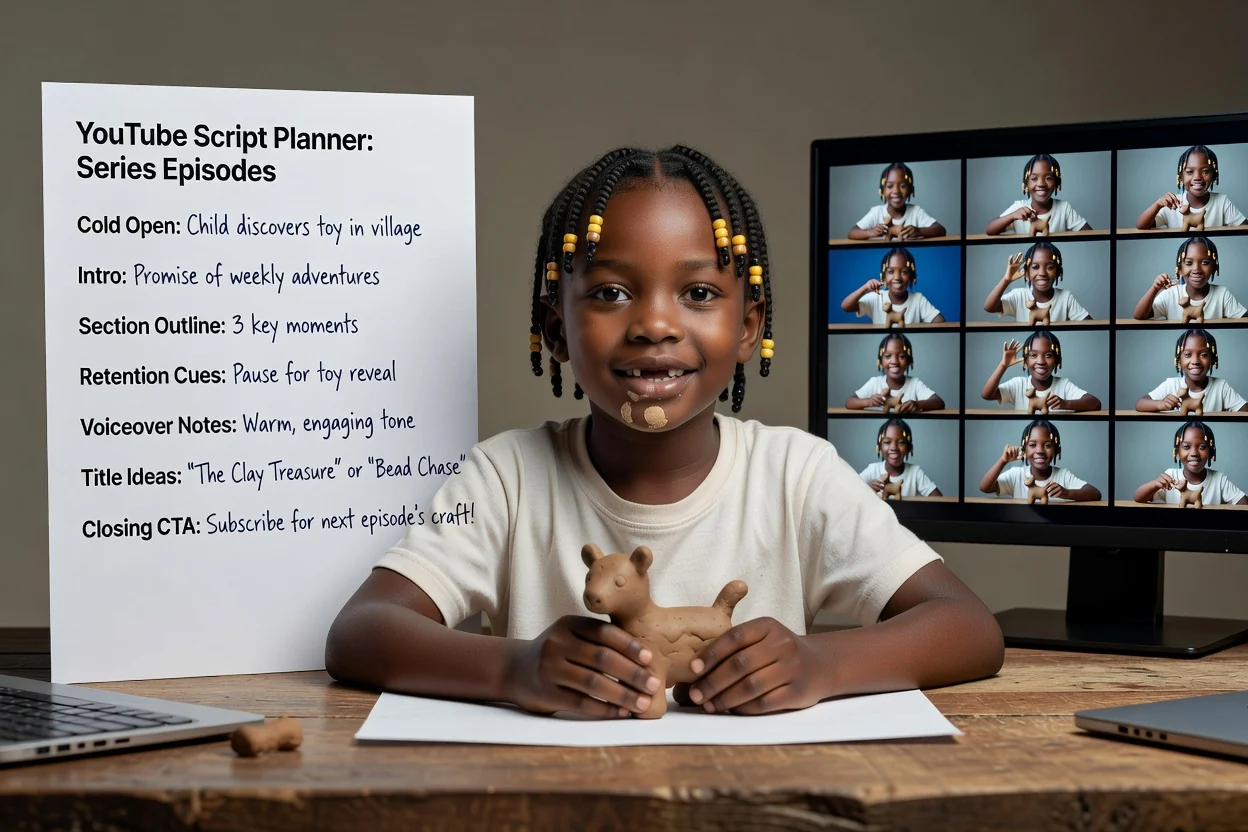
Gebruik dezelfde briefingstructuur opnieuw voor afleveringen, zodat de belofte in de intro en de CTA consistent blijven.
Plan een afleveringVier controles die een nieuwe opname besparen.
Als de eerste zin uitlegt in plaats van toont, herschrijf die dan rond het meest visuele moment van de video.
De intro moet één ding noemen dat de kijker krijgt. Als er drie dingen staan, splits de video dan op.
Te veel secties voor de beschikbare tijd betekent een gehaaste uitvoering. Verwijder secties in plaats van elke sectie in te korten.
Eén duidelijke oproep werkt beter dan een gestapelde lijst met verzoeken om te abonneren, reageren en een link te volgen.
Hier eindigt deze planner.
De uitvoer is een geschreven opzet. Opnemen, beeldmateriaal genereren en monteren zijn afzonderlijke stappen.
Titelideeën zijn concepten om op te reageren, geen geteste koppen. Beoordeel ze aan de hand van de geschiedenis van je eigen kanaal.
Controleer elke productclaim, statistiek of stapvolgorde in de opzet aan de hand van je bron voordat je publiceert.
Veelgestelde vragen over het plannen van een YouTube-video vóór de opname.
Geef de YouTube-scriptgenerator één idee en een gewenste duur, en ontvang een koude opening, sectieopzet en CTA die je kunt opnemen.