Sketch Portrait Generator

Sketch Portrait Generator

Turn a clear portrait photo into a refined pencil-style sketch with clean contours, realistic shading, crosshatching, subtle paper grain, and a recognizable likeness.

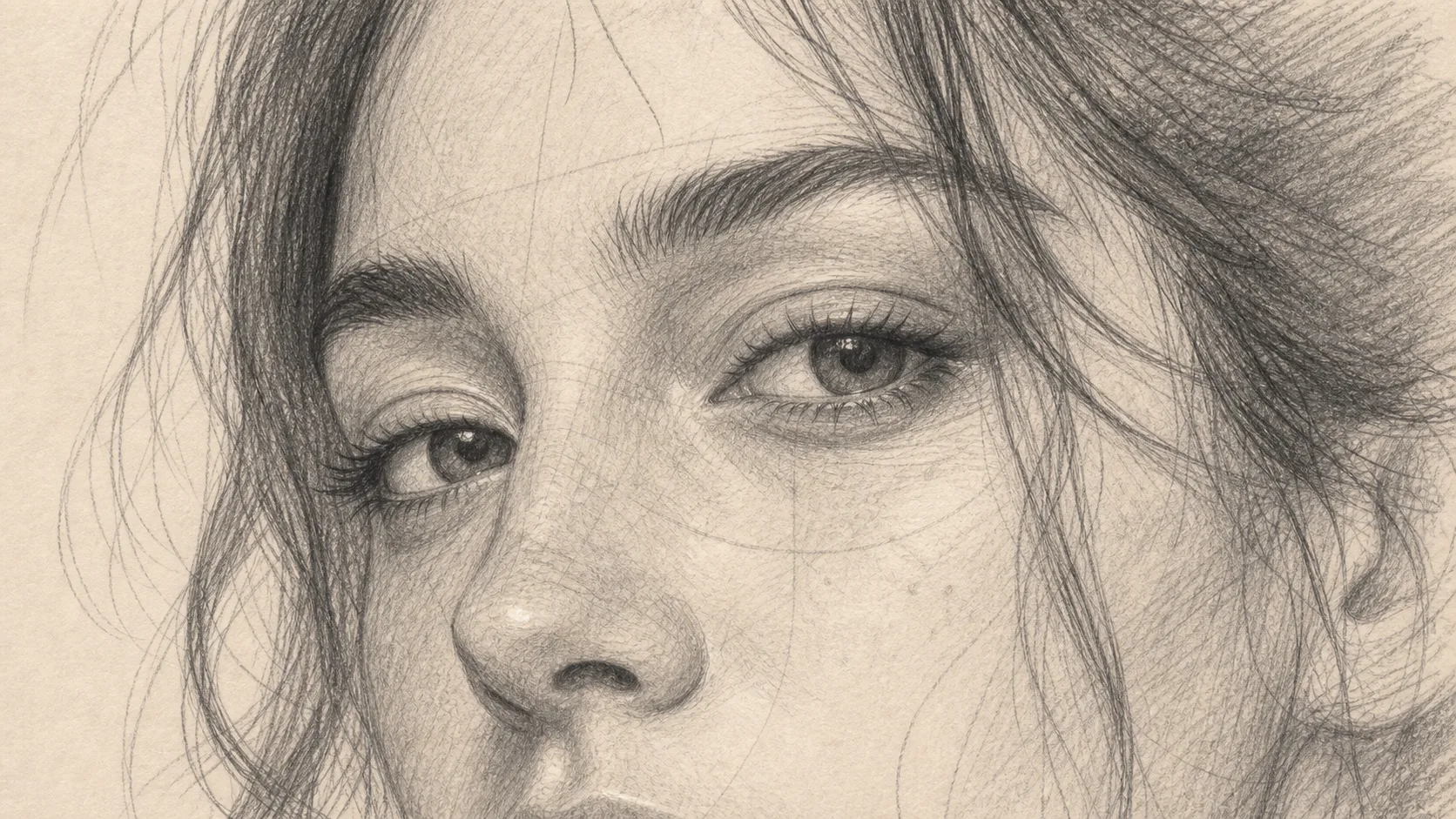
Sketch Portrait Generator example result
0 / 2000
Template prompt

Sketch Portrait Generator

Apply the Sketch Portrait effect to the uploaded portrait. Preserve the person identity, face shape, expression, hairstyle, pose, and clothing cues. Convert the image into a refined pencil or graphite sketch portrait with confident linework, realistic shading, crosshatching, subtle paper texture, balanced contrast, and professional hand-drawn finish. Keep the likeness accurate.

Sketch Portrait Generator example result

Create a hand-drawn portrait from your photo

The Sketch Portrait Generator is designed to transform a portrait photo into a hand-drawn looking Sketch Portrait. It emphasizes facial structure, expression, hairstyle, pose, and clothing cues while adding graphite-style linework, contour definition, crosshatching, balanced contrast, and a subtle paper texture.

Photo to pencil Sketch Portrait

The template changes the visual style of the photo while keeping the person’s identity and important portrait details coherent.

What changes

  • Creates a hand-drawn Sketch Portrait from your photo with realistic shading, crosshatching, clean linework, and the same expression and face structure.
  • Adds contour lines, graphite-style tonal depth, paper grain, and preserved facial likeness.
  • Converts the image into a refined pencil or graphite portrait with confident linework, balanced contrast, and a professional hand-drawn finish.
  • Applies the Sketch Portrait effect to the uploaded portrait.

What stays recognizable

  • Preserves the person’s identity, face shape, expression, hairstyle, pose, and clothing cues.
  • Keeps the likeness accurate and recognizable from the source image.
  • Maintains the main subject as the clear focus of the portrait.
  • Keeps defining pose, silhouette, and important subject details coherent.

Sketch Portrait workflow

Follow a simple process to create a polished Sketch Portrait from a clear source photo.

1

Upload a clear portrait

Select a sharp portrait where the face, expression, hairstyle, pose, and important clothing details are easy to see.

2

Create the sketch look

Apply the Sketch Portrait look with graphite-style contours, shading, crosshatching, paper texture, and balanced contrast.

3

Review and refine

Compare the result with the original and check likeness, facial structure, edges, and fine details before using it further.

Sketch Portrait style options

Choose a portrait style direction that fits the mood of your source image while keeping the subject recognizable.

Sketch Portrait Generator example result

Realistic graphite portrait

A balanced graphite look with clean contours, natural facial definition, crosshatching, and subtle paper texture.

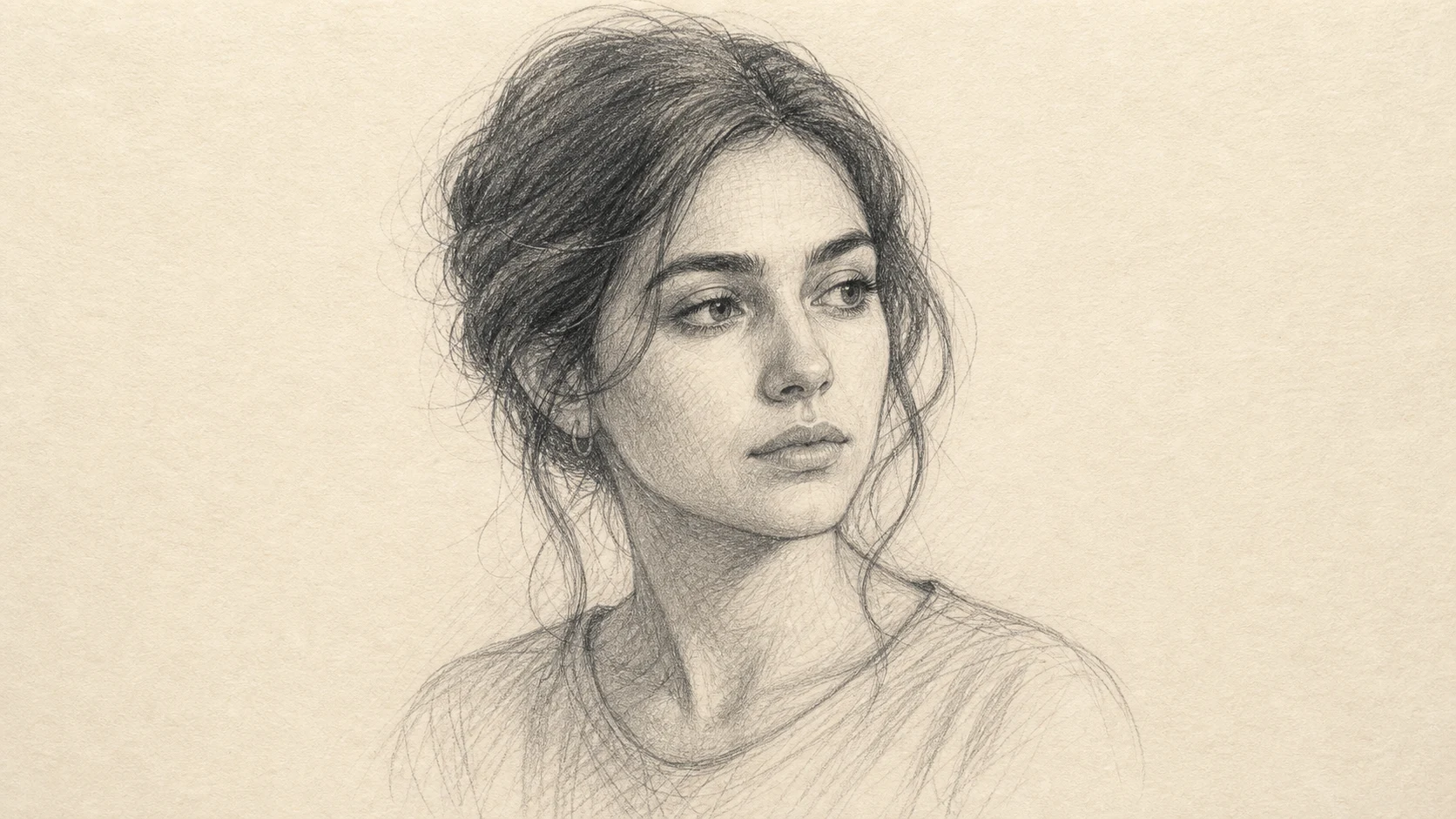
Sketch Portrait Generator Example 2

Clean high-contrast sketch

A crisp pencil-style Portrait with stronger contrast, confident linework, and a refined hand-drawn finish.

Ways to use a Sketch Portrait

Use the Sketch Portrait look when you need a clean visual direction for a personal, creative, or presentation-ready portrait concept.

Personal and creative portraits

Create a focused Sketch Portrait Generator preview for a profile image, gift concept, character reference, or creative project.

Style exploration

Compare a pencil-style visual direction before refining, sharing, or presenting the final portrait concept.

Portrait references

Turn a clear headshot or half-body portrait into a hand-drawn looking reference with preserved expression and facial structure.

How to get a stronger Sketch Portrait

A strong source image helps the Sketch treatment keep the person recognizable while adding pencil texture and hand-drawn depth.

Source image checklist

  • Use a sharp source image with the main subject clearly visible.
  • Avoid heavy blur, blocked details, extreme crops, or confusing overlaps.
  • Choose a source whose pose and framing support the intended Sketch Portrait Generator result.

Prompt guidance

Describe the portrait as a refined pencil or graphite sketch. Ask for confident linework, realistic shading, crosshatching, subtle paper texture, balanced contrast, and preservation of identity, face shape, expression, hairstyle, pose, and clothing cues.

Review the finished portrait

Generated details can vary, so review the result carefully before refining, sharing, or presenting it.

Check likeness first

Compare the face shape, expression, hairstyle, pose, clothing cues, and silhouette with the original portrait.

Review the Sketch treatment

Look for coherent contour lines, believable shading, natural crosshatching, and a balanced pencil or graphite finish across the face and clothing.

Inspect fine details

Inspect faces, hands, edges, small accessories, text, and background transitions for distortions or distracting artifacts.

Sketch Portrait Generator FAQ

Answers to common questions about preparing a portrait and reviewing the finished Sketch result.

What is Sketch Portrait Generator?
It is a template for creating a pencil or graphite-style Portrait from a photo, with realistic shading, crosshatching, clean linework, and the subject’s likeness kept recognizable.
Is Sketch Portrait Generator free?
Availability and access can change, so check the current ClipCanva experience for any usage details before starting.
How do I use Sketch Portrait Generator?
Start with a clear portrait where the face, expression, hair, pose, and clothing details are visible. Use the template to apply a refined Sketch Portrait look, then review the result for likeness and detail quality.
What image formats does Sketch Portrait Generator support?
Use a common image file that uploads successfully in the editor. For best results, choose a sharp portrait with enough resolution to show facial structure and important details.
Can I use Sketch Portrait Generator results commercially?
Usage permissions can depend on your source image, the platform terms, and the final context. Review the applicable terms before using any result in a commercial project.
What Sketch Portrait Generator changes are applied?
It converts the photo into a graphite-inspired portrait with contour lines, realistic shading, crosshatching, subtle paper grain, and a professional hand-drawn finish while keeping the same expression and face structure.
Which source image works best?
A sharp, well-lit portrait works best. Avoid heavy blur, blocked facial features, extreme crops, or complex overlaps that make the person’s identity or silhouette hard to read.
How do I keep the subject recognizable?
Choose a clear source and compare the finished Portrait against the original for face shape, expression, hairstyle, pose, silhouette, and defining clothing cues.

Start your Sketch Portrait

Use a clear portrait photo to create a pencil-style Sketch Portrait with clean linework, shaded facial definition, and a recognizable expression.